A:AnswerThe Night Owl Power adapter that comes with the system is for 120v, however, you may purchase a power converter to be able to use the system with a 220v - 240v. Thank you for choosing Night Owl.
A:AnswerWith our Night Owl system you have the ability of setting your system to record continuously or motion activated. For more information, please visit our support site at https://support.nightowlsp.com/hc/en-us Thank you for choosing Night Owl.
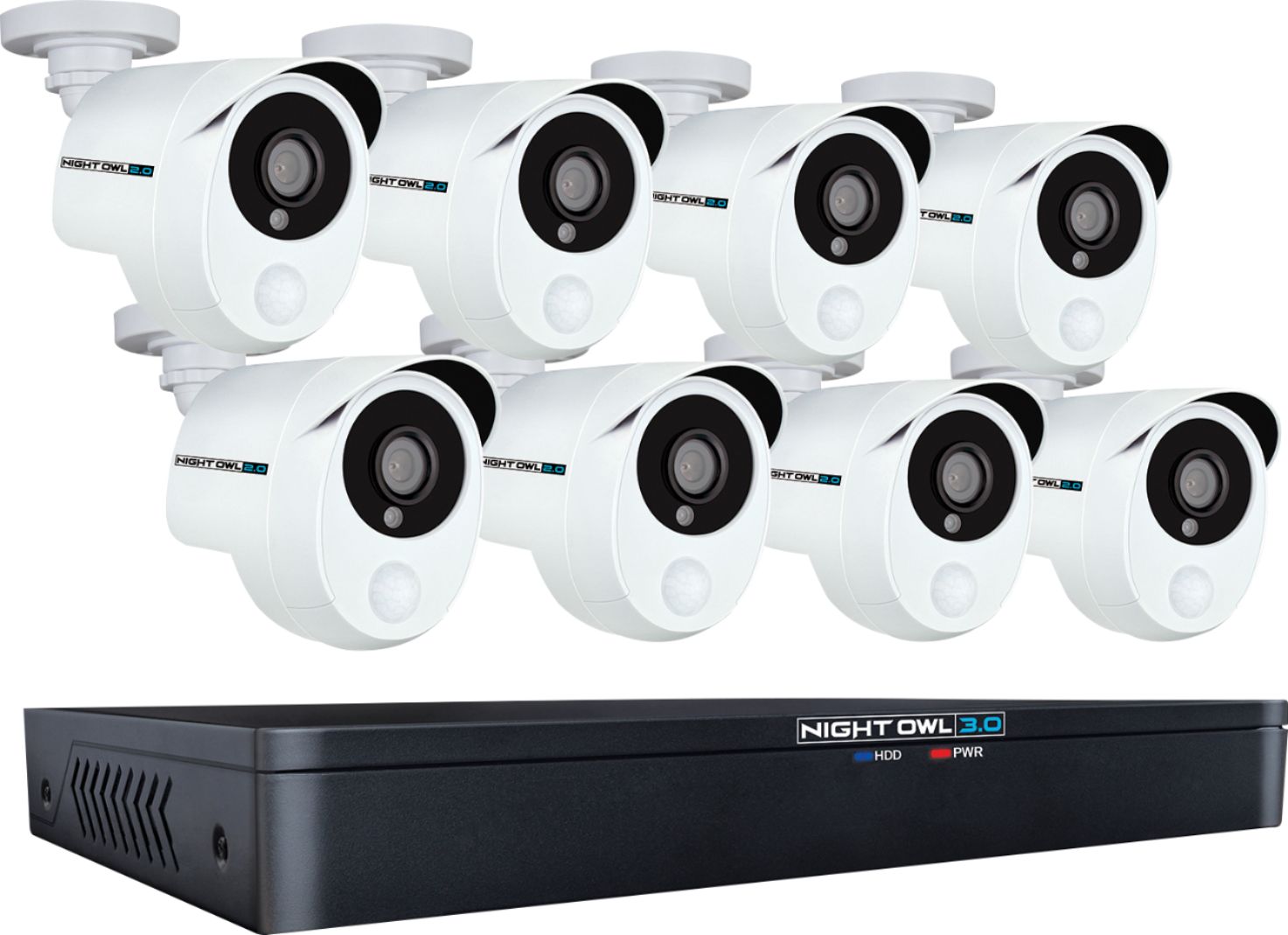
A:AnswerThe cameras connect to the DVR via BNC cables, which are included with the system. If you would like to use Cat5 ethernet cables to connect the cameras to the DVR, you will need to use a Night Owl Video Balum to connect the cameras to the Ethernet cable and make the connection to the DVR.
A:AnswerThese cameras have digital zoom which will allow you to view things at a distance from within the recording or live. For more information please contact us by calling 1-866-979-0580. Thank you for choosing Night Owl.
A:AnswerActually yes. My previous system was a Swann also and both camera systems used the same cables so I didnt have to run new cables. They both use the two ends, one yellow and the other red.
A:AnswerPlease call our Pre-Sales Experts at 1-866-979-0580. They will happily answer any specific questions you have regarding our products. Thank you for choosing Night Owl!
A:AnswerWith Night Owl products there will be no monthly plans or fees to be able to view a live stream or record. The Night Owl DVR comes with an included HDD which you may access at any time locally or remotely from your smart device via our Night Owl application. Thank you for choosing Night Owl.
A:AnswerThe packaging will include one Night Owl BNC cable per camera, two splitters, two camera power adapters, one DVR power adapter, one HDMI cable, and one ethernet cable. Thank you for choosing Night Owl!
A:AnswerWhen installing the cameras do not place them where rain or snow will hit the lens directly nor should the cameras be placed so that the sun or bright light shines directly into the lens. Your cameras are weatherproof, but will not work when submerged in water. Ensure that all power and video connections are not directly exposed to water and are protected from the elements. Night Owl does not recommend using the cameras in temperatures below -14°F or above 122°F. Thank you for choosing Night Owl.
A:AnswerWe are sorry for the issues you are experiencing. We require additional information so we may provide you with a proper resolution, please email our technical support team at support@nightowlspsupport.com. In your email please include your name, number and a brief description of the issue you are currently experiencing. We look forward to assisting you.
A:AnswerWe are sorry for the delay response, our Night Owl Extreme DVR series do not come with an internal cooling fan. Thank you for choosing Night Owl.
A:AnswerNo, Night Owl Systems have to be rebooted directly from the DVR. In the DVR settings though, you can set the system to reboot when you choose it to.
A:Answereach camera needs a seperate . channel to record. wired? each camera has a seperate wire that goes from camera to a channel on the box #1-2-3-4.
A:AnswerWell I actually bought this system for a client.
Just his DVR portion went bad. So we used all existing cameras and kept the new ones for spares.
However that doesn't change the answer. No, these do NOT have PTZ functionality.
I usually use LOREX security cameras because they are so user friendly. This was my first time using Night Owl and I will say I was pretty impressed.
Very easy to set up, the one camera I did plug in was a great picture. My client who has a winter home in Naple Florida likes this system much better than the one he has there and that one cost 10X the price.
Good luck!
A:AnswerYes, you may use the Night Owl DVR without an internet connection. The only time you will require having an internet connection is if you would like to remotely view your Night Owl System from your smart device. Thank you very much for choosing Night Owl.