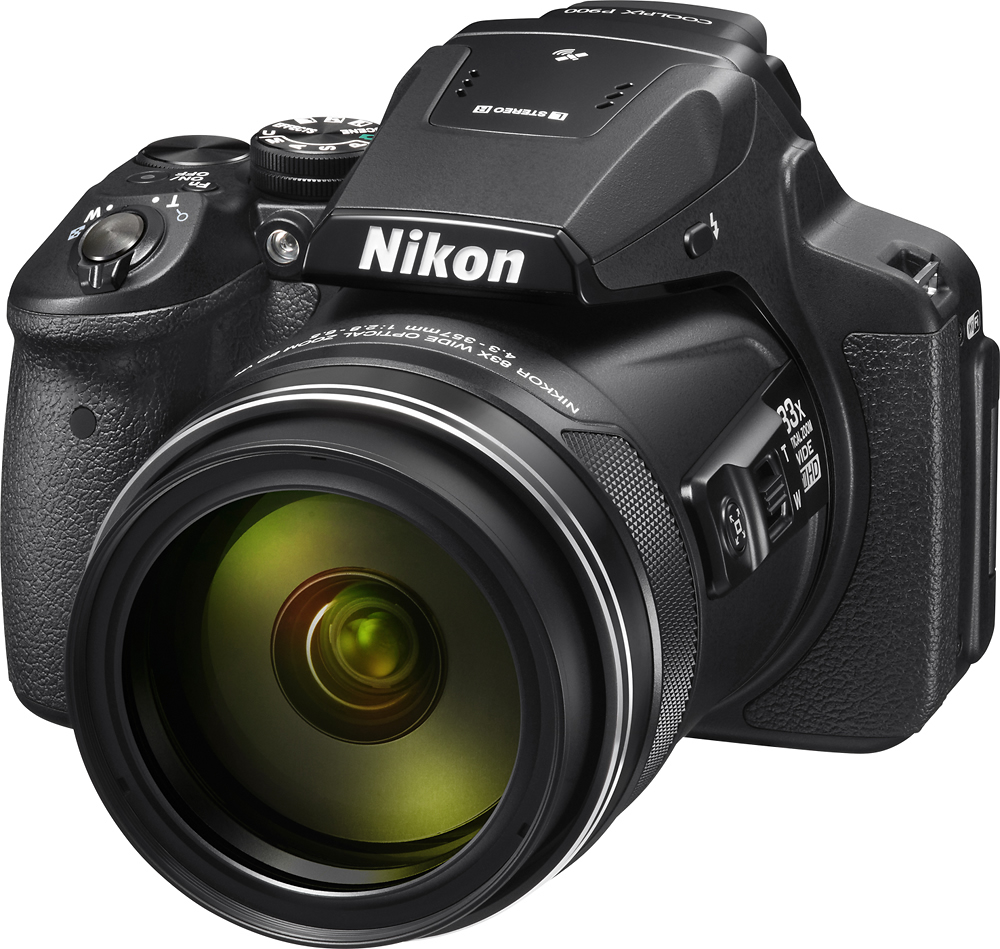
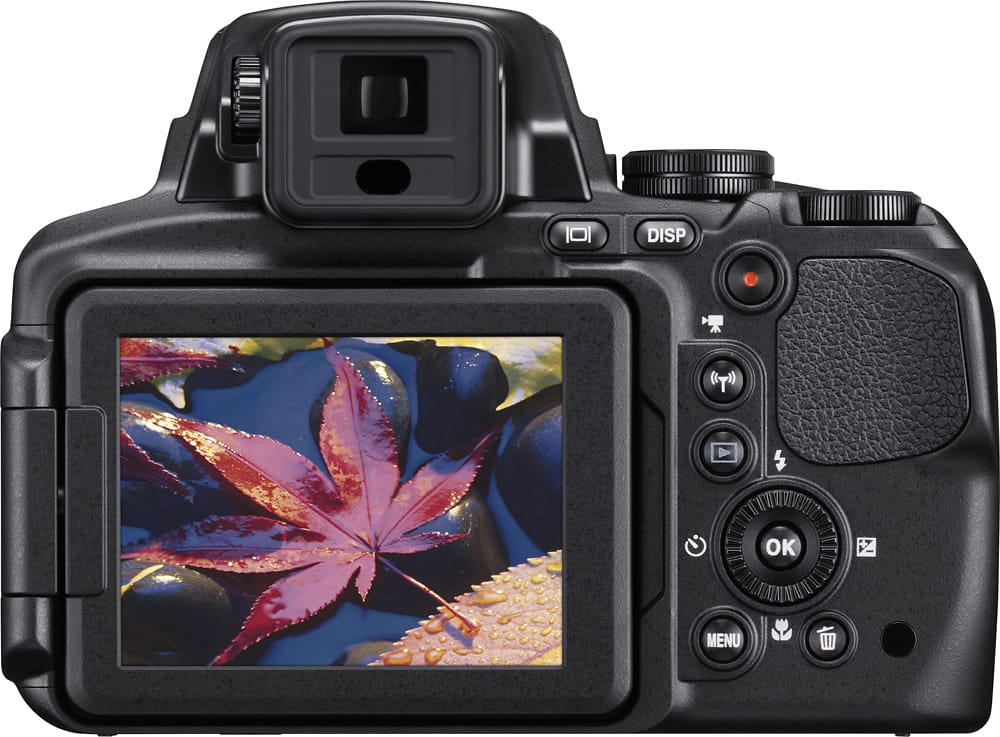
A:AnswerThe Nikon COOLPIX P900 is compatible with a 67mm Circular Polarizer lens filter. It is used to reduce reflections from both glass and water and enhances the color of blue in sky photography.
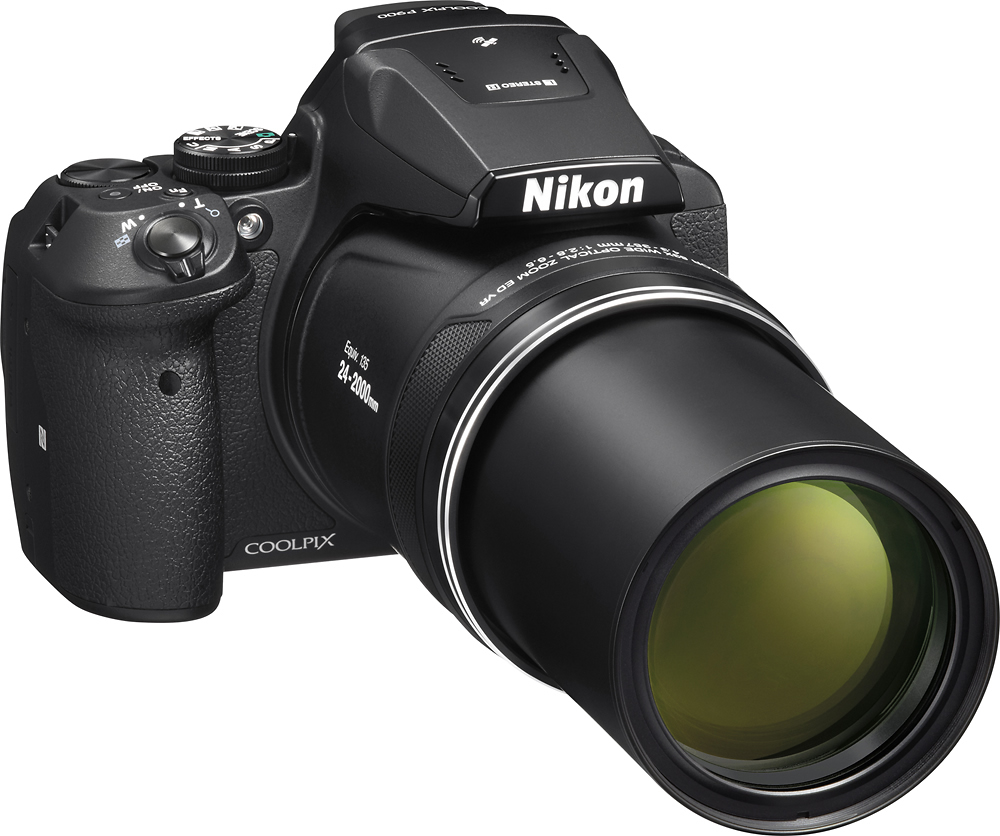
A:AnswerThe Nikon COOLPIX P900 digital camera has a lens focal length of 4.3-357mm, which is equivalent to that of a 24-2000mm lens in 35mm format. The Nikon COOLPIX P900 an 83x optical zoom with an additional 166x enhanced digital zoom which gives this camera an equivalent of about 4000mm in focal length.
A:AnswerIf you set the P900 to Continuous L and not Continuous H, your frame rate drops to 2 frames per second, however, you can shoot up to 200 shots at that frame rate when the image quality is set to Normal and image size is set to 4608×3456.
A:AnswerThe Nikon COOLPIX P900 digital camera can use macro mode to get images as close as approximately 10 cm, or 4 inches, from the lens. If the zoom position is placed a bit closer, the camera can focus on subjects as close as approximately 1 cm, or 0.4 inches, from the lens. The macro mode setting provides close-up images that are vivid and sharply-detailed.
A:AnswerThe Nikon COOLPIX P900's Manual (M) Shooting Mode will allow you to select shutter speeds as low as 15 seconds when your ISO is set to 100. When shooting the Northern Lights, choose a wide aperture (low f#) and zoom out to the camera's widest angle. The P900's Noise Reduction has three levels that can be adjusted if your long exposure shots are noisy. Switch your P900 to Infinity which is ideal for shots of the sky. Remote shutter release is available when using the built in Wi-Fi and connecting the camera to a compatible smart device running the Wireless Mobile Utility application. When using the WMU app as a remote shutter release and a tripod be sure to turn vibration reduction "OFF" on the P900 to make sure camera shake is stabilized. You can also try Scene Fireworks Show which is optimized for night shooting. Fireworks Show allows the camera to shoot at a 4 second shutter speed at Infinity. For more help with getting the most out of your camera please contact Nikon Support.
A:AnswerIt is recommended that a solar filter is used when trying to take an image of the sun, especially during a total eclipse. This is to protect the camera sensor from being damaged. The Nikon COOLPIX P900 digital camera is extremely easy to use and takes a 67mm filter size to cover the lens. To learn more about safety tips for your camera and yourself during the 2017 solar eclipse check out the following link: http://www.nikonusa.com/en/learn-and-explore/a/tips-and-techniques/tips-on-preparing-for-the-august-21-total-solar-eclipse.html
A:AnswerI used the mobile (iPhone) application available for the P900 and was able to remotely snap a picture. That is, using my iPhone as remote control to snap a picture.
A:AnswerThere are a couple of ways you can blur your backgrounds when taking a portrait with the COOLPIX P900. The camera has a PORTRAIT setting that will accomplish this automatically. Alternatively, you can set the camera to the Aperture Priority Auto setting on the dial on top of the camera. You would adjust the camera to the lower aperture setting available for the zoom position you have the camera set at. Ideally, to blur backgrounds, you need to have a lower aperture setting - for the P900 at the widest angle setting, it is 2.8, which is perfect.
A:AnswerThe Nikon COOLPIX P900 does have Birdwatching Scene mode which allows you to get extremely close to subjects that are as far away as 2000mm. The feature you're interested in is called Snap-back Zoom. Snap-back Zoom can help to temporarily widen the angle of view so that you can frame the subject more easily. This is usually at the 800mm zoom position (equivalent to 35mm format) and is framed for easier viewing. To make capturing your images of wildlife easier, sounds for button and shutter are disabled when you're using the Birdwatching Scene mode and flash is set to "Off". Place this camera in continuous mode to capture images at 7 frames a second and you will be sure to capture all your quick-moving subjects in beautifully sharp, high resolution .
A:AnswerThey might if it is the identical model. Many online dealers sell this camera for less; but it does not have a US warranty. If you have problems you must deal with the warranty from whatever country issued the warranty. Nikon USA also has a bottom line price that keeps Best Buy from lowering their price. Stick with the USA version and avoid the hassle of warranty problems.
A:AnswerHello,
That is a good question. Depending on how you have the camera set, and what you are shooting, there can be a bit of a lag. The only one I've noticed is about a second. However, unless you are shooting a sporting event, then this is a good camera for the money.
On the other hand, if you are looking for a good shoot rate, then go with either a mid-level, or hight Canon or Nikon.
A:AnswerThe Nikon COOLPIX P900 digital camera does have a built-in flash. To get great images indoors you can use the Scene Mode of Party/Indoor. You can also raise the ISO sensitivity while in other modes to help brighten dark situations.
A:AnswerThe COOLPIX P900 is packaged with a Nikon EN-EL25 Rechargeable Li-ion Battery, a Nikon EN-71P Charging AC Adapter, and the UC-E21 USB Cable. The USB cable can be used to connect the camera to the charger or to a computer. A strap and lens cap are also included with this camera.