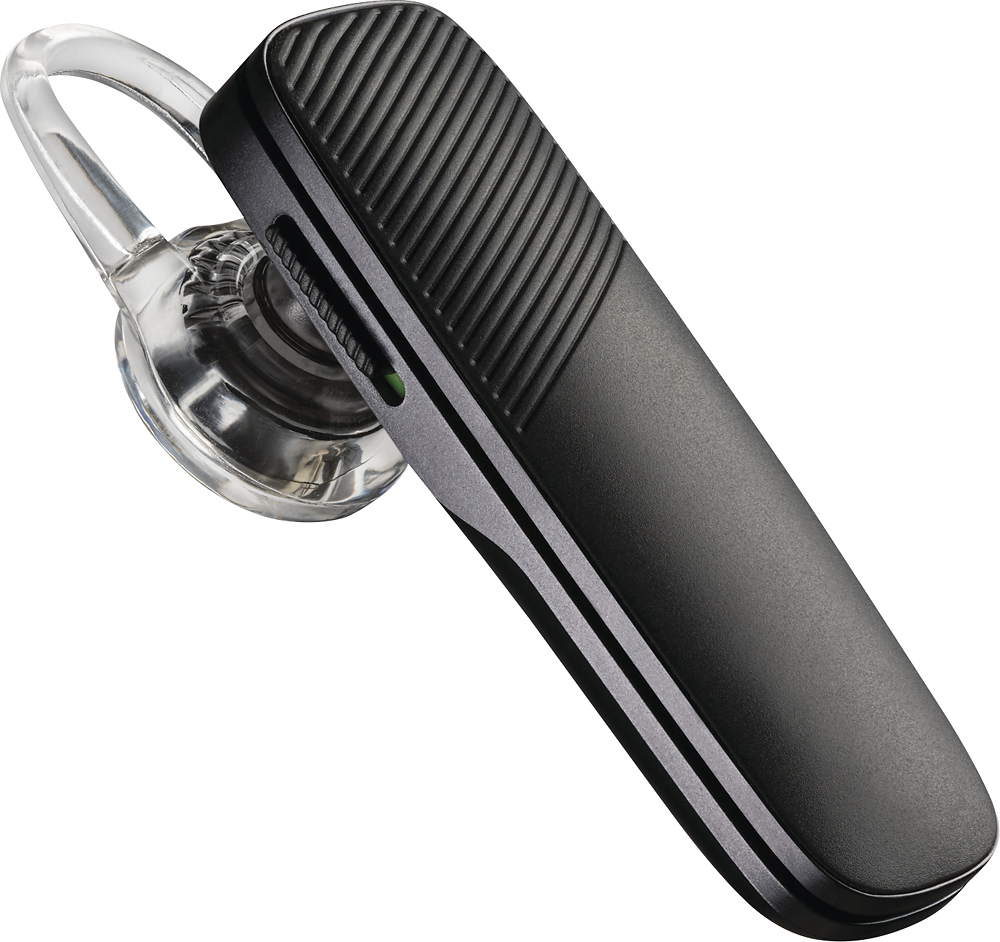
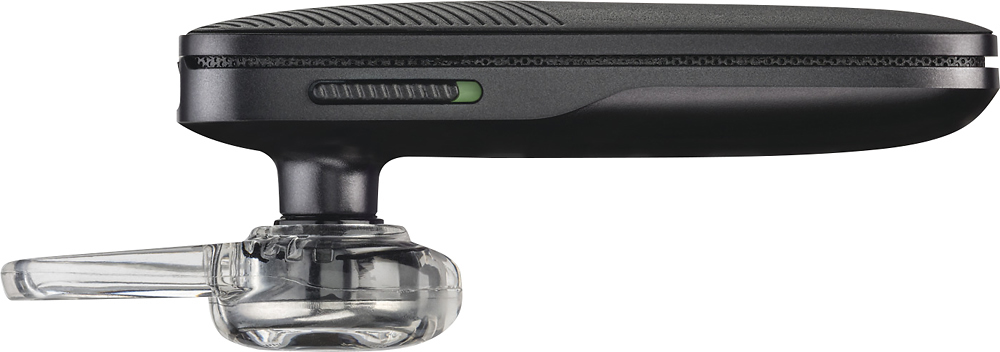
A:Answer Did you ever get your pairing question answered? If not, try this. Make sure the blue tooth icon is selected from the pull down menu. Sometimes, tho, you just have to pair it again. Go into settings in your phone. Open connections option you'll see BlueTooth. The slide button should be on. If it is, then open BlueTooth by selecting it, which puts it into discovery mode. On the face of your Plantronics 500, turn it on and press the face of it until the blue light on it starts flashing blue and red. It should show up on your phone so you can select it. You should hear in your BlueTooth that pairing is successful. You can then close everything and enjoy your product