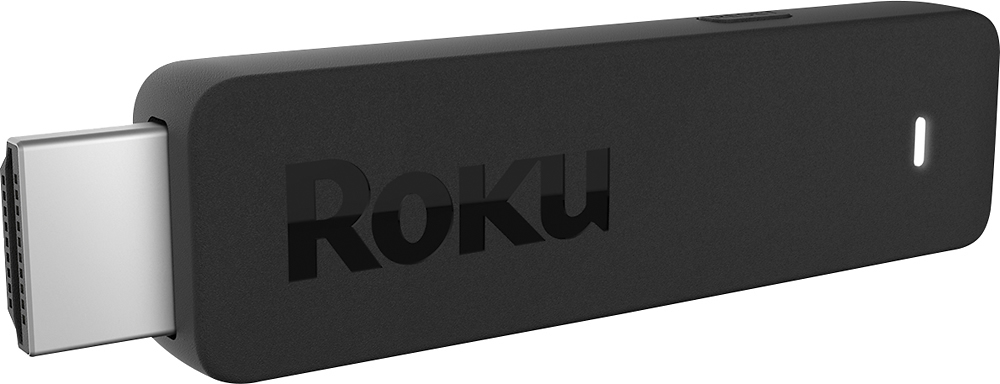
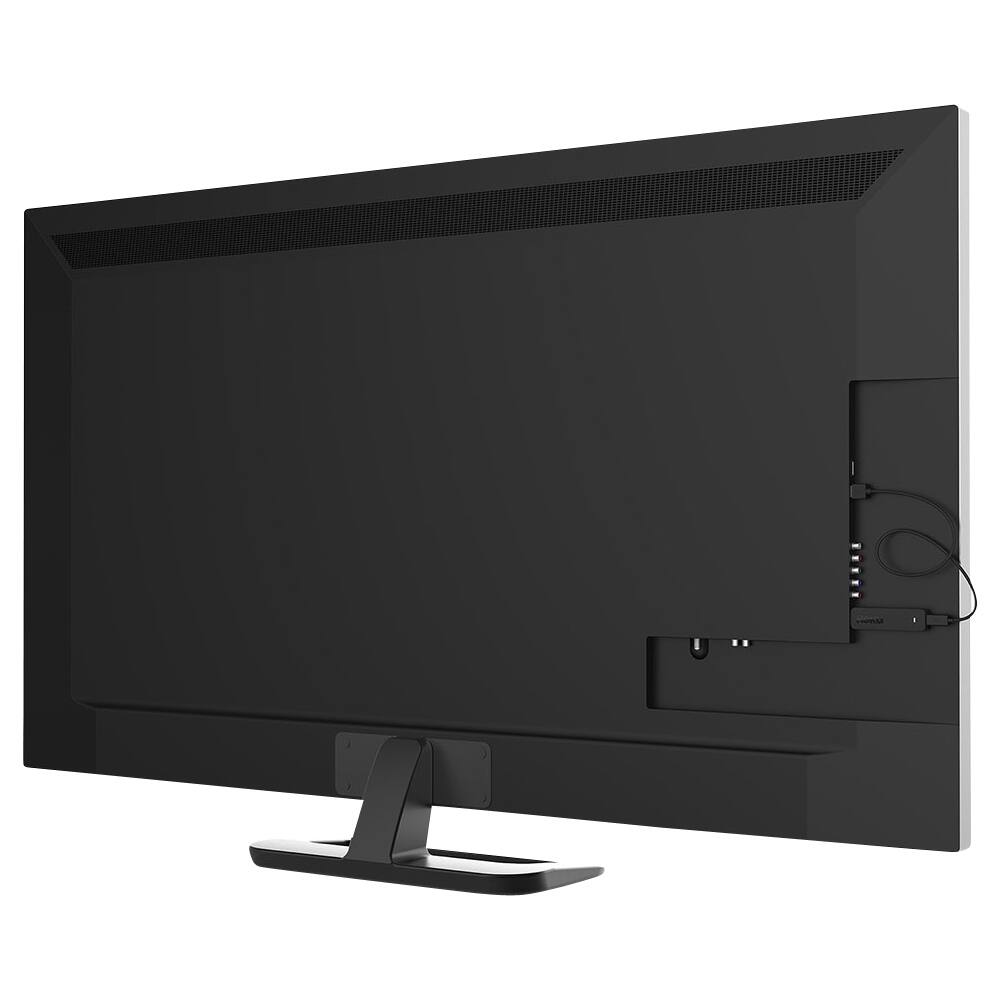
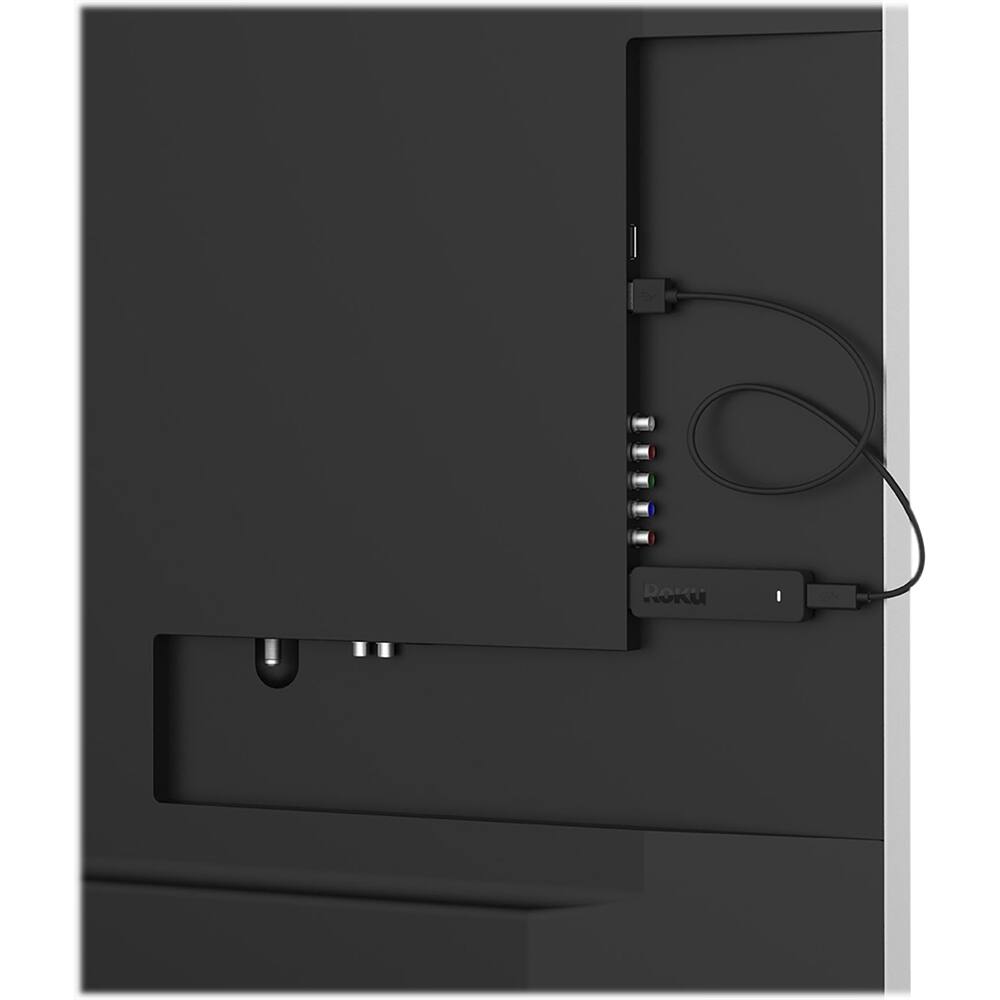
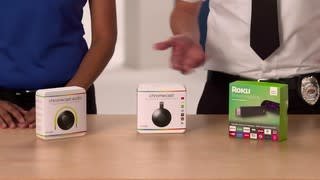
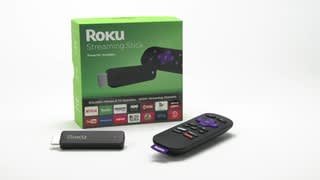
A:AnswerThe Premiere+ is an actual STB. I has connections for HDMI, Ethernet, etc. The Streaming Stick is literally like a large flash drive that you plug directly into the TV's HDMI port. The only connector that it has is a micro-USB port for power. Operationally, they both work the same, but the Premiere+ supports 4K UHD and HDR, whereas the stick only supports up to 1080P resolution.
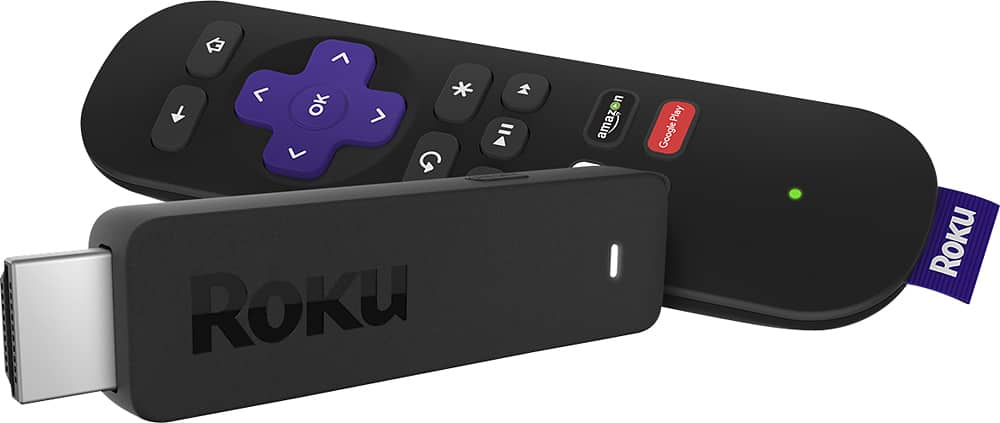
A:AnswerYou should be able to stream over your cell internet. During the Roku's setup, it searches for WiFi networks to connect to, and if you phone's hotspot is turned on and it's nearby, the Roku should pick it up. Whether the phone's WiFi signal will be strong enough to connect, and it's speed will be fast enough to support smooth video streaming will be a matter of trial and error.
A:AnswerNot directly, as the Roku stick can only plug into an hdmi port. However, depending on your connections, you might be able to use an hdmi adapter on your projector and plug the Roku stick into the adapter.
A:AnswerNow you need a USB and humid ports and electric and wifi router and modem internet service . With out you get nothing .. So if tv has usb and hdmi good to go you know Best Buy can person to person tell you at store
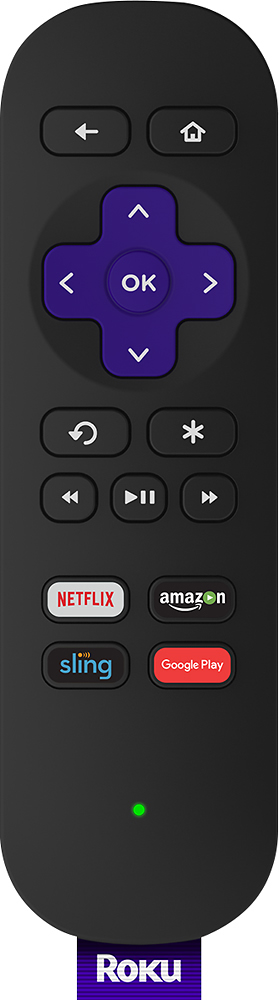
A:AnswerNot sure about the remote for the Roku Stick, but with my Roku 3 as soon as your headphones are plugged in it stops playing sound through the TV.
A:AnswerYes, with XTV. It's a private station, meaning it won't show up in the search engine for channels to add. The Add Code is XTVIPTV.
Channel Description: XTV offers a wide selection of television channels from around the world including the UK, Canada and the U.S. as well specialty channels.
Just look up XTV on the web for details on how to download this channel to your Roku device. The service is free, although donations are accepted. It is one of our favorite apps to watch programming on.
A:AnswerHi Ken, Here are some of the answers to your questions:
There is not an activation fee or charge for using the Roku stick but some of the streaming channels require monthly memberships.
The stick is always on but we unplug it when not in use as it has a tendency to get hot.
The power adapter cord is about 4 feet.long .
A:AnswerIf you want to watch tv in your living room, and the wife wants to watch in bedroom, you'll need 2 sticks, one for each location. You can watch tv on each device at the same time without an issue. There isn't a way to use 1 stick for 2 tv's. I have a Roku stick in the bedroom and 2 other Roku's on 2 other tvs and we can watch anything without a problem.
A:AnswerNo IP address to enter.. After I chose a language it scanned for available WiFi networks. I chose mine from the list, entered my password and it connected. I only have 3 HDMI ports and have mine plugged into #3. Can't imagine it matters which HDMI port it's plugged into