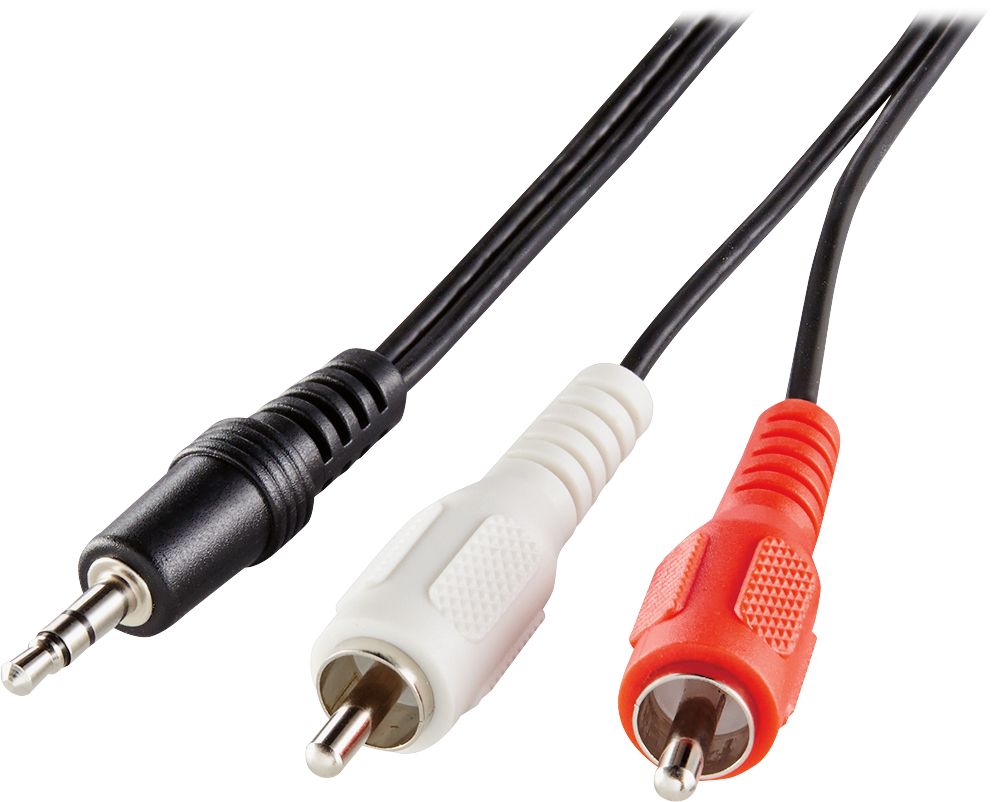
A:AnswerThere are other ways to connect to this soundbar. I have a DVD player (an old one) hooked to my TV and it plays through this soundbar without hooking anything extra from the player to the bar.
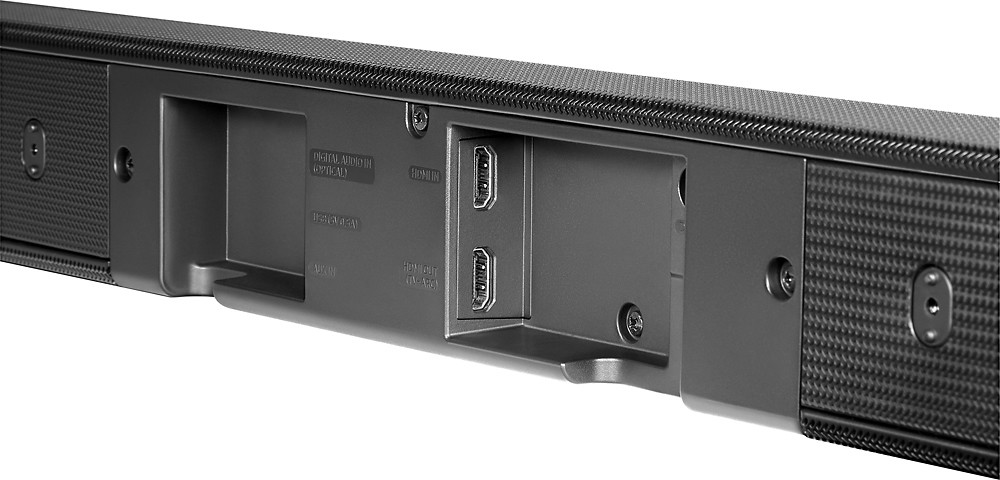
A:AnswerYou connect the sound-bar via Optical input to your TV. This will allow you to experience sound-bar play from all of your HDMI connected devices. By doing this, it allows you to play music via your Bluetooth connected device while "watching the game."
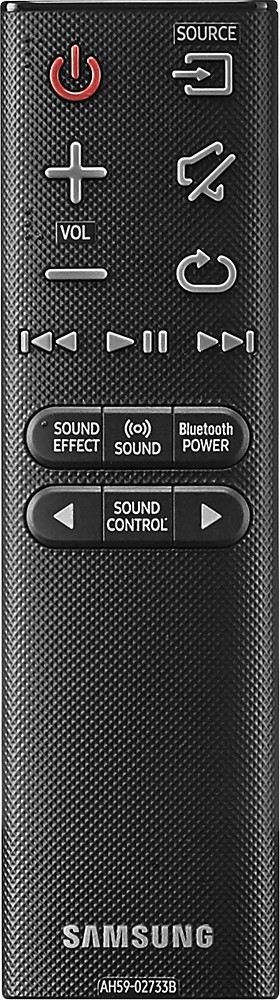
NOTE** if you do this, you lose the ability to sync your remote with your TV.
A:AnswerI had the same trouble. Carefully follow the instructions for pairing (where you use a ballpoint pen to push the special button on the subwoofer). Pay attention to when to have the soundbar "off" while you are doing part of the routine on the subwoofer.
If you carefully follow the instructions, it should work. I'm no genius... you can do it!
:-)
A:AnswerBy itself it offers the option, but doesn't provide surround sound unless you link the additional 2 rear speakers to the soundbar and sub (that are sold seperately).
A:AnswerTheoretically yes, but the phone bluetooth phone connection is not the most stable, for example it doesn't work as well as BOSE system but then its a fraction of the price. You can switch the bluetooth connection on and off on the sound bar.
A:AnswerIf you use the Optical Audio cable (NOT Bluetooth) to connect the soundbar to your TV, then your Dish controller will control the soundbar volume. At least that works great for me (I have a Samsung 43" 7 series TV). The separate subwoofer connects to the soundbar via Bluetooth and that works fine.