Questions & Answers
- Model:
- LS32FM803UNXZA
- |
- SKU:
- 12008121
$649.00
Save $50.99
Comp. Value: $699.99
Page Showing 1-7 of 7 questions
Q: QuestionHow can you customize a screen saver for the monitor? For exmple, if I want to put my pictures as screen saver, how to do that?
Asked by Amna.
- A:Answer Amna: My Contents on your Samsung Smart Monitor will display your favorite photos when the monitor is idle. 1. Open the Smart Monitor Home Menu. Press the Home button on the remote. 2. Go to Settings. Navigate to: Settings → General & Privacy → My Contents 3. Enable “My Contents” 4. Add Your Photos. You can upload photos using one of the following methods: USB Drive plugged into the monitor SmartThings app on your phone (recommended for wireless transfer) 5. Choose the folder or photos you want to appear when idle. 6. After a period of inactivity, your selected photos will appear as the monitor’s screen saver. - Samsung Monitors
Answered by Samsung
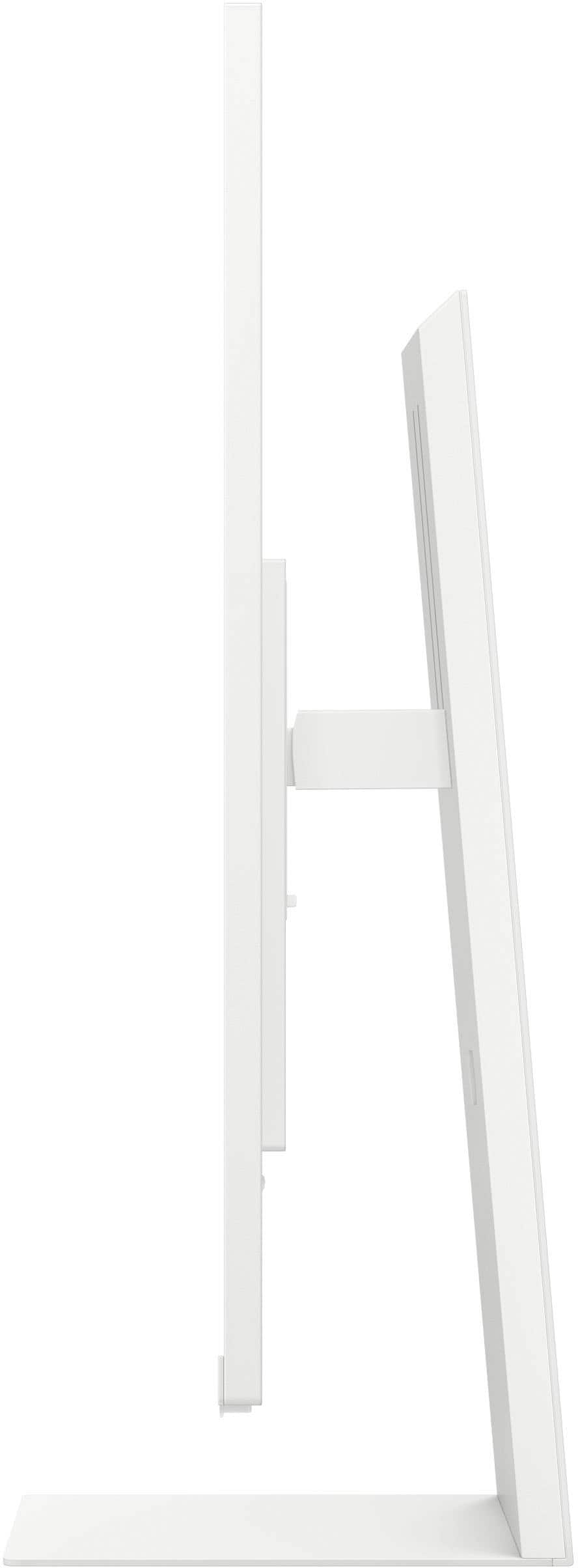
Q: QuestionCan you remove the stand to replace it with a floor stand
Asked by Stand.
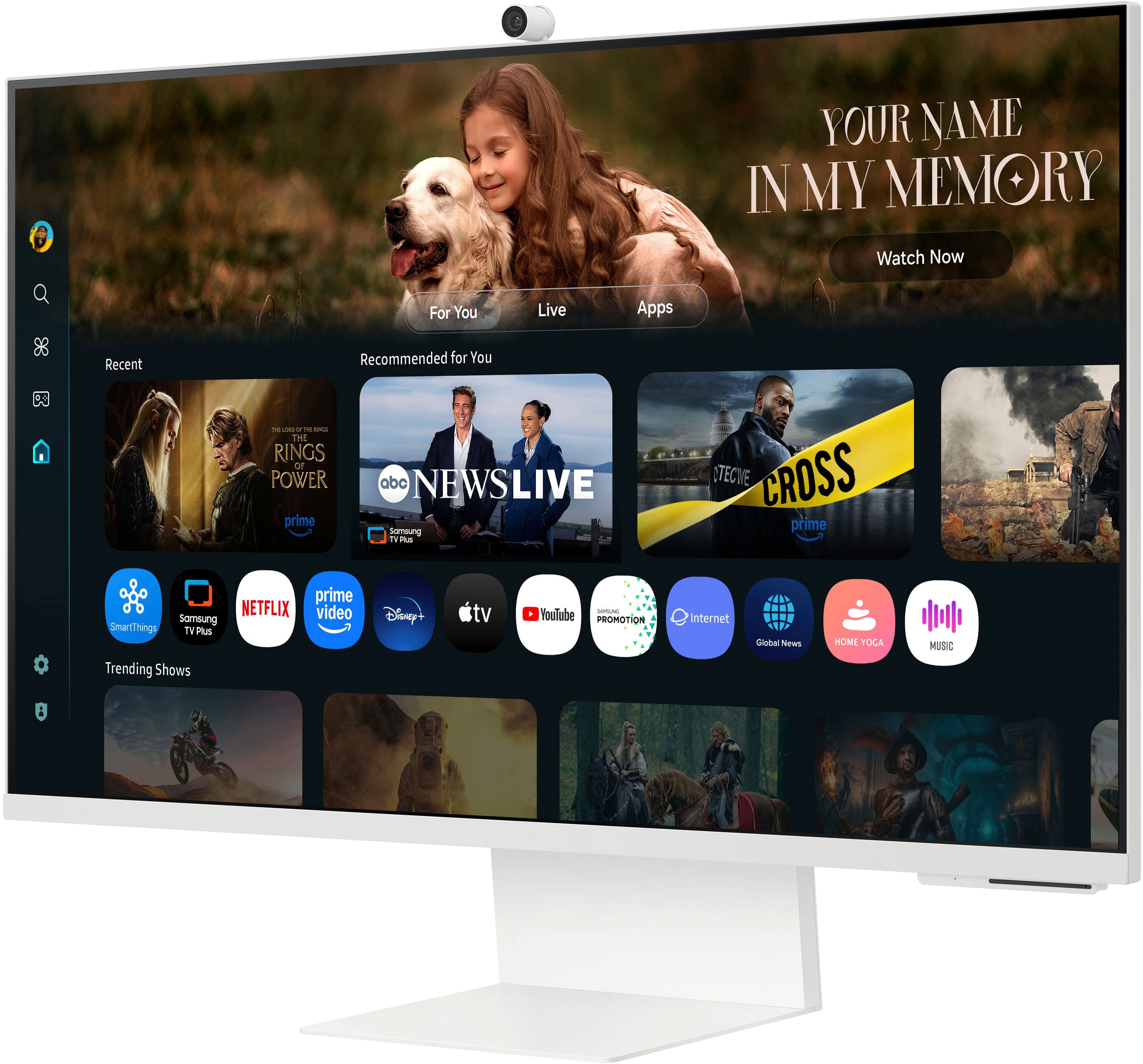
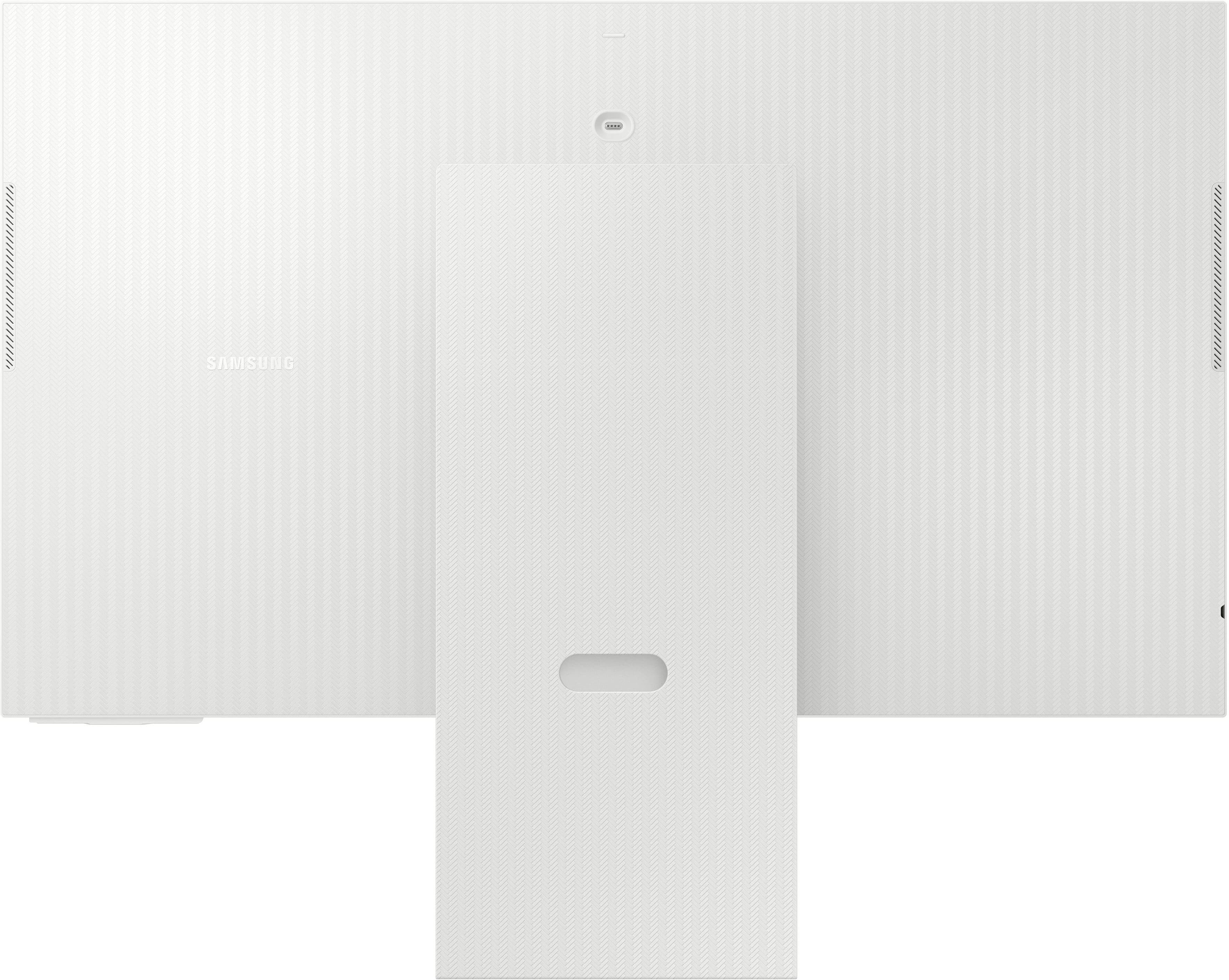
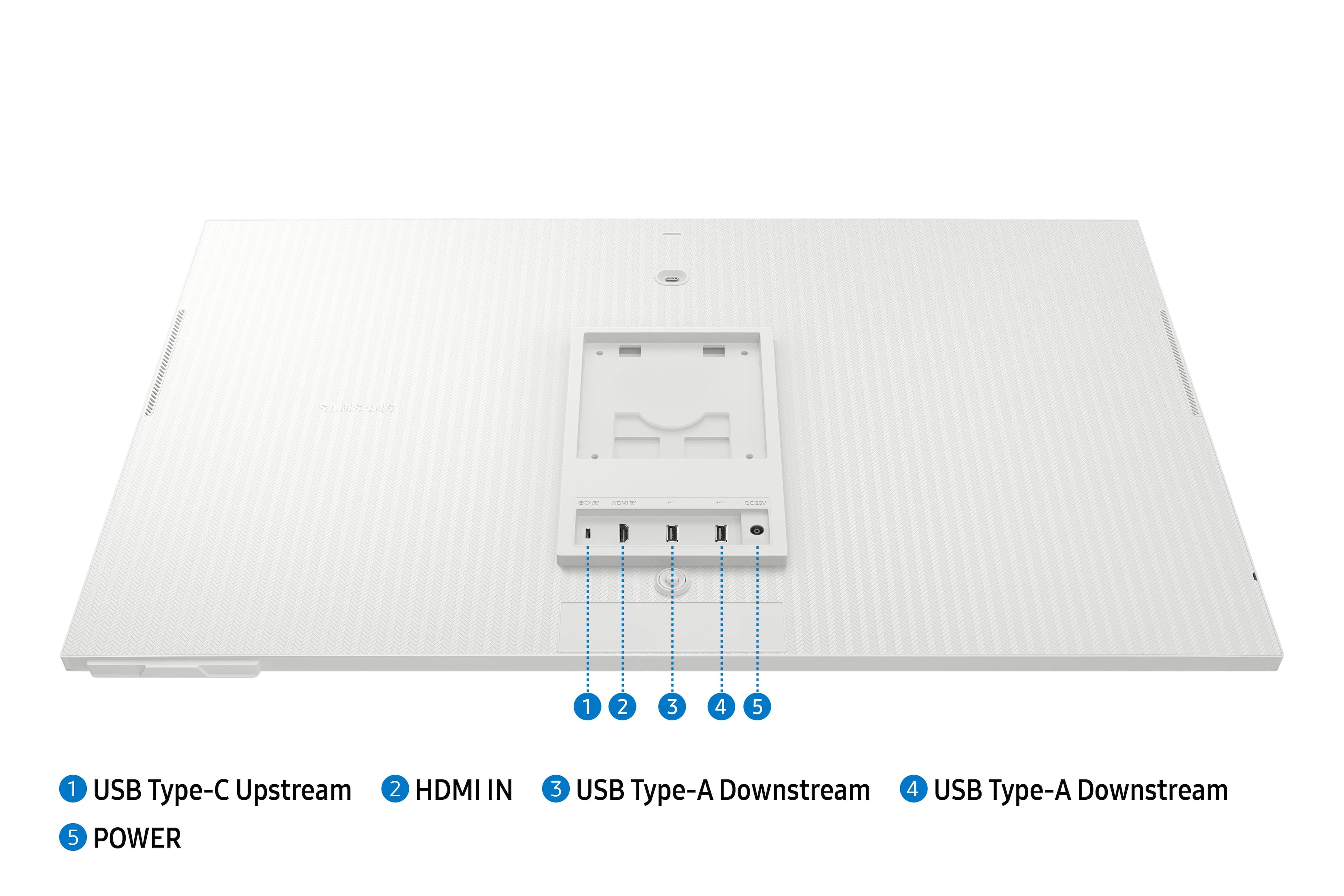
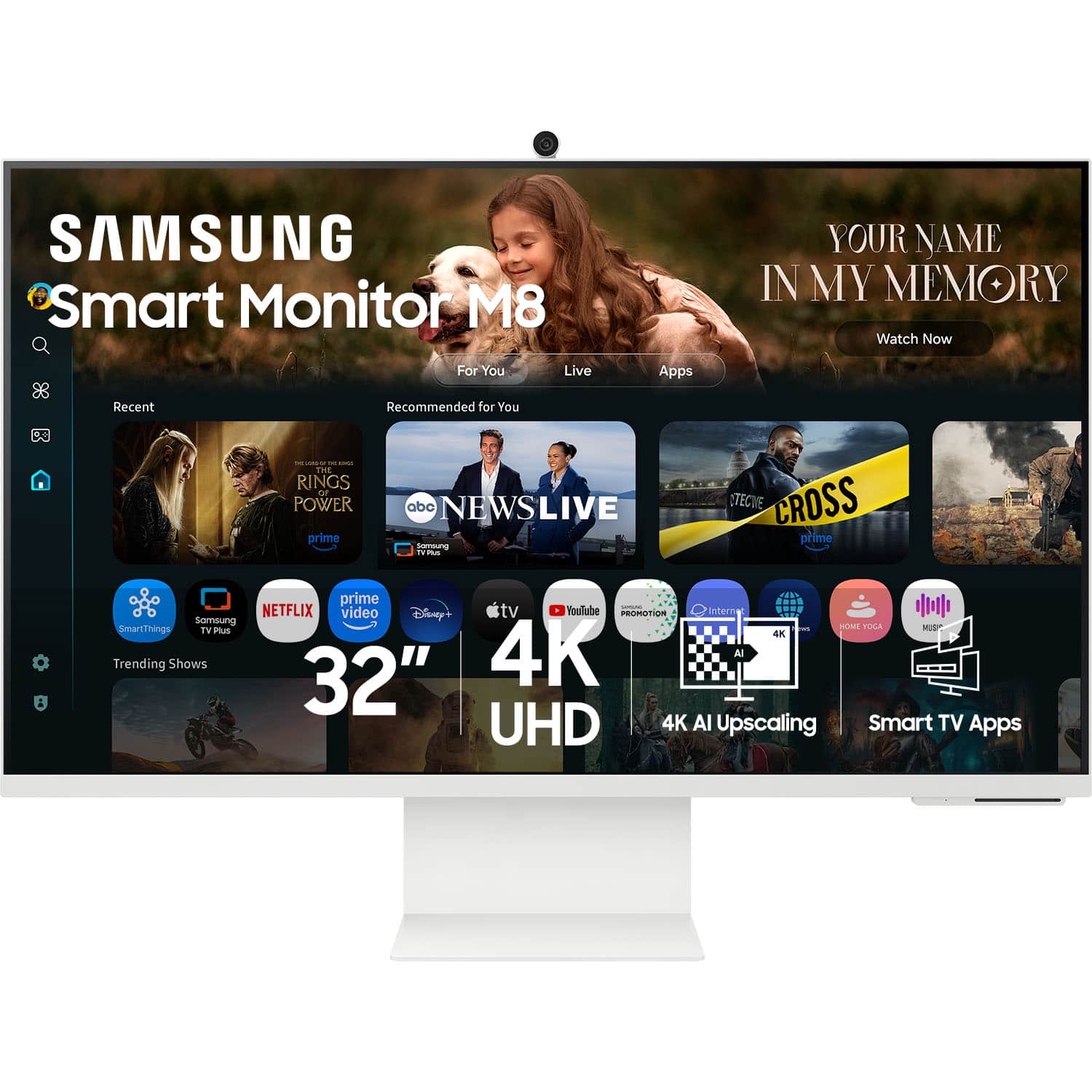
- A:Answer Stand: Yes, you can remove the stand from the Samsung M80F Smart Monitor and replace it with a floor stand. Once the stand is removed, the M80F can be mounted using the standard VESA pattern (100 × 100 mm). - Samsung Monitors
Answered by Samsung
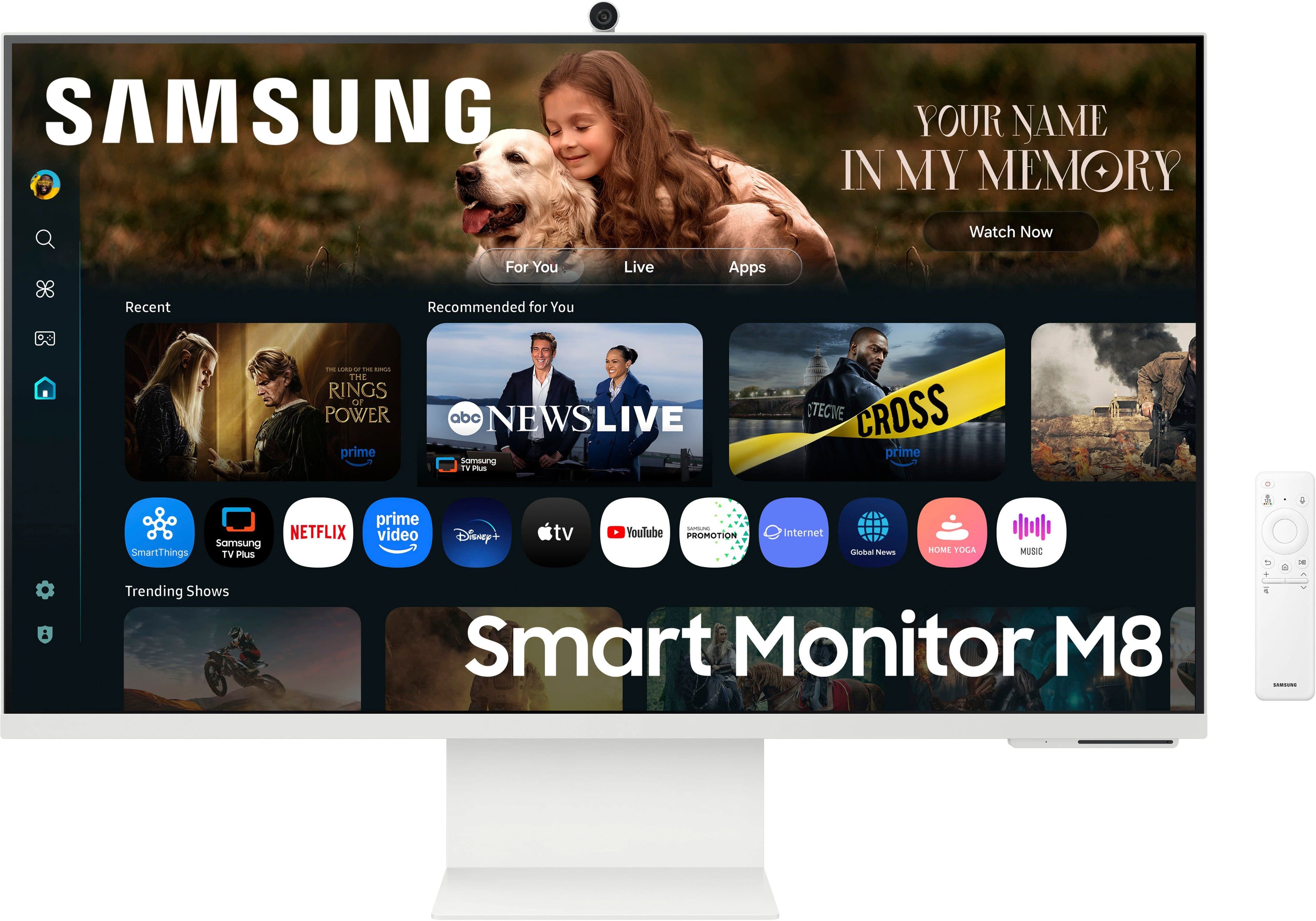
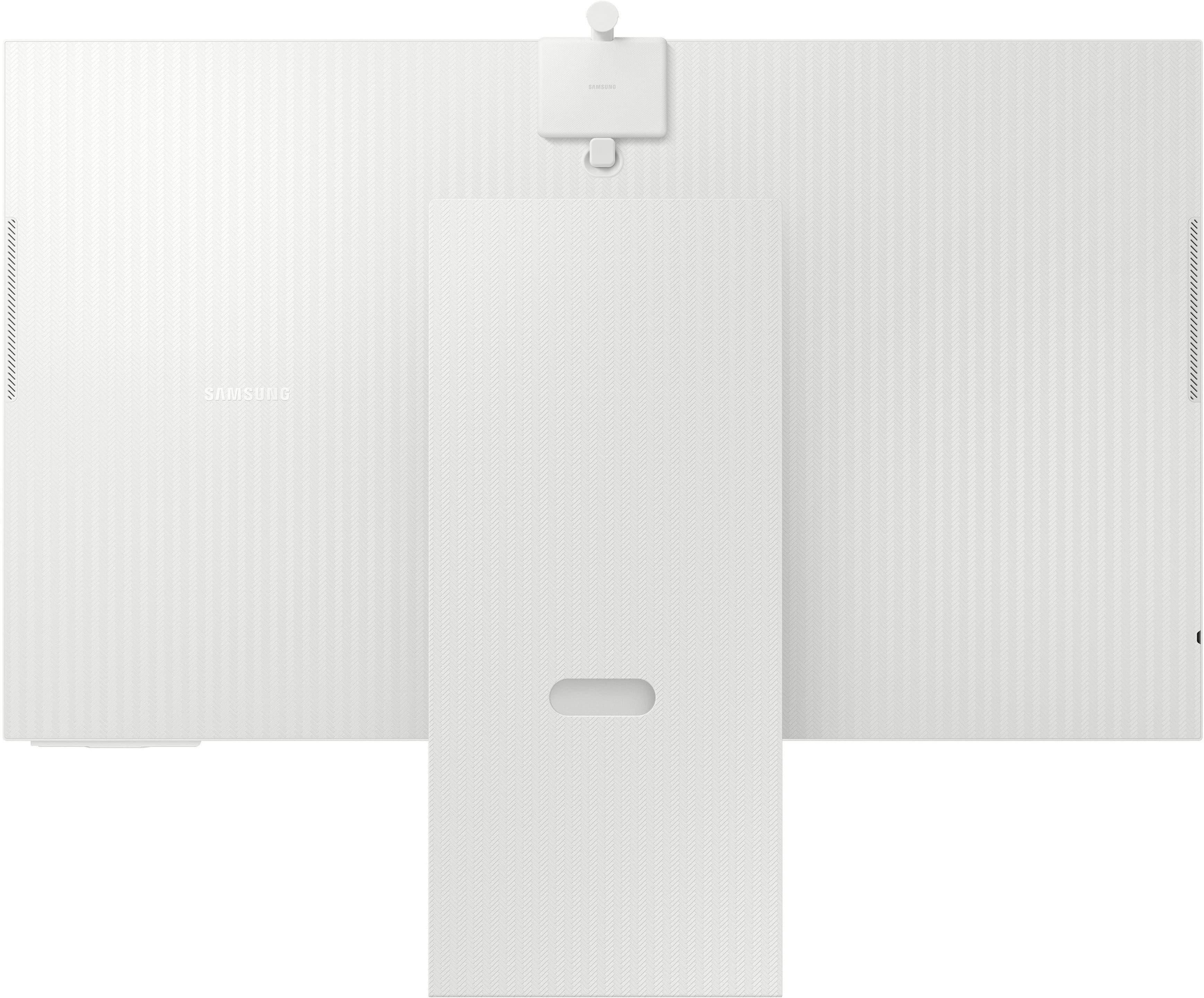
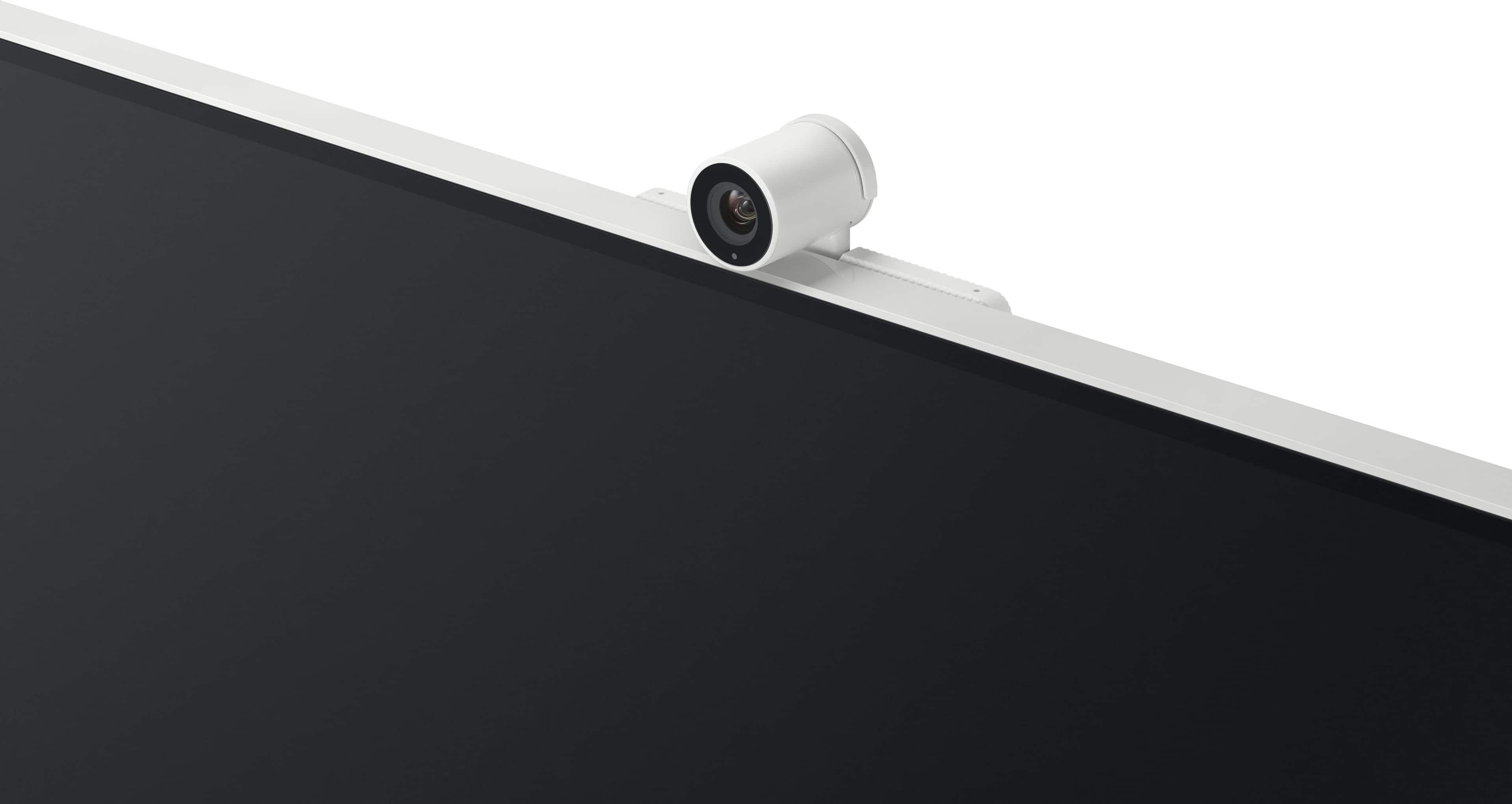
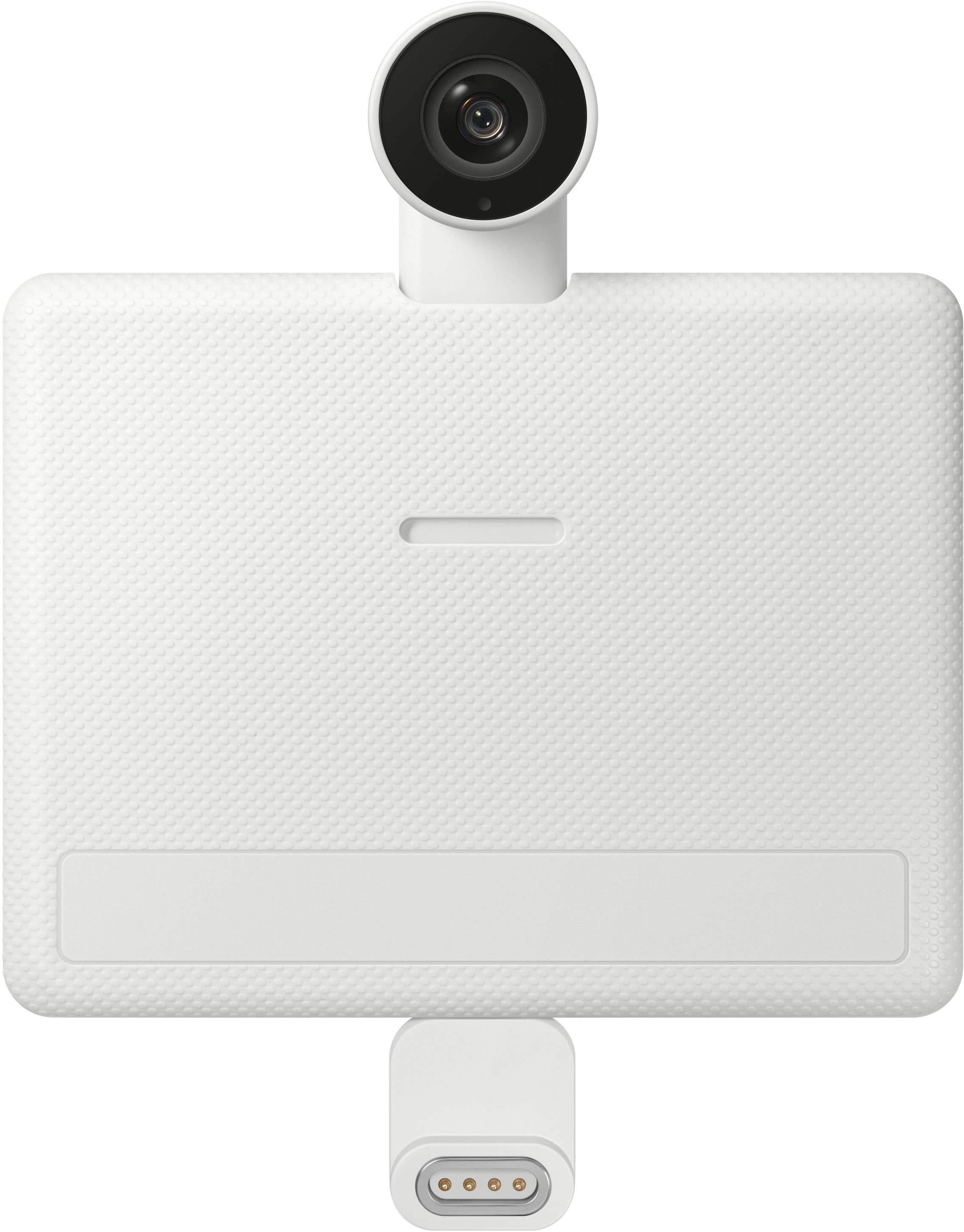
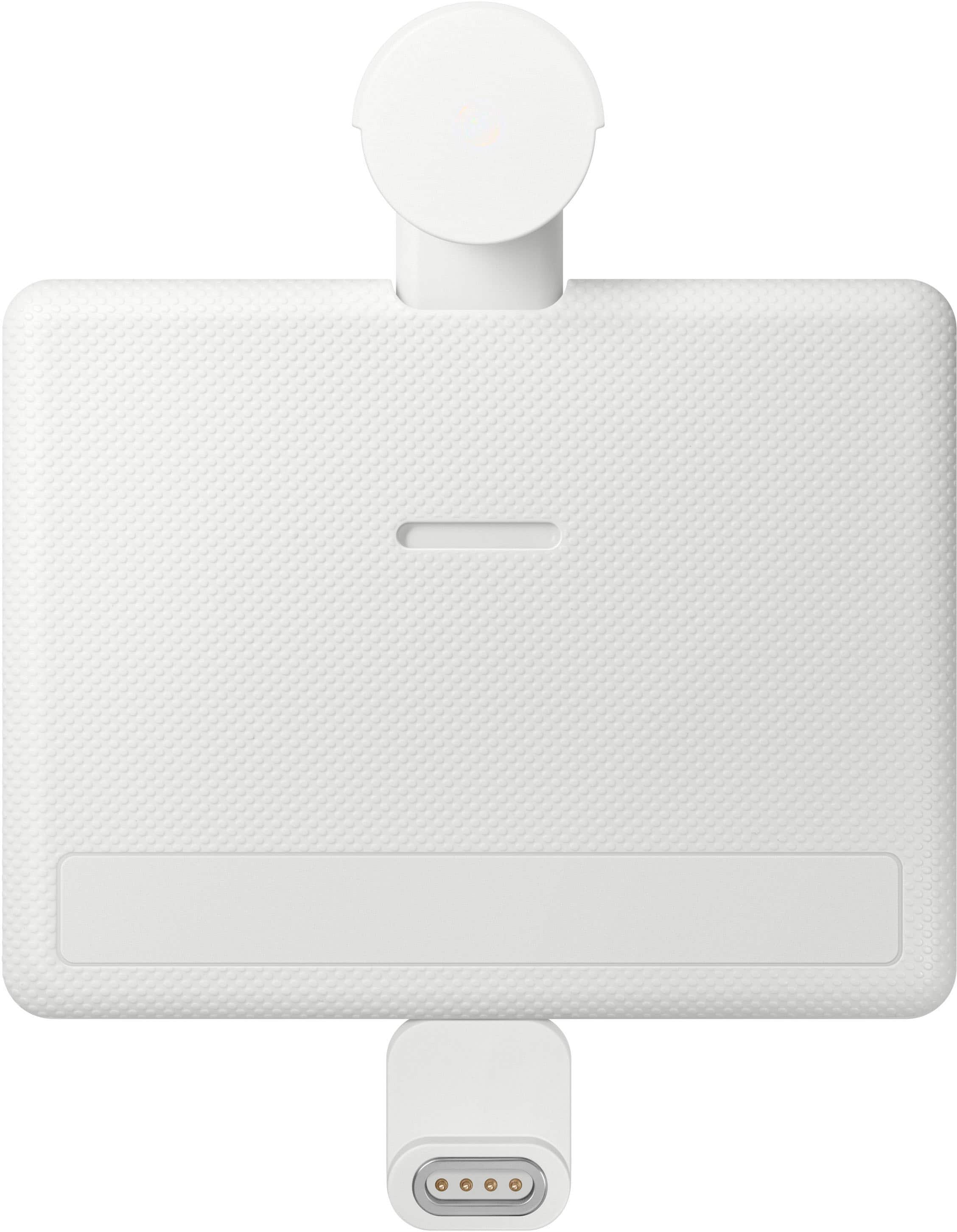
Q: QuestionI noticed that this has the slim fit camera when I looked at other websites the M80F didn't come with the camera. So is it true that this one comes with the slim fit camera?
Asked by cln.
- A:Answer Mine came with a camera. And I had a tough time getting it to work.
Answered by Anonymous
Q: QuestionCan I hang this on a multi display stand or the wall? Do I need extra hardware?
Asked by DBru.
Q: QuestionHi does this have split screens where you can have multiple monitors (screens open at once?
Asked by Bernadette.
- A:Answer That used to be a feature built into monitors. Now both Windows and Apple allow you to do this in the Operating System
Answered by Anonymous
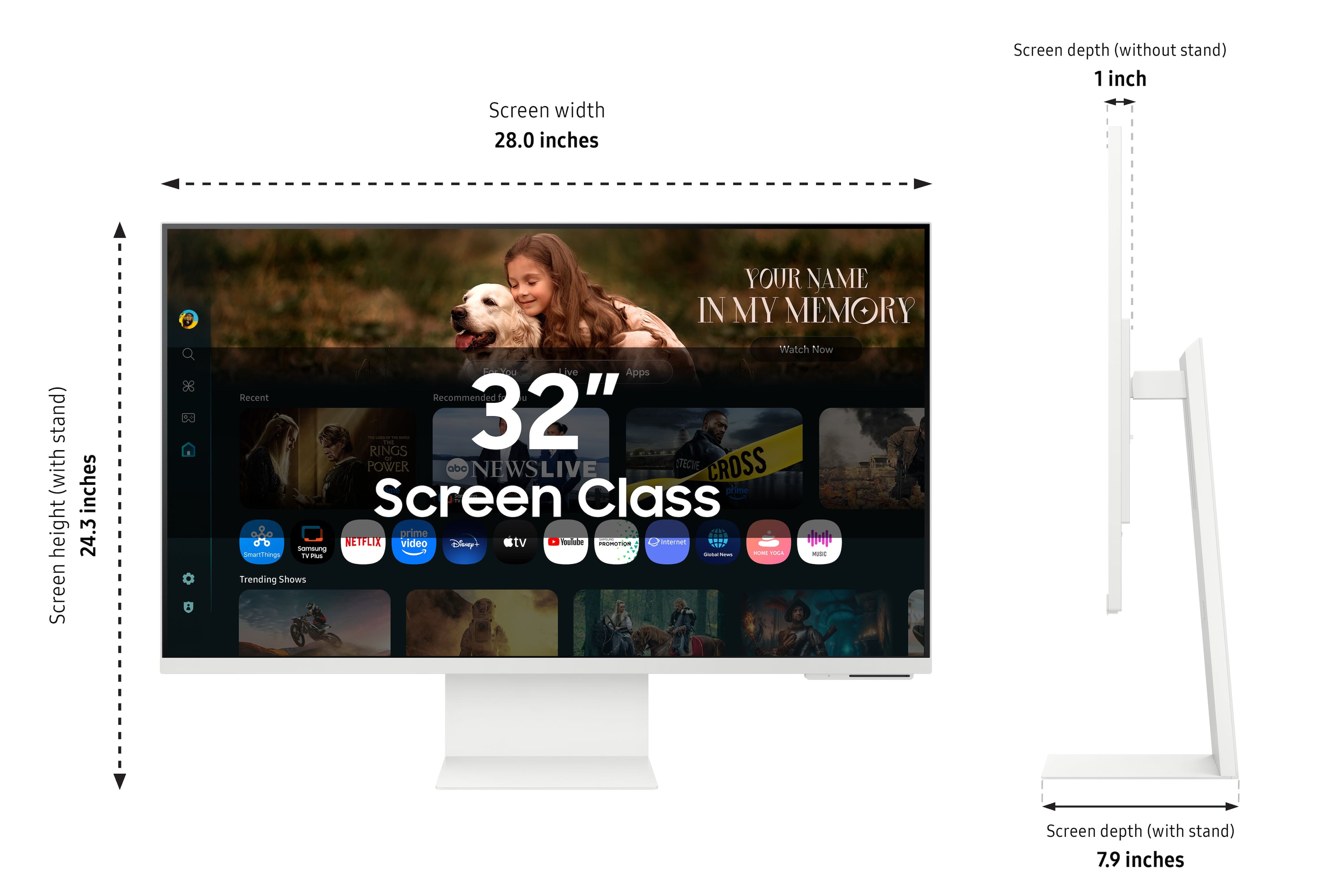
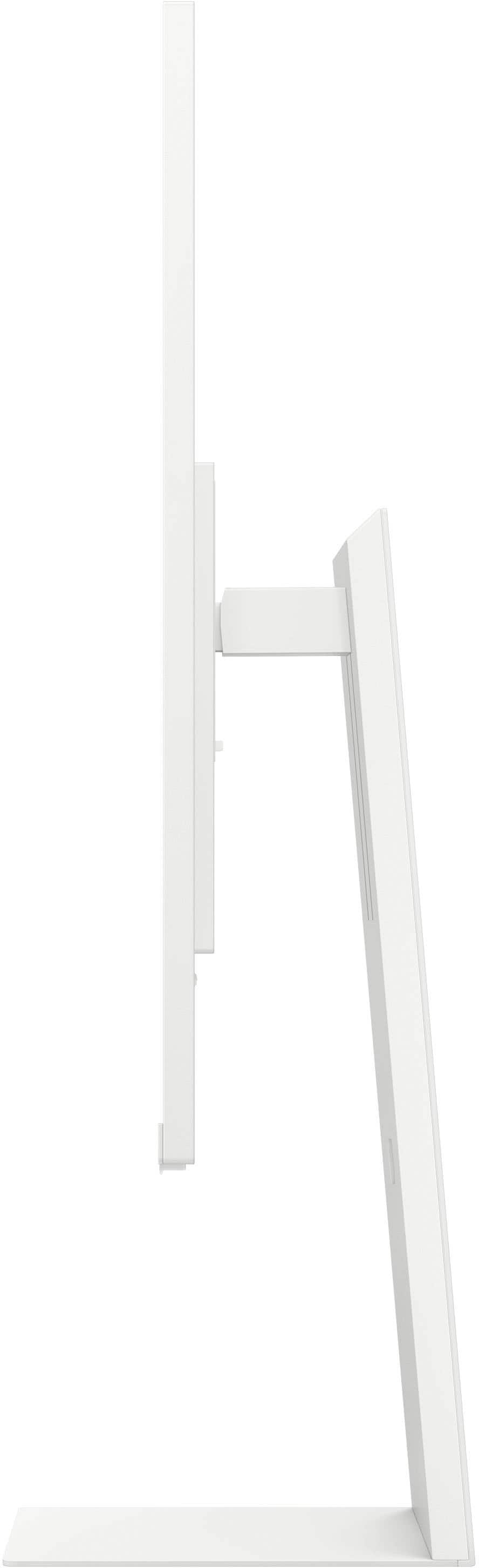
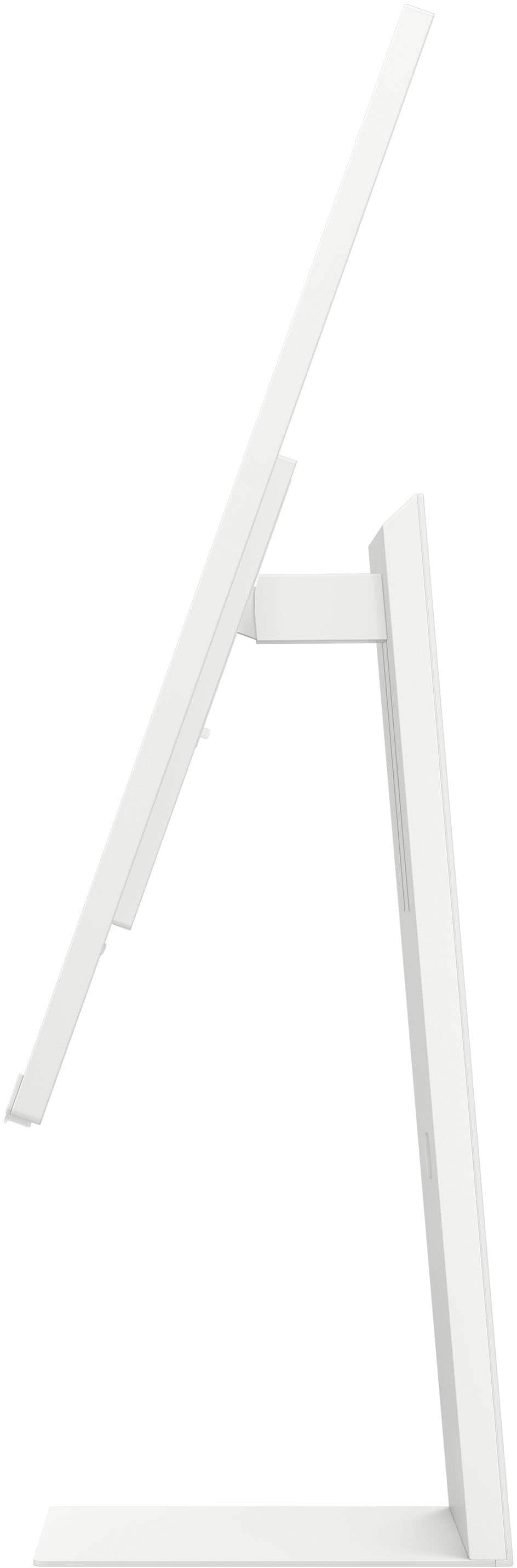
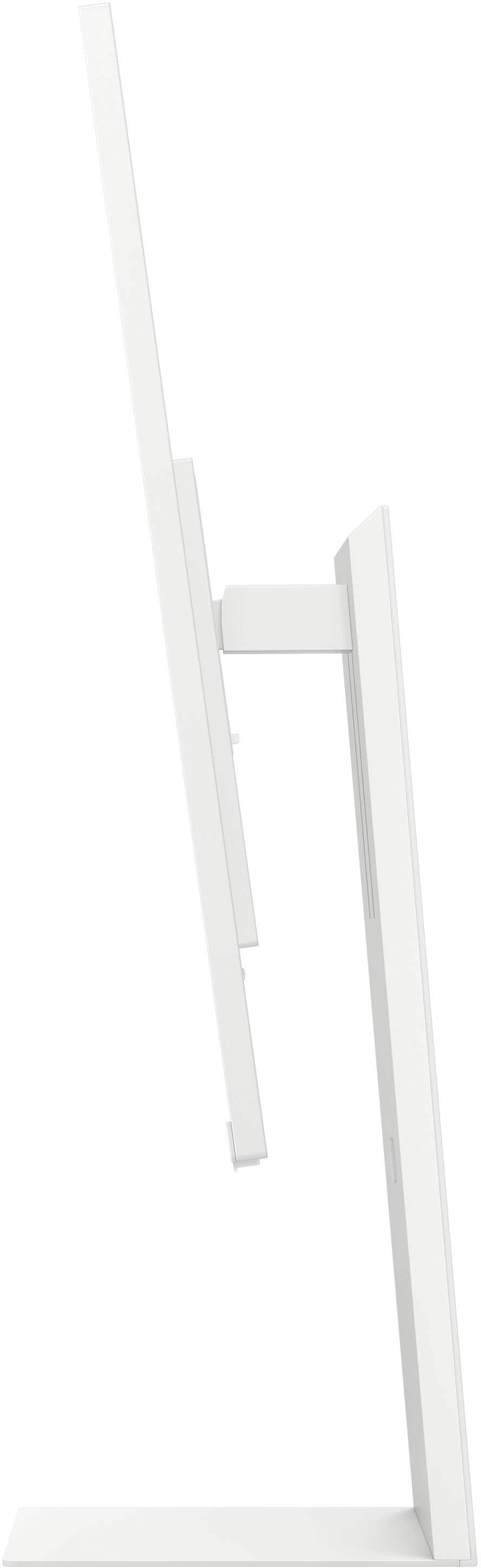
Q: QuestionSo the monitor has a height adjustable stand, I get that. But what is the height in inches from the base of the stand set to its lowest position to the top edge of the monitor?
Asked by ChadB.
- A:Answer 19 3/8" from the surface it sits on to the top of the monitor screen at its lowest position
Answered by Anonymous
Page 1, Showing 1-7 of 7 questions