A:AnswerHope it helps. I had a similar issue and switched Vid cables. (Went from a DVI to HDMI) which cured it for me. Sorry, This depends on the cable and the Graphics Card.. (Mini, adapters and DVI's seem to give me the most trouble.) HDMI cables are 'two-way'. Other types may not be...
A:AnswerI had this same issue, and here's how I resolved it. First, make sure your USBC adapter is plugged into the correct slot. It won't show your screen if it's not in the right slot.
I also adjusted my display in the settings menu to "approved" the display on the monitor.
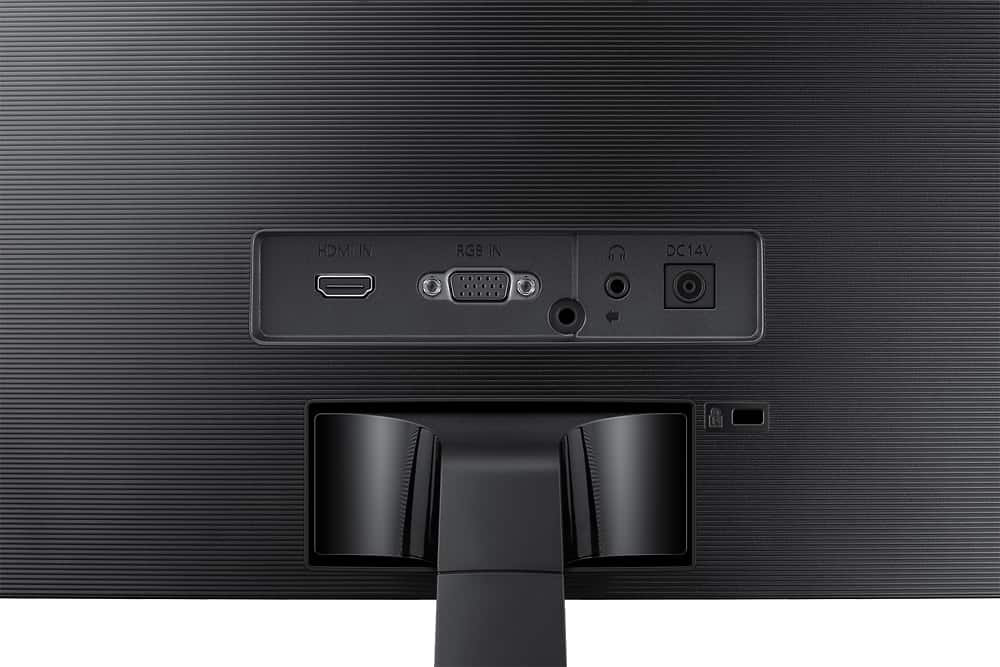
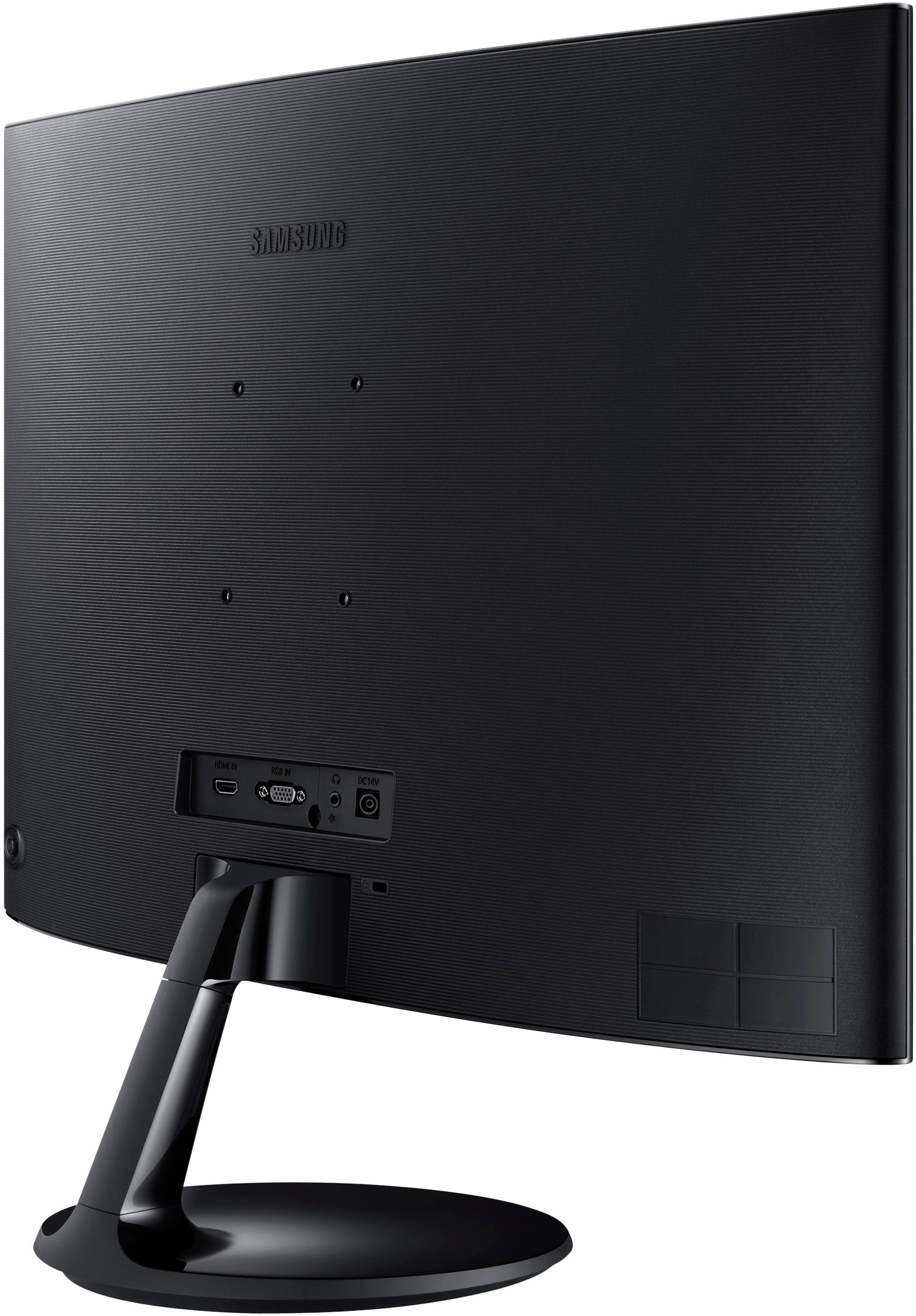
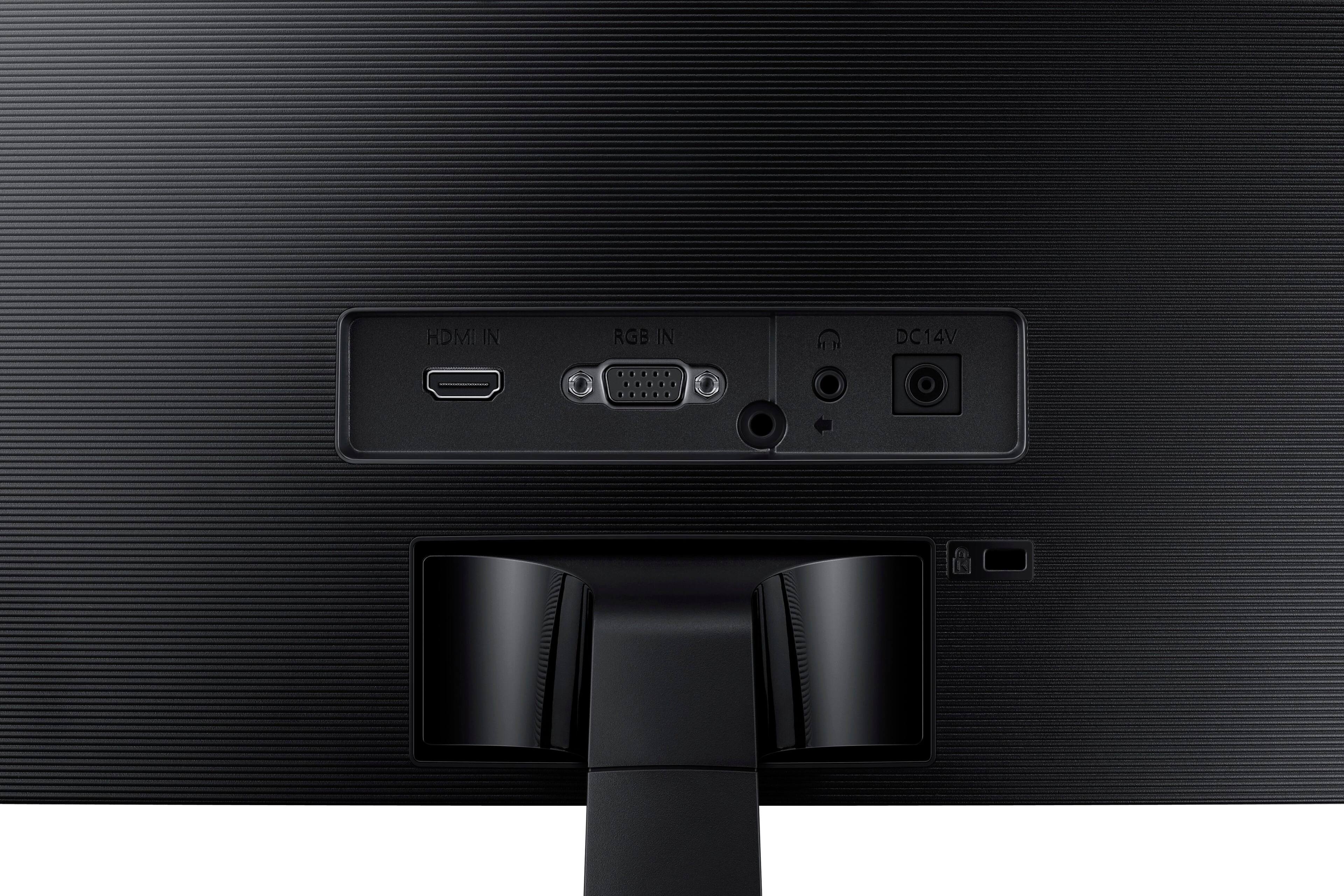
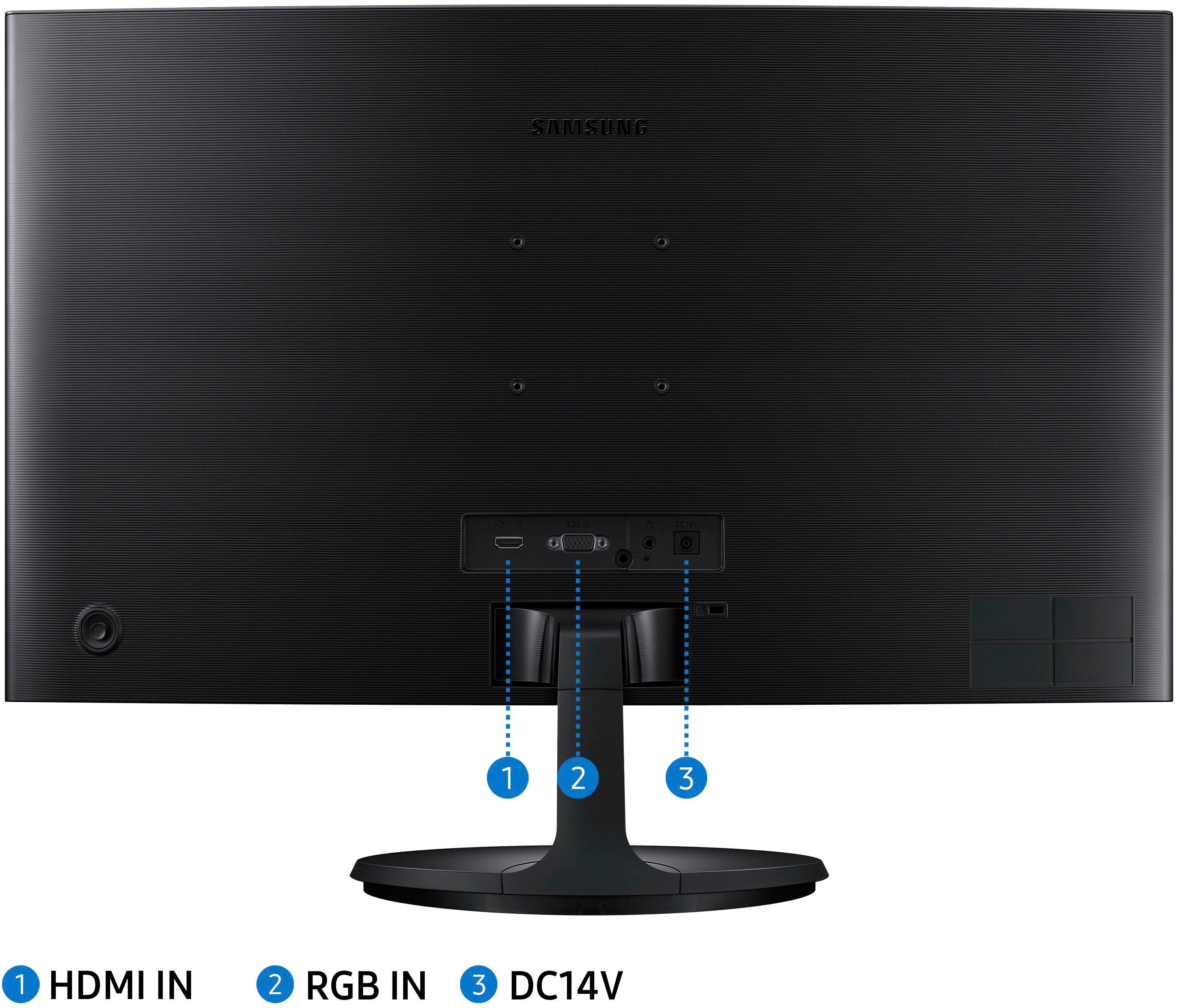
A:AnswerYou can connect a Xbox through HDMI port into this monitor. HOWEVER, You can not connect a keyboard to this due to its lack of a USB port. But if you are smart about it you could use the VGA port for the PC and the HDMI for the Xbox and have both ready to go without switching out plugs. But sadly no keyboards and mouses due to lack of USB port.
A:AnswerIt does not have speakers internal. and It will switch from one to another but using the VGA connection looks really bad. I would get a HDMI split first.
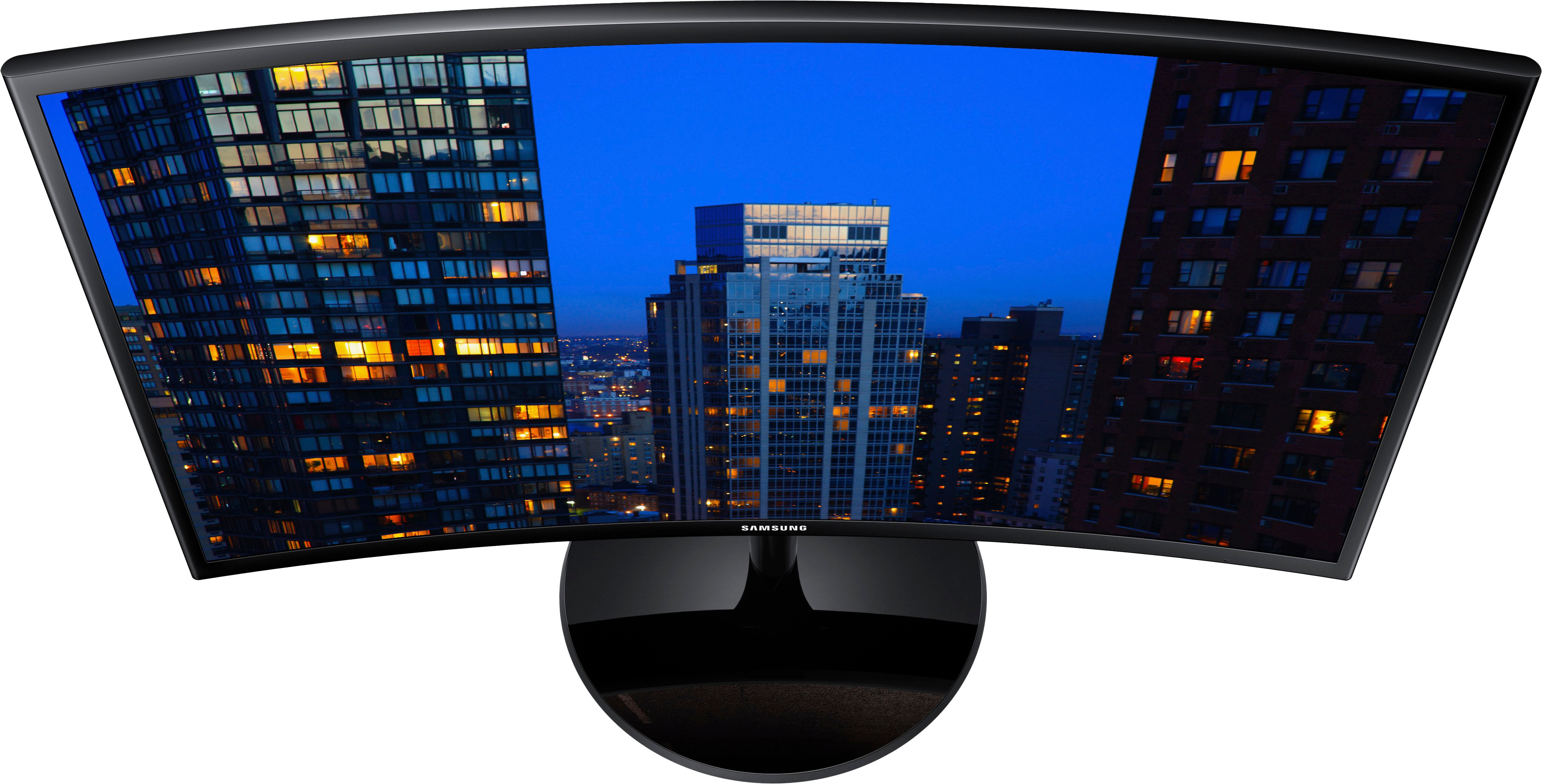
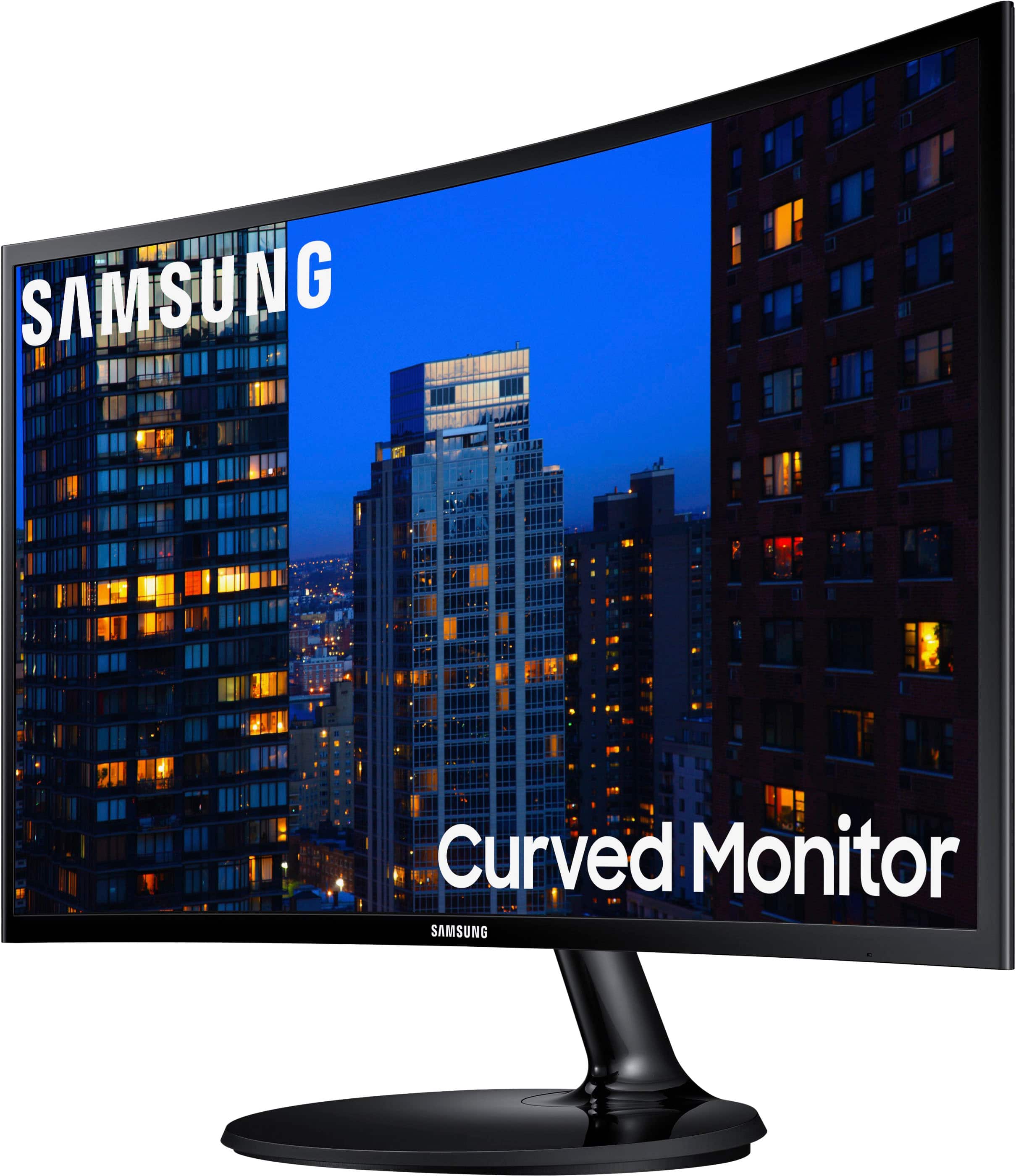
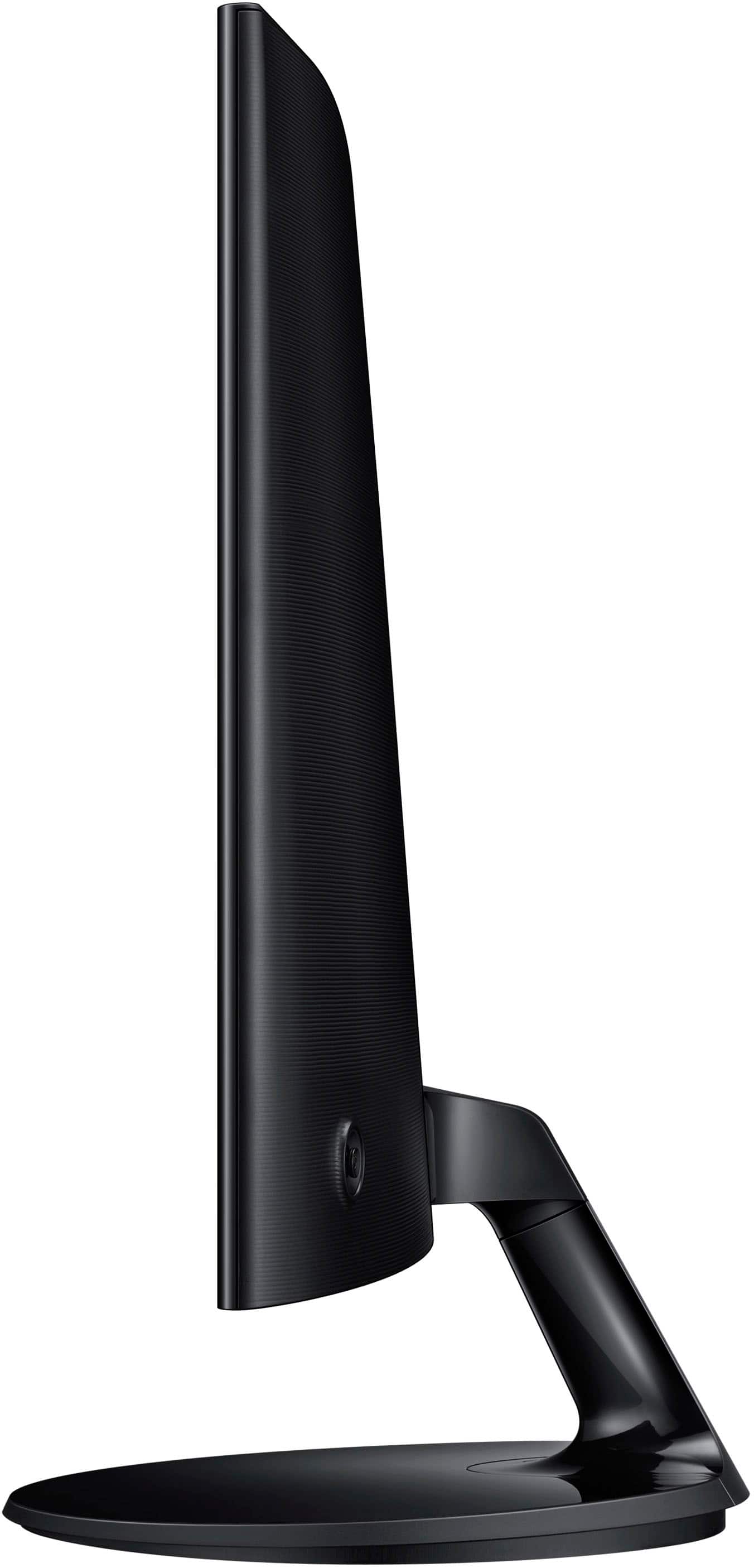
A:AnswerThere are better options then Samsung. One is a Two in one TV. Bigger and cheaper ones like flat screens. The curve actually makes it look smaller. Not what I excepted for the money I would have when with a flat screen. If you have the space get him a 32inch or 27.
A:AnswerI only saw black on the 10 I purchased but I also want to mention that black works with everything it'll just look clean with dual curved monitors.