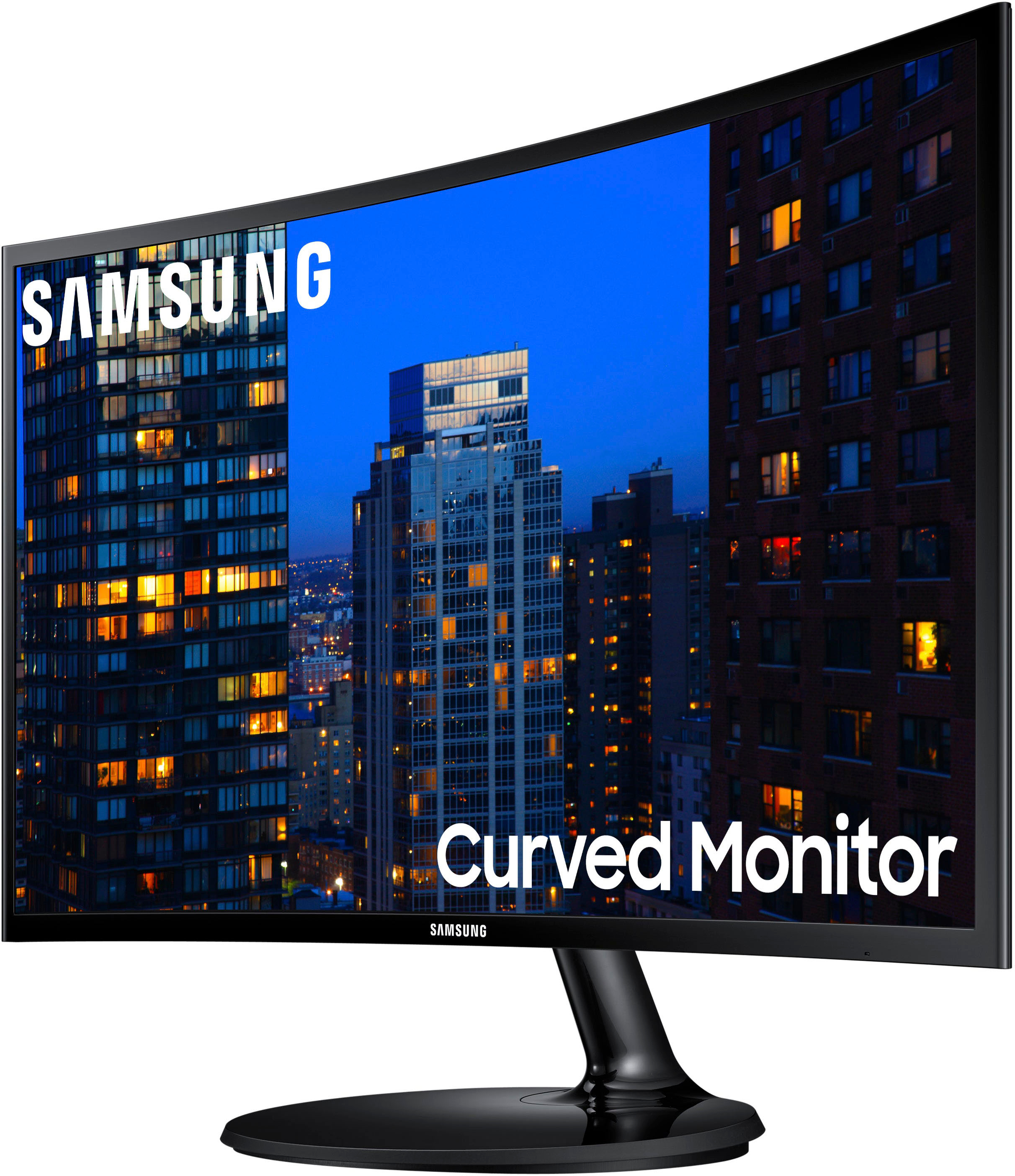
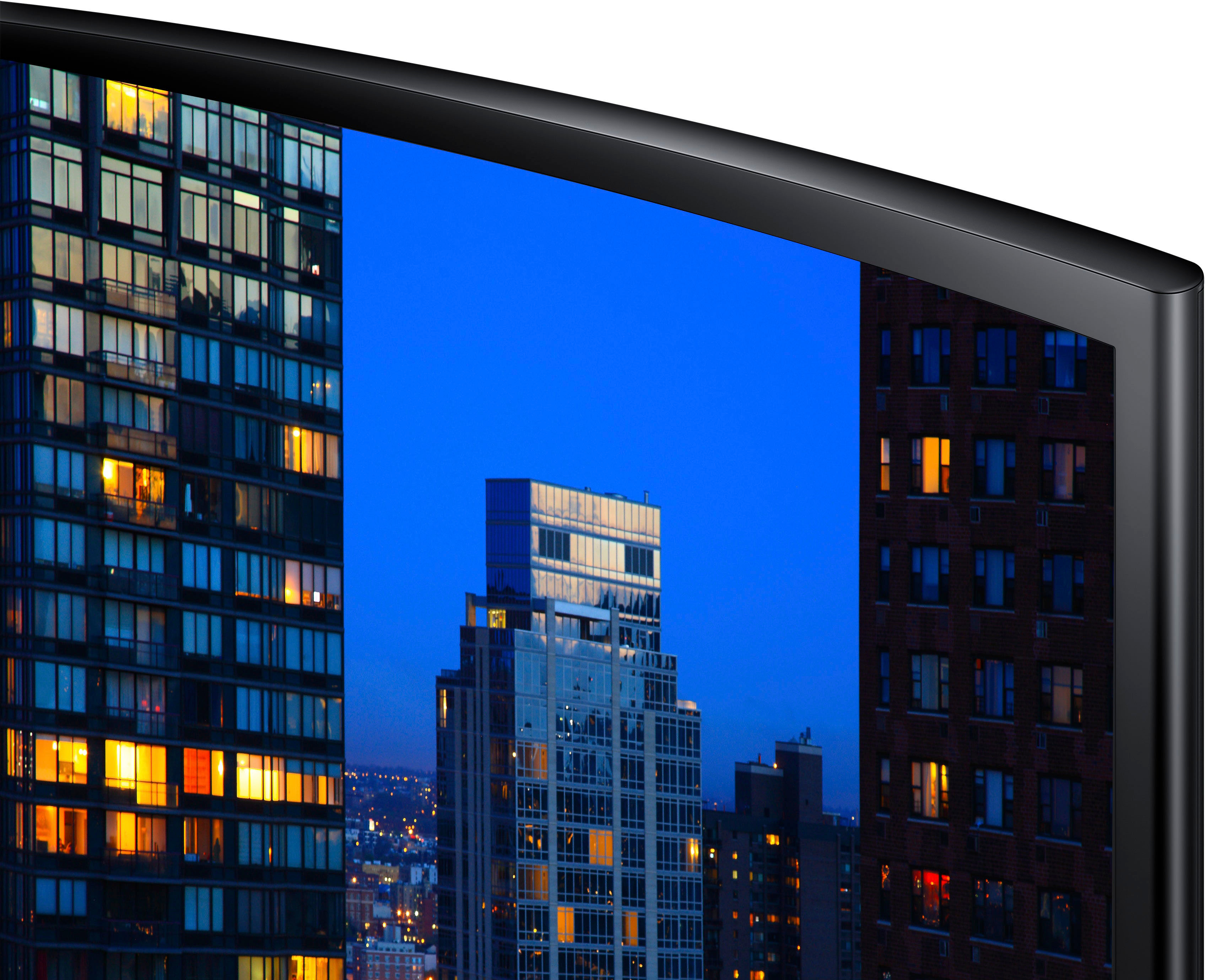
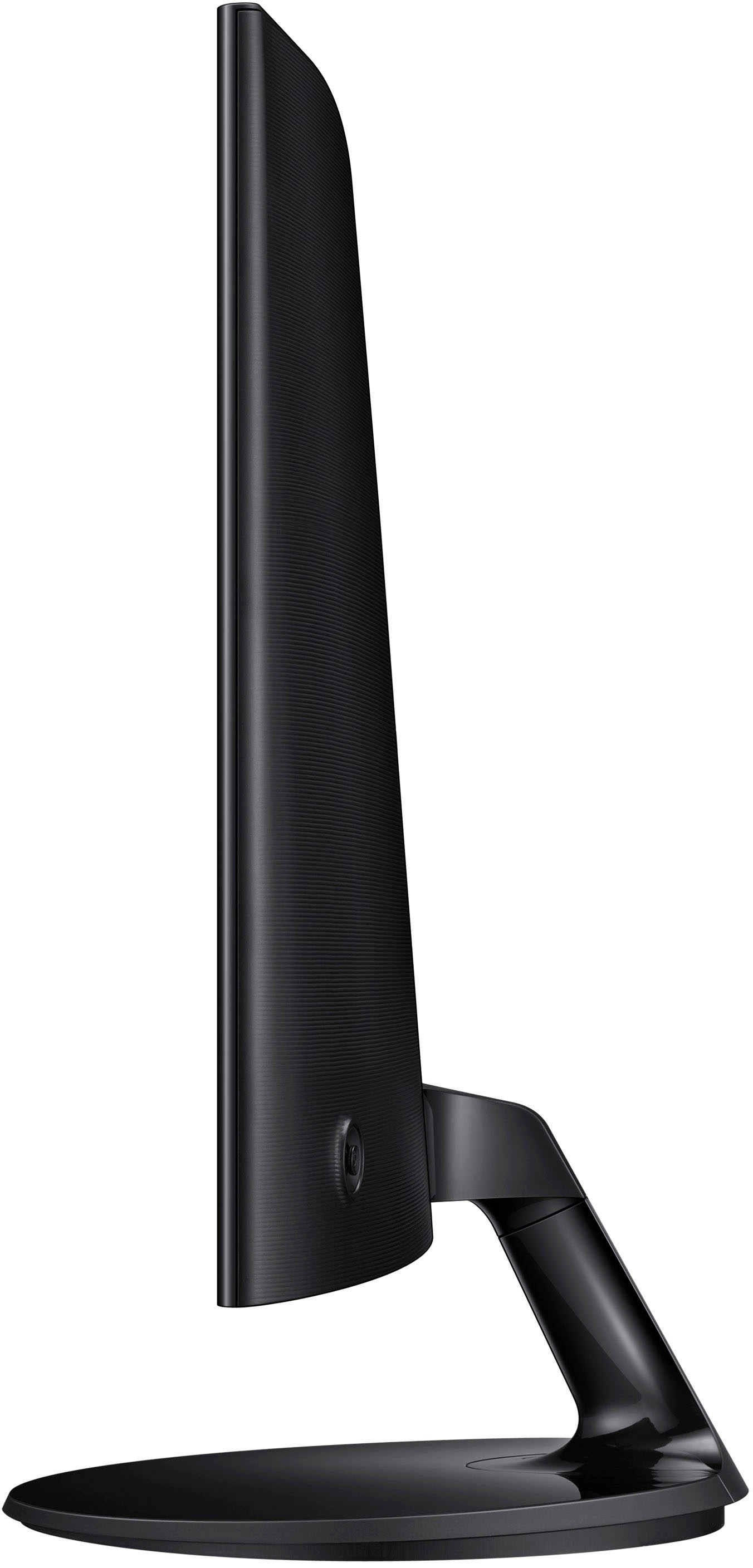
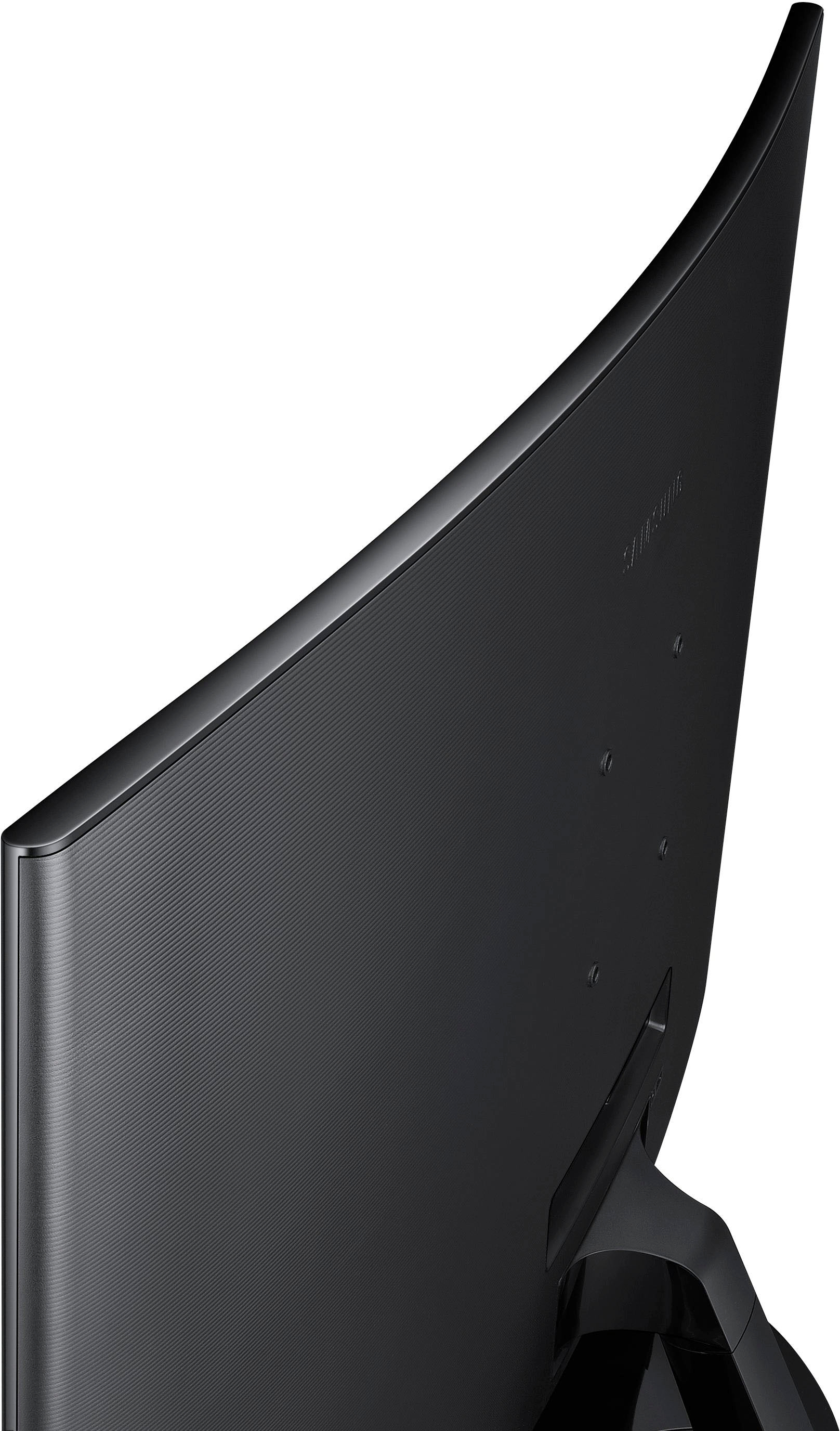
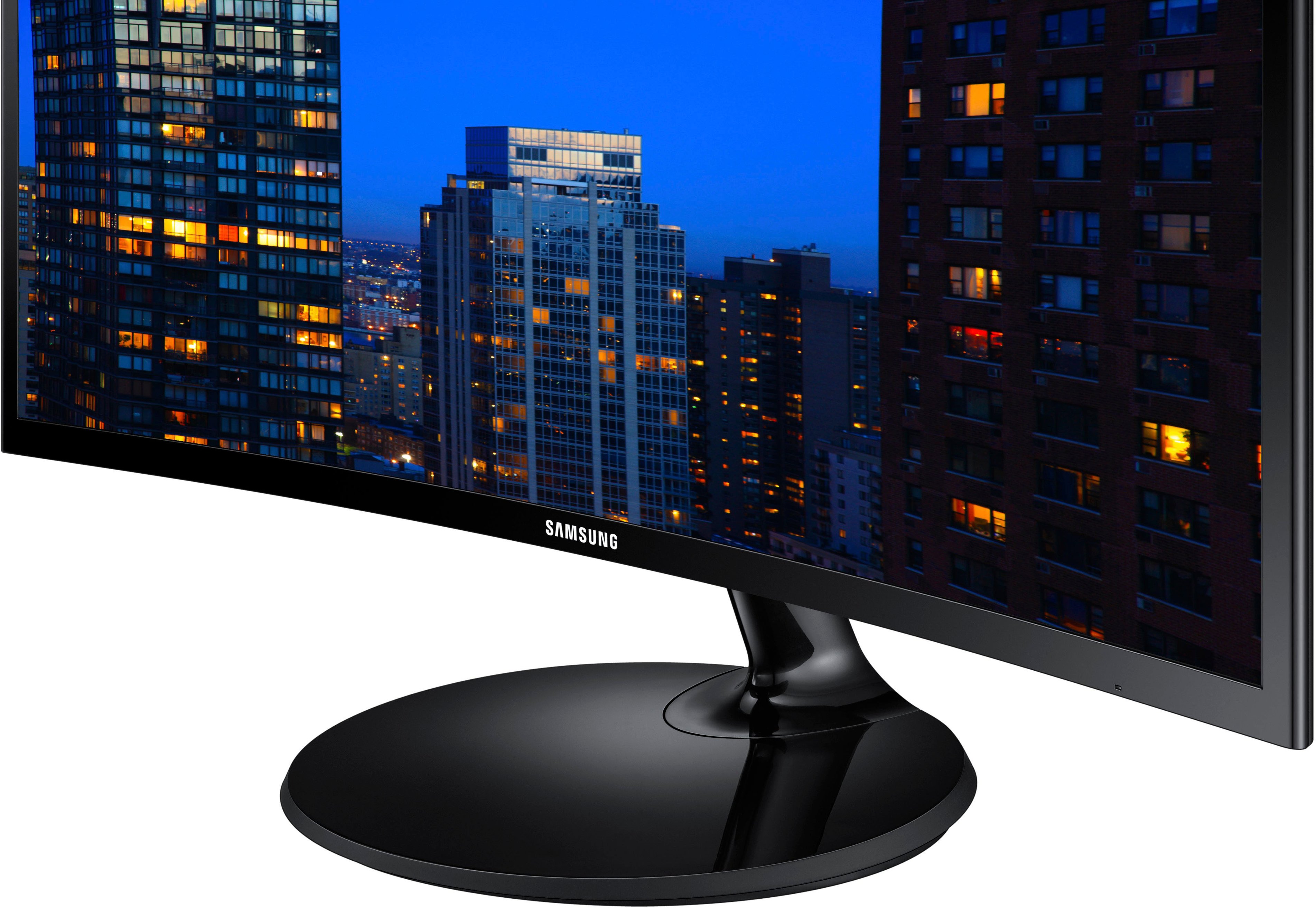
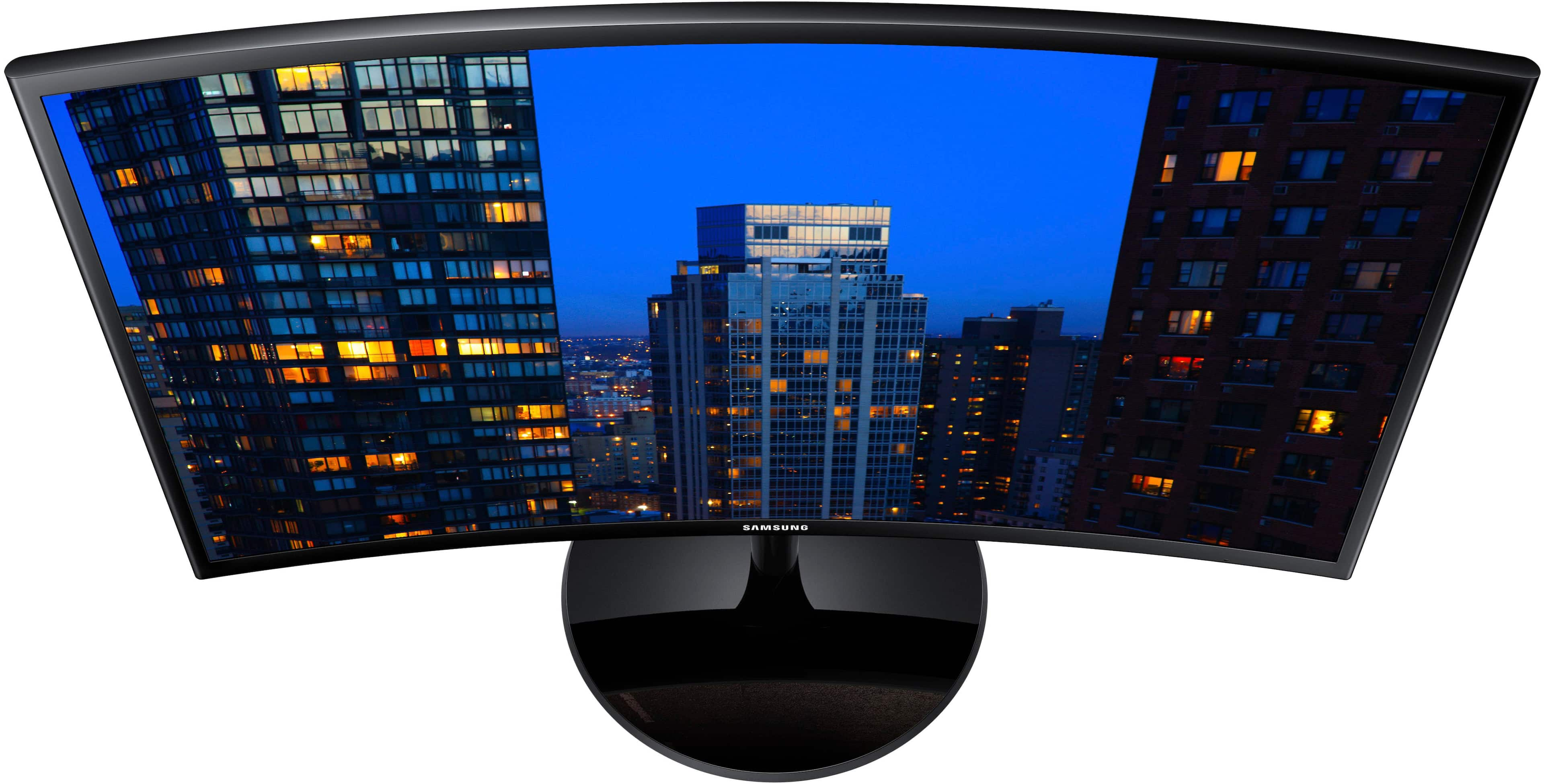
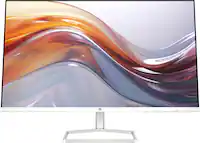
A:AnswerStudies have proven that curved monitors induce less eye strain than flat ones. It could help your eyes if your having issues with flat monitors, yes.
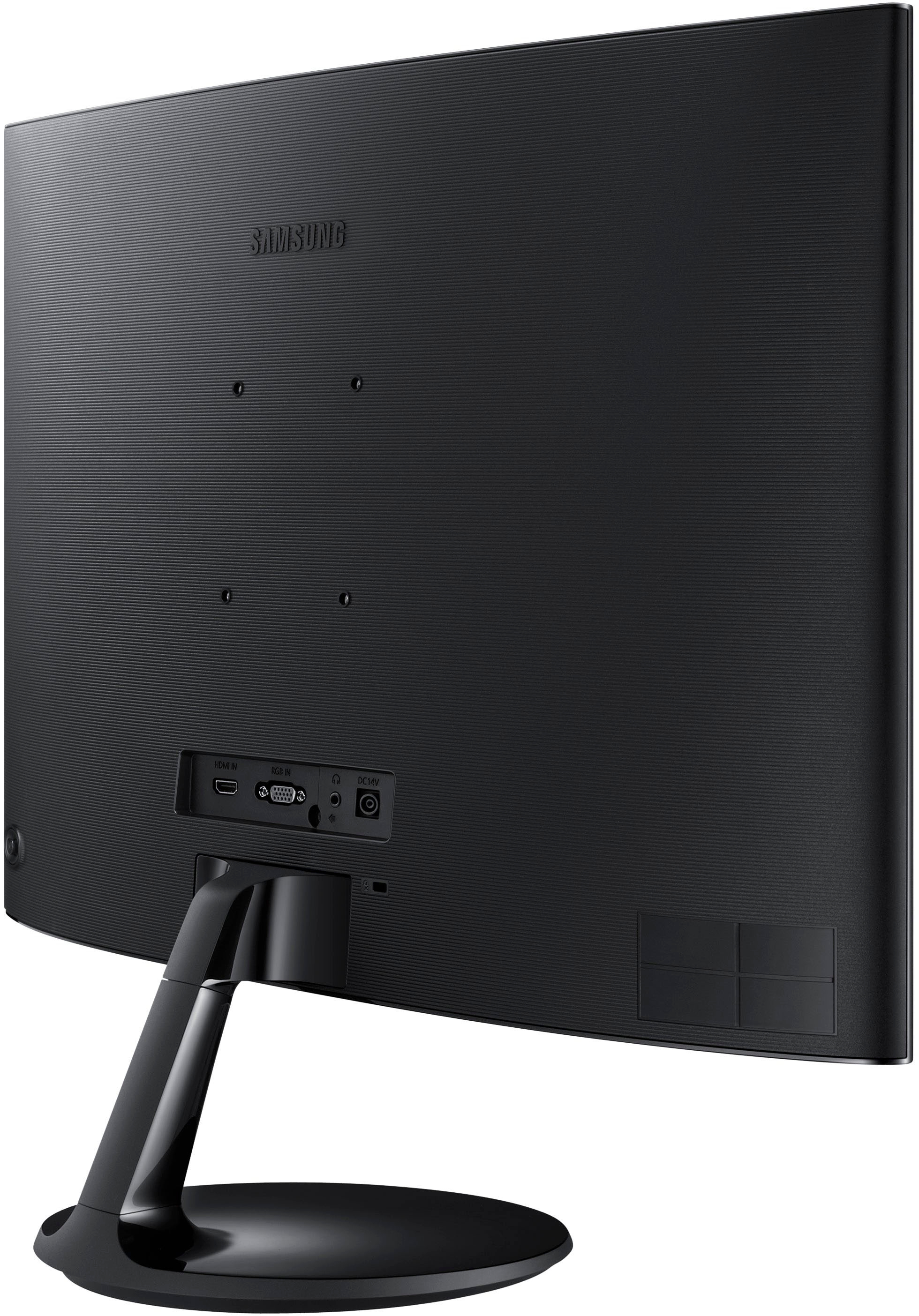
A:AnswerYes! I am currently using an HDMI to USB-c for my MacBook Pro 14 in. I have dual monitors setup without a docking station and still have a USB-c port open, and my HDMI slot.
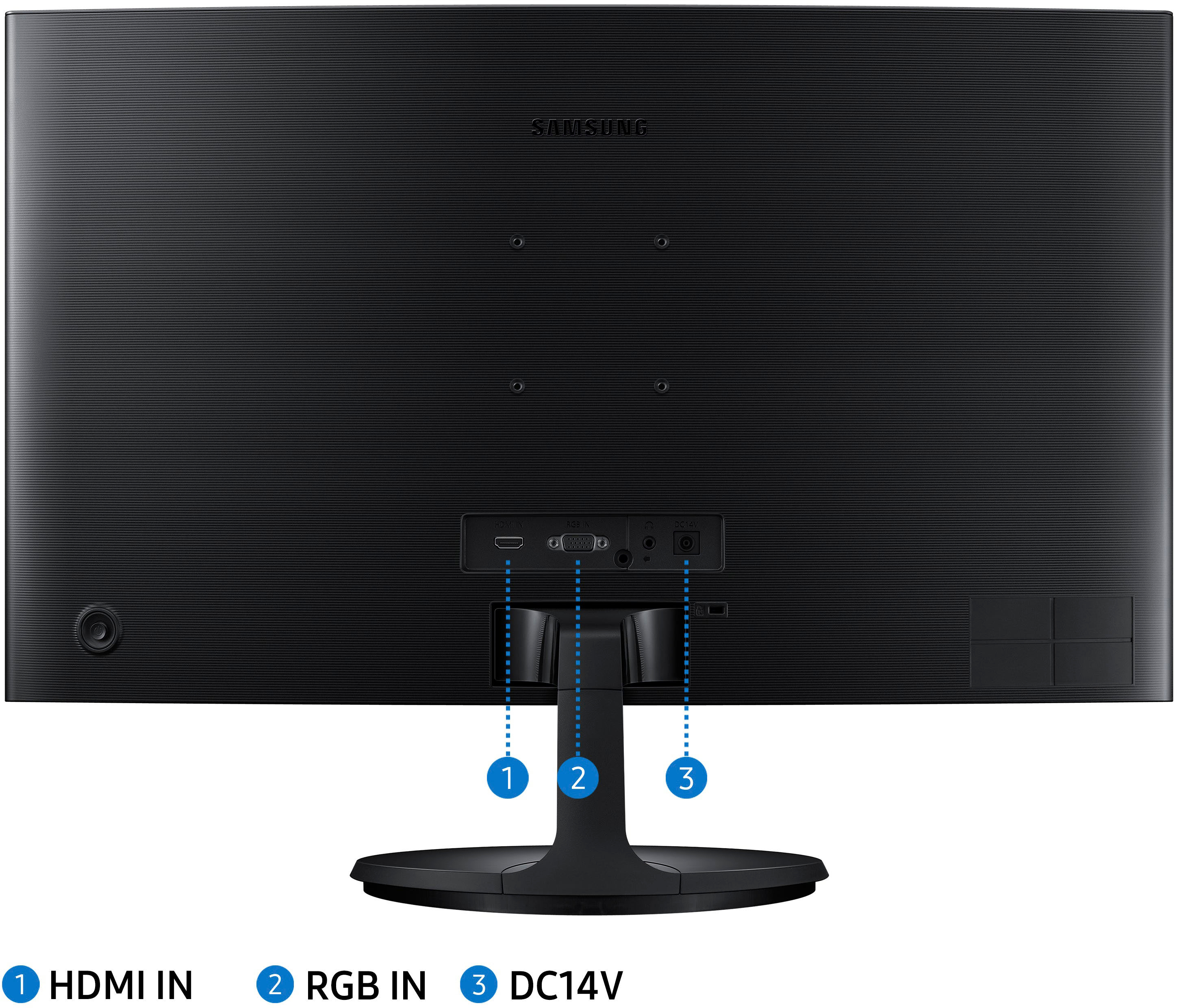
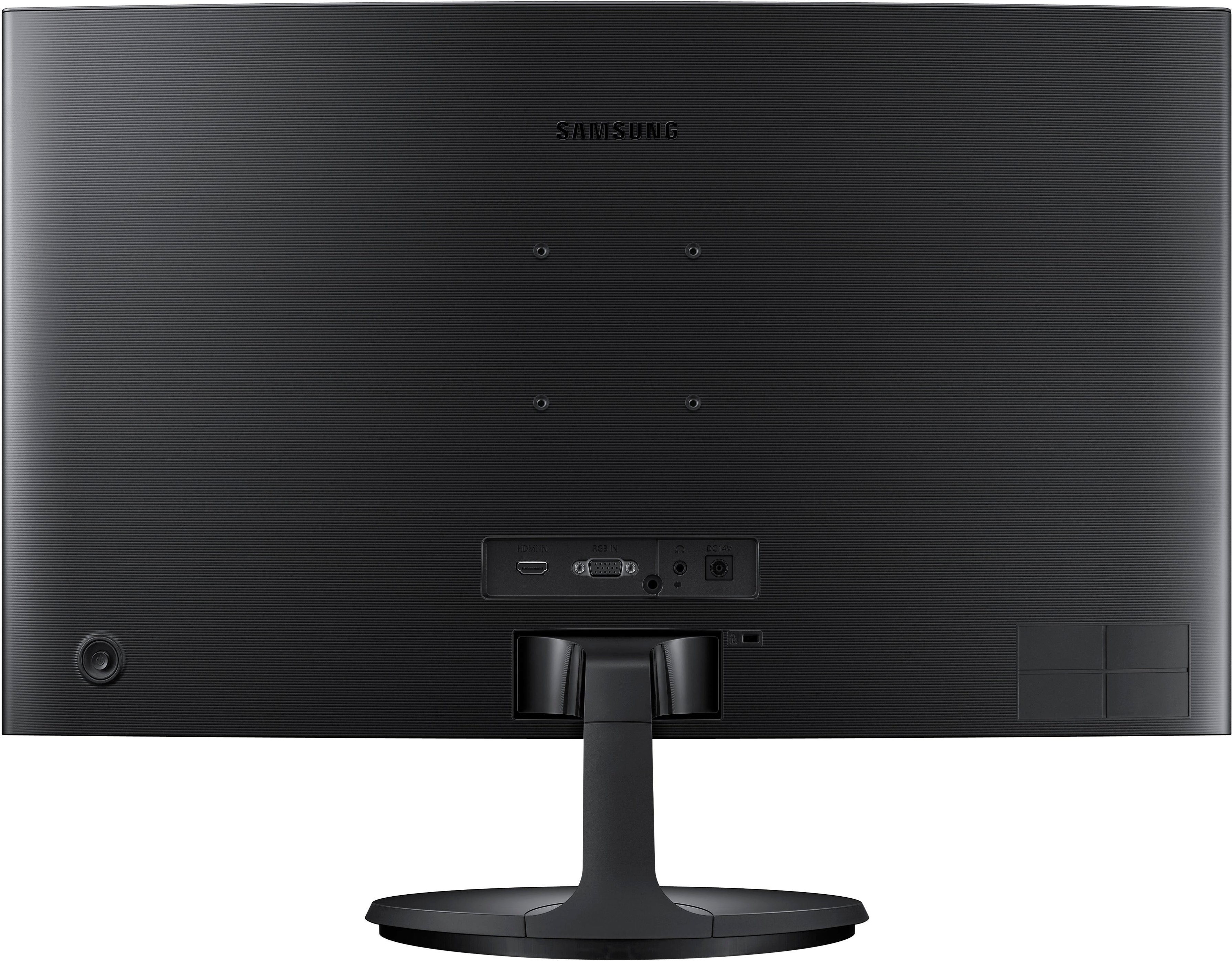
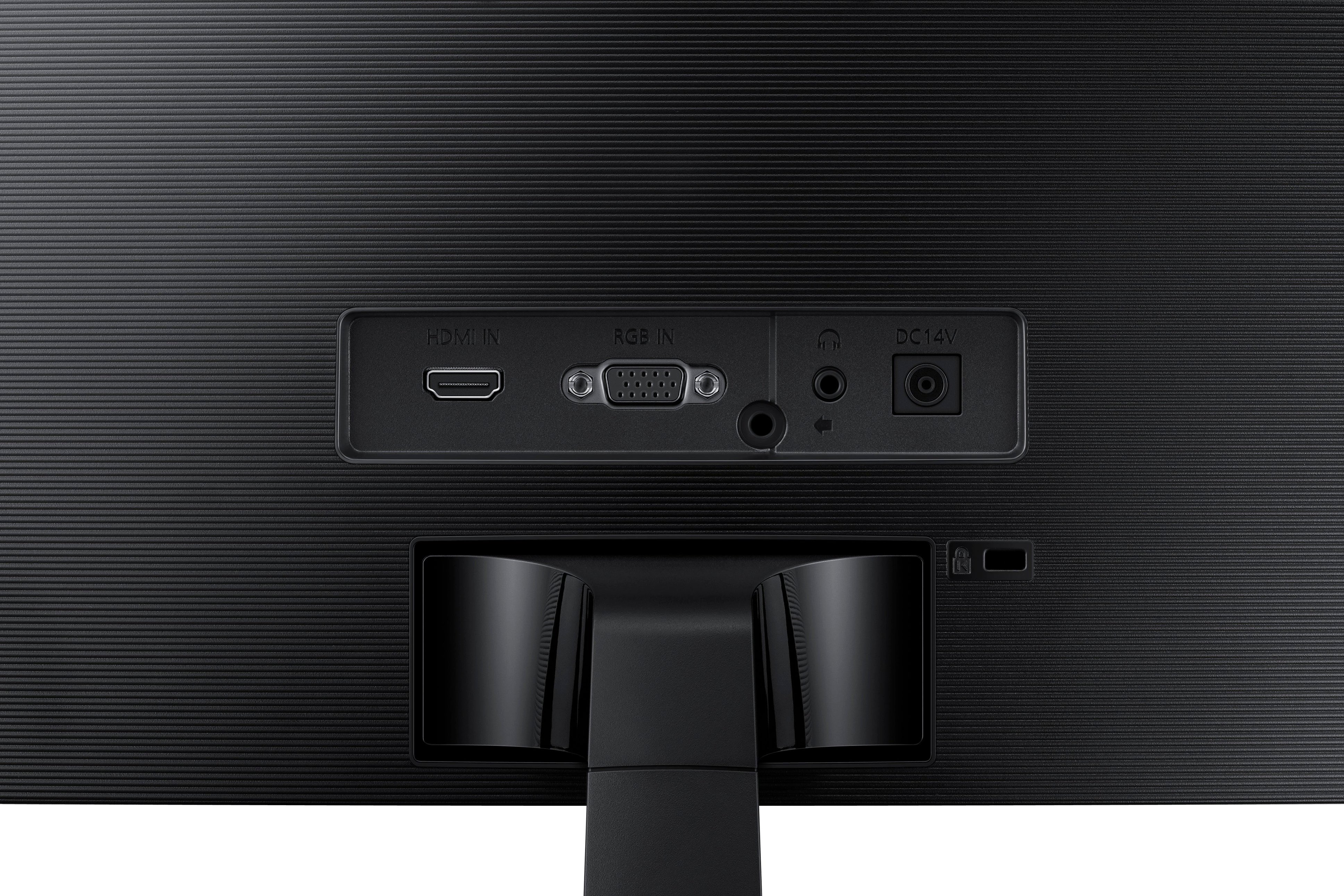
A:AnswerNO speaker, it is strictly a monitor, although there is a headphone jack to tap the audio from the HDMI feed. The jack is on the back near all of the power and video inputs, but at least it's there.
A:AnswerThank you for your question! You can certainly connect your Apple TV for use with the 27” 390C Monitor. Please note, the resolution of this monitor is 1080p so you will not experience the 4K image quality that your Apple TV is capable of. Check out Samsung wide range of 4K monitors to see the true benefits of 4K streaming.
A:AnswerThere is a circular button on the back of the monitor, which also acts as a "joystick" for navigating its menu. To turn off the monitor:
1. Press the Button to bring up the menu.
2. Pull down to get to the Power Off option.
3. Push again to select Power Off.
A:AnswerThe height with the base attached is 18 1/2in the height of the monitor alone is 14 1/2 in, the width is 24 1/2 wide and the diagonal measurement is 28in. Hope this helps