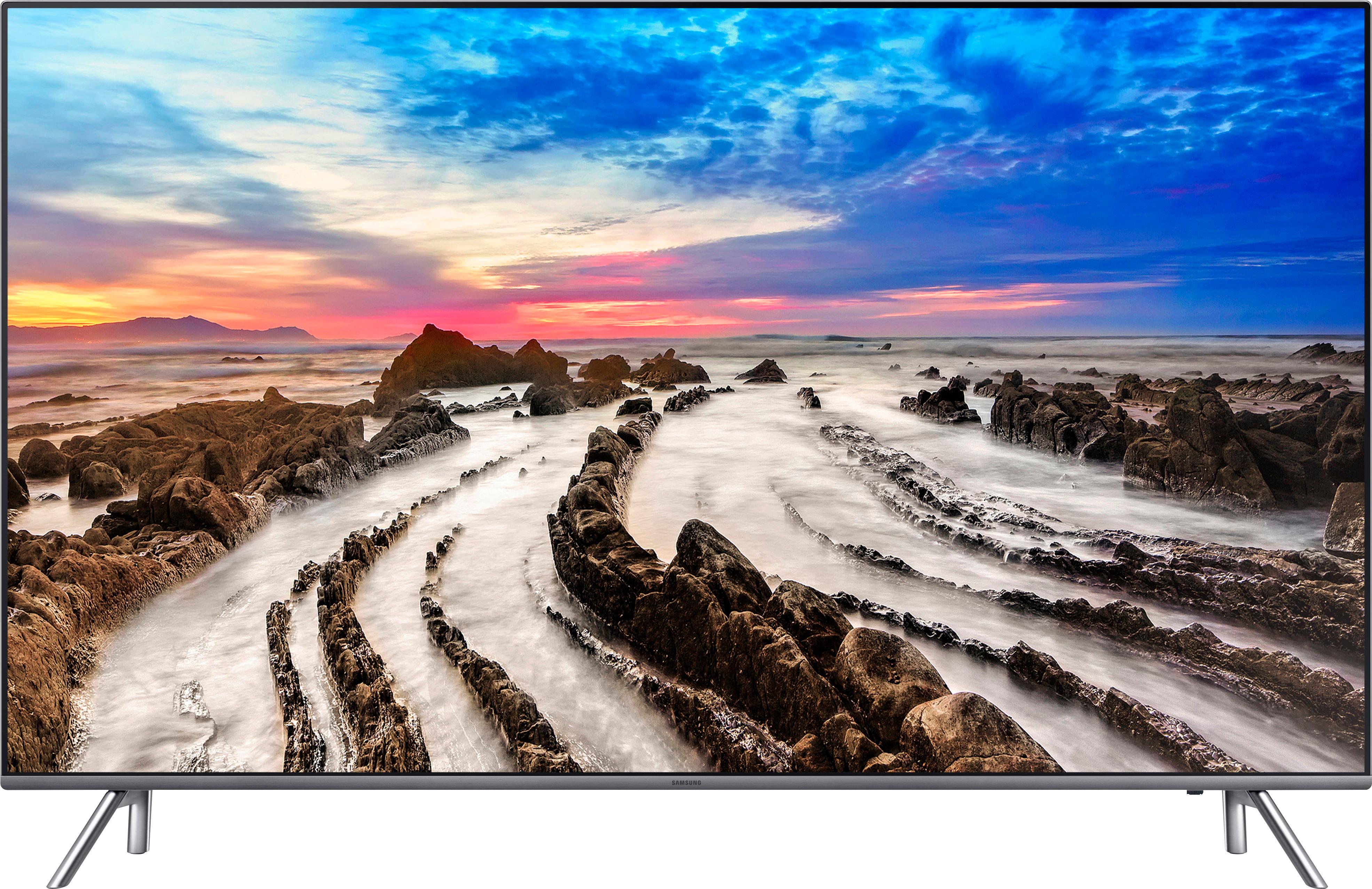
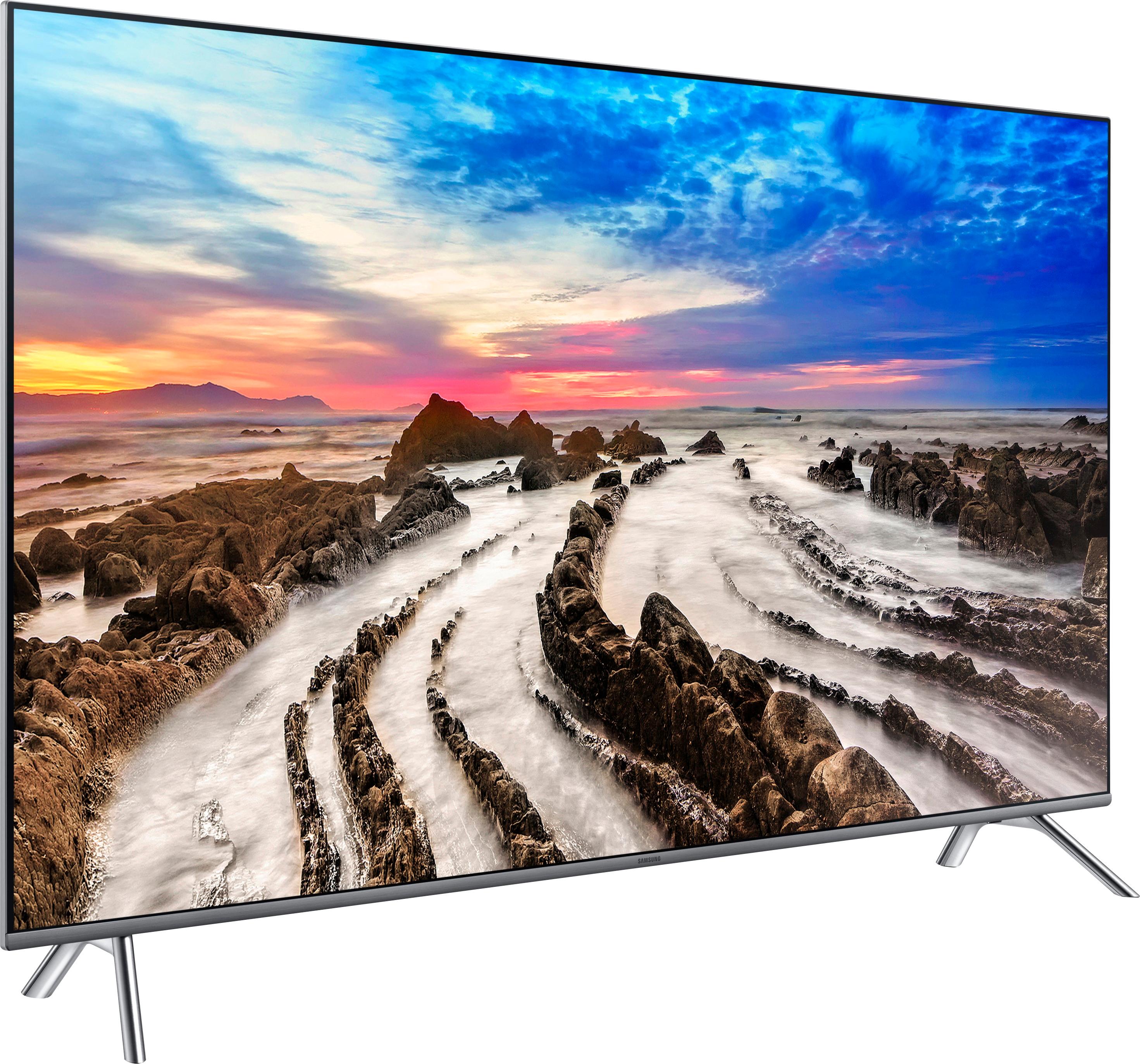
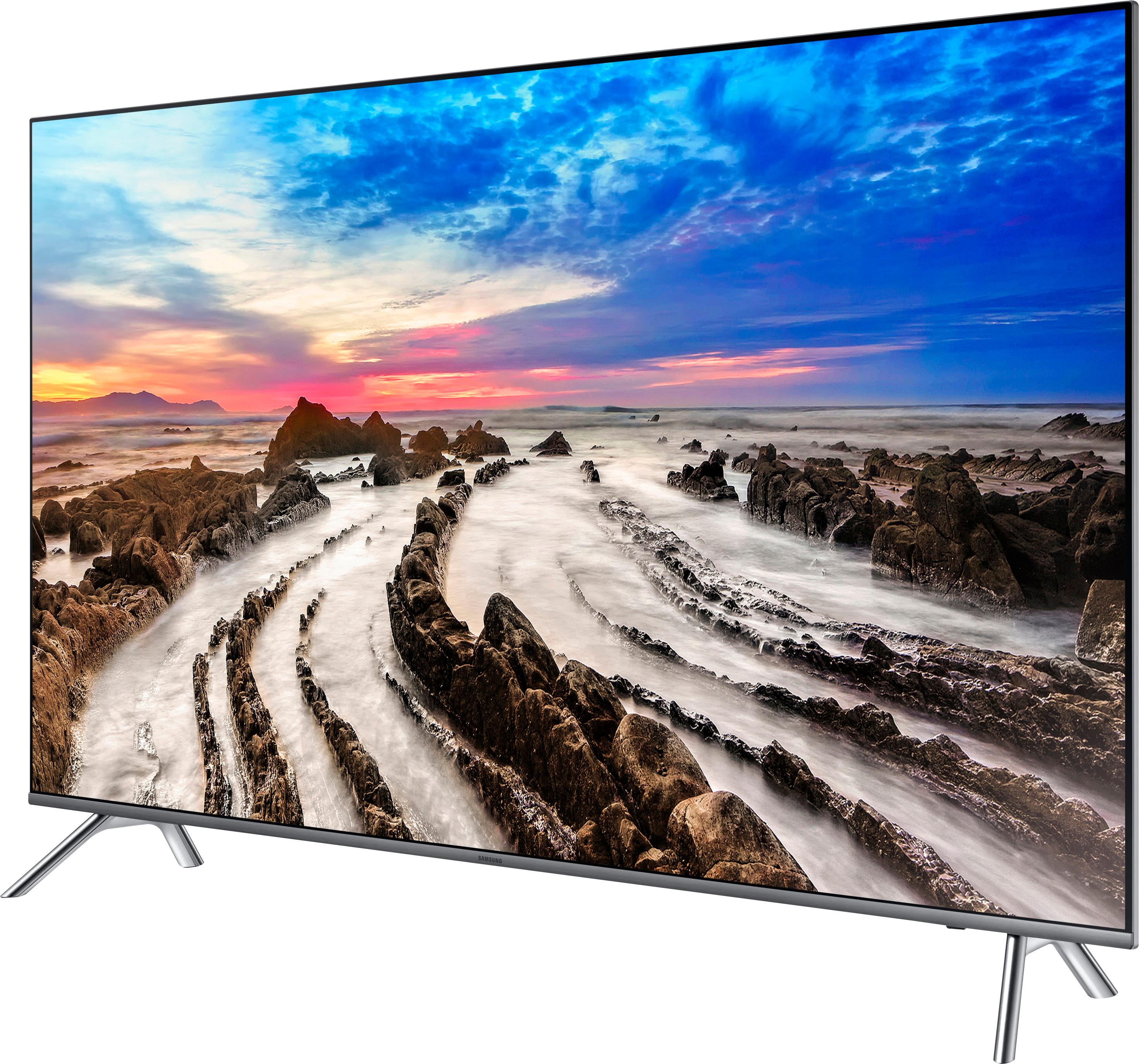
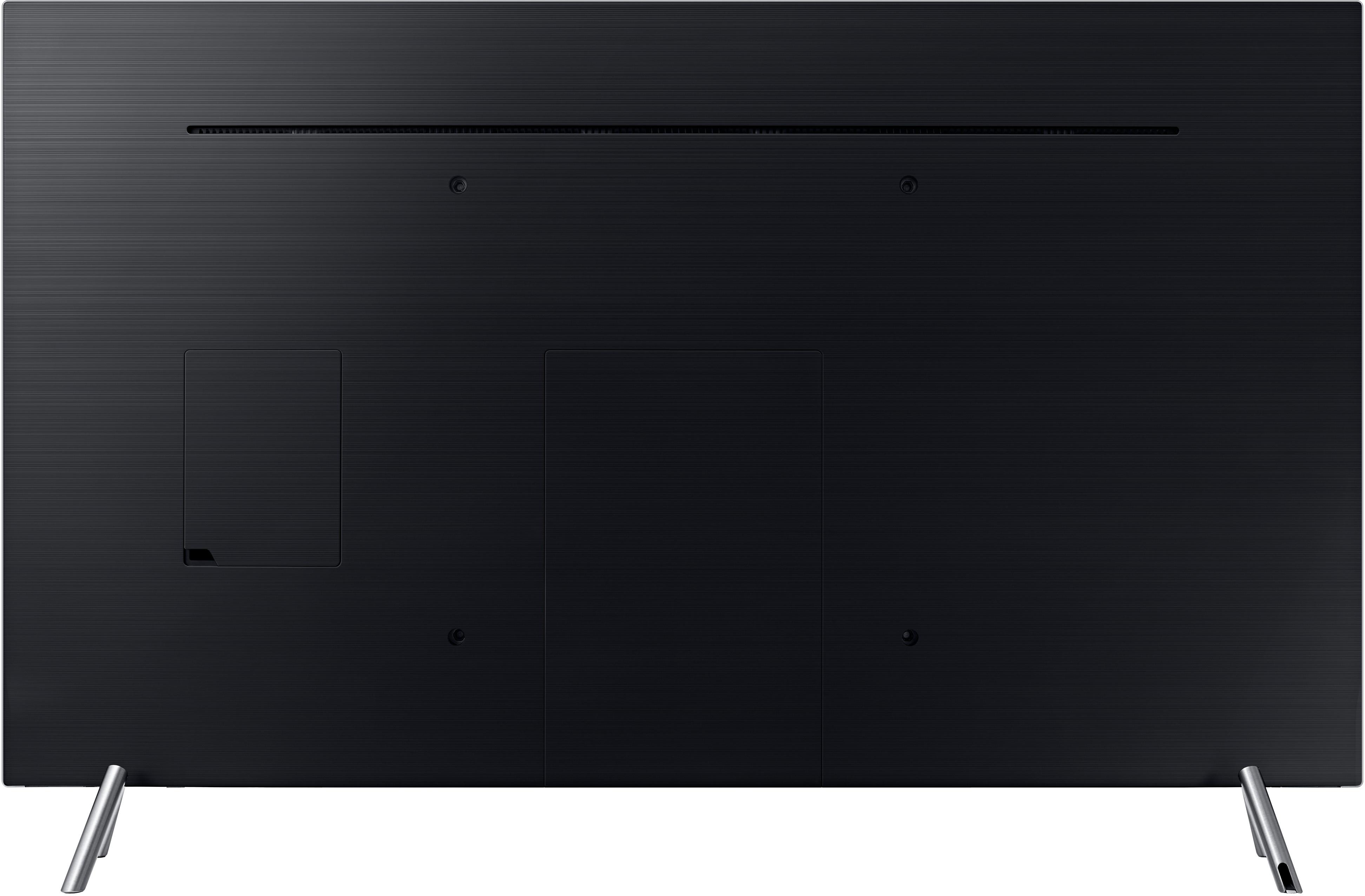
A:AnswerWhatever your watching needs to be broadcast in 4k to actually see 4k.
Change your settings to auto detect to allow the tv to use the format in which the program broadcast.
A:AnswerFirst of all, the TVs are of two different series. the 700/7000 series, and the 800/8000 series. In the case of the 700/7000 series, these models are lower level models compared to models beginning with the number 8, or even 9. The higher the first number - 8, in this case - indicates it is a higher featured unit, than models whose numbers begin with 5, 6 or 7, but not as well featured as a TV beginning with the number 9. Some feature improvements may be the inclusion of High Dynamic Range, improved color control, improved motion rate, a higher featured remote control, more HDMI jacks, a thinner bezel, a more powerful sound amplifier, or possibly a better quality stand - chrome or stainless steel vs. black or grey plastic. The more features a particular unit has, the higher the retail price.
As for the 700DFXZA unit, the letter D usually indicates if is a "derivative" model of a comparable model in the manufacturer's official line-up. Derivative models, such as the 700DFXZA, are typically very similar to models in the 7000FXZA series, except for minor differences, such as possibly a slightly different remote control unit, the color or finish of the stand, and the inclusion or deletion of say, one, or more HDMI or other input/output jacks, and are sold, typically at warehouse clubs, such as Costco, Sam's and BJ's, and possibly other retailers, who wish to have an "exclusive" model that is not usually sold at other mainstream retailers.
Most of the major TV manufacturers have a regulated price policy for retailers that prohibit the retailer from selling certain models or series of TVs, in their "official" line-up, below a certain price. However, "derivative" units do not fall under the minimum price requirements of the manufacturer, and thus allow the retailer to sell the TV as a somewhat lower retail price, or offer longer warranties as compared to those models in the "official" line-up. Also, with a slightly different model number, with possibly different features, "derivative" models are not typically able to be "price-matched" to the standard models sold at Best Buy, and other retailers, due to the retailer's policy of price matching products with the same exact model number.
A:AnswerA. If it freezes during apps then it's your internet connection not the tv. And it shouldn't turn off unless you have sleep timer on or eco mode on. Go to settings to turn off. And check for the latest update
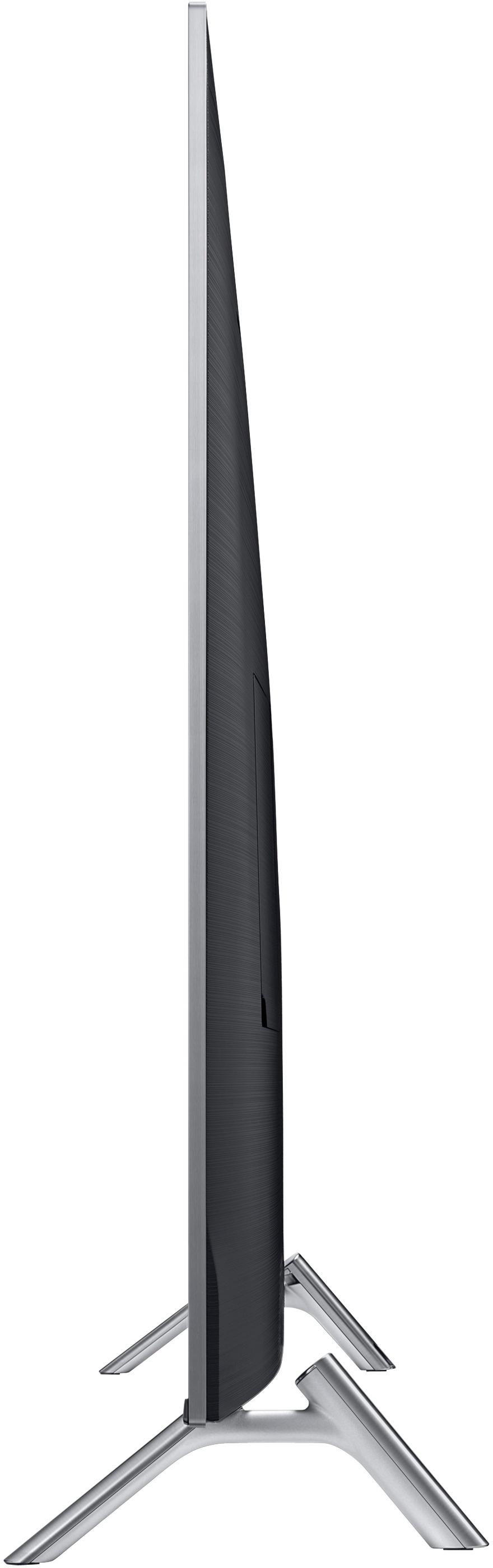
A:AnswerYes, there are 4 holes for the stand legs. Where you insert the legs depends on the width of your tv stand. This is just one of many great thoughtful design features as my tv stand is narrow and required the narrower holes.
A:Answerdo not listen to people who don't know the difference between the "refresh rate" and "motion rate". Refresh rate is a specific number given in Hz as to how many times the image refreshes per second, "refresh rate" is a legally binding specification. "Motion rate" is marketing/sales jargon that can be whatever unregulated number the manufacturer decides.
This tv has a refresh rate of 120Hz.
A:AnswerThe fixed legs are exactly 43 1/2 inches by 10 inches, so I recommend a surface of at least 48 inches. You should be able to purchase a nice 3 level TV stand at your store, with a glass shelf in the middle. The one I bought at Best Buy is exactly 47 1/2 inches, with a wood finish.
A:Answerhttps://www.displayspecifications.com/en/comparison/d8811a5a7
The main difference is the motion rate. The 8000 is 240 while the other one is 120. The Vertical frequency is higher in the 8000 at 120HZ.
The motion rate keeps the tv on subject during very fast movement.
I must say, the TV is the most clearest I have ever seen. This thing is worth the $1100.
A:AnswerYes but we have not used it. I attached a picture of the timer so you can see what it looks like.
It is an awesome TV. You won't fall asleep watching it. The picture is incredible.
A:AnswerYes, you can hang it over a fireplace. However, it is best to use lag bolts and screw them into studs. You can get anchors if there are no studs but make sure you get very strong anchors. The TV is not real heavy but don't forget to account for the TV bracket weight. Also make sure to use the plastic wall mount spacers when bolting the TV to the TV wall bracket.