A:AnswerAuto Source Switch+ automatically detects and switches to the signal of a newly connected device, eliminating the need to manually cycle through inputs.
This question and answer was generated by AI based on customer and product data.

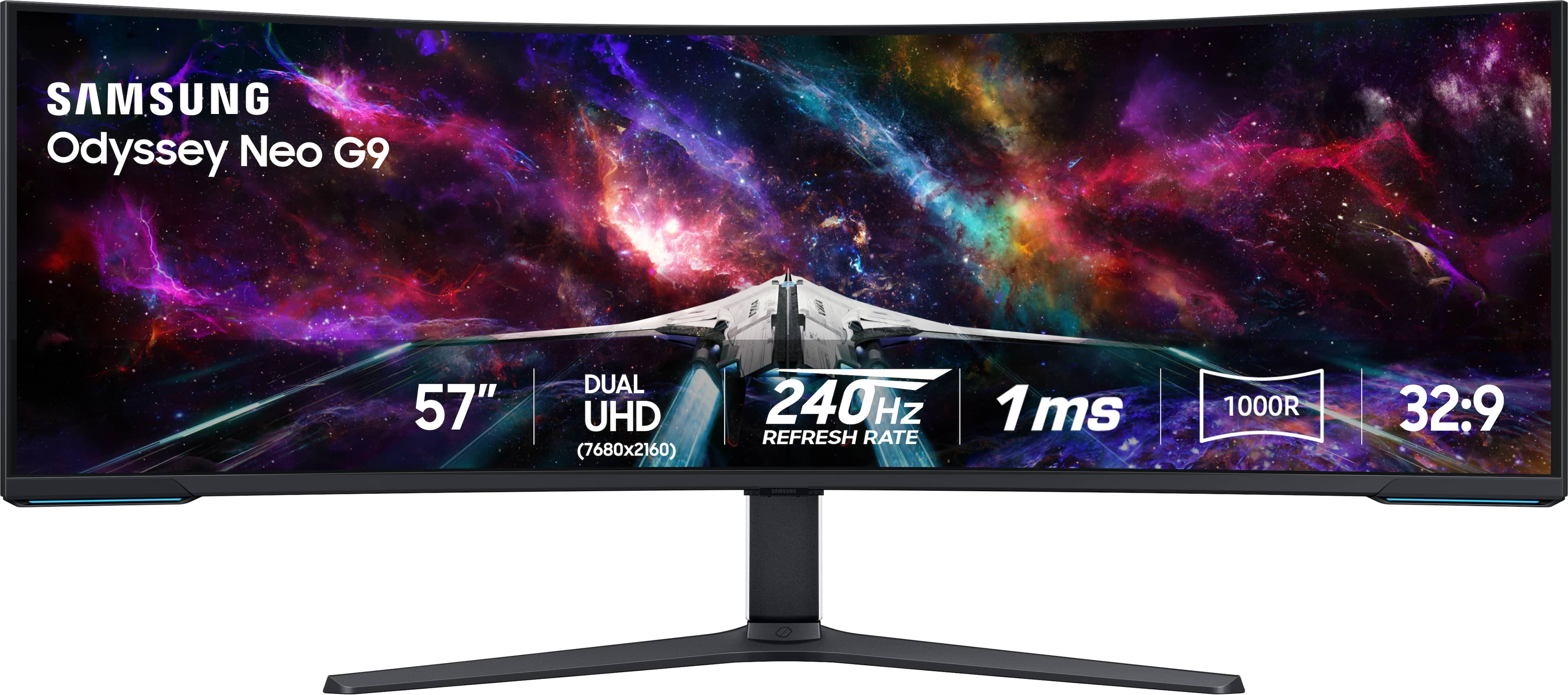
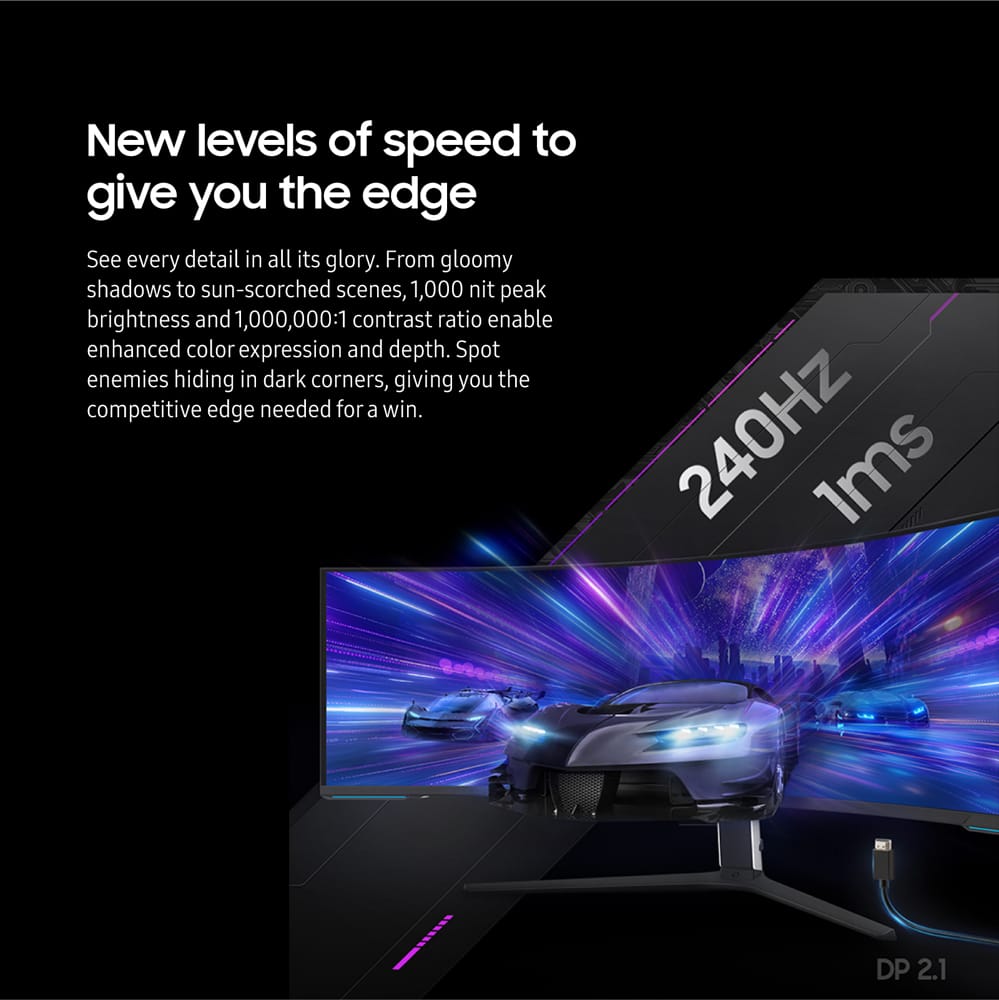
A:AnswerThe short answer is that some of the new RADEON cards can play games at DUHD 240Hz natively, so long as they aren't too graphically demanding. NVIDIA cards don't use Display Port 2.1, so they cannot surpass 120Hz at DUHD natively.
Either way, most games using the native 7680 x 2160 resolution can struggle to get to 120 Hz, even with things like DLSS 3.5 and a 4090. Despite this, the monitor is solid, and a good option if you are looking for a "future-proof" monitor - GPUs will 'grow' into this monitor as they get more powerful down the line.
A:AnswerBecause it supports a 7900xtx, 4k @ 240hz and works wonderfully.... 4090 will never be able to do this as it doesn't have display port 2.1 on the card. Samsung has no way control the refresh rate of the video card. Planned obsolescence of a multi-thousand dollar graphics card. It's the reason I went team red this time.
A:AnswerShort answer: Yes, of course.
More detailed answer: Yes, you can have it full screen.
Or you can split the window on either side of the screen using Windows 10/11's window snap feature by clicking, holding, and dragging the window to the middle sides of either end of the monitor. This gives you the option to have another window open of your choosing at 1920x1080 resolutions within your native aspect.
Additionally, you can use the PiP (Picture-in-Picture) mode to force whichever PiP option you'd like to utilize one video output for work and the other PiP to use for the other video output.
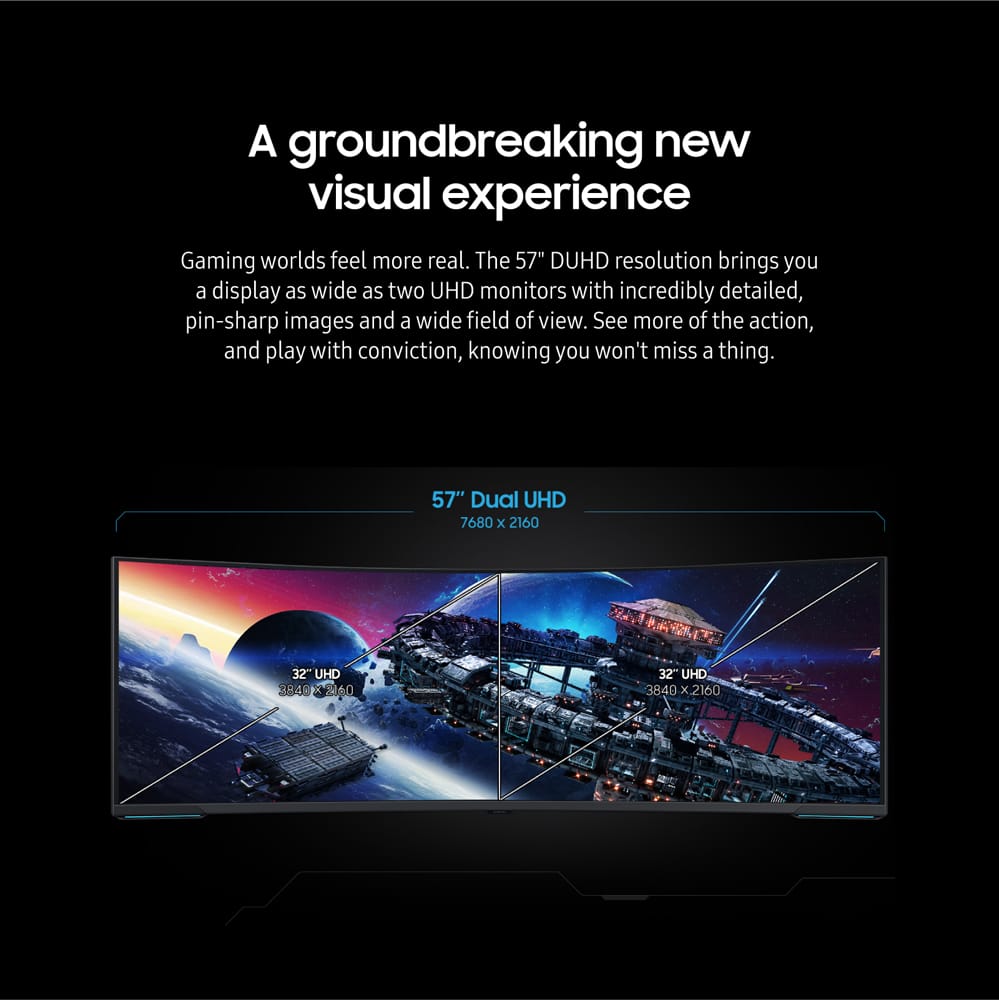
A:AnswerPBP works by using two inputs. It would give you a 4K display on one half and one on the other. No HDR or VRR available in this mode and both "screens" are limited to 120hz.
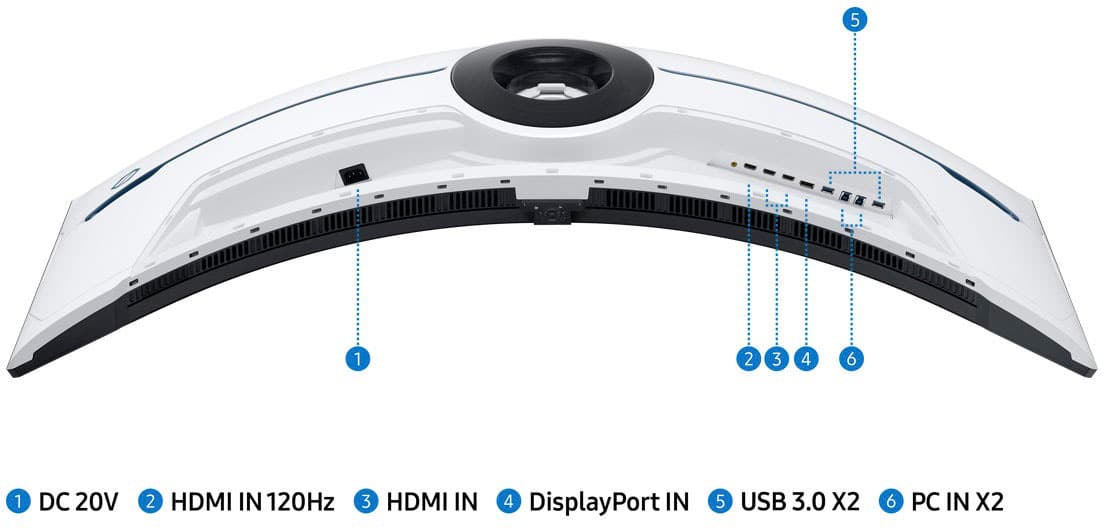
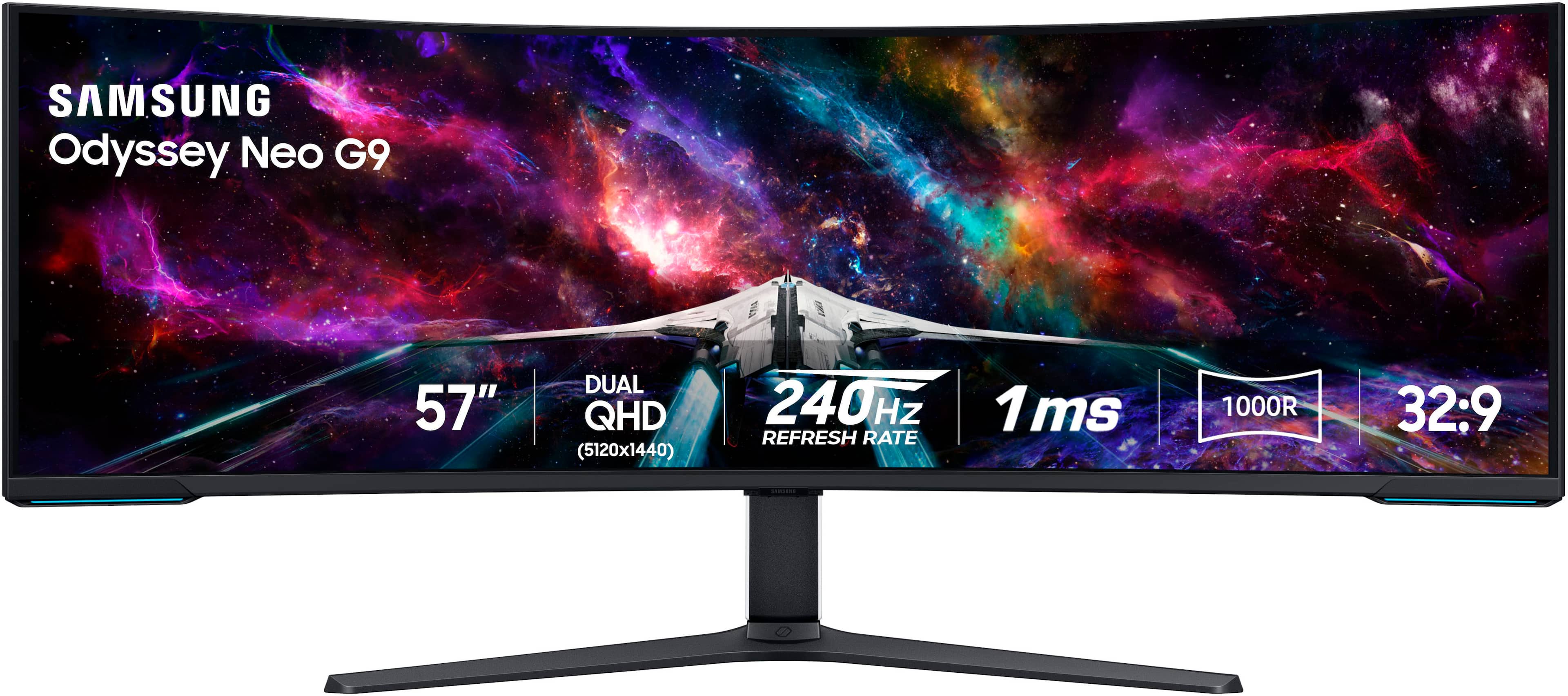
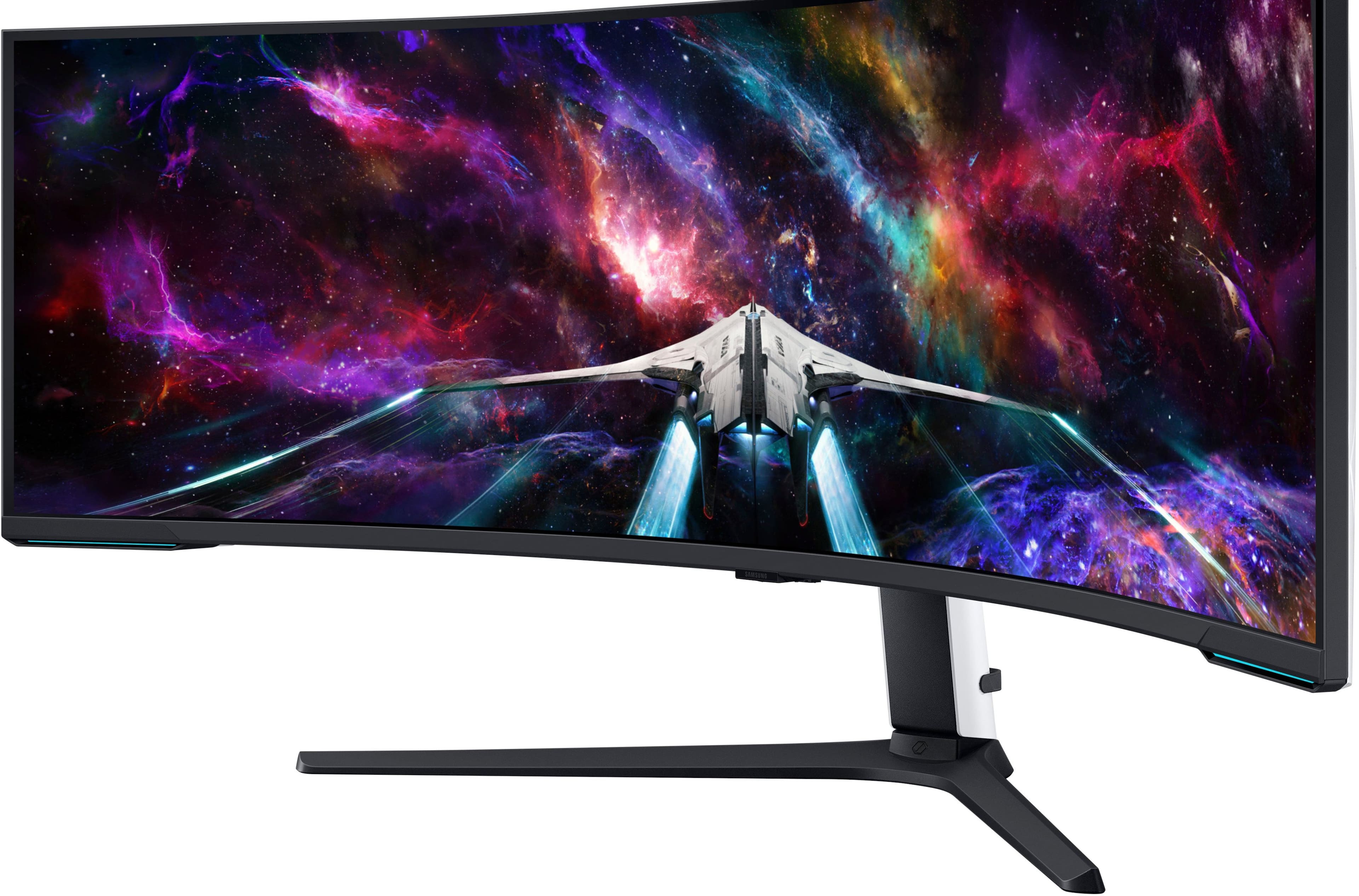
A:AnswerThank you for your question! the 57" Neo G9 does not come with a remote or speakers. However, this monitor does feature the following audio and video ports: 1 displayport (DP 2.1) and 3 HDMI (2.1). If you are looking for a gaming monitor with speakers, be sure to check out Samsung's Odyssey OLED G8/G9, Ark, and Neo G7 models.
A:AnswerAs of 12/4/2023, this device does support Nvidia GPUs!
There is a slight caveat though: NVIDIA GPUs, at the moment, do not support Display Port 2.1. This means they cannot fully output to this monitor's native resolution and framerate simultaneously (without some tinkering). I would still recommend getting this monitor though, 120FPS at DUHD is still very good if you use it with an NVIDIA GPU. Some AMD RADEON GPUs do have Display Port 2.1; you would be able to run the monitor at native resolution and framerate simultaneously with one.
To answer your second question, G-SYNC is compatible with the monitor when you enable it from your GPU. The monitor itself, however, uses 'Adaptive Sync.'
A:AnswerDP 2.1 supports it yet the only card with that currently is the flagship amd card. There should be a firmware update that will allow HDMI 2.1 and DP on current Nvidia cards to be able to support full res @240hz
A:AnswerIt comes with an HDMI cable and a DisplayPort cable. However, if you want to max out the monitor and use it to its fullest potential, plan on buying your own short, certified cables. With mine I couldn't get more than 120Hz out of the DisplayPort cable that came with the monitor. Once I bought a DisplayPort 2.1 certified cable I was able to do the 240Hz. Personally for a monitor that has a regular list price of about $2,500 I think Samsung should have supplied high-quality certified cables with the unit.
A:AnswerYes. I think the math comes out to two 31.5" monitors which is rounded to 32". It would be exactly like two Neo G8 4K smashed together. Exactly double the resolution and exactly double the mini LEDs.