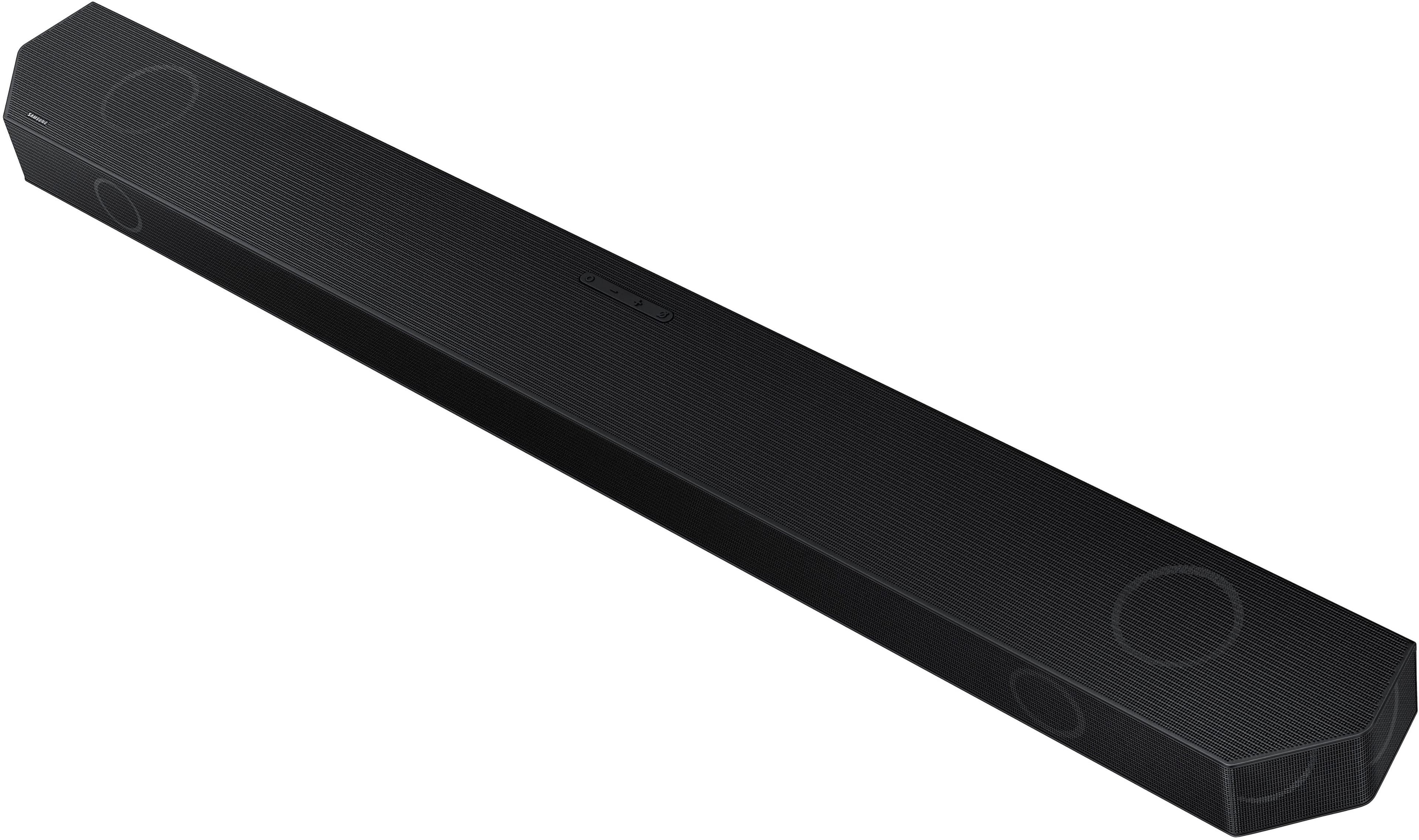
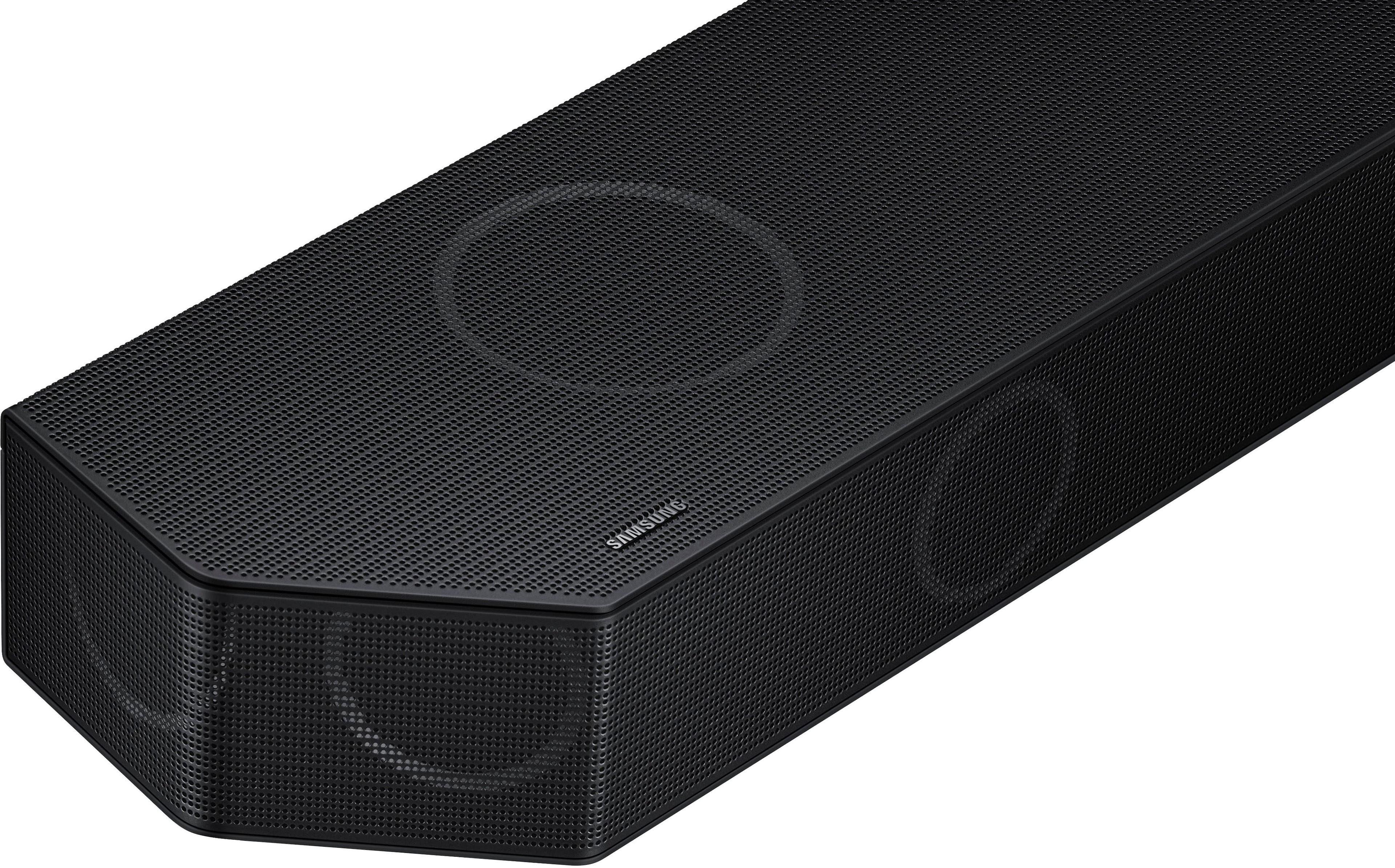
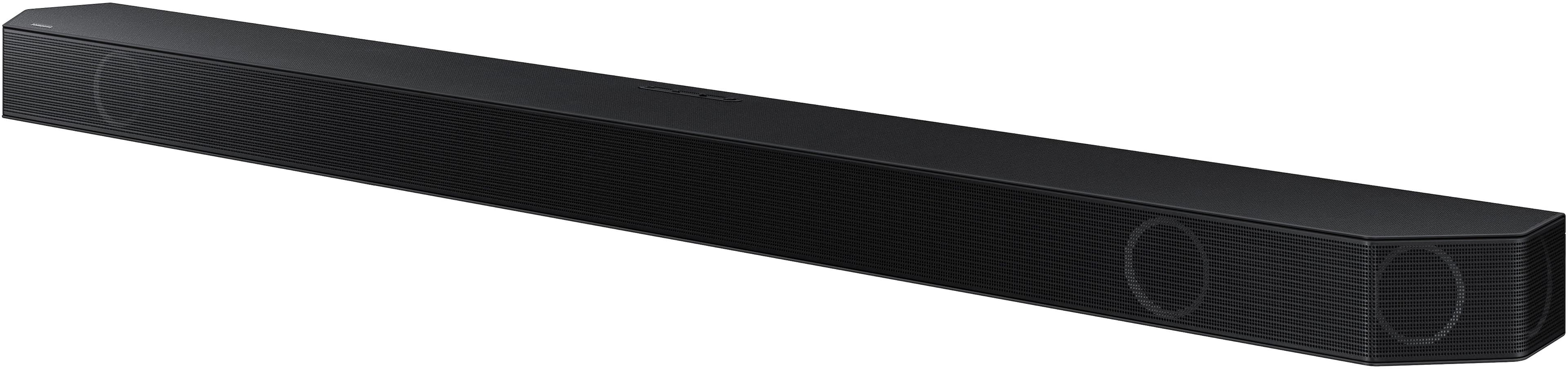
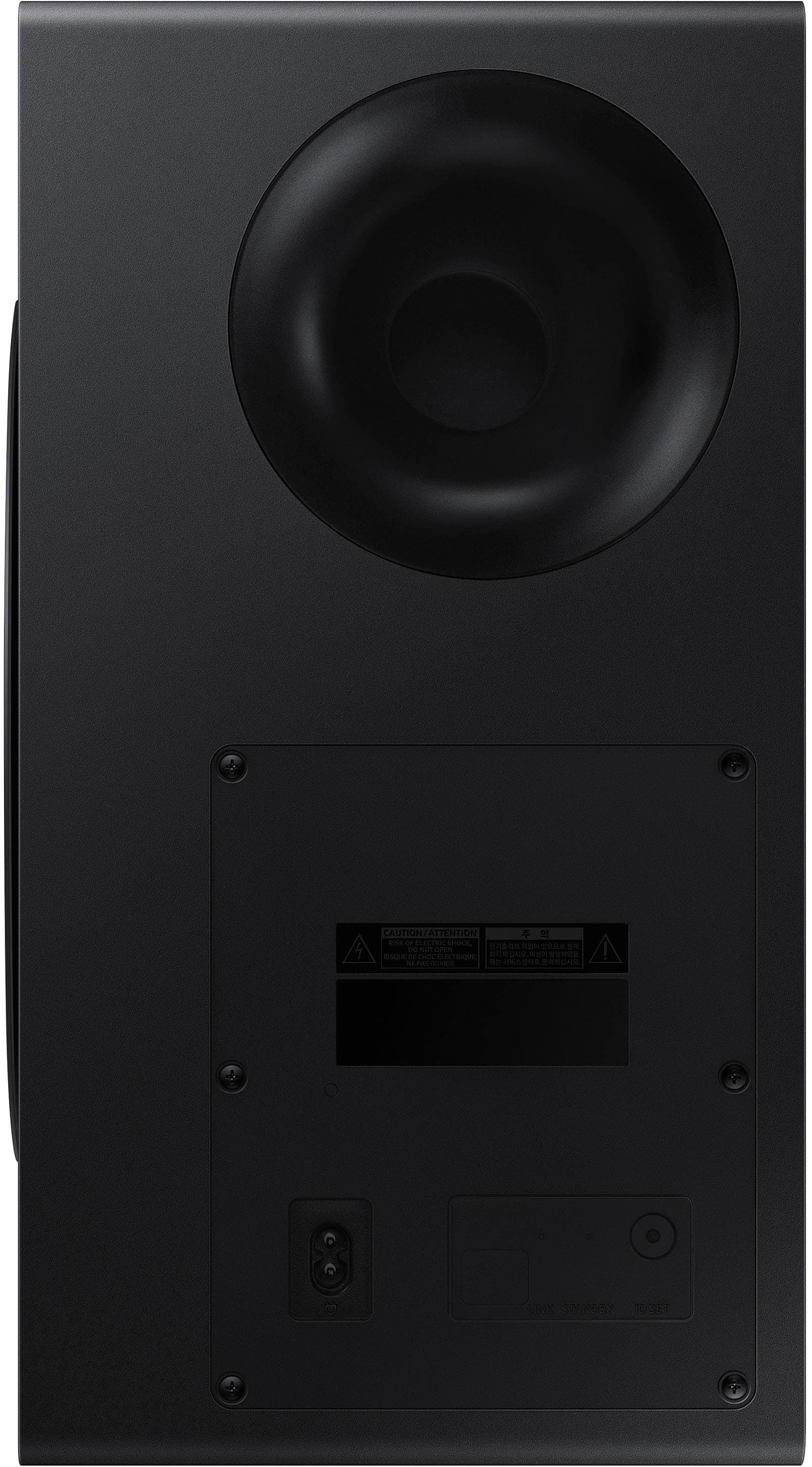
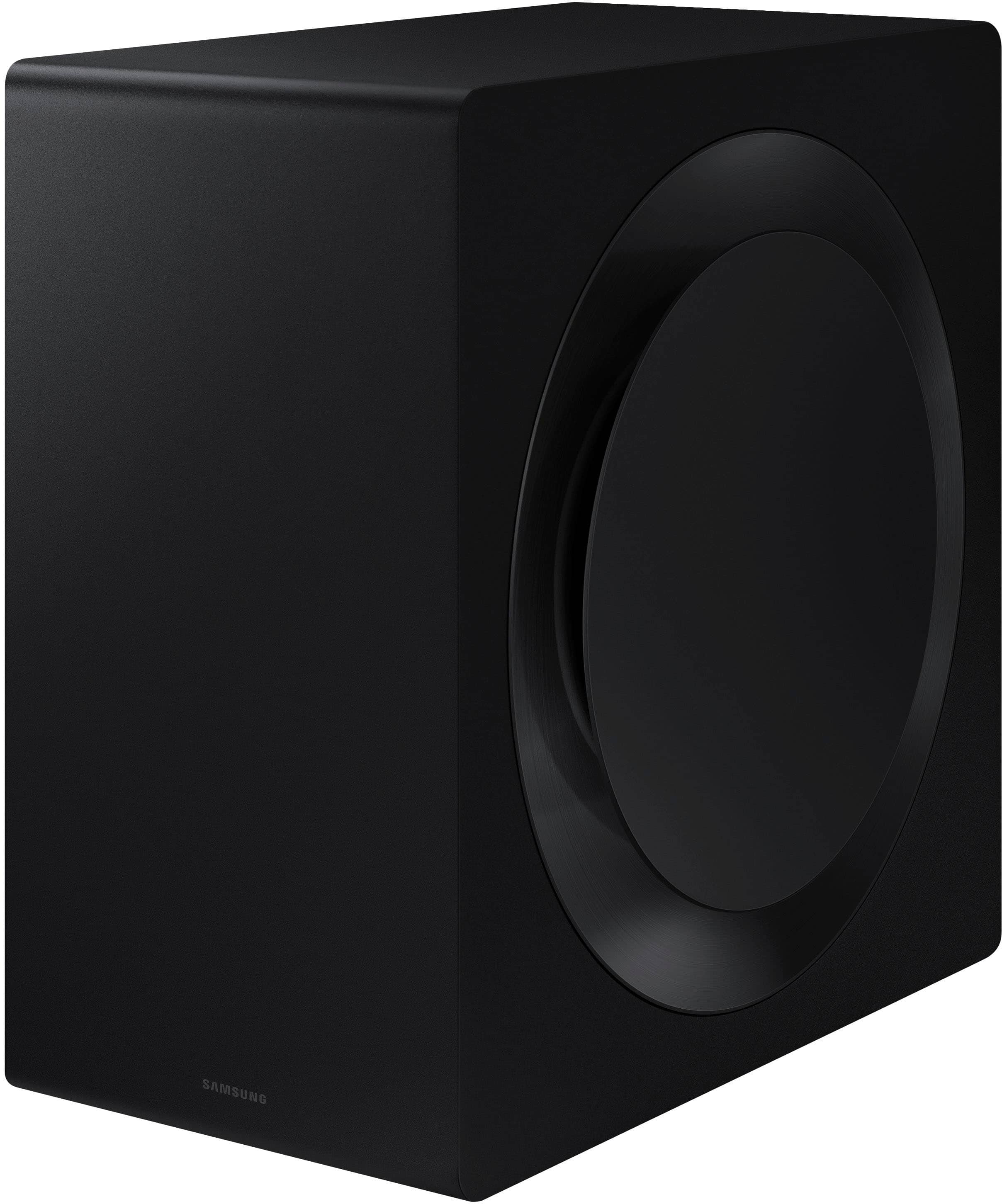
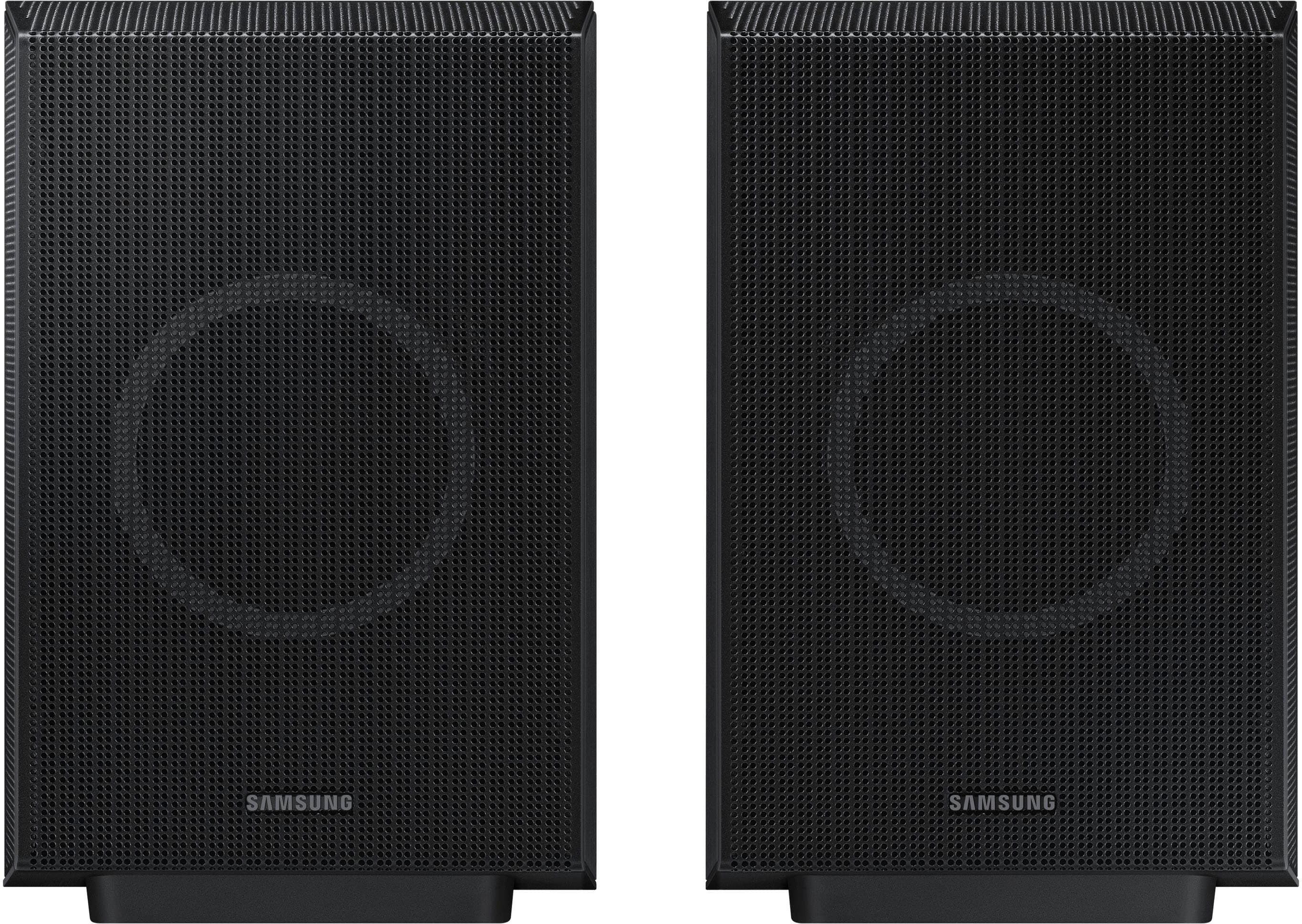
A:AnswerQ-Symphony allows Samsung TVs and soundbars to work together, with the TV speakers and soundbar operating as one cohesive unit for enhanced audio.
This question and answer was generated by AI based on customer and product data.
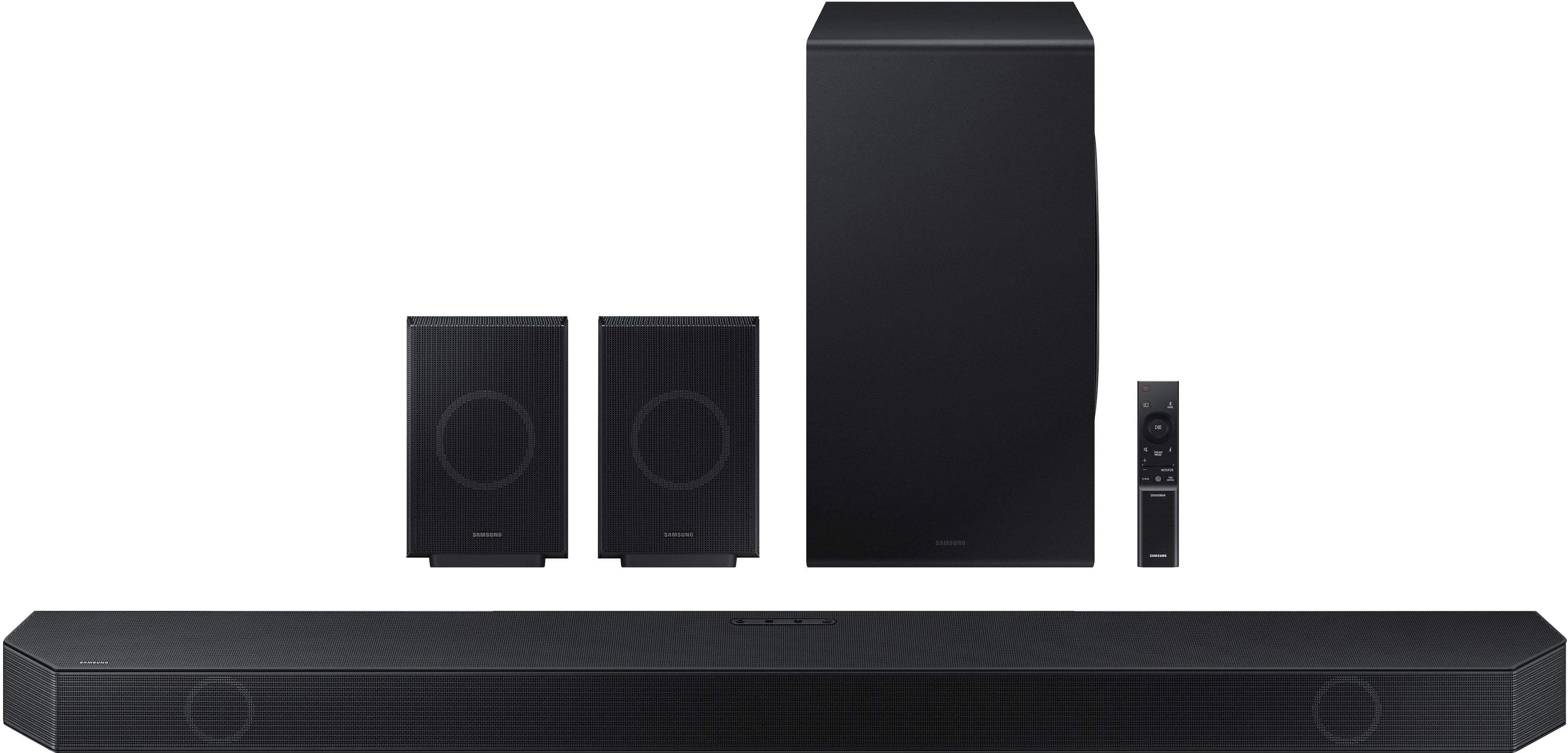
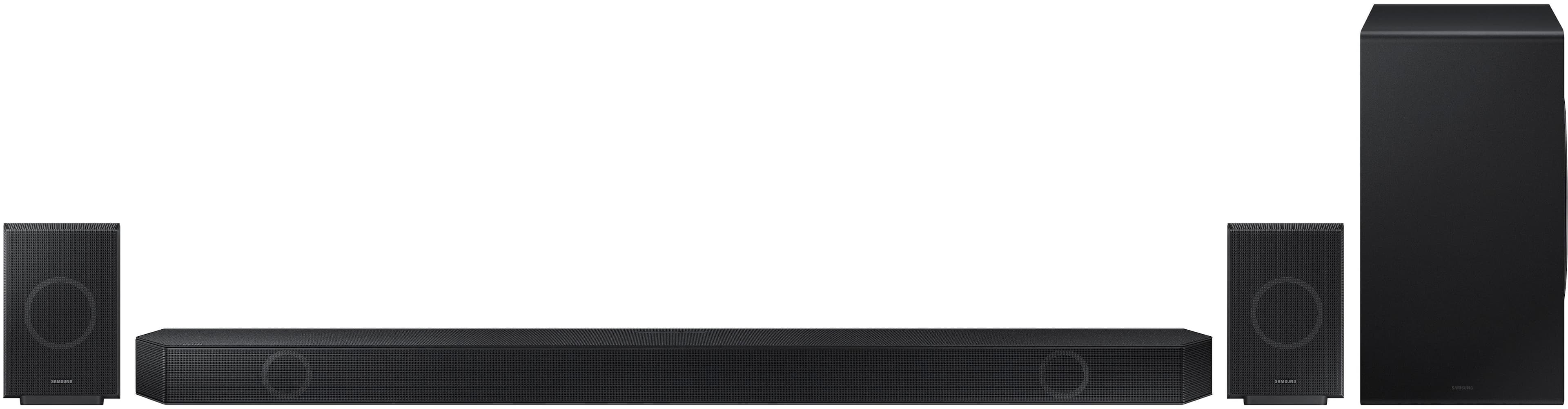
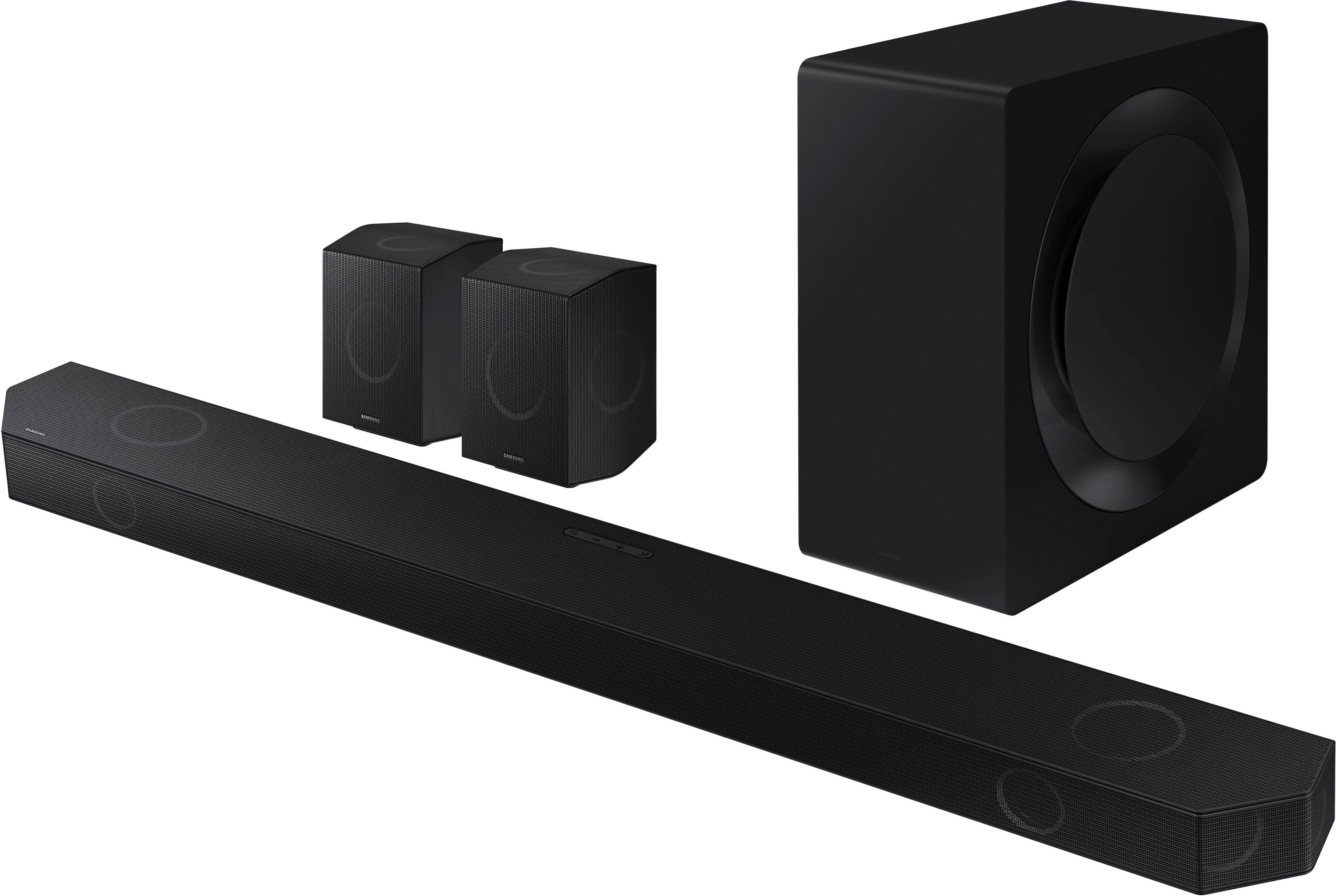
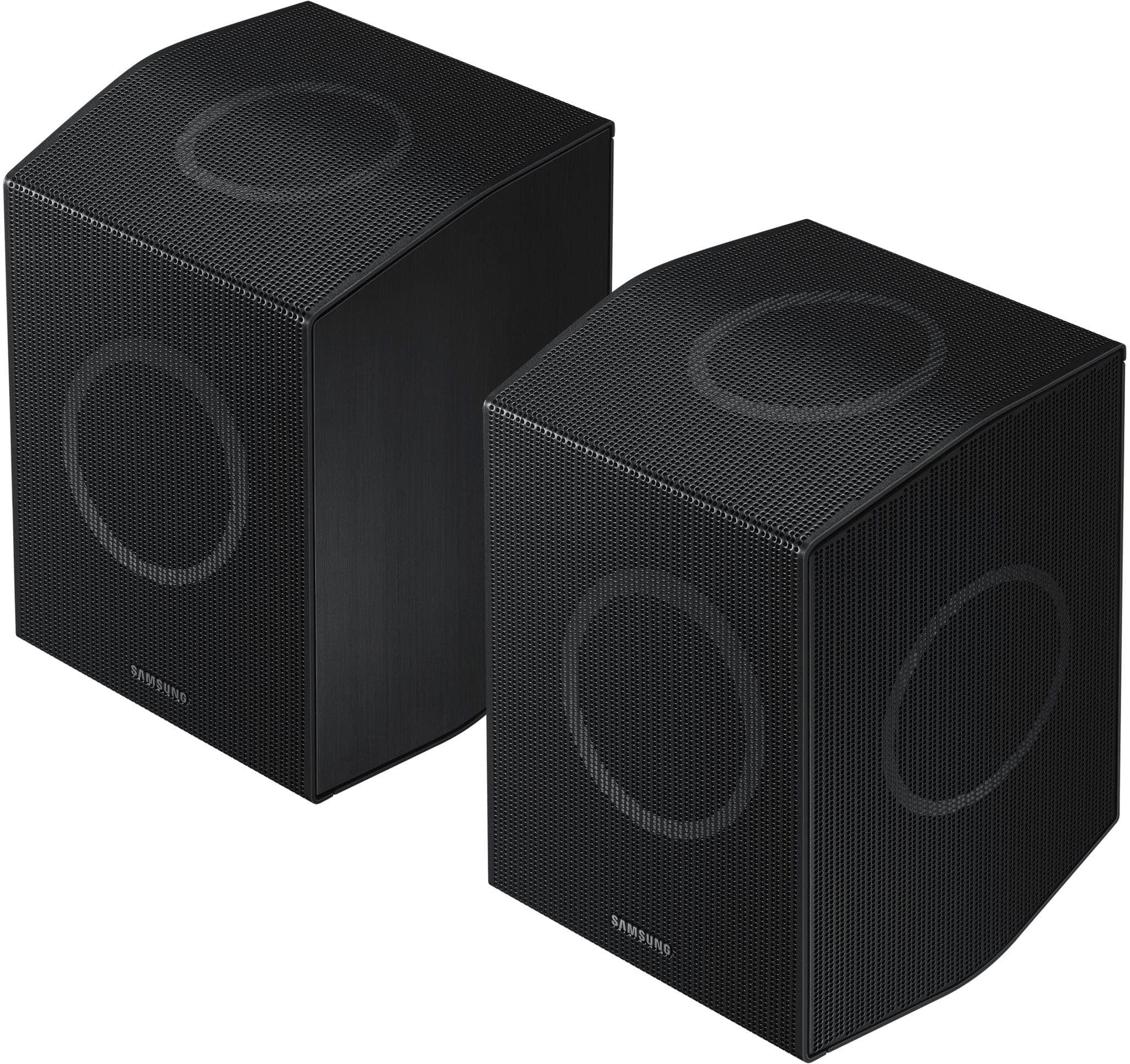
A:AnswerHi Matt! Great question! Both models feature 11.1.4Ch audio for a true (& wireless) Dolby Atmos experience, Q-Symphony for synchronized TV+Soundbar audio, as well as features like SpaceFit Sound Pro, Adaptive Sound, and AVA (Active Voice Amplifier). New in 2024, our Q990D Soundbar introduces Private Rear Sound to allow you to watch TV without disturbing others – especially at night – by activating sound solely from the included rear speakers, upgraded Game Mode Pro to further optimize sound to each gaming genre while better separating 3D audio, and an enhanced music experience to enjoy Hi-Fi and Spatial Audio via Tidal Connect, Dolby Atmos Music, and Sound Grouping. Hope this helps!
~ Samsung Solutions
A:AnswerHi there Michele! Yes, you can connect the HW-Q990D Soundbar to a receiver, but it depends on the models and connection options. It is designed to be a standalone audio system, so integrating it with a receiver and other speakers can sometimes result in poor audio quality. It's important to ensure compatibility and proper settings to avoid any issues. I would recommend streaming music wirelessly from a phone or other compatible device using either WiFi or Bluetooth. If you download the app for your iOS or Android device and then connect your Soundbar to Wi-Fi it will make streaming music easier. ~ Samsung Solutions
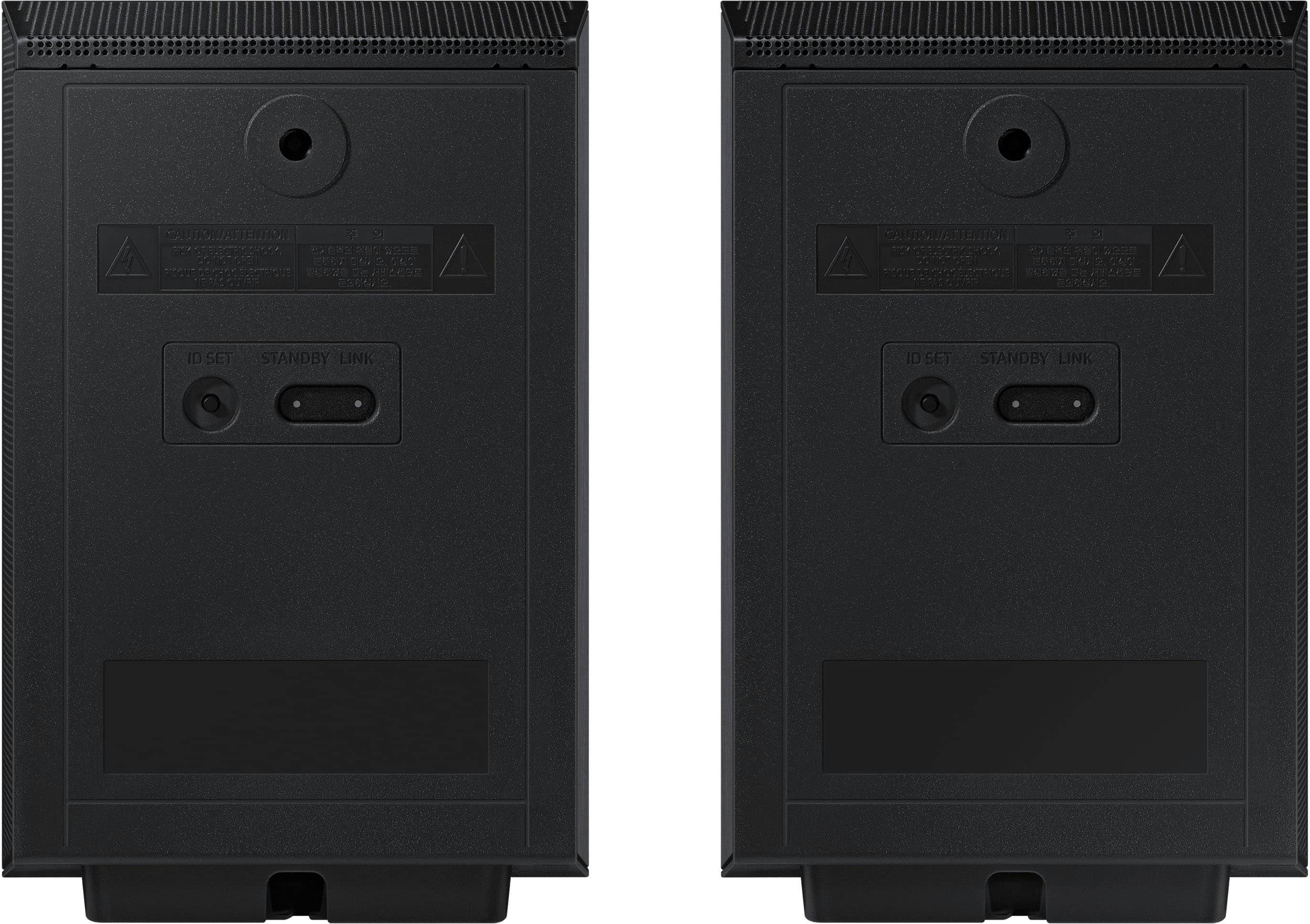
A:AnswerHello Max! They will each require to be plugged into an outlet, and the length of the power cable for each rear speaker included with the HW-Q990D is approximately 5ft. ~ Samsung Solutions
A:AnswerNo, You want an HDMI 2.1 switch.
Search for this.....
HDMI 2.1 Switch 8K 60Hz 4:4:4, AVIDGRAM HDMI Switcher 4 in 1 Out with IR Remote, 4 Port 4K 120Hz Auto HDMI Selector Hub"
A:AnswerHi there Speakers. You can not add additional rear speaker kits, however, you can enhance your listening and viewing experience with Q-Symphony by pairing the Music Frame with a 2024 or 2023 Samsung TV and/or a 2024 Q or S series Soundbar. ~ Samsung Solutions
A:AnswerDG98204, Updating the firmware on your soundbar gives you all the benefits of the latest improvements. When the Soundbar is connected to the Internet, Auto Update allows software to update automatically even when the Soundbar is turned off. You can also update by using the SmartThings app.
If not connected to the internet, you can download it onto a USB device, and then upload it to your soundbar - no wireless connection required. Connect the USB drive that contains the update firmware to the SERVICE port of the Soundbar.
1.Go to the Samsung Electronics website (www.samsung.com) → click on the “Support” option in the upper left corner.
2.Click on “Manuals & Software” from the pop-up list > TVs & Home Theater > Home Theater > Select your model
2. Download the firmware file (USB type).
3. Unzip the file to create a folder with the file name.
4. Store the created folder in a USB and then connect it to the Soundbar.
5. A sequence of “UPDATE” > “BYE” > “ON” will appear on the display 3 times. This will take around 6 minutes.
- During update, do not turn it off or remove the USB.
- If “UPDATE” does not appear on the display window, remove the power cord from the Soundbar and then reconnect it.
- When the latest version is installed, no update is performed.
- Depending on the USB type, update may not be supported.
6. After the 3 cycles are complete, the Soundbar will restart and last source used will appear on the display for about 20 seconds and then it will go off (“UPDATE” > “BYE” > “ON”) 3 times “D.IN” > off
If your soundbar fails to update or is experiencing problems, please contact Samsung Customer Support. Just give us a call at 1-800-SAMSUNG (Ask for Soundbars), 8AM - 12AM EST, 7 days a week. Our Live Chat agents are also available by clicking on the ‘Support’ link on our website.
~ Samsung Solutions
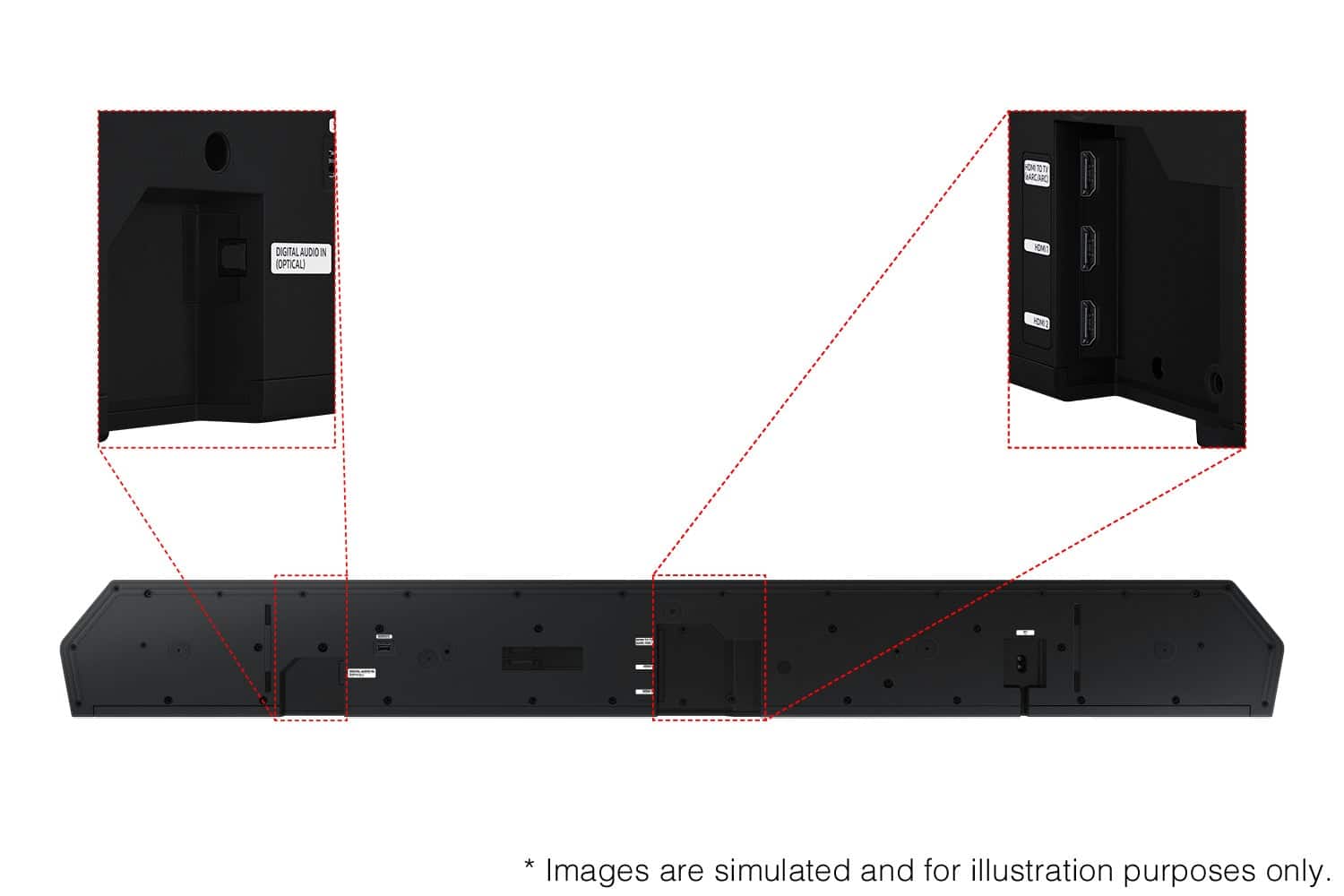
A:AnswerHi! The HW-Q990D features four ways to connect to an external device: Wi-Fi, HDMI (eARC), digital optical audio, and Bluetooth wireless audio technology. If your TV is compatible with one of these four audio connections, you should have no issue connecting the soundbar to your TV. ~Samsung Solutions