Questions & Answers
- Model:
- SDSSDE61-4T00-G25
- |
- SKU:
- 10117236
Q: QuestionWill this drive work as a time machine backup on Mac?
Asked by Frustrated.
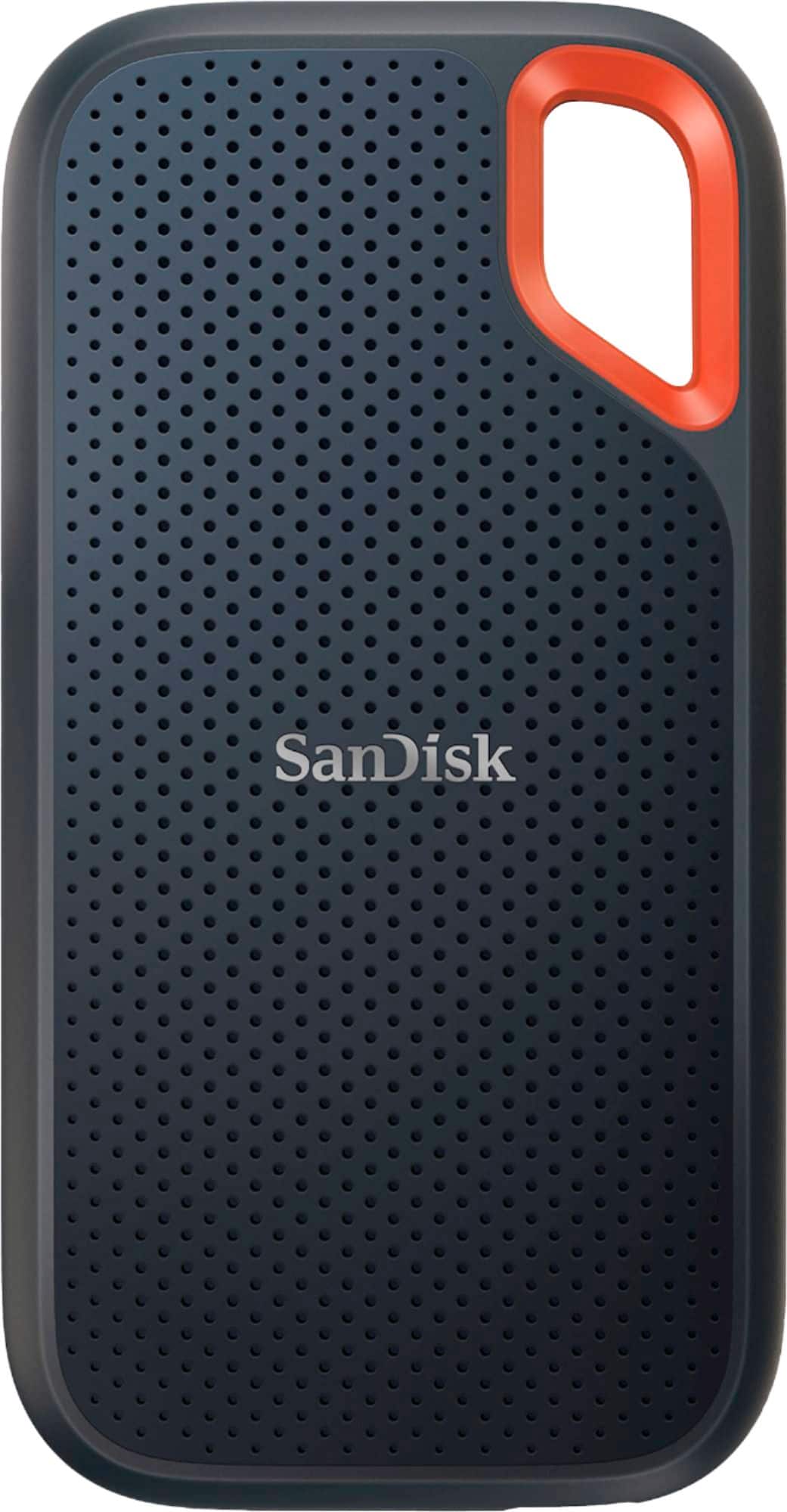
- A:Answer Yes, the SanDisk® Extreme Portable SSD will work with time machine backup while using it on Mac computers.
Answered by SanDisk Team
Q: QuestionI'm trying to back up my computer and the thing says it's full and nothing is on it. Do I need to format it first?
Asked by JoeR.
- A:Answer Hi, we apologize for the inconvenience. If your SanDisk Extreme Portable SSD appears full despite having no content, it may need to be reformatted, especially if it’s using a file system that is not fully compatible with your operating system. First, check for data backup, as formatting is a data-destructive process. However, if it is genuinely empty and still not functioning, formatting it according to your operating system may help resolve the issue. For Windows PCs, use NTFS for formatting. For Macs, consider APFS or HFS+, and the exFAT file system is suitable for cross-platform use between Windows and Mac. Please see, (https://support-en.sandisk.com/app/answers/detailweb/a_id/51125)
Answered by SanDisk Team
Q: QuestionIf I leave this drive plugged it will it automatically back up my computer on a daily basis?
Asked by Joan.
- A:Answer Not automatically. That would be fantastic, though I am sure there is software you could add that would do it for you.
Answered by Robert
Q: QuestionDoes this work with Mac ventura 12.4?
Asked by ManMundo.
- A:Answer Hello, Please allow us to inform you that all the SanDisk®️ portable SSDs are a plug and play storage devices. You can connect the drive to the computer and start transferring the data using drag and drop or copy/paste method. You do not require any special driver, firmware update or software to use the drive on computer. Our drives use the native drivers of the host device.
Answered by SanDisk Team
Q: QuestionWhat is the write cycle endurance limit for these drives?
Asked by Bryan.
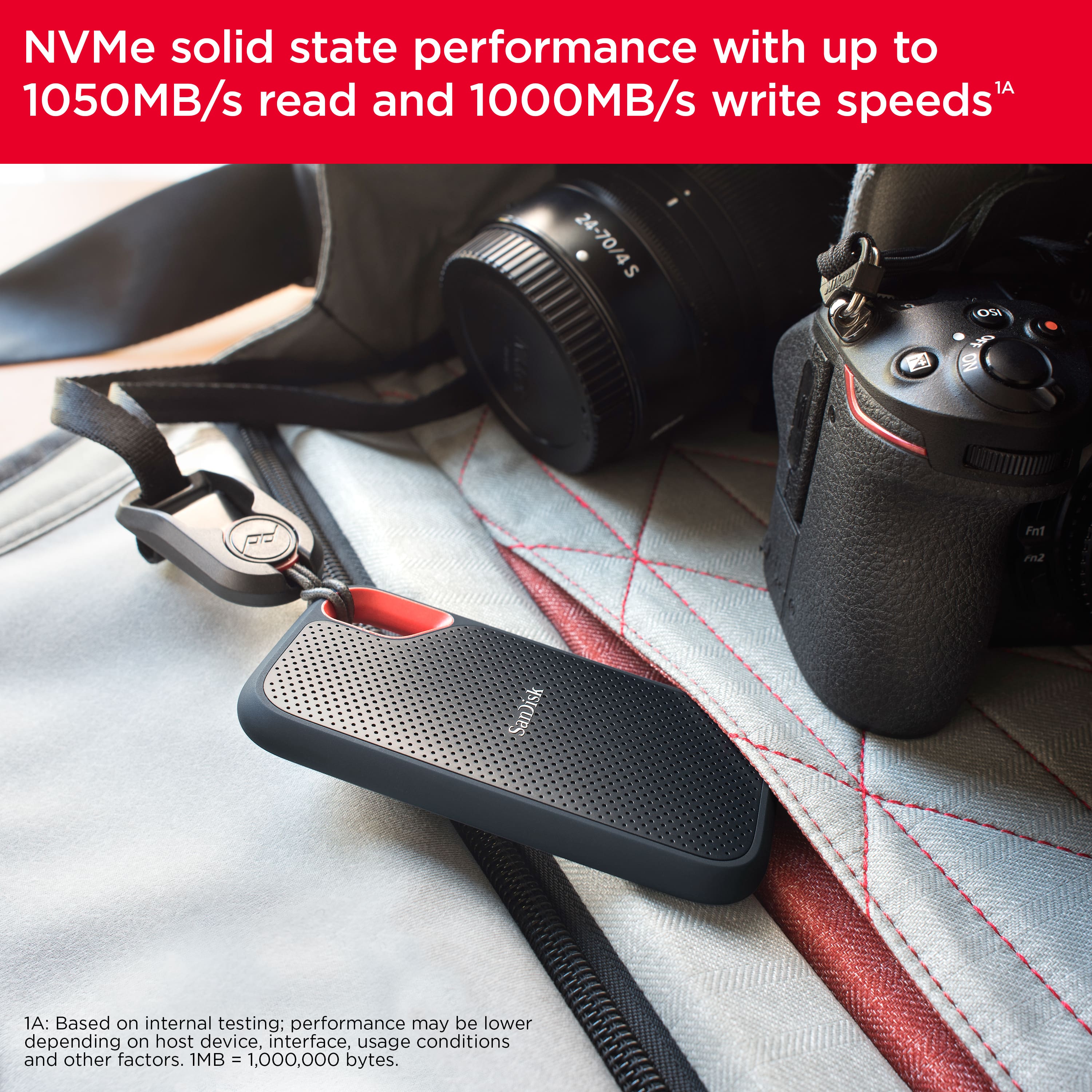
- A:Answer Hi, the SanDisk Extreme Portable External USB-C NVMe SSD is built and designed for tough tasks like photo/video editing, backup, and large file transfers, providing great durability and performance. Although SanDisk does not publicly list the typical write endurance (TBW) for this external model, but based on NVMe drives of the same class and capacity, you can comfortably expect good write endurance. If you encounter any problems, you can always open a ticket at (https://support-en.sandisk.com/app/askweb)
Answered by SanDisk Team
Q: QuestionIs this product compatible with a PS5
Asked by Anonymous.
- A:Answer Hi, Please know that the SanDisk Extreme Portable External USB-C NVMe SSD can be used with a PS5 for storing and playing PS4 games, as well as for backing up PS5 game data. However, PS5 games cannot be played directly from the drive due to system limitations—they need to be transferred back to the console’s internal storage. For expanding PS5 game storage, a compatible M.2 NVMe SSD installed in the PS5’s expansion slot is required. You may also check WD_BLACK SN850P NVMe™ Internal SSD for PS5® consoles.
Answered by SanDisk Team
Q: QuestionAre there compatibility issues with Linux, in other words does it work with Linux
Asked by Tom000.
- A:Answer It does work with Linux
Answered by MarceloY
Q: QuestionIs this a good choice for pc gaming?
Asked by JJjj.
- A:Answer Yes Fast transfer rate Makes it totally PC Gaming compatible
Answered by MarceloY
Q: QuestionHow do i back up my computer
Asked by Anonymous.
- A:Answer It has built in back up features It comes with a software (WD Backup software) that allows you to do it Double click in it and it will guide you step by step
Answered by MarceloY
Q: QuestionWill this drive work with windows 11 and bit locker?
Asked by Dale.
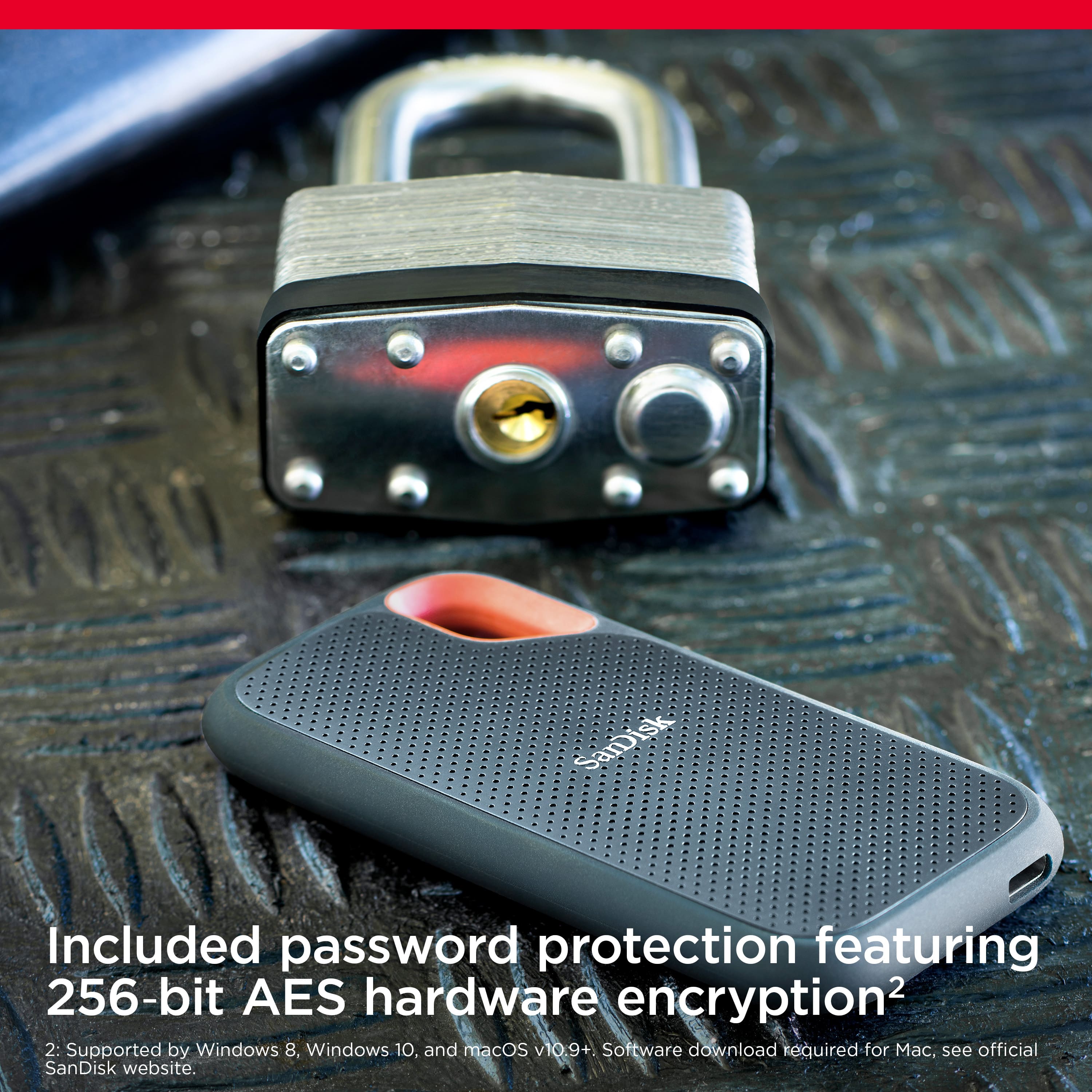
- A:Answer Yes BitLocker can encrypt the SanDisk drive in Windows 11
Answered by MarceloY
Q: QuestionI this the Gen 2 with the updated firmware or Gen 1
Asked by Wondering.
- A:Answer Thank you for reaching out to us. Please allow us to inform you that the SanDisk Extreme Portable V2 4TB SSD and the SanDisk Extreme Pro Portable V2 SSDs come with the updated firmware. For any further assistance please submit a support ticket at https://support-en.wd.com/app/askweb.
Answered by SanDisk Team
Q: QuestionWhat else do I need to use this with both my iPhone and the hp laptop in my cart
Asked by Hornyoldfart.
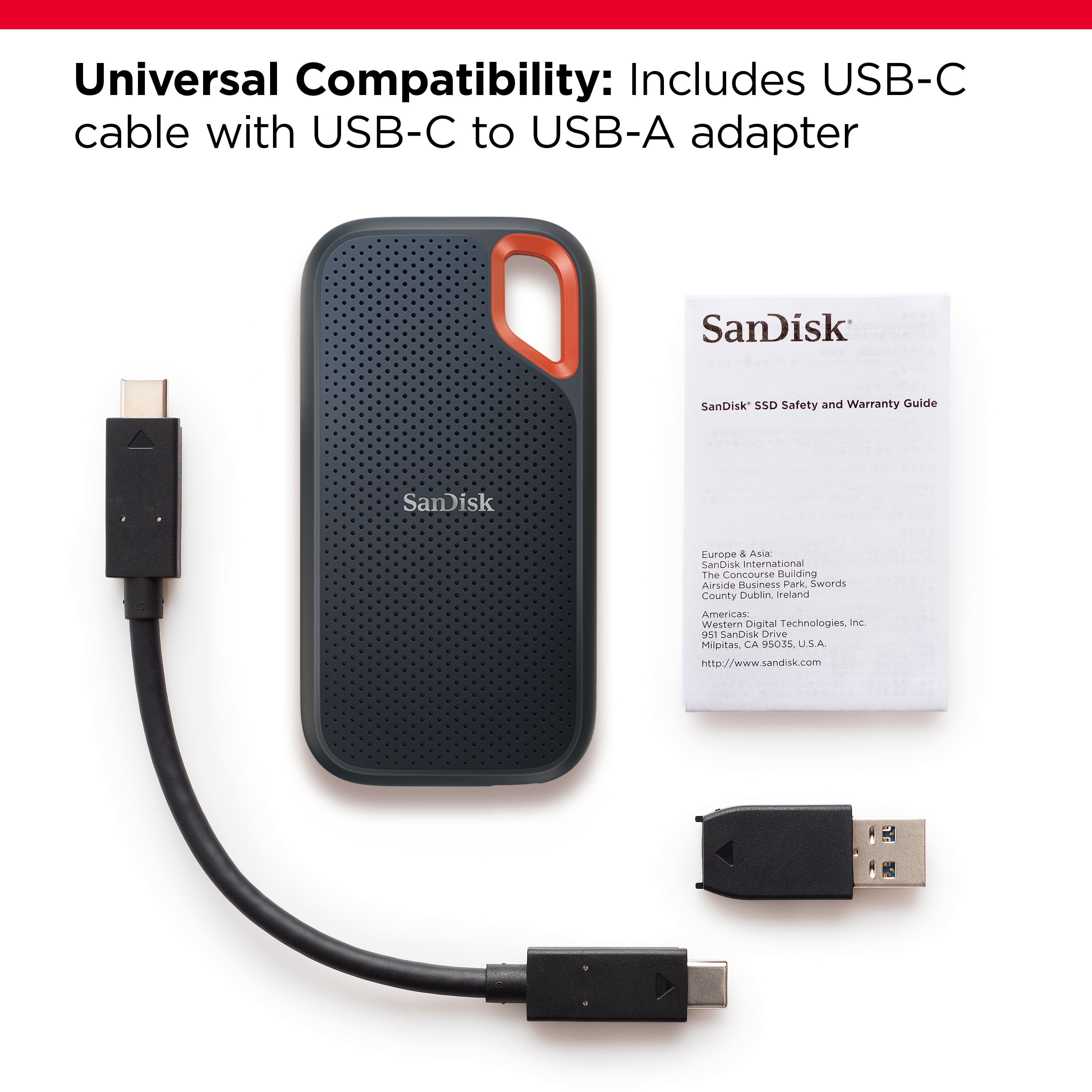
- A:Answer The iPhone might need a dongle to go from lightning to USB-C, but as long as that's in place, an iPhone SHOULD be able to read it (cannot guarantee that though). For the HP, it just needs a USB-C port. Even then I think the device comes with a USB-C to USB-A adapter, so that isn't a requirement completely. The ports you're used to will work. I would recommend finding a USB 3 port for it if that's what is needed however.
Answered by DingusPingus
Q: QuestionCan I put karaoke files on this device?
Asked by Shawn.
- A:Answer Yes, you can
Answered by MarceloY
Q: QuestionCan I format this unit to storage microsoft instead of Mac
Asked by DDB.
- A:Answer It comes formated and ready to use with microsoft windows or anroid.
Answered by AndreyK
Q: QuestionWill this keep the organized albums from iPhone to this device when transferred?
Asked by Transferring.
- A:Answer Organization is not SSD function. It’s managed by Apple , Windows or Unix. Apple does a better job.
Answered by TanveermK
Q: QuestionDoes this have to be formatted before I use it on a MacBook Air macOS Ventura 13.2?
Asked by Anonymous.
- A:Answer No, it works right away.
Answered by user676203
Q: QuestionI have photos on several external HDs that are formatted for my old PC. I want to back them up on this SSD device and need to move the SSD between my old PC and my new MacBook Pro. Will this be easily compatible with both systems?
Asked by Doug.
- A:Answer in order foe the data files to be compatible with both a Mac and Windows system, you have to format this drive as EXFAT. Then it can go into a Windows machine and be readable.
Answered by GrantPa
Q: Questionwill it work for playstation 5 ?
Asked by wayne.
- A:Answer DEFINITELY YES!!!
Answered by MarceloY
Q: QuestionA review says there are software compatibility issues with Mac OS Monterey, that it can’t be reformatted to APFS. Is that true? How about the 200GB drive?
Asked by JimmyO.
- A:Answer I am using it with Monterey (formatted to APFS), and it is working fine.
Answered by KimM
Best-selling solid state drives
- $109.99Your price for this item is $109.99
- $169.99Your price for this item is $169.99$187.99The comparable value for this item is $187.99
- Black Friday Deal$109.99Your price for this item is $109.99
- Black Friday Deal$119.99Your price for this item is $119.99
- $299.99Your price for this item is $299.99$439.99The comparable value for this item is $439.99
- Black Friday Deal$179.99Your price for this item is $179.99
- $199.99Your price for this item is $199.99$239.99The comparable value for this item is $239.99
- Black Friday Deal$94.99Your price for this item is $94.99
- $109.99Your price for this item is $109.99
- $269.99Your price for this item is $269.99$344.99The comparable value for this item is $344.99
- Black Friday Deal$149.99Your price for this item is $149.99
- $129.99Your price for this item is $129.99$139.99The comparable value for this item is $139.99
- Black Friday Deal$329.99Your price for this item is $329.99
- $349.99Your price for this item is $349.99$464.99The comparable value for this item is $464.99
- $144.99Your price for this item is $144.99
- $384.99Your price for this item is $384.99$599.99The comparable value for this item is $599.99
- Black Friday Deal$269.99Your price for this item is $269.99
- Black Friday Deal$229.99Your price for this item is $229.99
- Black Friday Deal$139.99Your price for this item is $139.99
- $229.99Your price for this item is $229.99$249.99The comparable value for this item is $249.99