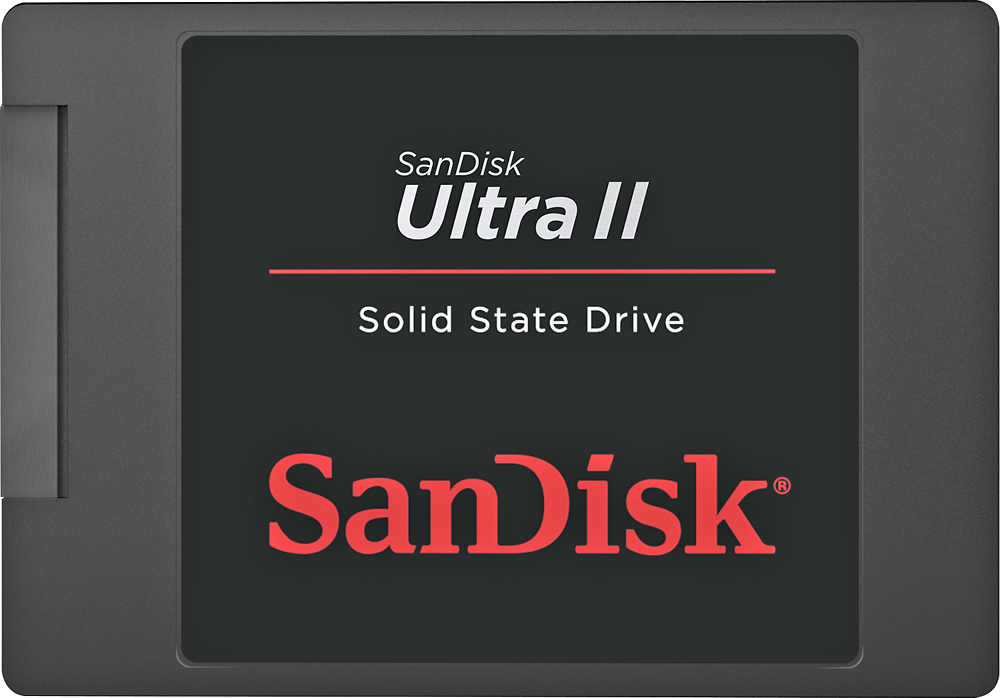
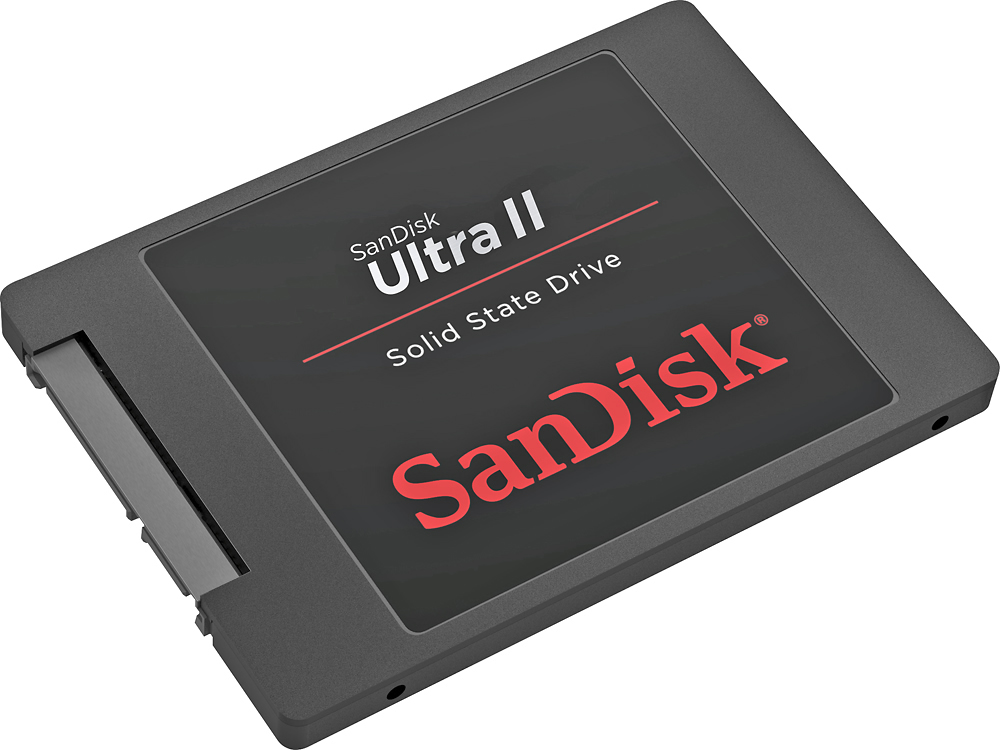
A:Answer I have 2 Pavilion Laptop's. One has the AMD CPU, the other has the Intel I5 CPU. I use the HD that came with the computer as the "D" drive and just store the Data, I use the SSD drive as the "C" drive and put all the programs on it. I have both of them like that. Right now I don't use the one with the Intel CPU, because the CPU has EEProm memory, and there is a Malware loaded on it, that can't be removed. If you have an HP Pavilion dv7-4000 series with the Intel CPU.
The Malware virus can identify the person that gave it to me, with his IP address. The Port that was left open is 060. If you can write in machine language it's easy to remove. Intel and Microsoft did this to install key code's, so people would not steal there software. When Intel found out that a virus could be loaded, they told 5 company that make laptops to close that port by shorting them to the ground plane. 4 company's did except HP. That's the reason that the 4000 series is the only ones. You can see the series by removing the battery. HP say's to throw away the computer.