A:AnswerI'm not sure of the range and, even if I had numbers, I suspect much of clarity has to do with the state of one's ears. I can tell you this: I have age-related hearing loss and have hearing aids for both ears. I don't use them with the headphones and often find myself turning the volume down because what Netflix has set for a particular offering is too loud for me....but still clear. I've not had any clarity issues at all. I hope this helps.
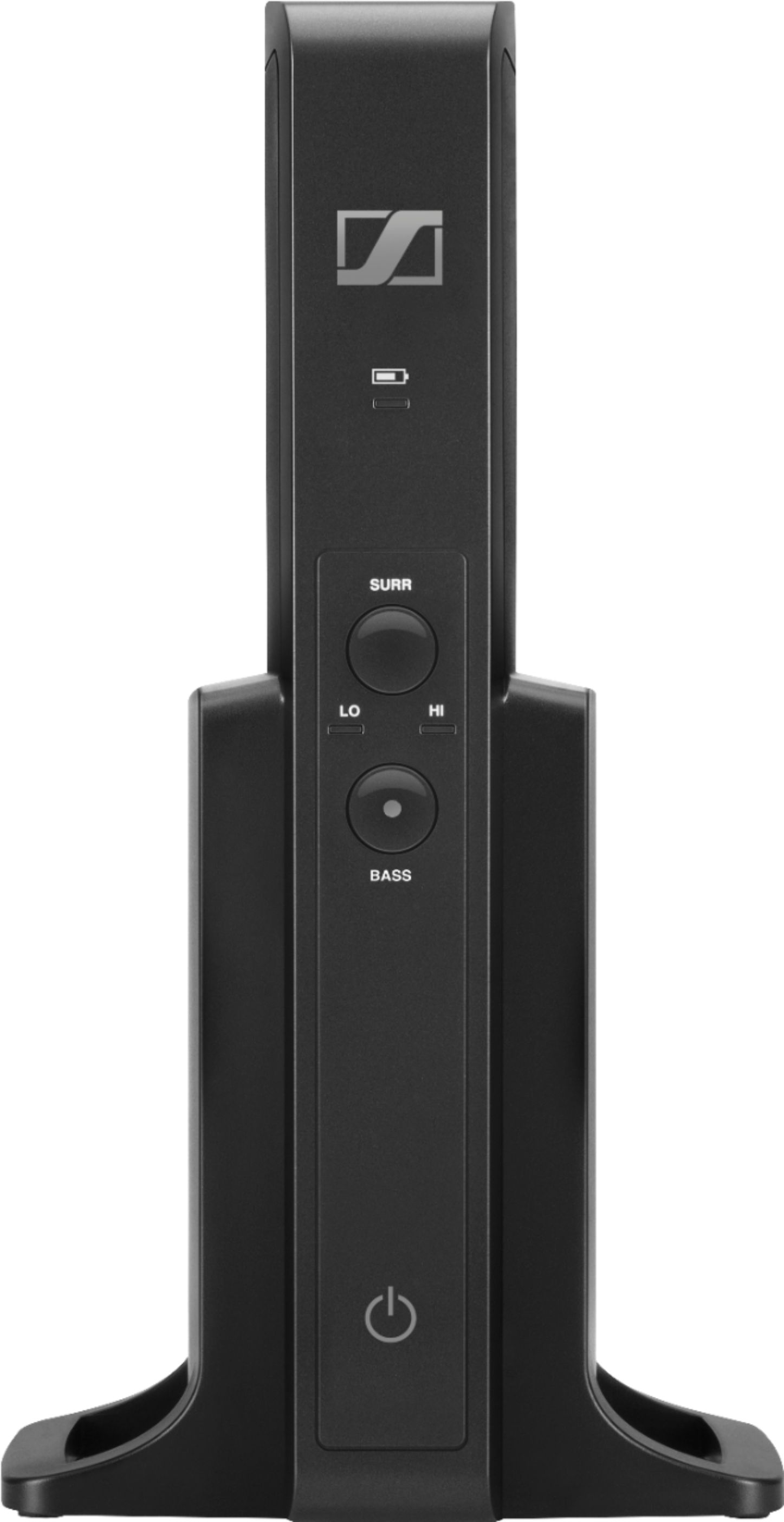
A:AnswerAttach the RF tower to the TV via the digital optical cable. As long as your tv runs to your receiver by way of arc, you should be able to turn of your surrounds, and shift the TV’s audio output. This should allow you to use the headphones without having the surround sound blasting as well.
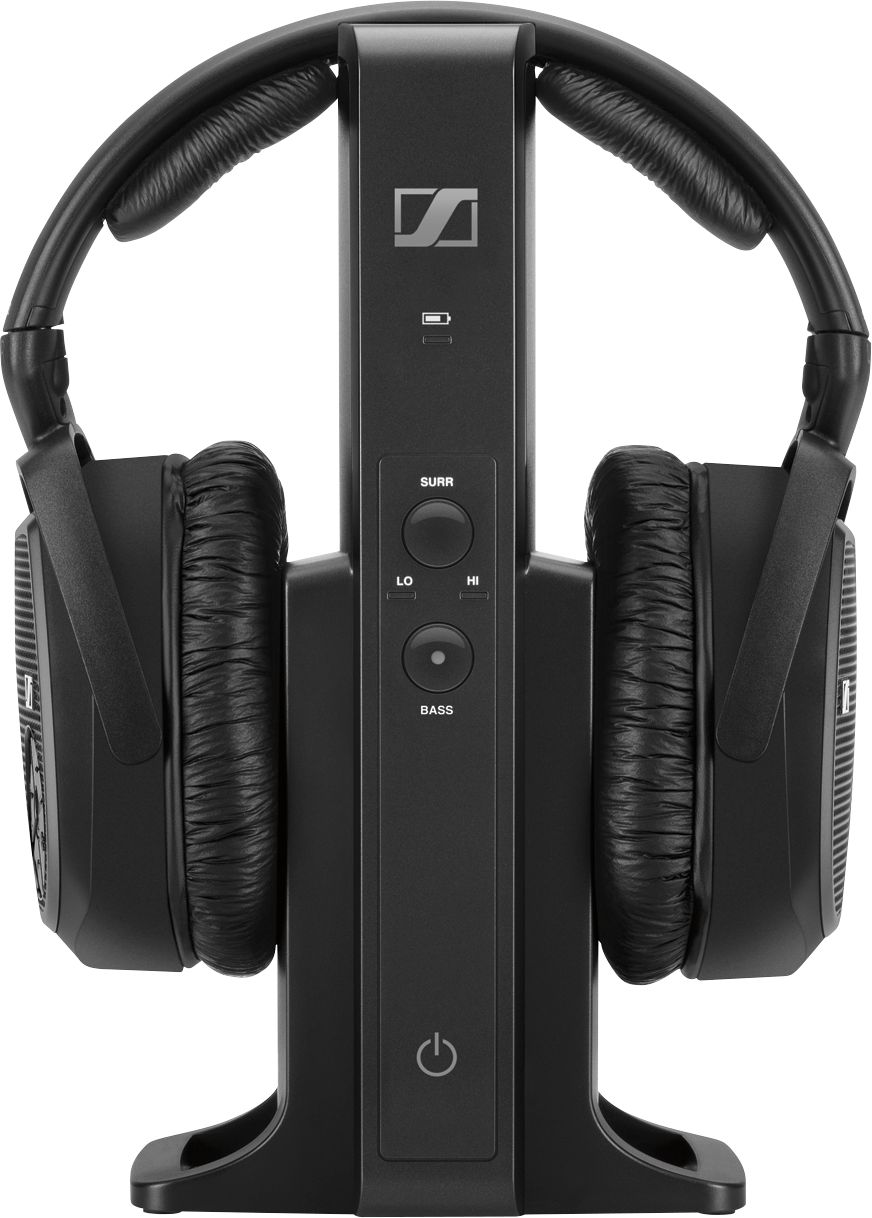
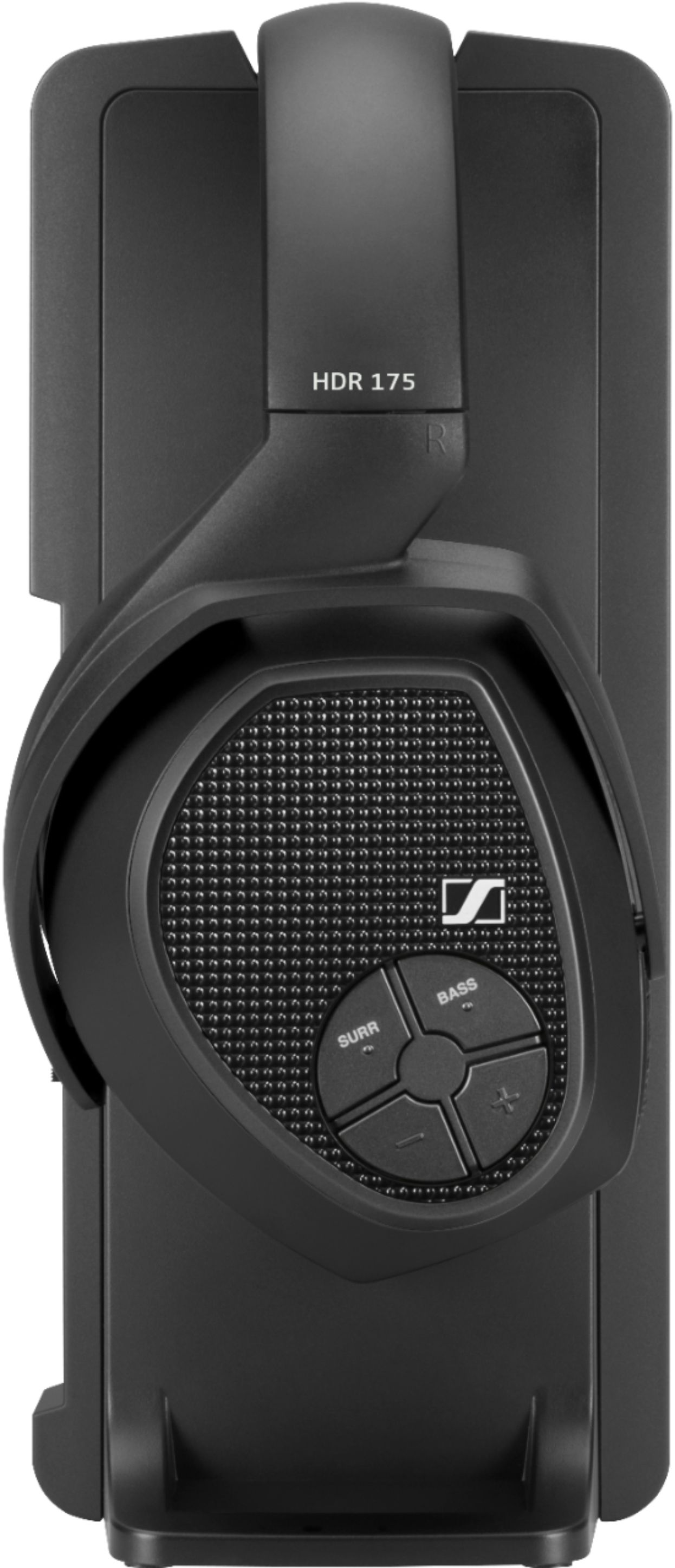
A:AnswerJust make sure the headphones are turned the right way and that the battery nodes are touching the charging nodes ...I had the same issue until I figured it out
A:AnswerDid you make sure the little plastic covers were off the digital cable included with the headphones? I ran into that when I first got them .....
A:AnswerI believe since you are running optical cable from transmitter to tv I would suggest you run audio cable from your Xbox to your analog port on your transmitter that way you can switch from optical to analog for your xbox
A:AnswerHopefully your digital aux cable is connected to whatever audio component you’re using ...Example , I have my digital aux cable running from my TV to the stand for the headphones thus I’m getting the sound that the Netflix app on my tv ...i hope that helps
A:AnswerGo into the TV's settings menu. Find the audio settings menu. Should be something in there about the TV speakers. Set the TV speakers to External.
To get a sound bar and the headphones to work at the same time, you'll need an optical toslink splitter. About $10 on Amazon
A:AnswerA: From another user but worked for me too: I have a Samsung smart TV and had the same problem but with this solution headphones work perfectly. First when regular TV was on I went to the menu and changed the sound to PCM. Then it was necessary to start Netflix and again to use the menu to go to sound settings and change once again to PCM. Merely changing the sound in TV mode was not sufficient. Now headphones work perfectly.
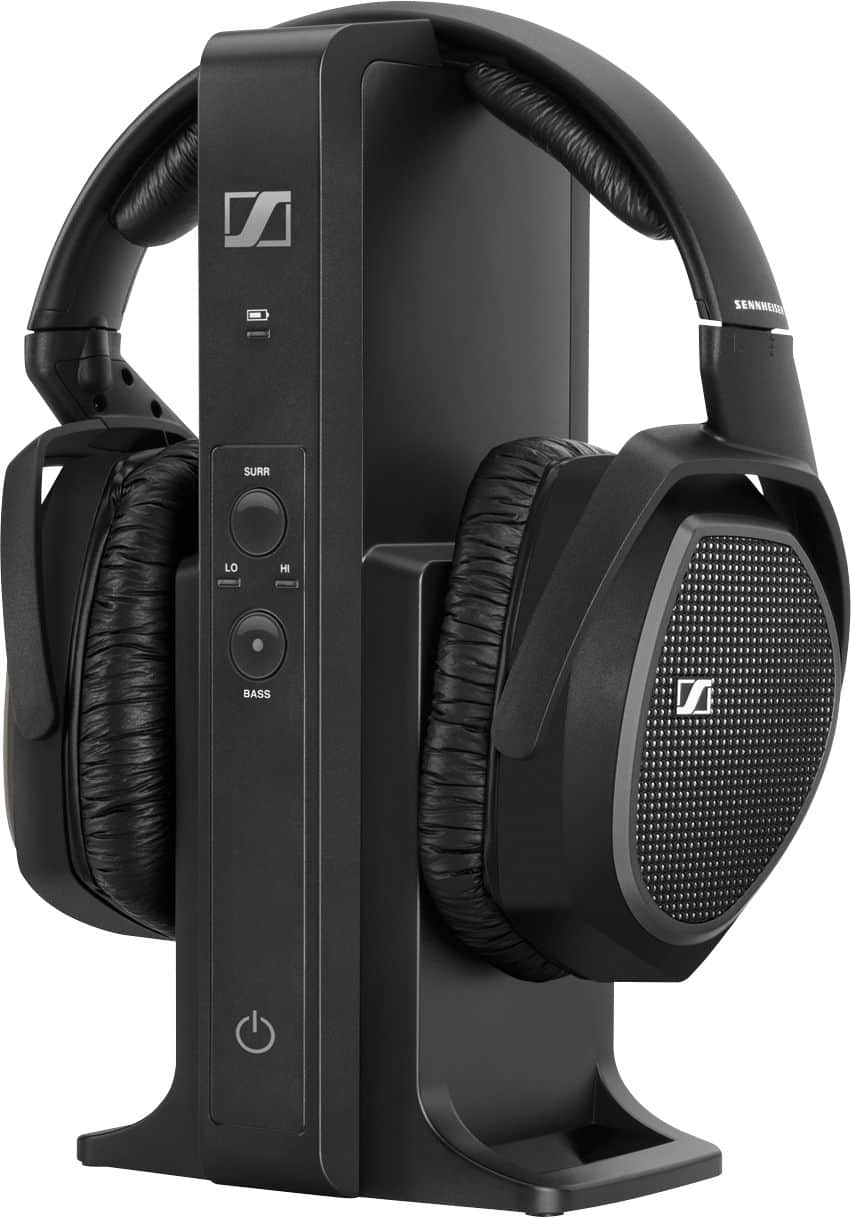
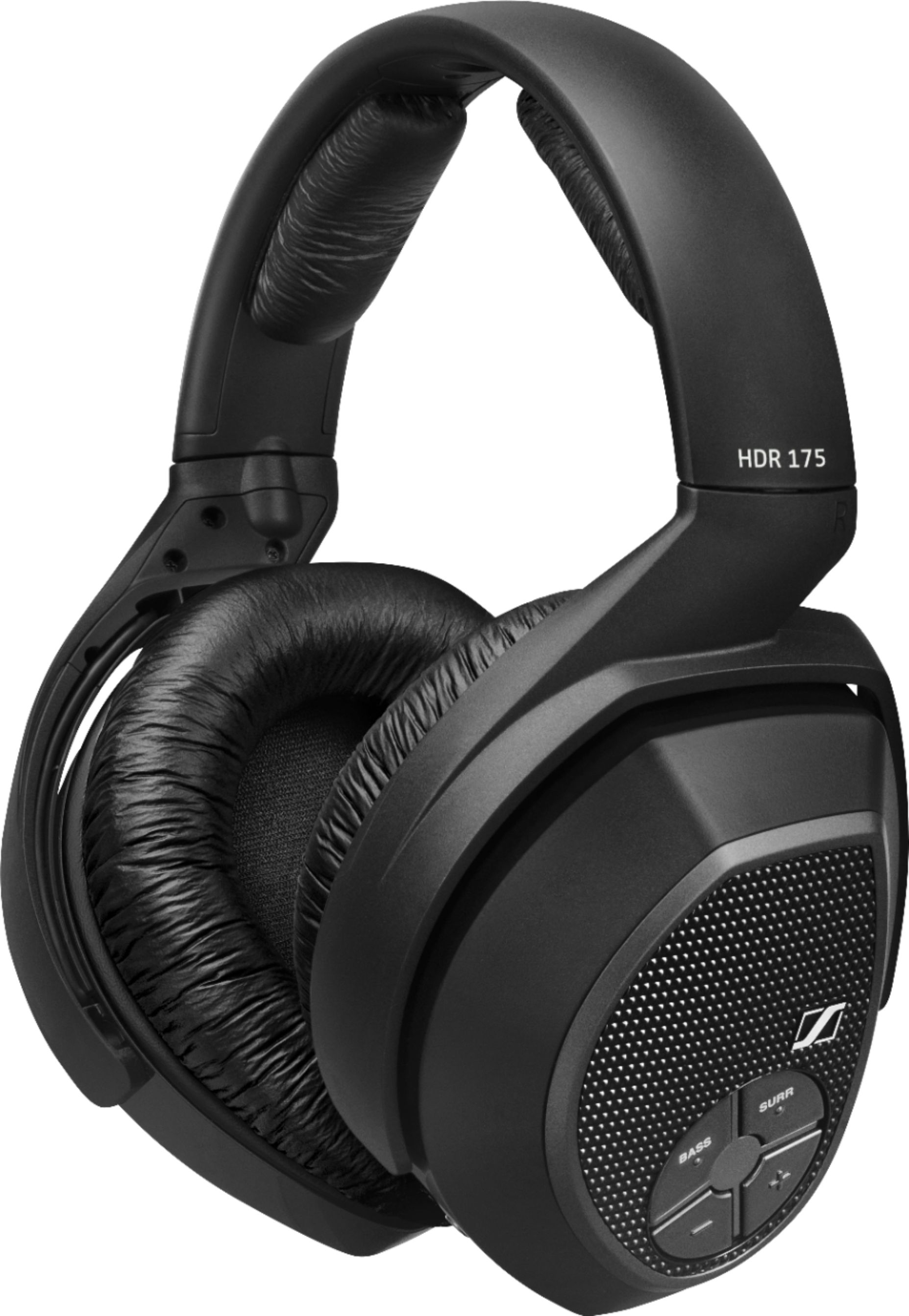
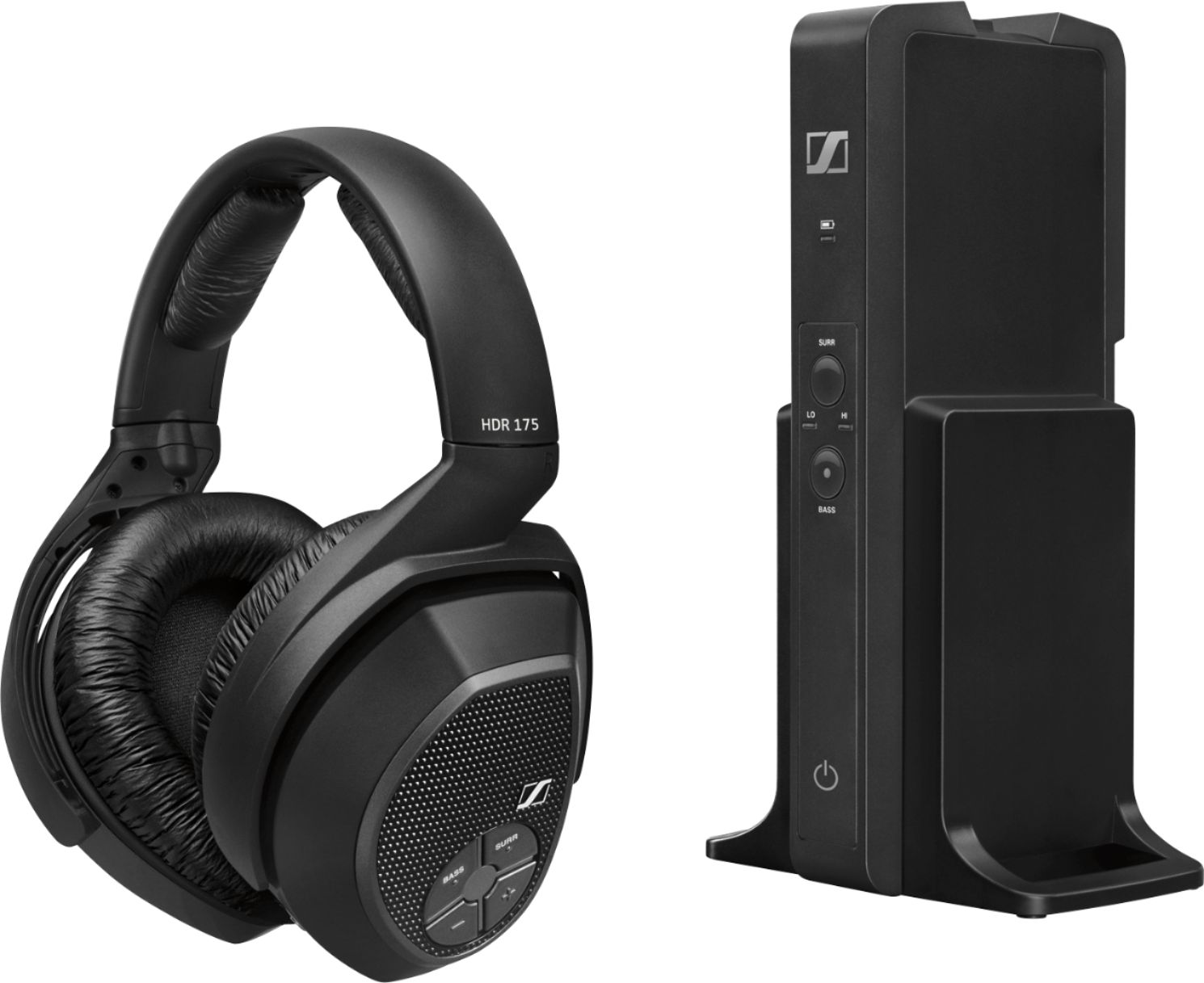
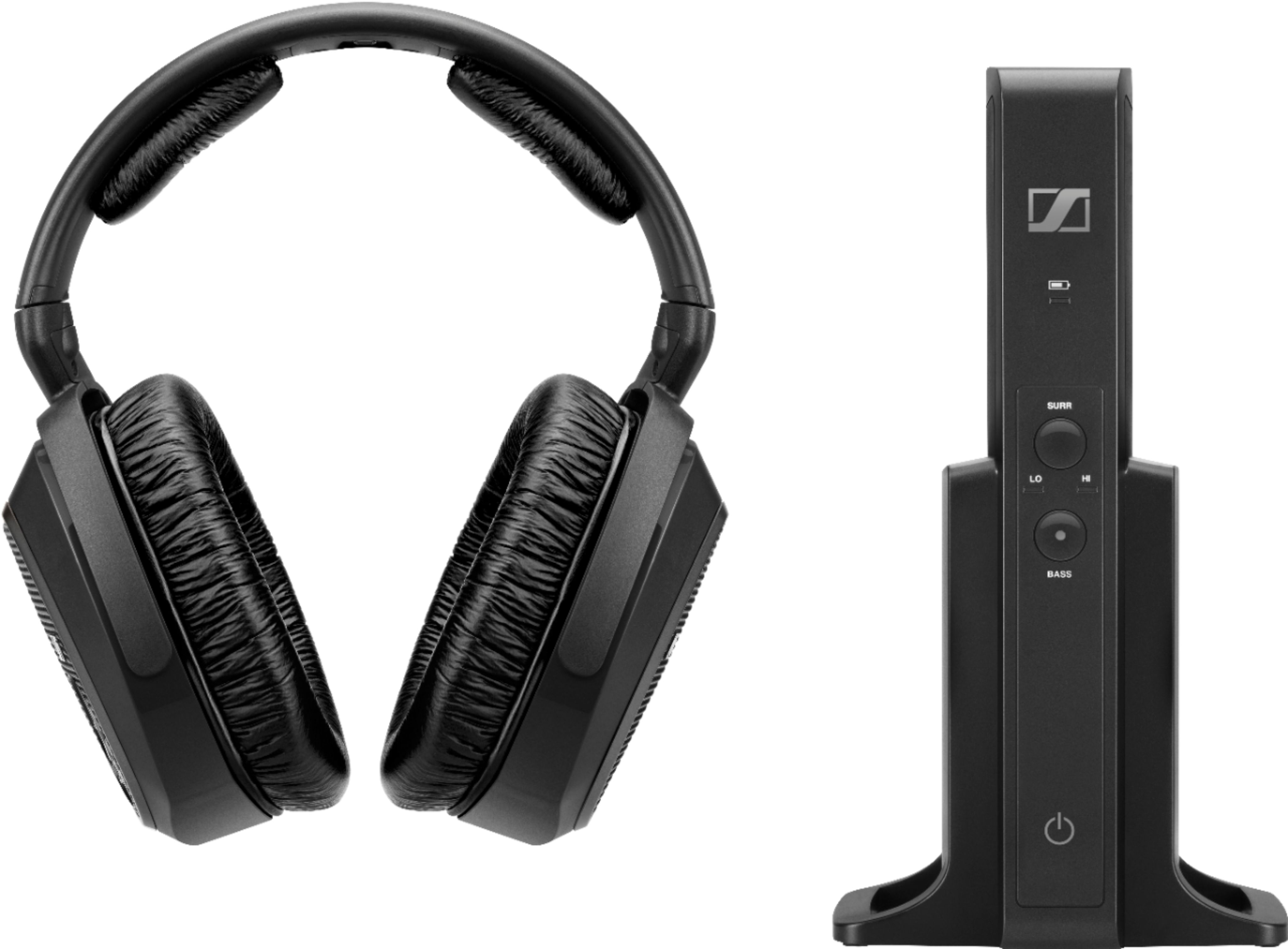
A:AnswerYou can purchase another pair of headsets(RS 175s) and pair them with the transmitter. The Sennheiser website has a chart I believe in the Q & A section that shows what headsets are compatible. To pair, you just set it on the base like you are going to charge it and it automatically pairs the headset per the instruction booklet.
A:AnswerYou are suppose to be able to use opti- cable . I have a sound bar set up and I tried to connect the opti-cable from it to the headset console. And I couldn't get it to work. So I just used the standard audio cables And it works great. I can listen to tv and adjust my volume on my headset separate while my wife adjust the tv volume to her liking. Hope this info helps. The sound is very good.I had a Sony headset before and It wouldn't allow me to adjust separately. I would get an echo back in my headset.