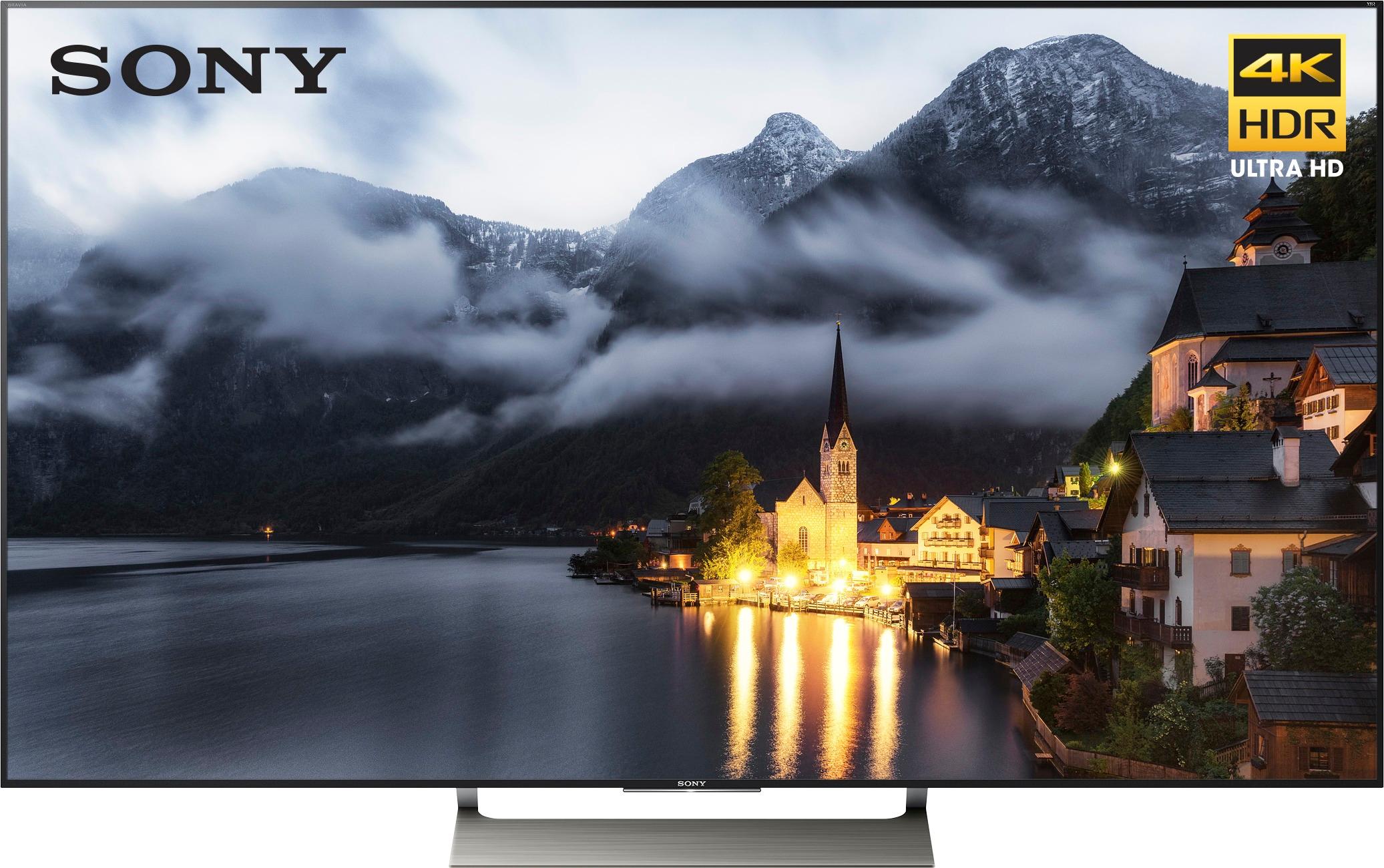
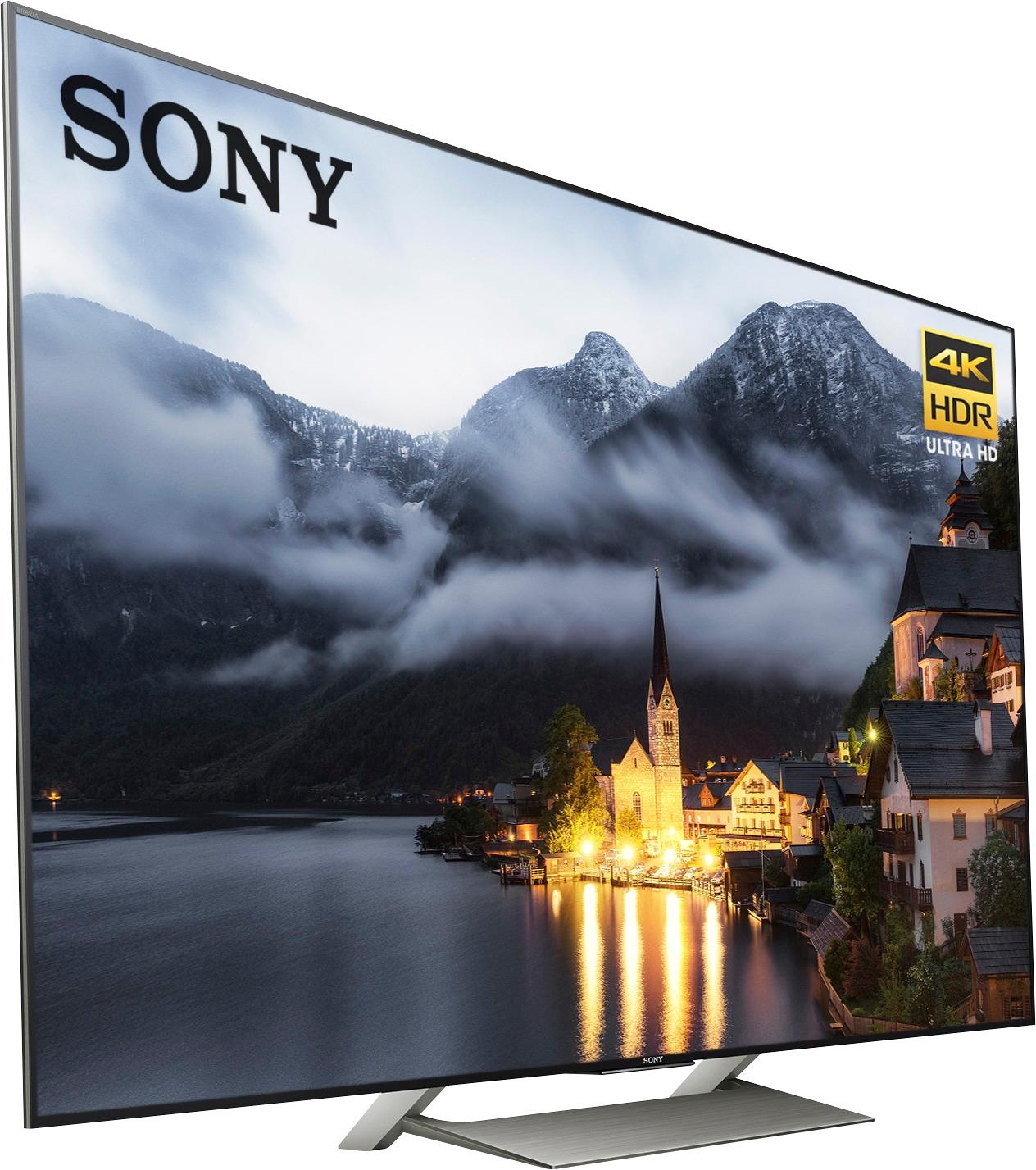
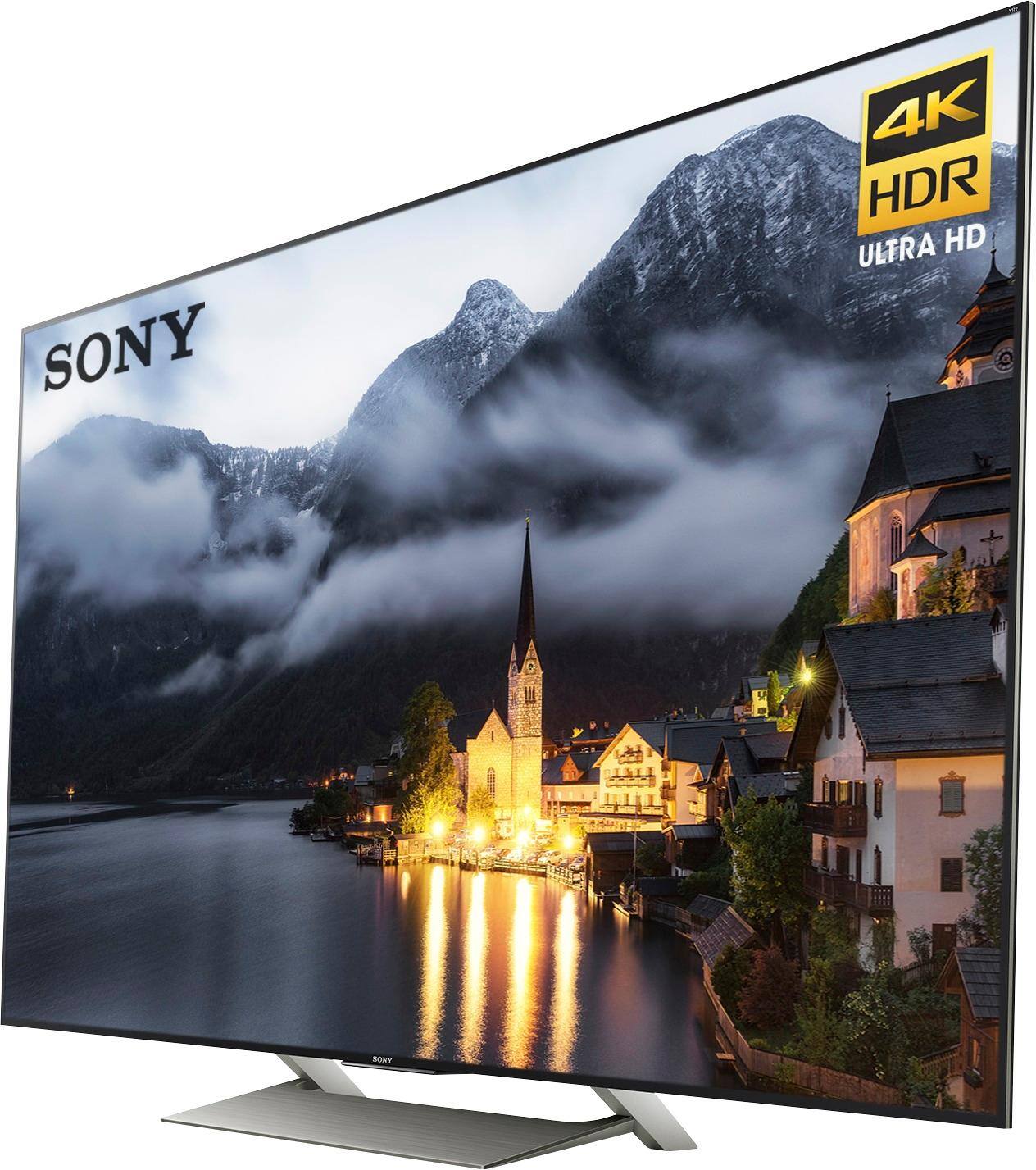
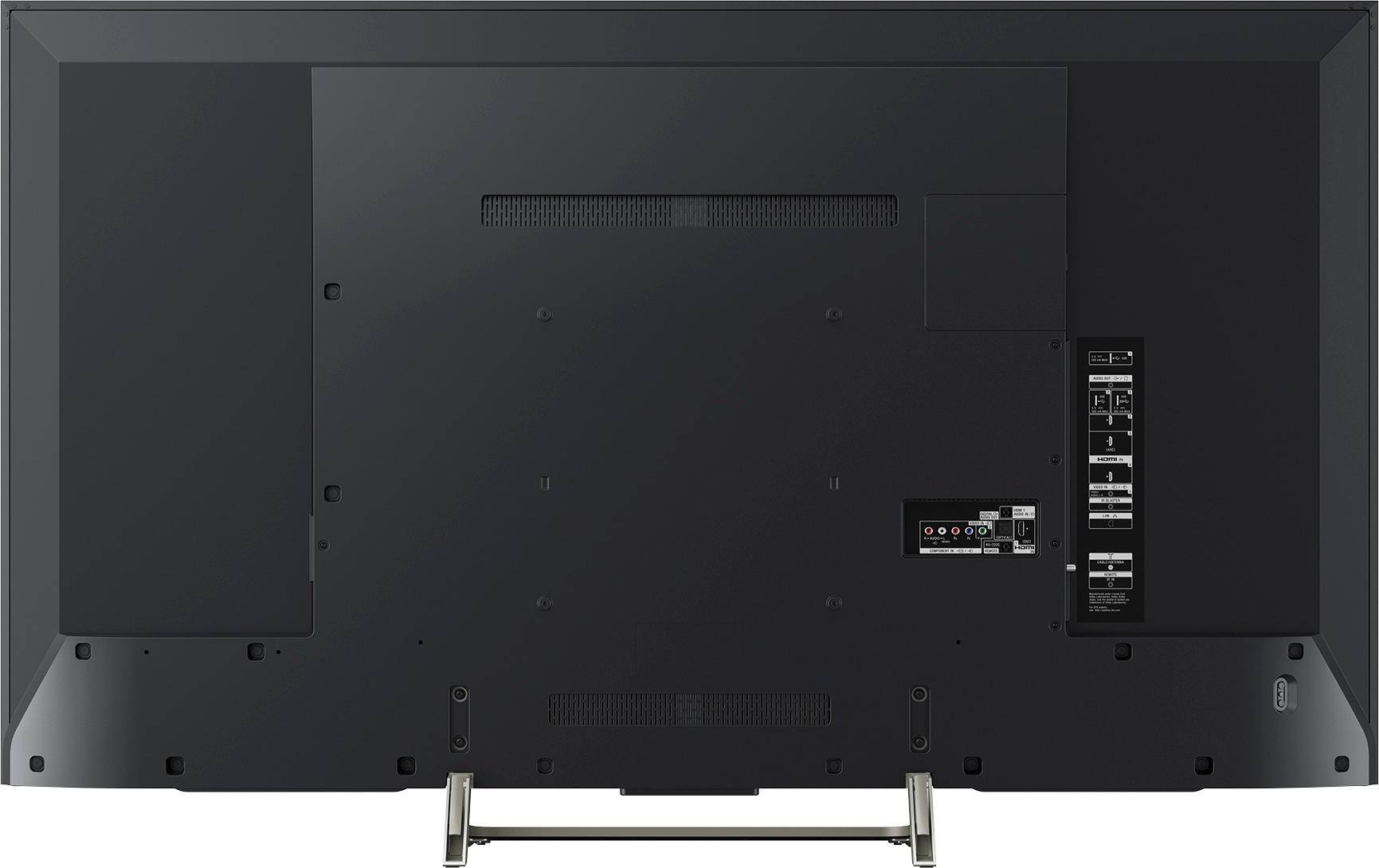
A:Answer49 inch TV is 43 1/2 inches wide, about 27-28 inches high on the stand. I have it on top of a Zvox sound base and that added 3.5 inches to the height, so measure your space before you buy any TV.
A:AnswerNo. No ads other than regular TV commercial breaks. I suppose you might see an ad if you are running an app, but I haven't seen any ads on those either.
A:AnswerYes, but Direct TV will need to provide an extra input box if you want 4K television content. The good news is that the interpolation software on this TV is excellent for conversion to 4K display and if directv ever gets more than 4 lousy 4k channels, it might become worth it to get the 4k box. I didn't bother, but that doesn't mean I won't get 4k from them if they have more to offer.
A:AnswerThe answer from Comcasr / Xfinity is "NO." That would obviously undercut their cable service. Apparently, a TV (even an Android TV) isn't considered to be a "Device."
A:AnswerYes.
You can connect any Bluetooth headphones to the TV. In fact the TV connects to the bluetooth headphones whenever I turn it ON and it's faster in that aspect compared to smartphones/laptops.
A:AnswerHi Murray,
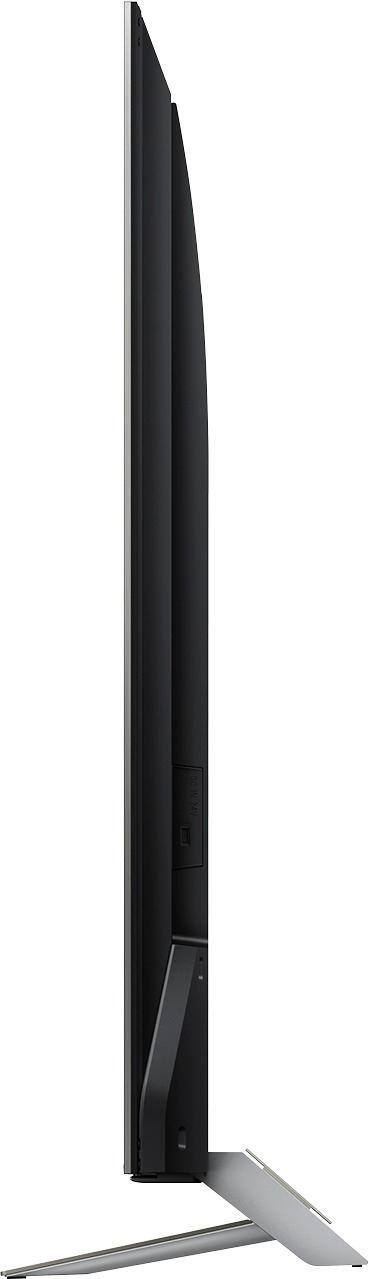
Here are the dimensions of this TV.
TV only: 43 1/8 x 24 7/8 x 2 1/2 inch (1093 x 631 x 62 mm)
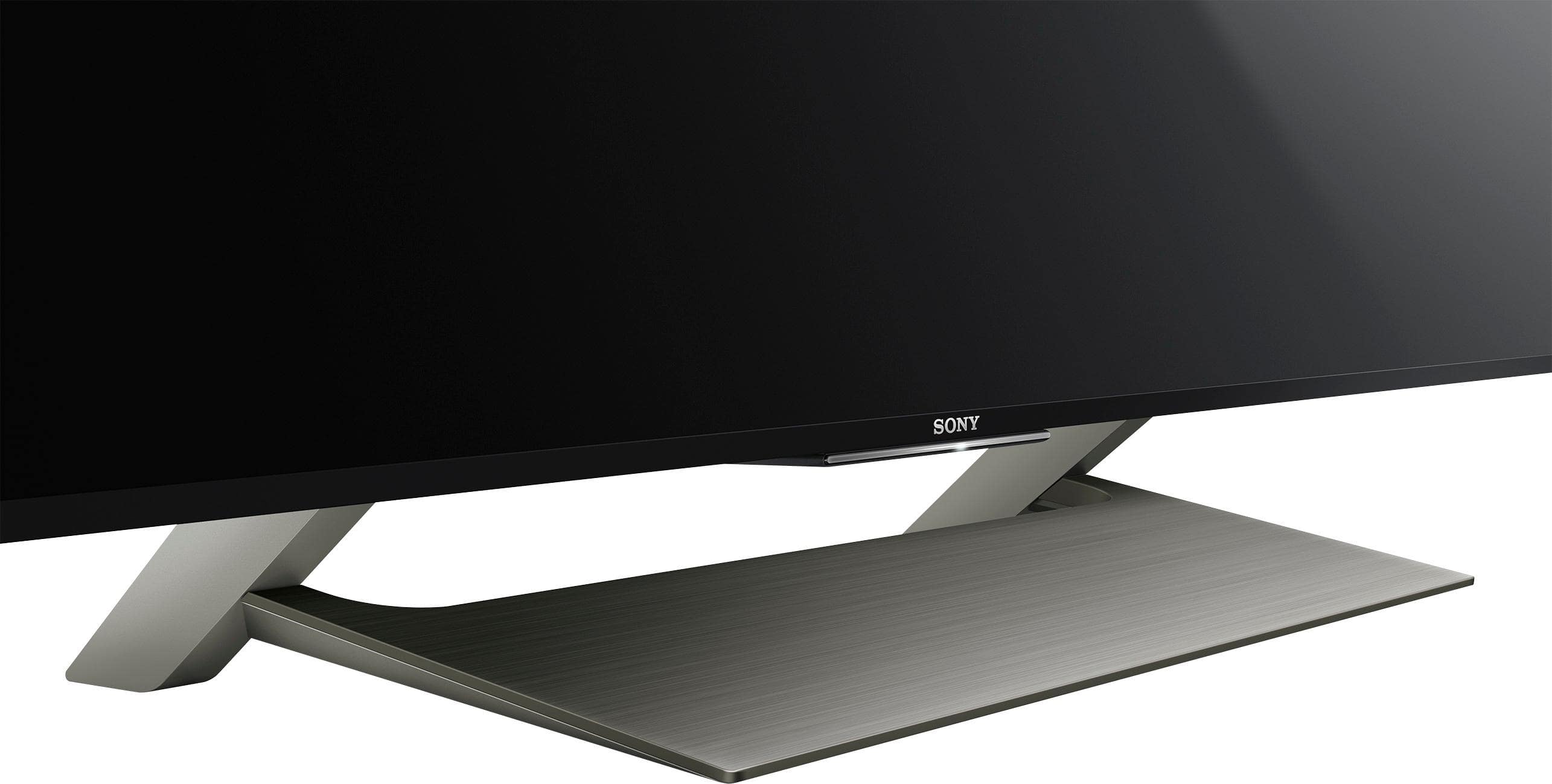
Tv with stand: 43 1/8 x 27 x 9 3/8 inch (1093 x 685 x 236 mm)
Stand Width: 20 5/8 inch(521 mm)
AC Cable Length: 500mm
Thanks,
>Joffrey
A:AnswerHi SportsAllDay, Sony’s refresh rate technology (Motionflow™ XR 960) builds upon the native 120Hz panel to allow fast moving action sequences in sports and movies to be seen with lifelike clarity. Thanks! ^Ron
A:AnswerNo. An OLED has a great picture and a big price tag. This TV has almost as good a picture and costs half as much. You probably won't find many OLEDs in a 48-50 inch size, until or unless the price of OLED comes down a lot more. The difference is that on OLED TVs each pixel has its own lighting, so no back lighting is necessary. The backlighting on this TV is very good with localized dimming and I don't see much difference in the black levels either. If you have very bad viewing angles in your TV room, the value of OLED will go up for you. At normal viewing angles, there is not enough advantage to OLED., in my opinion.
A:AnswerHi Joe, Yes, the wireless network can be disabled. We suggest checking this link for more details: https://docs.sony.com/release//Help_C418100121.pdf -Jerome
A:AnswerHi there! The unit weighs:
-TV only: 27.8 lb (12.6 Kg )
-TV with stand: 30.4 lb (13.8 Kg)
For more information, kindly check on this link:
https://docs.sony.com/release//specs/XBR49X900E_mksp.pdf
~Ralph
A:AnswerI don't know exactly which previous year's model you have in mind but this is better than any of the previous Sony models I have seen for 4K content.
A:AnswerIt will not get an update for Dolby vission per sony. The higher models 930+ will. Unfortunatly I listened to bestbuy rep and they were wrong. It requires the X1 extream chip to run the needed update.
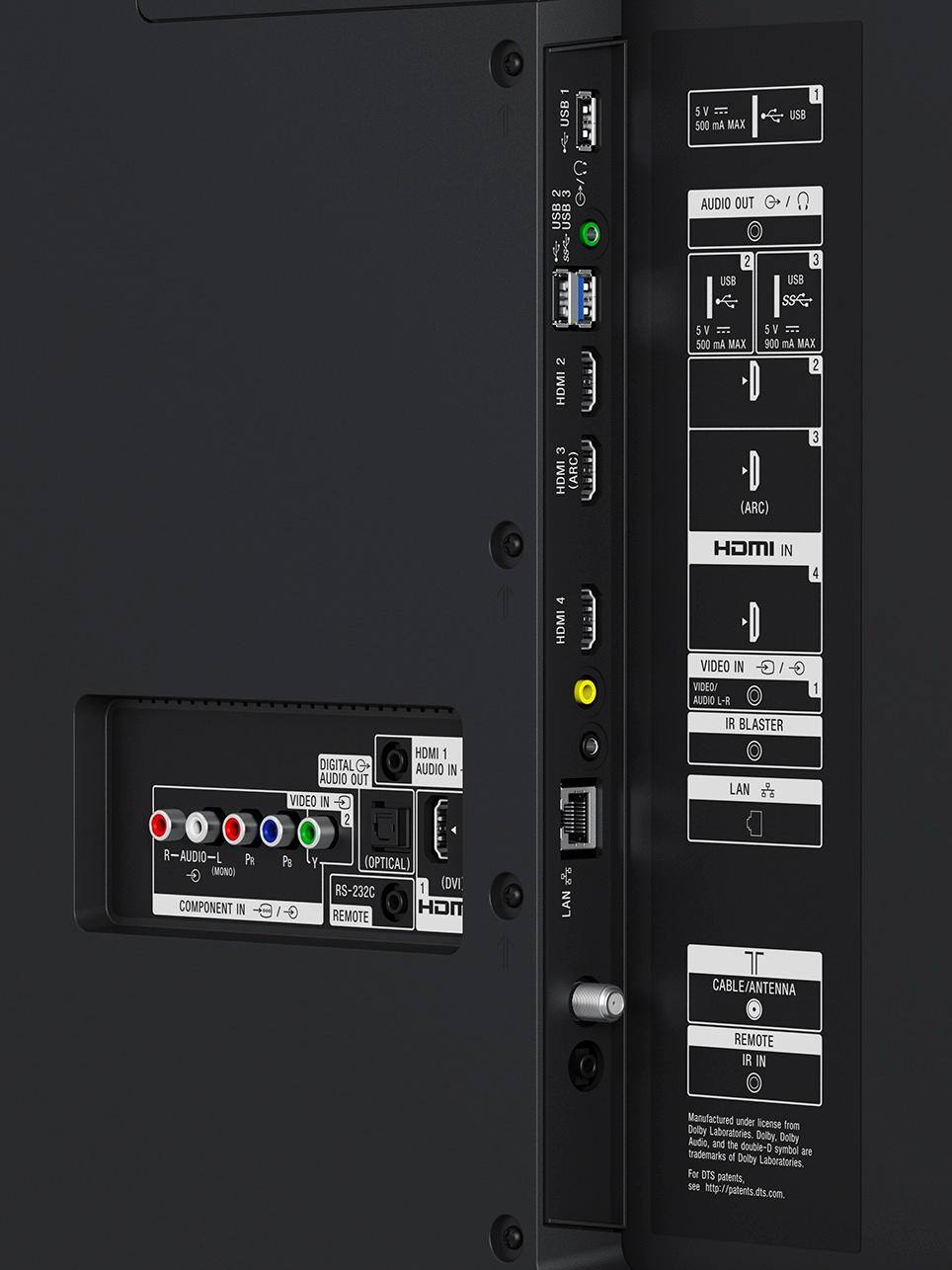
A:AnswerThat is not normal. I did just buy this particular TV at a BB store (even though my name isn’t showing “Verified Purchaser” here). I tested my TV with a DVD player for you, and it doesn’t do this. If you’re using a yellow-red-white cable to connect your DVD player to this TV, that’s your problem. A Blu-Ray player should only be connected to this TV using an HDMI cable. But a DVD player should only be connected to this TV using component cables (with either HDMI or component, in my opinion, five- to ten-buck cables are good enough). Component cables are not yellow-red-white but rather red-blue-green (with a red-white cable for audio). Carefully match the right color at each end. Try a different component cable if you have or can borrow one, to be sure your cable isn’t the problem.
If you do all that right and still have this issue, there’s a small chance your TV is defective, since it was open box, which usually means somebody already returned it, maybe for this reason. Usually though BB open box TVs are perfectly fine; the TV just didn't meet somebody's needs. The better possibility is that your TV has incorrect picture settings for the DVD player input. And if that's the problem, you can fix it by changing the picture settings as follows.
Playback a DVD, and when you get to a problematic dark scene, pause it so you see the dark scene displayed on the TV. You’ll watch this still image as you adjust the settings. On the TV remote, hit the ACTION MENU button. In the menu that pops, navigate using the down arrow to “Picture adjustments” and select it with the center button in the wheel. The “Picture adjustments” menu should pop on the right for the DVD player input. (Note: you can and should customize your picture settings differently for each Input. The TV remembers your settings the next time you use the same input.) Select “Picture mode” with the center button and scroll down past Custom to “Cinema home” and select it with the center button. Now scroll down to “Advanced settings” and select it. Then select “Brightness” *under Advanced settings,* (not “Brightness “under “Picture adjustments”). You can experiment with all the settings there, “Color” etc. as well, but first try moving “Gamma” and “Black level” under “Brightness” (select each one first, then use the right arrow button) until the shadows look less muddy. You should be able to retain total black in the right places while retaining detail in shadow area. If it’s not possible, something else is wrong, either the TV or the DVD player/cable setup.
Even with the best settings, older DVD discs and players do not have sufficient resolution to look their best on this TV. (Though shadows should have detail, the picture will still look fuzzier than on an older or smaller TV.) Consider getting an upscaling Blu-Ray player and another HDMI cable for this TV. That will still play your DVD discs with slightly better detail on this TV. Then you should rent or buy new discs in Blu-Ray for best results. Blu-Ray really pops on this TV. Also 4k Blu-Ray is worth considering with this 4k TV. Good luck!
A:AnswerAs with all newer tv s you will need to amplifly the sound if you looking for loundness. For regular tv watching the speakers are fine. I have my tv connected to my stereo. When i want a louder sound i use the stereo. I dont like sound bars.