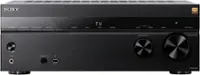
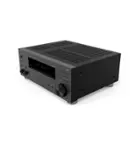
A:AnswerHi J237, Thanks for your inquiry. We're sorry for the inconvenience. Kindly verify if the headphones are connected to the input device and turn off hear from both speakers and headphones at the same time on the input device then check to see if the audio signals will be output from only the headphones.
In any case that you need our assistance, please email us at [email protected] with the following details:
Name:
Bestbuy Username:
Model Number:
Issue:
Telephone Number:
Sincerely,
Jess
A:AnswerHi Loaderman, Thank you for your inquiry. We recommend placing the unit on a flat and sturdy surface. Also, please make sure to not block any ventilation openings.
Install in accordance with the manufacturer’s instructions. Hope this helps! -Sam
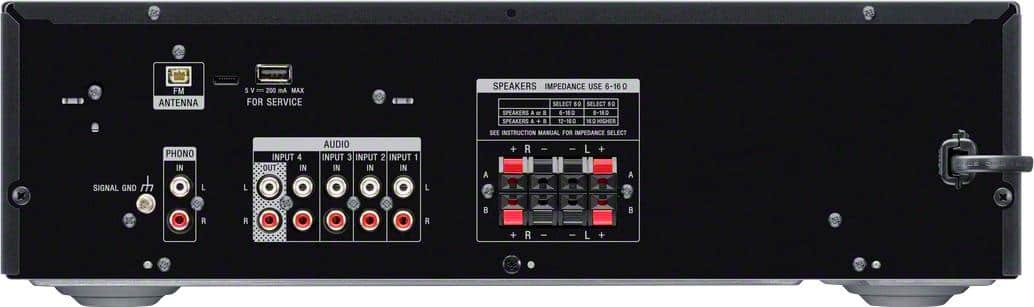
A:AnswerHi Panampam, Thank you for your inquiry. This unit only supports an FM radio tuner. And yes, you can connect your CD player to the audio input of the unit using an RCA connection. Hope this helps! -Sam
A:AnswerHi MWINTEN, We regret to hear about this. Please make sure that the speaker wires are properly connected to the speaker port of the unit. Also, you can only connect speakers with a nominal impedance of 6 ohms to 16 ohms.
If you're unable to resolve the issue, please email us at [email protected] with the following details:
Name:
bestbut Username:
Model Number:
Issue:
Telephone Number:
Sincerely,
Sam
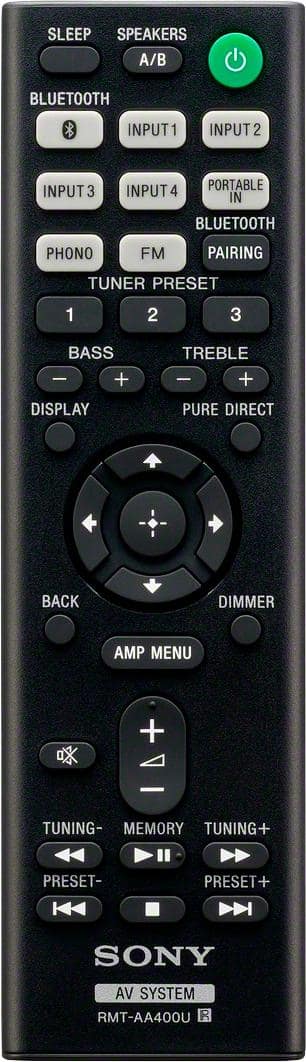
A:AnswerHi Alby, We regret to hear about this. An equalizer needs to be connected to the tape monitor loop on an AV receiver in order to operate. The current line of Sony® receivers do not have a tape monitor loop. For this reason, it is not possible to connect an add-on equalizer to current Sony® AV receivers. For STRDH190, you can manually adjust the treble and bass using the supplied remote. Hope this helps! -Sam
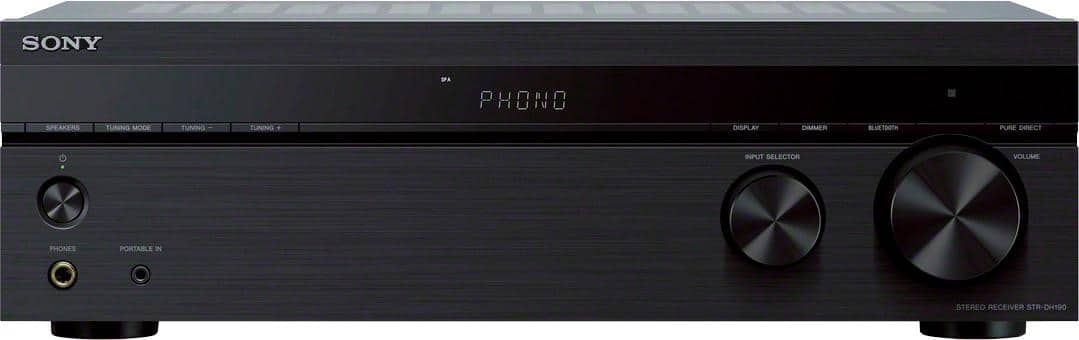
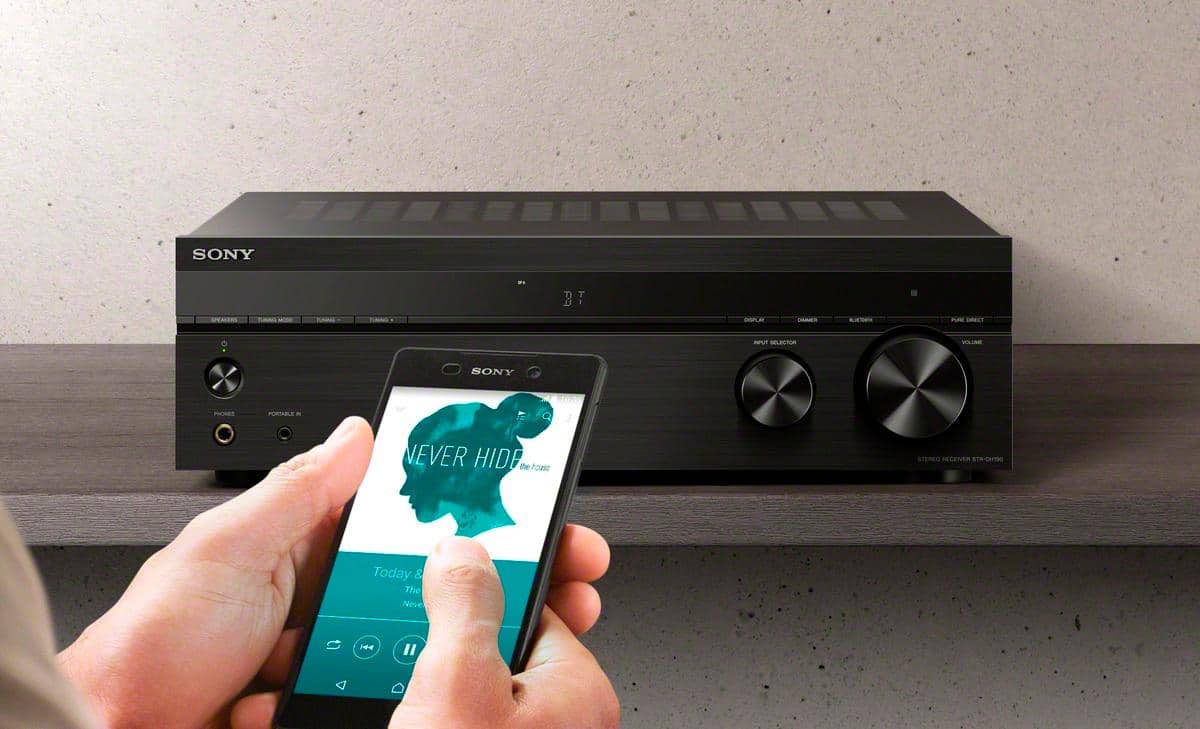
A:AnswerHi Lennie, Thank you for your inquiry. Yes, you can. there is a PORTABLE IN jack on the front side of the receiver to connect your Apple iPod. If your device supports Bluetooth then you can also pair it to the receiver. Hope this helps! -Sam
A:AnswerHi there, Thanks for your inquiry. Unfortunately, no. You can only connect speakers with a nominal impedance of 6 ohms to 16 ohms. Hope this helps! -Sam
A:AnswerHi Dewayne, Thank you for your inquiry. Unfortunately, this receiver doesn't support subwoofer preouts and video connection. We suggest checking out our other Sony receivers such as the STRDH590, STRDH790, and STRDN1080 models. Hope this helps! -Sam
A:AnswerHi Marnold, Thanks for your inquiry. This unit doesn't have built-in apps. However, this receiver is designed to receive a Bluetooth signal from a smartphone or tablet. If your Bluetooth device has apps such as Pandora or Spotify then it should work. Hope this helps! -Sam
A:AnswerHi SLL, Thanks for your inquiry. This receiver is designed to receive a Bluetooth signal from a smartphone or tablet. It is not capable of transmitting one to a Bluetooth device such as wireless headphones or speakers. Hope this helps! -Sam
A:AnswerHi Nickname, If "speakers off" appears on the display, press SPEAKERS A/B button. Each time you press this button, the display changes cyclically as follows.
SPK A, SPK B, SPK A+B, OFF SPEAKERS*. Note: * “OFF” and “SPEAKERS” appears alternately
on the display panel.
Hope this helps! -Sam
A:AnswerHi MASE, The STRDH190 has 4 audio input ports. Please select the input to which your TV is connected into. Also, No sound is output from the speakers when you select “OFF SPEAKERS”. Be sure to select setting other than “OFF SPEAKERS” by pressing the SPEAKERS A/B button. Hope this helps! -Sam
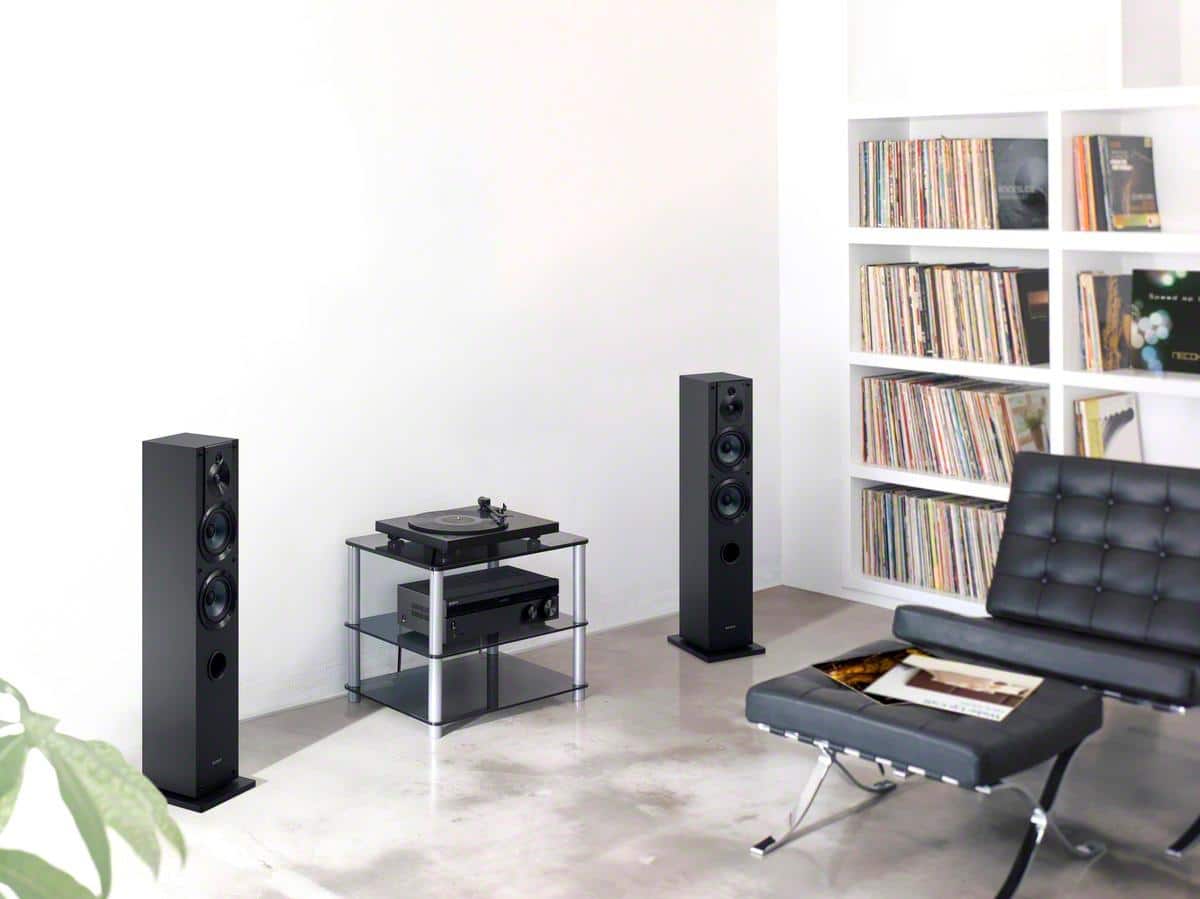
A:AnswerHi TerryRay, Thanks for your inquiry. Yes, you can hook up your turntable to the phono input of the receiver. And, please refer to your laptop manufacturer for recording options. Hope this helps! -Sam
A:AnswerHi thomasjordan, Thanks for your inquiry. If your Audio-Technica connects via Phono input then yes, it should be compatible. Hope this helps! -Sam
A:AnswerI am using this tuner with a set of Polk bookshelf speakers and a vintage turntable and it works fine. However, you should check the Ohm setting for your speakers. The tuner has settings for either 6 or 8 ohm speakers,
A:AnswerHi Ollie, Thanks for your inquiry. This receiver is designed to receive a Bluetooth signal from a smartphone or tablet. It is not capable of transmitting one to a Bluetooth device such as wireless headphones or speakers. Hope this helps! -Sam
A:AnswerHi Kat, Thank you for your interest in the STRDH190. The STRDH190 supports 4 RCA audio input, 1 Phono input, and a Bluetooth function. If your devices can connect through these inputs then they should definitely work. Hope this helps! -Sam
A:AnswerHi BigCountrySD, Thank you for your inquiry. If you already have existing speakers, make sure those are within the impedance rating of 6-16 ohms. You can use a regular speaker wires to connect to the speaker ports of the unit. I would recommend checking the operating instructions for connection diagram for additional information.
Ref: https://www.sony.com/electronics/support/res/manuals/4726/f63b8edb2b154409daa55875111f95e4/47269071M.pdf (page 13)
Hope this helps! -Sam
A:AnswerHi Hook, Thanks for your inquiry. There is no particular brand or model of CD player is required to use with this receiver. As long as the CD player can connect via the regular RCA audio input of the receiver then it should work. Hope this helps! -Sam
A:AnswerShouldn't have any problems if you have the right RCA cables. This unit also has a portable connection on the front for connecting a device through a mini headphone plug. I switched my satellite radio to streaming via an echo dot and run it through this amp using the cables that came with the radio home kit.