A:AnswerI believe it may be best to have WiFi capable. 1) Per prior comments firmware updates will be very easy facilitate while on the Net 2) Streaming of video services (Netflix, YouTube, Amazon) will need Wifi access. I believe you can pick up Blu Ray players without WiFi capability (Sony have some basic players) and you can pick up a Sony dongle later to have WiFi access by a simply plug and play. I currently use an older Sony Blue Ray Player with a dongle. I also like to point out that when I attempt to activate Interenet Connection it does indicate "unable to access and do I want to reset settings". I did this a few times and realized that all I was doing was recreating my set up when all I had to do was to hit Retry (sometimes more than once) since it take some time to "connect".
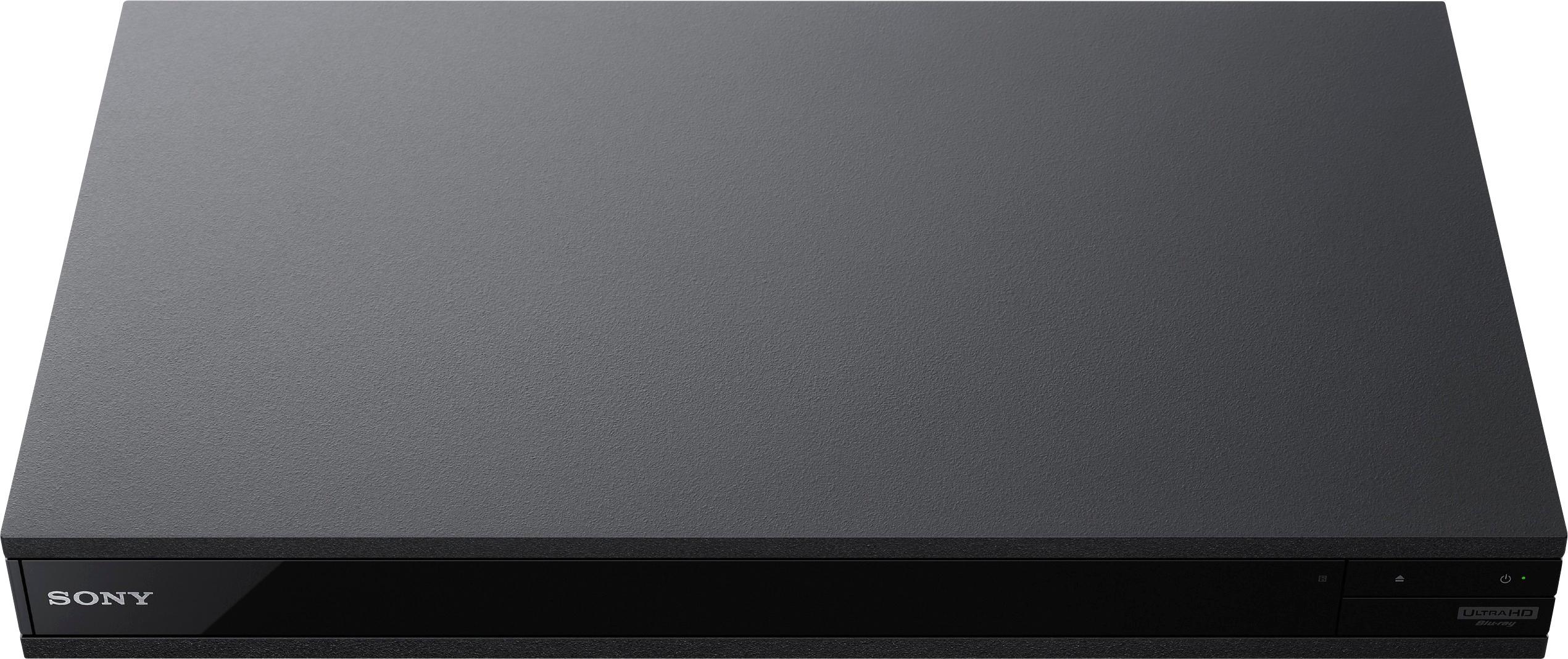
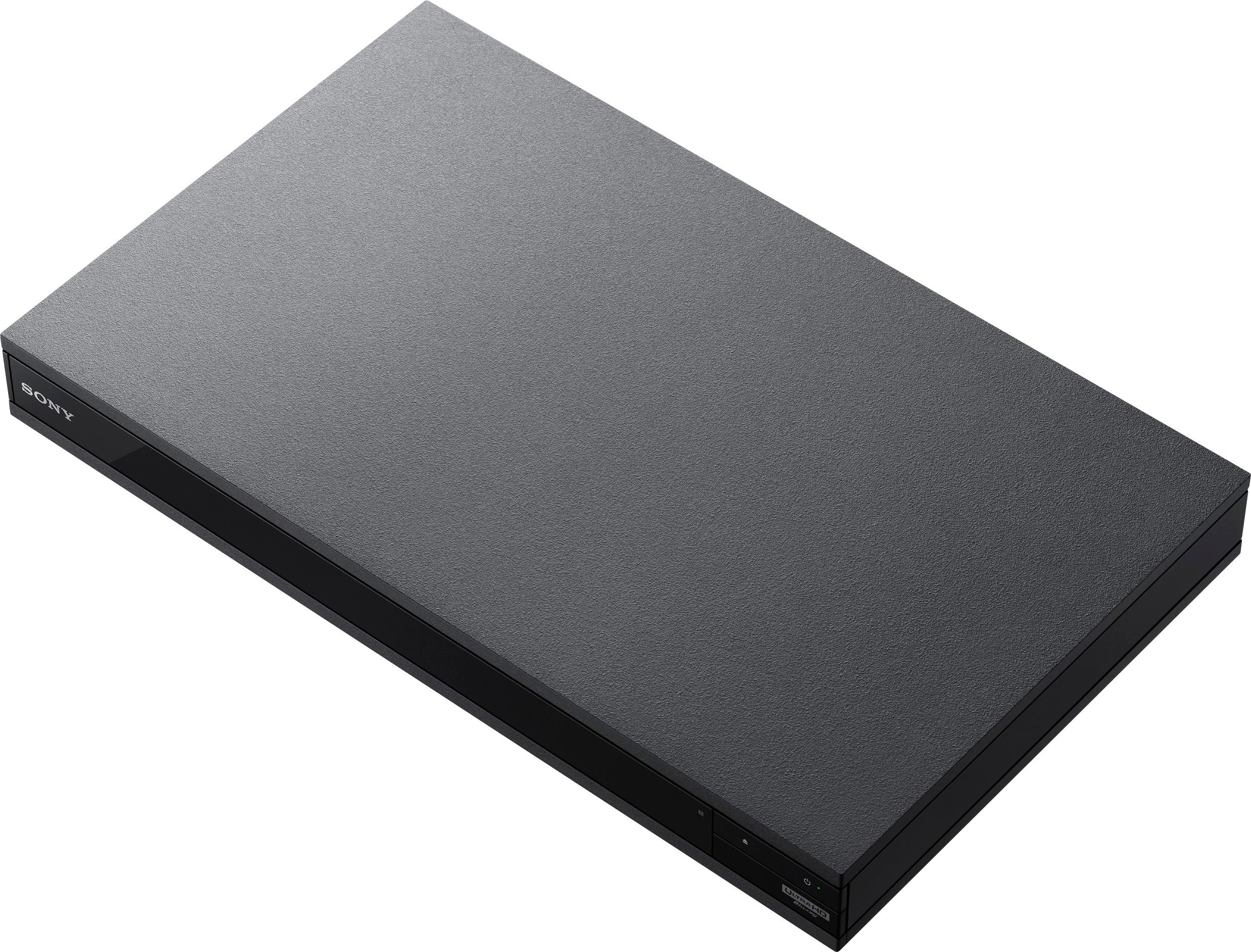
A:AnswerThe manual specifies the following: 430 mm x 265 mm x 50 mm (17 in. x 105 in. x 2 in.) (width x depth x height) respectively. includes projecting parts
A:AnswerNo, I have not experienced any lag with sound to picture with my Bluetooth Bose soundbar. However I can't speak on other brands or products Bluetooth connectivity challenges.
A:AnswerI believe the connection to your bluetooth headphone will be thru your TV settings. On my Sony Bravia TV which I've hooked up a blue tooth transmitter (which I believe would use the options) I go to Options and then Speakers and this allows me to select TV or speakers. I choose speakers and I can use my blue tooth headphones. I hope this helps.
A:AnswerCheck your receiver. If it displays Atmos then it is correct. I agree for whatever reason the player doesn't display Atmos but if the receiver says Atmos than your player is bitstreaming properly.
A:AnswerDon't forget to set your UBP-X800 player's screen settings to output video resolution to 4K. As I recall the factory default is 1080P. Double-check that the HDR setting is in AUTO.
I think Audioquest produces more than one HDMI cable. Make sure the one you have is HDMI 2.0, or at least supports 18 Gbps throughput. Your Samsung 8000 SUHD TV is a data hog. It needs a high performance (18 Gbps) HDMI cable to feed it. Just FYI, Monster's Black Platinum HDMI cables with lights provide you with a blue LED on the TV's connector to let you know that the player is streaming at bit rates required for 4K HDR TV's. Best Buy now sells these new Monster Black Platinum HDMI cables with lights.
You should expect excellent picture quality with your Sony UBP-X800 and a UltraHD 4K HDR TV. BTW, Best Buy's Magnolia group will give you free set-up assistance with the UBP-X800 to any TV. Of course, this assumes you bought your player there.
A:AnswerLOTS of people are having issues with Macro Blocking, primarily on Fox discs. Contact Sony and give them the details as they will likely need to update the firmware to handle the encryption / copy protection that Fox is using on the problematic titles.
A:Answer4/6/17
If your "older" tv uses HDMI 1.4, and not HDMI 2.0, I recommend you use the CERTIFIED HDMI 2.0 cables because the Sony 4K player will upscale to near 4K. Sony X800 states it will support 3D discs, but it requires the 18 GBPS HDMI 2.0. The 2.0 cables are backward compatible. The Dolby ATMOS sounds awesome! I love to use the Bluetooth headphones with it. Also, I read certain 4K HDR discs that play at 60 fps, rather than 24 fps, require the 2.0 cables. Better to be future proof.
A:AnswerI have experienced the same thing with my new Sony XBR=55X900E TV. I get the Bravia Synch as you do even though the TV doesn't see my UBP-X800 player. However, it does see my older Sony HTCT-350 soundbar which connects my UBP-X800 to my Bravia TV.
A:AnswerI would recommend buying a certified 4K HDMI cable rated @ 18 GBps, passive cables for 3 - 10 foot runs from source to display. For longer runs, >15 feet, I would use active HDMI cables or another option is try to connect two certified passive cables using a HDMI 4k repeater rated for 18Gbps. I like the repeater option for longer runs
A:Answerin the manual is says your player has a region code printed on the rear of the unit and will only play BD/DVD video labeled with identical region codes or ALL