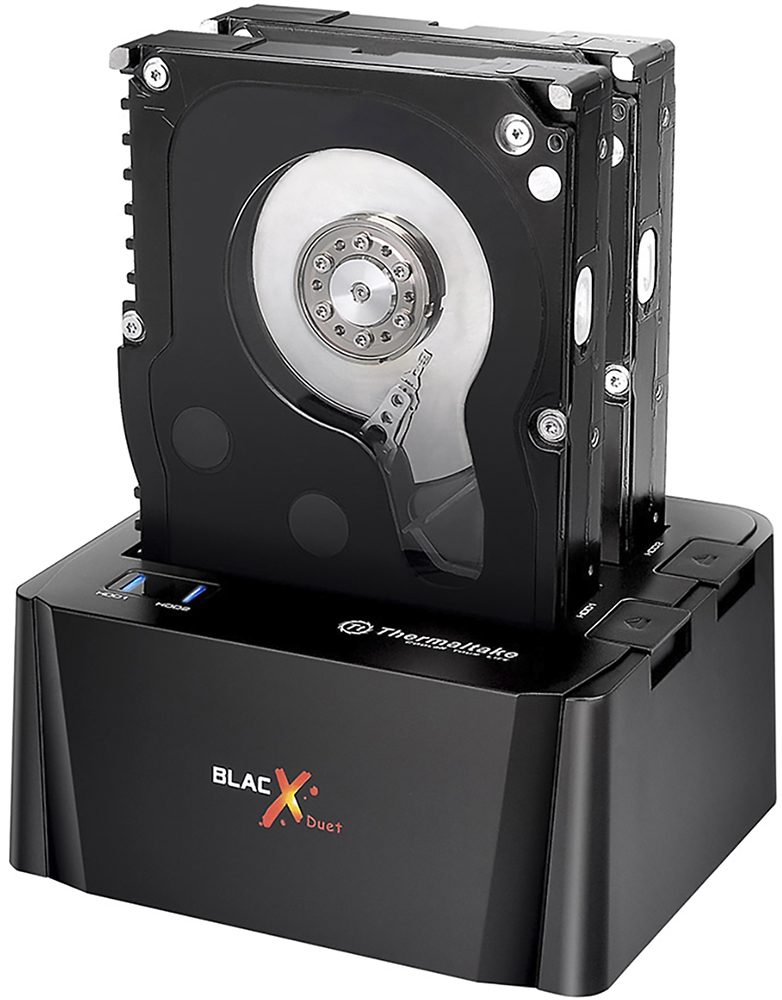
A:AnswerI'm using this with a ps4 slim and while it worked for a good couple of months, it seems that now it is overheating. If you plan on using it for long periods of time then you might go with a docking station that has a built in fan. I'm using a Seagate 8T drive by the way.
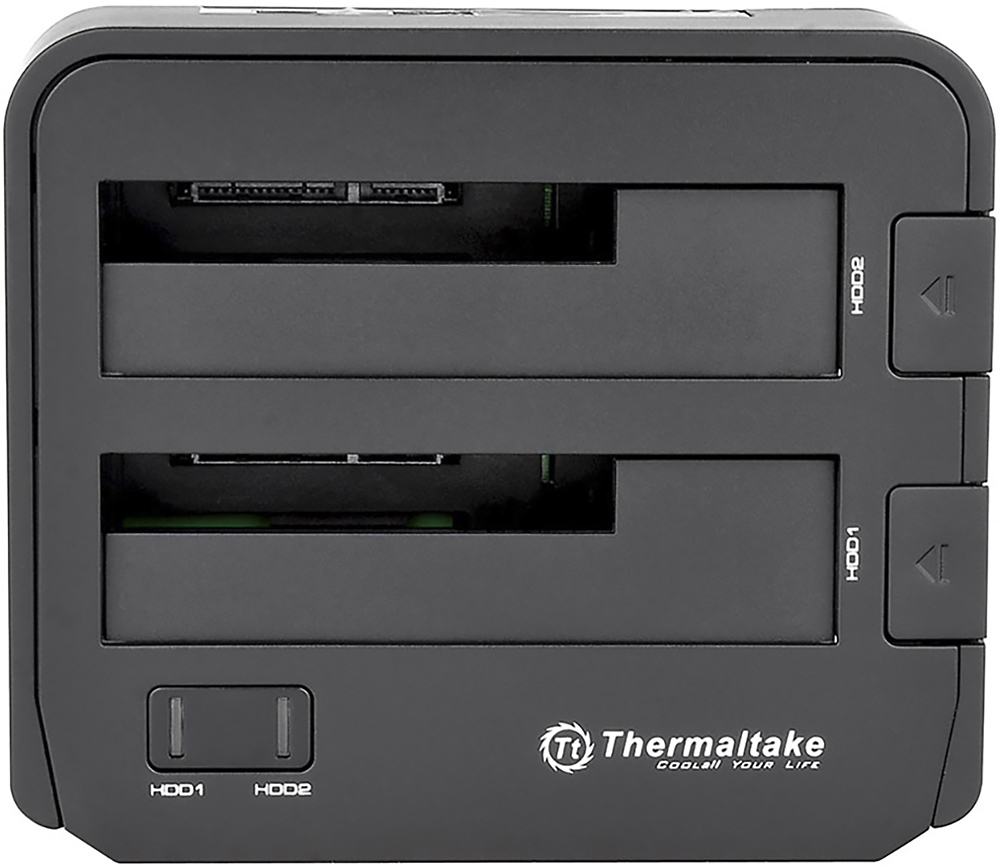
A:AnswerYes it will... keep in mind it should be a SATA hard drive.
It is not compatible with IDE hard drives.
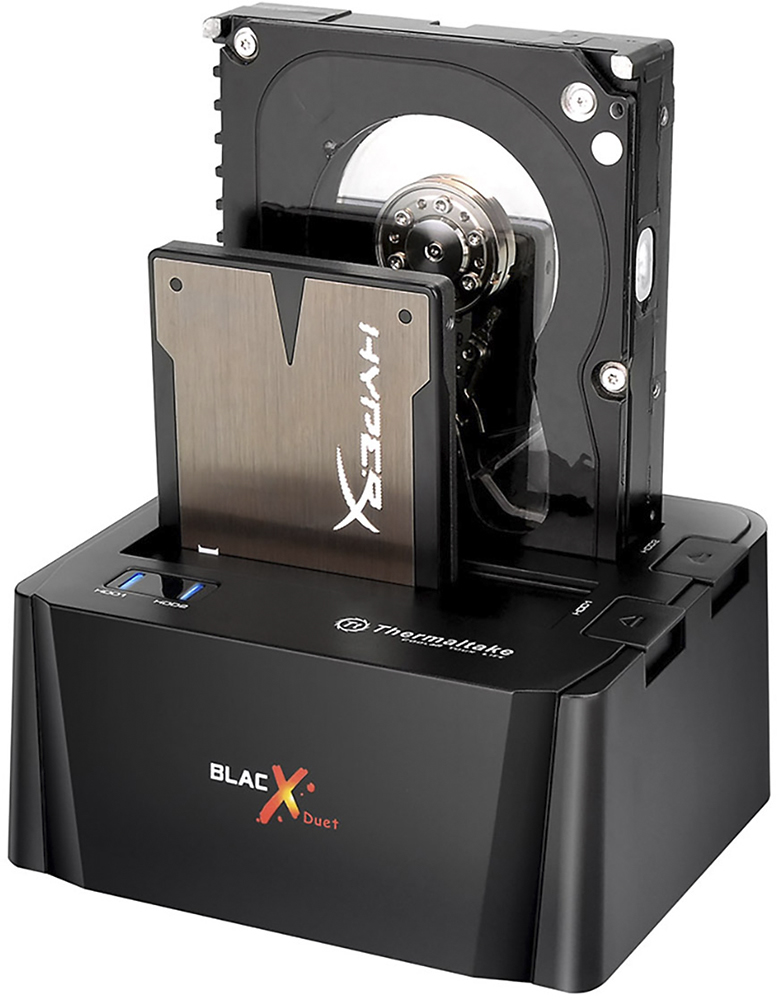
I actually use it for laptop and desktop hard drives interchangeably with no problems.
A:AnswerI used it on MacOS which is UNIX based, also ran it on a Linux VM in windows, which makes me think it should be fine with Linux systems. I would try it and if it doesn't work just return it.
A:AnswerYes, this works well though you will need your own software to make this happen for your boot drive. This is going to be the case 99% of the time with a laptop. There are several companies that make this, some are even free, and work on either removable media like a CD-ROM/flash drive or other options can pull this off by setting up the process and rebooting out of the main operating system. I have had success with both types. Just make sure you buy an SSD with at least as much space as the drive you're replacing.