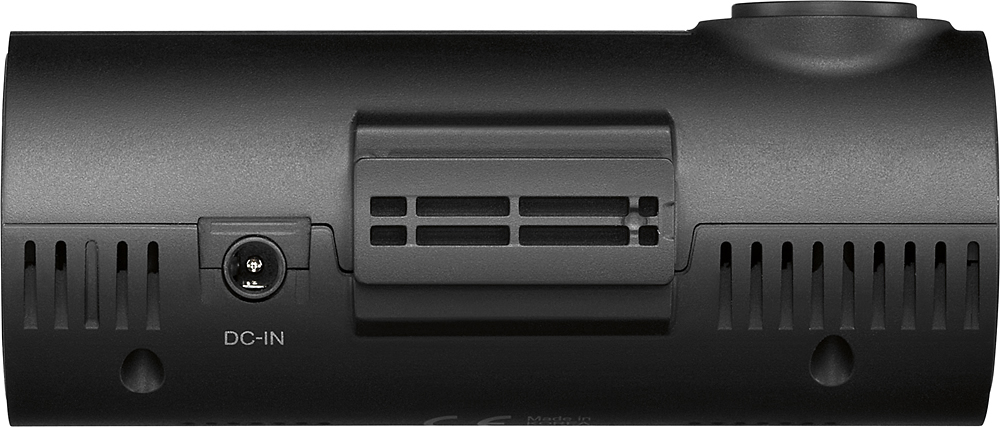
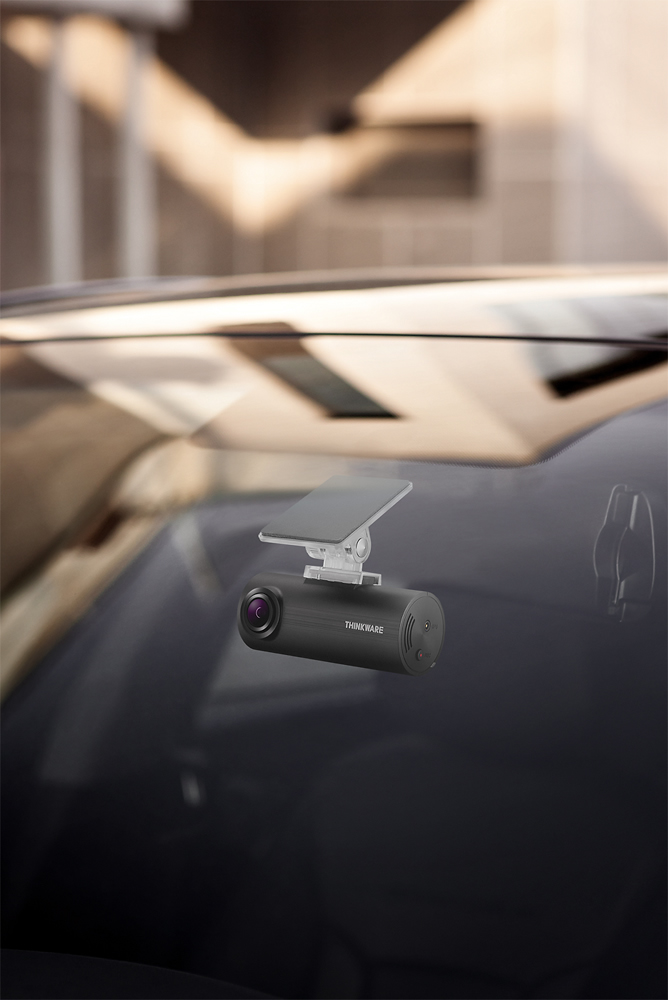
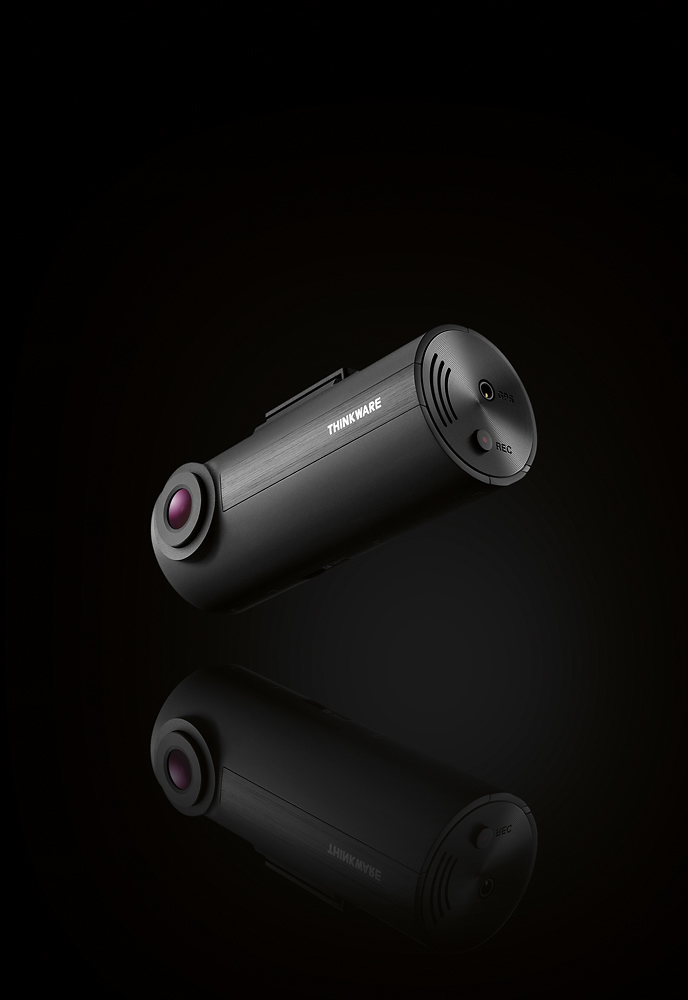
A:AnswerI use mine connected to the 12v adapter that came with it. Using that cable, the unit powers on with the car and powers off when the car is off. So I'm not using the parking mode feature. That requires a hardwired connection. There is no battery in the dash cam itself.
A:AnswerYou should keep the entir folder not just setup.exe. setup.exe is looking for other files to configur them but cannot find them.
Check their website, probabley you can find those files.
A:AnswerProbabley you did not record the audio. Audio is combined with video file and if your phone does not play audio most likely your video is recorded with no audio.
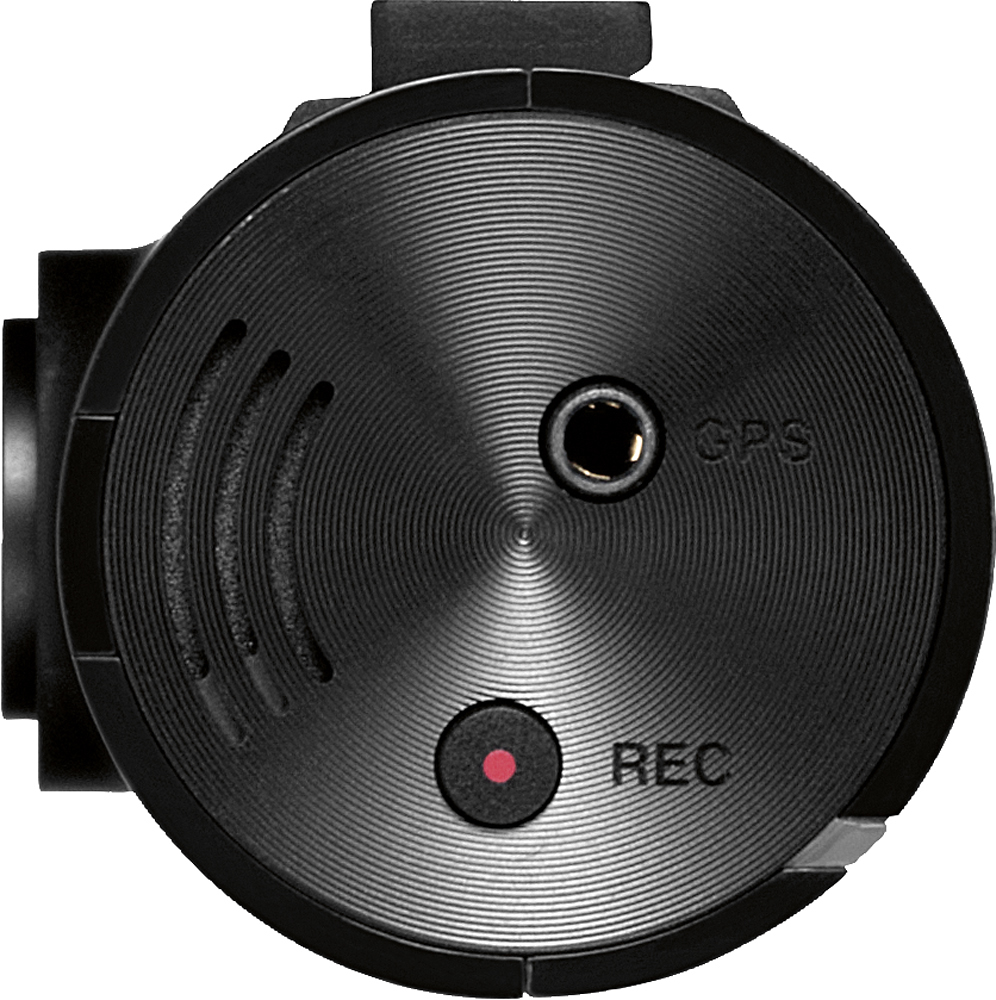
Holding red button on camera for 3 secs, disables/enables audio.
A:AnswerIf you hard wire the camera (directly to fuse box), camera detecs any motion infront of it and records it.
To hard wire the camera you need additional cable.
A:AnswerIf you are referring to the F-50, this cameras does not have those capabilities built in. I think you are referring to a totally different camera
A:AnswerHi there,
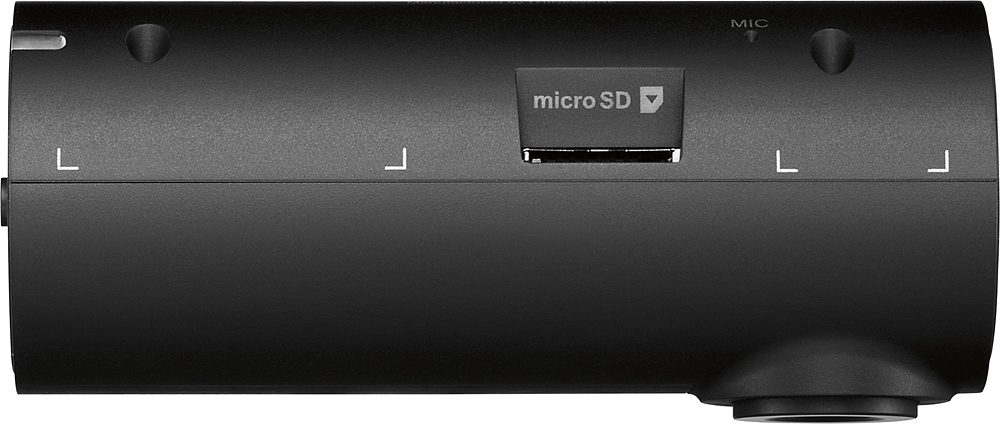
The F50 can support up to a 64GB card. Just ensure that the card is class 10 and UHS-I.
If you have any other questions, please feel free to contact us by email ([email protected]) or phone (1-844-865-9273).
Kind regards,
Thinkware Customer Support
A:AnswerHi there! Heat application will allow the dash cam to be removed cleanly, as seen in our tutorial here: http://bit.ly/1Tgy49a. Please contact us directly by email ([email protected]) or phone (1-844-865-9273) if you have other questions. Kind regards, Thinkware Customer Support
A:AnswerHi there,
We are sorry to hear about your experience with the Mac and PC Viewer. For playback purposes, both options should work properly, however, please ensure that you are downloading the newest Mac and PC Viewer for the F50 from our website: http://www.thinkware.com/Support/Download
If you are still experiencing troubles, please contact us directly by email ([email protected]) or phone (1-844-865-9273).
Thinkware Customer Support
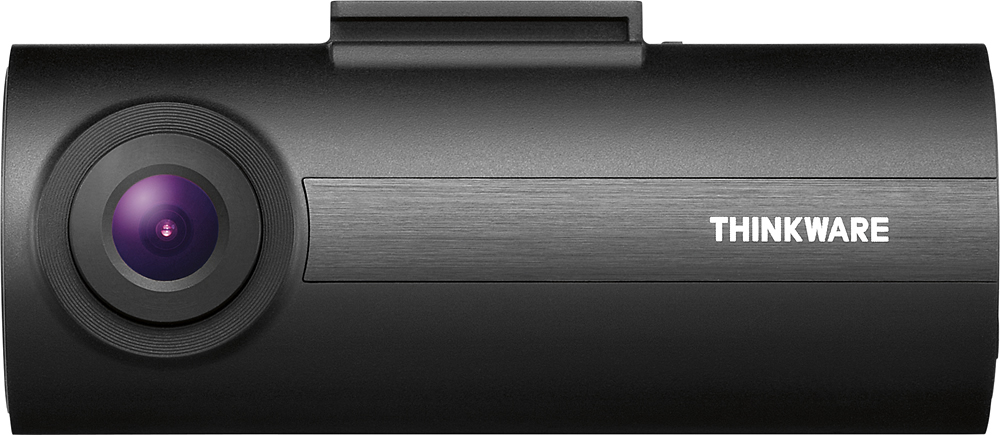
A:AnswerOther people have posted elsewhere that you can only use their cards. This is INCORRECT. I had a spare 64gb card, formatted it on my computer and installed the latest firmware from their site. I powered it up in my vehicle and it formatted it correctly. Follow the instructions on Thinkware's website and you will have no problem.
A:AnswerHi there! A 8 GB MicroSD card is included with the F50, which stores approximately 1 hour of footage. For more storage, you can also upgrade the MicroSD card to one with a bigger capacity to a maximum of 64 GB. We hope this answers your question! If you have additional questions, please contact us directly by phone (1-844-865-9273) or email ([email protected]). Thinkware Customer Support
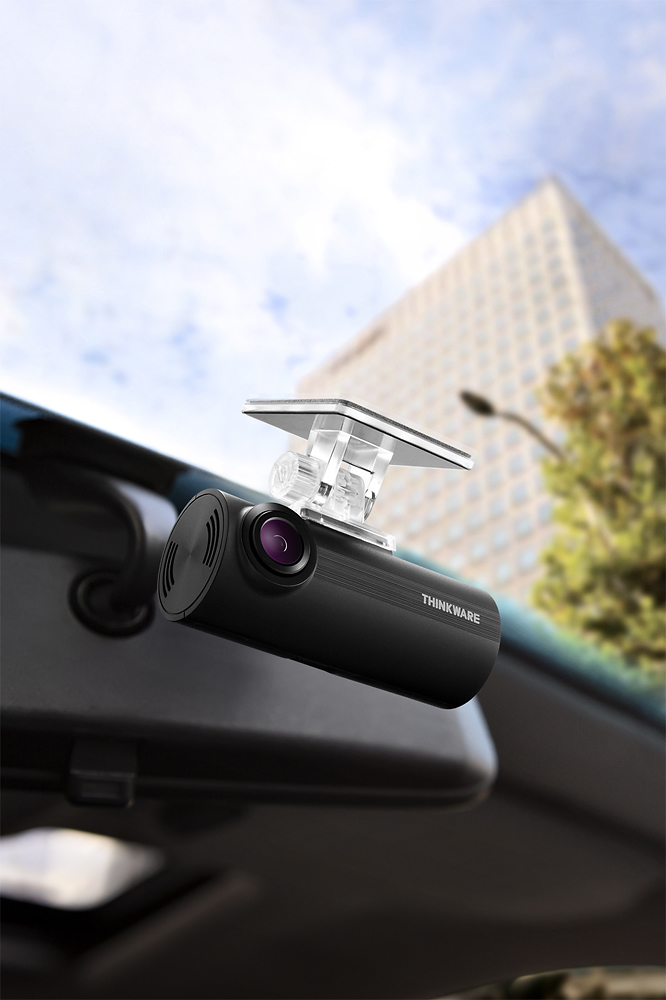
A:AnswerYou have to go to Thinkware.com and download their software to your computer .. I had the same issue , ( I didn't read all the info in the manual ) ..mine works get now on my HP Pavilion ..windows 10
A:Answerput it in the computer, run the software and under settings is your timezone and a get current time button, then click save and re-insert into the dash camera.
A:AnswerHi there! The F50 has software available for both Mac and Windows users. Please contact us directly by phone (1-844-865-9273) or email ([email protected]) if you have other questions. Thinkware Customer Support