A:AnswerThere isn't much you can do but to buy some supplemental speakers. A decent set of Logitech multimedia speakers with a subwoofer and 30-40 watts of power runs about $25-30. I'd go for those.
A:AnswerYou have to add the application, as you do with most of the applications/channels on roku. From the home screen go to Search and type in You Tube. Highlight it and use the right arrow key until you get to "install channel".
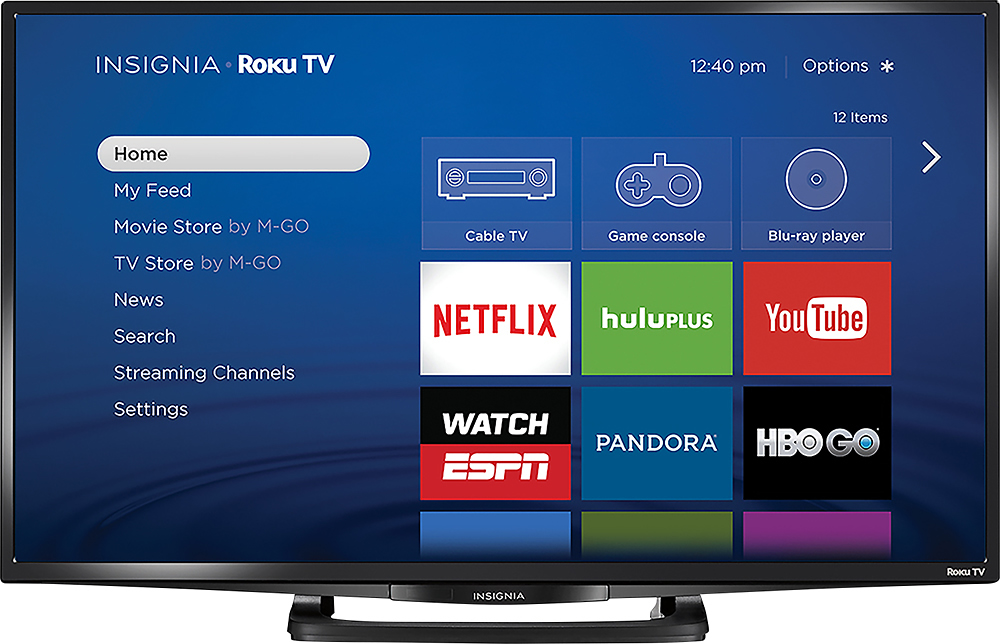
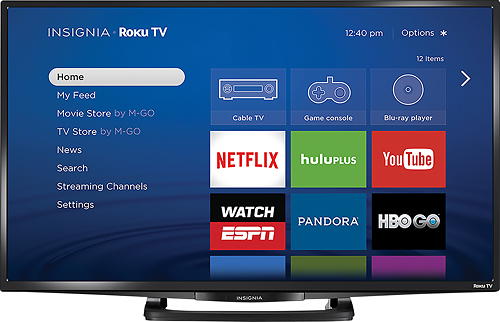
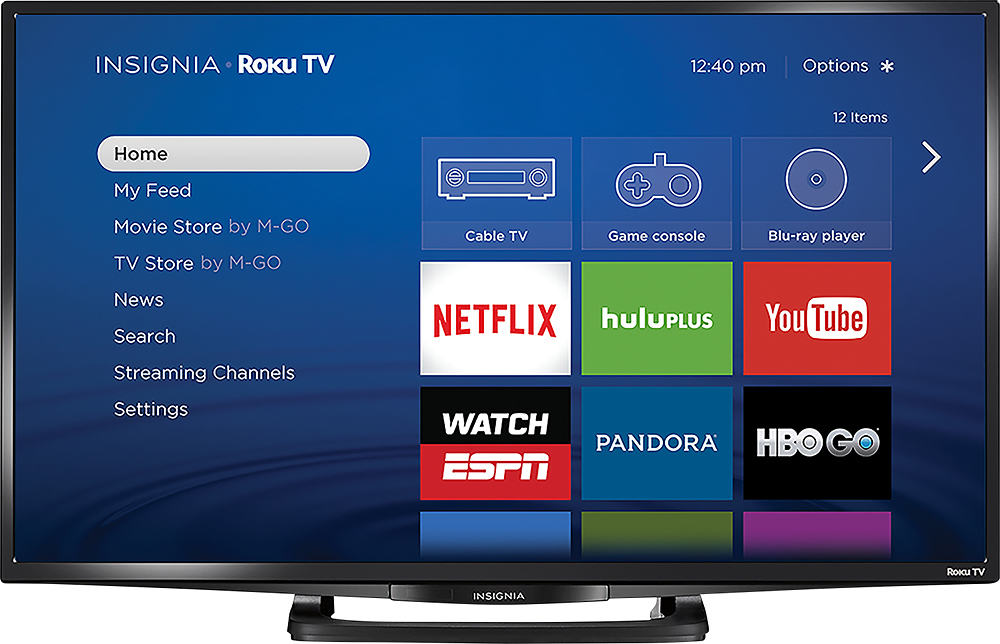
A:AnswerYou will be able to access Netflix on the Insignia - 32" Class (31.5" Diag.) - LED - 1080p - Smart - HDTV by accessing the Netflix App while on the Internet and putting in your log-on information.
A:AnswerYou can connect to you tube wireless. Otherwise to connect your laptop to this TV, you'll need to use a HDMI cable. Laptop brand does not matter as long as you have an HDMI output on your laptop.
A:AnswerYes, you can set which input the TV powers on to. Go to the home screen to the settings, then to system settings, then to the power settings and then the power on setting. In this setting you can set which input the TV turns onto.
A:AnswerOpen box are products that were on display in the store so for TVs & game systems expect that they were on for at least 10 hours a day 7 days a week & played with by thousands of people. It's almost like buying a used one. Things like washing machines you pretty much only have to worry about dents & dings which in some instances a store might discount the product even more for that. All products still work but the question is for how much longer will they work?
A:AnswerInstantaneous in my house, even though the TV is mounted in a near completely dead WiFi area of the house. It is very responsive. The antenna is very sensitive.
A:AnswerIt is DLNA compatible. I use it to stream movies from a Western Digital network drive running a Twonky media server. Not sure about the other parts of your question.