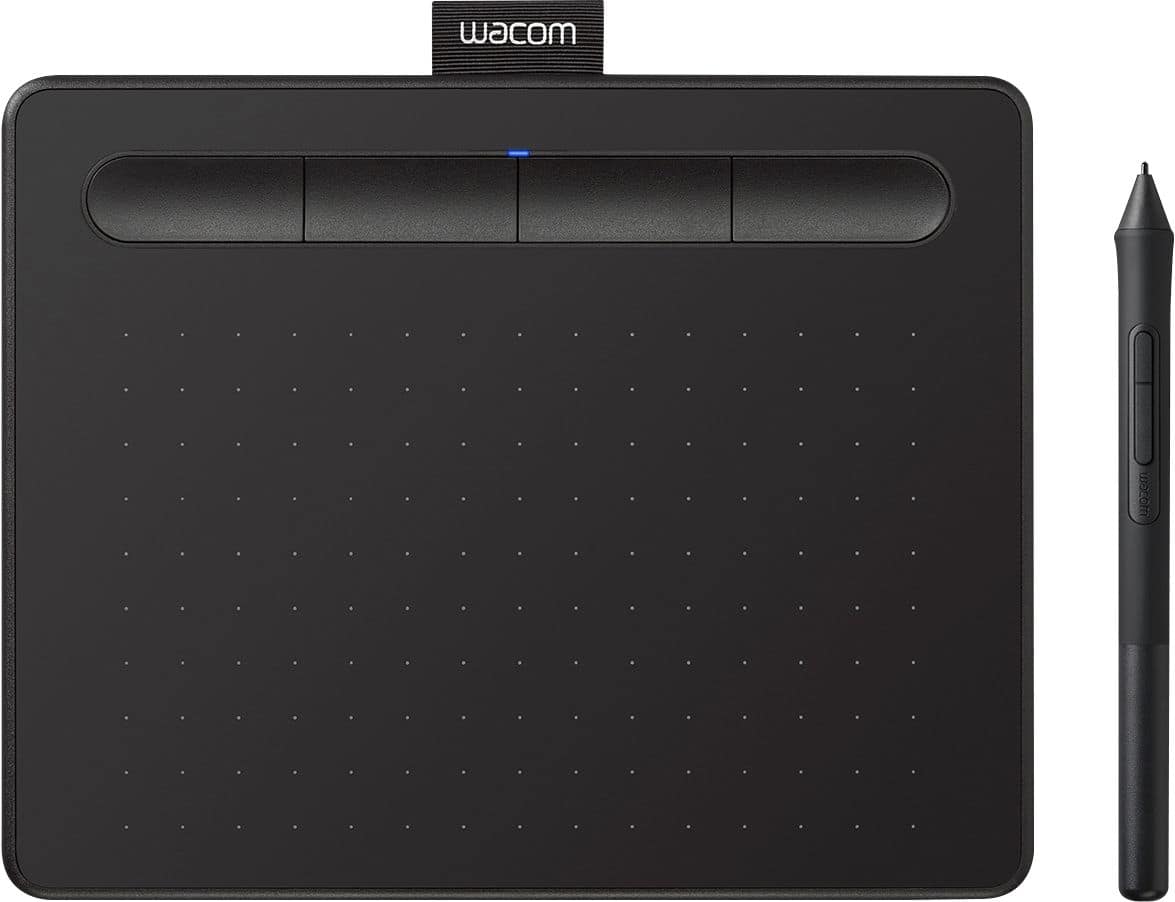
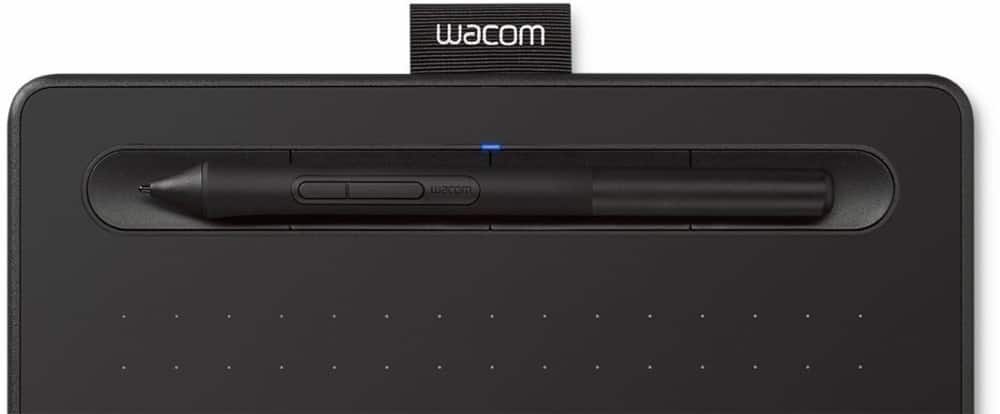
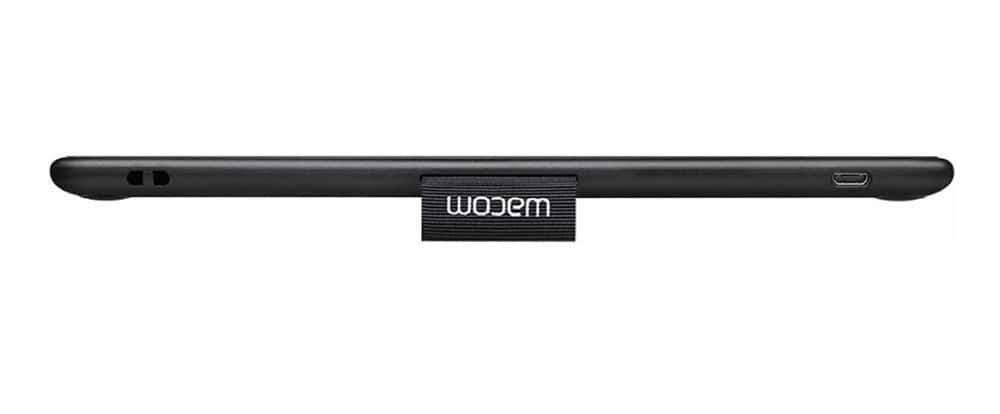
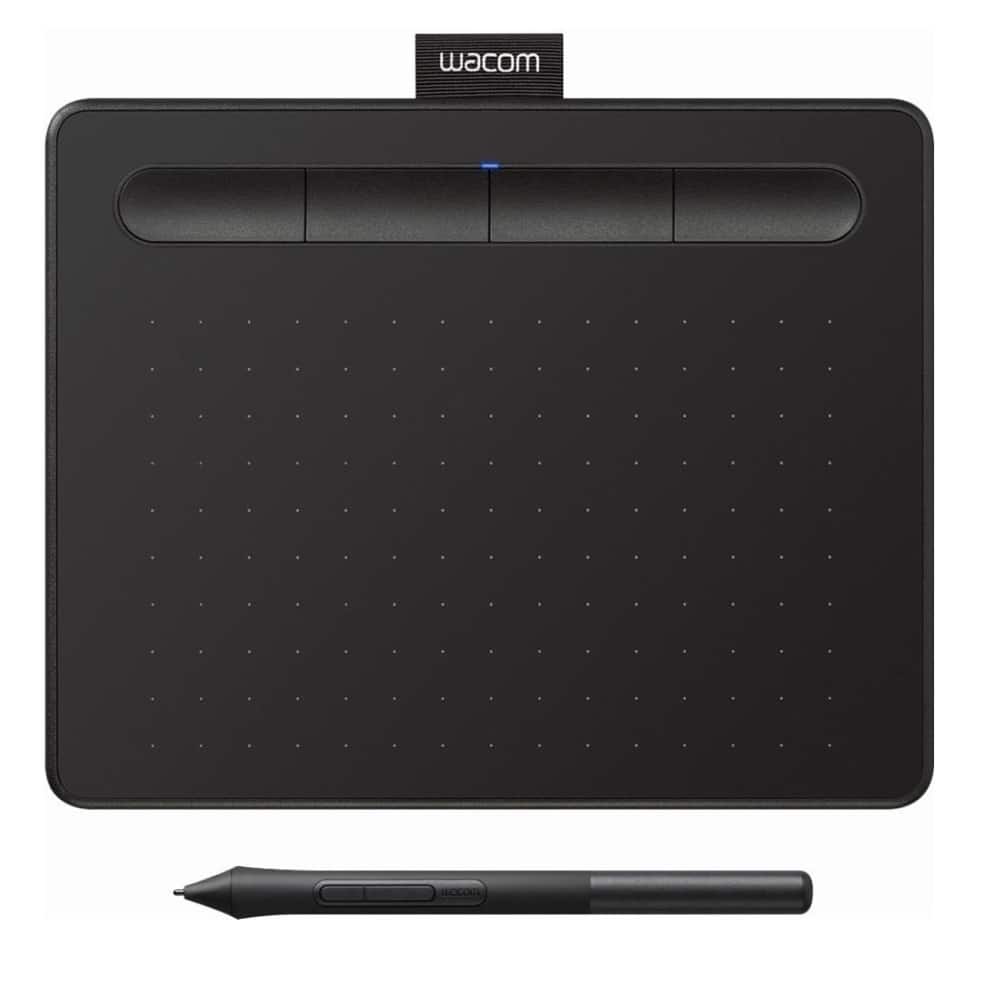
A:AnswerThank you for the question. Yes, the Wacom Intuos tablet will be able to work with many different software vendors such as Office 365 and Adobe Suite products as well as web based programs. Regards
A:AnswerThank you for the question. Yes, the Wacom Intuos tablet will work with Mac OS devices including the newest version. IOS devices are not compatible. Regards
A:AnswerThank you for the question.The Wacom Intuos tablet will work with many graphic software applications. So Art Rage would also work as it can take input from a mouse. Regards
A:AnswerThank you for the question. The Wacom Intuos does require Windows 10 OS, to operate. That said the Surface Go 2 does come with Windows 10 Home S version which is not compatible, but you can upgrade to a full version of Windows 10. Regards
A:AnswerThank you for the question. Yes, the Wacom Intuos can be used. However, you will need to ensure that the OS is at Chrome OS 87 and later, and Kernel version 4 and later(including 4.4, 4.14 and 4.19. Regards
A:AnswerThank you for the question. The Wacom Intuos tablets can be used on Android OS 6 and later. If you have any further questions, I'd like to invite you to reach out to us on weekdays between 6 am and 6 pm PST to 855-MY-WACOM. Best
A:AnswerThank you for your question. The main difference between our Wacom One and Wacom Intuos would be the pressure sensitivity levels, our Wacom One features 2048 levels of pressure whereas our Wacom Intuos features 4096 levels of pressure. Hope that helps
A:AnswerThank you for the question about the Wacom Intuos tablet. Any software that can be used on a computer supporting Windows, Macintosh, Chrome OS and Android OS should work just fine as the tablet and stylus itself will interact as noted.
A:AnswerBe sure that all available Windows updates have been installed and applied prior to installing the tablet driver. If you still have trouble, feel free to call our support team at 1-855-699-2266.
A:AnswerHello and thank you for the question about the Wacom Intuos tablet being able to used on the Lenovo IdeaPad Flex 3 2 in 1. Upon review, it should, however using Windows 10 in S mode per the specification seen for the Ideapad, that is not supported. Having a laptop using Windows 10 is supported.
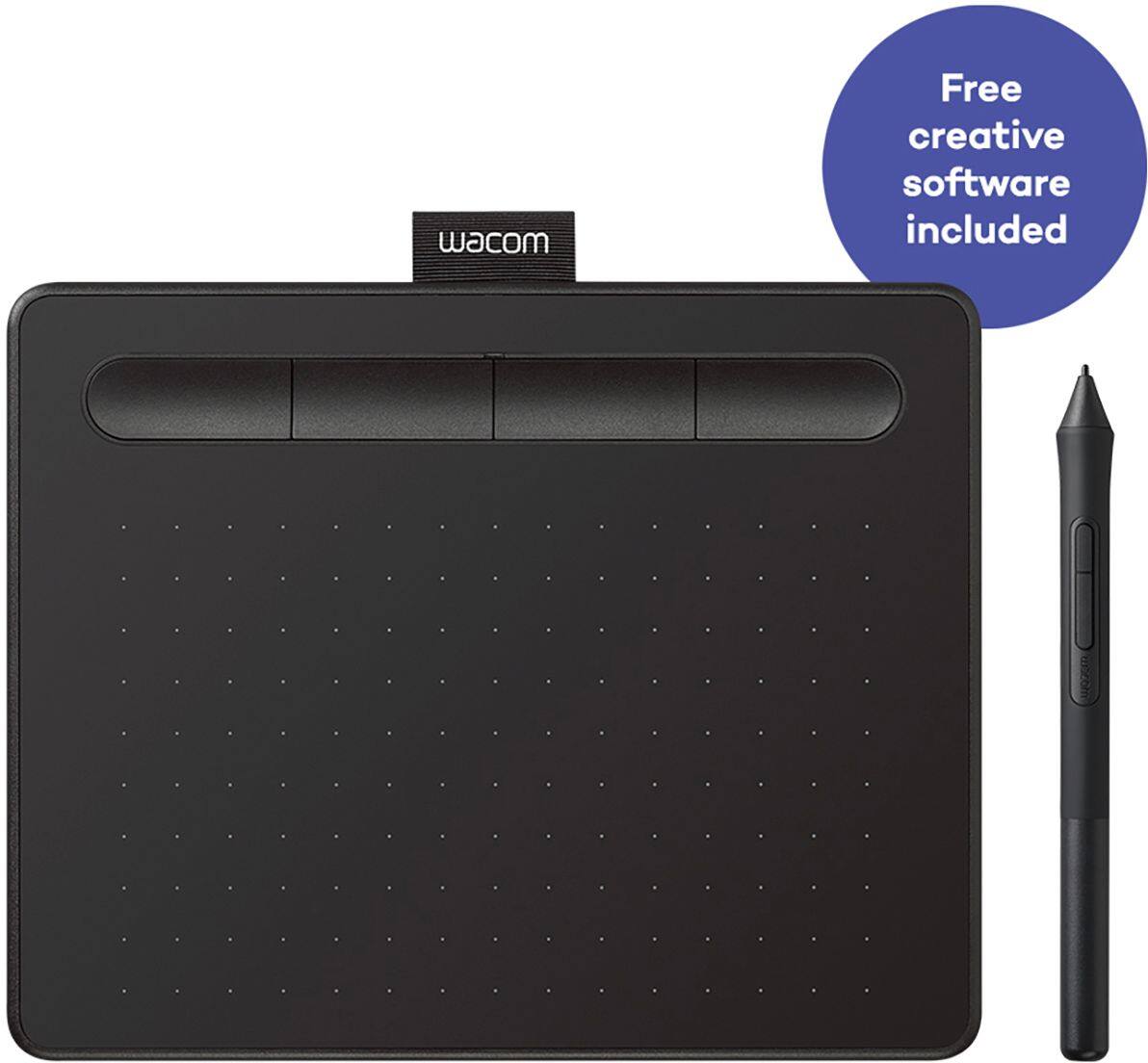
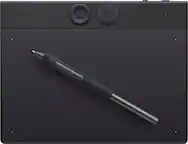
A:Answerit should work if you have software to draw with already, the only thing specific for the tablet would be assigning what the four buttons on the top do
A:AnswerThank you for reaching out to us. Regarding One Note disabling your pen colors, I'd like to invite you to reach out to us on weekdays between 6 am and 6 pm PST to 855-MY-WACOM so we can work with you on this. Best
A:AnswerAs of June 9, 2021, Wacom Intuos are now compatible with "the latest version of Chrome OS" according to this press release - https://www.wacom.com/en-es/about-wacom/news-and-events/2021/1451
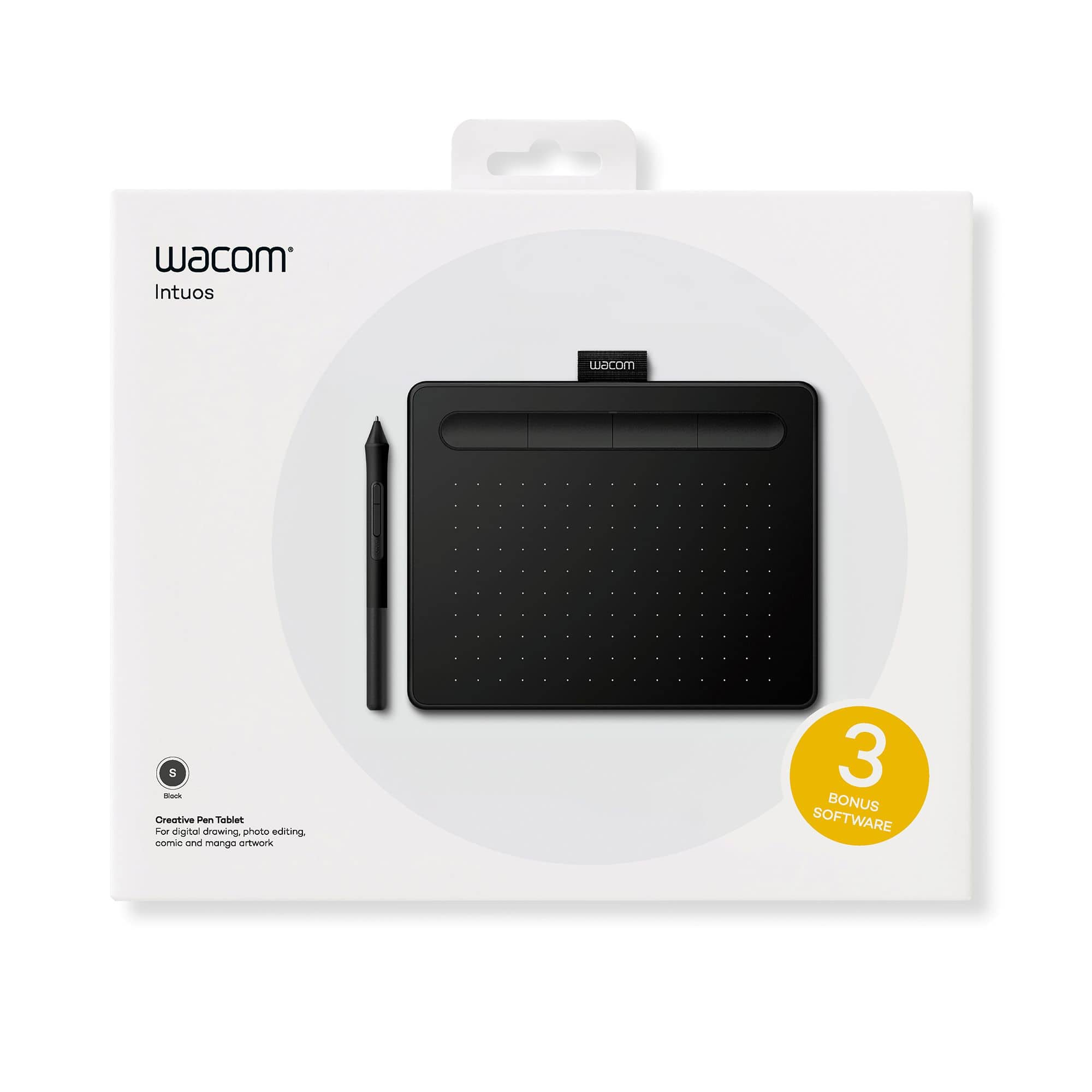
A:AnswerThank you for your question. If you are using a compatible Windows or Mac computer, then any art application that supports pen input should work for you. We currently bundle the Wacom Intuos with trial versions of Corel® Painter® Essentials™ 7, Corel® Aftershot™ Pro 3, and CLIP STUDIO PAINT PRO. These applications can be redeemed after you register your tablet through your Wacom ID. Hope that helps