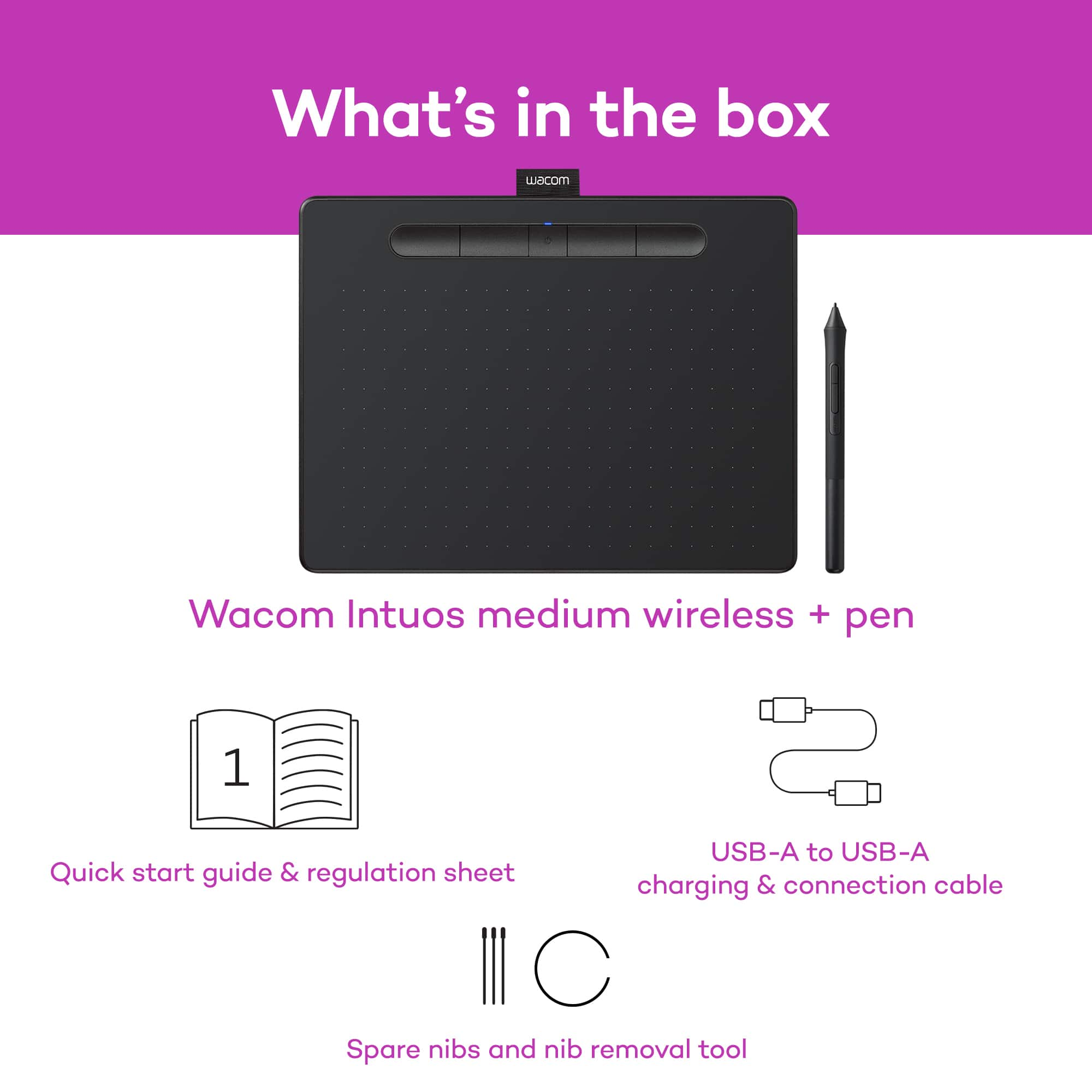
A:AnswerThank you for your question. When you register your tablet through your Wacom ID, these are the programs you can choose from: Corel Painter Essentials 7 (90 day license), Clip Studio Paint Pro (2 year license), or Corel Aftershot Pro 3 (90 day license). Hope that helps
A:AnswerThank you for your question. The only tablet that we currently offer that is Chromebook compatible is our One by Wacom. Our Wacom Intuos is only compatible with Windows and Mac computers. Hope that helps
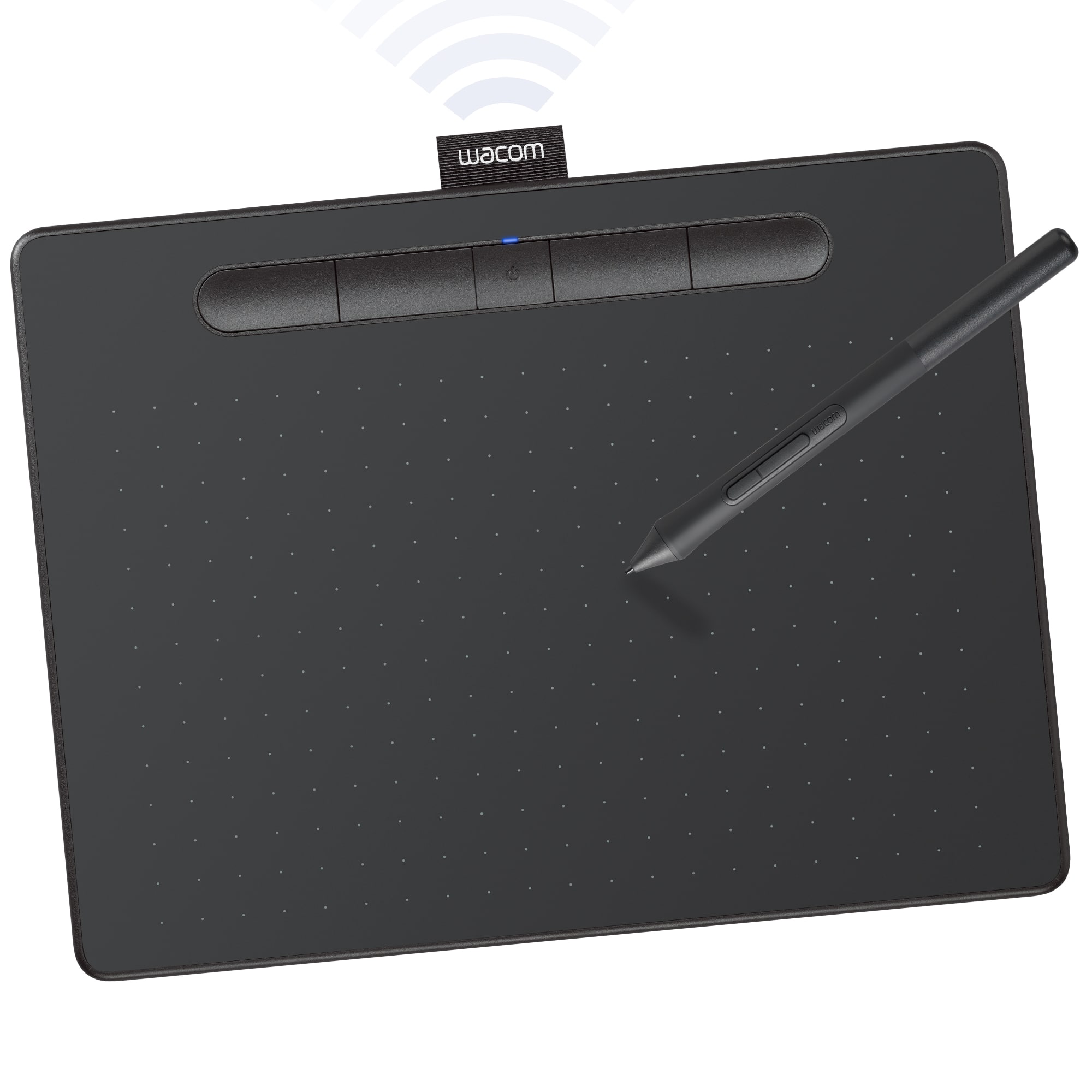
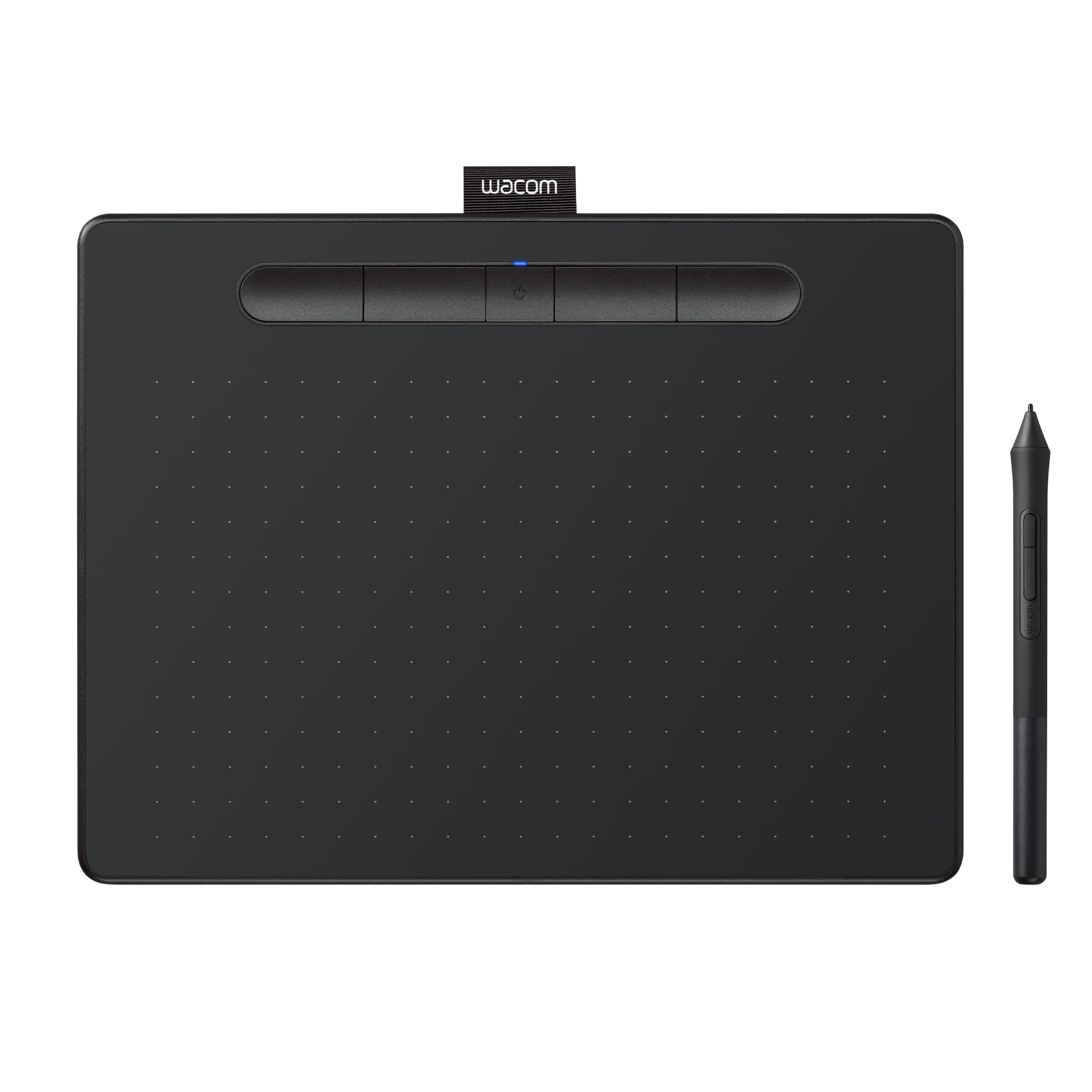
A:AnswerHello and thank you for reaching out about the measurements of the Wacom Intuos Medium table. The measurements are: 264 x 200 mm / 10.4 x 7.9 in 216 x 135 mm / 8.5 x 5.3 in Hopefully that answers your question.
A:AnswerThank you for your question. If you are using a compatible Windows computer and if the applications you want to use support pen input, then the pen should allow you to write on Microsoft Word documents and/or Excel sheets. Hope that helps
A:AnswerHello and thank you for the question about the Intuos tablet connecting to iPhones. A direct connection to a computer/laptop is needed to operate. However, there are applications that can be used that can take advantage of the Intuos tablet.
A:AnswerThank you for asking. While you are using the Intuos through USB connection it charges the internal battery. Please keep in mind this tablet works through both Bluetooth and USB. Hope that helps!
A:AnswerWacom does not offer a Linux driver directly, but there is a Linux driver available for most Wacom devices at the Linux Wacom Project on Github. Many Linux distributions come with the driver pre-installed, so first try attaching your device to your Linux machine to see if it works. If it doesn’t, visit the Github repository to download drivers and get more information.
A:AnswerHi there, thank you for asking. Leaving aside the many great specs our tablets have. The core connection with a computer happens at an Input device level (Like your mouse, Trackpad, Keyboard, etc ) and as such, you can interact with the computer in general lines. So that said, you should be just fine.
If in doubt, I would encourage you to reach out to us on weekdays between 6 am and 6 pm PST to 855-MY-WACOM. Best
A:AnswerLet me tell you something even if you have the box there are a whole bunch of numbers on it no one of which is clearly identified as a serial number and when you input those numbers it still barfs back that they're not valid.