A:AnswerThe size of the hard drives are the issue... All Samsung tv's I have top out at 2tb. Your best bet is to use the best router you can afford with a usb 3 port, tri band with MIMO.. basically all the bells and whistles.. Go on their website or google the name and add max hard drive to it. The one I have for example only has a voltage limitation:
"The Linksys EA8300 has one USB 3.0 port that is capable of supporting an external hard disk or flash drive with up to 1100 mA current draw."
Also with a router you can watch on any laptop or tablet etc
A:AnswerYakma
Yes the situation about the 3.3V status is in effect with these White Labeled Red Drives. What that means is when you shell the drive from the enclosure ( which voids the Units Warranty) and attach it to a computer as an internal HDD then the white labeled HDD will not start up / spin up when the computer is powered on.
The reason is that the Drive's logic board senses the 3.3 volt on pin 3 of the edge connector where the power connector attaches to. If that voltage is detected then the drive will not power up.
here is a link to check about the 3.3v
https://www.youtube.com/watch?v=9W3-uOl4ruc
here is a link about shucking these drives - Doing so voids the Warranty....
https://www.youtube.com/watch?v=kEttNCJ5o9Y
A:AnswerYes, you can repartition the drives. You do not need special software, as long as your system recognizes all 10TB of the drive, which most machines manufactured in the last 5 years can.
A:AnswerI’m using mine with the USB 3.0 input on my NETGEAR router — so it’s not restricted to PCs. It maps as a network drive on my home computers without issue!
A:AnswerYes, this will work with your iMac and MS Word. It will work with any Mac application. You can also hook it up to a Windows computer if you need to. There is enough space on this drive to store over a million manuscripts of 100,000 wc.
A:AnswerYes, but setting it up for remote use is a function of your router. If your router has that feature and recognizes drives greater than 2.2TB then it should work. There is nothing special about the drive itself to do this.
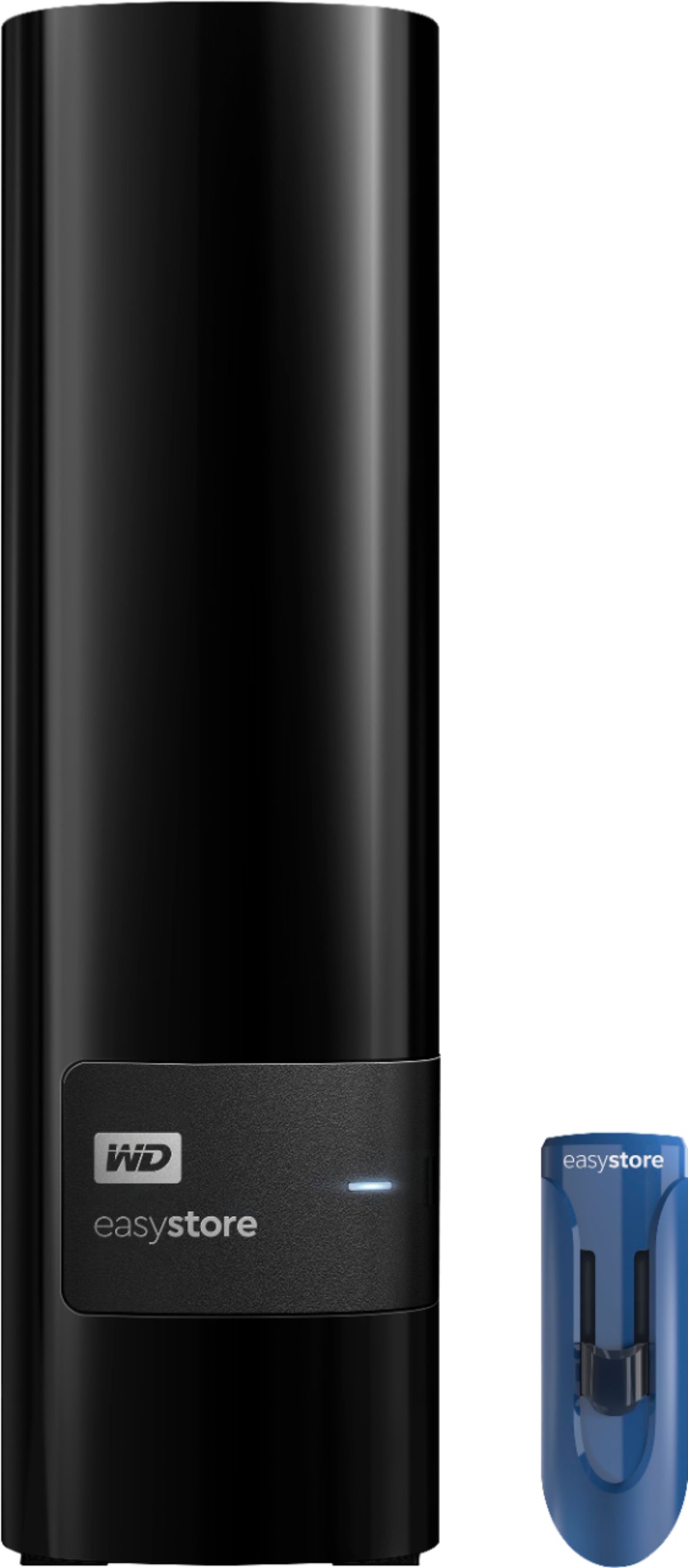
A:AnswerThey're 10TB WD White labels (they're rebadged RED NAS drives), as I can tell it is a Helium filled HDD with a 256MB cache and runs at 5400 RPMs.
They can be shucked and used in other enclosures/NAS/Computers as well. There's plenty of info on that on the net.
A:AnswerBestBuy has been good about limiting allocation of their BF deals, they constantly release more stock along the way, so keep an eye out for updated inventory through the holiday season
A:AnswerTechnically, any hard drive can but it’s extra cords to trip over. But yourself any windows formatted portable drive that doesn’t require a power cord and format it with Xbox and use. Though you can, this is t the best choice.