Customer Ratings & Reviews
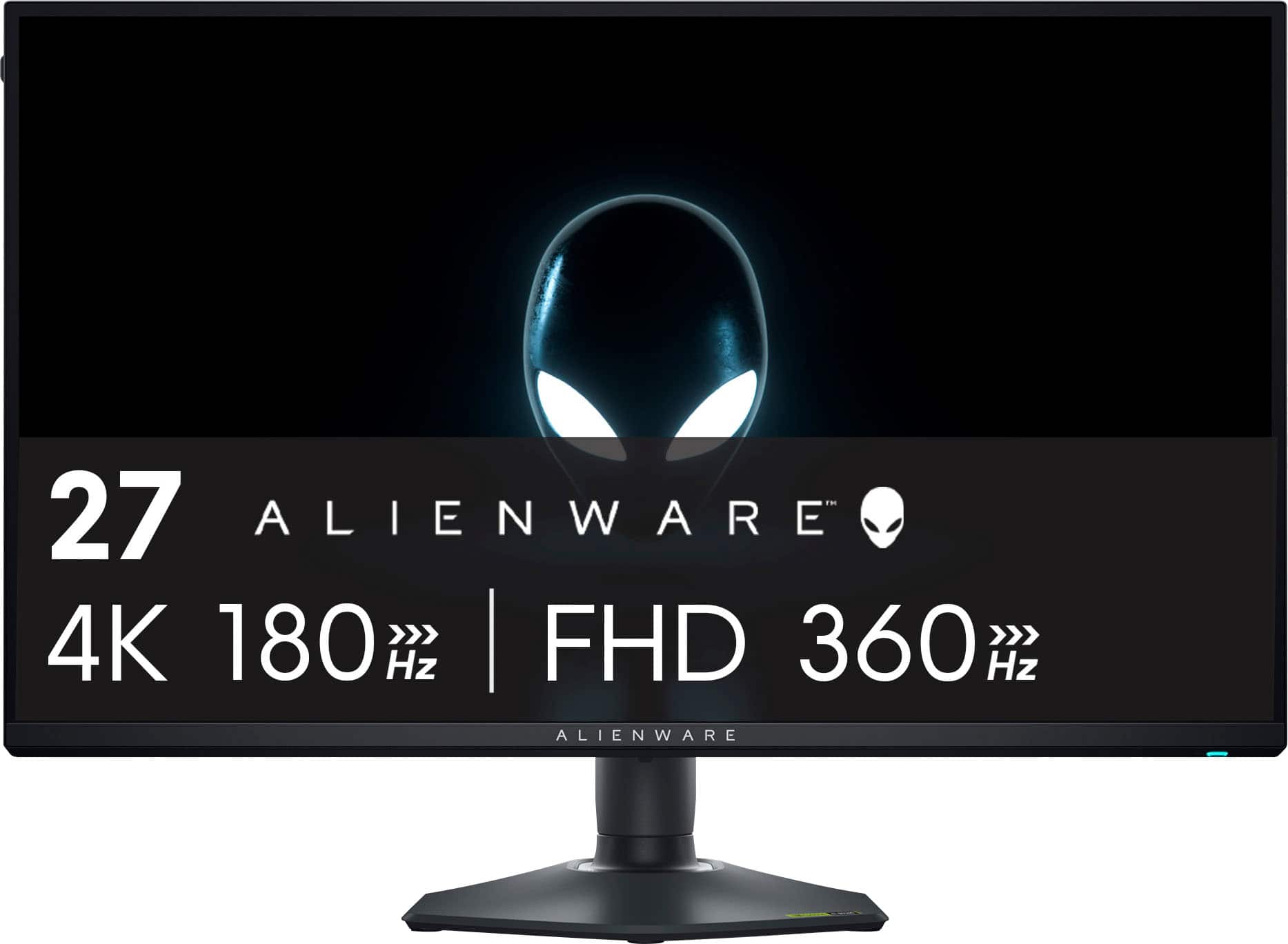
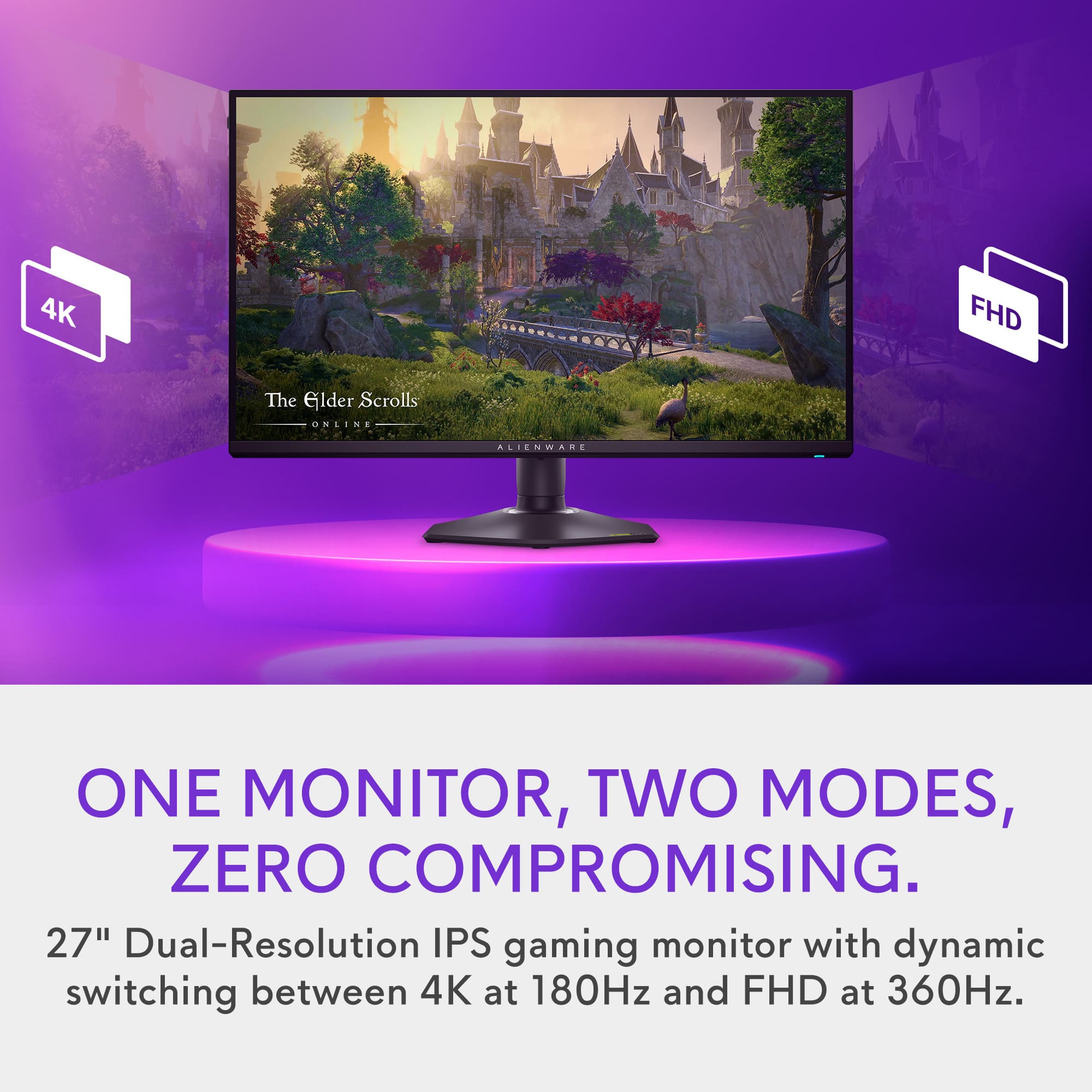
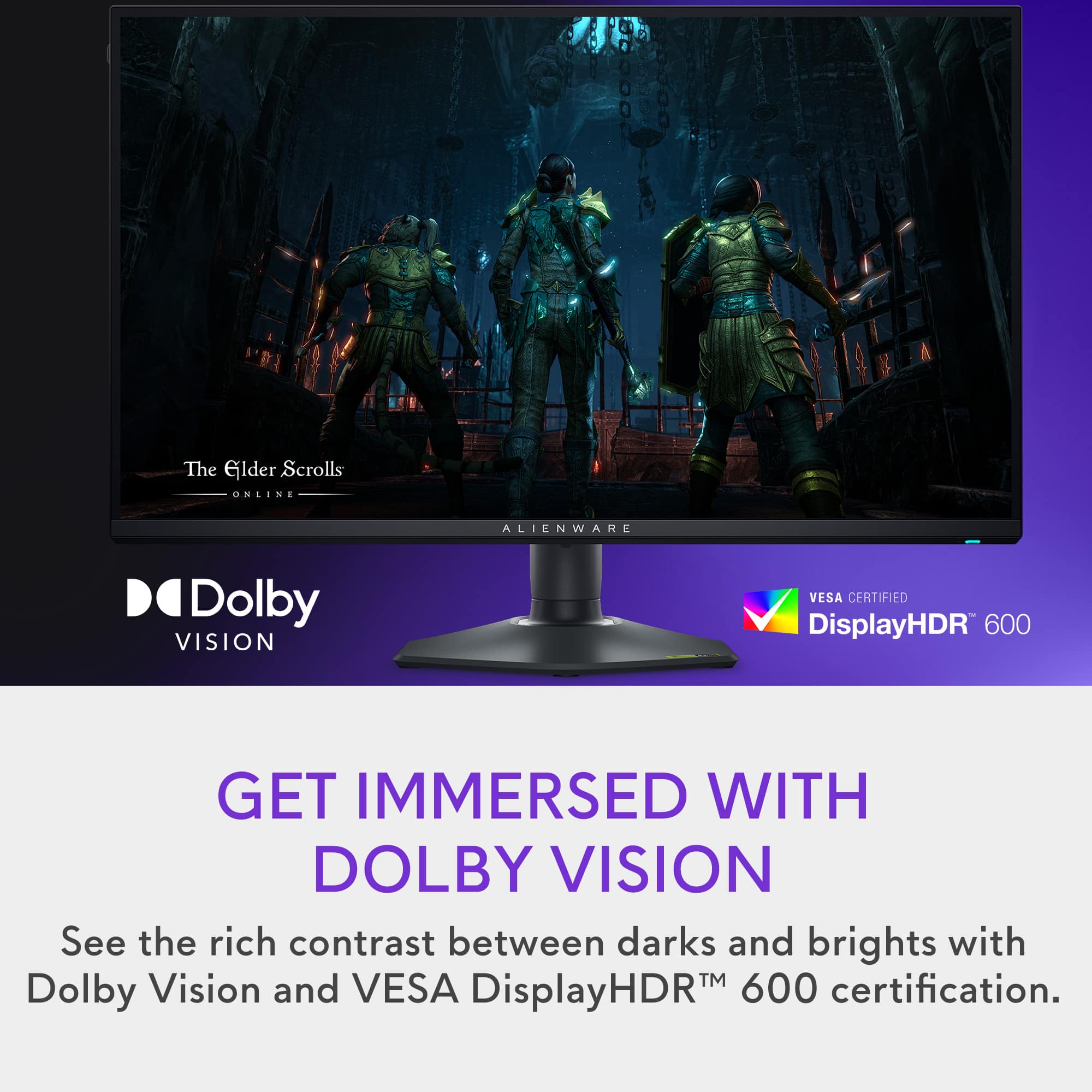
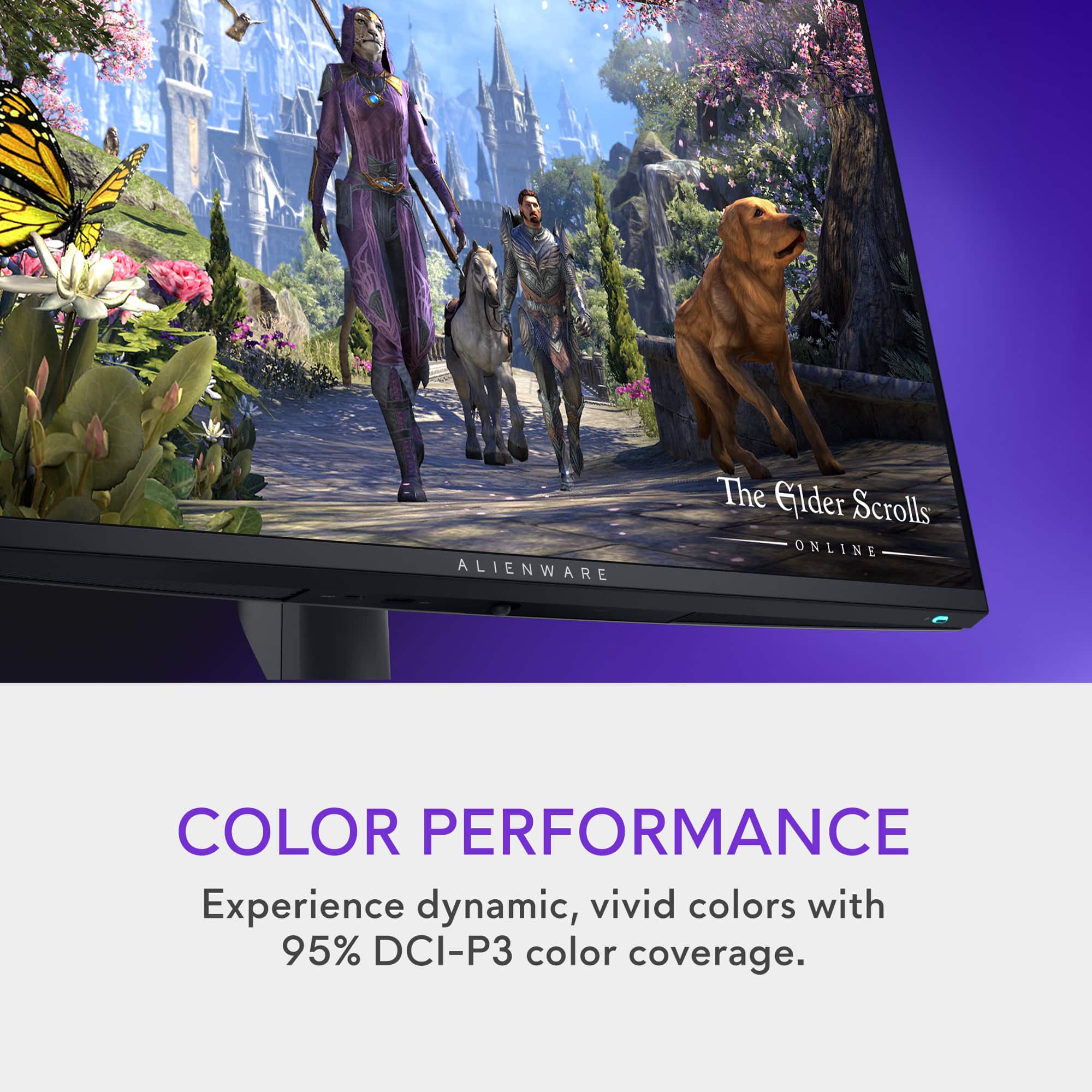
- Model:
- AW2725QF
- SKU:
- 6606085
Rating by feature
- Display Quality
Rating 4.5 out of 5 stars
- Ease of Use
Rating 4.8 out of 5 stars
- Features
Rating 4.8 out of 5 stars
Customers are saying
Customers regard the AW2725QF monitor's high refresh rate and 4K resolution as outstanding features, praising the resulting smooth gameplay and stunning image quality. The HDR capabilities and vibrant colors also receive significant praise, although some users note that black levels are not as deep as on OLED screens. Many appreciate the versatile stand and G-Sync compatibility, enhancing the overall user experience.
This summary was generated by AI based on customer reviews.
- Pros mentioned:Performance, Refresh rate

Excellent for gaming and more, amazing features
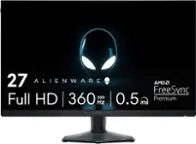
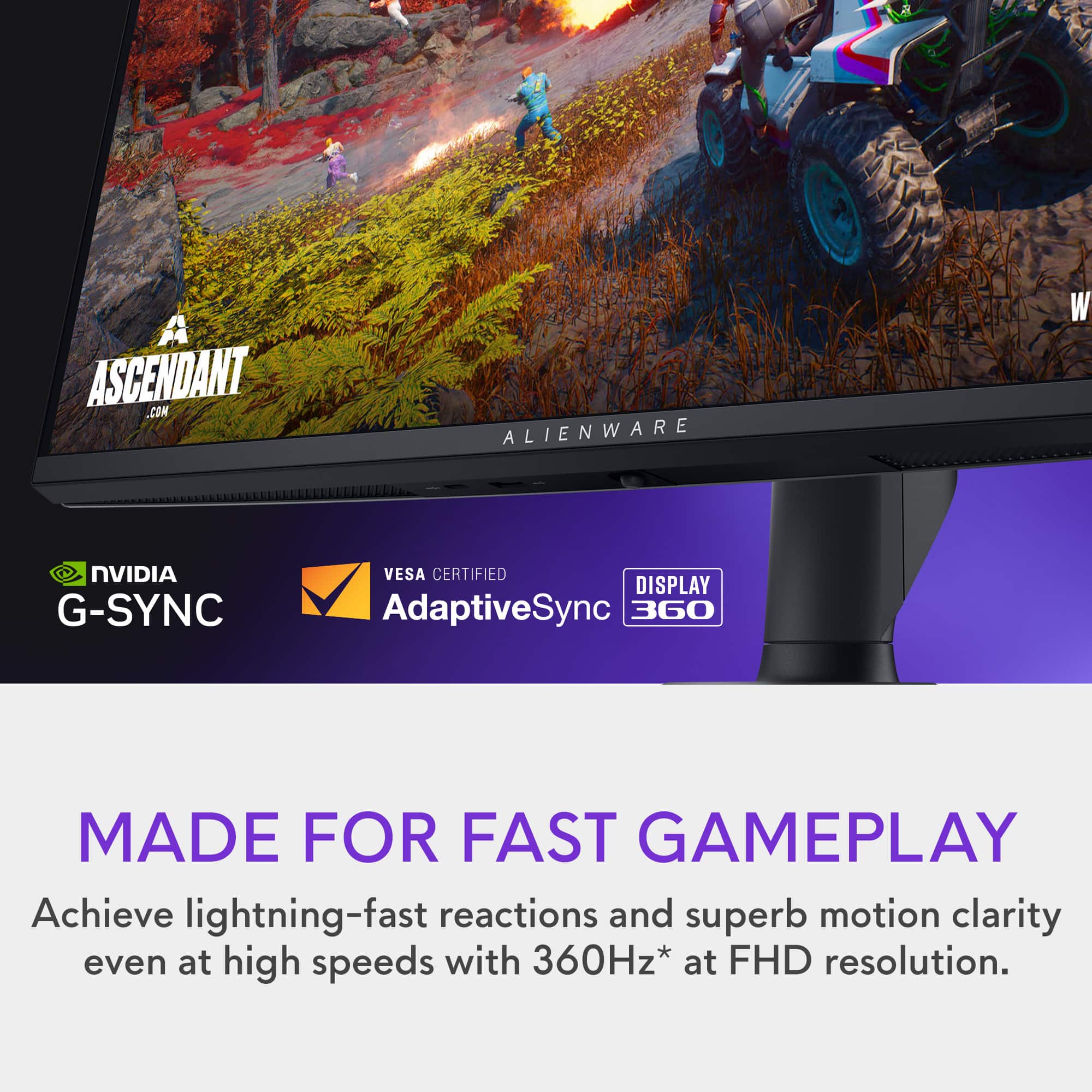
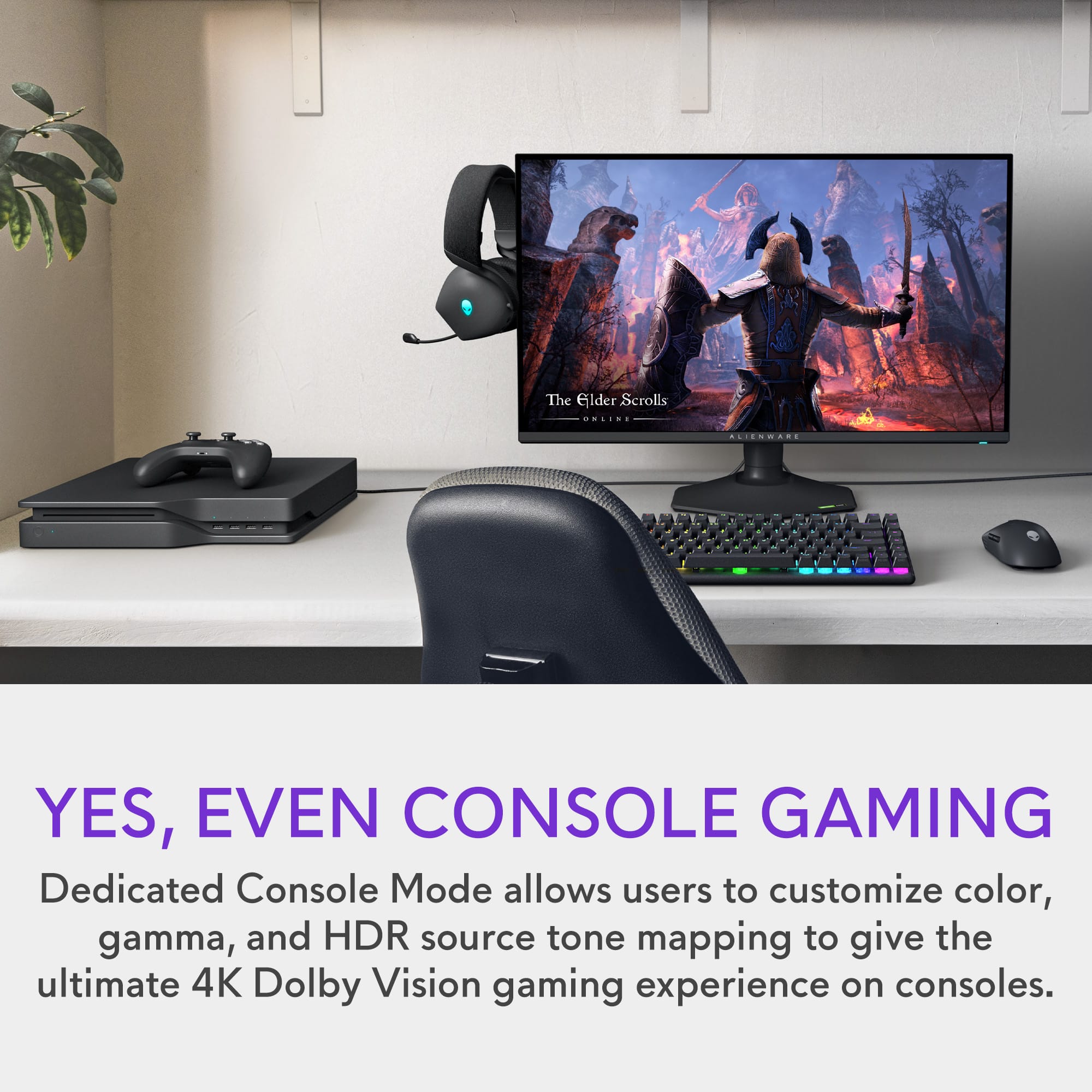
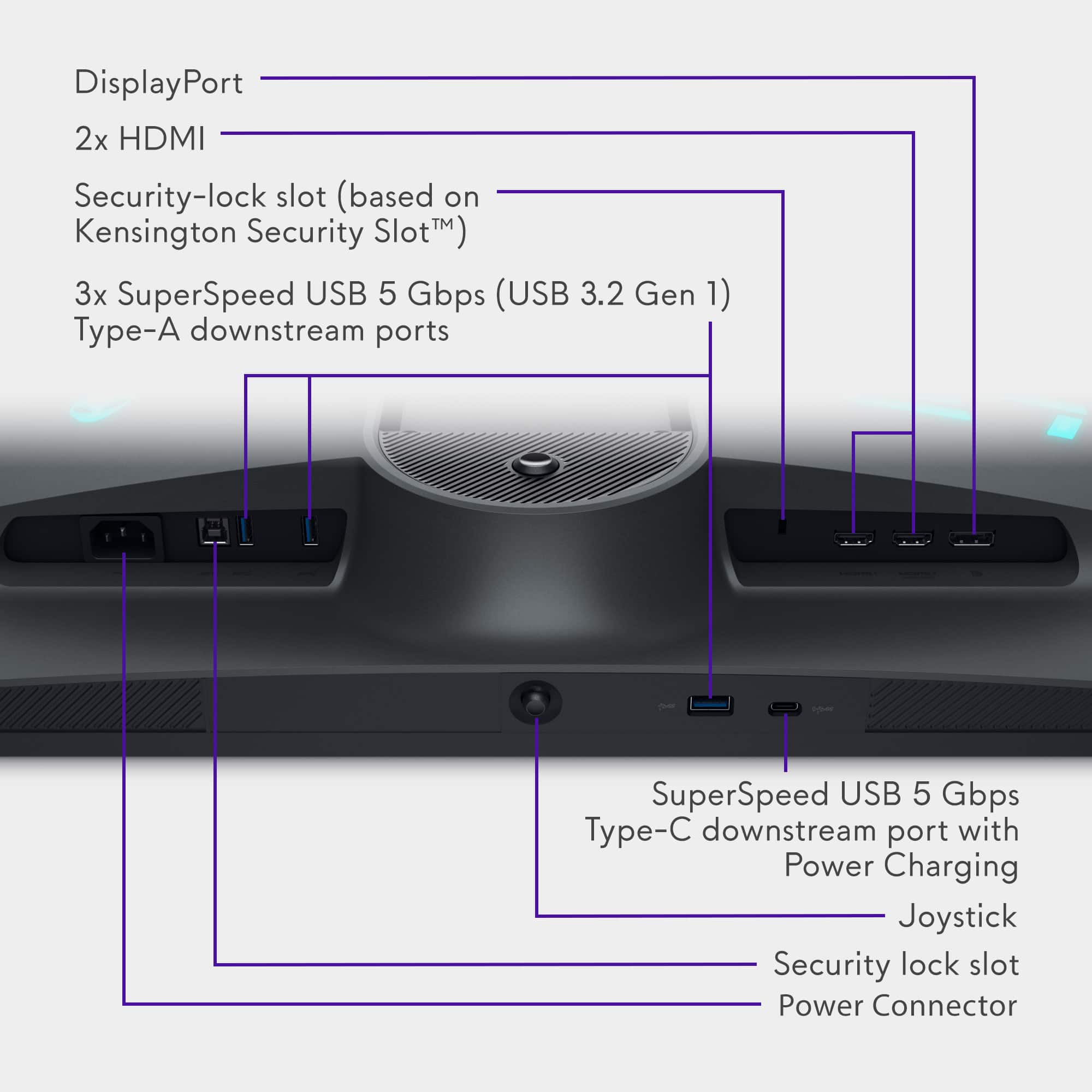
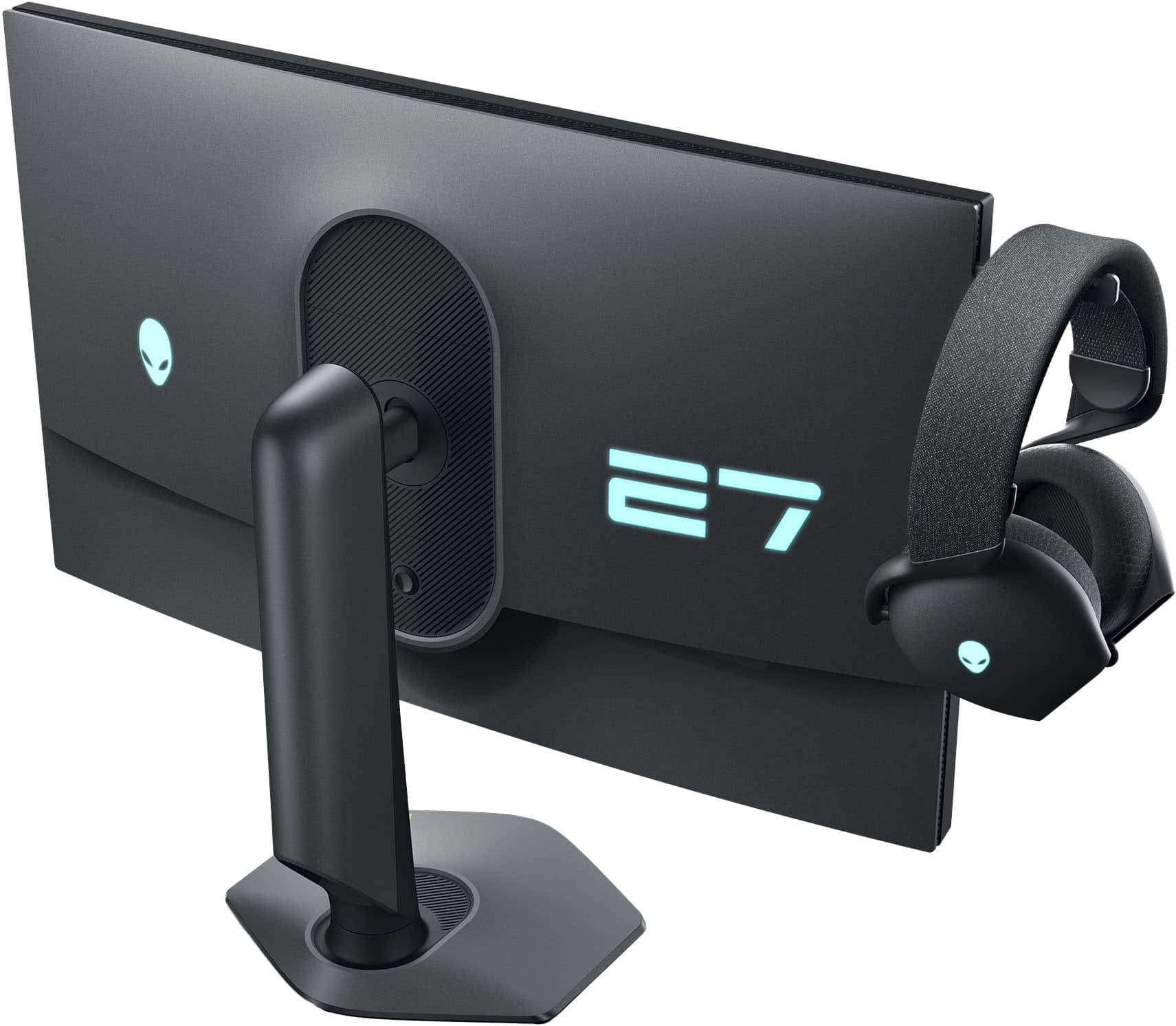
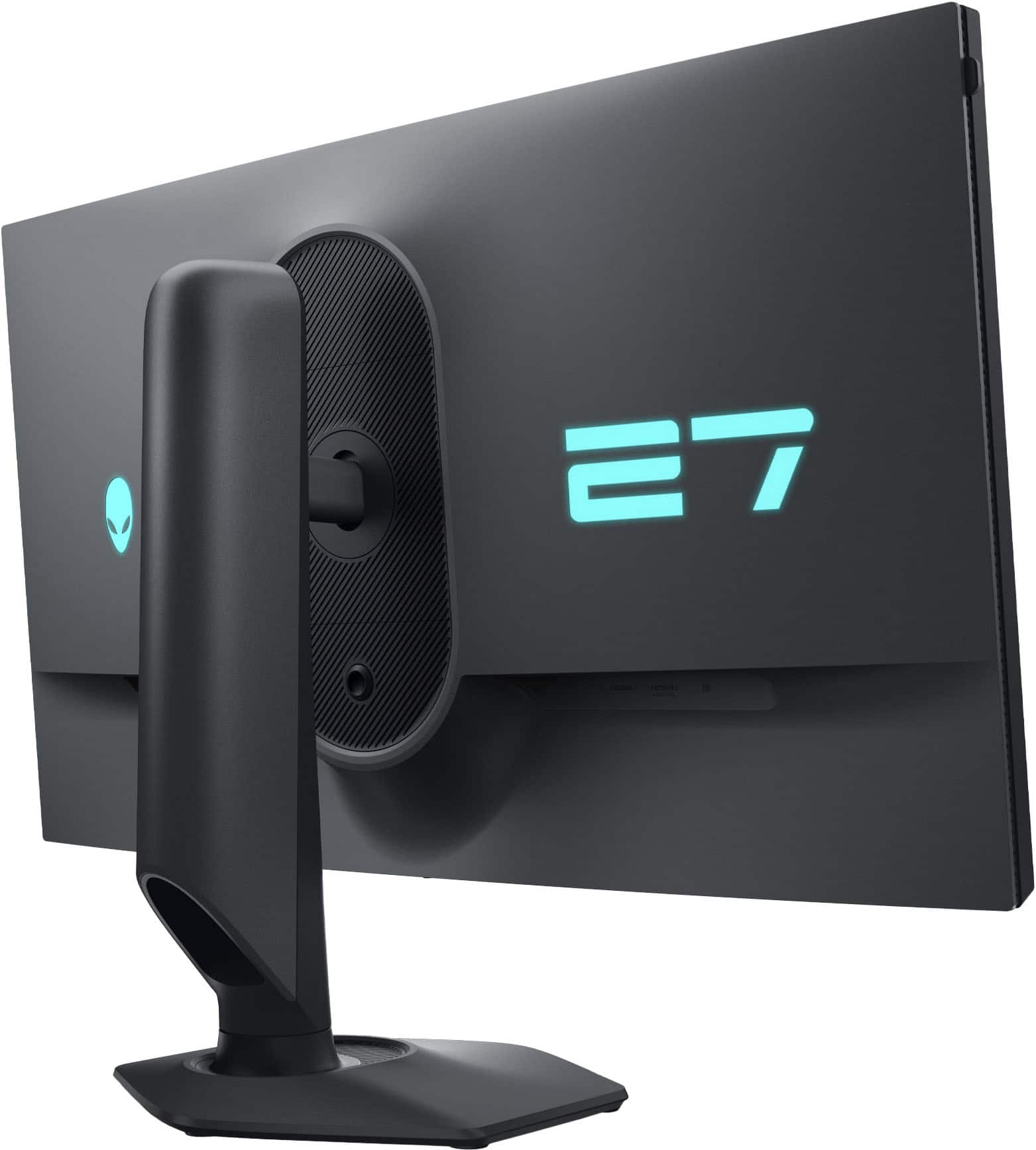
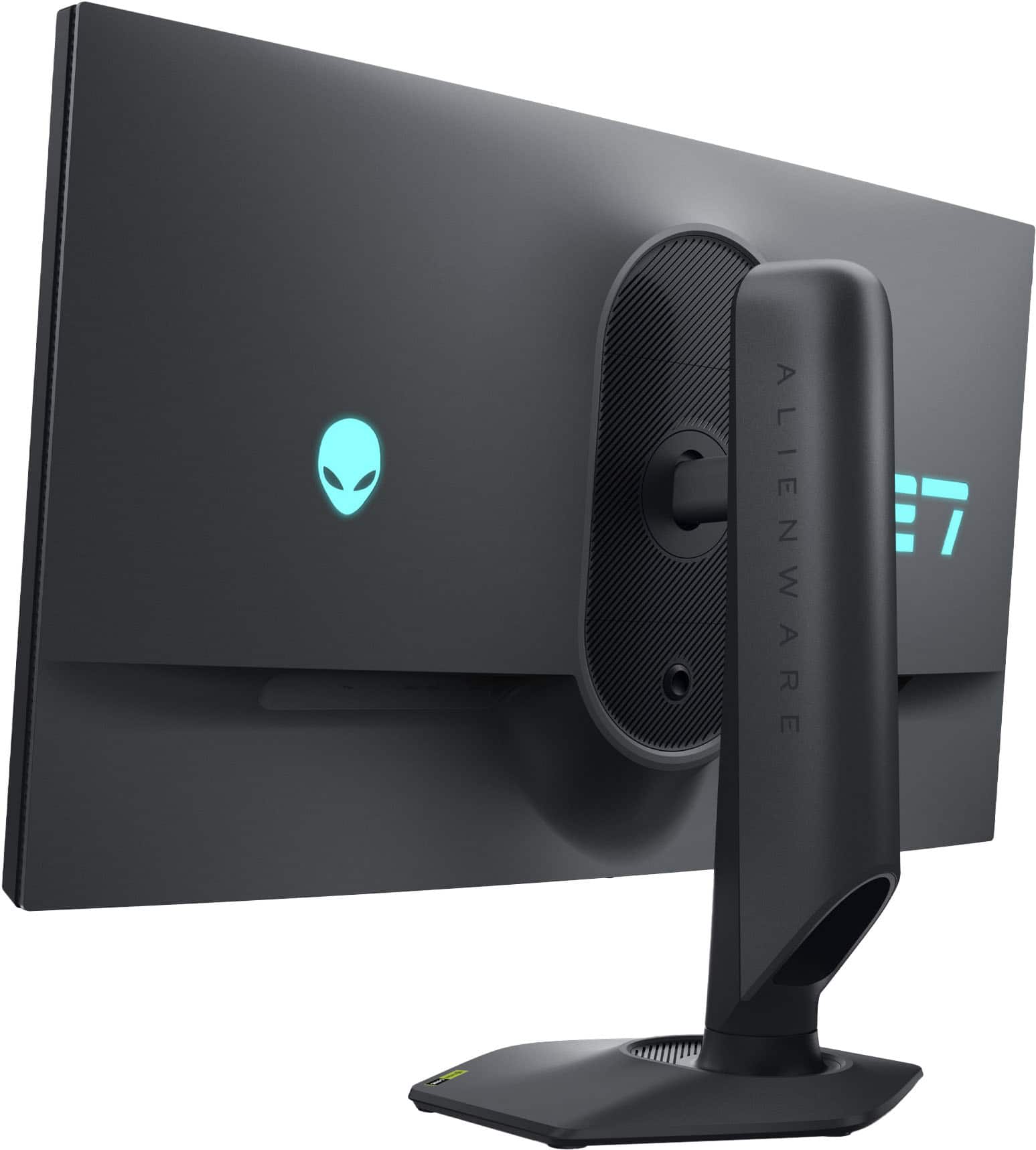
|Posted .This reviewer received promo considerations or sweepstakes entry for writing a review.Alienware has been on fire lately in the computer monitor space. While I haven't had the chance to enjoy one of their monitors personally, the word on the street on their QD-OLED displays has been awesome. The AW2725QF 27" Dual mode display is a really interesting monitor in a few different ways. As far as I know, this is the first non OLED monitor that attempts the dual resolution/refresh rate thing. As someone who uses their gaming setup when they work from home, the Alienware AW2725QF seems like the perfect display. #Out of the box impressions# The Alienware AW2725QF came with a good amount of accessories for a gaming monitor. The included stand is height adjustable and allows you to easily rotate between portrait and landscape modes. Included with the monitor are a USB3 -B cable to connect the built-in USB hub, a DP 1.4 cable, and an HDMI 2.1 cable. The monitor has a ton of connectivity - 1 DP port, 2 HDMI ports (one with eARC!), 3 USB-A ports, and one USB-C port. Unfortunately the USB-C port doesn't support video connectivity but it does charge at 15W for phones or an iPad. Also, I love that the monitor has a retractable hook for a headset on the left side of the display. If you want to use it for a headset, just pop it out. If you have no need for this, click it back in. Very cool that there's enough room for this. Finally, I am glad the monitor has a standard computer power cable (C13) without needing an external brick. #Using the Monitor# It's super easy to switch back and forth between 4K and 1080p modes from the monitor itself. When clicking the menu stick on the bottom of the monitor, the default landing spot is the dual mode switch, so it's just one or two clicks. In Windows, I set my monitor layout up with both resolutions so the transition is pretty seamless. You do want to make sure that you are not in a game when you make the switch, otherwise you'll possibly have to force close the game and restart it. I play a pretty wide variety of games regularly, as well as using my personal monitor setup when I'm working from home. This is exactly the kind of setup where this Alienware Dual mode monitor is perfect. For eSports titles, most people prefer to get as high a framerate as it's possible to get. I play Overwatch 2 and in this game, setting the monitor to 1080p mode (and setting it to overclock mode) makes a 360hz refresh rate possible. You do have to have a fairly powerful PC to keep that kind of framerate steady but with a 7800X3D and 7900XT GPU it's possible. Personally I am not a good enough gamer to benefit from improving my framerate from 240fps (my previous monitor) to this one at 360hz, but it is notable how smooth it is.Same goes for Assetto Corsa Competizione, which runs buttery smooth at this resolution. I also fired up Dragon Age: Veilguard and Baldur's Gate 3 to experience the 4K 180hz mode in some RPG titles, and here the monitor was amazing as well. These titles have some textures and environmental design that really benefit from 4K, and it's really impressive to see 4K running at such a high framerate. My GPU can manage over 100fps in these titles at 4K but not all the way to 180, but you still get plenty of benefit thanks to adaptive sync. The fact that the Alienware AW2725QF supports Dolby Vision is just amazing. There was no need to calibrate HDR in Windows 11 as it already had a profile configured for the monitor. To enable DV playback in Windows and configure different modes you use the same "Dolby Access" app that you use for Dolby Atmos, from the Windows store. My go-to HDR scene for demos is the "Waiting on a Miracle" scene from Encanto and the Alienware monitor simply looks phenomenal. I say that without qualification that this is an edge-lit IPS display and not an ultra-high end Mini LED or OLED panel. I think it looks awesome. After about a week of using this Alienware display, I've really come to appreciate the connectivity for USB that I think a lot of users will make use of. There are two USB-A ports on the back that I feel are pretty standard now, and then a USB-A and USB-C port that are easily accessible on the bottom of the monitor. Having easy access to these ports is a small boon but it's noticeable especially if you are like me and have one too many hubs cluttering up your desk. I stuck the dongle for my mouse into the underside port to give it easy LOS to the mouse. #Final Thoughts# Who is the Alienware Dual Mode 27" display for? Anyone who plays eSports games (Overwatch, CS2, R6, etc) but doesn't want to commit to a 1080p HFR monitor for every other thing they use their computer for. I think Dell/Alienware have been pretty clever to build a display with this capability at this price point - it's basically the perfect monitor for college student gamers and young professionals who are hybrid or fully WFH. At half the price of the "dual mode" OLED monitor on the market, it accomplishes much of the benefit without the price tag. I wouldn't hesitate recommending this monitor to anyone needing a 27" display.
I would recommend this to a friend - Pros mentioned:Image quality, Refresh rate
Smooth picture quality
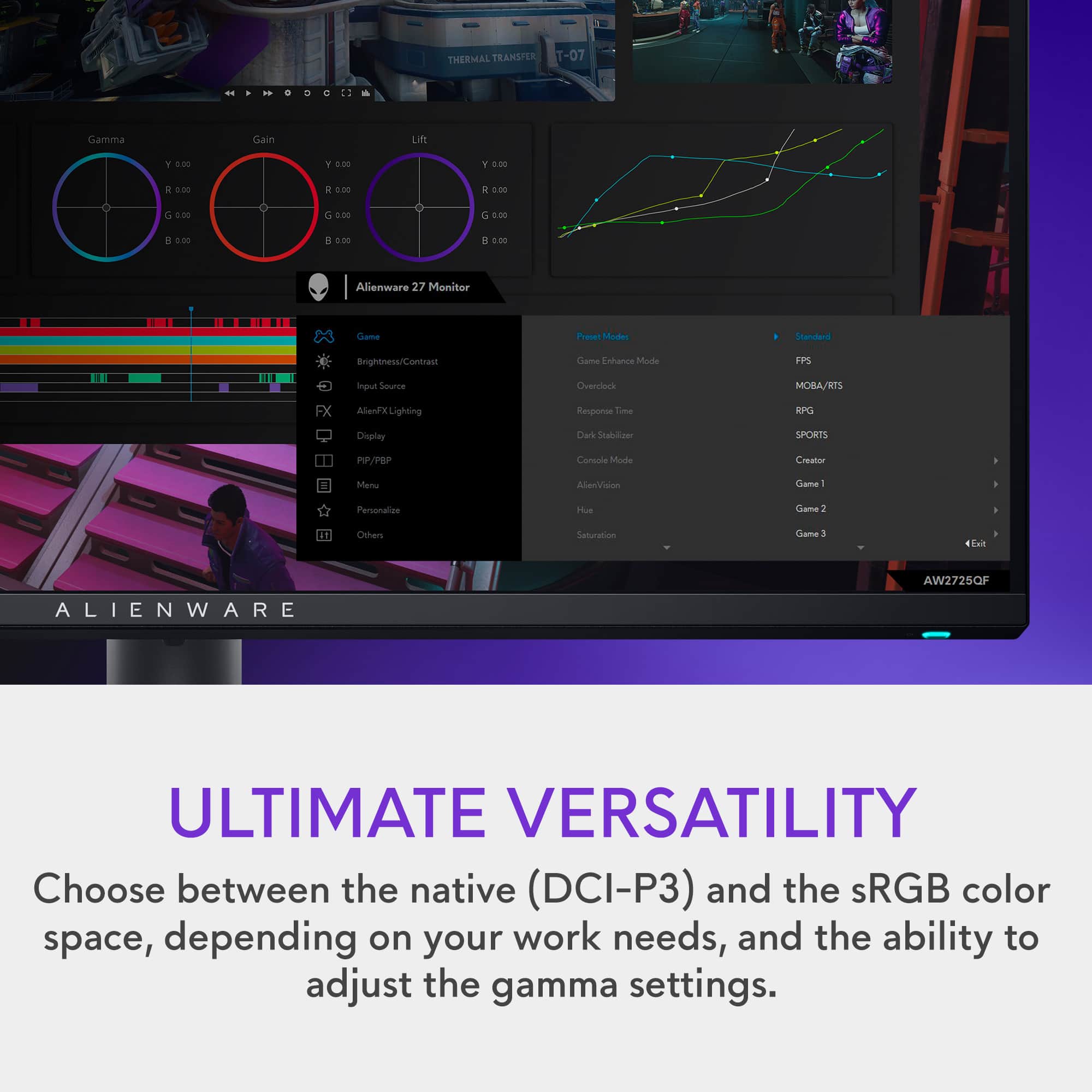
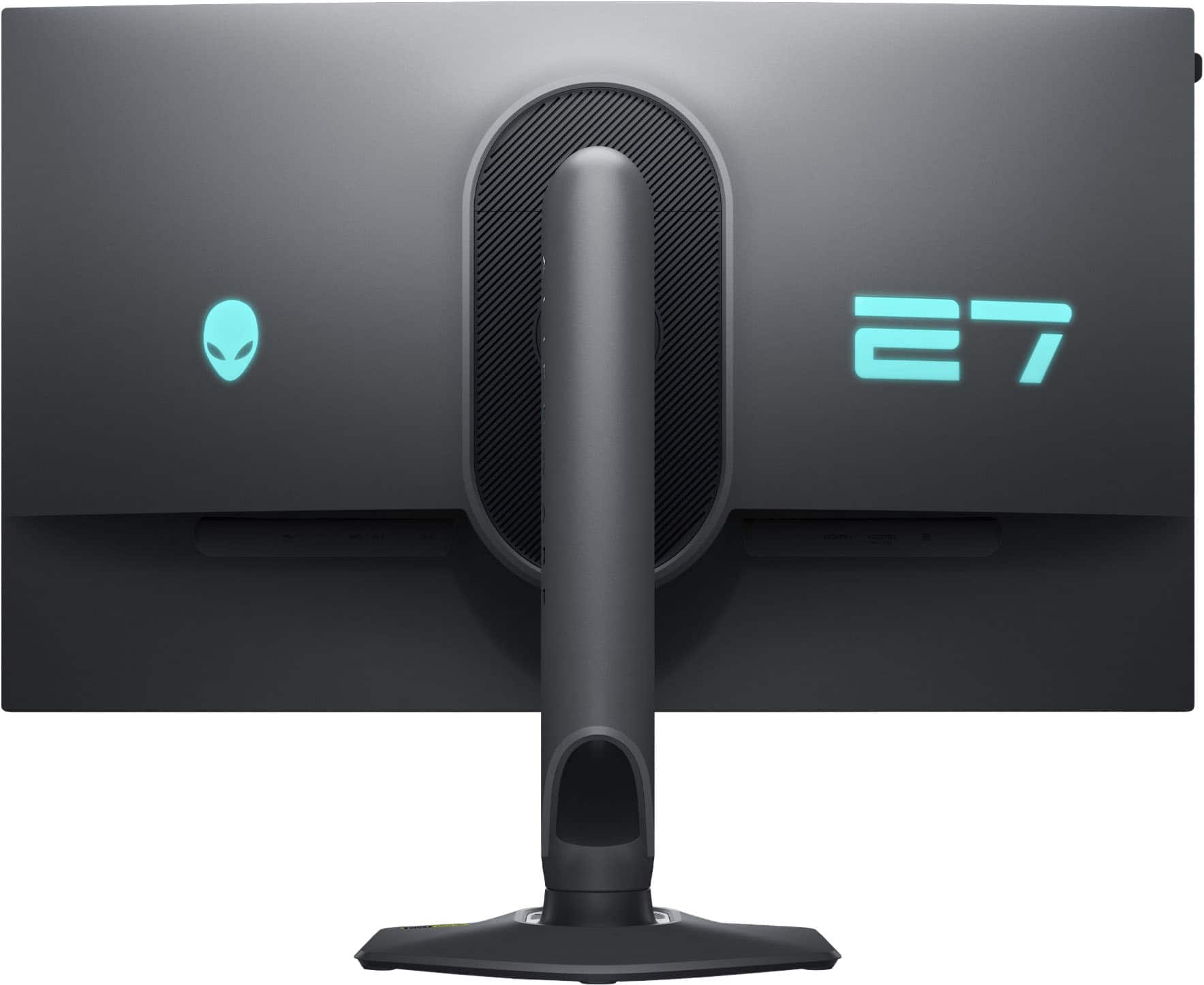
|Posted .This reviewer received promo considerations or sweepstakes entry for writing a review.A very powerful IPS 4K monitor. Aside from it's resolution, one of its dominant marketing points is it's dual resolution, that can be easily accessed by a flip of a button. The frame has a nearly invisible bezel with a thickness of about 0.5", all while maintaining a sleek and stylish appearance. The bezel blends with the screen along the top and sides only leaving a raised edge. About 3/8" along the edge of the screen is part of this, meaning that while it looks like screen, this section does not illuminate with the picture on the screen. The monitor comes with a very sturdy stylish stand, but can be mounted as well. This creates an excellent screen by itself or with a multi-monitor setup. Getting off the ground and going is very straightforward. I only referenced the highlighted product points on the packaging and later the documentation to confirm I found every major feature. The OSD menu options are well organized and easy to locate. I initially found it odd that the PIP feature isn't really detailed in the product details page, heck, the hidden headset holder is only depicted in use in an image or 2 as well. The monitor offers 2 HDMI ports, 1 displayport, and several USB ports for a versatile configuration. At 1080p resolution, you can go up to 360Hz. At 4K resolution, you can go up to 180Hz. These are both incredibly fast and when paired with the screens vivid colors, this makes for a good combination for both fast paced games and visually driven game scenery. The panel offers some preset color modes, from fps, moba, vivid, standard and such. But while it includes those, it's 100% customisable to whatever picture quality you need. The lights found on the monitor are a little bright for my tastes, luckily you can turn off both rear lights and the light on the button. All 3 are fully customisable; 2 on the rear and the power button, which can be set to a fixed color on each or spectrum. With its high refresh, vivid colors and one of the game visual presets, playing anything I've tested gives it impressive visuals. Vivid colors, sharp images, fluid motion, little to no blur, darks that are dark and brights that are... well, you get the idea. All in all, this hits all the right boxes, giving you an impressive image quality and a speed that keeps you competitive. You may need to tinker with it, between games and profiles, but this puts other panels in the same price range to shame. The recessed headset holder makes for a nice extra add-on. This is worth 5-stars.
I would recommend this to a friend - Pros mentioned:Image quality, Refresh rate
Easy setup and feature packed
|Posted .This reviewer received promo considerations or sweepstakes entry for writing a review.Alienware keeps with the tradition of Dell computer monitors is super simple to setup. All you do is connect the base to the stand by screwing in the attached screw. The screw knob folds flat once tightened and can be popped back out easily if you need to ever disassemble. The stand simply snaps in place and can be removed just as easy. It includes both a DVI and HDMI monitor cable. You will need to use DVI to get full 4K resolution and the highest screen refresh rate. There is an included USB sync cable they you will need to connect to get the full benefits of Nvidia G-sync. Once you have it connected to your PC it is recognized instantly. I did a Windows update, and the latest driver was automatically installed. Adjustment is easy vertically and horizontal to get your preferred height. The color calibration looks great right out of the box. Make sure the Windows display settings has HDR set to on and pick either the default full 4k resolution or 1920 HD if you prefer the fastest refresh rate. I prefer the picture quality of full 4k. It is advertised to run at 180 hz 4K and a blazing 360 hz in HD. My system only supported a max refresh rate of 165 hz in 4k. This is still faster than most 2K 1440 monitors. The picture is amazing, and you can choose presets for FPS games, movies are the standard default setting. Action scenes in games are fluid and smooth. It will really give you an edge over your competition and give you the best visual experience possible.
I would recommend this to a friend - Pros mentioned:Refresh rate
Just buy it
Posted .This reviewer received promo considerations or sweepstakes entry for writing a review.I did not buy this from best buy i bought mine from alienware website..Now if you saw any reviews for this most of them will say this is a nich moniter for certain type of gamers. For me its my do it all moniter..so what do u get for the price tag well you get solid true 4k UHD [3840x2160] plus built in Dolby vision Plus built in HDR600 now the great thing is you can be in 4k or 1080p and still have dolby vision and HDR600..Now there is a catch when you go into windows settings and switch on HDR you will not be able to change the brightness on the moniter control panel or contrast ether you can use the windows hdr brightness slider to adjust the brightness in sdr content.. Now with HDR switch on in windows there is a setting called auto HDR leave that on because when you are gaming it will auto switch your game into HDR you dont have to go into game settings to do so.. now as for the factory preset modes i did not like the standard mode i use the MOBA/RTS setting i really like the way it looks . Now in HDR mode you can go to dolby vision setting on the moniter and choose bright ,,,dark ,,,game then you do have a option called user setting so if you are gaming you can push over to the right in menu and adjust the contrast and sharpness it has 3 levels to choose from The con is when you are Not in HDR mode you are just stuck with normal settings and you can not adjust anything .. the refresh rate in this moniter has built in overclocking so the normal highest refesh rate is 160hz but you can overclock to 180hz if need be and if you are still needing to go faster then switch to 1080p the flip of a swtich and you get 360hz.. To wrap things up for the price you are paying you are getting a IPS 27inch moniter with built in dolby vision and HDR600 True 4k uhd ..with a refresh rate of 160hz . with a flip of switch you can be full 1080p refresh rate of 360hz and have dolby vision and hdr 600 also .. so if you wont to stream any streaming service that has dolby vision or HDR you can with this moniter For the price its a no brainer at all the only thing i truly wish is Alienware make a 32inch and a ultra wide just like this ...Just think about it a 34inch Ultra wide with all this in it ..
I would recommend this to a friend - Pros mentioned:Refresh rate
Excellent for work and play
|Posted .This reviewer received promo considerations or sweepstakes entry for writing a review.This is an excellent monitor for gaming or really day to day life. I find myself using 4K more often than not. Yes for gaming it is awesome being in 4K. Spreadsheets in 4K look better too, even if they suck your soul out like a space zombie. Setup was painless. Very intuitive and easy to follow instructions. Really, if you have ever put the stand on a monitor, it is just like any other. Images are crips and smooth flowing. It pairs perfectly with our Alienware Aurora R16 Desktop. The refresh rates means you are not going to see any flicker, even through a camera lens. My only complaint, and this is true with most modern monitors and TVs. I despise the single button/joystick control. Inadvertent clicks, scrolling the wrong direction, entering the wrong menu item. Please bring back the old multi-button controls. Or at a minimum, have enter be a separate button. Overall, this is an outstanding monitor with excellent refresh rates and resolutions. I think you will end up just using 4K more often than not, but if you are using with multiple computers, the FHD might be needed if your other machine can't drive a 4K monitor. I have not tried with a Intel onboard video card.
I would recommend this to a friend Crisp, clean gaming views at full 4k/UHD, nice add
|Posted .This reviewer received promo considerations or sweepstakes entry for writing a review.Alienware; being a product of Dell these days while maintaining the original line up, follows traditional ease of use with their equipment. This display goes from an out of the box state to ready to use in less than 5-minutes. Connect the base to the panel stand and tighten the screw, folding the tab flat when finished. Final step is to snap the stand into place on the screen. Within the box, there’s a DVI, HDMI, and USB 3.2 cables for use with connection to your system and for upstreaming via NVIDIA G-Sync. Screen adjustment to can be tuned via a center joystick module in the bottom center of the screen for easy access and use. Initial connection to your Windows machine pulls the drivers immediately and updates to the screen. The images and screen views are nice and crisp, with preset options for first-person view games, movies, and standard default view when not gaming. Depending on your setup, you may need to switch on HDR in your Windows Display settings and make some display adjustments in your resolution to hit the refresh rates you are looking for as well as in NVIDIA settings for each game you are playing.
I would recommend this to a friend- Pros mentioned:Refresh rate
In a weird benefit to price point group
|Posted .This reviewer received promo considerations or sweepstakes entry for writing a review.This monitor on paper checks a bunch of boxes. It does 4k 180Hz, it does 1080p 360hz, it has DisplayHDR600 certification, it has a built in USB hub and a headphone holder. However, it seems like it is trying to do everything any not really offering a competitive reason to choose this over something that is only doing some of the items. So to start out, gaming on this monitor is nice, but so is gaming on almost any 300+ Hz display. If your video card can keep up, things are going to be buttery smooth. Out of the box, getting it ready from unpack to gaming took almost no time. The packaging was also eco friendly in that everything is basically cardboard. It included all the cables I needed, including a USB-B cable to hook the monitor up to my PC for an additional hub. And that's sort of where the stand out features end. This monitor did pass a HDR600 test, but I found that images weren't sharp and crisp around the edges in extreme light changes. I suspect this is due to them using edge lighting instead of true back lighting. The USB hub can be useful, but all the USB ports point straight down. This does make it easy to mount on a monitor arm, but I like monitors that have a few ports on the left and right sides. The headphone holder works well, but it is mounted on the left side of the screen. This is OK if you're left handed, but most of the population is not, nor are most desks laid out this way. This makes it hard for any of these stand out features to be a full selling point. And at the time of this writing, they are charging a premium for these add-ons. All of this and not even speakers if you wanted to use this portable gaming with a console system. If you really need something that is all in one, this might suit your needs. However, for most people, I would say find the 2-3 features you really want and find something tailor made for those. You'll enjoy the benefits much more.
No, I would not recommend this to a friend - Pros mentioned:Performance
Monitor
Posted .This reviewer received promo considerations or sweepstakes entry for writing a review.Great monitor! Highly recommend Alienware monitors!
I would recommend this to a friend