Customer Ratings & Reviews
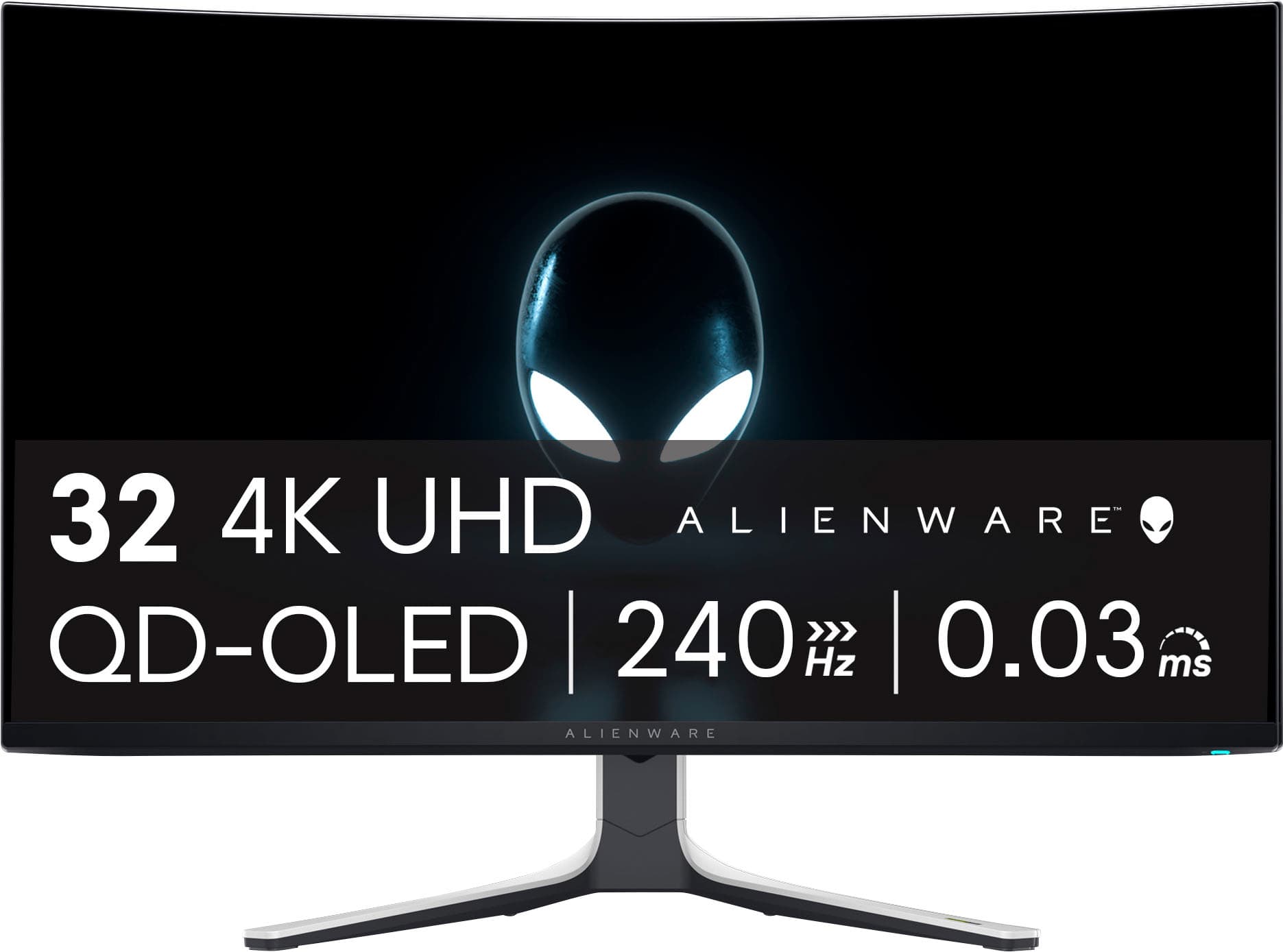
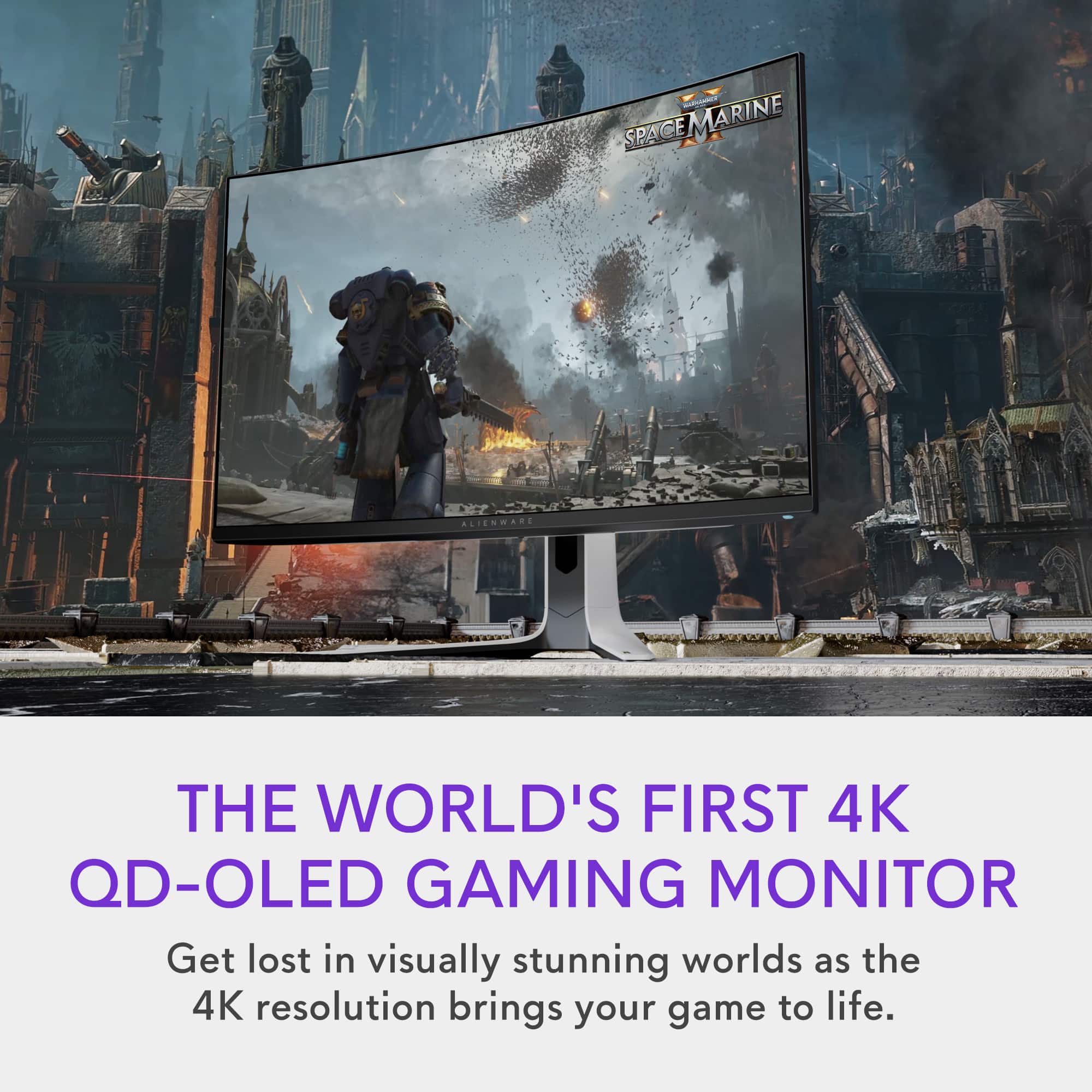
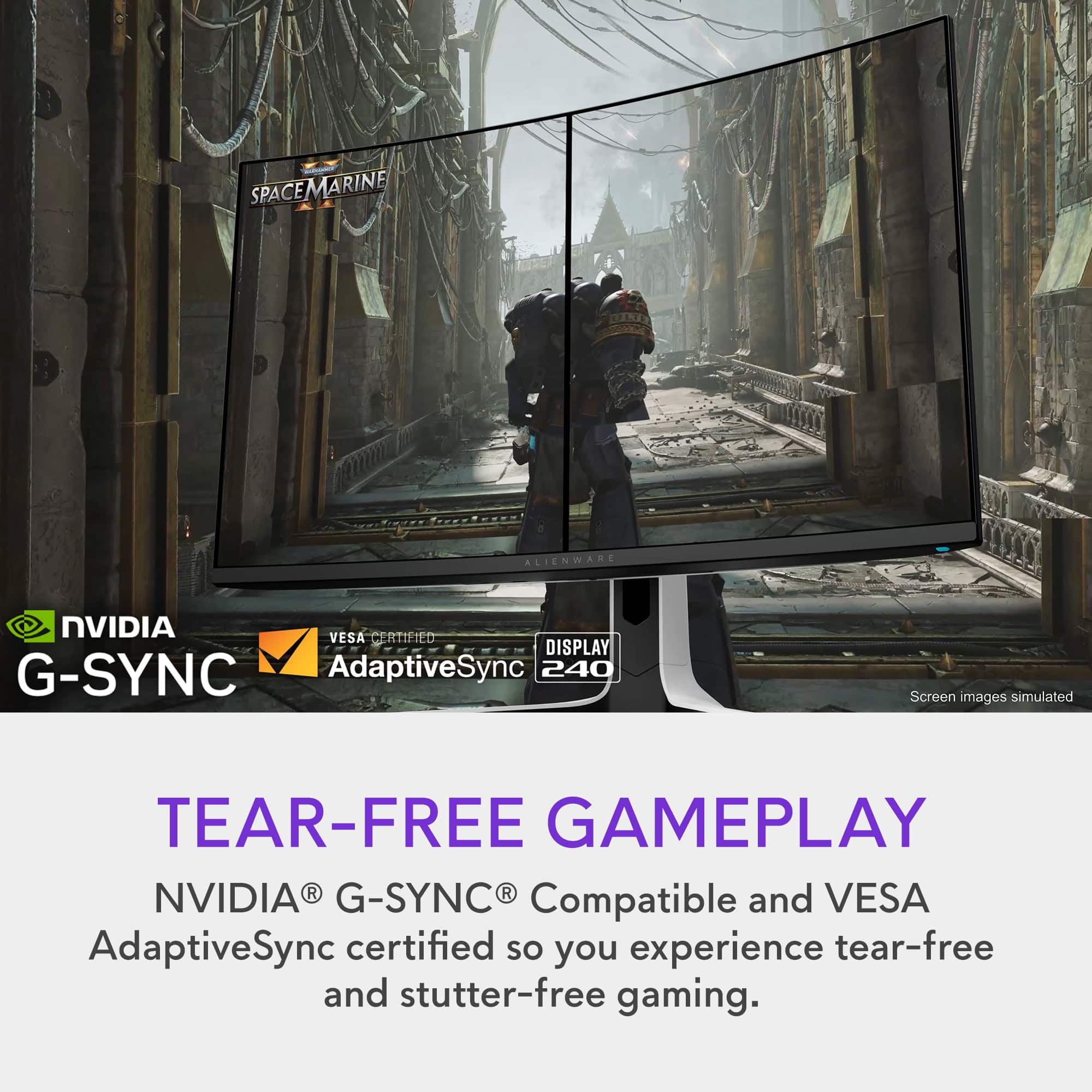
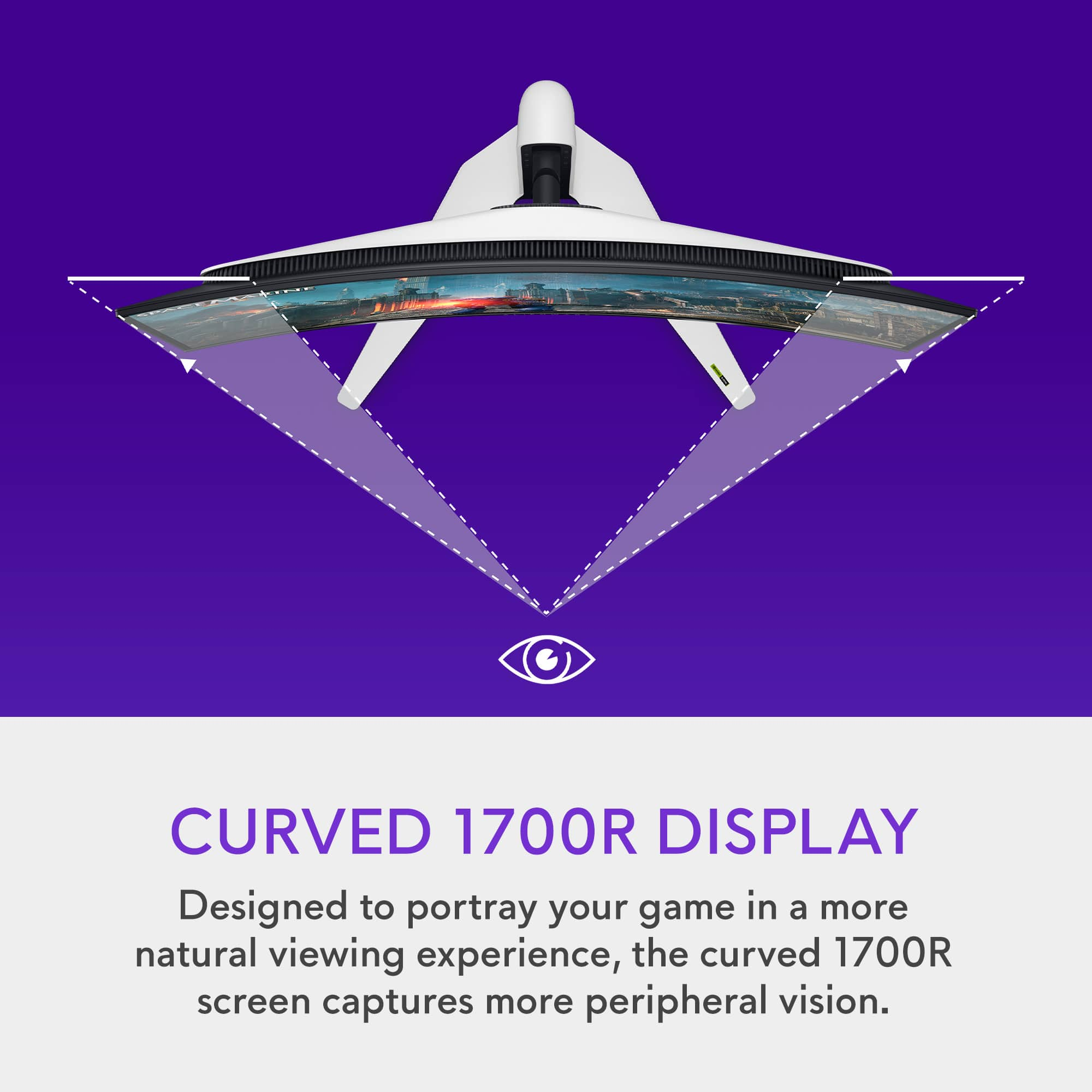

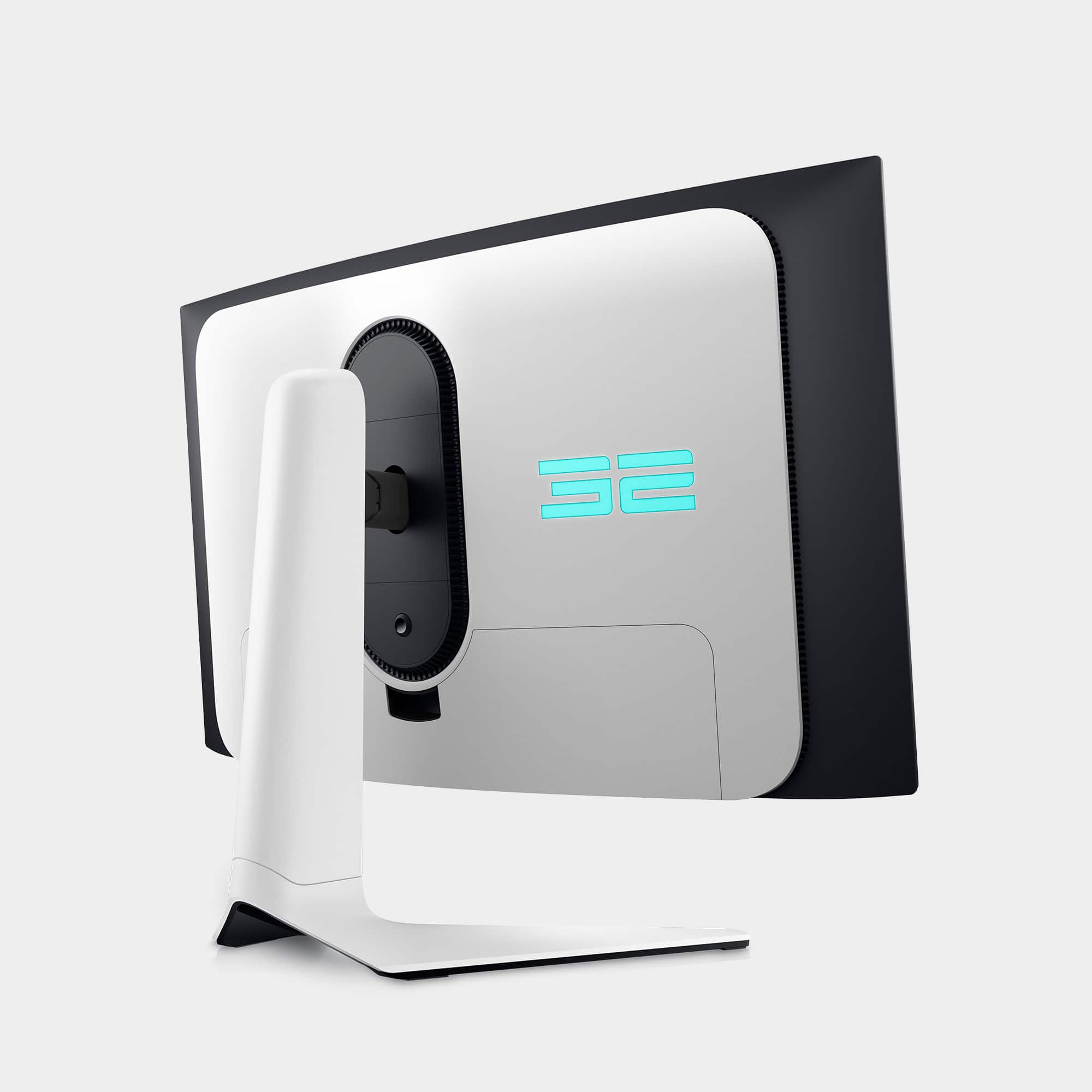
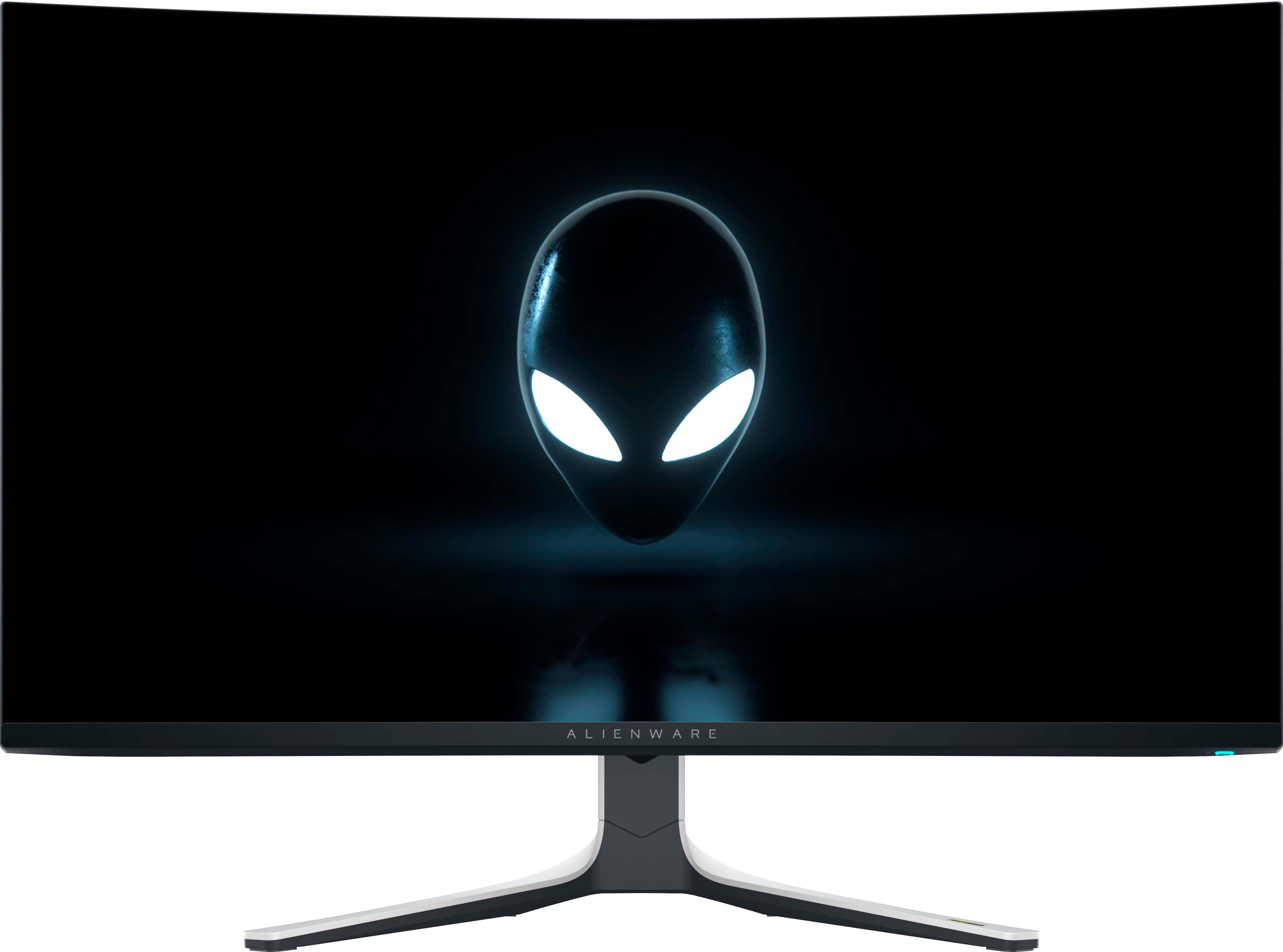
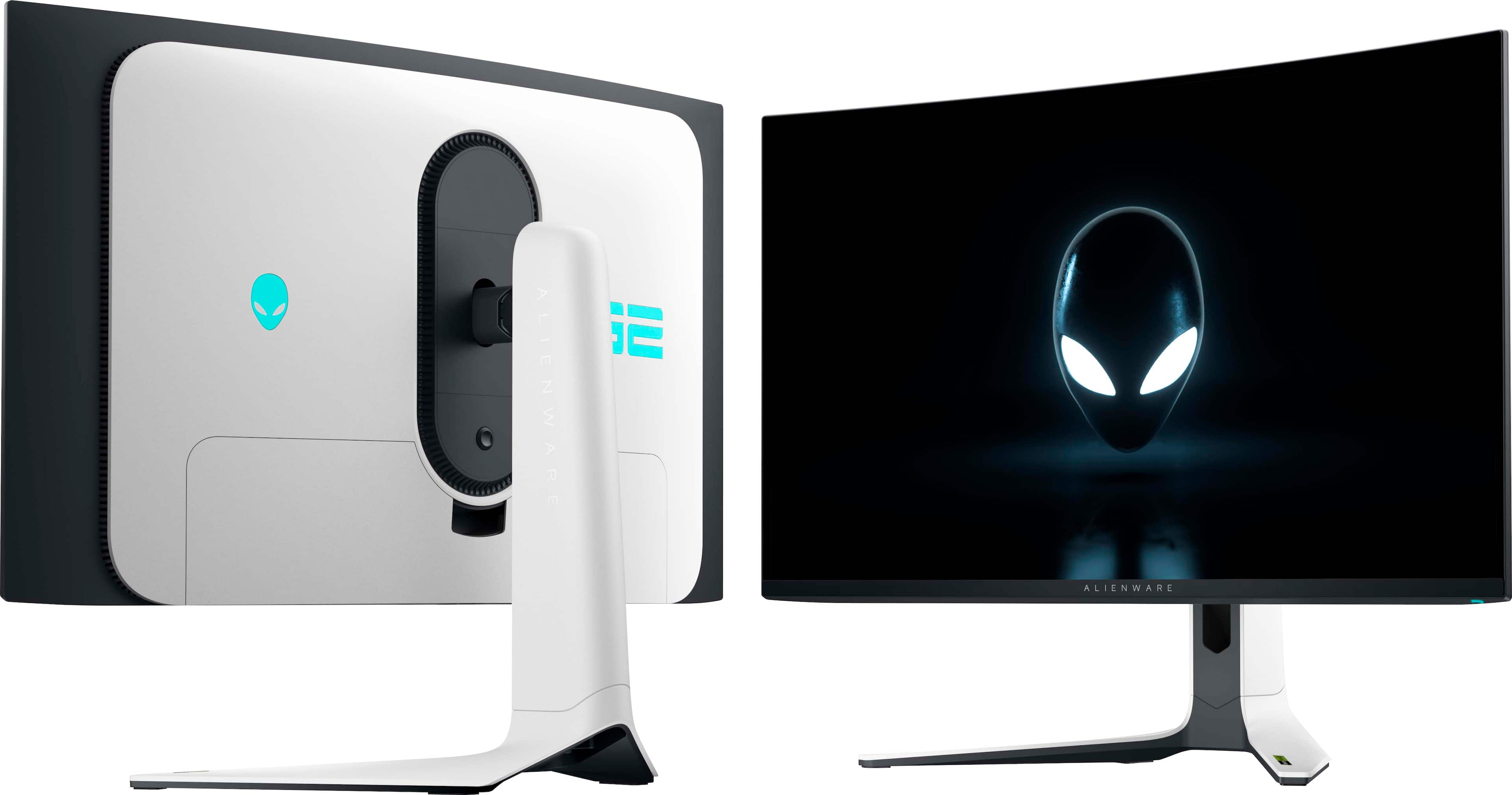
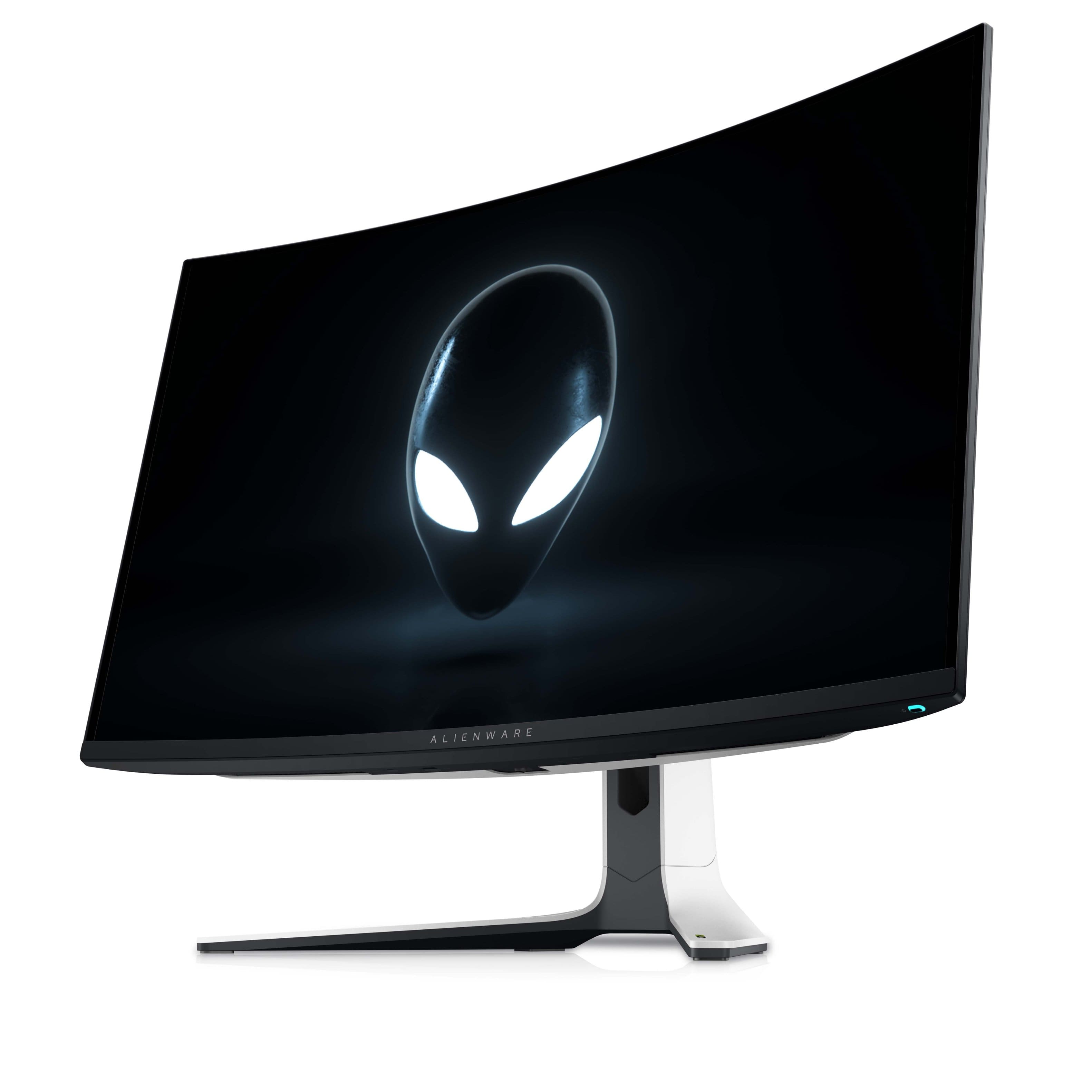
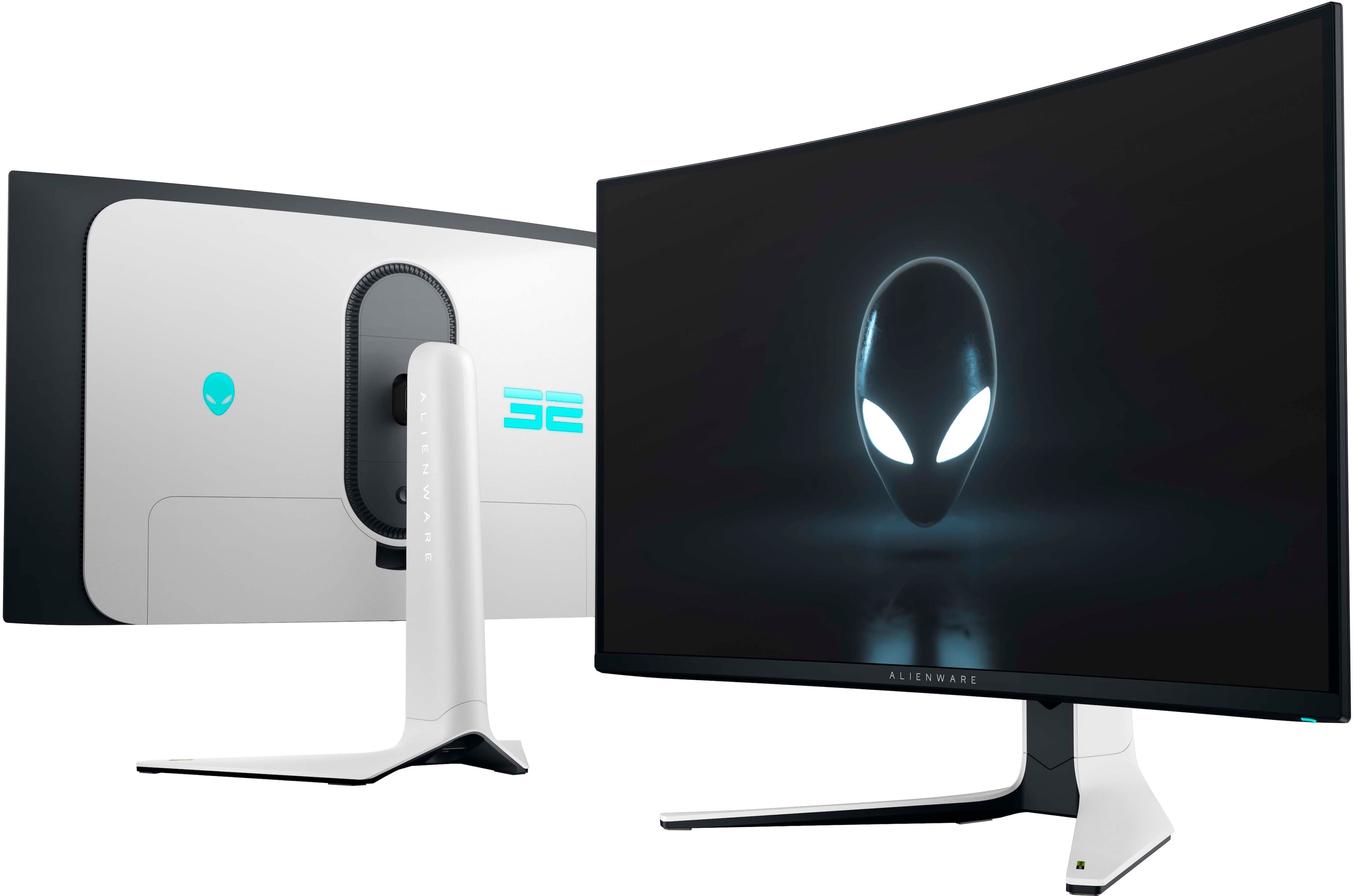
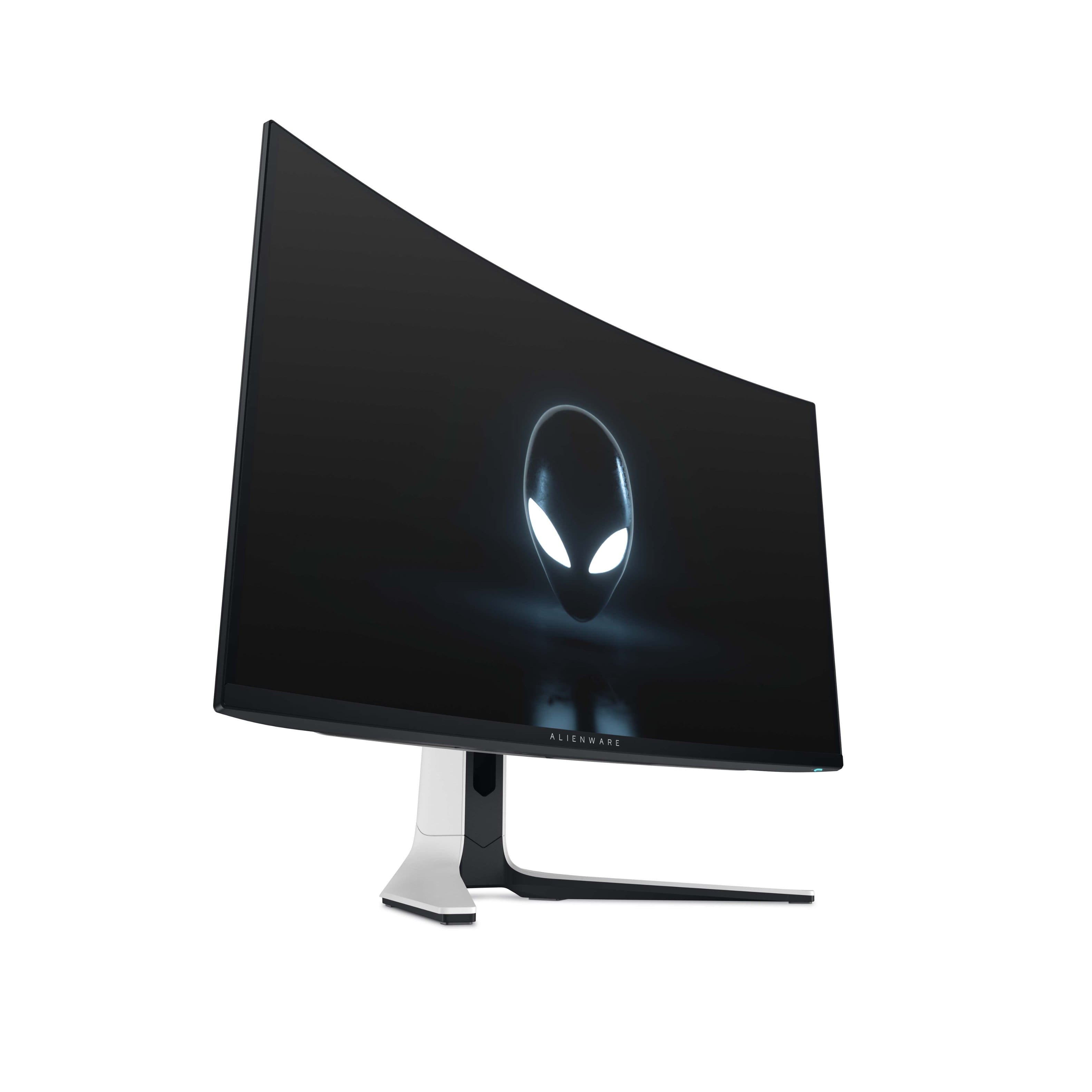
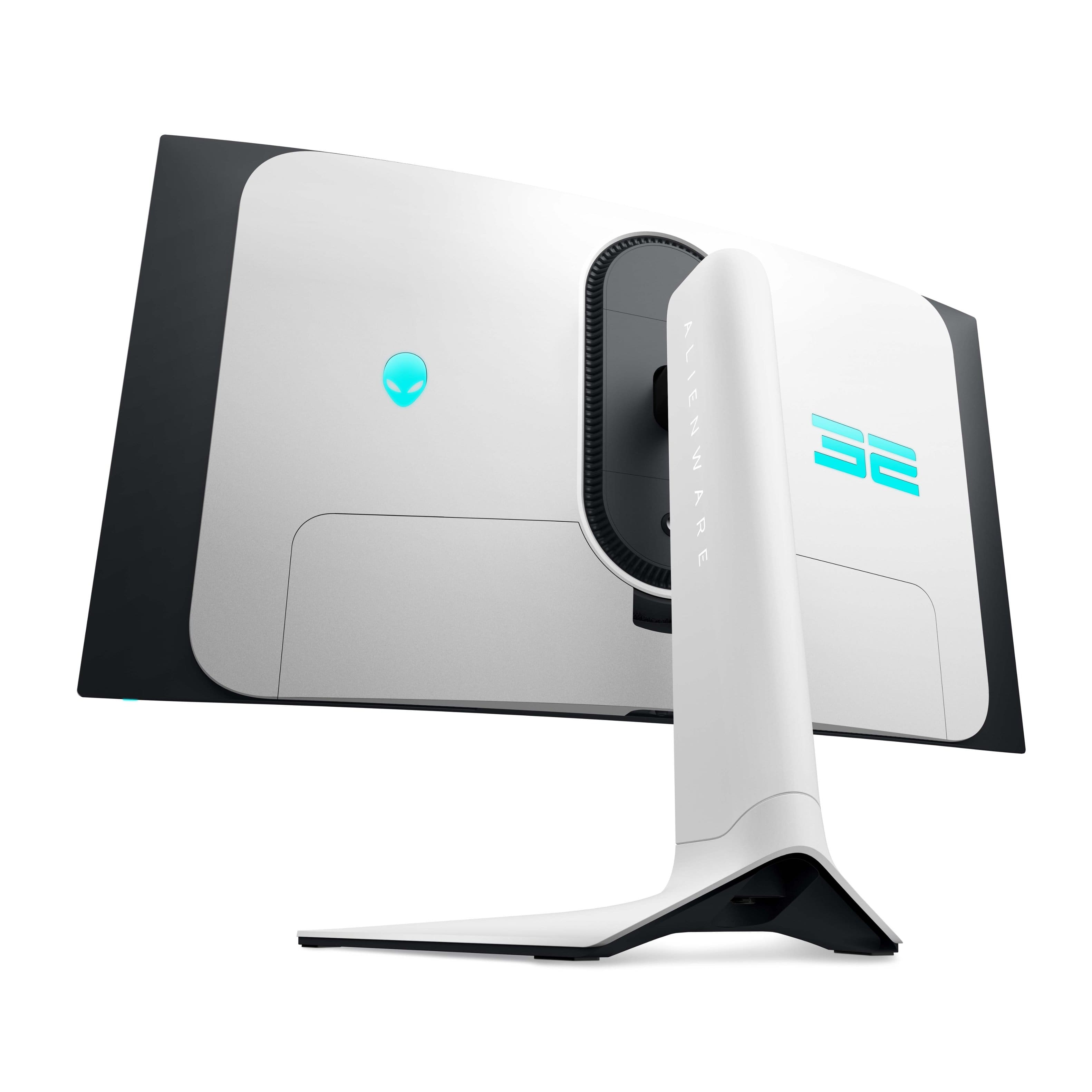
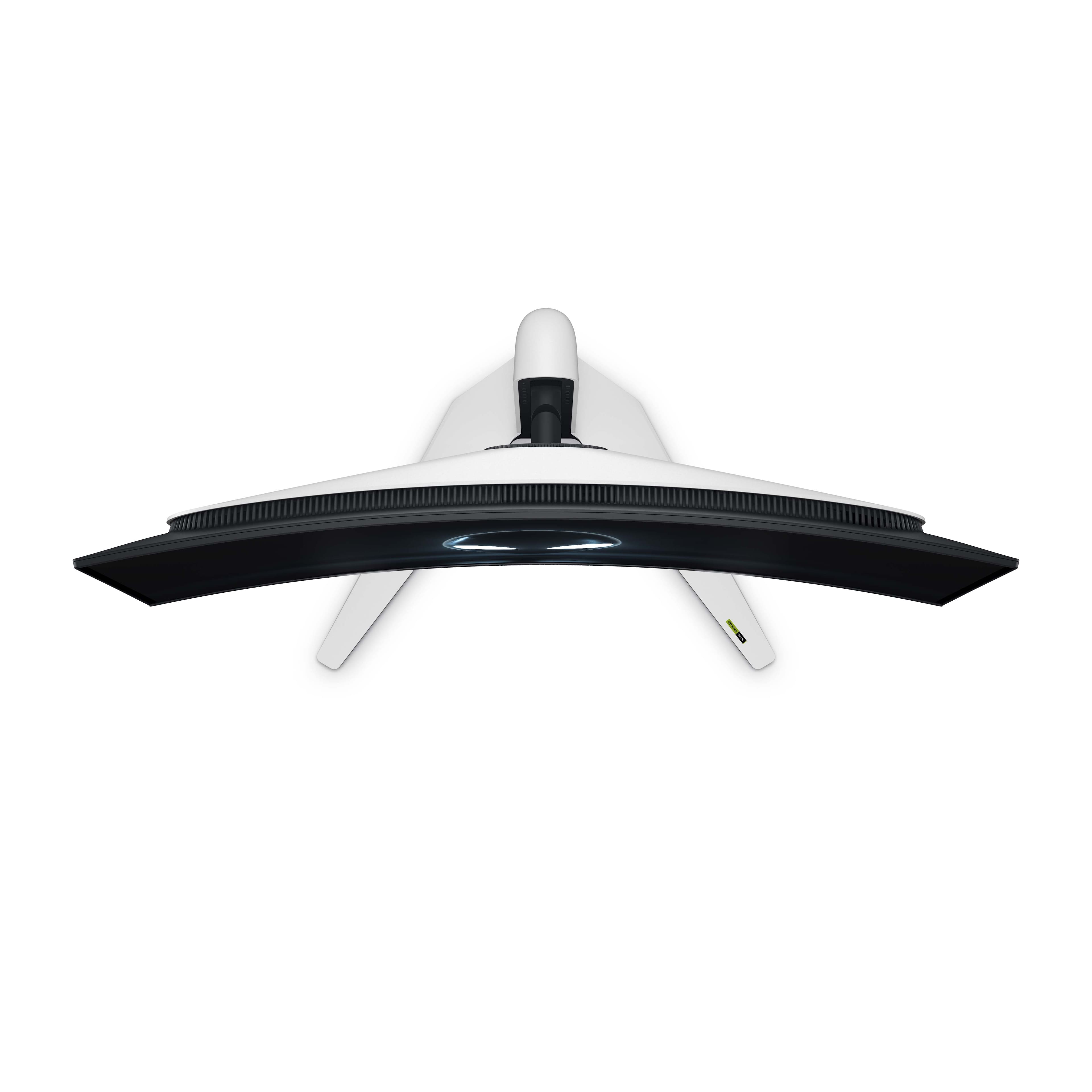
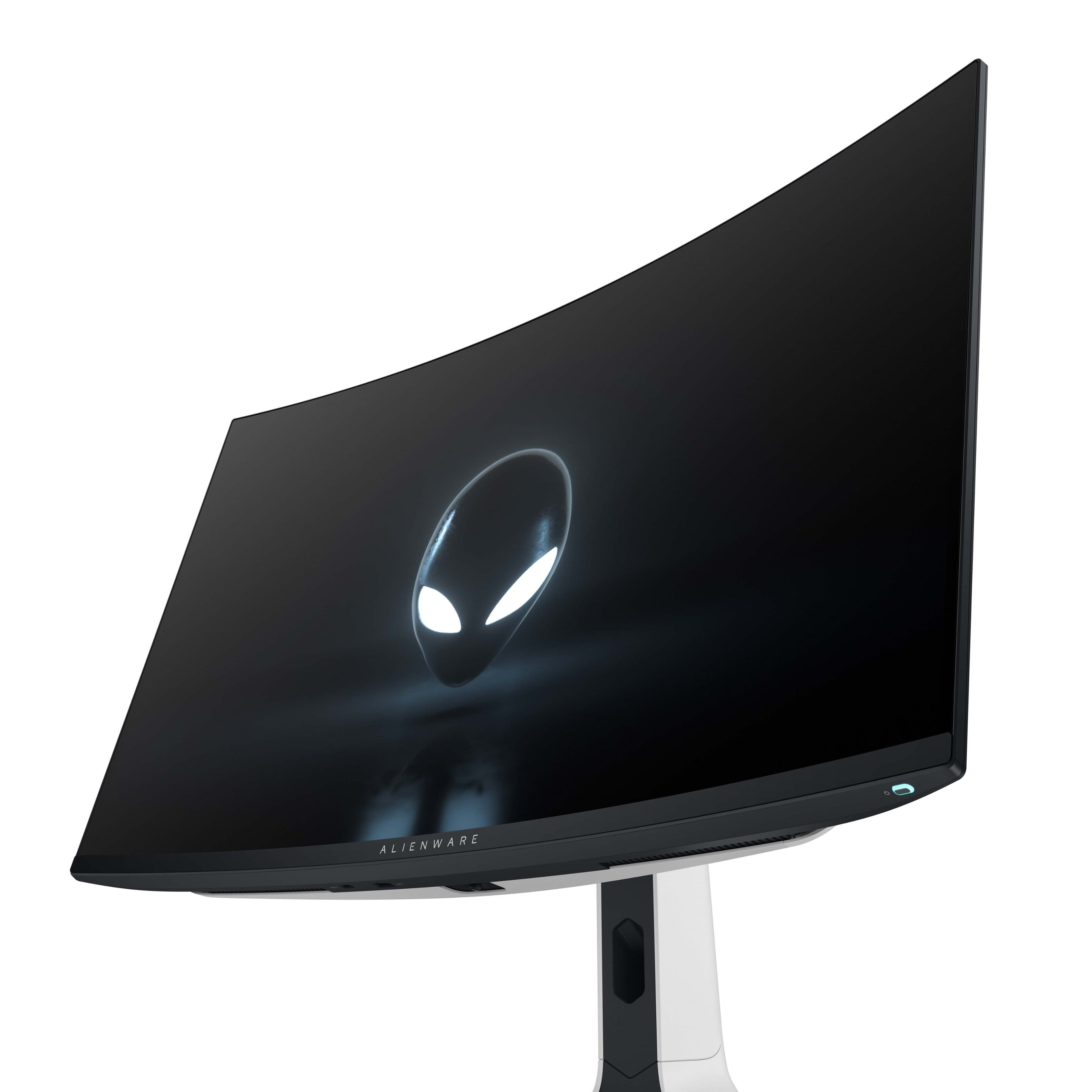
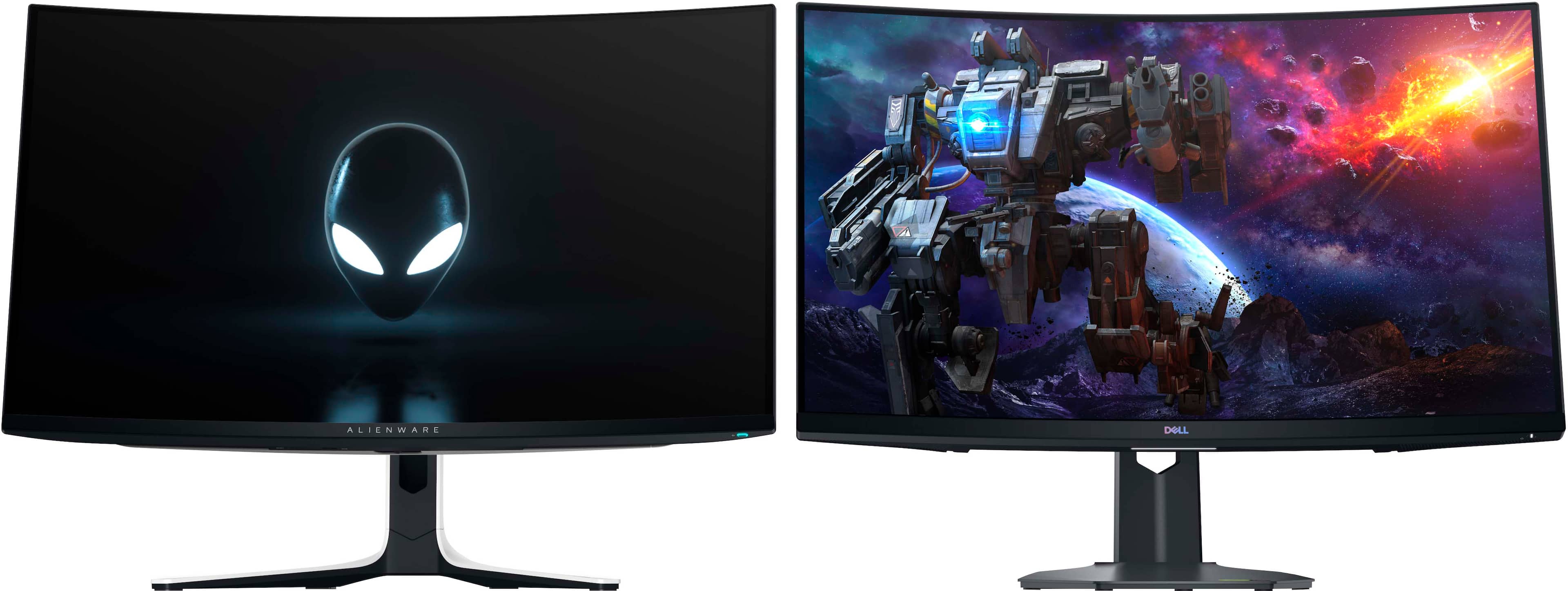
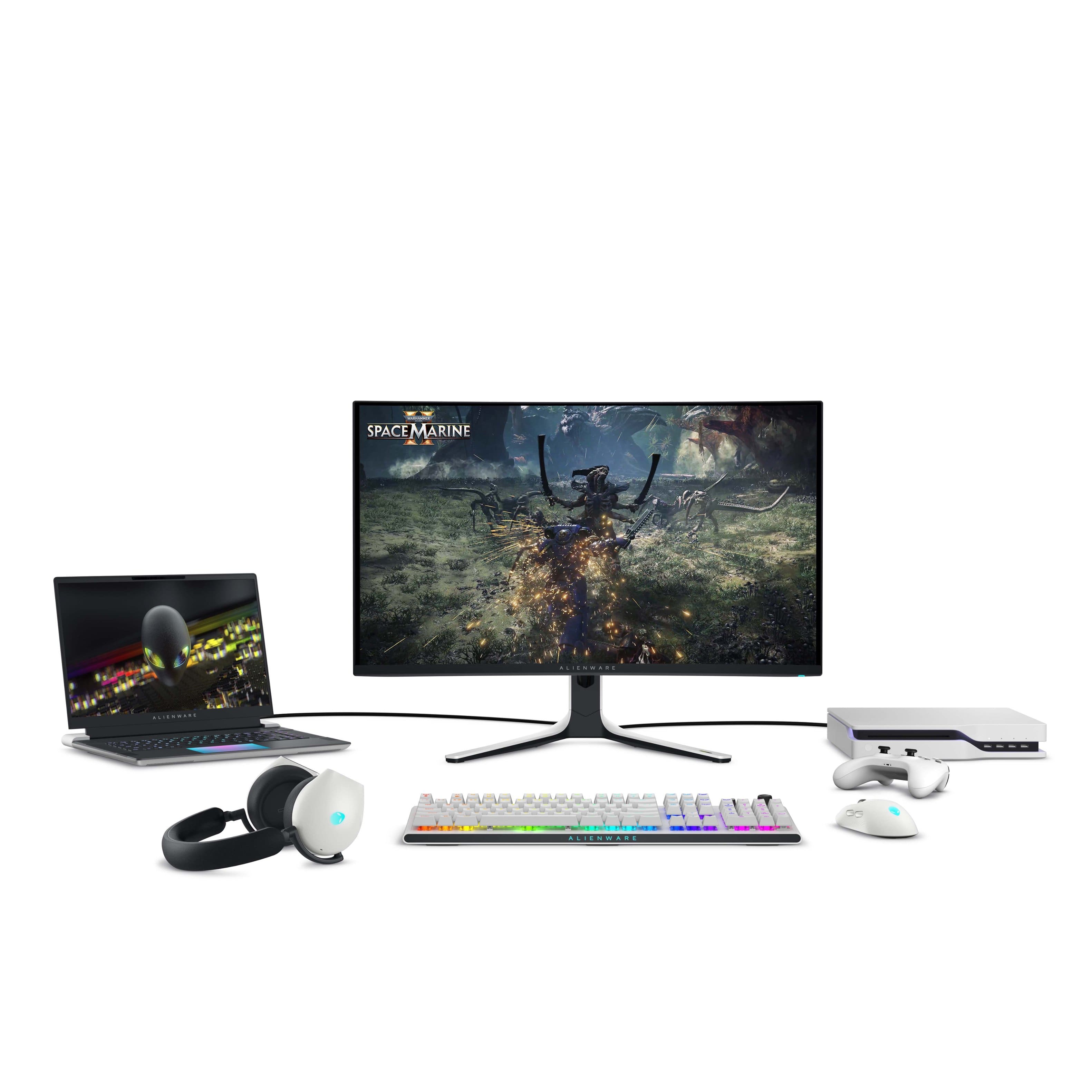
- Model:
- AW3225QF
- SKU:
- 6576612
Rating by feature
- Display Quality
Rating 4.9 out of 5 stars
- Ease of Use
Rating 4.7 out of 5 stars
- Features
Rating 4.7 out of 5 stars
Customers are saying
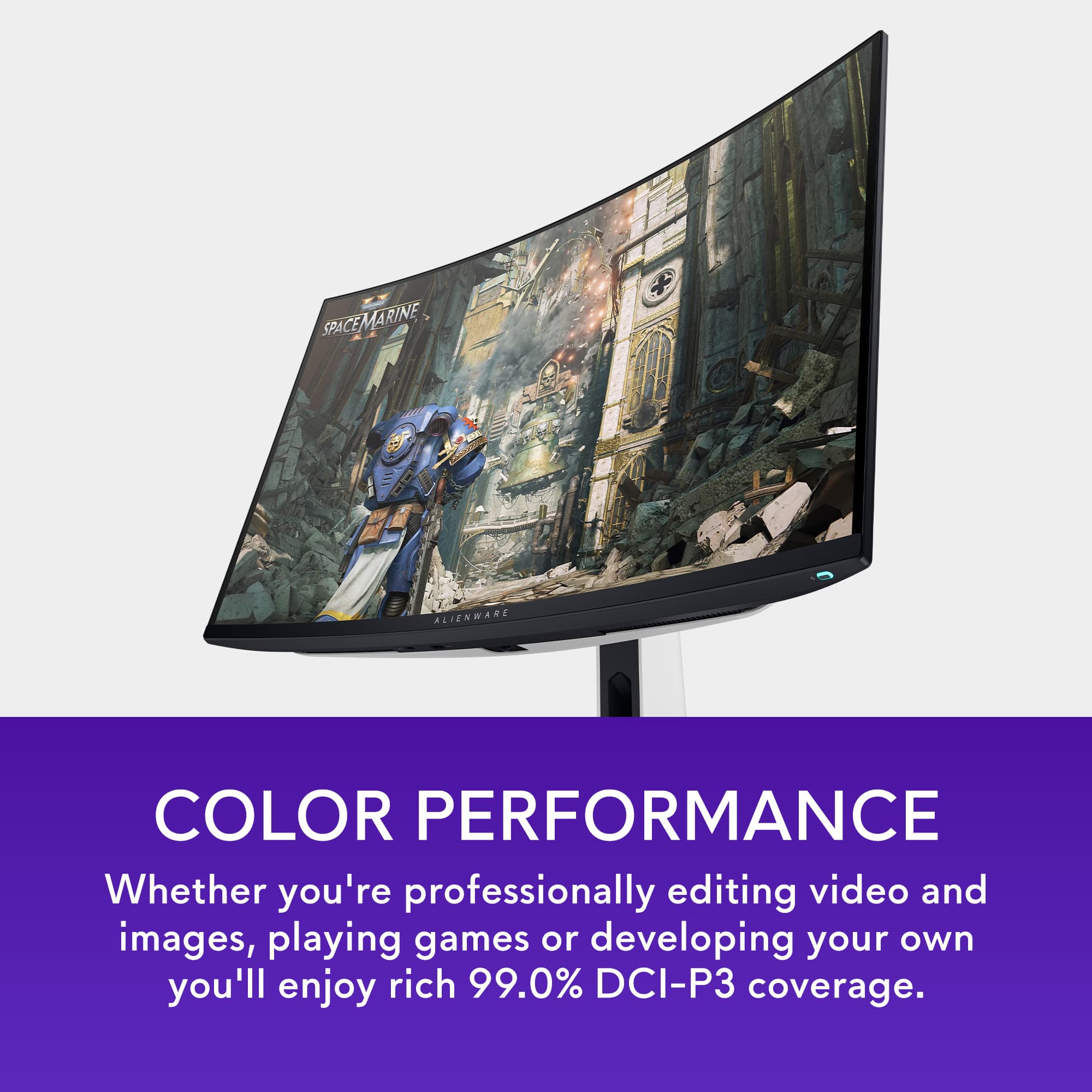
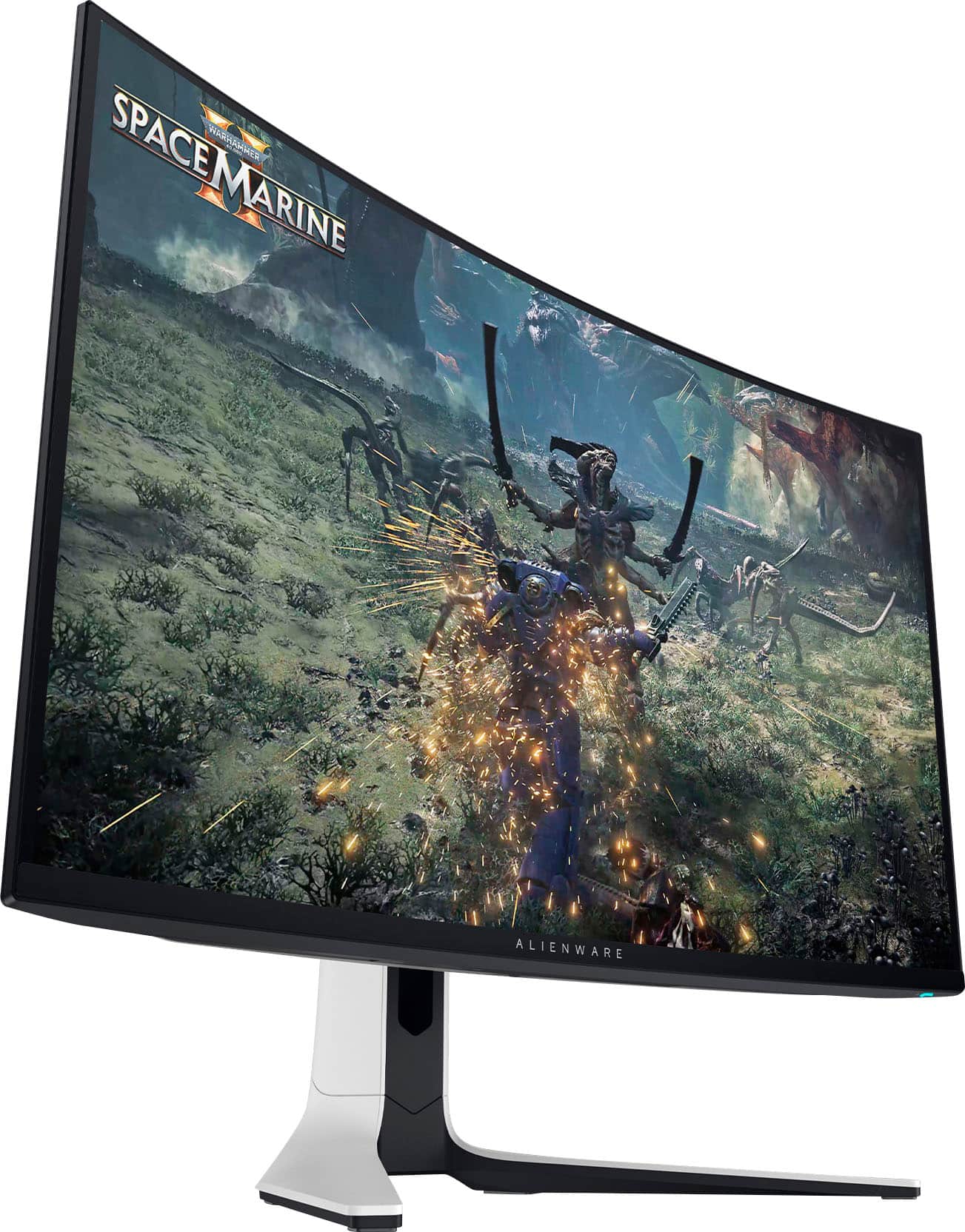
Customers praise the AW3225QF monitor for its exceptional picture quality, silky smooth refresh rates, and vibrant colors. The OLED quality and HDR performance also receive positive feedback. Some customers feel it should have built-in audio and mention the price as a concern, while others point out the lack of an aux port. A few customers have noted the absence of ghosting or trailing pixels.
This summary was generated by AI based on customer reviews.
- Pros mentioned:Color, Hdr, Picture quality
Best purchase ever done, so worth it
||Posted . Owned for 1 week when reviewed.This reviewer received promo considerations or sweepstakes entry for writing a review.Probably the best monitor in the world. The QD-OLED just blows my mind with those blacks deepness, with color accuracy and HDR technology and 4K - OMG. Yes, it requires powerful PC, but it's soooo worth it. Super happy about this purchase. Enjoying it every single day. Guys, monitor DOES matter. Try yourself and you will see.
I would recommend this to a friend - Pros mentioned:Hdr, Picture qualityCons mentioned:Audio
4.5/5
||Posted . Owned for 1 week when reviewed.This reviewer received promo considerations or sweepstakes entry for writing a review.Amazing picture quality with really easy to use hdr settings. I have 5 different monitors and used a 42 inch c2 oled before this purchase and I was still unhappy with my pc gaming experience compared to my samsung q7 in picture quality in hdr. I had high hopes for the G8 oled sammy that was 3440×1440 and not playing in 4k made the screen ratio feel weird. Then i got this monitor and I stopped using my LG OLED tv and I am never looking back. My only complaints are the following. 1) it struggles to wake up from sleep and have to restart my computer or unplug the monitor (this is common for both the Samsung odyssey g8 oled and the chg32 vga quantum dot first gen sammy i had so not a huge deal) 2) there is no audio out what so ever on the monitor so my chrome cast has to be run via Bluetooth.... thats half a star. Other than thats its spectacular and this is from a a tech nerd that loves tvs and monitors. The only thing i've ever seen and has a better picture than this is the samsung quantum dot oled tvs with 1000 nit-1500 nit peak brightness like the S95c and the s95d and they are 3000 bucks. So absolute win picking this like there no compromise other than if you want to use it as a small tv you'll need a blue tooth sound bar.
I would recommend this to a friend - Pros mentioned:Color, Hdr, Refresh rate
Excellent
||Posted . Owned for 2 weeks when reviewed.This reviewer received promo considerations or sweepstakes entry for writing a review.My LG CX 48in that I was using as a PC monitor died recently and I got this as a replacement. I wasn't sure if I was going to like moving back down to a smaller size or the curve on this (it's my first curved monitor) but it's been awesome so far. 32in is perfect for a desk of almost any size in my opinion and this is a lot more versatile/easy to use as a PC monitor than a big 48in TV was (which required its own stand to get it far enough away). The curve is a nonfactor in games, movies, and web browsing (I wouldn't call the curve a pro or a con...it's there and it's not a big deal but if you do straight line critical work all day it might be an issue for you...as someone who has never used a curve before I think it's subtle enough and I kind of like it since it's something different). The refresh rate increase from 120hz to 240hz is immediately noticeable on the desktop and in games where you can take advantage of it, but for slower story focused single player games where I crank up the graphics it's not a huge deal compared to the bigger TV I was using which felt just as good. QD-OLED colors are awesome, especially as someone that loves super saturated colors. My previous WOLED was no slouch though, but this is slightly more vibrant in SDR and HDR (doesn't seem quite as bright as the TV in HDR though, but not an issue as someone that plays in a dark room as this gets plenty bright enough). Last thing to mention is that everything is very sharp at 32in for 4k, and the text is completely readable for me at 100% scaling in windows, although 125% is a bit easier on the eyes. I do still miss the size of the 48in TV a bit. Everything seems so compressed at 32in and shrunk down (especially enemies in games) but I am getting used to the 32in more and more as each day passes. I can tell I will be adjusted eventually and won't look back because I slightly prefer the faster refresh over the larger size.
I would recommend this to a friend - Pros mentioned:Refresh rate

Powerhouse Monitor!!
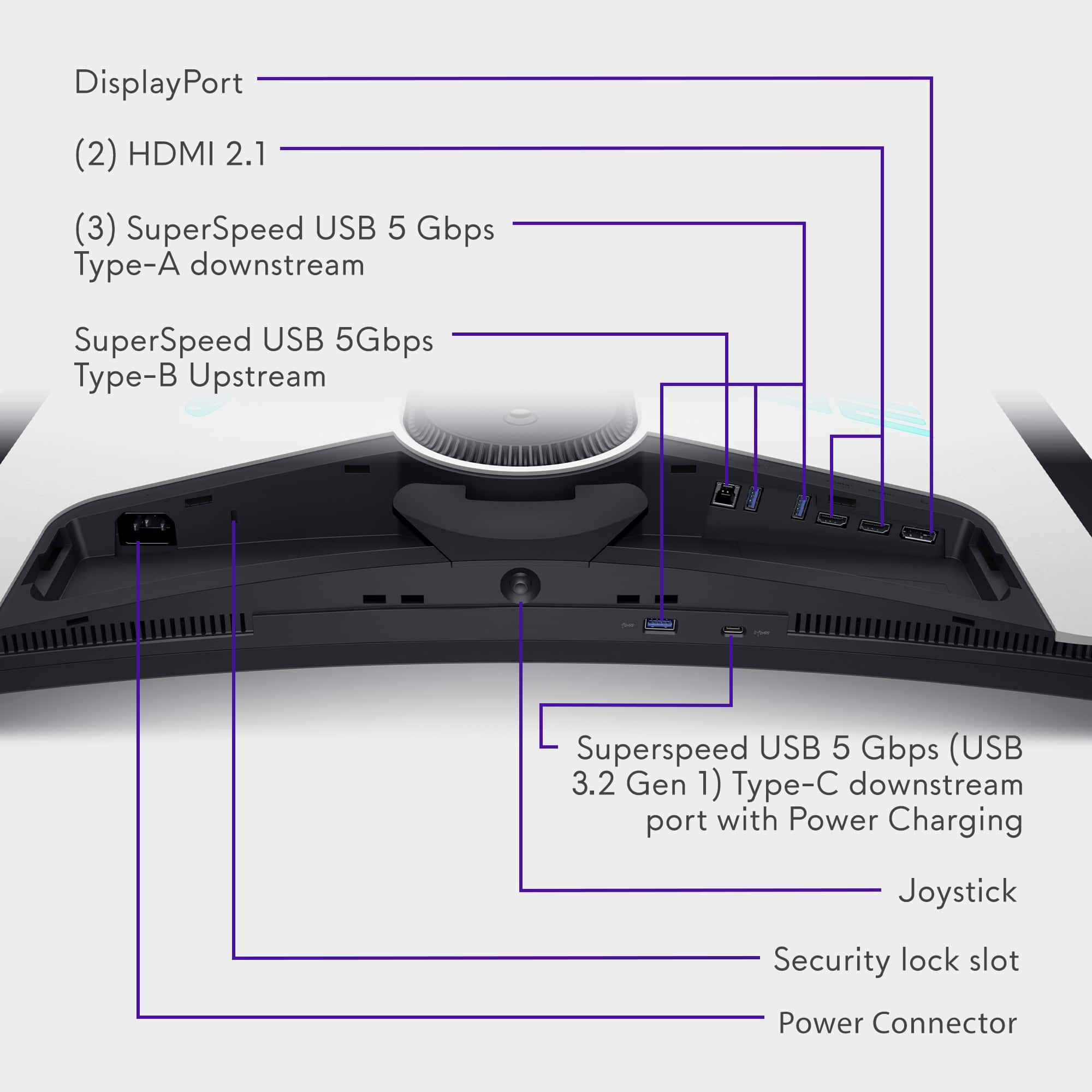
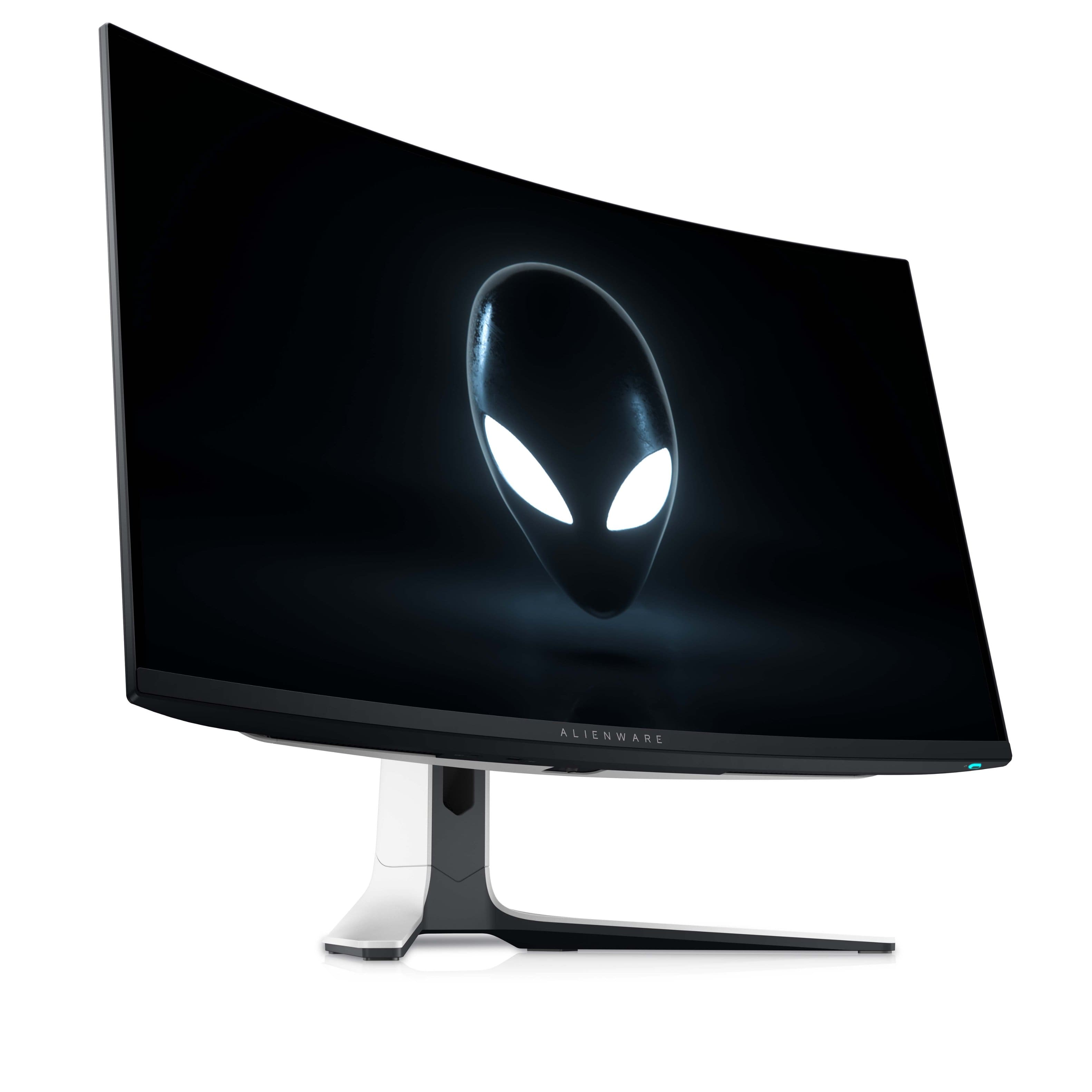
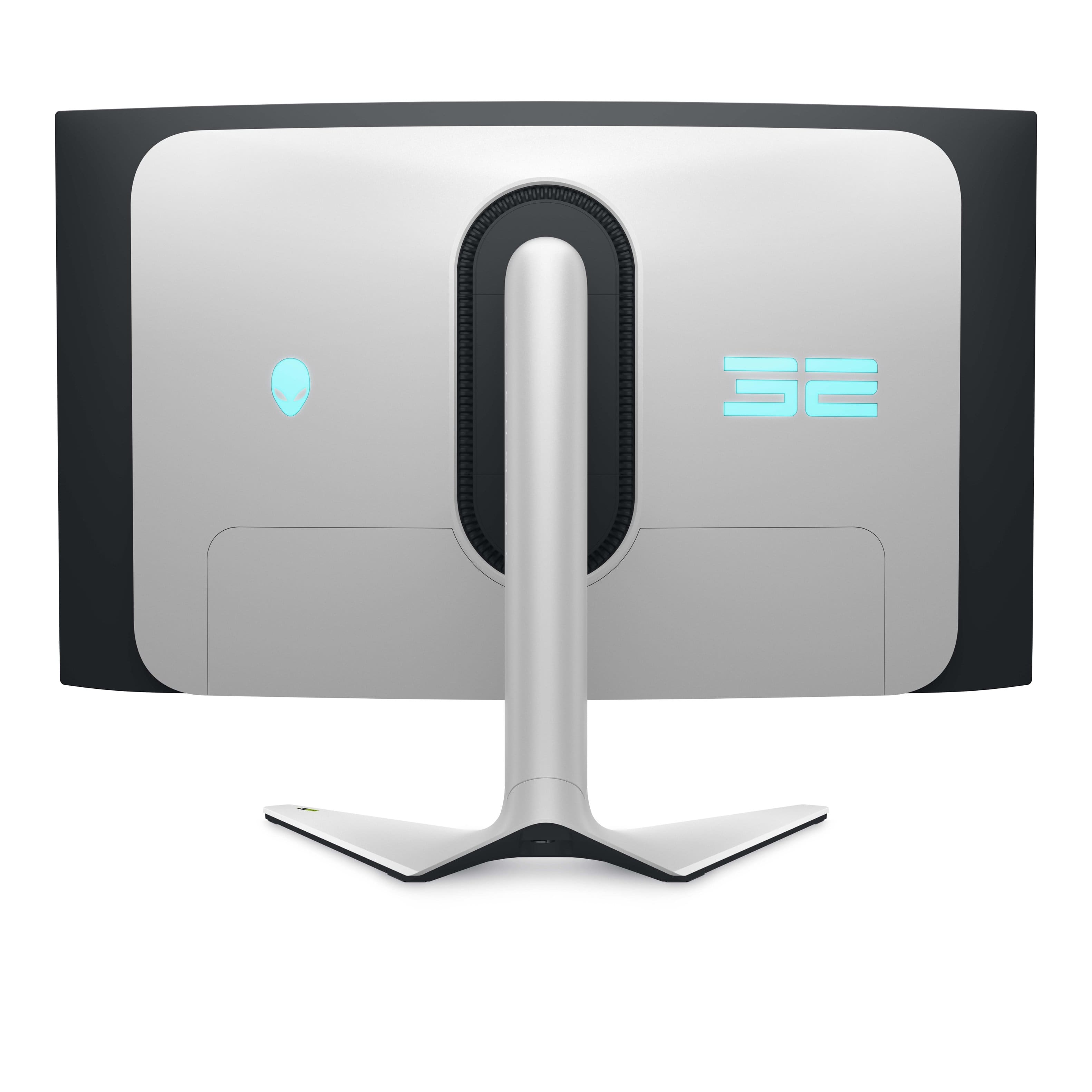
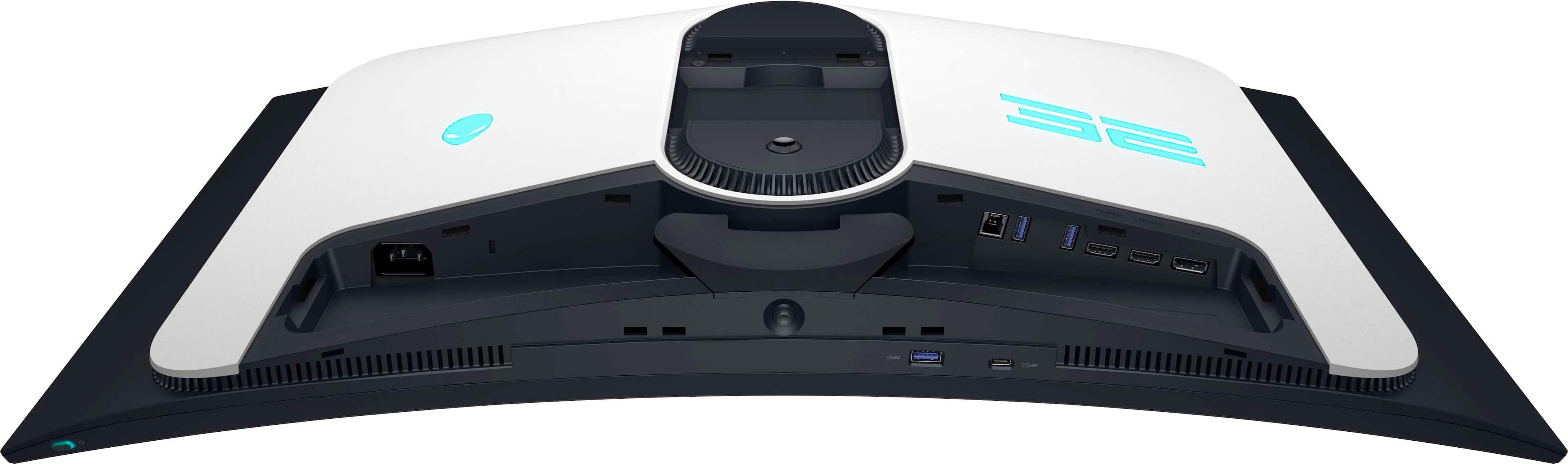
|Posted .This reviewer received promo considerations or sweepstakes entry for writing a review.I have been PC gaming since the early 90’s. I remember having the 15-inch CRT monitor that took up every inch of my desktop space and weighed a ton and thought that was the best it was going to get. If only 10-year-old me could see me now 30 years later with the Alienware AW3225QF. A 32-Inch 4K QD-OLED curved powerhouse of a monitor that is one of the best I’ve ever used and is worth your attention. Initial setup of the Alienware was straight forward and easy. Putting together the hardware pieces took less than a minute. The item came in good packaging for such a big monitor, and everything was in pristine condition upon arrival. The monitor comes with a power cable that does not have a brick which is nice! Also it includes a HDMI 2.1 FRL Cable and a DisplayPort to DisplayPort cable along with a USB upstream cable. It’s nice to see companies making sure that out the box you will have everything you need. Some other monitors I’ve had in the past all those cables weren’t included. After installation I downloaded a firmware update and updated drivers and then also went into my Display settings/Advanced Display settings and enabled 240HZ. Windows 11 defaulted to 60hz for some reason. I knew this because while playing some initial games the monitor can display stats on the top left saying what HZ the monitor is running in. After I fixed the windows setting it was showing 240hz. The monitor itself is a beauty. I love the white and black finish. It’s worth noting the base of the monitor itself does occupy a decent amount of space on your desk. The 32-inch QD-OLED with resolution capable of 4K 3840x2160, is a lot of playground for a computer screen and I enjoy making the text scale 100-150% depending on how well you can see. The monitor is crisp and bright even at 75 percent brightness. Blacks are rich and true and not washed out but there’s plenty of settings you can change within the monitor itself to get it exactly how you want it. Presets for certain games and Shortcut keys impressed me the most about the Menu system. Alienware seems to do an excellent job of recognizing what a gamer truly wants and needs for their setup and how they want to tweak it. They also did well with their inputs underneath the back of the monitor. 3 USB ports, 2 HDMI 2.1 with a DisplayPort make for plenty of options for your gaming setup. The only option they really left out was it does not have built in speakers, but this was not a big deal to me. Once this monitor is dialed in with the right settings, every game has displayed flawlessly. My 4090 pairs so well with the 240HZ refresh rate that I am in gamer heaven for the foreseeable future. The Alienware can also double as an Xbox/PS console monitor as well, which makes it even more versatile. Some curved monitors you feel like the curves are not natural because there is too much bend, but with the AW3225QF it has the perfect shape that is very pleasing to the eye. Frankly, it is a joy to use. Overall, I am incredibly happy with the Alienware AW3225QF. It is one of the best gaming monitors I’ve owned, and I would recommend it to anyone in the market for one currently.
I would recommend this to a friend - Pros mentioned:Hdr, Picture qualityCons mentioned:Audio
Extraordinarily expensive, somehow worth the price
||Posted . Owned for 2 months when reviewed.This reviewer received promo considerations or sweepstakes entry for writing a review.Incredible monitor. I thought I'd need to do a side by side between this and my old monitor to tell the difference, but the moment I turned it on I realized this was something different altogether. I love gaming on it, I really love watching movies on it, I even love the 8 hours a day of wfh productivity I do on it. The difference between hdr and sdr is an object being white vs an object actually looking like a light source. Stunning display. I know it has a fan, but I have extremely sensitive hearing and I can never hear even the faintest whisper from right beside the vents. Even the curve I thought I wouldn't love actually turns out to be pretty nice for movies and games and not at all a bother for productivity. If anything, it's nice on a monitor this size to have a very slight curve like this. I think my only annoyance is that it doesn't have a built in audio output/speakers. I also wouldn't mind having a kvm built in, but both are things that I can solve with a $30 purchase on Amazon.
I would recommend this to a friend - Pros mentioned:Hdr, Picture quality, Refresh rate
The Perfect 4K Monitor for Gaming and Beyond
||Posted .This reviewer received promo considerations or sweepstakes entry for writing a review.The Alienware AW3225QF is hands down one of the best 4K monitors I’ve ever used. The 32-inch size strikes the perfect balance between immersion and usability, while the stunning 4K resolution ensures razor-sharp clarity and incredible detail for both gaming and productivity. The Quantum Dot technology and HDR support deliver vibrant, lifelike colors with exceptional brightness and deep contrasts, making games and movies look absolutely breathtaking. With a 144Hz refresh rate and ultra-low input lag, it handles fast-paced games effortlessly, ensuring buttery-smooth performance with no tearing. The build quality and design are top-notch, as expected from Alienware, and features like G-Sync Ultimate make it a dream for gamers. For those looking for a premium 4K experience, this monitor checks every box. Truly a five-star product!
I would recommend this to a friend - Pros mentioned:Oled quality, Picture quality, Refresh rateCons mentioned:Audio
If you have any doubts, still buy it.
||Posted . Owned for 3 months when reviewed.This reviewer received promo considerations or sweepstakes entry for writing a review.I love this monitor. My only complaint is for a monitor that cost this much, it should have built in audio. Besides that, this is a great purchase. This is my first OLED monitor and I can never go back. Easy setup, crisp 4K, high refresh rate, vibrant colors. This is a future proof monitor.
I would recommend this to a friend - Pros mentioned:Refresh rate
An amazing experience with a few glaring concerns
|Posted .This reviewer received promo considerations or sweepstakes entry for writing a review.Lets just dive right into it. PROS: -31.6" @ 4K is an amazing resolution to PPI jump from Legacy 24.5" 1080P and 27" 1440P Monitors. You will be completely shocked moving to this display from previous IPS/TN/VA LCD hardware. It's honestly that much of a game changer once everything is setup properly. Defaults at 150% resolution scaling which sorta emulates a 1440p window. Mouse movement feels natural. QD-OLED technology is extremely fast and capable of inky blacks when paired with it's glossy coated screen. The default brightness (75%) seems to be around 200 nits. which is a perfect balance for those who like saturation.. but not overly dim screens. -Low input latency rivaling some of the fastest displays on the market, 4K render latency aside. This monitor is actually competitively viable due to OLED's ability to almost instantly shift colors without the need of an overdrive setting. Pair this with 240hz refresh capability and you have a great monitor that's competing with 360hz LCD's for motion clarity. I do have a last gen 360hz IPS model and I actually prefer to game on this, even though render latency is a bit higher due to the 4K resolution. This response time differences are clearly noticeable in first person shooters. Best way to explain it? It's like playing with backlight strobing without having it enabled. Also better than CRT's because the picture quality actually looks.. well amazing. -Great industrial design/stand. I've had Dell/AW monitors that were both amazing and sub par relative to alternative brands, but this one is fairly stable. 4/5 on my rating scale? -Offers both DP and HDMI2.1 over DSC. Comes with both high speed cables. -3 year advanced exchanged warranty that covers OLED burn in. Dell/Alienware as a company is leading the charge trying to insert this technology to the mainstream while forcing other brands to follow. Seems to be working and I can really respect that. CONS: -The monitor has various bugs and I've been through 3 different firmware versions already. One of them was just released a couple days ago mid testing period of this product. Monitor shipped with FW Ver. MB102. I upgraded to MB104 after unboxing and now I'm on the newest MB105. Some of the bugs include pixel alignment issues from left to right of screen. IE: randomly has a right side bias where it will show a little extra space for pixels on left side. Sometimes fixes it self, but It's confusing and annoys me. I've seen it perfectly aligned multiple times. This was tested with all modes. SDR 8 bit, HDR 10 bit, Dolby Vision 10 bit. All same bias issue. Mainly tested with DP1.4. - There has been a "freeze" bug when loading certain apps or games. I believe this is due to display stream compression or "DSC" for short. Description of bug? Just random freeze that can happen in game, but It will generally fix itself. One time required me turning off and on the monitor. I really hope it doesn't happen on latest firmware which is MB105.. Hasn't yet. Most of these experiences are with the DP1.4 cable. Haven't tested the HDMI 2.1 port as long, but it could be a potential "fix" as HDMI 2.1 allows for more bandwidth pre DSC. -The QD-OLED screen coating seems to easily smudge and I really don't understand how to clean it. It's different than any other TV or monitor I've used in the past and I've purchased/used quite a bit over the years. Manual claims to use a microfiber cloth (There is one included) but it will seem to leave fingerprints and other anomalies on the screen. Even when spraying the cloth with distilled water as the manual instructs. This wont show up in a dark room, but it's a clear problem if you are in a semi-lit room and show a black screen such a task manager. Hard to get it back to "unbox" status and that's a bit disappointing. There also seems to be micro scratches from trying to use the included cloth, but it could just be the screen itself. It's hard to tell given the anomalies when trying to wipe it clean. None of this bothers me using the monitor in a dark room.. but it's concerning. I believe its due to the 3rd Gen Samsung QD-OLED panel and not DELL/AW themselves. I do hope any long term issues with the QD-OLED screen are covered by warranty. They (DELL) are usually good about this from my experiences. OTHER: The curve can be a bit weird coming from a normal flat monitor, but you will eventually get used to it. DELL/AW are the only manufacturer making a curved version of this screen. Would I prefer a flatter version? Maybe... but I like it either way. Dolby Vision looks horrible for SDR content. It's a great thing to have, but you should really default the monitor to "non-HDR" via windows setting to really have this display shine on desktop. Colors just POP! Even at lower brightness levels such as 140nits. I enjoy the default brightness setting quite a bit and haven't changed it. For content that can enable HDR, it's clearly great. Dolby Vision via movies on Netflix are amazing!! If I could recommend anything to DELL/AW? Make a dedicated button to switch HDR to SDR in next version. It's a bit annoying having to change settings by going into OSD menu+ windows. OVERALL: I'm preaching to the quire if I had to comment on anything else.. It's OLED and fast. Almost "endgame" if not for those glaring concerns that I listed above. In fact, I'm rating this as 4 stars because I think the panel is THAT good in every other situation. If firmware updates can fix those other issues, then the only real concern would be Samsung fixing the QD-OLED coating, but the warranty service from DELL/AW should cover any real problems. Giving it a solid 4/5. Once you go OLED, it's hard to go back. Even the BEST glossy IPS screens on the market look subpar. No need to mess with an overdrive setting either. Zero ghosting.
I would recommend this to a friend - Pros mentioned:Oled quality, Refresh rate
powerhouse of a gaming
||Posted . Owned for 4 months when reviewed.This reviewer received promo considerations or sweepstakes entry for writing a review.The Alienware AW3225QF is a powerhouse of a gaming monitor that delivers on nearly every front. With a 31.6-inch QD-OLED curved display and a stunning 4K UHD resolution, it offers an immersive experience that's hard to beat. The image quality is nothing short of phenomenal — vibrant colors, inky blacks, and razor-sharp detail make this panel ideal not just for gaming, but also for creative work and content consumption. Where this monitor truly shines is in performance. The 240Hz refresh rate combined with an ultra-fast 0.03ms response time ensures buttery-smooth motion and virtually zero ghosting, even in fast-paced shooters or competitive esports titles. G-SYNC compatibility adds another layer of fluidity, eliminating screen tearing and stuttering for a consistently seamless experience. HDR performance is excellent, with deep contrast and bright highlights that add depth and realism to visuals. The QD-OLED technology handles dark scenes exceptionally well, and there's no noticeable blooming — a common issue with some HDR monitors. Build quality is premium, and the Lunar Light finish gives it a sleek, futuristic look that stands out without being over-the-top. The curvature of the display feels natural and adds to the sense of immersion, especially in ultra-wide gaming or cinematic content. Connectivity is solid, with HDMI 2.1, DisplayPort, and USB-C options that make it easy to hook up to a variety of devices, including next-gen consoles and laptops. The inclusion of USB-C is a welcome touch for users who want a single-cable setup. If there's any downside, it's the premium price tag. But considering the cutting-edge tech, high-end performance, and excellent build quality, it's a worthy investment for serious gamers and enthusiasts who want one of the best displays on the market. Verdict: The AW3225QF sets a high bar for what a gaming monitor can be. Whether you're after ultra-smooth performance, jaw-dropping visuals, or future-proof features, this display delivers across the board.
I would recommend this to a friend - Pros mentioned:Oled quality, Refresh rate
A designer’s dream .. finally an OLED that works
||Posted . Owned for 2 weeks when reviewed.This reviewer received promo considerations or sweepstakes entry for writing a review.As a designer, I’ve waited a long time for an OLED monitor that’s actually viable for professional work... and the Alienware AW3225QF finally delivers. I’ve been using it side-by-side with my Apple Studio Display, and surprisingly, I prefer the Alienware. The color accuracy, contrast, and clarity on this QD-OLED panel are stunning. Blacks are truly black (not “dark gray”), and the fine details in gradients, textures, and UI elements are razor sharp. It’s crisp enough for pixel-perfect design work in Figma, Illustrator, and Photoshop, without the weird color shifts or oversaturation you sometimes get on older OLED panels. I was skeptical about using a curved screen for design, but the curve is subtle enough that it doesn’t distort your layout or make straight lines feel off. The 240Hz refresh rate is overkill for design, but it makes UI motion design and even scrolling feel butter smooth. Whether I’m deep into branding work or web layout, this monitor keeps up and inspires. The added bonus? It’s also a beast for gaming if that's your thing. If you’re a creative who’s been waiting for a no-compromise OLED monitor, this is the one.
I would recommend this to a friend - Pros mentioned:Hdr, Picture quality
5/5 – Amazing Monitor for PS5 Pro
||Posted .This reviewer received promo considerations or sweepstakes entry for writing a review.I’ve been using the Alienware AW3225QF 31.6” with my PS5 Pro, and it has been incredible. The QD-OLED screen delivers amazing colors, deep blacks, and very sharp details. Gameplay feels super smooth thanks to the 120Hz support and low input lag. HDR performance is outstanding and makes every game look more immersive. The curved design adds a great sense of depth without being distracting. Overall, this is one of the best monitors you can buy for the PS5 Pro.
I would recommend this to a friend - Pros mentioned:Picture quality, Refresh rate
My first QD-OLED Monitor - WOW!
||Posted . Owned for 3 weeks when reviewed.This reviewer received promo considerations or sweepstakes entry for writing a review.I have to admit I was a bit hesitant to spend that kind of money on a PC monitor, but it turns out the Alienware AW3224QF QD-OLED monitor is worth every penny. Once you’ve seen the rich blacks and vibrant colors, it would be hard to go back to a standard monitor. I am not really a gamer, so the fast refresh rate was not high on the list of why I chose this monitor, but it’s nice to have. I have an Alienware desktop, so this was a natural fit to replace my aging 32” monitor. The slight curve to the screen is perfect and doesn’t mess with Photoshop editing whatsoever. My Alienware desktop has an Nvidia 5080 GPU, so it’s capable of driving the monitor to its fullest performance potential. Physically, I love the solid and stylish stand. The RGB lighting on the backside of the monitor gives it a subtle gamer’s vibe but not overpowering, plus it adds a soft ambient glow of light on the wall behind the desk.
I would recommend this to a friend - Pros mentioned:Color, Oled quality, Picture quality
Great Monitor
||Posted . Owned for 1 month when reviewed.This reviewer received promo considerations or sweepstakes entry for writing a review.Outstanding OLED monitor! Great Performance. The colors are Astounding! Would not hesitate to buy again!
I would recommend this to a friend - Pros mentioned:Picture quality, Refresh rate
Glorious
Posted .This reviewer received promo considerations or sweepstakes entry for writing a review.This monitor is absolutely glorious. I bought this on Dell’s website in January and almost have half a year with it. This monitor has been such a joy to be able to use every day, especially with a RTX 4080 Super to be able to get to the 240fps this monitor claims to hit (it does).
I would recommend this to a friend - Pros mentioned:Hdr, Picture quality, Refresh rate
It really is the ultimate gaming monitor.
||Posted . Owned for 2 months when reviewed.This reviewer received promo considerations or sweepstakes entry for writing a review.Monitor technology has advanced really rapidly in the last decade. I was using a 1440p 60hz ips panel, and let me say ignorance was bliss. The jump to 4k is great, but the qd oled panel is the real star of the show. The image quality is incredible, no more backlight bleed like ips, and hdr capability on oled is something else. The 240hz refresh rate feels amazing, especially with gsync enabled. This monitor checks all the boxes for gaming in 2025.
I would recommend this to a friend - Pros mentioned:Picture quality, Refresh rate
I’m blown away by the performance! Amazing!
||Posted . Owned for 3 weeks when reviewed.This reviewer received promo considerations or sweepstakes entry for writing a review.I was torn between this and a 34” ultrawide for around the same price. I felt this was going to be easier to get used to coming from a 27” monitor, and I was right! This thing is awesome. HDR is bright enough to make scenes pop, though it isn’t “eye searingly” bright. The refresh rate is nice too, though coming from 144hz to 240hz doesn’t seem like that much of a visual upgrade. I appreciate the built in burn-in test measures as well but I wish the settings menu was easier to navigate. Overall the picture quality is stunning and the on-sale price is imo worth it.
I would recommend this to a friend - Pros mentioned:Color, Hdr, Refresh rate
Worth the jump to OLED
||Posted . Owned for 1 week when reviewed.This reviewer received promo considerations or sweepstakes entry for writing a review.Upgraded from a 1440p VA panel because I couldn’t stand the dark smearing during browsing or gaming. 2+ hours later of RTings, Reddit, and YouTube reviews, I felt this the jump into OLED with this monitor was more than worth the price. High refresh rate, vivid colors and clarity, and excellent HDR. I’m happy as can be with the AW3225QF. Side note: It was on sale $100 off at the time so that definitely helped my decision to purchase, and if you read anything about Dolby vision integration always being on because of Windows, I can confirm that issue’s been patched out with a new firmware you can download after you set up the monitor. No problems with that since the update.
I would recommend this to a friend - Pros mentioned:Color, Picture quality
Top-Notch Monitor
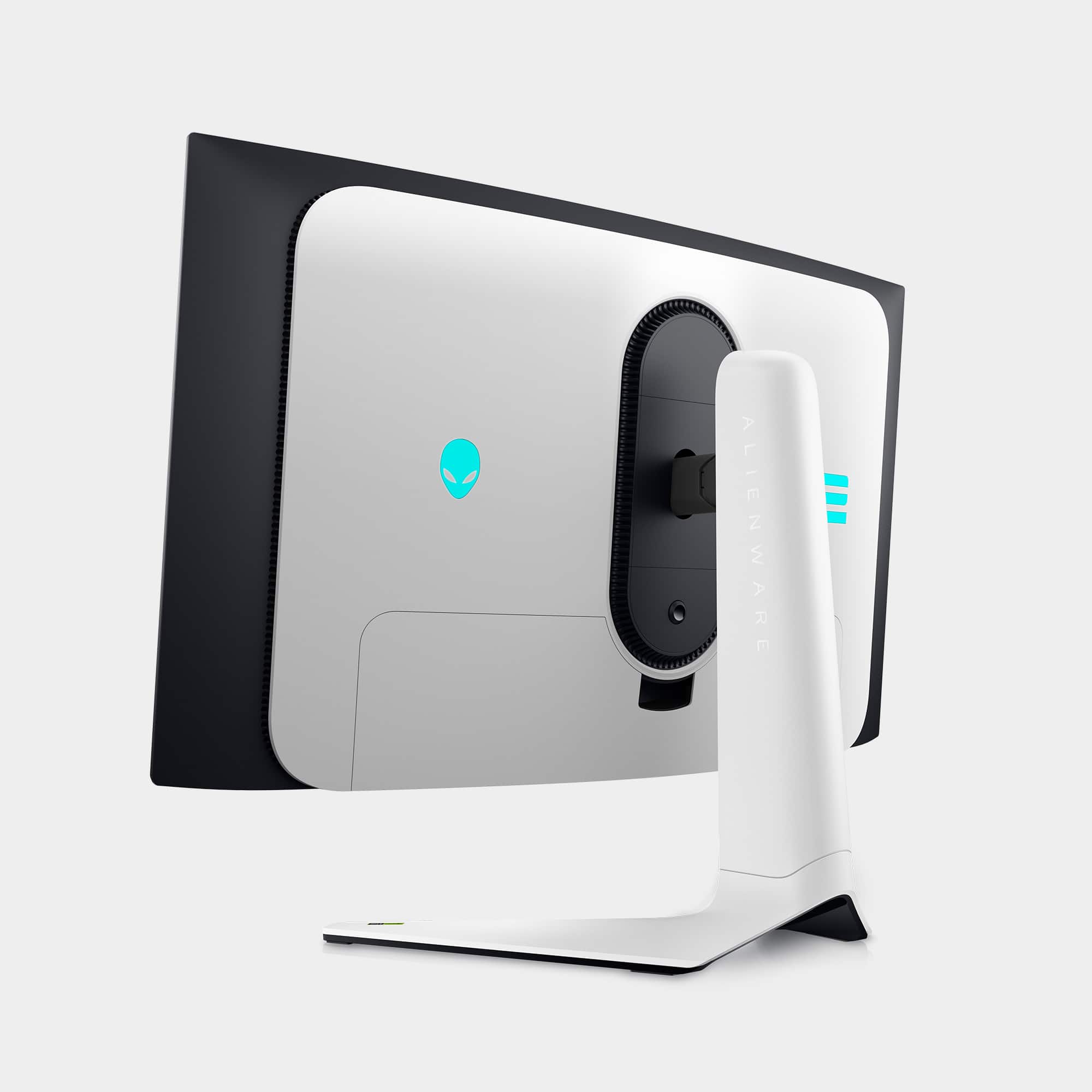
||Posted .This reviewer received promo considerations or sweepstakes entry for writing a review.Great monitor — sharp colors and deep blacks. The design is beautiful, and you can adjust all the LED lights around the monitor if you don’t want them on at night like I do. It’s very heavy and sturdy, with excellent overall build quality
I would recommend this to a friend - Pros mentioned:Color, Picture quality
Excellent Alienware monitor
||Posted . Owned for 9 months when reviewed.This reviewer received promo considerations or sweepstakes entry for writing a review.I love this display. The screen has a really nice picture, the colors are great and its very easy to use. Lots of features packed into this thing. Im a novice but i was able to upgrade the firmware myself without issue and i havent had a single issue over the course of almost one year.
I would recommend this to a friend - Pros mentioned:Picture qualityCons mentioned:Price

Must Buy
|Posted . Owned for 3 weeks when reviewed.This reviewer received promo considerations or sweepstakes entry for writing a review.Incredible color accuracy and true depth blacks. The brightness of it also makes for an outstanding upgrade whether you are upgrading from a normal monitor or even a TV if you will be using it for console gaming. My favorite part of this monitor is the nice customization options that allow you to get a unique experience while enjoying the OLED technology at its best. I use it for my Playstation 5 and M1 Macbook Pro and it works like a charm as long as you have the correct cables for your needs. Like most OLED technology, I cannot comment on the burn in just yet, but so far I have used it for short gaming sessions, productivity, and casual viewing. No out the box issues too, but it can be sensitive to smudging like modt panels so I would avoid touching it as much as possible once you set it on a desk. Aside from that, my only issue is the price. I would get it under a sale since I don’t believe it is worth that tremendous price when you have options from Samsung that go on better sales more often. However if the price doesn’t bother you, you won’t regret this monitor.
I would recommend this to a friend