Customer Ratings & Reviews
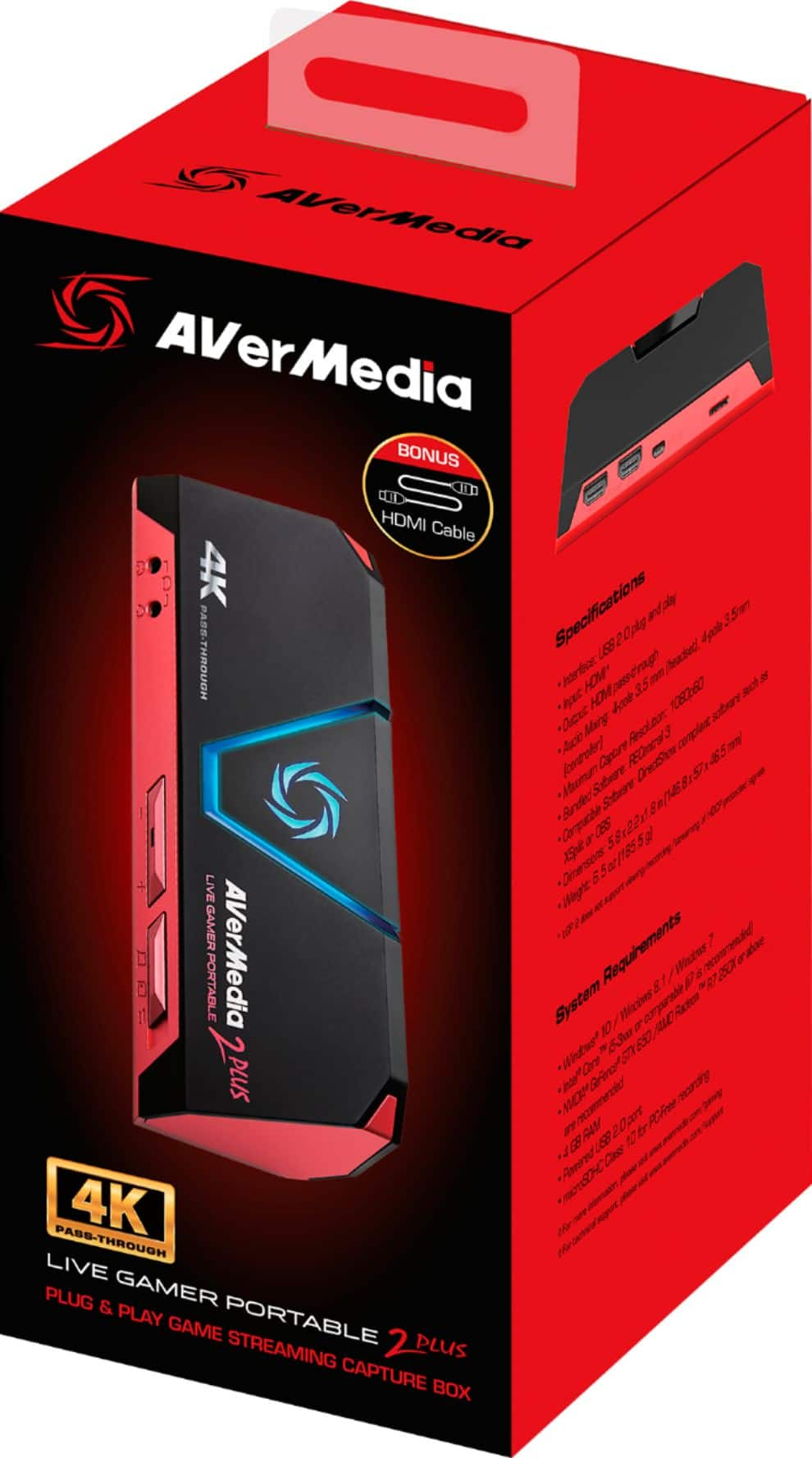
- Model:
- GC513B
- SKU:
- 6288528
Rating by feature
- Value
Rating 4.4 out of 5 stars
- Quality
Rating 4.5 out of 5 stars
- Ease of Use
Rating 4.3 out of 5 stars
Customers are saying
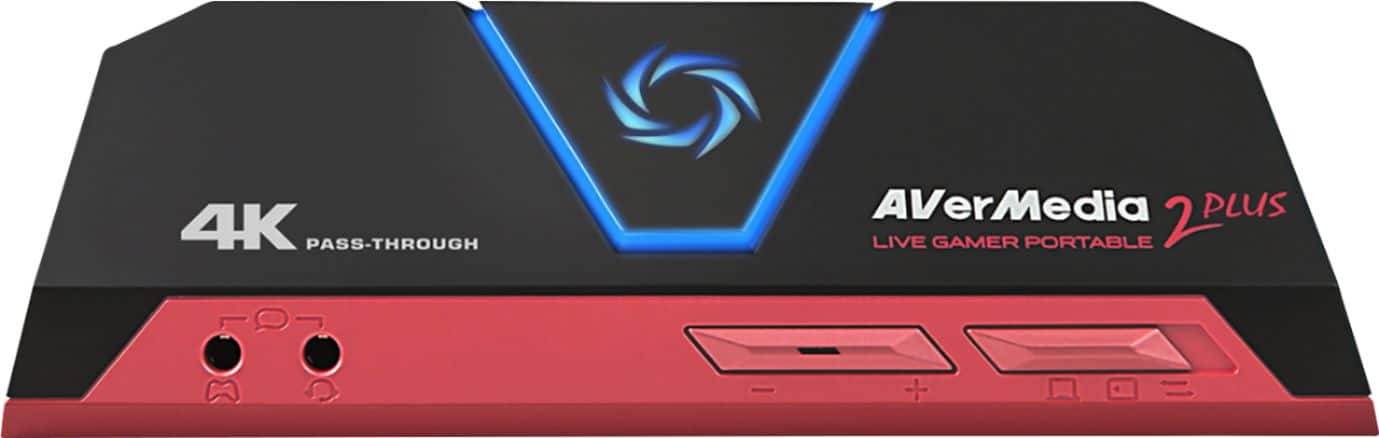
Customers are enthusiastic about the Live Gamer Portable 2 Plus's ease of use and video quality. Many appreciate its compact size and straightforward setup, while some users found the software and included HDMI cable length to be less than ideal. Despite some minor drawbacks, the positive feedback on its performance and affordability is noteworthy.
This summary was generated by AI based on customer reviews.
Eh
||Posted . Owned for 3 months when reviewed.This reviewer received promo considerations or sweepstakes entry for writing a review.Not anything special. Quality seems to be grainy compared to something like an Elgato no matter what you do
No, I would not recommend this to a friendFor son
||Posted .This reviewer received promo considerations or sweepstakes entry for writing a review.Need Geek squad! Hard to figure out. Not working!!
No, I would not recommend this to a friendToo many cables
||Posted . Owned for 1 month when reviewed.This reviewer received promo considerations or sweepstakes entry for writing a review.I mean, the product works as advertised. However, as a streamer we tend to like simple products that get the job done. Here, we need two extra cables not including the outport for it work.. simple is best. Price? Well I find it expensive sine it’s more complicated that it’s competitor at the same price.
No, I would not recommend this to a friend- Pros mentioned:Video qualityCons mentioned:Hdmi cable length

Ok for PC, limited SD compatibility & console use
|Posted .This reviewer received promo considerations or sweepstakes entry for writing a review.Pro -4K pass-through -60 fps video capture -Can be used in PC-Free recording and card reader modes -Simple operation ( once you figure out how ) -Recording software is pretty good -Includes two HDMI cables and one 4-pole 3.5mm male-to-male cable Con -Horrible documentation -Very picky on what SD cards will work with it -Doesn't include an SD card -Short HDMI cables ( about 18" each ) -Front 3.5mm jacks are too close together to fit larger connectors simultaneously -Extra buzz in your headphones when routing audio through it -Won't work with PS3 and older consoles -Limited appeal for PS4 and XB1 users -No HDR pass-through -Can't work with 2560x1440 resolution, not even pass-through -Card reader function limited to USB 2.0 speeds -Slow customer support Overall The TL/DR on this is a Jekyll/Hyde story in that the LGP2 Plus doesn't really know what it wants to be. It throws in a smattering of useful features but then handicaps half those features with limited functionality. The LGP2 Plus is best for PC gamers that wants to record and store their game sessions ( and not just broadcast them ), and that play exclusively at 1080 or 4K resolutions. For everyone else, you're probably going to be let down. Read on for more details. First, the good. The LGP2 Plus does record at a smooth 1080p60, both onto a dedicated recording computer or onto its internal micro SD card. The box comes with everything necessary to hook it up, including two high-speed HDMI cables, a long 4-pole 3.5mm cable to route your game voice chat through it, and a micro USB cable to both power the box and allow it to communicate with a computer. The recording software from AVerMedia is pretty good and totally free for download as well. It has plug-ins ready for Twitch and other broadcasting services, good templates for video layouts and overlaying webcam feeds, and controls over recording quality. Unfortunately, the downsides were much more pronounced in my experience. The LGP2 Plus come with practically no documentation. No instruction manual. A tiny quick setup guide shows you how to connect the cables, but not what the switches and buttons on the box actually do. The little wording on the single page is poorly translated into English. To get any kind of detailed info, you need to go to the website, where you'll still run into poorly translated English. Next, the LGP2 Plus is EXTREMELY picky on which micro SD card you can use. The AVerMedia site only lists 14 models of cards as compatible ( 10 is you count only models and not the capacity differences ). Listed is the SanDisk Ultra microSD UHS-I 16GB and 32GB models. I was using an Ultra PLUS 32GB model, so I figured close enough since they were both UHS-I and both SDHC. No matter what I did, I could not get the recorder to work with the card. It wouldn't record, it wouldn't come to a ready state, it wouldn't even work as a card reader. It would work recording onto a separate computer, but that was it. I contacted AVerMedia support and had to wait over a week for them to get back to me ( after initial contact, I usually heard back from them within two days ). I went back and forth with them for almost two weeks trying to figure out what was going on. I eventually got a replacement sent to me but had the same problems. Reading other reviews online, it sounded like a lot of people were experiencing the same thing, so I was ready to chalk it up to bad product design and quality control I found the answer accidentally when I tried using an older 16GB card from one of my tablets ( thinking perhaps the 32GB capacity was too high for the recorder ). Instantly everything worked normally. My 16GB card is a model explicitly on AVerMedia's list. So, if you plan to use this thing PC-Free, make sure your card is officially compatible. For the prcie of the unit, AVerMedia could have included an SD card, which would solve this problem, but they didn't. That said, the recorder is still only USB 2.0, not 3.0 or 3.1, meaning copying those huge movie files from the card might take a while. If you have another card reader or adapter, I'd suggest using that instead. The LGP2 Plus does have 3.5mm input on the front, so you can route your headset, and possibly voice chat audio, though the box. Unfortunately, the jacks are pretty close together so you need to use small or normal sized connectors to get them both in. Hopefully your headset doesn't use a large connector. Also, I noticed some extra static hiss when I had it connected this way. It's not game breaking, and you may not notice it if you play with the volume up, but I found it annoying. Speaking of cables, the two HDMI cords that come with the LGP2 Plus are very short, only about 18 inches each. This may not be too much an issue since most people will already have one long HDMI cable ( and you should be able to put the recorder box very close to your computer or console to use one of the shorter cables ), but it would've been nice if the included cables were at least 24 inches long. Plugging the LGP2 into the AV loop doesn't introduce any control lag in the game ( at least that I could tell ) on the main screen. Don't try playing the game off the recording preview screen on the recording computer, though. Even at the lowest latency, it's still at least 200ms behind the game. And while the recorder may support 4K pass-through, it does not support HDR at all. So if you're playing on your fancy new TV you just got over Black Friday, you can use the resolution, but not the HDR. It also doesn't support any video passed in other than 3840x2160 and 1920x1080. So if you're a PC gamer on a 1440p QHD monitor, or a 21:9 monitor, you'll need to explicitly set your resolution to 1080p to use this at all. And of course, you need to use HDMI only; no DisplayPort cables. You'll also need a separate recording computer than your gaming computer, though even a modest laptop will do for that task. So, with all this being said, who is best served by the LGP2 Plus? The recording box looks for HDCP, so it won't work at all with the PS3 ( and I think the Xbox 360 too ). The PS4 and Xbox One can both turn off HDCP for games, so compatibility isn't an issue there, but both of them also have their own built-in recording abilities. Now the regular PS4 is limited to 720p recording, so being able to record 1080p60 is a big improvement. However the PS4 Pro and all Xbox One consoles can record 1080p30 clips for over an hour at a time on their own. Recording at 60 fps isn't helpful if the game isn't even rendered at 60 fps ( which most titles aren't on console ). The regular PS4, XB1, and XB1S owners will likely be much better served with this than the PS4 Pro and XB1X crowd. PC gamers probably get more out of the LGP2 than their console counterparts as most lack game recording software of any kind. Just remember you have to be playing in either 4K or regular 1080p only. For best results, you need to maintain close to 60fps in your games, meaning expensive GPUs, lowering detail settings, or both. And though you can use the PC-Free recording mode to use just your gaming computer, if you want to record with additional feeds, like your face and voice on a web cam, you'll need a separate PC for that. In the end, I felt this was a Jekyll/Hyde product. It adds some features to appeal to more people, but then undercuts those features. To start, you only get the vaguest idea how to run the thing from the non-existent documentation and getting help from customer service takes a long time. The SD card PC-Free mode is great for recording gameplay anywhere, but it's handicapped by a very restrictive card compatibility list and only has USB 2.0 to transfer the files. Including an SD card in the packaging would've been a huge help to most users. And though you can get 4K pass-through, you lose HDR compatibility so PS4 Pro, XB1X, and high-end PC users can't get the fullest out of their displays and hardware. As a PS4 Pro guy, I still usually run at 1080p just so I can get smoother framerates. I also find 1080p HDR to look better than basic 4K in games. And finally, the computer gaming crowd that is likely to get the most use out of the LGP2 can't use the 1440p monitors that are gaining a lot of popularity in the higher-end PC gaming crowd. You can still get some good use out of the LGP2 Plus, but it seems there's a lot of wasted potential as well.
No, I would not recommend this to a friend Gets the job done but picture could be better
||Posted .This reviewer received promo considerations or sweepstakes entry for writing a review.Device gets the job done job done but picture could be better
No, I would not recommend this to a friend- Pros mentioned:Ease of use, Video quality
Awesome Addition to your Gaming Universe
|Posted .This reviewer received promo considerations or sweepstakes entry for writing a review.So... do you like to watch those videos on YouTube of everyone going nuts and leveling up? Well be the one being watched next time. VERY easy to use... you simply put this inline between the output of your gaming device (laptop, computer, Xbox, PS), and you are good to go... Supports the ability to hook another computer up to do the capture, or you can use a large memory chip... that makes this REALLY easy to use... Even if you just have one computer. Best part, is your gaming system doesn't even know it is there, and isn't impacted. So you can simply play away, and look at the footage later. Keep what you want, get rid of the rest... Even if you are not into posting online, use this to see how wel your round REALLY went... want went wrong, or just simply share cips to post smack with your friends. Awesome feature, is that it also acts as a USB Media drive, for your other chips from camers.. so that you can get all those snapshots onto your hard drive. Pair it up with Adobe or other video editing software, and you are ready to role. But no software can help with cruddy footage, and with this... you are going to get premium quality and files.
I would recommend this to a friend Fair
||Posted .This reviewer received promo considerations or sweepstakes entry for writing a review.Wanted to return this item but missed the date cause of terrible time mangement, kind of annoying to have that blue light just on when you are using it
No, I would not recommend this to a friend- Pros mentioned:Compatibility
Do Not Grab This
||Posted .This reviewer received promo considerations or sweepstakes entry for writing a review.Had my monitor, ps4 and MacBook hooked up. Tried it for 10mins. Search online for guide and decide to out everything back in the box and grab the El gato.
No, I would not recommend this to a friend - Pros mentioned:Video quality
Easy PC recording solution!
|Posted .This reviewer received promo considerations or sweepstakes entry for writing a review.It's almost plug and play-- there are just some things to figure out to tweak settings to your liking but recording is easy-- even without using the PC free option. I have a 7th Gen i5 with 16gb of memory and a 1050ti video card and with lots of SSD space-- and the recording quality is clean at 60fps-- ALTHOUGH i do have some occasional hiccups. I was recording Fortnite on very high settings-- it was decent 80% of the time with occasional freezing. Perhaps if I had an i7 and a better video card it will be different? I am not sure-- but for what I recorded, it did well. One thing that I noticed though is, it does not have to be used for gaming specifically! It can practically record what's happening on your screen-- Do demos, software tutorials, name it. It can do those too. So gaming, maybe can be resource heavy especially on epic settings at 60fps 1080p (thus my little hiccups), but for other things, I am sure this device is capable.
I would recommend this to a friend Taking the Show on the Road
|Posted .This reviewer received promo considerations or sweepstakes entry for writing a review.* Sample video is on YouTube at https://www.youtube.com/watch?v=liXH4tIBgbs . Read Capture Quality below for commentary. * Only a handful of names have made their way into the home video capture market in the last two decades, as digital video capture was mainly reserved for professional videography. AVerMedia, a subsidiary of the Taiwanese AVer Information, Inc., has become one of the more recognizable names by riding the success and visibility of videogame streaming from the past few years with their Live Gamer capture devices. The Live Gamer Portable 2 Plus is a convenient solution for both capture and streaming by nature of its USB connection, but the sacrifices made to encoding capability in pursuit of portability may not be worth it for some. - Setup & Software Setting up the Live Gamer Portable 2 Plus is very straightforward. AVerMedia generously includes many cables in the box, including a second HDMI cable, making setup between two independent devices much easier. Following the included instruction booklet, I had my gaming laptop connected to the device and the image passing through to my monitor in minutes. The pass-through did not introduce any perceivable latency, making it perfect for a middleware device for streaming in real-time. AVerMedia provides a software suite called RECentral that shares basic functionality with popular streaming apps. Setup was straightforward, and immediate integration with Twitch is a huge plus. A basic stream can be established and broadcast within moments, though there does not appear to be an option to record and stream simultaneously. Nevertheless, the software is fairly intuitive and easy to understand. Configuration options are limited but functional. All streaming/recording quality commentary below used a 1080p, 60FPS input source. - Streaming Quality Using the RECentral software’s default settings, I had a high quality 1080p stream going without issue, capping out my paltry 6Mbps upload with fluid gameplay footage for all 2 of my concurrent viewers. CPU utilization was low, suggesting encoding was being done on-device with the connected computer merely relaying the stream. Mixing in-app was very easy, allowing on-the-fly adjustment of my attached microphone’s volume to normalize against gameplay. Unfortunately the mic volume even at maximum was much lower than when it was connected directly to my PC, so I had to lower game volume to compensate. Otherwise, the stream experience was free of further hassle and went several hours uninterrupted with very little latency. My Twitch channel live view looked great. - Software Capture Quality Using software capture, I recorded gameplay of a Rocket League exhibition match to test the highest quality settings. This video is on YouTube (albeit with some re-encoding artifacting) at https://www.youtube.com/watch?v=liXH4tIBgbs . Changing from RECentral’s streaming mode to recording mode, and setting video quality as high as allowed, I saw CPU usage increase during and for a moment after recording, indicating that encoding was now happening on the PC. While recording, I noticed that RECentral’s reported video framerate was occasionally dipping below 60FPS, while my attached laptop was rendering the game at a locked 60FPS throughout. This appears to be an encoding bottleneck, as my rendered videos had a few dropped frames strewn throughout, resulting in a minor, but perceivable, stutter. This is an odd problem to have when using a high-end computer for capture and encoding (Ryzen Threadripper 1900X, 32GB RAM), and I would suspect the RECentral software has had plenty of time to mature and prioritize an accurate capture over a rapid one. A future update may fix this. The resulting file had a 20Mbps video bitrate with 256Kbps stereo sound, which otherwise looked fantastic. - Hardware Capture Quality A feature unique to the Live Gamer Portable series is the addition of a microSD slot that allows for computer-less recording of gameplay. It’s a niche feature but one that opens up possibilities for on-the-go recording of gameplay from parties, tournaments, and other setups where setting up and configuring a computer would be inconvenient. Perhaps I had ambitions that were too high for the device, but I was extremely disappointed by the quality of standalone video capture. Using a UHS-3 compliant SD card for high-speed writes (so as to prevent a recording bottleneck), I recorded a bot match of Rocket League and was expecting smooth, if not high-quality, video. Unfortunately the resulting footage was atrocious, with excessive stuttering, framerate fluctuation, and a low bitrate encode that rendered the footage marginal at best. The onboard encoder is definitely not strong enough for the demands that 1080p60 gaming throws at it. Hopefully a future version of the device improves its quality, as the convenience of computer-less recording is a huge selling point that AVerMedia should be touting. - Bottom Line The end result is a mixed bag. As a standard video capture and streaming device, the Live Gamer Portable 2 Plus fires on all cylinders, but it has serious shortcomings as a standalone recording tool. Ultimately capture devices will live and die by their image quality. A streamer with a decent gaming laptop or mobile workstation would find AVerMedia’s option respectable, as it is a very convenient external capture card that foregoes absolutely perfect image quality for the form factor, yet still delivers good video. For the highest possible capture quality, however, AVerMedia’s internal capture cards with onboard hardware encoding are still the way to go. It is possible that some further fine-tuning could alleviate the mobile recording woes, such as dropping the input to 720p, but such sacrifices should not have to be made in a device that touts its portability as a major selling point. That said, it still delivers on its promise with some caveats, and it’s possible a future firmware update could solve the issue and deliver better standalone performance, and hence I would still recommend this as a capture card for budding streamers looking to step up their recording abilities without breaking the bank.
I would recommend this to a friend- Pros mentioned:Ease of use
Super Easy to Use
|Posted .This reviewer received promo considerations or sweepstakes entry for writing a review.I've always heard it was difficult to be properly setup for Twitch streaming, and other streaming seervices, especially when they don't allow for a direct video feed pass through, as you would be playing with a lag, making it impossible to perform well on most games. The AVerMedia - Live Gamer Portable 2 Plus has direct passthrough, up to 4k, meaning that you can play your best while recording. Another great features of this device is that you can use it with or without your computer being connected. This means it is easier to move into your game room without having to move your entire PC setup or your gaming setup to record or stream. It is incredibly easy to set up, I just wish it came prepackaged with a webcam, so you had everything you need to get started for a full-on gaming channel, but that is just nit-picking. This is an awesome device!
I would recommend this to a friend FPS and PITA to set up
||Posted . Owned for less than 1 week when reviewed.This reviewer received promo considerations or sweepstakes entry for writing a review.Pain in the A** to set up. FPS was >20/sec. I streamed live for about 3 mins on YouTube and had to delete because the FPS was so choppy. Had to spend 30 mins looking up on Google how to get it to work because it kept flagging my content as "Copy Protected". I was so excited for this after reading some of the reviews, but after my experience with this I can confirm this piece of hardware is a piece of crap.
No, I would not recommend this to a friendCrashes my video card when I play games
||Posted . Owned for 3 weeks when reviewed.This reviewer received promo considerations or sweepstakes entry for writing a review.I was using this to record things other than games, but when I play games (or do other video intensive work) with it connected, my beastly video card crashes regularly. BestBuy's return window is pathetically short two weeks, and AVerMedia's customer service is a joke, so this was a waste of $175. You've been warned. (And I will never buy anything other than games from BestBuy again!)
No, I would not recommend this to a friend- Pros mentioned:Ease of useCons mentioned:Hdmi cable length
Good device, poor instructions
|Posted .This reviewer received promo considerations or sweepstakes entry for writing a review.The device seems well built and packaged, but the included directions are worthless. Even going to the manufactor’s website gives little additional information. You basically either have to figure out how to use it on your own or YouTube it. The other drawback is that the included HDMI cables are extremely short. Once you figure out how to use it it performs well for recording your gaming action. No SD card is included so you will need to provide one with sufficient space if you are using on a device other than a PC. The portability will allow to take it with you to record at a friends house or another location in your home. With the 4K pass thru it will not degrade your resolution even if it’s not actively recording.
I would recommend this to a friend Not the right fit
||Posted .This reviewer received promo considerations or sweepstakes entry for writing a review.Bought as a gift for my gaming son. He returned and bought Elgato product. Not easy to use and not as good graphics.
No, I would not recommend this to a friend- Pros mentioned:SizeCons mentioned:Software
Capable Portable Capture Card
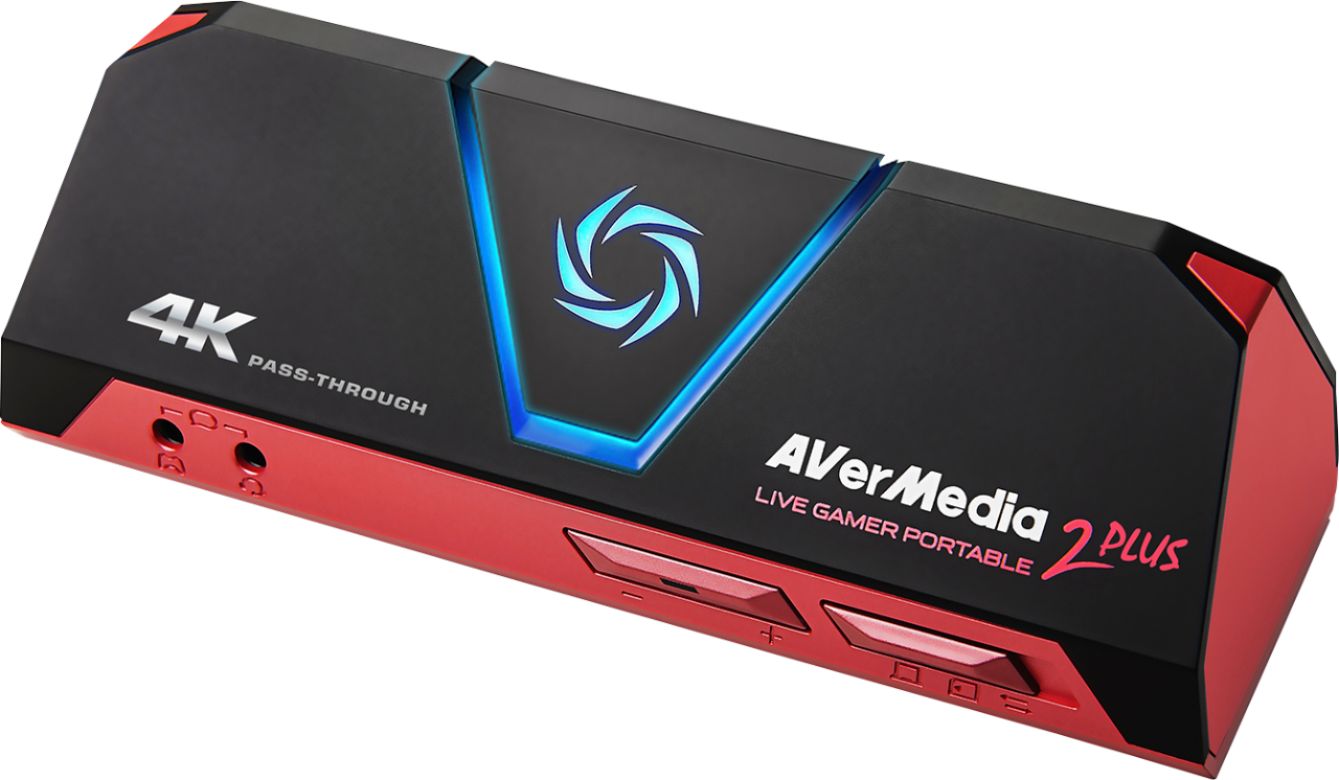
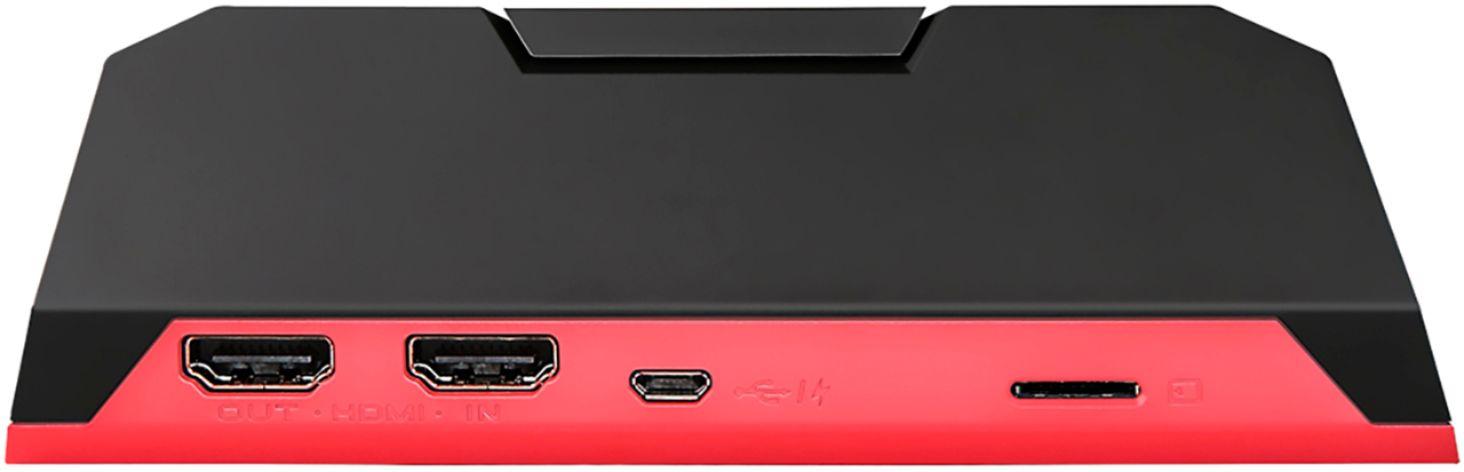
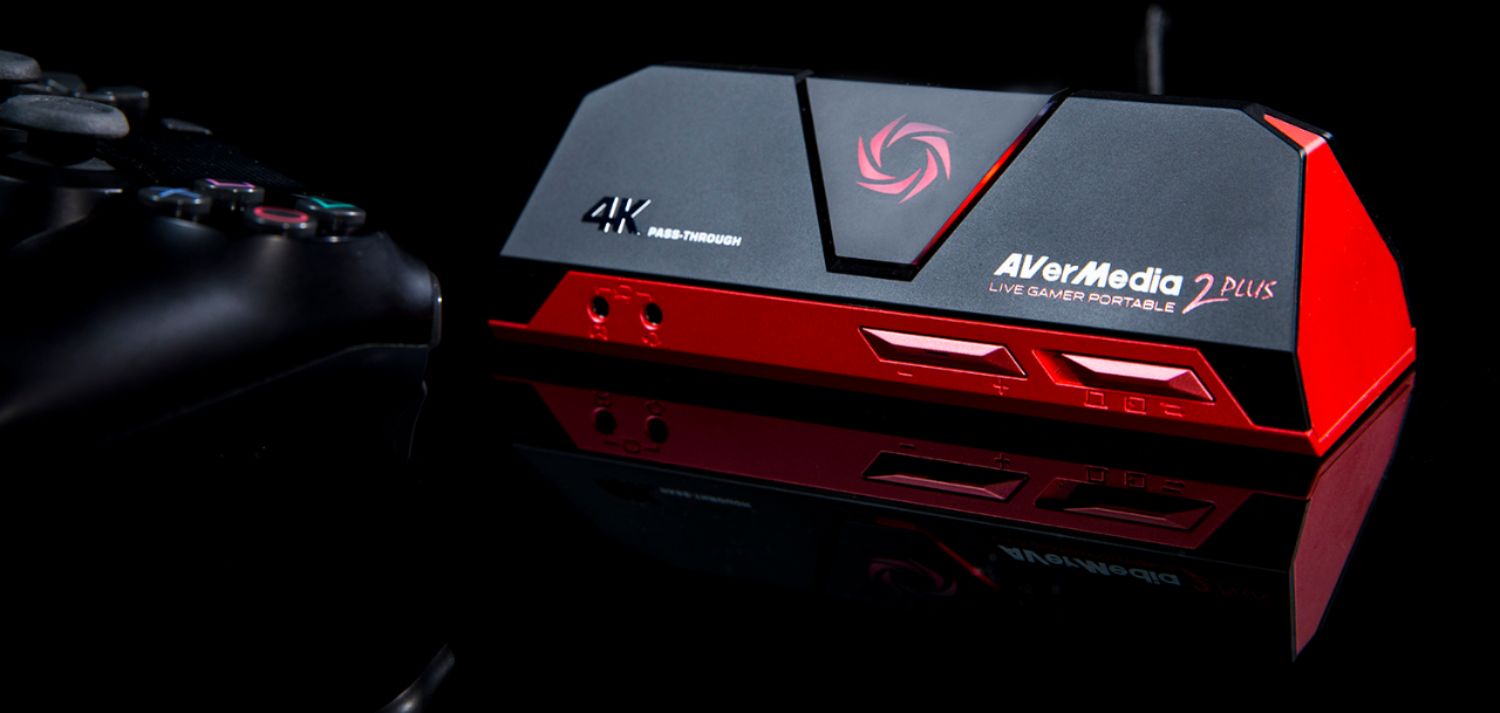
|Posted .This reviewer received promo considerations or sweepstakes entry for writing a review.The Aver Media Live Gamer Portable 2 Plus capture card is small, lightweight and packed with excellent features in a portable capture card. There is standard HDMI in and out with 4k pass through at 60 FPS but only 1080p capturing. You have the option to record to PC, Micro SD card, or stream. The software that comes with the capture card is very laggy and hard to navigate. They say it works with OBS studio, but I couldn’t get it to work. Had an issue when I first received the capture card bogging my PC down to the point it was unusable. That issue was corrected by bumping the memory from 8 GB to 16 GB. An impressive portable capture card, but the software could improve.
I would recommend this to a friend - Pros mentioned:Ease of use
Finally, a great product!
|Posted .This reviewer received promo considerations or sweepstakes entry for writing a review.For all of the gamers and streamer, there is now a alternative device available compatible and better in my opinion to the competition! The device has a setup time of 10 minutes or less, is light weight, and super portable. In the package is two 1 meter HDMI cables, a power cable, and a firewire to USB for power. On the device is two 3.5mm jacks, one for a mic and one for your headphones, so I recommend a Y cable if your headset uses 3.5 combo jack. It also has a male to male 3.5mm extension cable. Set up is easy, once you plug your first HDMI in from your game system to capture device then all you have to do is plug the secondary cable into your screen. Then attach the provided USB cable into the capture device and then to PC or laptop. Follow the provided link on the paperwork and then download the software. Your installation is now complete. After installation, everything is done in the set up menu. There are a few things you should know, if you're streaming via twitch, YouTube or any other streaming site, you will need your streamer ID and a link to your channel. Next, put in your information, sign in and scroll down to the stream button and fire off your stream. There are multiple settings to choose from and with that you have the ability to also capture your game play to edit later. There is also a spot/setting to do your inlays/overlays and from what I found your able to do up to 6 additional video images on your single screen. All this in beautiful 4k@1080p. All in all I give this little device a 9.6 out of 10. PROS: Ease of use, portability, software, and construction. CONS: lack of 3.5mm tri-band Y cable adapter Would I recommend to friends and family? Absolutely, this is a nice change to the contenders!
I would recommend this to a friend - Pros mentioned:Ease of use
Tricky a bit but very good when needed. Portable!
|Posted .This reviewer received promo considerations or sweepstakes entry for writing a review.People might argue about the usability of this device and why you might need it... I agree that there are a lot of software out there that make possible the recording of your screen. I've been trying a lot of them. Results are mixed.. Full screen games might not get recorded properly. Using Alt-Tab switching windows sometimes results in the game crashing... This AVerMedia can be used as a stand-alone "Sniffer" that captures everything on going through the HDMI. Recording using computer and writing on the computer in the same time caused some minor issues with sound being distorted. Sound recorded from headphone was kind of low but ok! Tried it on X-BOX One X and the results was just amazing. One click to start recording and another click to stop it. Video through AVerMedia was not affected at all. I bet it will do just fine passing 4K through. Minor remark, the device really can get hot sometimes but still acceptable. I really expected it to have a fan or a cooling system. I found it very useful to extract videos from my old Surveillance DVR by getting combined all cameras in one screen recorded. The very good part, it comes with all needed cables and connectors. Put all together, the price should be higher I guess... This recorder can do a lot of things for reasonable price. The only thing I didn't like about it is the limited storage possibility. It would be perfect if it can be connected to an external SSD.
I would recommend this to a friend 4K???
||Posted . Owned for 2 months when reviewed.This reviewer received promo considerations or sweepstakes entry for writing a review.Can be deceiving. If you want to record in 4K this is not it.
No, I would not recommend this to a friendDOA - it was a brick
||Posted . Owned for 1 week when reviewed.This reviewer received promo considerations or sweepstakes entry for writing a review.Neither the PS4 nor PC recognized the game capture card. Device does not even show up on windows device manager.
No, I would not recommend this to a friend