Customer Ratings & Reviews




- Model:
- 6256C002
- SKU:
- 10952609
Rating by feature
- Value
Rating 4.5 out of 5 stars
- Quality
Rating 4.4 out of 5 stars
- Ease of Use
Rating 4.4 out of 5 stars
Customers are saying
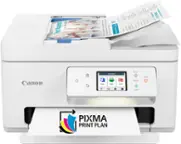
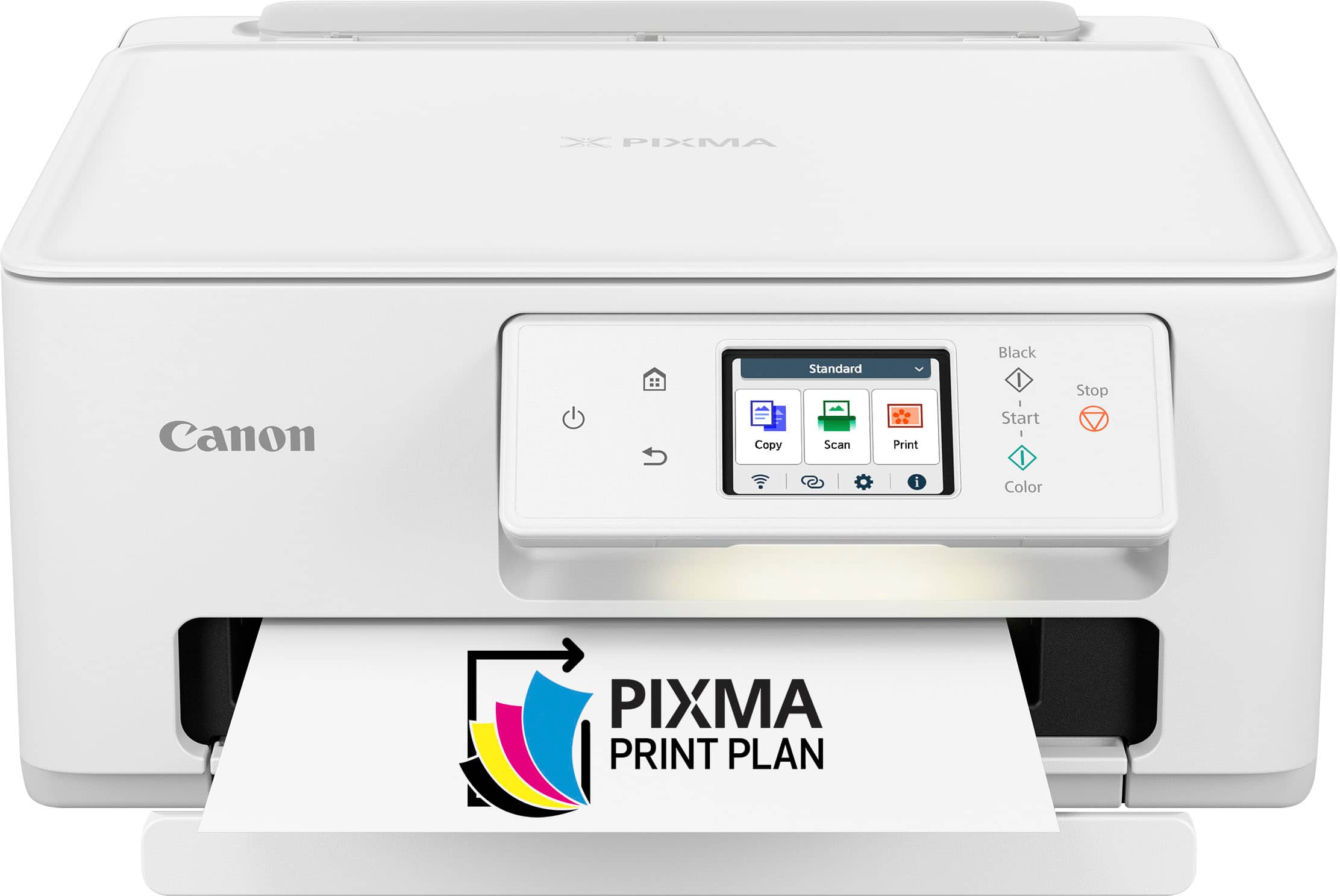
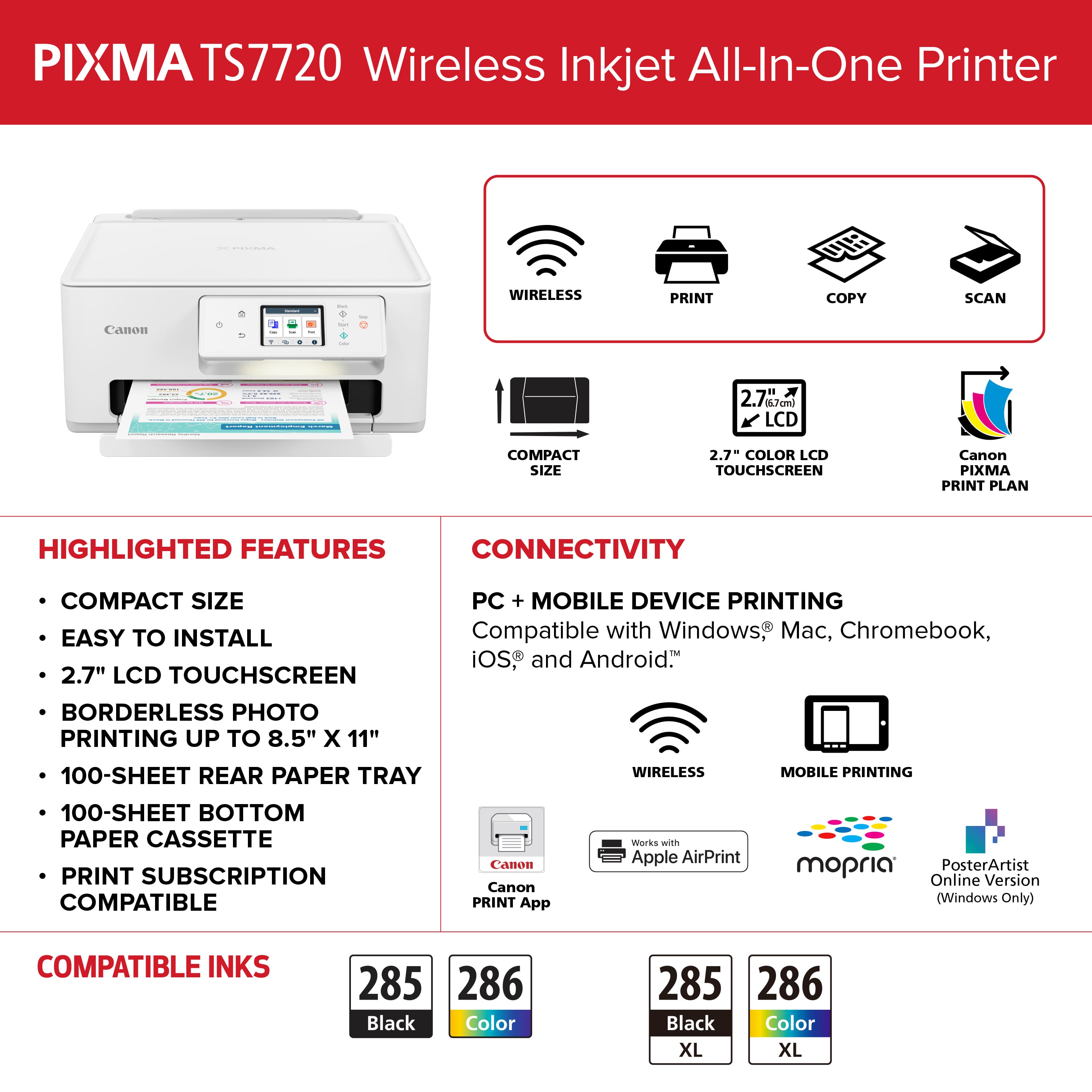
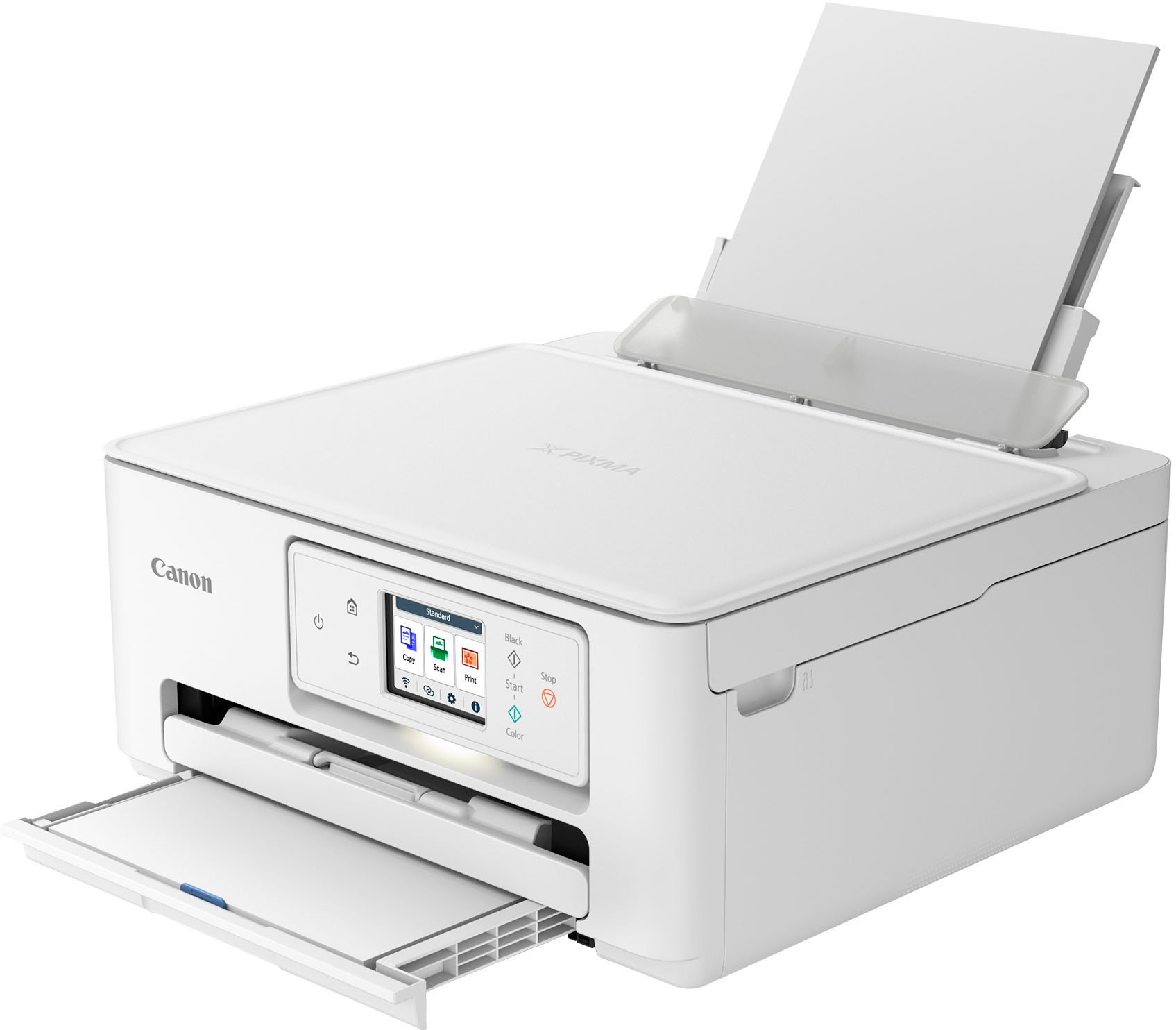
Customers often highlight the PIXMA TS7720 Wireless All-In-One Inkjet Printer's excellent print quality and ease of use. Many appreciate the simple setup process and overall good performance. The printer's compact size and easy connectivity are also well-received features.
This summary was generated by AI based on customer reviews.
TS7720 review
||Posted . Owned for 3 weeks when reviewed.This reviewer received promo considerations or sweepstakes entry for writing a review.This replaces a Canon MX922 which gave up the ghost. I prefer the 922 but it had a flaw that was unfortunate. I'm hoping this one doesn't have it too. You get good value for your money.
I would recommend this to a friendDisappointed after my internet research
||Posted . Owned for 1 month when reviewed.This reviewer received promo considerations or sweepstakes entry for writing a review.I did internet research before I purchased. Per this I felt confident in this all in one model. Well after purchasing and hooking this up what a huge disappointment. Let's list the problems: 1. Lack of an instruction book. All you get is the page on how to hook up sheet. I would like to know how to use it once hooked up but NO. I had to go to the internet to find one. Once I found it it is over 500 pages and was confusing plus did not explain certain things forcing me to call Canon multiple times. 2. Inserting and changing ink cartridges. SHOULD be simple and NOT require having unit on to do this. But NO. Have to have unit on, open this then watch this part move over to then insert cartridges. 3. Scan option is far too confusing. Here is why I had to call Canon multiple times. The INTERNET instruction book does not make sense. 4. Copy option is selective. To say it copies what it wants NOT what you want. 5. I use "Word Pad" alot. I print these alot. Normally I just princt in black. So this SHOULD mean you set printer to black and it would be black until you need to change it. But that is not how it works. Printer "Word Pad" is set for color.
No, I would not recommend this to a friendcannon PG-285XL/CL printer review
||Posted . Owned for 3 weeks when reviewed.This reviewer received promo considerations or sweepstakes entry for writing a review.the printer shuts itself off when not in use, not just go into sleep mode. this causes delays in quick printing from my PC. I always have to turn it back on and then there is a delay in connecting to the Wi-Fi which will cause an error code to pop up and then there is more delay time to clear the error code
No, I would not recommend this to a friendCanon printer
||Posted . Owned for 3 weeks when reviewed.This reviewer received promo considerations or sweepstakes entry for writing a review.On sale and shipped quickly. Exactly what I was looking for to replace my older printer.
I would recommend this to a friendNeelesh P.
||Posted . Owned for 5 months when reviewed.This reviewer received promo considerations or sweepstakes entry for writing a review.Very good printer and really good options, compared to my old printer, this uses less ink and last very long.
I would recommend this to a friendBirthday Gift
||Posted . Owned for 3 weeks when reviewed.This reviewer received promo considerations or sweepstakes entry for writing a review.I purchased this as a birthday gift for my daughter. The ink purchase plan is still a little confusing but it was recommended by the store employee.
I would recommend this to a friend- Pros mentioned:Ease of use, Print quality, Setup

Great All-in One Home Printer
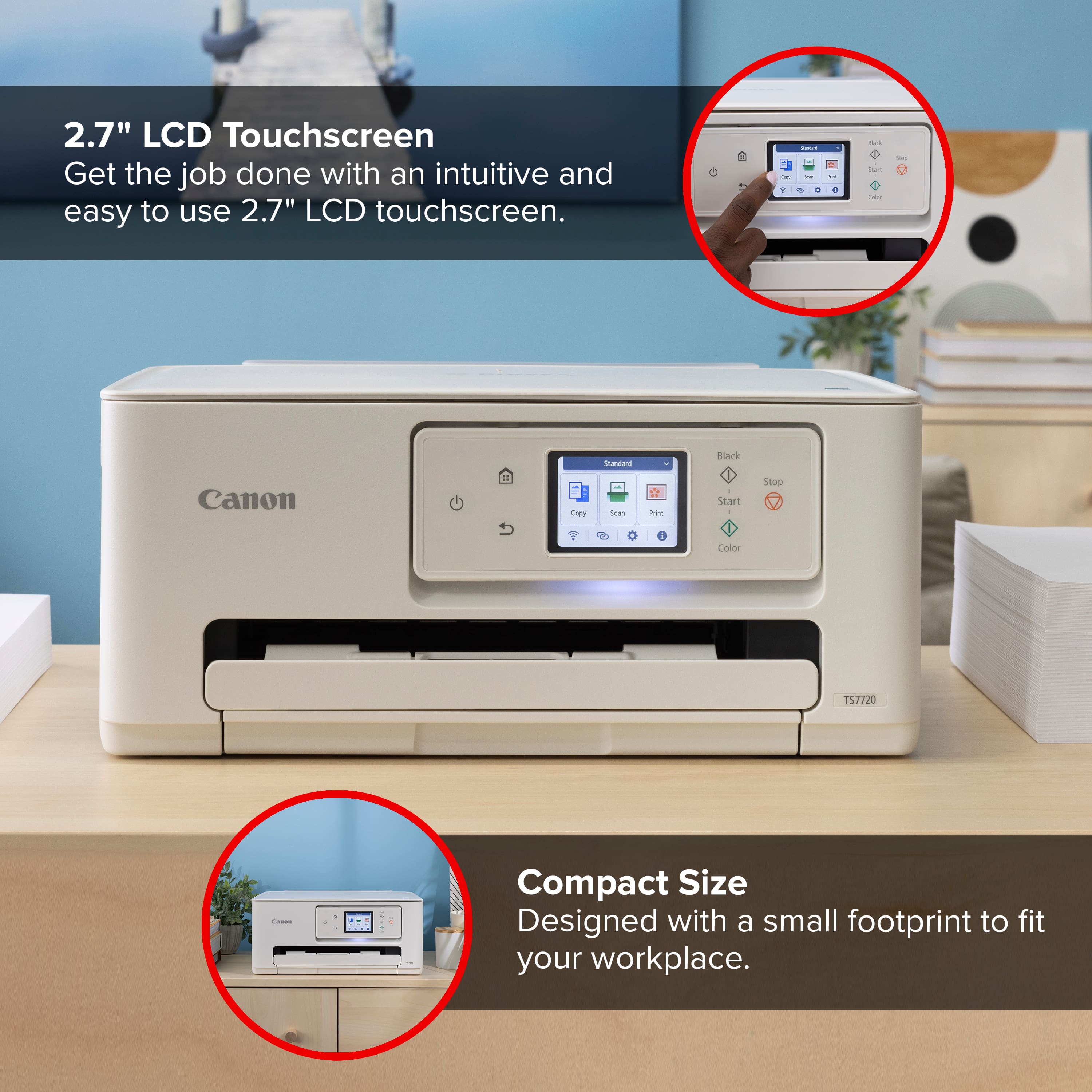
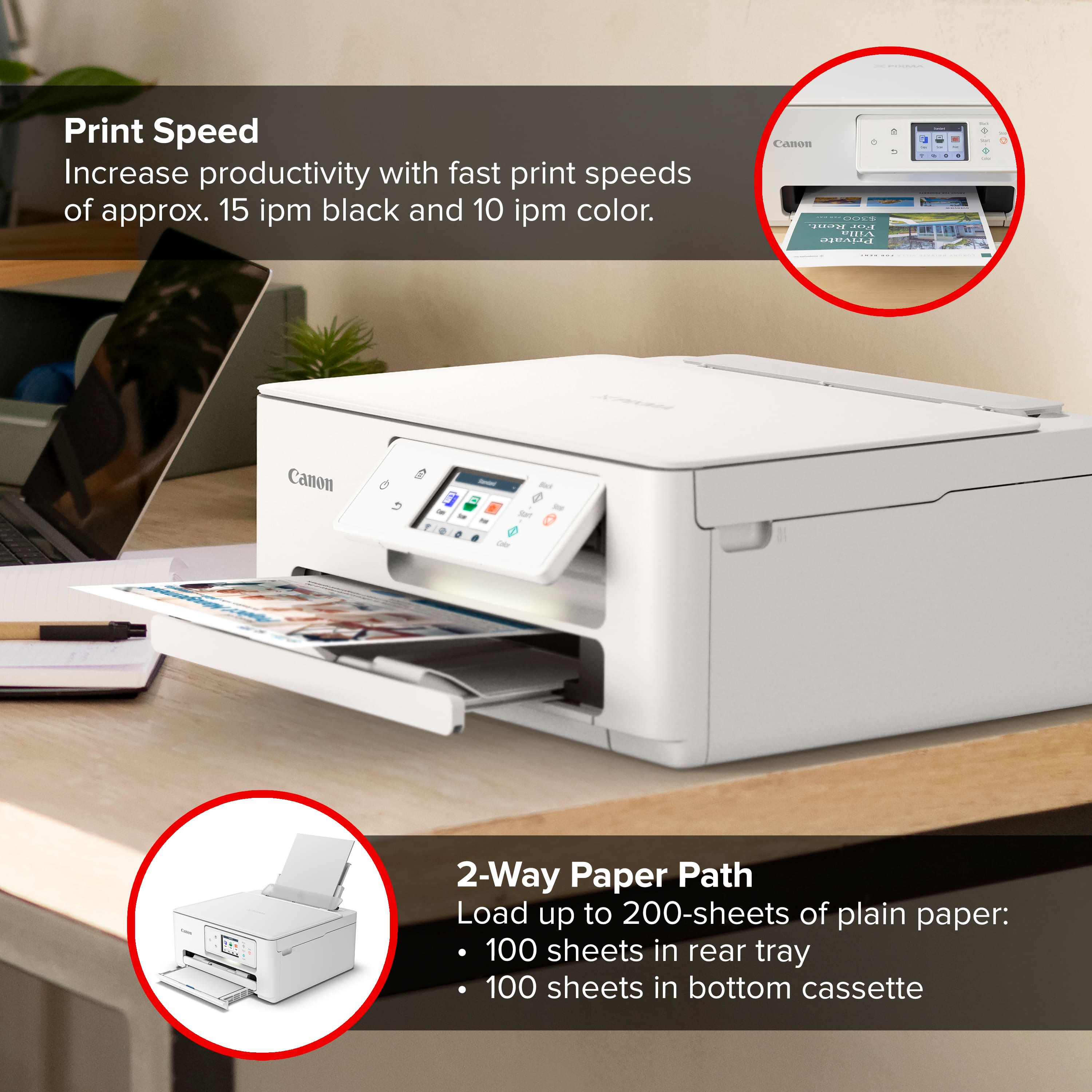
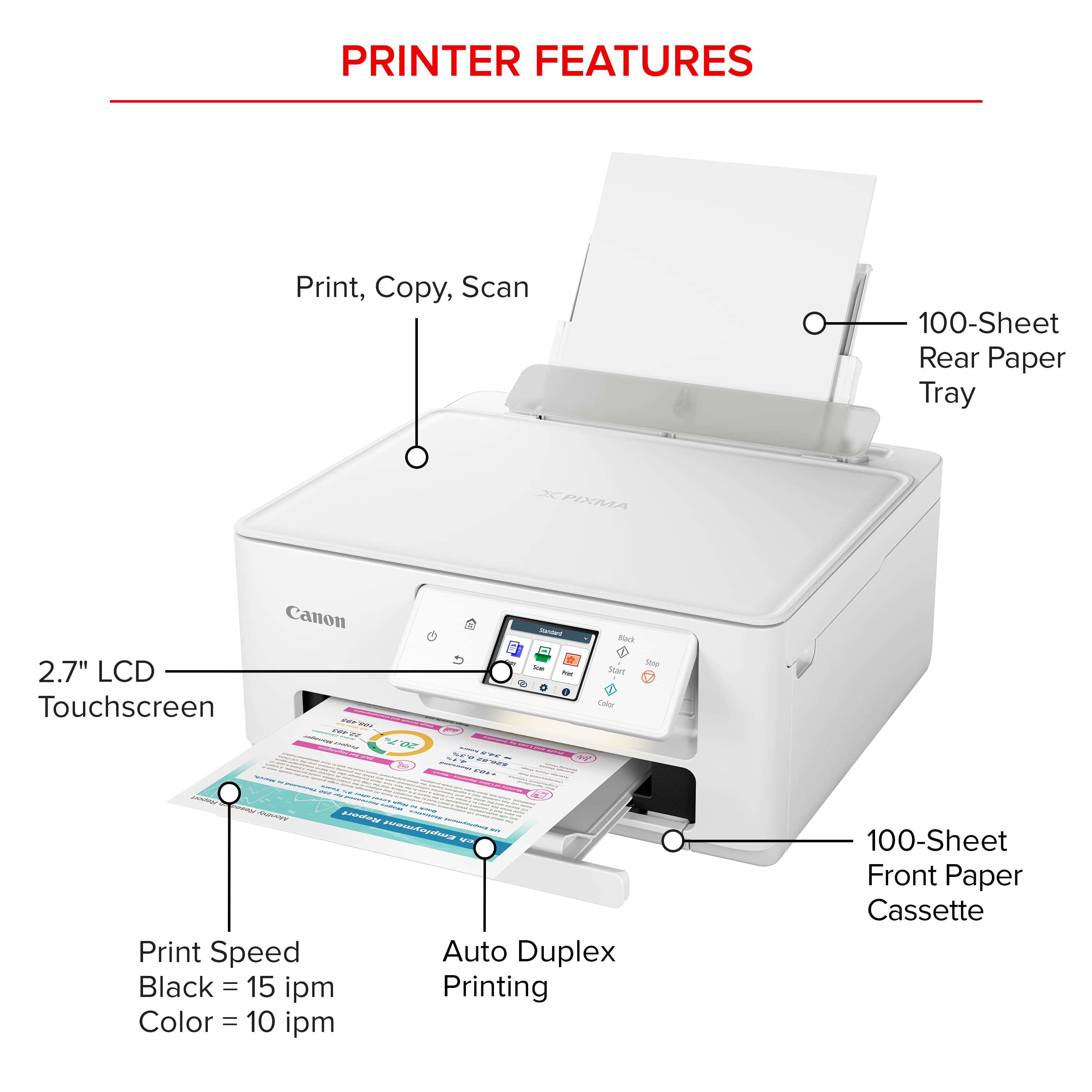
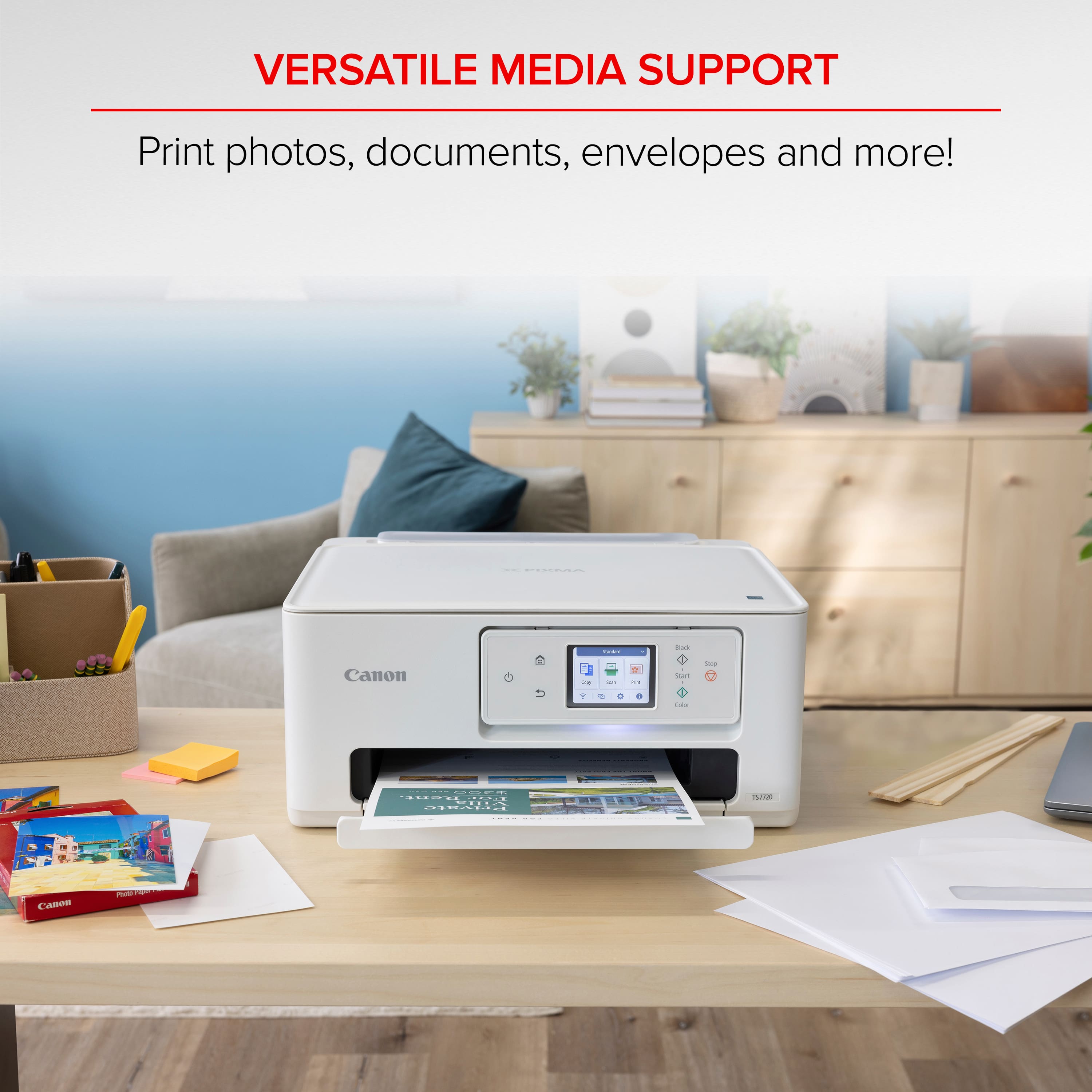
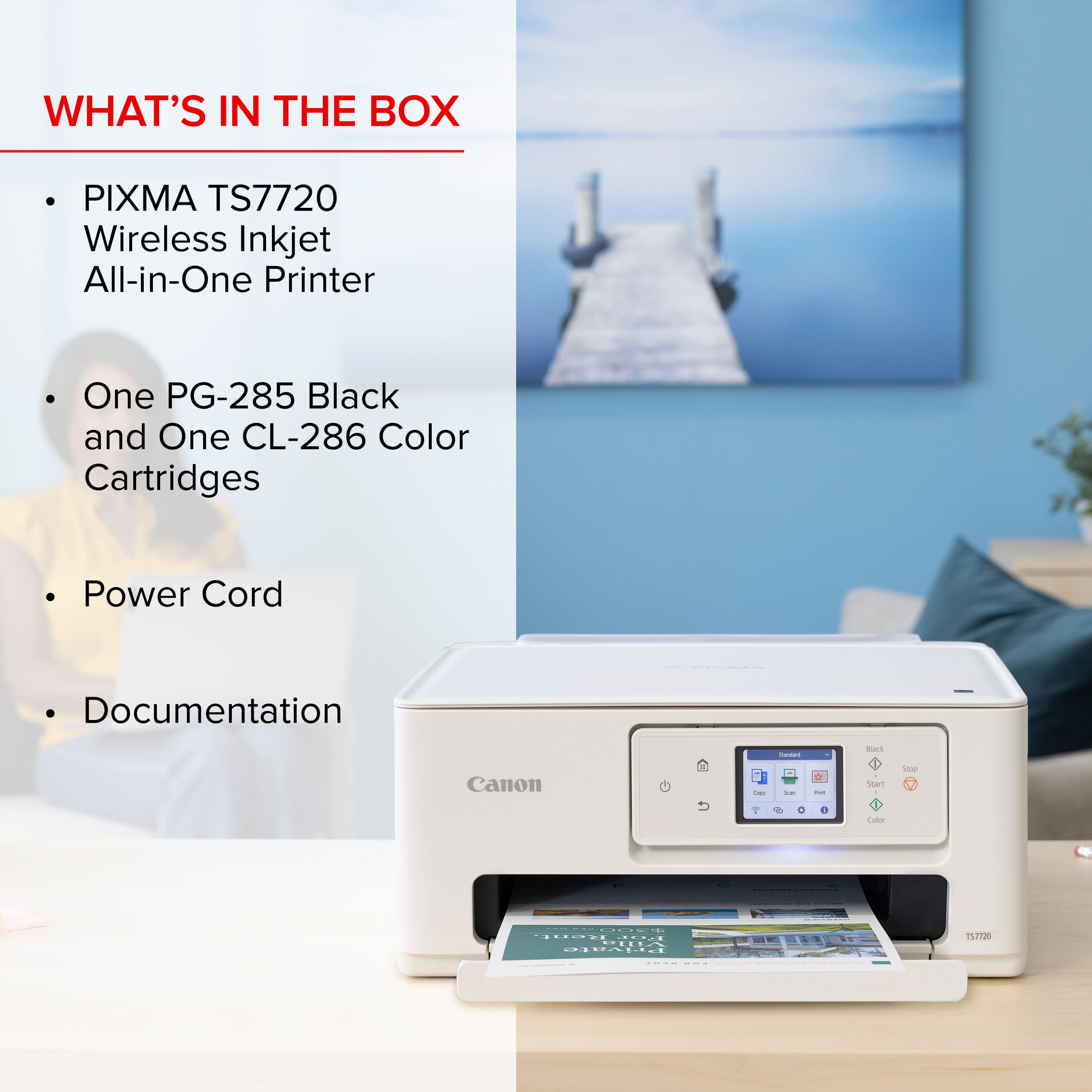
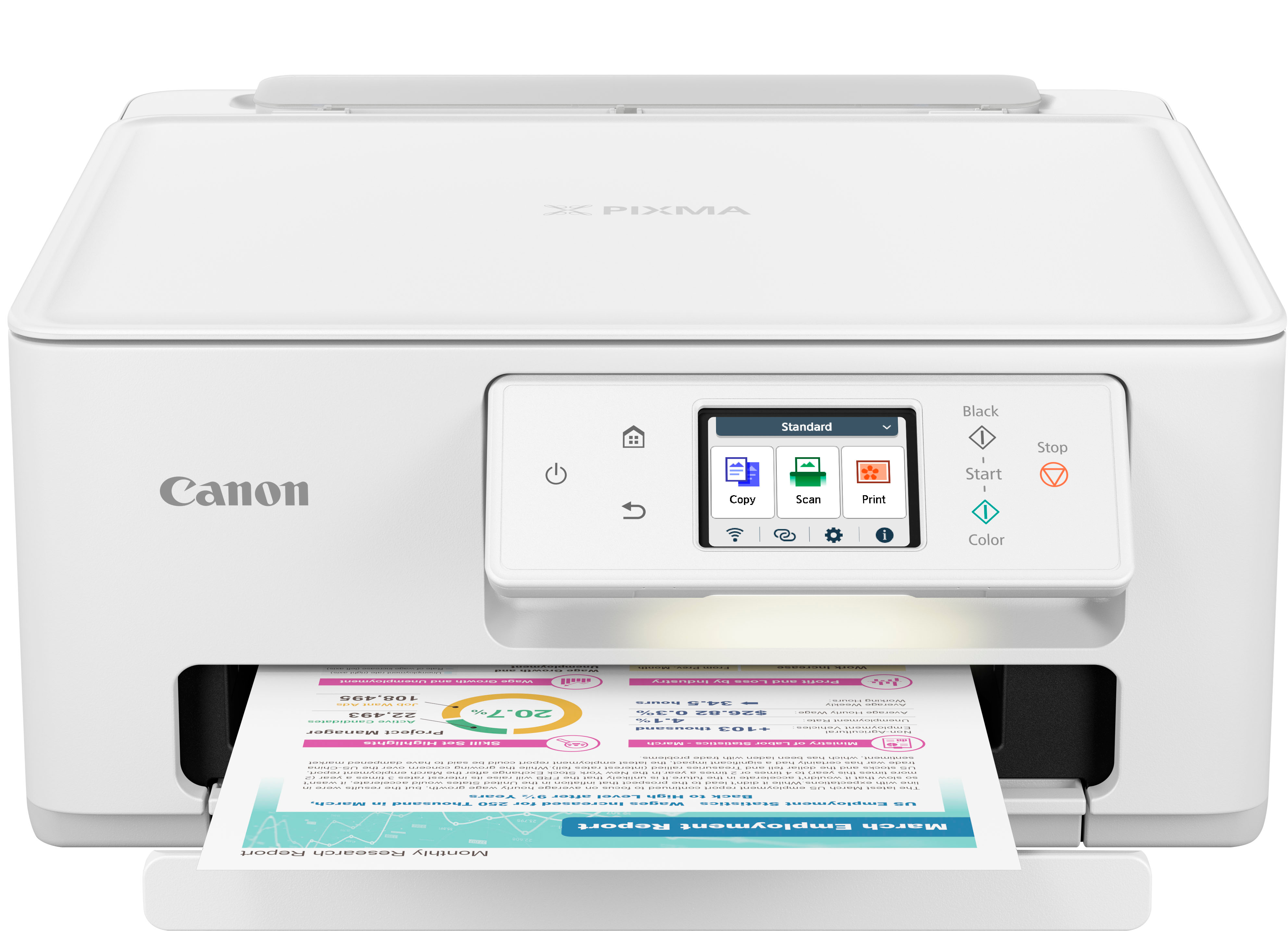
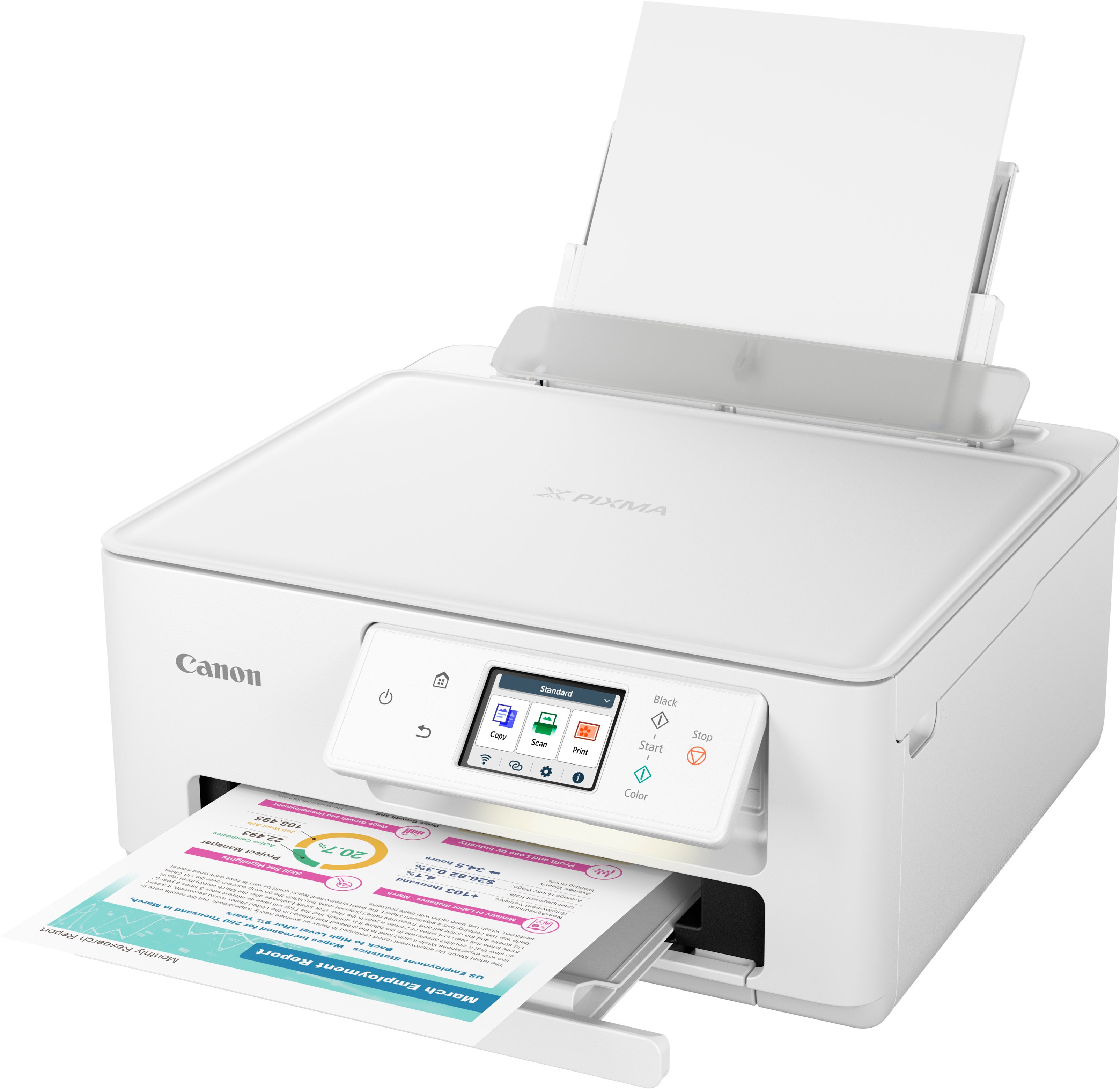
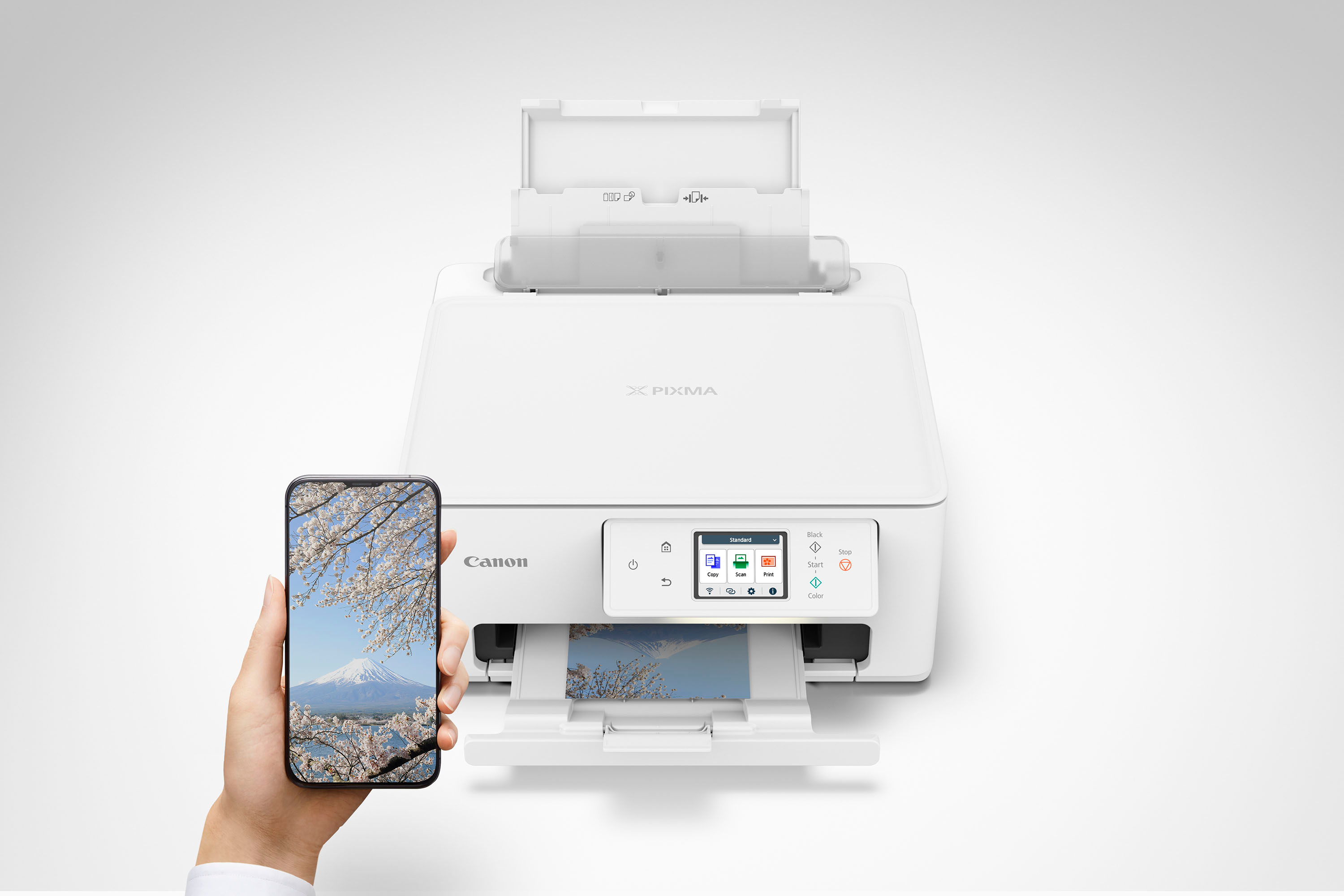
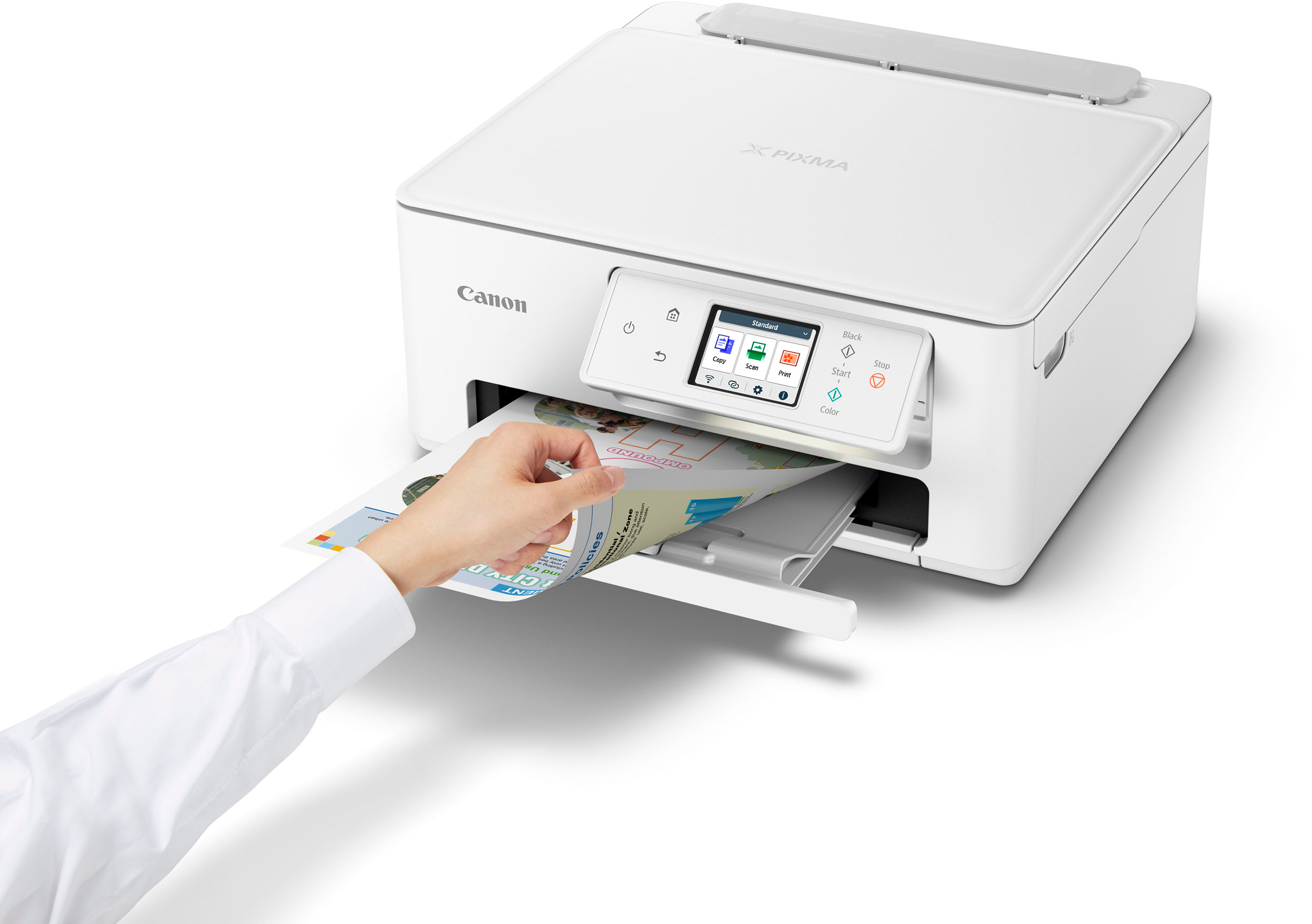
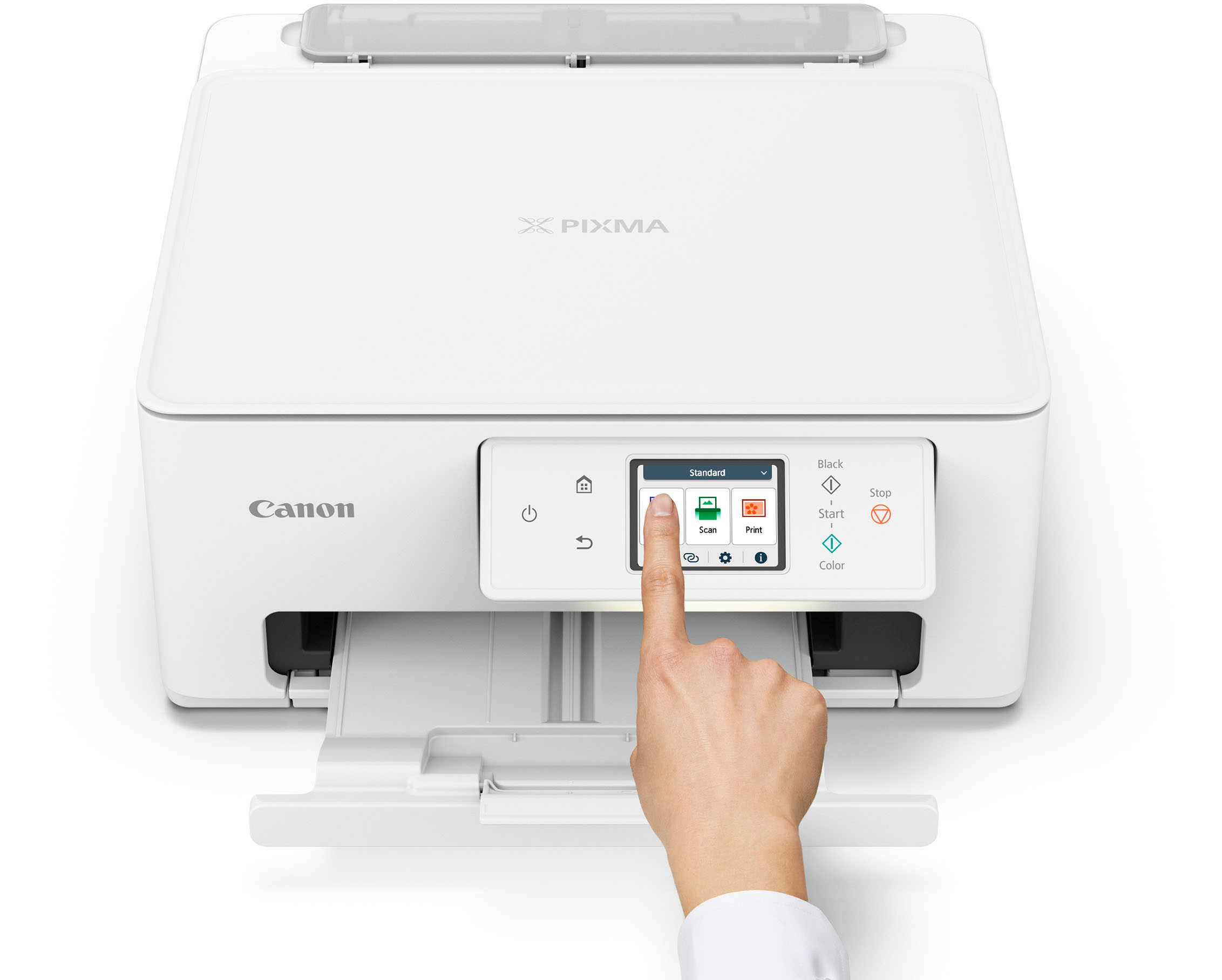
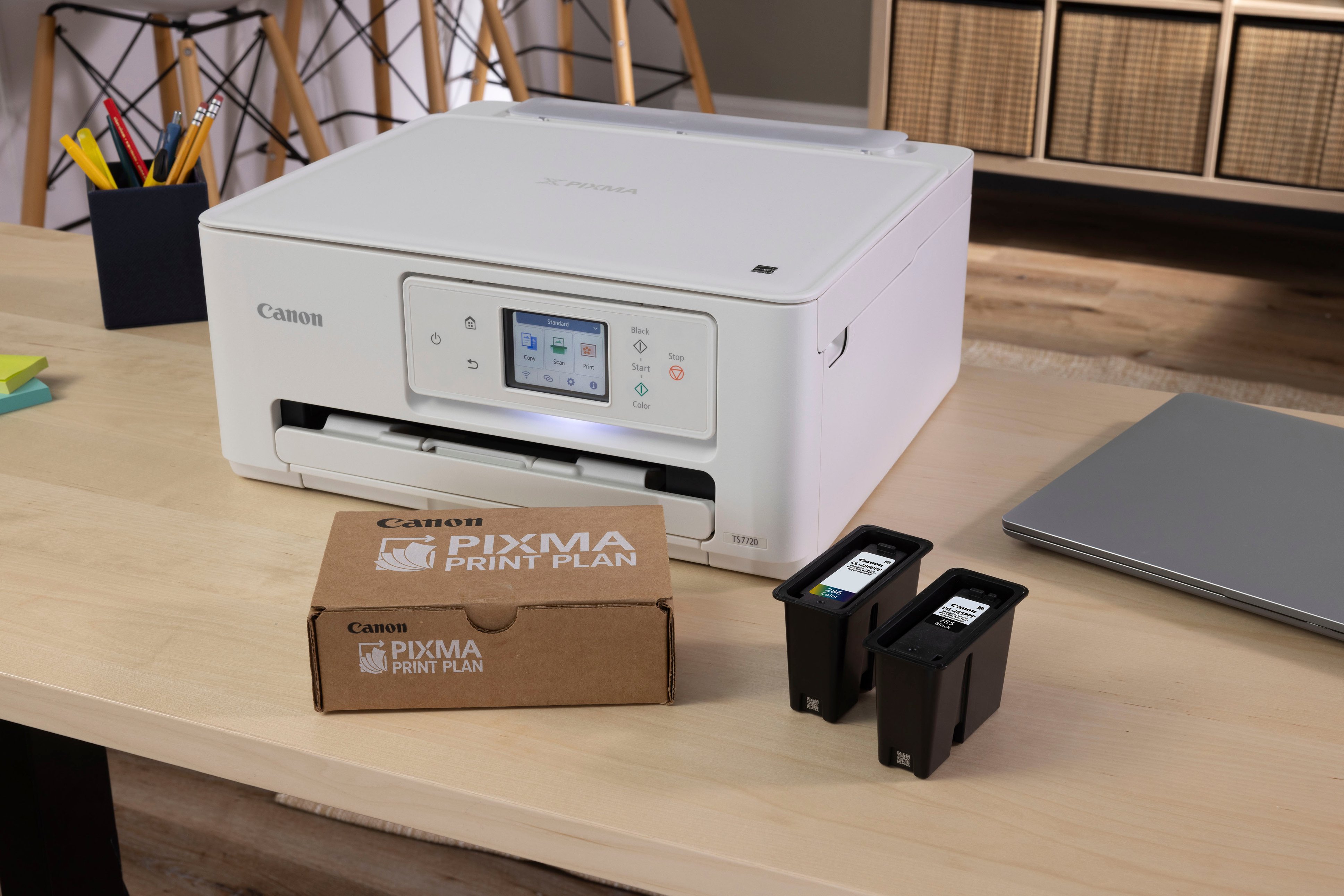
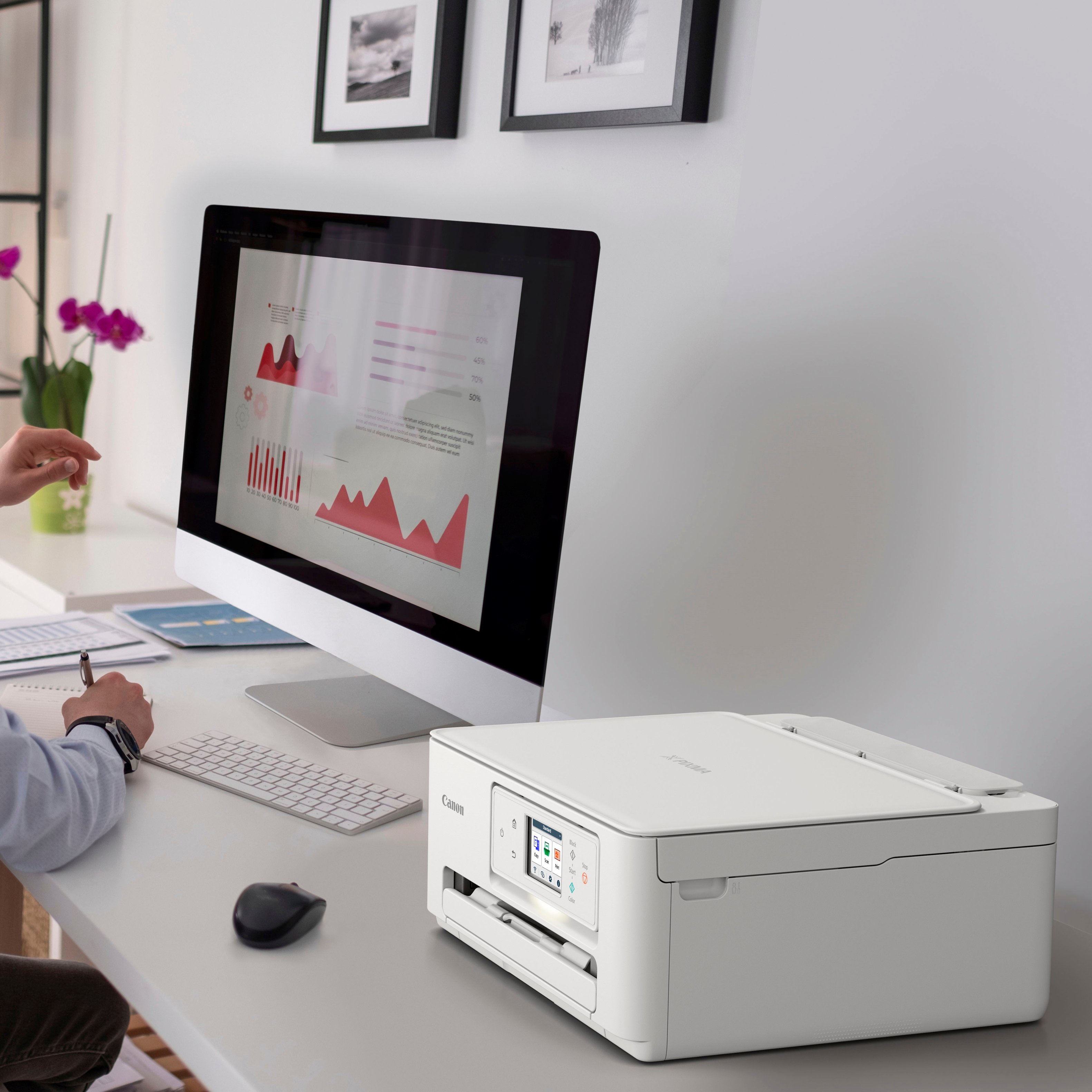
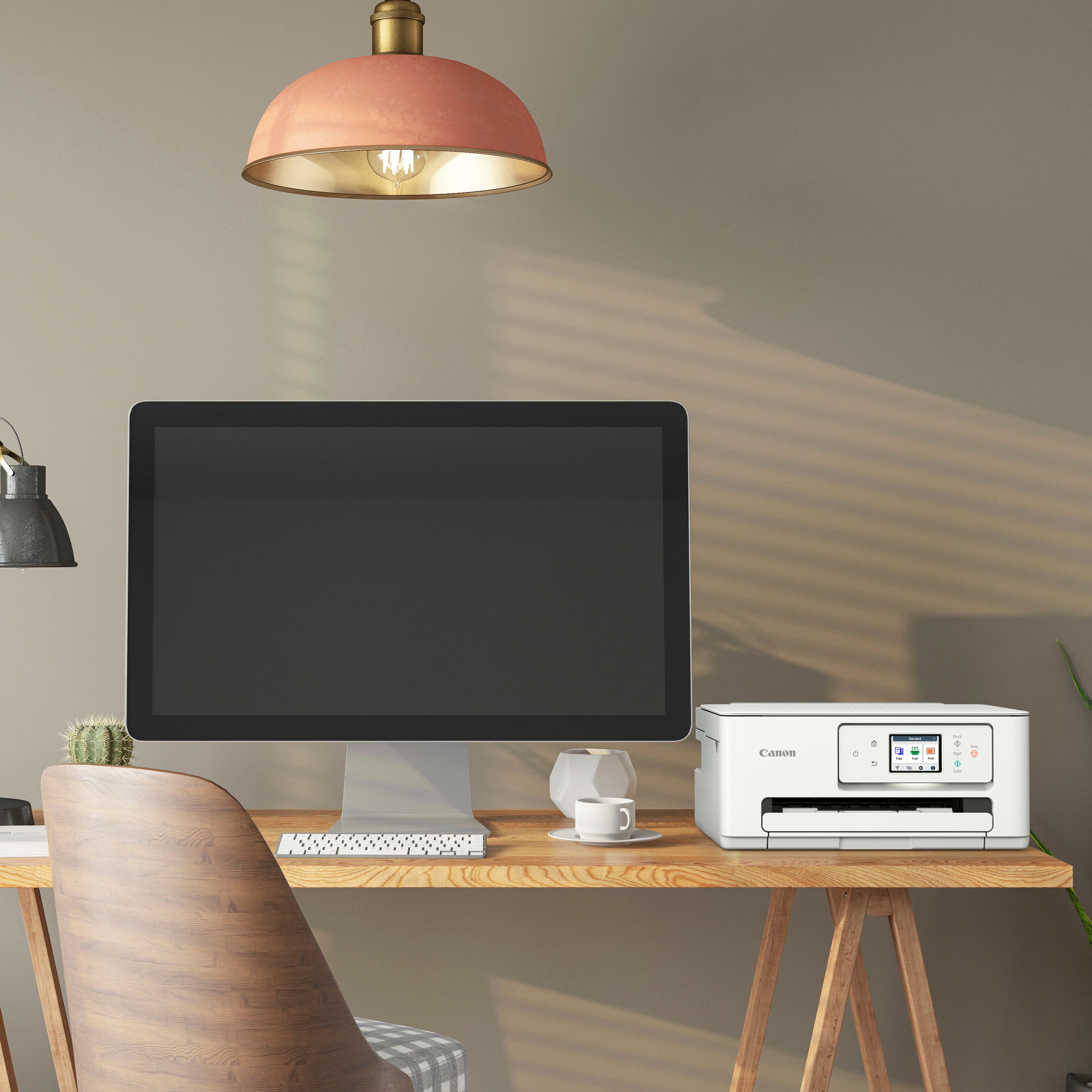
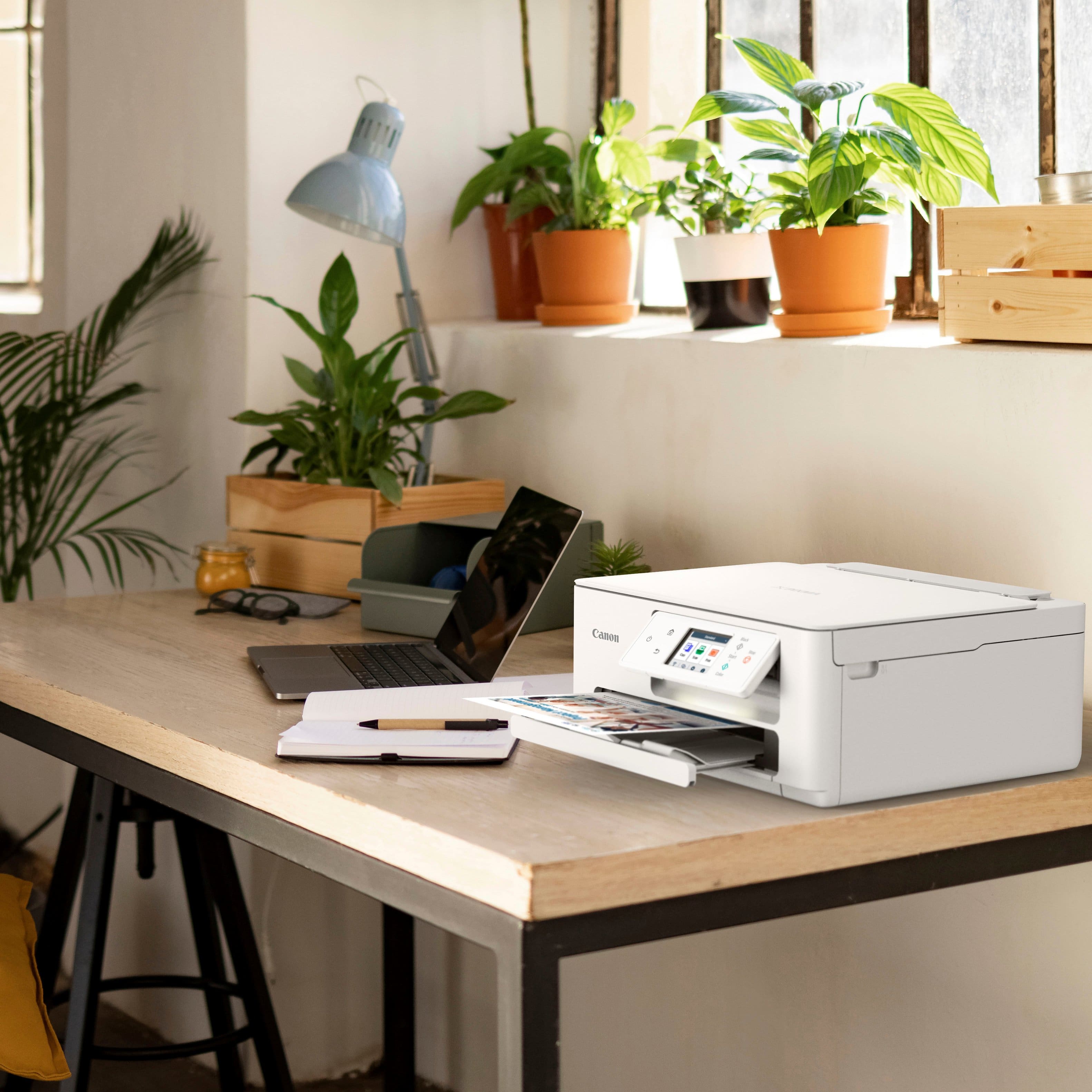
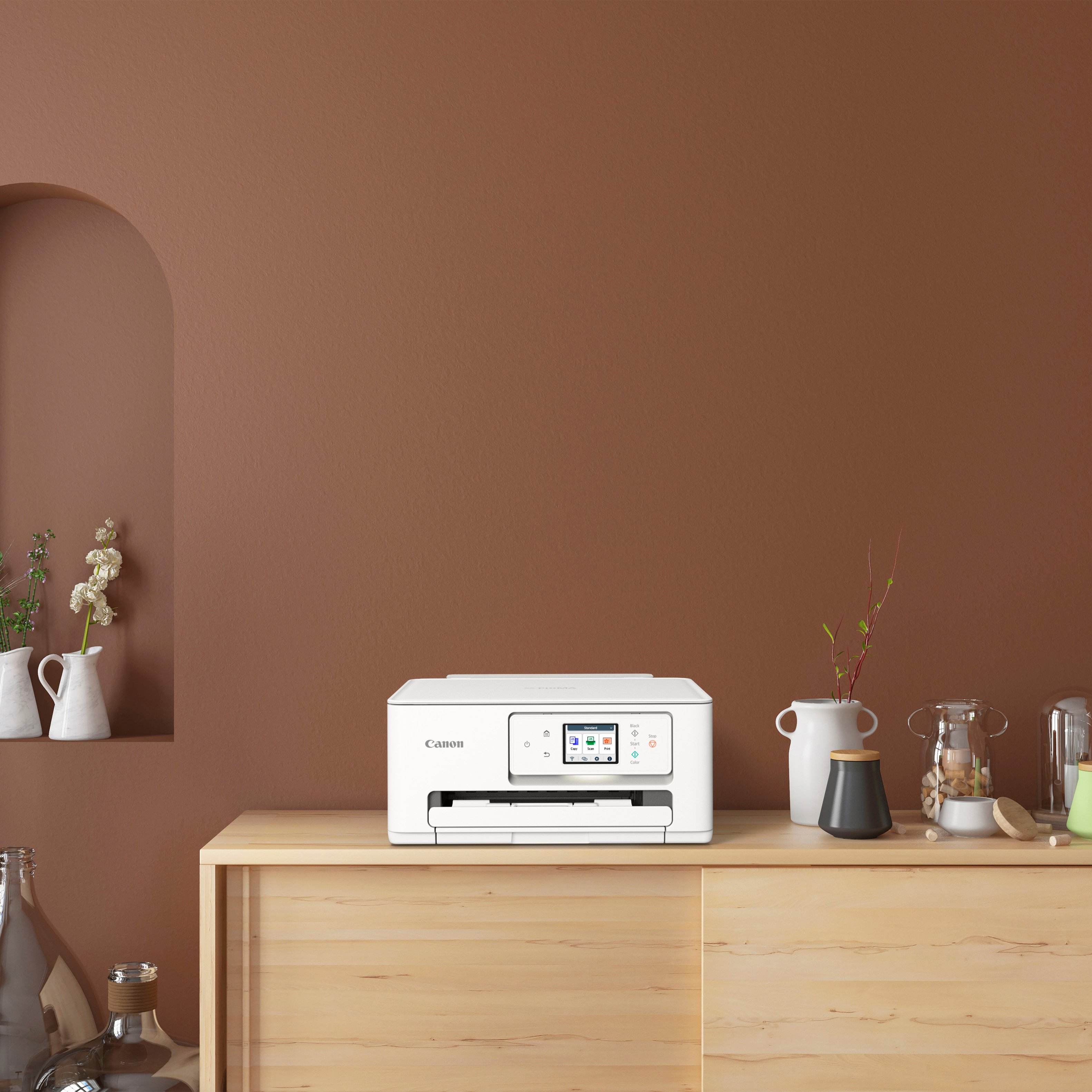
|Posted .This reviewer received promo considerations or sweepstakes entry for writing a review.It's a five star for us because this is just what we needed for our home office. Most of our use with the Canon - PIXMA TS7720 will be printing documents, scanning documents to our computer and printing a few pictures. This TS7720 is perfect for that. Unboxing and setup is very easy. take the unit out of the box, attach the power cord, read the quick start guide, insert the 2 included ink cartridges, connect to WIFI and download the Cannon app. You are now ready to print. The real nice thing is this printer does not take up much space. At only about 15" wide, we have it on our work desk and there is still room for 2 monitors, laptop, keyboard, mouse etc. The color LCD touchscreen that tilts up is so easy to read and very easy to use. From there you can press to scan, print, copy and change setting for the printer. Printing just black ink pages is very fast. Specs say 15 ppm. I didn't have a stop watch on it but the Canon - PIXMA TS7720 printed at least that fast if not faster. I also printed some color graphs from my document folder and the colors came out very vibrant with no blurry or fuzzy lines. I did try to print out some photos off my computer onto photo paper. The printing time was somewhat slow but the pictures came out just as good as the online photo printing service we subscribe to. I don't see how it could be cost effective though as we can get prints online for 5 to 10 cents each. But again we did not get this Canon - PIXMA TS7720 to print massive amounts of photos. One of the best features is that it will print on both sides of the paper which will save money on paper in the future. Also being able to scan documents to my download folder on my PC is great. You can just scan 1 document by placing it face down on the glass deck or put many documents into the feeder and continuously scan to your computer or email. At the cost this is the perfect printer for home use like work, kids school work and light picture printing.
I would recommend this to a friend MORE FOR YOUR MONEY
||Posted . Owned for 1 month when reviewed.This reviewer received promo considerations or sweepstakes entry for writing a review.BEST PRICE FOR EVER. WORTH MORE THEN PRICE PAID. IF STILL IN STOCK GET IT IT IS NARROW IN EIDTH TO FIT INTO MY WORK AREA
I would recommend this to a friendI love it!
||Posted . Owned for less than 1 week when reviewed.This reviewer received promo considerations or sweepstakes entry for writing a review.Great all in one printer! It does not fax. Does everything else you can imagine including monitoring your ink usage and can send refills!
I would recommend this to a friendIt was a great buy!
||Posted . Owned for 1 month when reviewed.This reviewer received promo considerations or sweepstakes entry for writing a review.HP took my printer hostage with their ink deal - never again HP. I will figure the ink later
I would recommend this to a friendOk, not great.
||Posted . Owned for 3 weeks when reviewed.This reviewer received promo considerations or sweepstakes entry for writing a review.A good basic printer (I think it supposed to be a level above basic). Wireless printing does not automatically wake it up. I have to hit the power (sleep) button to wake it up manually for it to print.
No, I would not recommend this to a friendAmazing Lil Printer
||Posted . Owned for 3 weeks when reviewed.This reviewer received promo considerations or sweepstakes entry for writing a review.This is an amazing little printer, does the job I need to it to do very well. Coloring is harp and contrasts are amazing!.
I would recommend this to a friendGood printer
||Posted . Owned for 3 weeks when reviewed.This reviewer received promo considerations or sweepstakes entry for writing a review.Works great like that it only has 2 ink cartridges
I would recommend this to a friendReview
||Posted . Owned for 3 weeks when reviewed.This reviewer received promo considerations or sweepstakes entry for writing a review.Great copier especially foe the price! I always find great deals at Best Buy! And the sales people are very knowledgeable!!
I would recommend this to a friendPrinter purchase.
||Posted . Owned for 1 week when reviewed.This reviewer received promo considerations or sweepstakes entry for writing a review.No associate was available for help. Made my own decision.
I would recommend this to a friendPrinter
||Posted . Owned for 1 month when reviewed.This reviewer received promo considerations or sweepstakes entry for writing a review.Good printer. It works well but sometimes the Wi-Fi is frustrating.
I would recommend this to a friendGreat service and equipment.
||Posted . Owned for 3 weeks when reviewed.This reviewer received promo considerations or sweepstakes entry for writing a review.It was easy to install. I thank the people that helped me at the Emeryville branch.
I would recommend this to a friendGood value
||Posted . Owned for 3 weeks when reviewed.This reviewer received promo considerations or sweepstakes entry for writing a review.Have used Canon printers for years. This one is a great value. Does everything I need it to.
I would recommend this to a friendreview
||Posted . Owned for 3 weeks when reviewed.This reviewer received promo considerations or sweepstakes entry for writing a review.Works good ink runs out quicker than I’d hoped it would
I would recommend this to a friendHome office printer
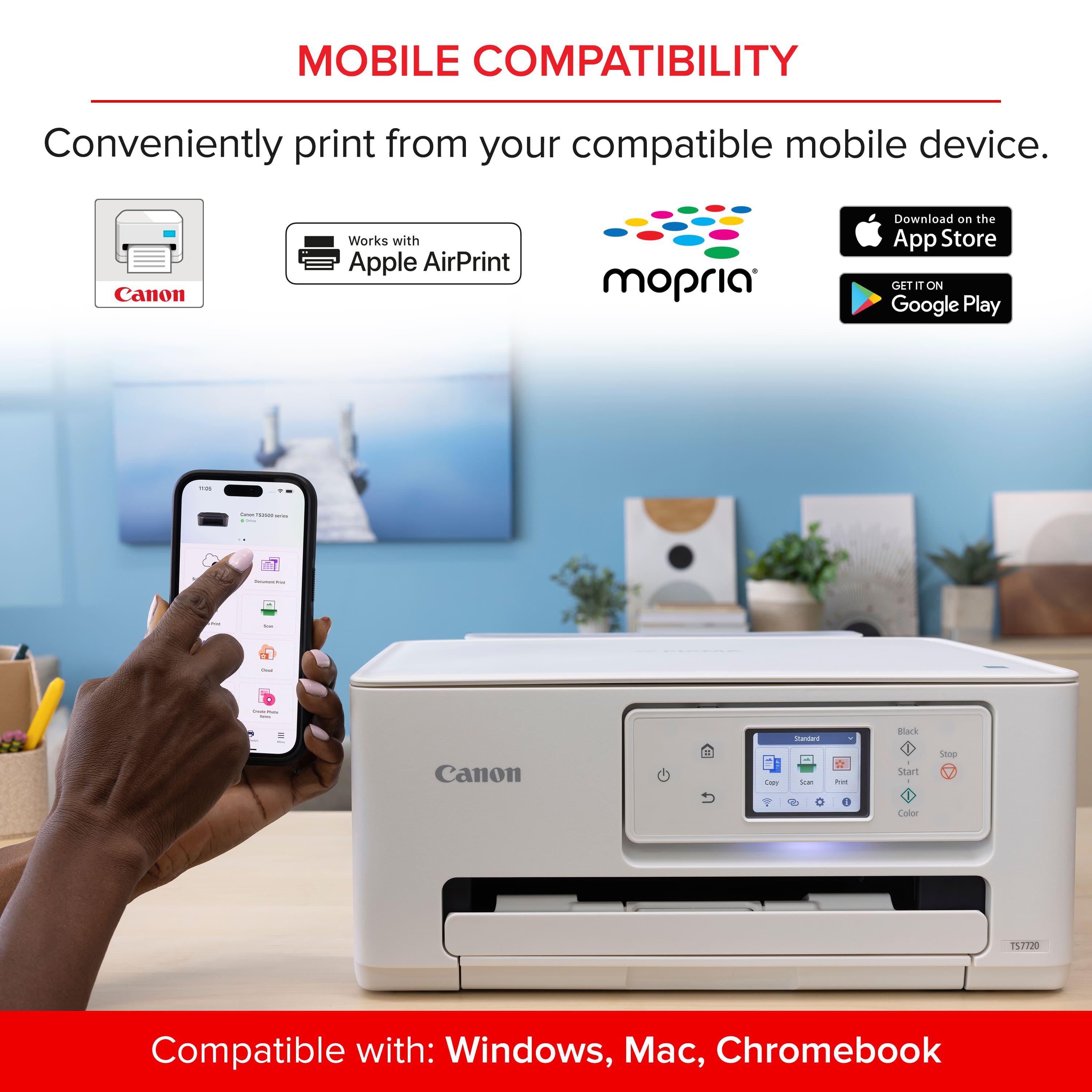
||Posted . Owned for 1 month when reviewed.This reviewer received promo considerations or sweepstakes entry for writing a review.Not a fan of the wireless functionality, being that is a main reason for the purchase, I should not have to download the app in order to print.
No, I would not recommend this to a friend