Customer Ratings & Reviews




- Model:
- 6256C002
- SKU:
- 11913332
Rating by feature
- Value
Rating 4.5 out of 5 stars
- Quality
Rating 4.4 out of 5 stars
- Ease of Use
Rating 4.4 out of 5 stars
Canon Printer
||Posted .This reviewer received promo considerations or sweepstakes entry for writing a review.Printer was easy to set up. The step by step instructions were simple to follow and did not require any special technical skills. Connected quickly to wireless system. Print quality is good
I would recommend this to a friend
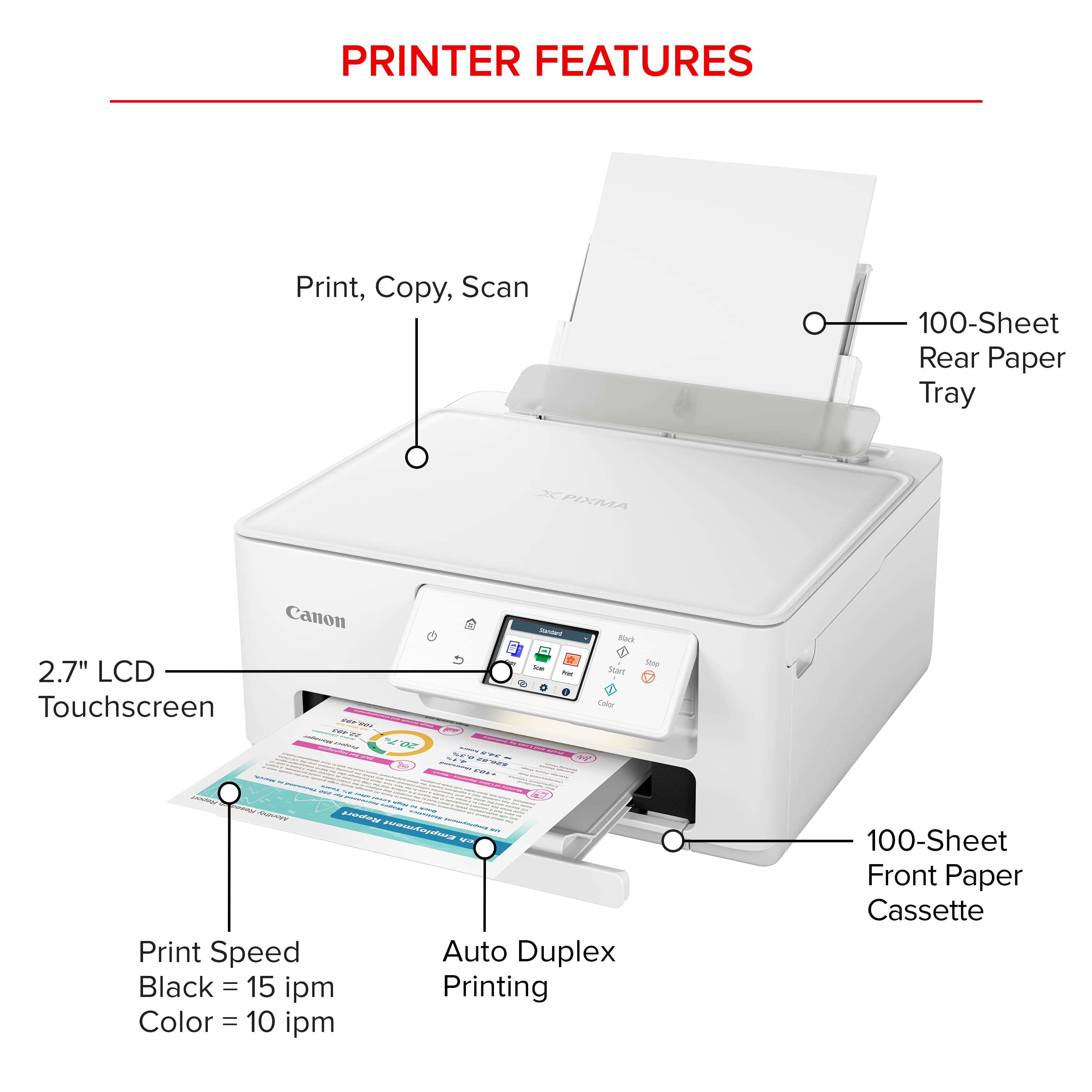
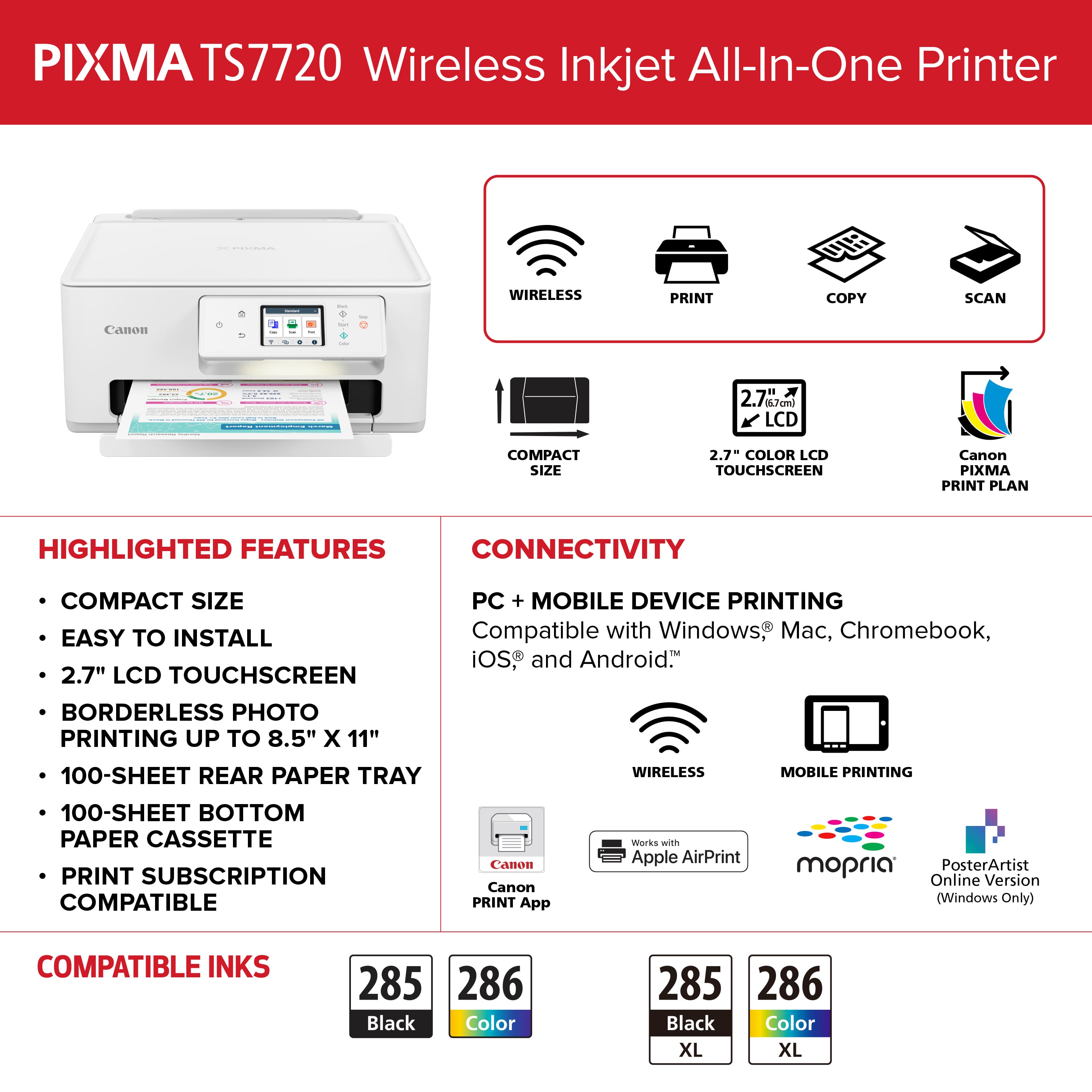
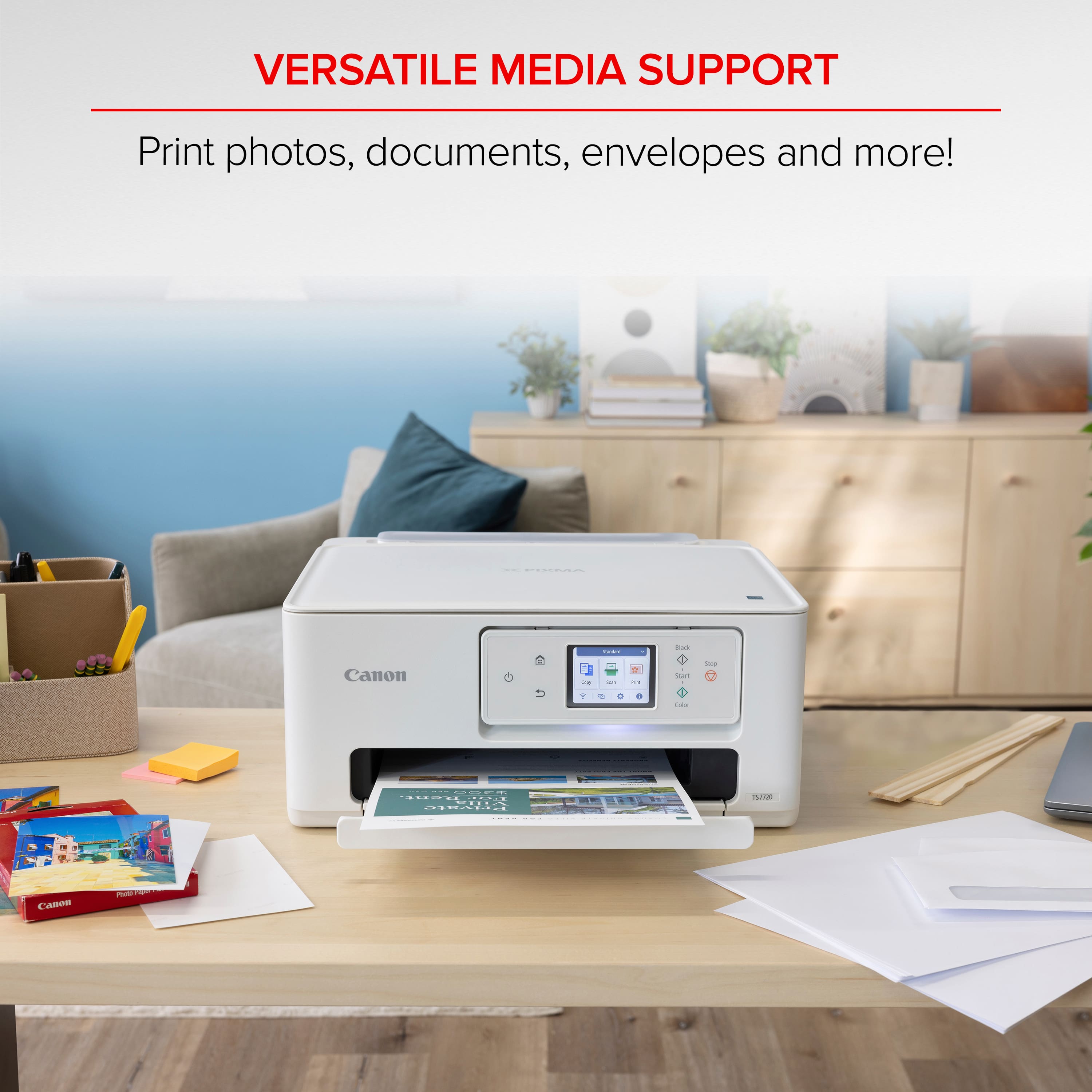
Borderless printing up to 8.5x11 at high quality
|Posted .This reviewer received promo considerations or sweepstakes entry for writing a review.First impression: Out of the box, this looks like a nice printer. Sleek, and everything is in an easy to find place. Setup: Print comes with a basic sheet of instructions to download an app, which takes you through an install for network setup. This was pretty simple. The app comes with basic needs to print your photos from your phone or cloud service. All worked great. Getting the computer connected was a little more tricky. The first attempt to find the printer didn't work over wi-fi, but the next attempt was okay despite a somewhat concerning error at the end of the installation regarding a file not found error. The first print job appeared to error out, and then after attempting a bit of troubleshooting, it seemingly cleared by itself. Printers. During this, the printer prompted a download for Download Wi-Fi Connection Assistant. Upon downloading the setup file itself wouldn't run, apparently due to a conflict with Win-zip. Ironically, winzip could extract the files from this file manually without issue, and the Wi-Fi Connection Assistant actually works pretty well and apparently corrected a port for the printer setup. Without having to even touch a manual, ink installation was a piece of cake. Normal paper as well. For printer paper, I'm sure the icons supposedly should tell you which side is up, but I needed to watch a video tutorial, which was available and nice to have. Next issues were probably on my side. Finding "Letter" size Photo Glossy Paper II was tricky as it's organized under "Document" and not "Photo". This printer will print borderless up to this size. Now, let's talk about the print quality. Let me tell you, its NICE! Frankly I was impressed. It matched my screen perfectly. 5x7 came out perfectly borderless as well. If you uncheck borderless, you can access custom paper sizes and possibly print on roll/panoramic paper somehow. I'm interested in trying this. Scanned documents came out perfect. Auto-contrasted the text 100%. For that, I downloaded the Canon Inket Smart Connect. It maxes out at 600 dpi and just does an okay job. For quick document scans, this feature is fine. I just wouldn't use it for archiving photos, as there's quite a bit of quality lost from the original.
I would recommend this to a friendCanon Printer
||Posted .This reviewer received promo considerations or sweepstakes entry for writing a review.compact... simple to set up... print quality very good. Easy to connect with computer
I would recommend this to a friendOverall, good printer - easy setup
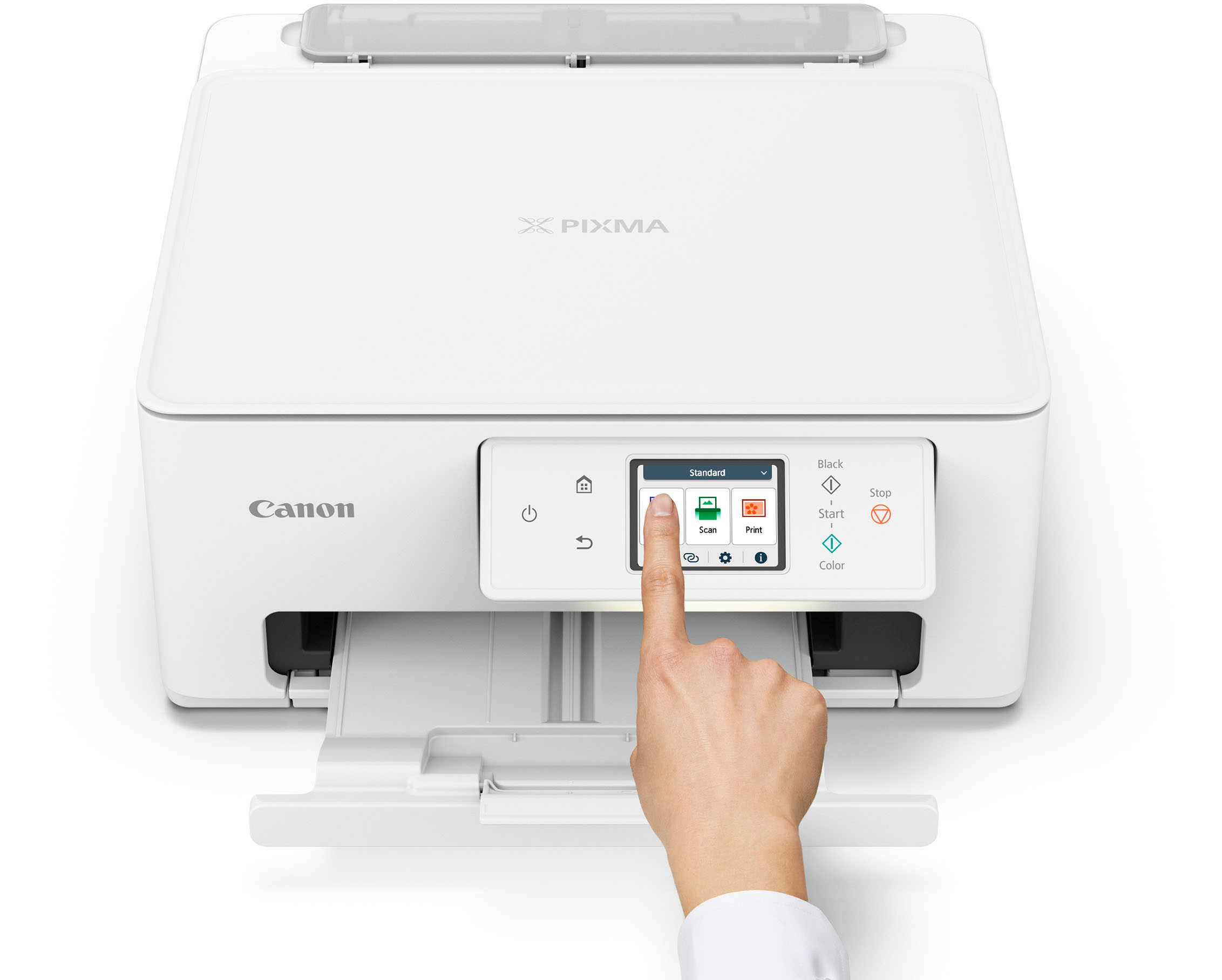
|Posted .This reviewer received promo considerations or sweepstakes entry for writing a review.The printer arrived nicely packaged. Unpacked the cord, the two cartridges, quick start guide, and other paperwork and proceeded to start setup. Following the quick start guide made this one of the easiest setups I have ever done. Connecting the power cord and turning the printer on brings up the setup menu on the color touch screen. The screen guides you through all the steps – installing cartridges, paper etc. The cartridge installation is simple and straight forward. Lifting the printer lid brings the carrier to the center position, drop the cartridges in and snap the top closed. Then set paper tray for letter size and add paper. Going to the Canon setup page - also on Microsoft Store – download and install software. Computer can now find printer on wi-fi network, and is ready to print. The printer can be used wireless on wi-fi network, mobile devices, or LAN line. Printing a few test pages, and the printer is quite fast, and offers a clear sharp print. The color touch screen offers a number of information, menus and settings. Scanning, copying, printing can all be done from the screen. The one downfall to me, is the print cartridges. They are the print head as well as ink reservoir. While not as prone to clogging the print head because it is changed with the cartridges, it is also reflected in being much more expensive. Outside of that point, overall a very good printer for home use.
I would recommend this to a friendCanon Pixma TS7720
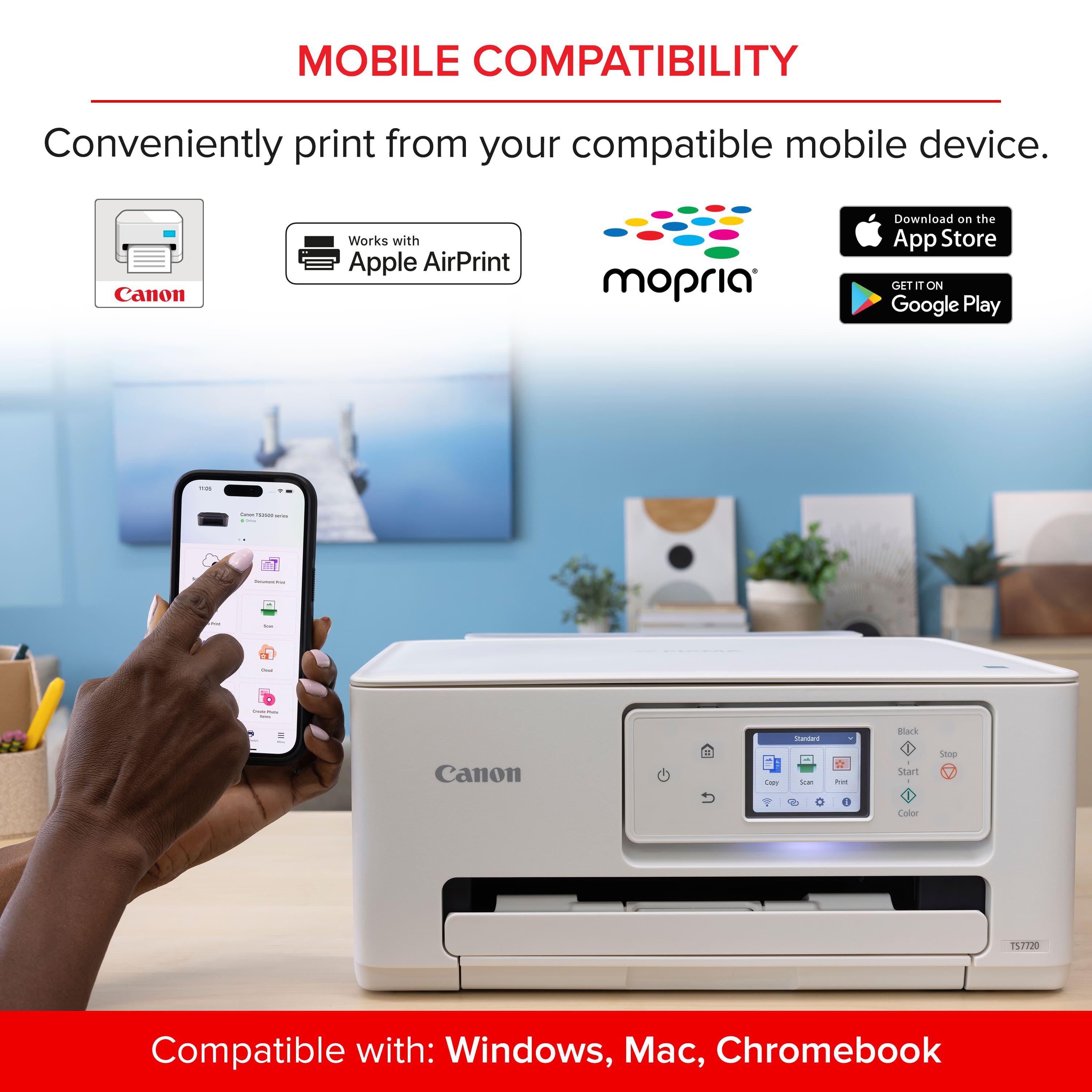
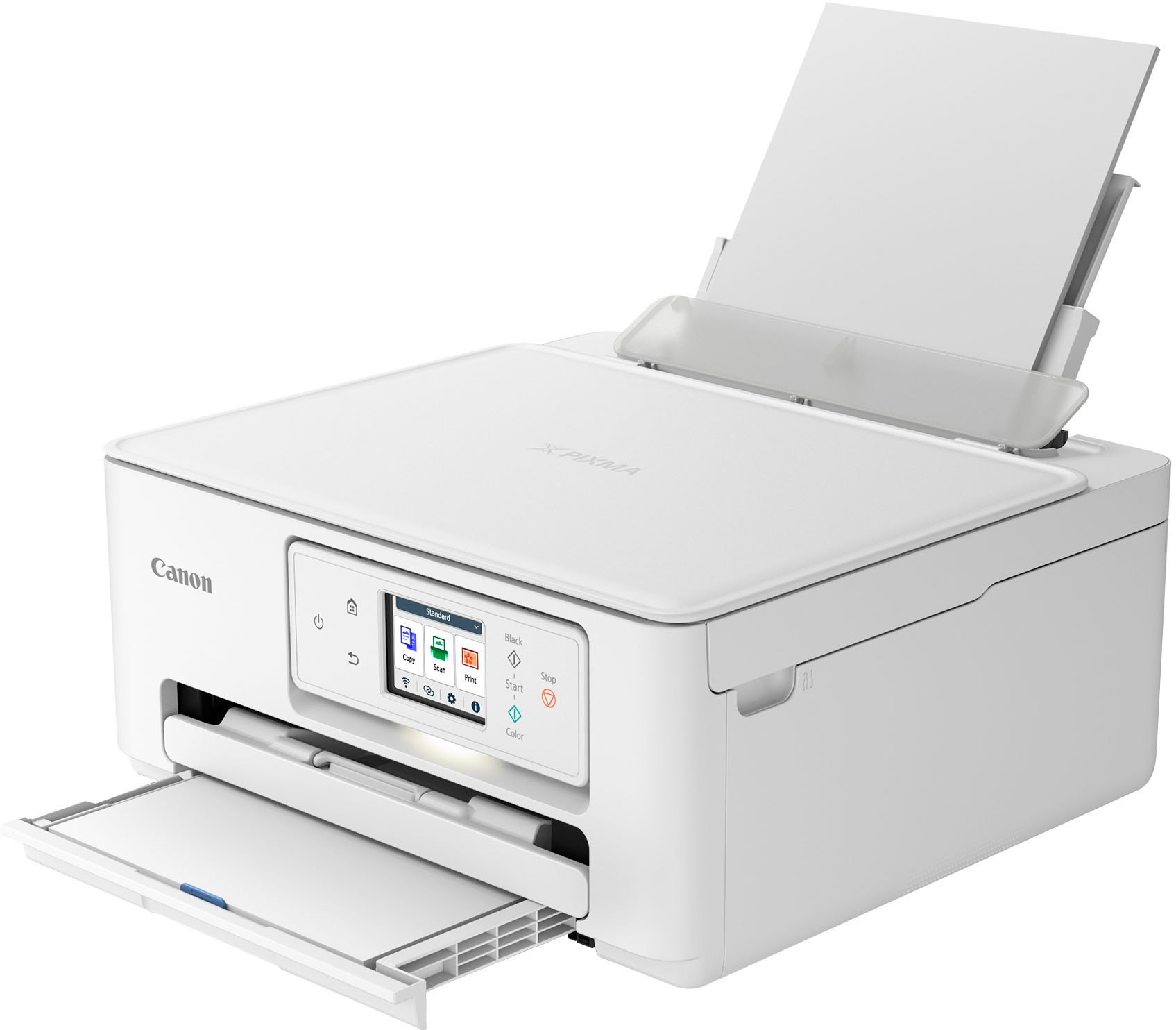
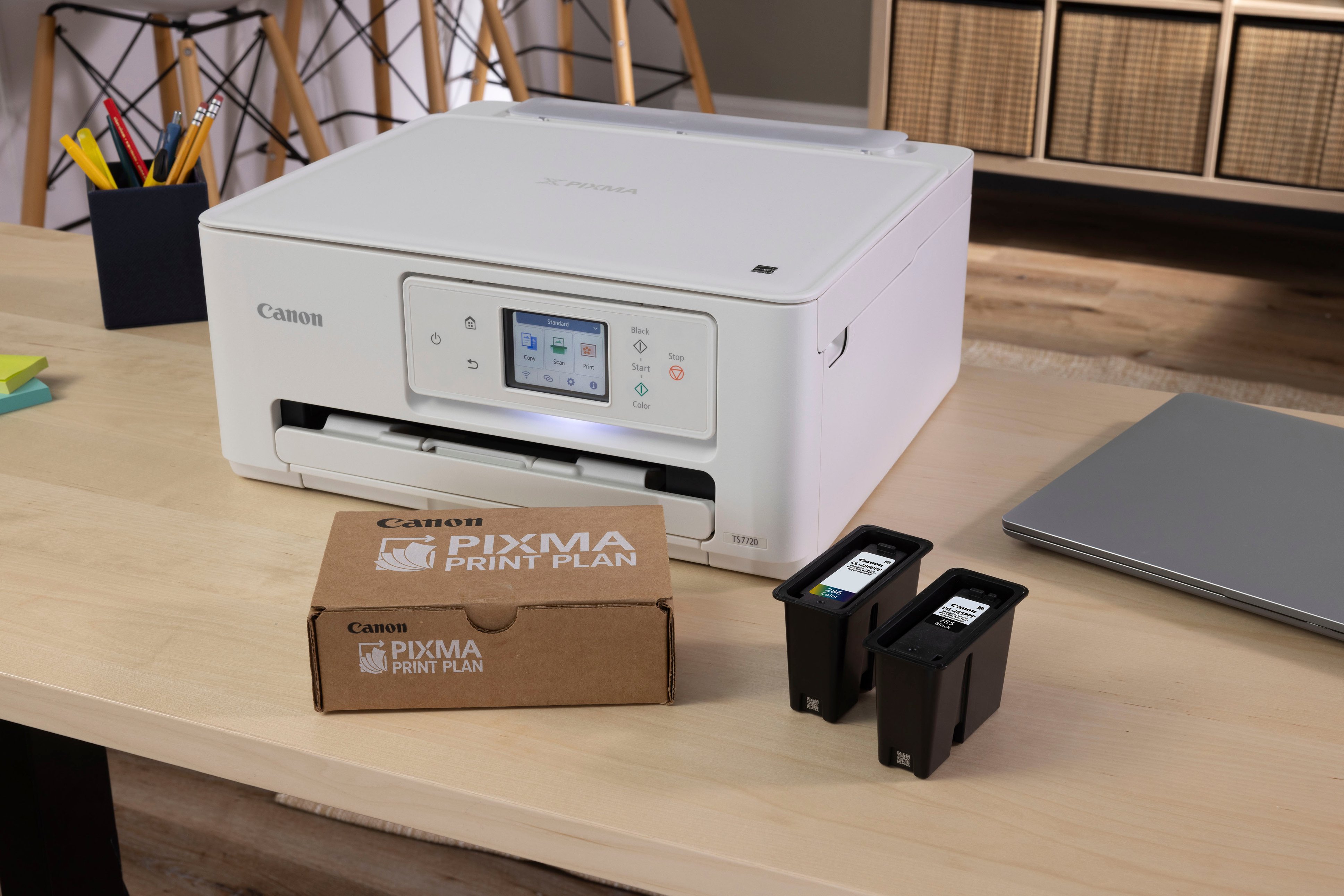
|Posted .This reviewer received promo considerations or sweepstakes entry for writing a review.Canon seems to have decided to redesign all of their printers and the TS7720 is part of the refresh. This Pixma series printer sits in the mid-tier segment in terms of price and comes with some really good features and some that aren't that great. The box includes the printer, a power cable and 2 ink cartridges, as well as a quick start guide. Nothing out of the ordinary. Setup is one of the most simple and user-friendly I have had the pleasure to perform. You can set it up using your smartphone or a computer. The choice is yours, but since I use it for my home office, I went the PC way. It barely took 15-20 minutes from unpacking to printing. Here's a breakdown of what I liked and what didn't work that well for me: Pros: + Super easy to install and set up + It can print single or double-sided (a rather uncommon thing in this price segment) + Space saving! + Can operate using WiFi, USB or Air print + The scanner has flatbed or feeder options which is great when you have a stack of documents to scan + The software is solid and works fine + The prints are good on standard paper and very nice on glossy paper + Affordable Cons: - 2 ink cartridges, meaning the colors are combined into one single cart, wasting plenty of ink as you usually run out of one before the others - No USB cable - Paper tray is rather flimsy and can't hold a whole lot either - A touch screen and buttons, why? Why not just the screen to operate the printer? All in all, this new Canon Pixma printer is a good buy as it sports features that are uncommon in its price segment. It's a great printer, but the single color cartridge system needs to go. It's wasteful and costly in the long run. I would recommend it for your home office or occasional photo prints. Beyond that, you might want to spend a little more and get a printer with separate color carts.
I would recommend this to a friendBudget Printer, but very fast!
|Posted .This reviewer received promo considerations or sweepstakes entry for writing a review.I really wanted to like this printer, but at the end of the day I still went back to the competitor equivalent. Firstly, the set up was easy. It was a little jarring to see that the app recognized my printer correctly as TS7720 on most areas of the set up, but other areas it would display my printer as TS7700. I've submitted photos as proof. Otherwise a few things to note - you should download the app, paper tray on bottom for normal paper, photo printer to back. When loading the tray, face side DOWN is the printed side. When feeding paper from back, face side towards YOU is the printed side (the labels on the physical printer was confusing, and the app doesn't actually tell you either). Other than these 2 issues, set up was a quick download app and connect to wifi, then we're good to go. The set up on the touch screen and responsiveness of the touchscreen is slightly faster than previous canon models, but just slightly. Something to point out as 2-3 generations ago it was difficult to work with and now it's alot smoother and intuitive. The Canon Ts7720 has a few strengths. Namely the speed. I was able to print a full page color in less than 30 seconds (that's from going from the app pressing send, then physically holding a piece of photo in my hand) on gloss paper. The simplicity of going photo paper to normal paper was nice, there was no easy direction, it's doable but the app doesn't tell you, to have photo paper in the tray. Again, just wish it was more clear on how to set it up than having to go through multiple screens to get this right. Now for the quality, this was where I was disappointed. I compared a side by side print out of the competitor glossy photo print to this Canon, and the competitor was easily visibly better in terms of image color reproduction, the contrast was better, and the noise/diffusion was better on the competitor. However, the competitor also took longer to print in the same mode. So I suppose for fast color prints that exact reproduction isn't the priority , then this would be a very good printer (in use case scenarios, I'm thinking for children print outs, for classroom print outs, etc, where there's many students that need to have a color print quickly so they can return to classwork, this would be ideal). I suspect this was likely the use case scenario that Canon had in mind, as the other thing going for it is it uses 2 cartridges and is very economical/efficient in print. So overall, the inconsistent printer recognition, the medium quality printouts, took away some stars, but the speed and economic features does shine and should be considered for those use case scenarios. See images that was submitted.
No, I would not recommend this to a friendMultifunction Bliss - Easy to setup, great value
||Posted . Owned for less than 1 week when reviewed.This reviewer received promo considerations or sweepstakes entry for writing a review.All the quirks and missteps of out old Canon MF inkjet are truly addressed by the TS7720. Setup was a breeze and once on the home network it was immediately recognized by both Apple and Microsoft products alike. Very straight forward to use; good quality printing and scanning. It's "quiet" mode is pretty good. Overall very good value for everyday home use.
I would recommend this to a friendVery good machine for home use.
||Posted .This reviewer received promo considerations or sweepstakes entry for writing a review.Easy, fast setup (had Pixma before, so just used the same cables). Being white is a much better look for me working at home. Produces good copies, easy scan etc. All around a very reliable machine.
I would recommend this to a friendEasy to use & Set up
||Posted . Owned for 1.5 years when reviewed.This reviewer received promo considerations or sweepstakes entry for writing a review.I would definitely recommend this printer. Is was less expensive that other options. Easy to use and set up! I am usually terrible with printers and I told this to the Best Buy employee who helped me pick this one and 1 year + in and its still going strong. Prints in color beautifully.
I would recommend this to a friendCanon Pixma TS7720
||Posted .This reviewer received promo considerations or sweepstakes entry for writing a review.Easy to setup. Linking to devices was simple. Good print quality
I would recommend this to a friendExcellent Best Buy Printer Purchase!
||Posted .This reviewer received promo considerations or sweepstakes entry for writing a review.Excellent choice! Appreciated the size, ease of setting up, how it works, and pretty much everything it does. Price was excellent. Shipped on time.
I would recommend this to a friendEasy to use
||Posted .This reviewer received promo considerations or sweepstakes entry for writing a review.Very easy to setup and use! Works perfectly for my small business needs! Not used for anything fancy. Mainly printing forms and other text with occasional pictures or signage.
I would recommend this to a friendPrinter
||Posted .This reviewer received promo considerations or sweepstakes entry for writing a review.Easy to connect, works perfectly love the screen in the front!
I would recommend this to a friendA+ rating
||Posted .This reviewer received promo considerations or sweepstakes entry for writing a review.very easy to install and set up. Copies are clear, print-out are clear, color is good.
I would recommend this to a friendGood For Low Use Environments
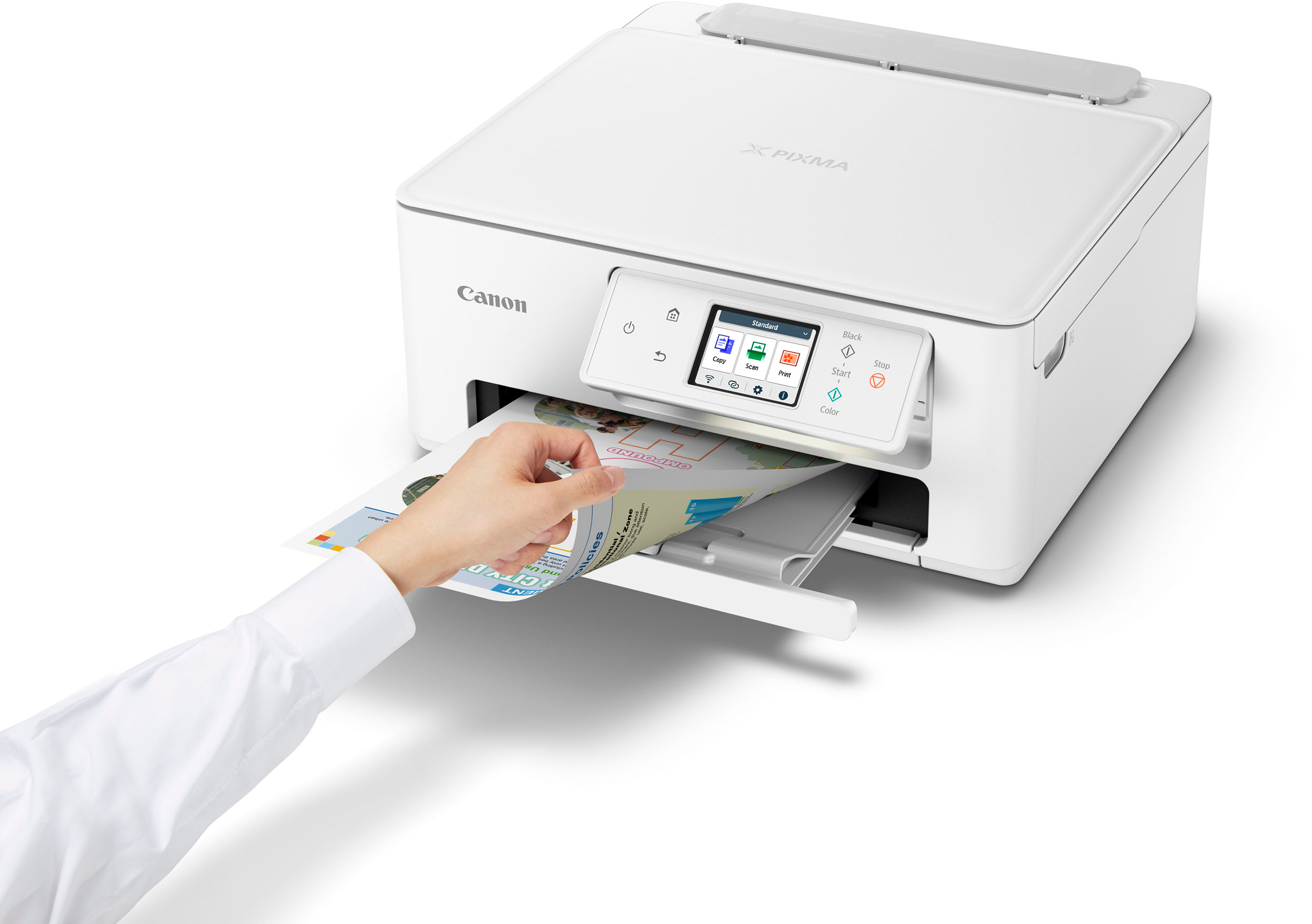
|Posted .This reviewer received promo considerations or sweepstakes entry for writing a review.I have owned several Canon printers over the years, and they have almost always performed above my expectations, especially when it has come down to superior printing of photos and other graphics. One of my main interests in the PIXMA TS7720 Wireless All-In-One Inkjet Printer was to see if they have continued that tradition. But let me not get ahead of myself with this review. While unpacking the PIXMA from its shipping box, I was happy to see that it was packed well enough to endure the hazards of todays' shipping companies. The container itself did suffer some damage, but the printer itself did not. The printer comes out of the box with a power cord, quick-start guide, two ink cartridges (1 color, and 1 black), and the typical warranty guide and warning guide. The quick start guide was nowhere near as in-depth as it probably needs to be. One of the first things it tells you to do is plug it in and power it up. However, nowhere does it mention that one needs to locate and remove the securing tape. I guess most people might already know to do so, but hey...if you have to put a warning label on a hair-dryer warning users not to use it while taking a bath... The setup was quite typical. After plugging it in, the touch-screen will lead you through the steps needed to get you up and running. It is necessary to download the Canon app, but the app is not needed to use the printer for its most basic functions. Like Canon, I highly recommend going through the printer alignment procedure. There is nothing worse that printed documents and images in which the alignment is off. This does take about five minutes, but it is well worth the time spent. After the setup is completed, the PIXMA is ready for use. I started with printing a photo. Selected a photo from my computer, and printed it on the PIXMA TS7720. I then printed the same photo with the exact same settings (plain paper, automatic quality setting) on another Canon printer. There was no comparison. The quality of the TS7720 was FAR below the quality of the other printer. In fact, the two were so disparate that I went back and double-checked my settings, and then printed another copy just to make sure I hadn't made a mistake. This was quite disappointing. I could understand if perhaps the settings were different, or if they were two completely different brands, but such is not the case. After the photo print, I printed plain text. Here the TS7720 performed as well as could be expected considering it is an inkjet printer on the lower price-point side of things. The text was clear, sharp, and easily readable. Even larger formatted text (much larger font size) was quite acceptable. There is one feature on the Canon TS7720 that sets it apart from others, however, and that is the ability to perform double-sided printing automatically. I was a bit surprised, again considering the price of this printer. The double-sided function works great with text, but as you would expect, on plain paper, double-sided photo printing was a bust...and this would be true for any inkjet printer, so there is no foul on this point. The printing speed is marginal. There are a wide range of downloadable apps available for the TS7720. The app relates to many of Canon's inkjet printers, so the apps are not exclusive to this particular printer. Another disappointing aspect of the PIXMA is the high ink consumption. After printing a limited number of text pages, and three photos (full page), the black ink cartridge had already used up around 25% of its ink, while the color cartridge appeared completely full. I am not sure if this is simply because Canon included trial size cartridges in an effort to save money or what. Either way, after a few more printing sessions it will be necessary to replace at least one cartridge at a cost of around about 25% of the cost of a brand new PIXMA printer. All-in-all, the Canon PIXMA TS7720 is a decent printer. I would recommend this printer to anyone needing just an occasional print job to perform, but certainly not for any type of moderate to high use environment.
I would recommend this to a friendNice little printer!
||Posted . Owned for 1 month when reviewed.This reviewer received promo considerations or sweepstakes entry for writing a review.This Canon printer prints well, was easy to setup and has a small enough footprint to fit on my compact desk. I’m still learning about various functions.
I would recommend this to a friendBest wedding DIY printer
||Posted .This reviewer received promo considerations or sweepstakes entry for writing a review.Super easy to use, It's the perfect upgrade from my old canon. It's DIY wedding season and this printer has been a lifesaver.
I would recommend this to a friendCanon Printer
||Posted . Owned for 3 weeks when reviewed.This reviewer received promo considerations or sweepstakes entry for writing a review.I bought this printer to replace a HP that I had. I switched internet providers and it would not connect to my new internet. I love, love, love this printer. It was so easy to setup, it gives you great quality prints. I’ve used to to print, copy and scan and it works great. Please don’t hesitate to purchase.
I would recommend this to a friendGood printer and value
||Posted . Owned for less than 1 week when reviewed.This reviewer received promo considerations or sweepstakes entry for writing a review.The printer is easy to use and the quality of pictures and documents is very good. Scanning is no problem.
I would recommend this to a friendGet buy!
||Posted .This reviewer received promo considerations or sweepstakes entry for writing a review.It’s so easy to set-up. I connected it to WiFi with a click of a button. The clarity of the print jobs are excellent…. Glad I bought it!
I would recommend this to a friend