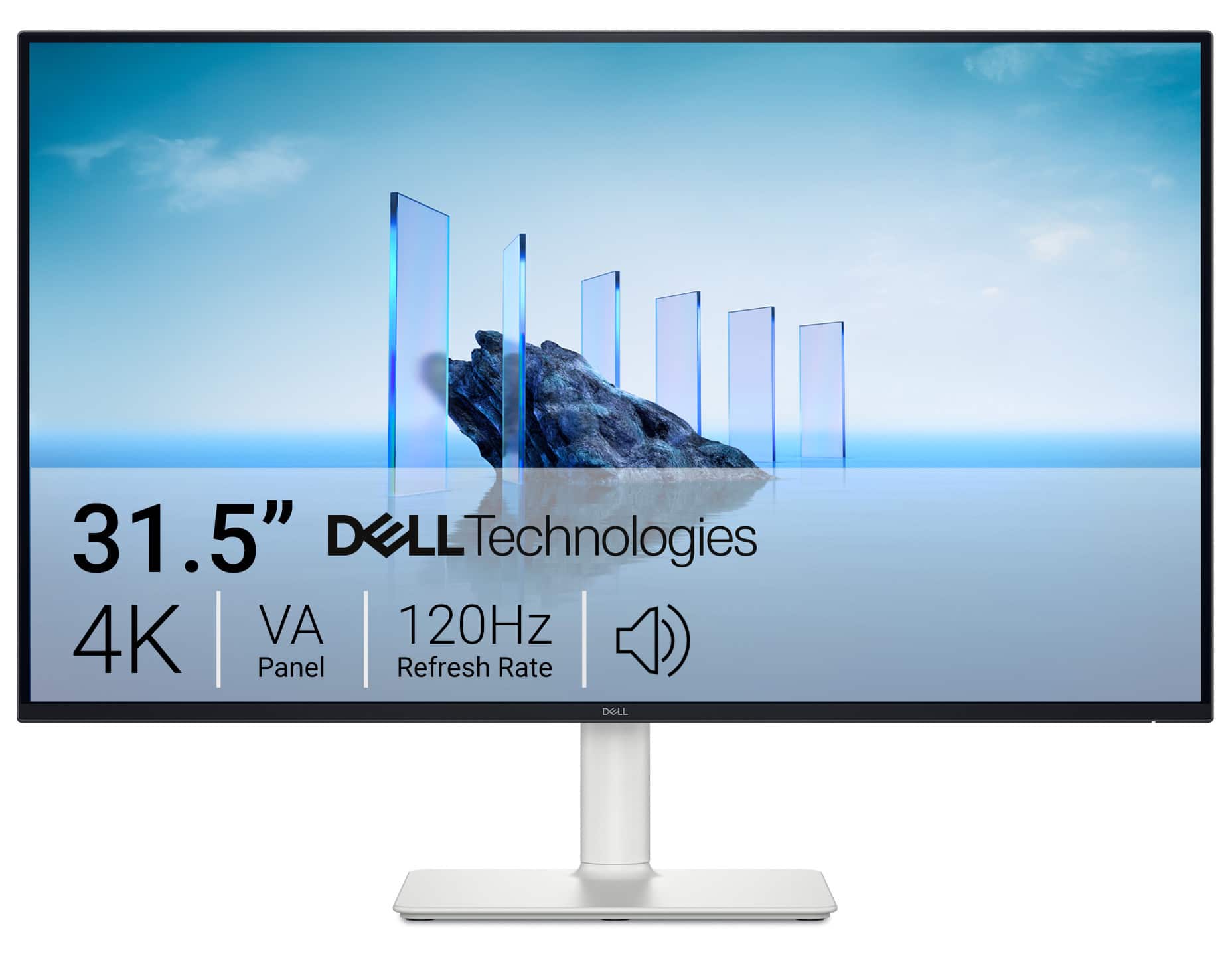
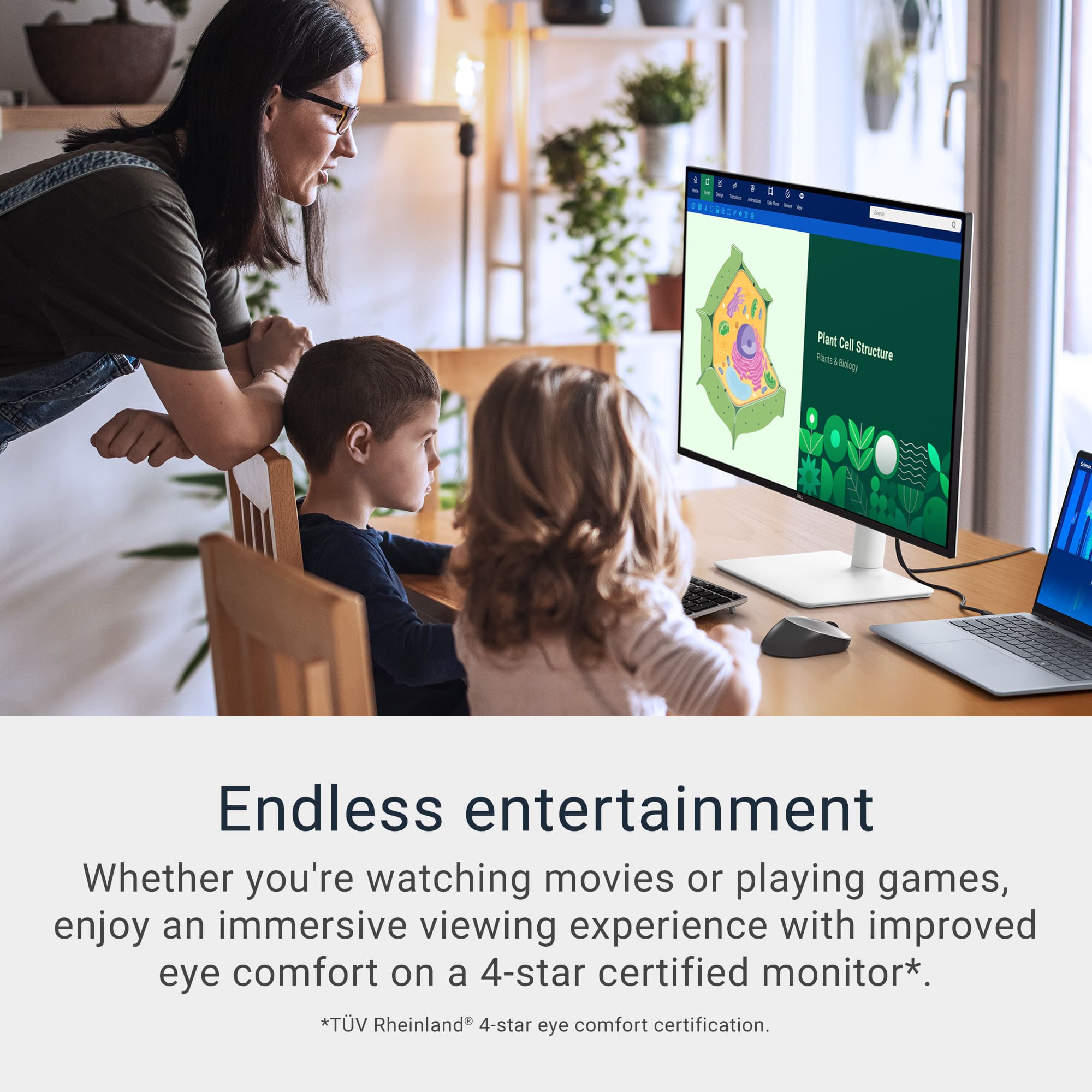
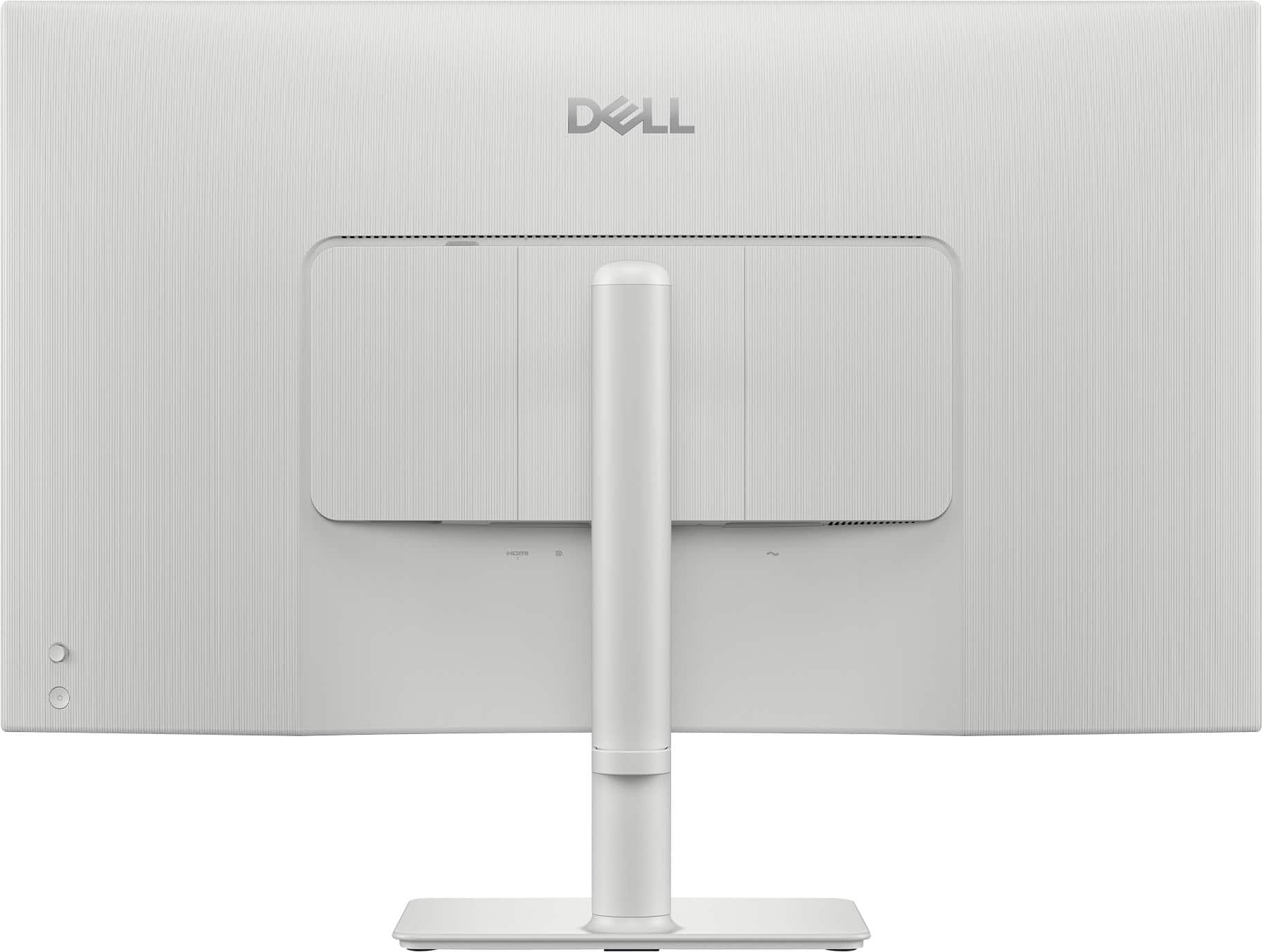
Customers find value in the S3225QS monitor's sound quality, smooth 120Hz refresh rate, and multiple ports. The large screen size, built-in speakers, eye comfort features, and ergonomic design are also appreciated. However, some customers have expressed concerns about the viewing angles and contrast. Overall, the monitor offers a range of features that appeal to many users.
This summary was generated by AI based on customer reviews.
The vast majority of our reviews come from verified purchases. Reviews from customers may include My Best Buy members, employees, and Tech Insider Network members (as tagged). Select reviewers may receive discounted products, promotional considerations or entries into drawings for honest, helpful reviews.
Page 2 Showing 21-40 of 49 reviews
Pros mentioned:
Screen size
Rated 5 out of 5 stars
Great Display
|
|
Posted . Owned for 1 month when reviewed.
This reviewer received promo considerations or sweepstakes entry for writing a review.
I like the display resolution and size of the screen. Perfect for work
I would recommend this to a friend
Pros mentioned:
Sound quality
Rated 5 out of 5 stars
Modern Monitor
|
|
Posted . Owned for 1 week when reviewed.
This reviewer received promo considerations or sweepstakes entry for writing a review.
Great Monitor that is easy to set up. It works and the display is great.
I would recommend this to a friend
Pros mentioned:
Sound quality
Rated 5 out of 5 stars
Love it
|
|
Posted . Owned for 2 weeks when reviewed.
This reviewer received promo considerations or sweepstakes entry for writing a review.
4k 120hz perfect screen speakers great quality great
I would recommend this to a friend
Pros mentioned:
Sound quality
Rated 5 out of 5 stars
New Monitor
|
|
Posted .
This reviewer received promo considerations or sweepstakes entry for writing a review.
Great image & sound for the price! Easy no fuss setup
I would recommend this to a friend
Pros mentioned:
Sound quality
Rated 5 out of 5 stars
Dell Monitor
|
|
Posted .
This reviewer received promo considerations or sweepstakes entry for writing a review.
Great monitor. Clear picture works great. Swapped out a apple monitor and wanted something with more space
I would recommend this to a friend
Rated 5 out of 5 stars
Quality with Dell
|
|
Posted .
This reviewer received promo considerations or sweepstakes entry for writing a review.
Excellent value and a quality product. Dell insures a reliable purchase
I would recommend this to a friend
Rated 5 out of 5 stars
good monitor to edit pictures
|
|
Posted .
This reviewer received promo considerations or sweepstakes entry for writing a review.
The good monitor works great for editing my pictures I woulod recomend it
I would recommend this to a friend
Rated 5 out of 5 stars
working perfectly
|
|
Posted .
This reviewer received promo considerations or sweepstakes entry for writing a review.
This monitor is working perfectly for me. I'm glad my son helped me with picking this one out. It looks real good.
I would recommend this to a friend
Rated 5 out of 5 stars
Nice work
|
|
Posted .
This reviewer received promo considerations or sweepstakes entry for writing a review.
Nice work, I like that monitor at all.
I recommend it
I would recommend this to a friend
Rated 5 out of 5 stars
Everything it needs to be for ps5 monitor
|
|
Posted . Owned for 2 weeks when reviewed.
This reviewer received promo considerations or sweepstakes entry for writing a review.
5/5 love it already family and friebds allready thinking about getting one aswell
I would recommend this to a friend
Pros mentioned:
Sound quality
Cons mentioned:
Viewing angle
Rated 3 out of 5 stars
A hard pass from me.
|
Posted .
This reviewer received promo considerations or sweepstakes entry for writing a review.
This monitor was quite the conundrum for me. It has a lot of quirks that for me are a deal breaker, mainly the horrific viewing angles and contrast. I tested this on 1 gaming laptop, 2 snapdragon laptops (Plus and Elite variant), and an Apple MacBook Pro M4 Pro. Findings were consistent across them all. With the exception that the MacBook Pro scored the best in my testing. Had a lot better contrast and more accurate colors. As there is more adjustability that MacOS provides over Windows at the stock level. But I shouldn’t have to deep dive settings to get a good picture in 2025. I did NOT try display port.
1. Usually when I use the HDMI port on my laptop I get better picture quality. On this monitor I get much better picture quality with an HDMI to USB-C connection.
2. Viewing angles for VA panels can be poor. But on this monitor is dramatic. Making it so when I’m looking head on the bottom, top, and sides of the screen look washed out and lifeless. Which is wild. This is so severe in fact that I thought this was an IPS monitor with severe IPS bleed until I re-read the spec about it being a VA panel.
3. It has a joystick for changing settings. Which is appreciated. But I found that navigating was not intuitive. The settings you can change are quite limited as well. The dedicated on/off power button is appreciated. The unit turns on and switches inputs in an acceptable amount of time.
4. It’s VESA mountable which is good. But it is indented meaning if you have a stand where you can easily slide in/out the monitor you can’t really do that with this unless if you really force it.
CONTRAST 3/10:
With it being a VA panel contrast is supposed to be much improved from a TN or IPS panel. But after a lot of scratching my head wondering why everything looks so horrible and if I am losing my eyesight one second to all the sudden something looking like it should I came to the conclusion that due to the horrific viewing angles of this panel, blacks appear gray almost exclusively, and colors often appear washed out unless if you have the perfect angle. It also has a matte finish, which further exacerbates the issue by artificially raising blacks. While that coating does a great job at rejecting reflections it does so at the cost of clarity making everything look like it has a smudge. When comparing it directly to my 10-year-old Asus PG279QE IPS monitor it has worse blacks and contrast. Which should not be the case. When I go through my usual tests it does a good job with black level and white saturation allowing me to see each individual square. Also does well with gradient banding. But that falls apart quickly if I’m not looking through the ideal angle. Normal operation does not adequately reflect the testing score. Looking much worse. Which is very perplexing to me. Overall brightness is fine. Its on the low end in comparison to what is on the market today, but not to the point where I think most people will have problems in most lighting environments. In conclusion, I find myself, like a broken record, hating the contrast ratio and making me think something is setup incorrect but when I go to check it is setup as it should be. A spot on their spec sheet reports a 1500:1 contrast ratio. Which is IPS territory not VA. As VA is usually closer to 3000 – 4000:1 at the lower end. Which would explain my findings as well.
Also, supports HDR. But HDR doesn’t look good on it due to the poor contrast and colors.
It comes with a matte finish. Which means it handles reflections well. However, it makes it look like you’ve smudged something all of the screen making a 4K screen look 1080p. White point is excellent. Has good white accuracy and gets relatively bright. Also, supports HDR. But HDR doesn’t look good on it due to the poor contrast and colors.
COLORS 5/10:
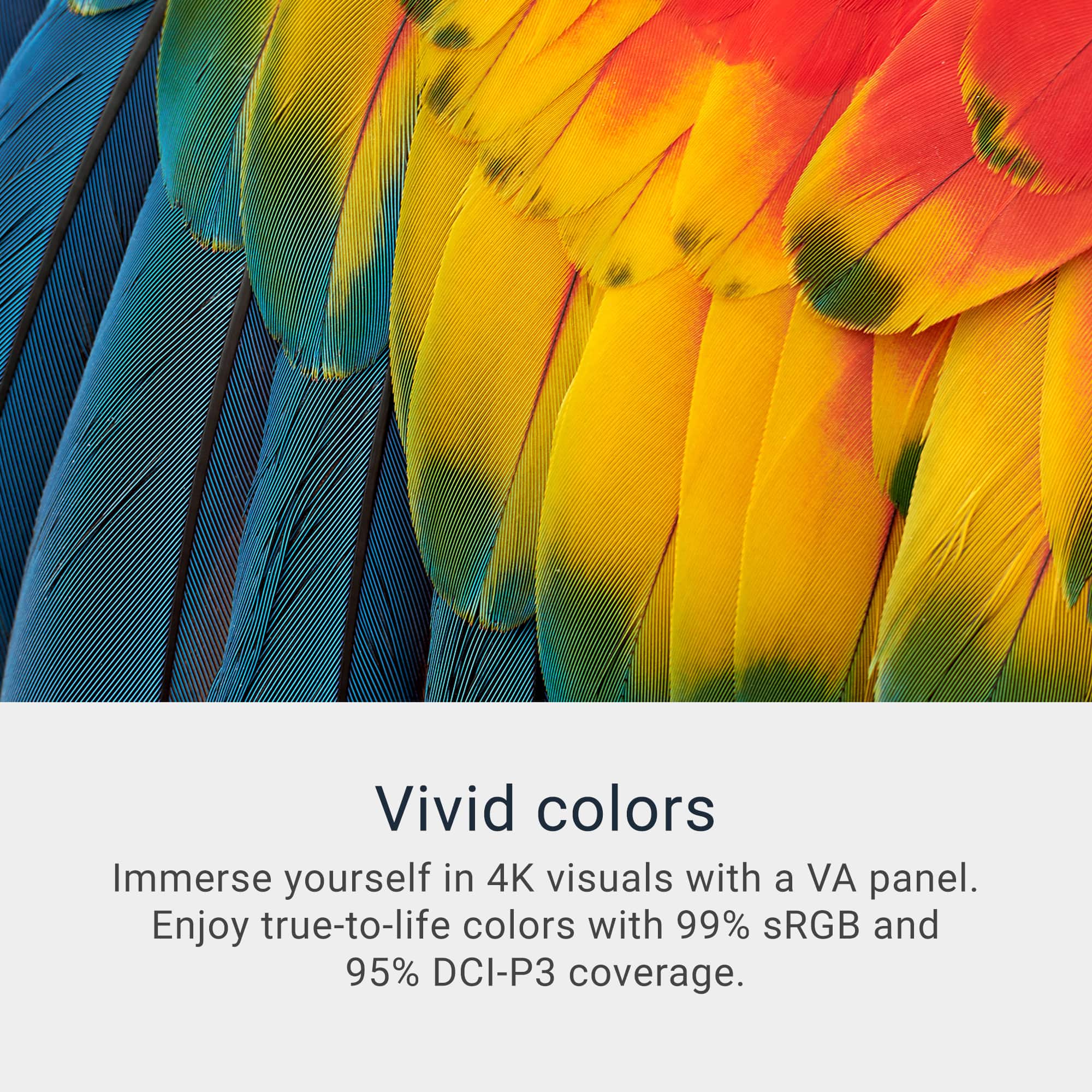
They report 100% of the sRGB and 95% of the DCI-P3. I think the viewing angles, poor contrast, and coating, are all contributing to make the colors look washed out and inaccurate. Every once in a while I’m like “oh that actually looks really good and as it should” the rest of the time I think it’s dying. This persists no matter which settings I have it on. Being 0 for 3 in those main categories essentially destroys any meaning in buying this product in my opinion. But there are some other features that it does well that I’ll cover just in case.
GAMING 6/10:
VA panels tend to be slower, this reports 8 ms of latency, and tend to have some pretty hardcore ghosting. While I do notice mild ghosting here, it isn’t nearly as bad as I would expect based on the performance thus far. Also, latency was good enough that I had fun playing through Escape From Tarkov, Grand Theft Auto 5, and Silent Hill 2. Making gaming one of the few things it does well. But bad colors and contrast also ruins gaming and also movies/TV. As shows and games that usually look brilliant came across mediocre and bland. I also noticed significant banding in most content. I was able to get 120 Hz in both the HDMI to HDMI connection and HDMI to USB-C connection.
SIZE 10/10:
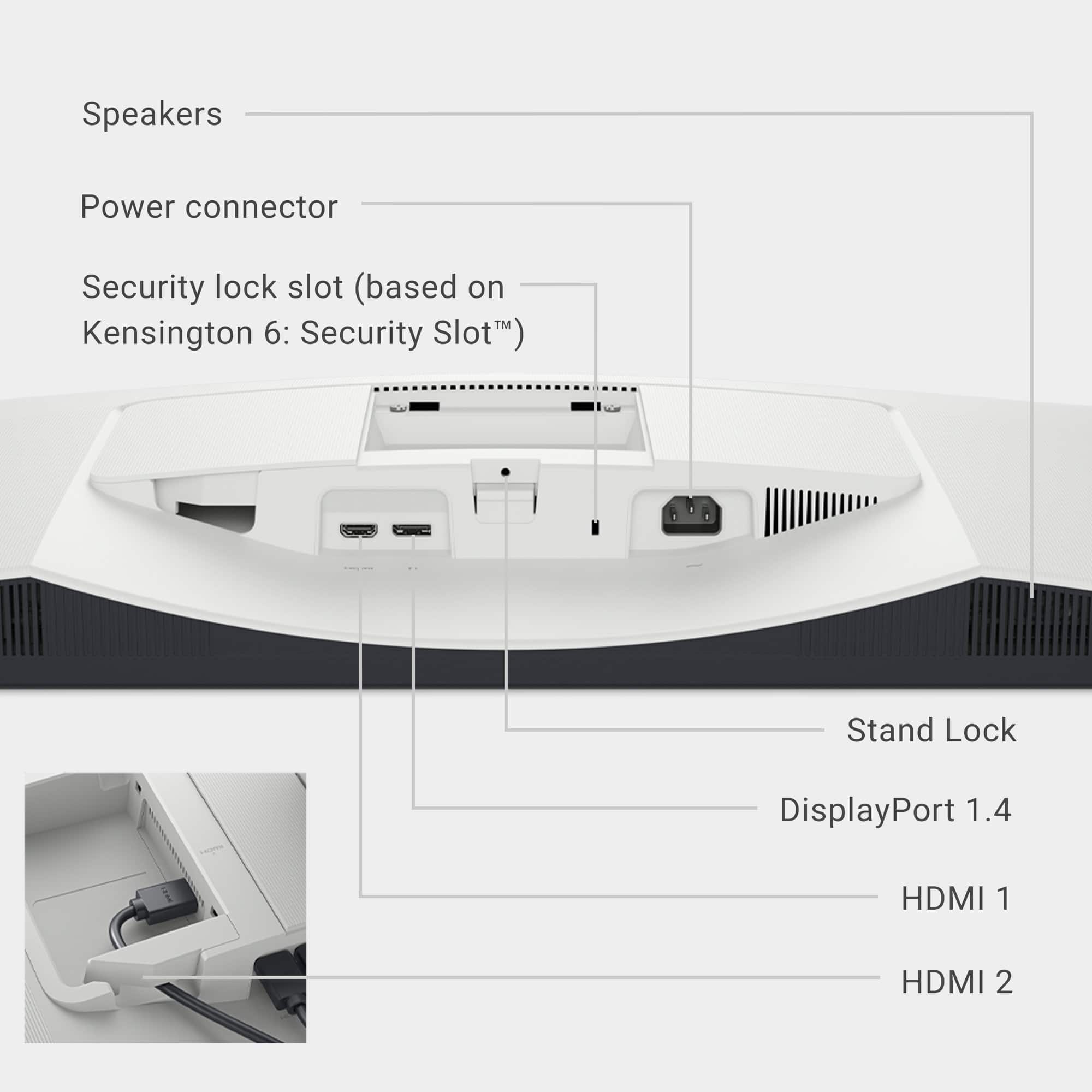
I think 32 inches is a sweet spot. Excellent size without being too big. The monitor itself is light. Comes with 2 HDMI 2.1 ports and 1 Display Port 1.4. Wish it had a USB-C Port with at least 65 watt charging for laptops. But alas a HDMI to USB-C cable will have to do.
OPERATION 6/10:
Switching inputs takes a few seconds. There is a dedicated on/off button. Which I like and it turns on/off not quickly but not slowly either. Fast enough to not matter but not quick. There is a joystick for navigating. It doesn’t go straight into setting instead has shortcuts. Which some users may like. I would prefer you go straight into the menu and didn’t see an option for that. No way to turn off DSC. Which is annoying as it doesn’t play super nice with my Snapdragon laptop that prefers that being off for some reason. Tried on other laptops that don’t have that issue. I don’t think the settings are intuitive to navigate through. Often feeling cumbersome. Also, in general settings are limited in what you can see/adjust. Also, no power brick. Which is awesome as that is built in. It also comes with a certified HDMI 2.1 cable which is appreciated.
SOUND QUALITY: 7/10:
Speakers were surprisingly good. Listening to non-movie/show content I could easily understand voices just fine. But when watching TV shows and Movies I struggled with hearing voices well. It is very treble focused making it sound sharp which can be fatiguing on the ears. But get relatively loud.
CONCLUSION:
I got this for schoolwork. As my previous display was small and 1080p. This is an upgrade mostly due to size. Contrast is dramatically worse, as are colors, and despite being 4k instead of 1080p not that much sharper. It’s a hard pass for me. I think you can find a lot better of a monitor near the same price. With what other reviewers are saying I’m not 100% I got a lemon. But it seems to work just fine making me think that isn’t the case.
No, I would not recommend this to a friend
Rated 5 out of 5 stars
Get it
|
|
Posted .
This reviewer received promo considerations or sweepstakes entry for writing a review.
Awesome monitor for school, work, and gaming use. Highly recommend.
I would recommend this to a friend
Cons mentioned:
Viewing angle
Rated 2 out of 5 stars
picture
|
|
Posted . Owned for 2 weeks when reviewed.
This reviewer received promo considerations or sweepstakes entry for writing a review.
Beautiful dissing but view angles are not at all good, viewing angle is %25 in front of monitor for perfect picture out of that angle and picture gets horrible. For the price is lacking some features.
No, I would not recommend this to a friend
Rated 5 out of 5 stars
Best budget 4k monitor with good refresh rate
|
|
Posted .
This reviewer received promo considerations or sweepstakes entry for writing a review.
Very good for price, practically unbeatable, would buy again
I would recommend this to a friend
Pros mentioned:
Port count, Refresh rate, Sound quality
Rated 5 out of 5 stars
Beautiful functionality have met for games or work
|
Posted .
This reviewer received promo considerations or sweepstakes entry for writing a review.
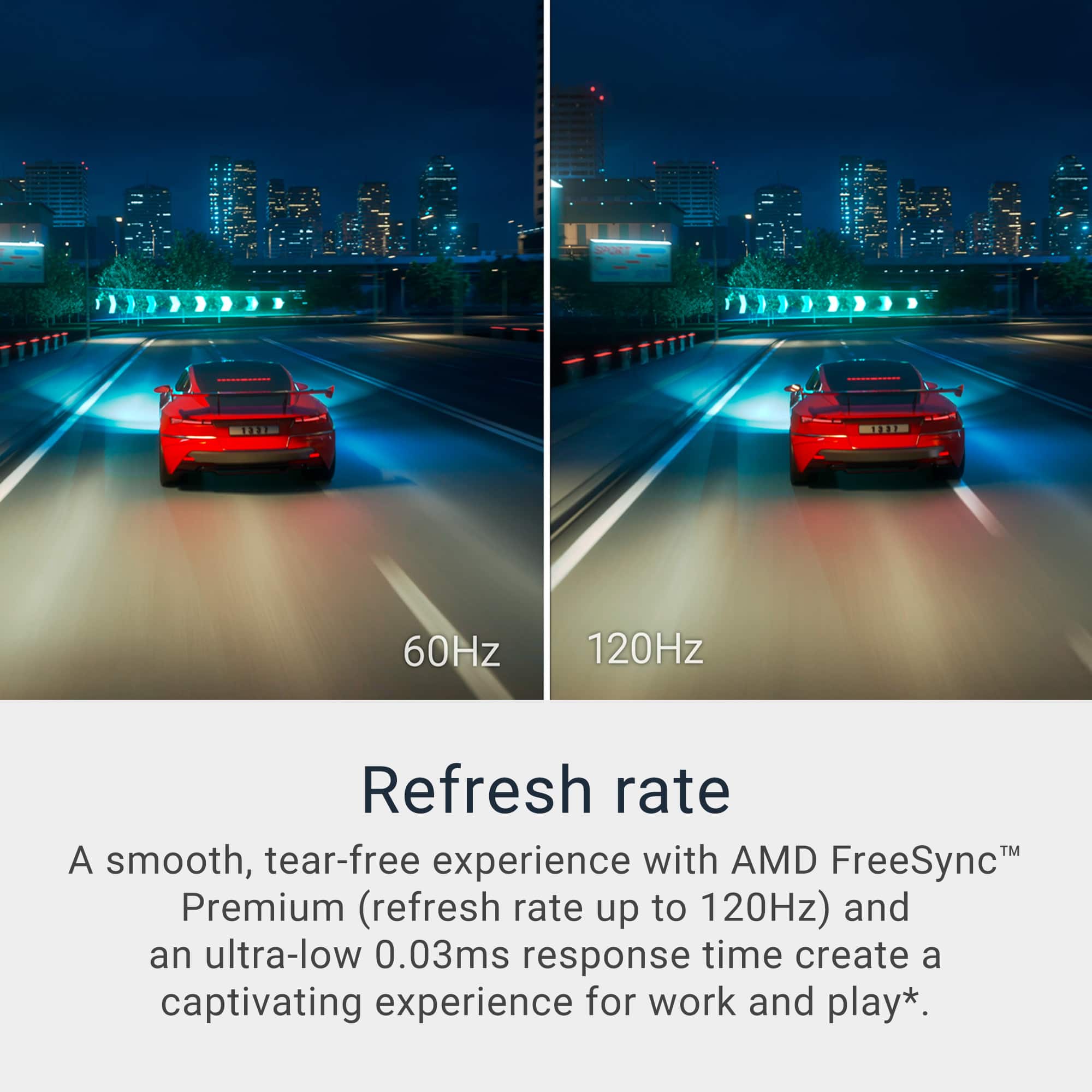
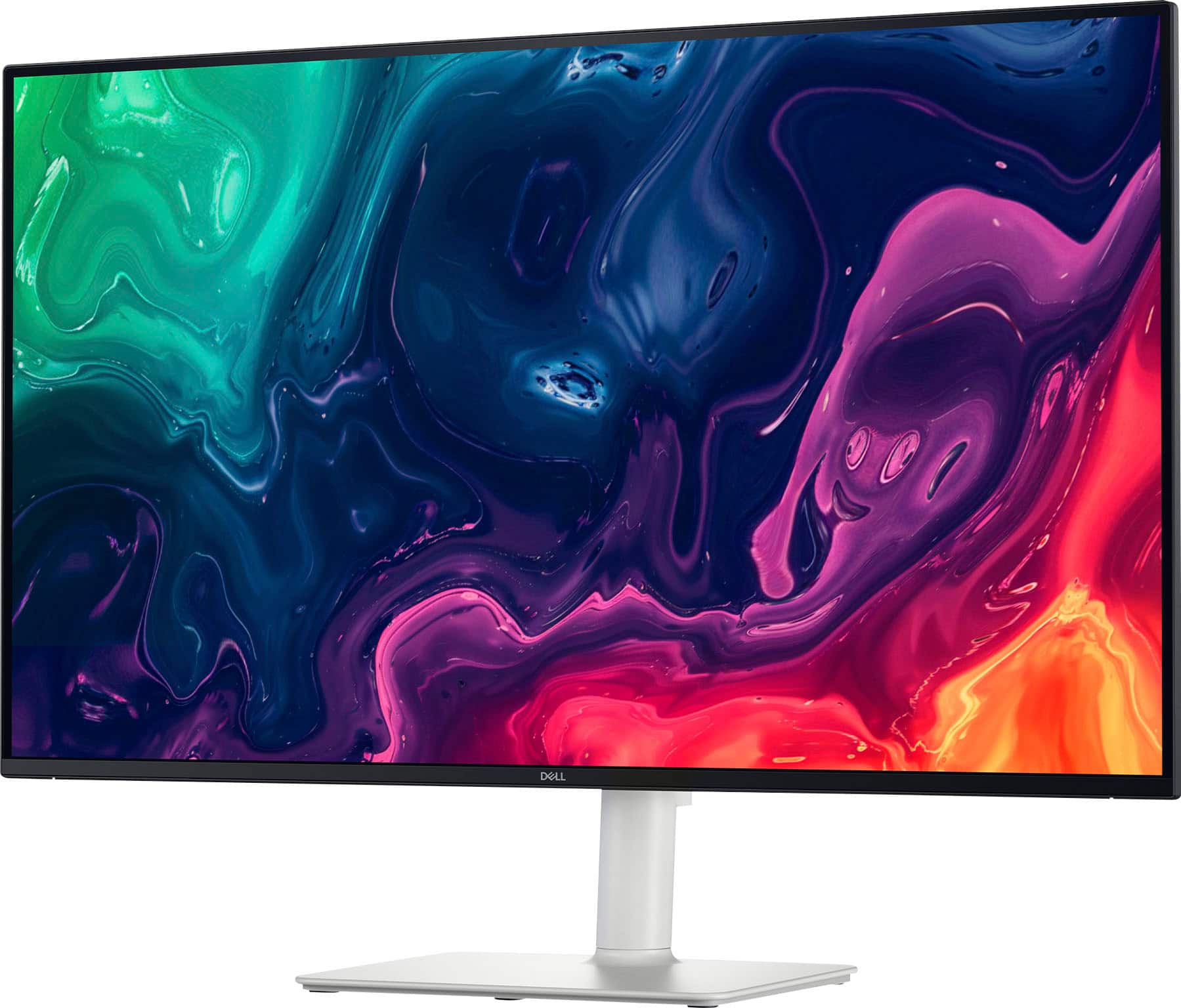
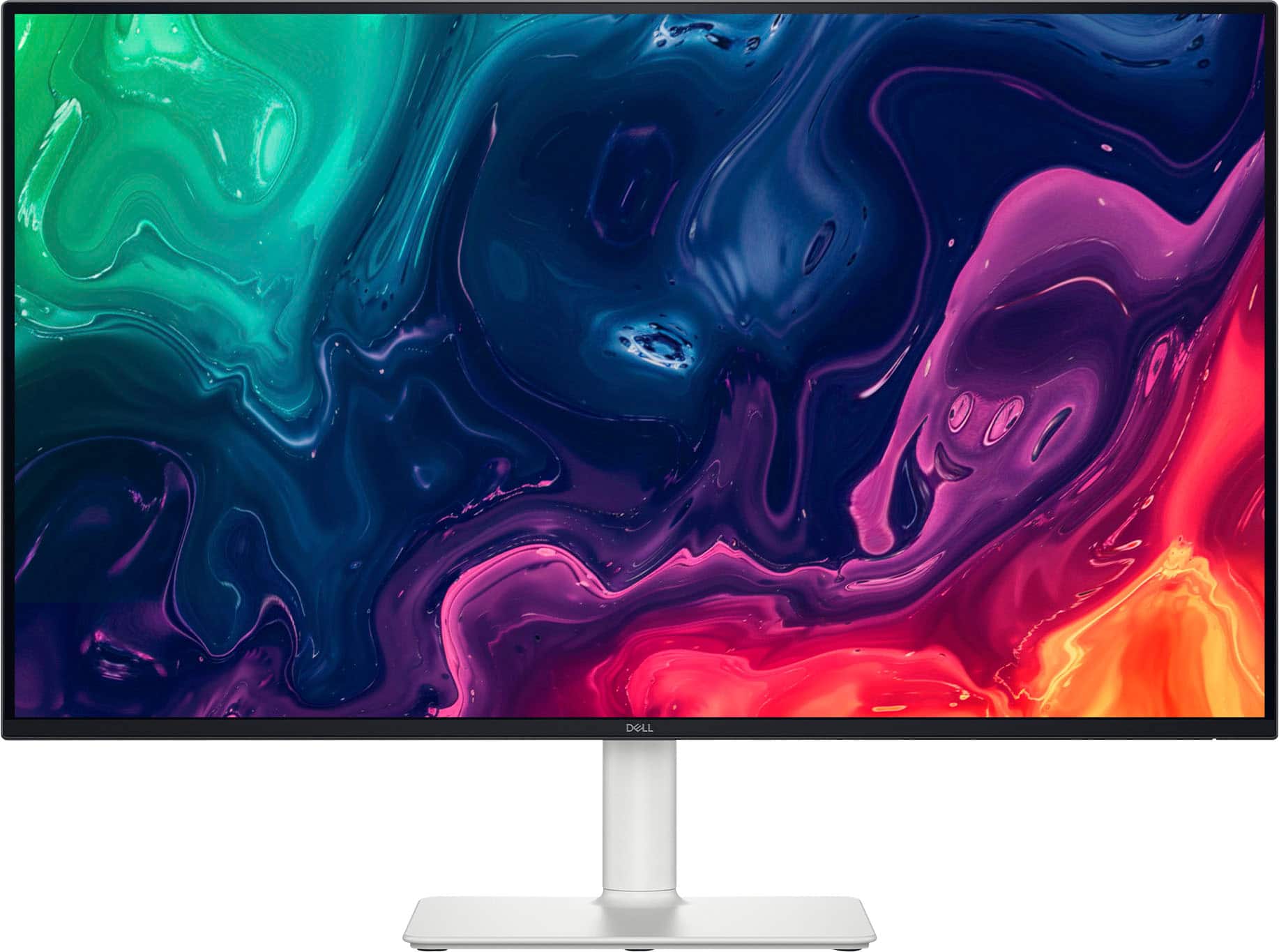
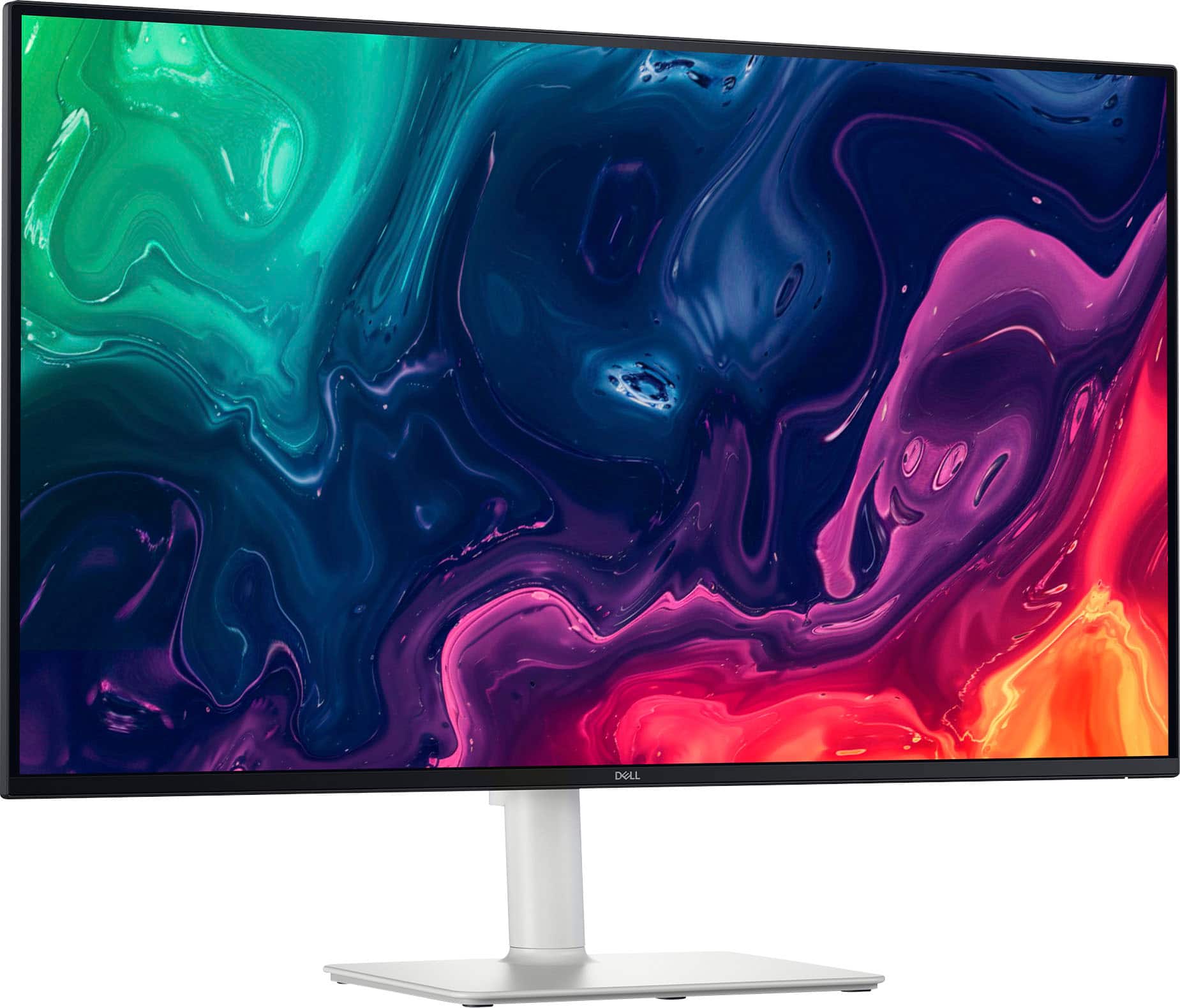
I am loving this new Dell monitor. Very solid, well-built product. Extra-large 31.5" screen size and sporting top notch 3840 x 2160 4K UHD resolution. I really appreciate the 4k resolution, it stays sharp on this larger screen size even when sitting up close but isn’t overdoing it like some smaller sized 4k monitors where you can’t really tell the difference from 1080p. 120Hz refresh rate keeps you in the game with incorporated FreeSync Premium (AMD Adaptive Sync) technology. This reduces screen tearing and stuttering in order to provide a smoother gaming experience vs lower refresh rate screens when paired with compatible GPUs. This coupled with 8 millisecond response time really makes every movement sharp and crisp. Broad connectivity options for any setup with 1 DisplayPort 1.4 and 2 HDMIs to make sure you’ve got the connection you need. Connections are in optimal locations as well to ensure functionality, and it has some nice cable management features to keep everything looking clean. I have my computer connected to the display port, my PS5 on one HDMI and then a firestick on the other HDMI. The fact that this monitor has built in speakers makes it perfect to use as more than just a computer monitor. The speakers are quite nice as well, with excellent sound quality and frequency response – very impressive for build-ins – making it suitable for watching movies, shows or gaming without the need for external speakers or headphones. The 31.5” panel offers plenty of real estate for a vast viewing experience and the 4k resolution is really appreciated on this size screen, especially while working. The higher resolution amounts to greater viewing area to utilize multiple open windows while maintaining high resolution visuals – it’s essential four 1080p screens in one! The vertical alignment LED panel offers brilliant contrast ratios and vibrant colors, making it great for pretty much any application and lighting environment. This screen is perfect for both gaming and everyday multimedia viewing. I also like this monitor’s thin bezel up front and all white design, it really fits in nicely with a “white-out” PC build I recently completed. It’s just a preference but I think this monitor really has a nice aesthetic from behind when compared to the usual black or gray monitor housings. If I ever thought I had the need for it, the ultra-thin bezel on this unit would be ideal for a multi-monitor setup but being that it is already 4K I’m not sure I’ll ever be able to justify that. The stand is well built as well with functionality in mind. It has adjustable height, tilt, and a small amount of swivel to provide flexibility for ergonomic customization on any desktop. I think this monitor offers great value for the price, as I said it’s basically four 1080P monitors crammed into one. Overall, this monitor is fantastic in every way.
I would recommend this to a friend
Pros mentioned:
Screen size, Sound quality, Speakers
Rated 5 out of 5 stars
Very Good Everyday Monitor
|
Posted .
This reviewer received promo considerations or sweepstakes entry for writing a review.
The Dell 32 Plus 4K Monitor is a great at home display for streaming videos, playing games and of course your daily activities like email and surfing. With a very thin bezel, its viewable screen size is 31.5 inches and although not a curved 16:9 monitor, it is definitely large enough for you to feel engulfed by it.
Capable of a maximum resolution of 3840 x 2160 at 120Hz, it is an extremely clear and detailed ultra hi-def LED display with great color depth and excellent for pretty much any activity. With it being “VA” or vertical alignment versus “IPS” or in-plane switching, the blacks are deeper and great for using in rooms without a lot of light. Even though IPS monitors typically have faster refresh rates, unless you are only using this for extreme gaming, you should not notice much of a difference. The default refresh rate is 8ms and it can be set to 5, fast, or 4, extreme mode, and although decent for gaming it is not the fastest out there. With that speed however, you should not have any issues with any other activities.
Weighing just 13 pounds without the stand, this can be mounted on your wall with the proper bracket. With the stand attached for setting up on a desk or counter, it weighs just under 20 so either way, it isn’t too heavy. While using it on your desk, you can change the height or tilt very easily.
There are three options for connectivity, 2 HDMI ports and 1 Display port all capable of its maximum resolution but make sure that the device you are using to connect to will support that output. Additionally, you may need to get an ultra-high-speed cable if trying to achieve the highest resolution, but these are much more common than they used to be. Lastly, there are two speakers built in that are 5watts a piece and for being built into a monitor, sound pretty good. They won’t take the place of a solid Bluetooth speaker or stereo, but you can certainly use them for general use while watching a show or playing some games.
At this price point and for the quality I’ve experienced with this monitor, I would recommend this for any average user and even some that may be looking to do some video or graphics editing.
I would recommend this to a friend
Pros mentioned:
Port count, Refresh rate, Speakers
Rated 5 out of 5 stars
What a 4K value
|
Posted .
This reviewer received promo considerations or sweepstakes entry for writing a review.
The Dell S3225QS 31.5 inch LED 4 K UHD 120 Hz monitor is a great value for what you pay. The monitor features a max resolution of 3840x2160 with a 120Hz refresh rate and a 8 millisecond response time. The monitor also features 2 HDMI inputs which was great in my use scenario.
The initial setup was fairly easy however I think it may be difficult for this that are not too proficient with technology due to limited directions. Setup involved screwing the base to the arm and then sliding the monitor onto the mount until it clicks in place. Once the monitor was fully assembled I plugged in the power cable and my 2 sources. once you power up your source the monitor will detect the active HDMI and auto switch. It may be a little thing but I appreciate Dell's decision to include built in speakers in the monitor. The monitor can be adjusted horizontally and vertically providing you with the most comfortable and optimal viewing angles. I was able to connect my Windows gaming desktop as well as my work laptop and it works great for both, I am easily able to split screen for work to maximize my productivity without using a second monitor as I previously would with smaller monitors. The excellent refresh rate and the great response time provide for a great stutter free gaming experience.
Overall Dell created a great 4K monitor with a modern aesthetic which would look great on a desk. I love that I am able to use it for both work and gaming without unplugging any HDMI cables. I would definitely recommend this monitor if you are in the market for one
Pros mentioned:
Port count, Sound quality
Rated 5 out of 5 stars
Easy on the eyes
|
Posted .
This reviewer received promo considerations or sweepstakes entry for writing a review.
I recently boosted my home office setup with the Dell 32 Plus 4K Monitor (S3225QS), and it has made an enormous difference not only in terms of productivity, but also in comfort. The frameless 31.5 inch 4K UHD VA display has a 3000:1 contrast ratio and produces 1.07 billion colours for an incredibly rich and vivid picture.
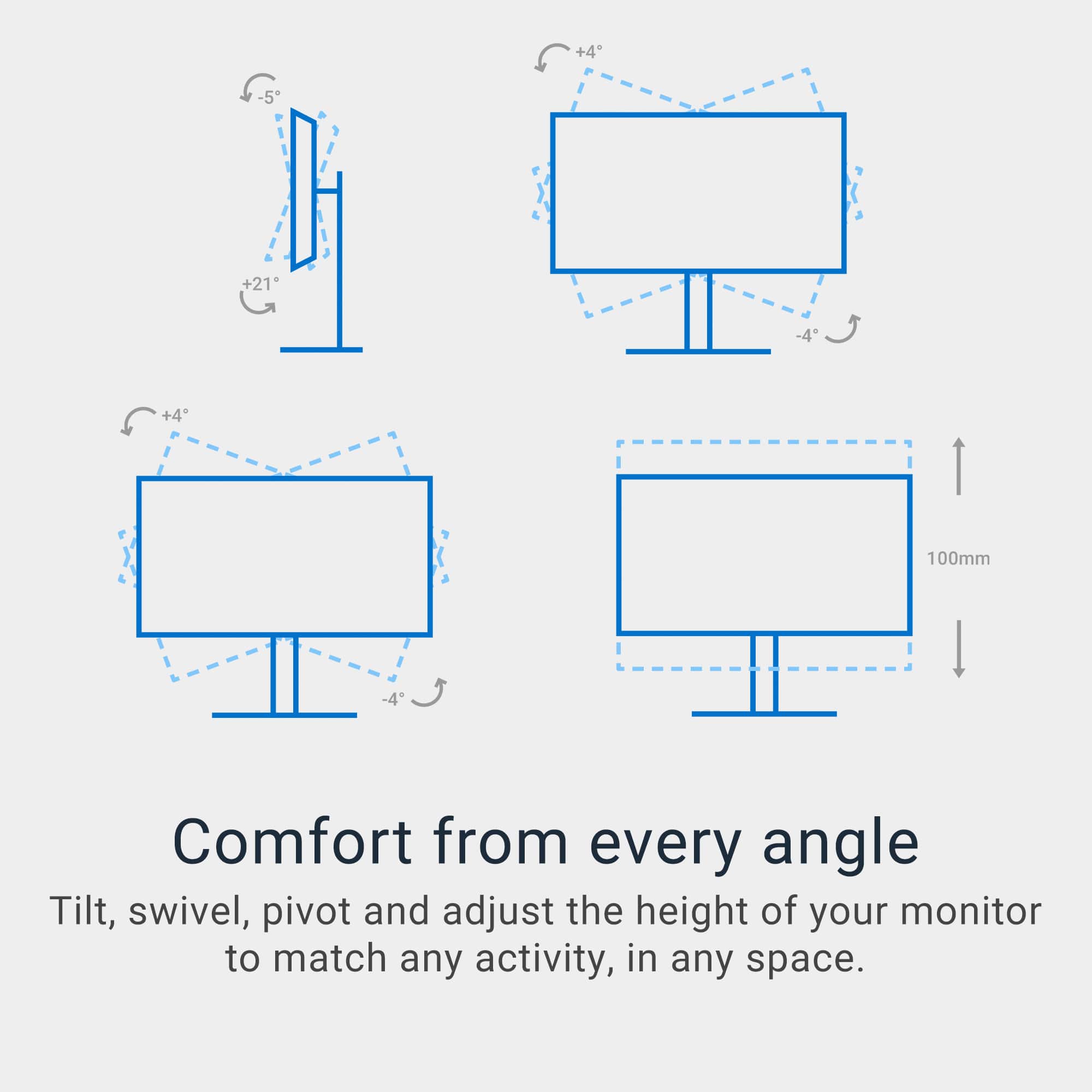
And the ergonomic features are what really shine. The monitor provides you with up to 100 mms of height adjustment, a tilt from -5° to 21°, and a slant of +/-4°, so I can adjust the display exactly to my preferred angle. This has cut down on neck and eye strain during marathon work (or Netflix) sessions.
The monitor’s 4ms response time and support for 120Hz refresh rate and AMD FreeSync Premium should ensure relatively smooth images — a nice feature for some casual gaming or video-watching. The TUV Rheinland Eye Comfort 3.0 certification and ComfortView Plus make eyes feel relaxed while working with this monitor as it emits the least blue light yet doesn’t sacrifice color quality.
It’s all easier to hook up on the input side, with two HDMI 2.1 ports and a DisplayPort 1.4 that can handle 4K at 120Hz. The included dual 5W speakers are a nice touch, means I don't have to have a microphone and another set of speakers with my rig.
In all, the Dell S3225QS has surpassed my expectations, offering excellent visual quality and ergonomic and eye comfort features that make it ideal for the home office.
I would recommend this to a friend
Pros mentioned:
Refresh rate, Sound quality
Rated 5 out of 5 stars
Heavy duty and thoughtful 4K display
|
Posted .
This reviewer received promo considerations or sweepstakes entry for writing a review.
From the moment I received the Dell S3225QS display, I was amazed at details, large and small, that went into this product. The first thing you notice before even unboxing the monitor is the weight of it, at nearly 20 pounds, it’s quite confidence inspiring. All of the important parts (base, neck, and connection between display and the neck) are heavy duty metal. The base screws into the neck with a thick bolt, this monitor is not going to tip over in any direction unless you really mean to.
Unboxing the monitor, you have the first pleasant surprise, no Styrofoam! The monitor is protected by cardboard all the way around and kept it plenty safe during shipping. I appreciate the environmentally friendly packaging and not having the need to break apart messy Styrofoam to get it to fit in my garbage bin. The other nice surprise, not even mentioned in the Specifications section (at least at the time I am writing this) is that a good quality/thickness HDMI cable is included. Finally, even the power cord is a nice touch, it’s not a custom power adapter and plug, but a simple cord often used for powering desktop computers.
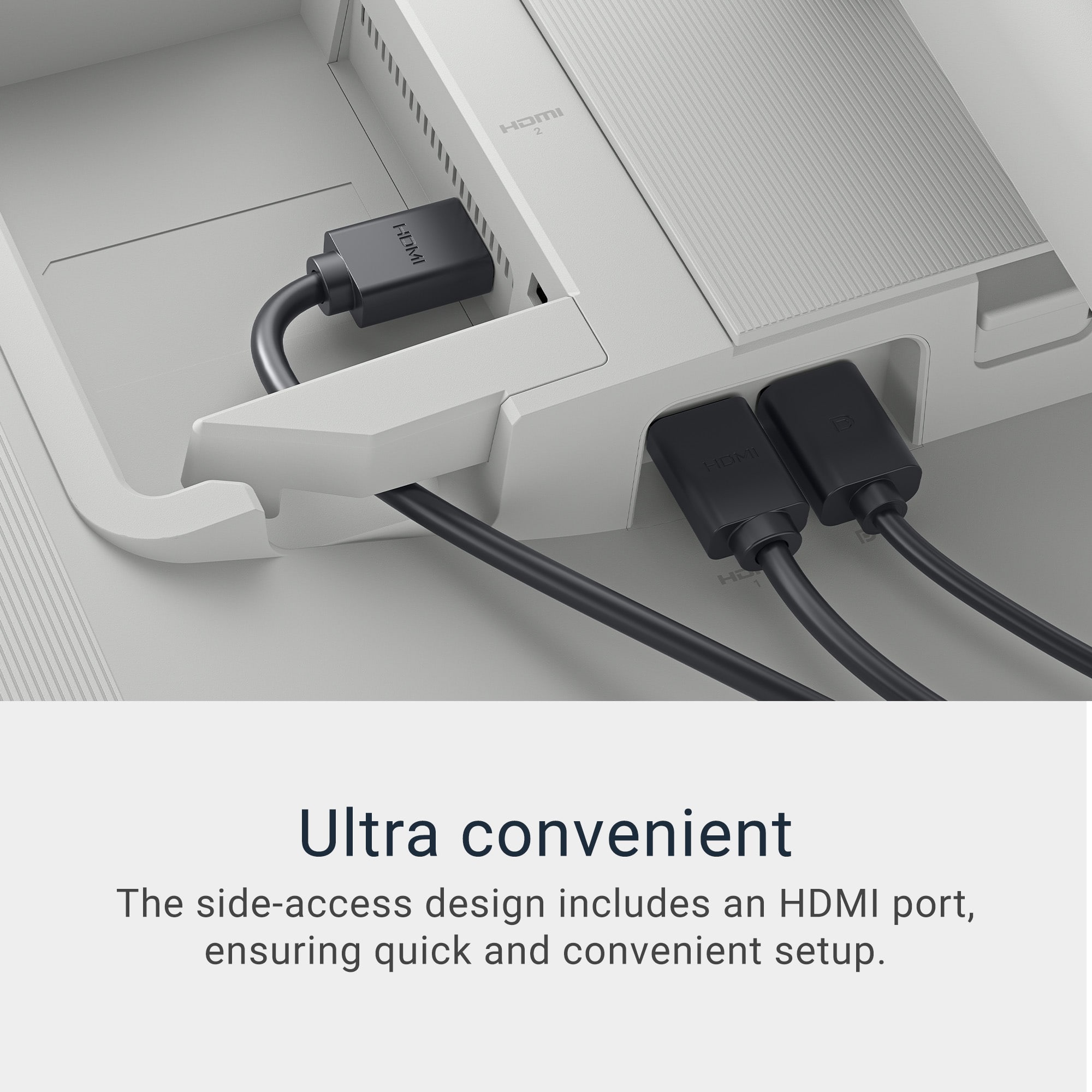
Setting up the display couldn’t have been easier, no instructions required. It’s obvious how the base connects and screws into the neck, and the monitor quickly glides and snaps into the neck. There are 2 HDMI ports and one DisplayPort connection, I used the side mounted HDMI port, and then the power connection. That’s it!
I connected the display to my ASUS ProArt PX13 laptop, which has an NVIDIA Geforce RTX graphics card built in, which can drive the Dell S3225QS at is maximum resolution of 3480x2160, and WOW! What a picture! I experimented with the 8 preset picture modes on the monitor and found that for me, the RPG setting was the most pleasing, but all of them were easy on the eyes, I don’t think eye-strain is even possible on this monitor.
There are only 2 controls on the back panel, one to power it on, and then a 4 way toggle switch that is quite intuitive; push in to activate the menu, scroll left and right to select the function you want to change (Input source, preset modes, brightness/contrast, volume, and audio profiles), click the middle of the button to select the setting you wish to change, then use the controller to move up/down/left/right to adjust it. Easy peasy)
While I am not a heavy PC gamer, I do enjoy the Steam game Trackmania, so I loaded that up to test out the display first. What an immersive experience playing the game on such a huge screen less than 2 feet from my nose! On top of the crisp, flicker free game play, the built-in speakers cranked to max volume sound great and are much appreciated in a driving game. The refresh rate of 120Hz and response time of 8 milliseconds is perfectly fine for my needs, although you’ll find monitors out there with better specs.
The final big test was watching the highest quality videos I could find, so I watched some shot in 8K, a sea life video and one of different cityscapes, and once again I was blown away at the color palate and fine resolution.
In closing, I couldn’t be happier with the Dell S3225QS monitor. Dell really executed well here, all the way down to the packaging. It’s a great value for the money, with a solid build quality, and a 3 year parts and labor warranty. 5 stars all the way!
I would recommend this to a friend
Pros mentioned:
Screen size, Sound quality, Speakers
Rated 5 out of 5 stars
Excellent - for some use cases.
|
Posted .
This reviewer received promo considerations or sweepstakes entry for writing a review.
Let's just say I've used quite a few monitors or displays in my time. Generally speaking, there isn't a one-size-fits-all out there. The same is true here.
First, unboxing and setup are straightforward. The stand and power supply connect easily. You have your choice of 2 HDMI ports or a display port. I certainly appreciate the side loading video connections. You can be up and running in under 10 minutes easily.
The build quality is solid. I haven't noticed any flimsy area, gaps, or uneven seams. HDMI, display port, and power connections are tight.
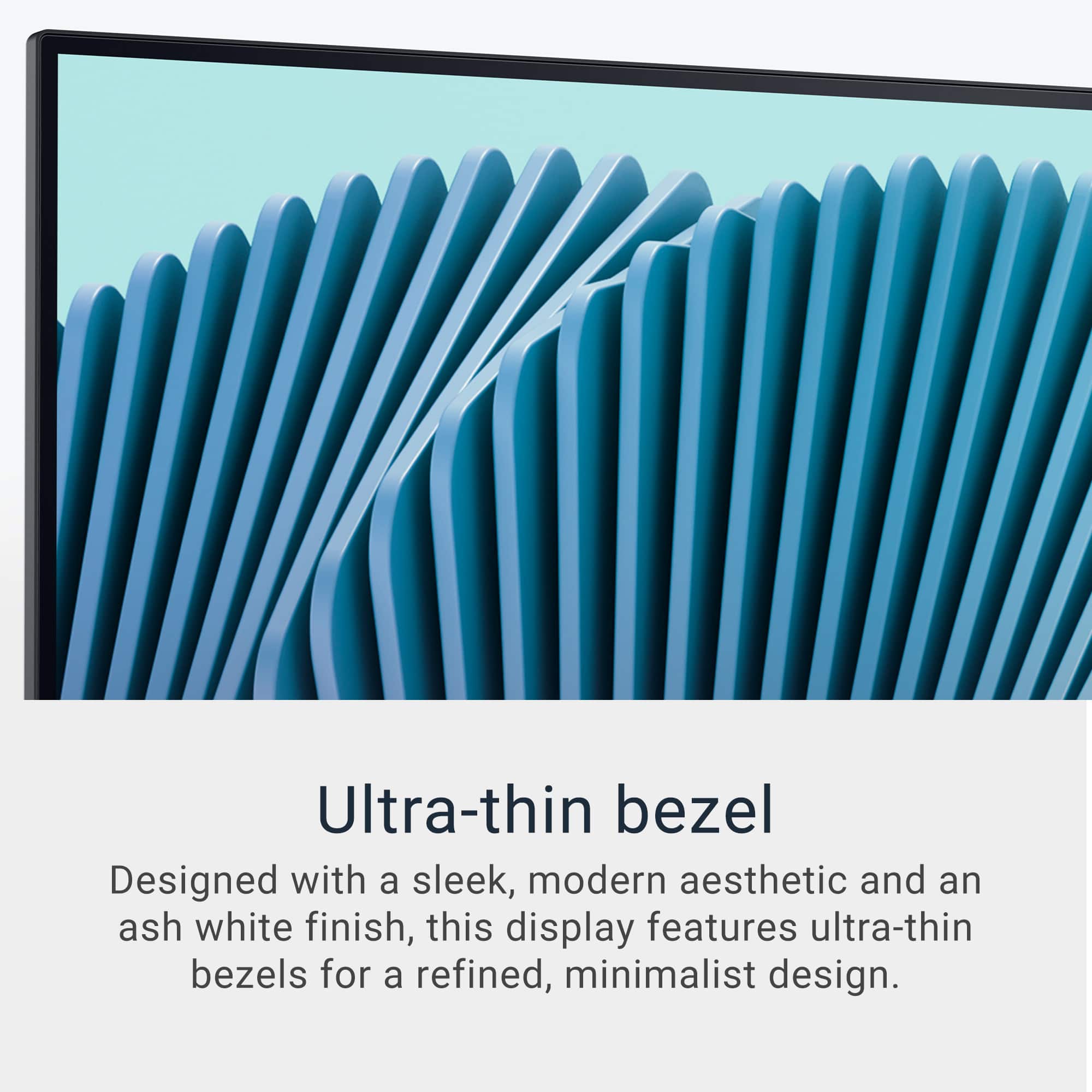
Right away I noticed the thin bezels, which really are appreciated more during actual display use. Overall the aesthetics are pleasing. It's a nice form factor with nothing too flashy.
Picture quality is excellent for office use, casual movie watching, or light gaming. True gamers might be left a little disappointed. Yes, it is 4K. Yes, it 120 Hz. Yes it is 8ms. All good things, but will this satisfy the hardcore gamer playing Control or Wukong? Probably not. However, for light gamers this could be the best of both worlds - a great little gaming display and an excellent monitor for the home computer.
Now I didn't say any of those things to throw shade at Dell or this display. This is a fantastic monitor. In fact, it has become just what I said. This is now pulling triple duty as a display for light gaming for my kiddo (think Crossy Roads), a monitor for their laptop, and a TV of sorts connected to their FireTV Stick 4K.
In my use I had this connected to a Samsung Galaxy Book 4 360 HDMI-HDMI, a MacBook Pro M1, and a MacBook Air M4. All had great results and work equally great. I also connected this to my Google TV Streamer 4K and the picture quality was excellent.
The built in speakers work surprisingly well. Actually better than I anticipated. Rather clear sound production with no hint of "tin can" reverb. Definitely more than you need for daily office use.
So what can I say. Depending on what you're intended use case is, this could be perfect. Home office, maybe some light gaming, and a bedroom tv to boot. Yes, this is fantastic. 1000% put this on your short list. Really, I think the only people who this will short for are the intense gamers looking for the lowest latency, highest refresh rate, with zero shadowing.
Overall, I love it. It more than fits my use case and is being used on the daily in my home.