Customer Ratings & Reviews
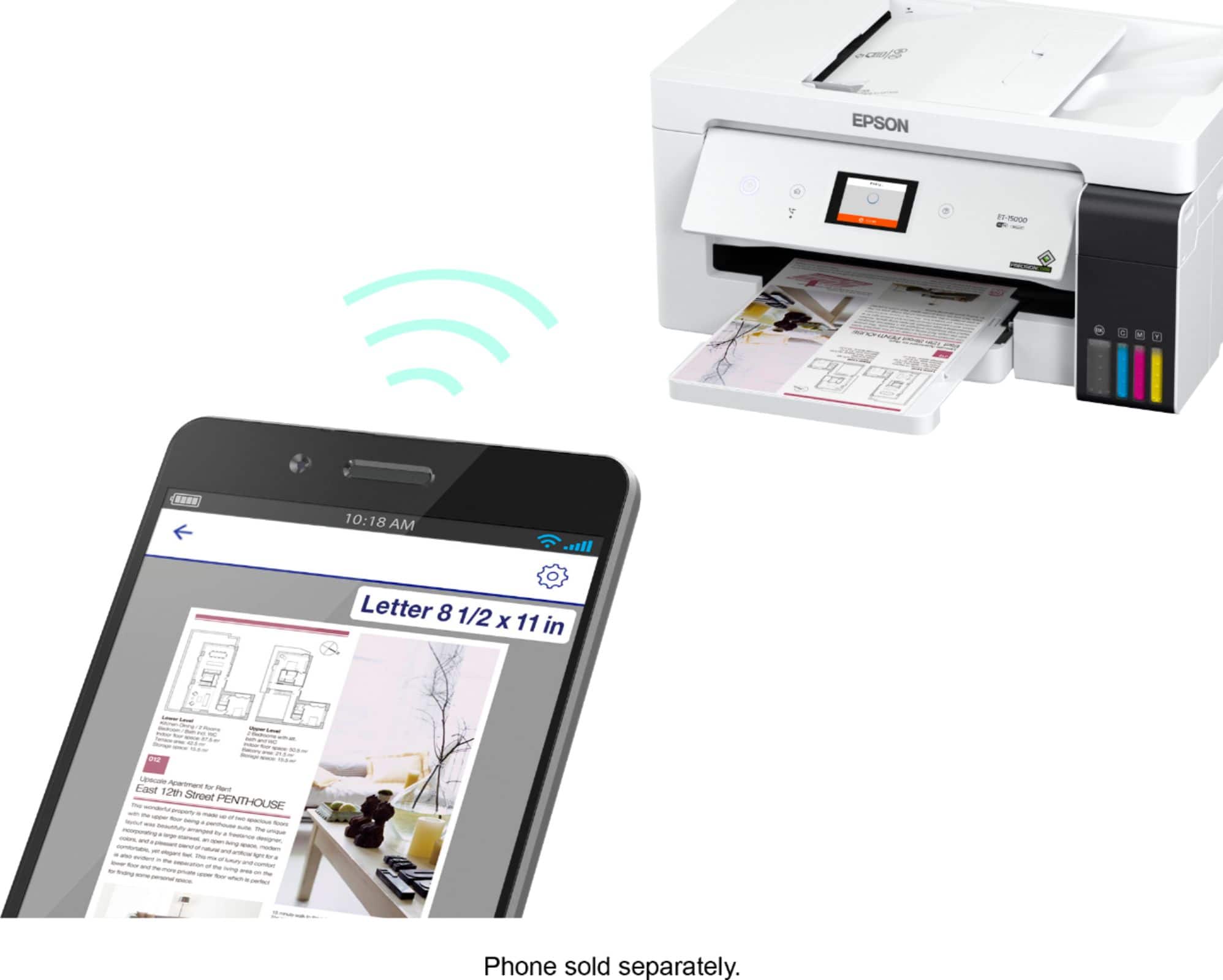
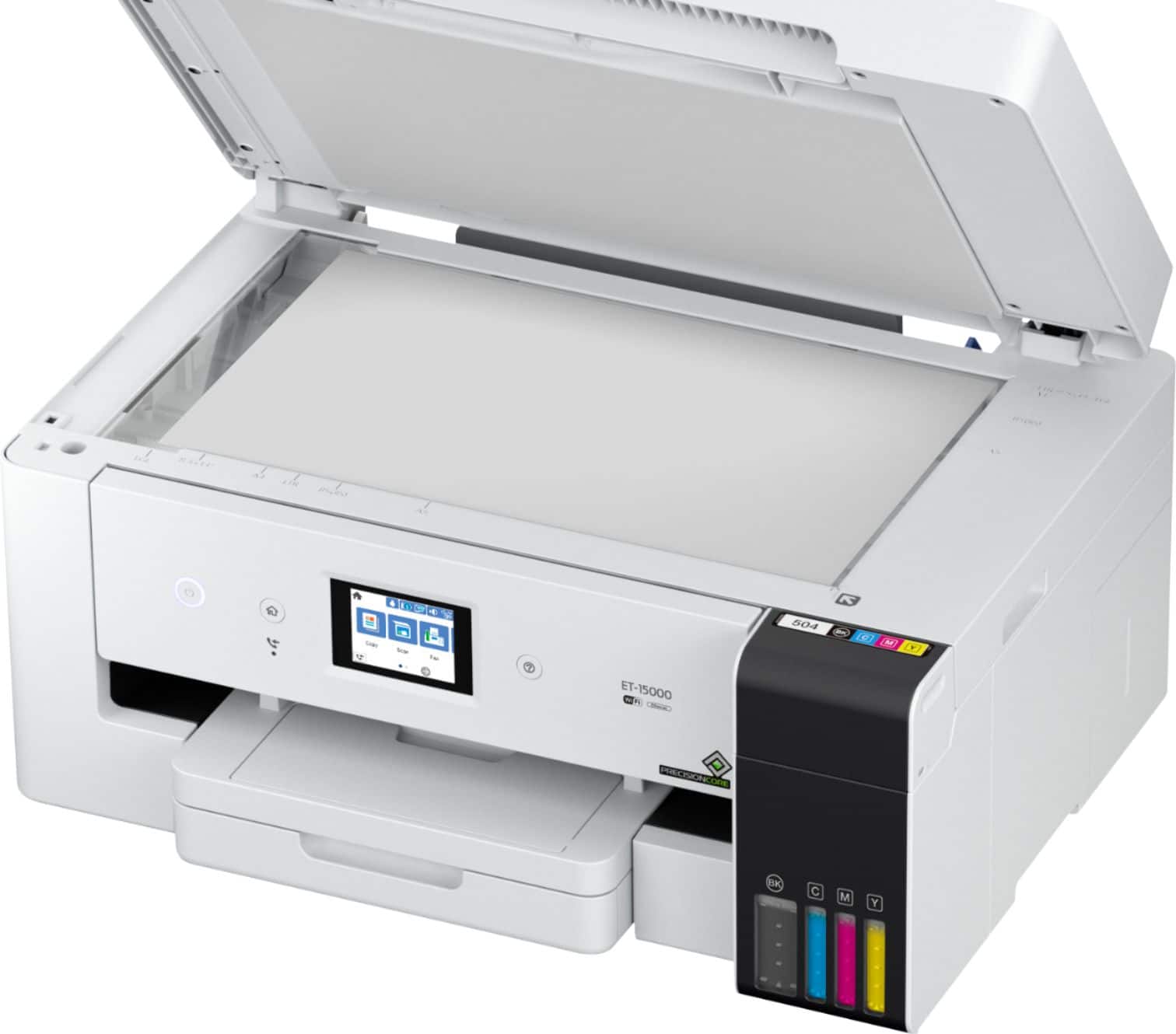
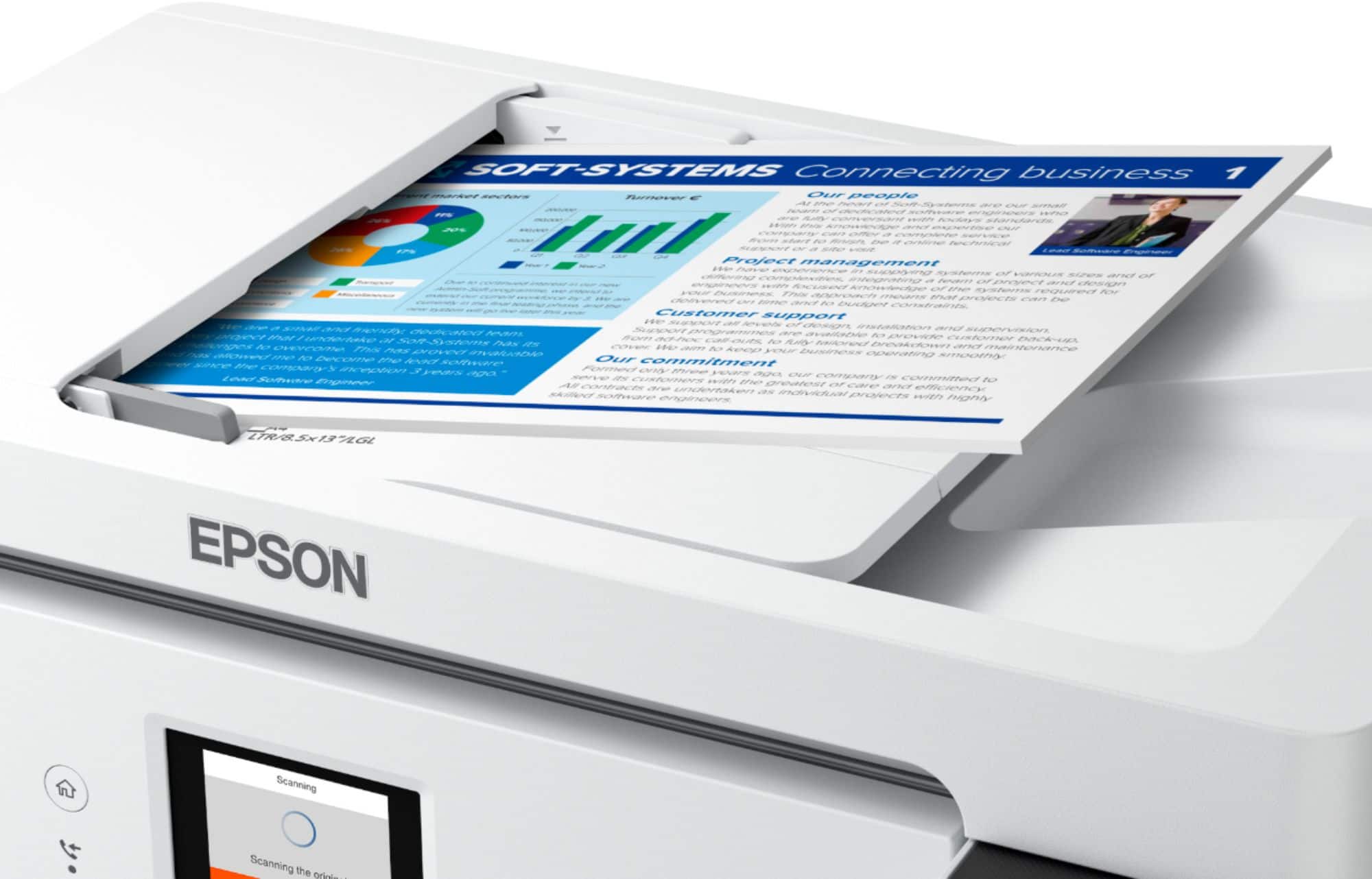
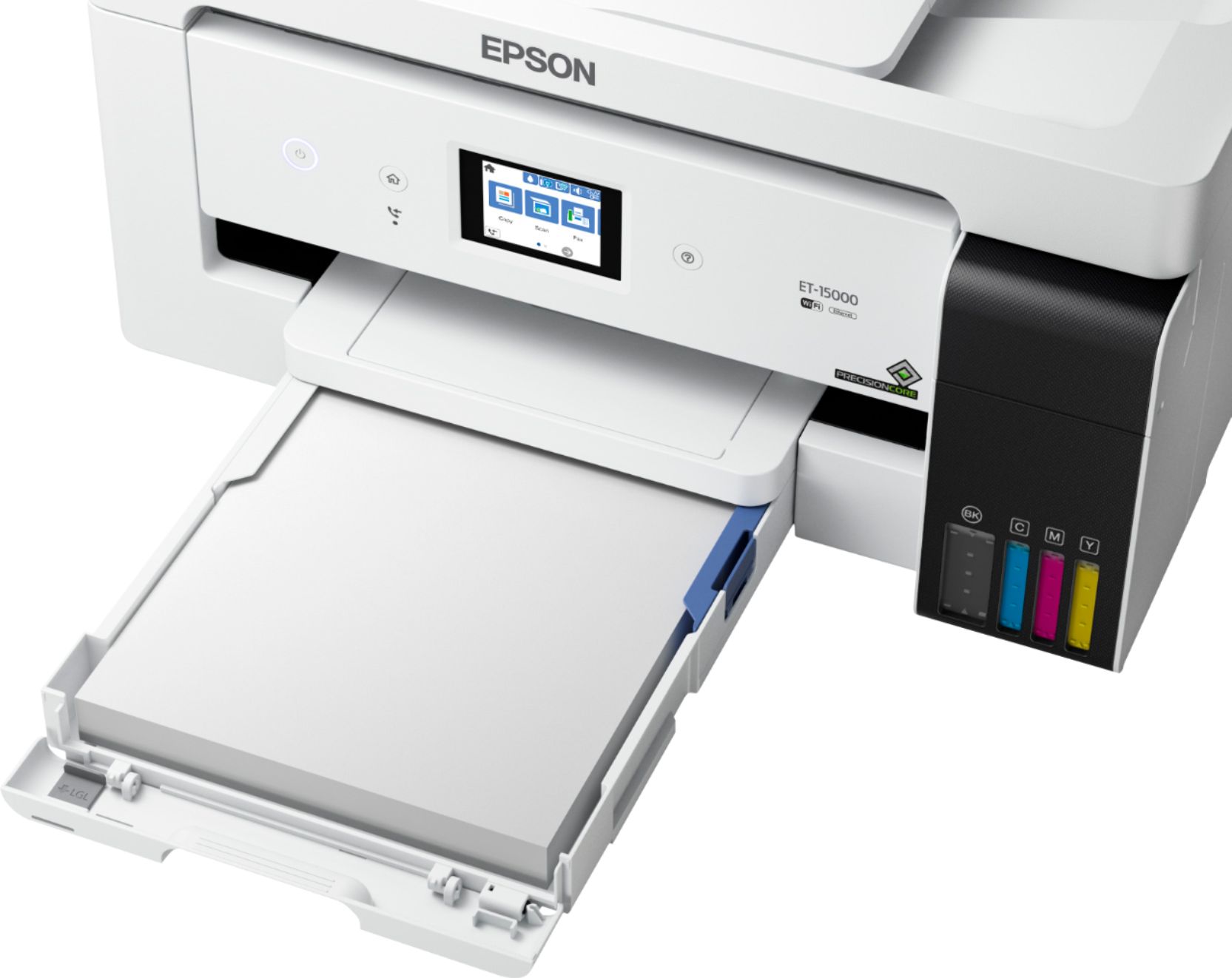
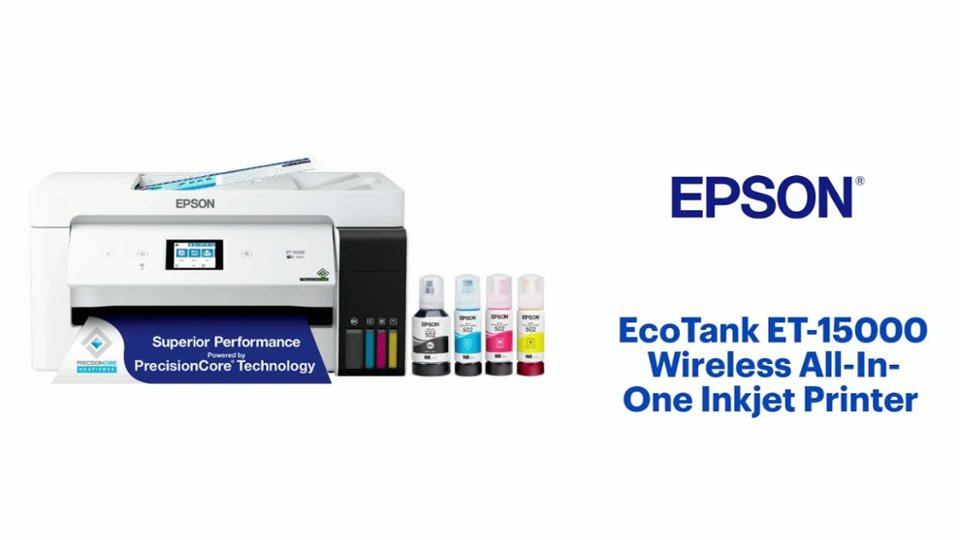
- Model:
- C11CH96201
- |
- SKU:
- 6397577
Customer reviews
Rating 4.6 out of 5 stars with 643 reviews
(643 customer reviews)Rating by feature
- Value4.6
Rating 4.6 out of 5 stars
- Quality4.6
Rating 4.6 out of 5 stars
- Ease of Use4.6
Rating 4.6 out of 5 stars
Customers are saying
Customers love the EcoTank ET-15000 printer for its excellent print quality and ease of use. Many find the overall performance better than expected, and the setup process is simple. While some users have experienced occasional paper jams, most find the noise level acceptable during operation.
This summary was generated by AI based on customer reviews.
Rated 4 out of 5 stars
I wish this printer was better.
||Posted . Owned for 2 months when reviewed.This reviewer received promo considerations or sweepstakes entry for writing a review.I gave this printer four stars because of only had it two months, and it's already giving me problems.
No, I would not recommend this to a friendRated 1 out of 5 stars
Horrible printer!
||Posted . Owned for 5 months when reviewed.This reviewer received promo considerations or sweepstakes entry for writing a review.This is the second Epson 15000 I get and again not when 6 months later it is not working! I’ve done maintenance on it I’ve replaced the cleaning cartridge twice! When it’s supposed to last a year. My black ink hasn’t been working for 2 months and I use my printer every single day! The black comes out so faded it is so frustrating! The same happened with my first one. I don’t understand all of the good reviews on this printer I use it for my small tshirt business and rely on it and honestly I can’t believe in less than a year I’ve spent close to $3000 on just these printers! It isn’t fair
No, I would not recommend this to a friendRated 5 out of 5 stars
Great all-in-one printer!
||Posted . Owned for 3 weeks when reviewed.This reviewer received promo considerations or sweepstakes entry for writing a review.This is our second Epson EcoTank all-in-one printer and it does not disappoint! We use this for our business and after just a little over a month of use it has been flawless! Highly recommend!
I would recommend this to a friendRated 1 out of 5 stars
Jams ADF broken-slow connections via wifi or usb!
||Posted . Owned for less than 1 week when reviewed.This reviewer received promo considerations or sweepstakes entry for writing a review.When one buys an $800 printer you expect the best in quality. This was the first time ive bought an Epson printer. I usually buy HP printers and now i regret buying the Epson one. First, it was very difficult to connect to my wifi. It refused to connect and finally through much stuggle it finally did. The connection was slow. It took FOREVER to scan documents or even to print documents via wifi took a long time for it to receive. I tried connecting the printer directly via usb and the speed did not change. Second, i was trying to scan some documents using the ADF and the printer came back with a jammed document error. I lifted the cover the the document feeder wheen was in pieces. The $800 printer is made cheep and I definitely will not buy an Epson again! Im returning this printer today. I hope best buy will take it back without issue.
No, I would not recommend this to a friendRated 5 out of 5 stars
Recommended
||Posted . Owned for 3 weeks when reviewed.This reviewer received promo considerations or sweepstakes entry for writing a review.Works great! Started my businenss and i have no issue or anything setting up my printer!
I would recommend this to a friendRated 5 out of 5 stars
Hobbyists
||Posted . Owned for 1 month when reviewed.This reviewer received promo considerations or sweepstakes entry for writing a review.AT THE BEGINNING OF USING THIS PRINTER IT STOP PRINTING BUT I FIXED IT. WASN'T PRINTING IN COLOR
I would recommend this to a friend- Pros mentioned:Ease of use, Print quality, Setup
Rated 4 out of 5 stars
Great quality and features!
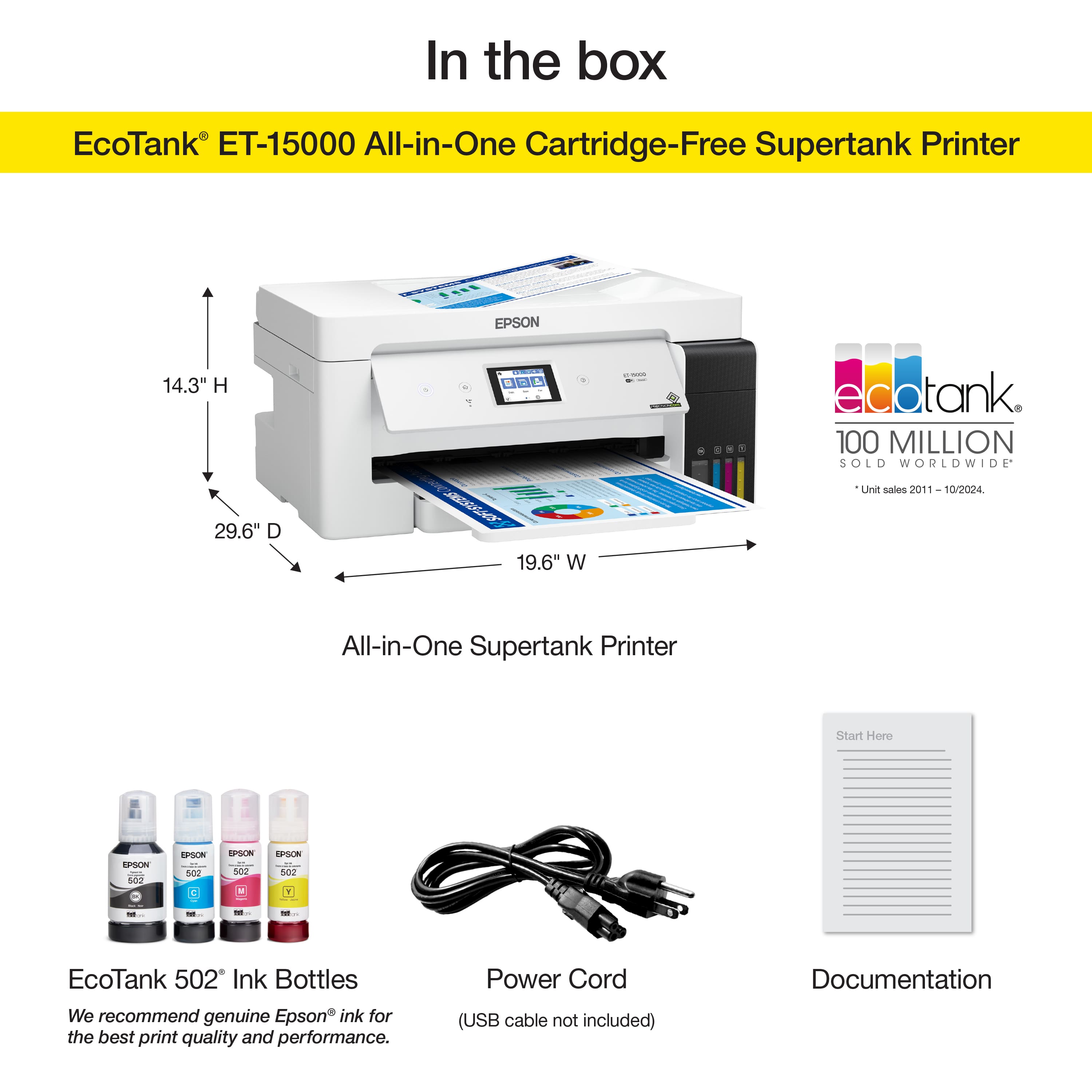
Posted .This reviewer received promo considerations or sweepstakes entry for writing a review.Epson EcoTank 8550 is made for those who are in photography or does crafts daily in their home regularly. Ecotank 8550 is a wireless, All in one printer, with great lab-quality, wide format color photos with graphics and everyday documents. After unboxing and removing all the protective tape in and out of the printer. The instructions that were given were very detailed with pictures. The setup option I used was downloading the IOS app and connecting through Bluetooth and WiFi connection. Never have I ever, had to set anything up so easy and fast! The other option of setting up the printer was using the CD/Documents it came with. For those who are setting up using Windows desktop/laptop. This printer comes with individual ink, which fills up on its own. It comes with 6 individual colors using ET Premium ink that delivers vibrant colors and sharp text for all creative projects. Each ink bottle will last for about 2 years, until needing a new one. The photo will print out a borderless photo up to 13”x 19”. Printer includes USB/SD memory card slot. 4”x3” color touchscreen with an intergraded high-resolution scanner. Epson EcoTank weighs about 31 lbs with a dimension of 26 x 18 x 10.1 inches long. The quality of the photos are amazing! But it does print out a little slower than other printers. I’d definitely recommend EcoTank to people who have a bigger space in their home, people who love photography and print daily. This would save a lot of money, knowing you’re printing in your own home. Overall, I love this printer! It could speed up a little more if I could change the speed per print. I’m in love either way! So glad I got my hands on this great printer! Videos will be included at the end of my review. This is a review for the Epson EcoTank Photo ET-8550 Wireless Printer that I received free of charge to do a beta test and review.
I would recommend this to a friend - Pros mentioned:Overall performance, Print quality, Setup
Rated 5 out of 5 stars
Excellent printer and even better if on sale
||Posted .This reviewer received promo considerations or sweepstakes entry for writing a review.Great printer with excellent features for business and personal use. Wide formats are a huge benefit, along with dual sided printing, fax and scan features. Only complain is that the paper jams on the back roller sometimes, when it feeds from the paper tray, but easily cleared and doesn't happen often. Huge ink tanks save a lot of money. Print quantity is excellent also. I find this printer was easy to set up and use and you can setup to send anything to it though a custom email address that the setup program helps you with.
I would recommend this to a friend - Pros mentioned:Ease of use, Print quality, Setup
Rated 5 out of 5 stars
New printer
||Posted .This reviewer received promo considerations or sweepstakes entry for writing a review.I love this printer it was easy to setup and I can print larger sizes the print quality is good
I would recommend this to a friend - Pros mentioned:Overall performance, Print quality
Rated 4 out of 5 stars
Printer set up is a pain in the $^##%!!
||Posted . Owned for 2 weeks when reviewed.This reviewer received promo considerations or sweepstakes entry for writing a review.I have two other ET Epson Printers bought a few years back and have not had any issues with them whatsoever except for the setup. Evidently this is a common issue because it's still an pain in the buttock. First issue upon unboxing - no instructions or quick setup guide. Fortunately, I've had experience with these printers before and went to Epson for software and firmware updates. After deciding what bloatware NOT to install, I proceeded with the setup. Let's just say the hour it took me to set up the network portion and to have a reliable connection was less than desirable. One thing I have noted for you Microsoft Extortion users (EXECL) printing your sheets maybe problematic as it don't like the ET-15000. Everything prints fine on the ET-4750 I have. Other reviews have indicated a reconnectivity issue with the printer not being recognized after it has been off for a period of time. So far I have not experienced this issue. Eventually I did get this contraption set up and it's working, no thanks to the setup procedures. Printer quality and paper handling options with the different and oversized documents was the main reason for purchasing for genealogy research and digitization. I've been very pleased with the Epson printer, so if purchasing, be prepared for a frustrating and redundant exercise in futility in the set up process. Otherwise, this is a great printer - good luck and have plenty of coffee!
I would recommend this to a friend - Pros mentioned:Ease of use, Print quality, Size
Rated 5 out of 5 stars
Great addition to my office, I highly recommend
Posted .This reviewer received promo considerations or sweepstakes entry for writing a review.I've only had this printer for less than a week, it seems very reliable and efficient. It took me about 1.5 hrs to set-up the printer, this includes unboxing/wrapping, connection setup, firmware updates and epson connect (which is the best). The directions for setting it up given with the printer are very well put together and easy to follow. It is easy to print, copy and scan (all-in-1, I haven't tried to fax yet). The touchscreen control panel is a great plus and very user-friendly. It is perfect size for my home office and looks very compact and latest tech. I love the features of Espon connect where I can print attachments from anywhere by sending an e-mail. This is a review for the Epson EcoTank ET-15000 Wireless Printer that I received free of charge to do a beta test and review.
I would recommend this to a friend - Pros mentioned:Ease of use, Print quality, Setup
Rated 5 out of 5 stars
Great Printer
||Posted .This reviewer received promo considerations or sweepstakes entry for writing a review.This printer is everything and then some. Easy set up and ink fill. I didn't use it for a couple weeks and was afraid the ink dried up and ruined the print head. Nope. Just ran a quick print head clean and it worked beautifully. The colors are vivid and works great for sublimation.
I would recommend this to a friend - Pros mentioned:Ease of use, Print quality, SetupCons mentioned:Paper jam
Rated 5 out of 5 stars
Great Purchase!
||Posted . Owned for 1 month when reviewed.This reviewer received promo considerations or sweepstakes entry for writing a review.I am very happy with this printer. Setup was a breeze. I love the idea of ditching the old ink / toner cartridges. The ink wells fill up without a mess. The machine prints beautifully and is very easy to use. The printer prints on two sides of the paper, which is a great feature. The touchscreen is my favorite feature! I don't use the fax, so I can't comment on that function, Scanning is convenient with the choice of feeding tray or flatbed. I haven't used the rear paper feed yet. Unfortunately, I have had a couple of paper jams where I had to open the back panel to remove the paper. It was an easy fix. I am very pleased with my purchase and recommend the printer to anyone looking for a 4 in one.
I would recommend this to a friend - Pros mentioned:Print qualityCons mentioned:Paper jam
Rated 4 out of 5 stars
Huge ink tank, lightning speed printing
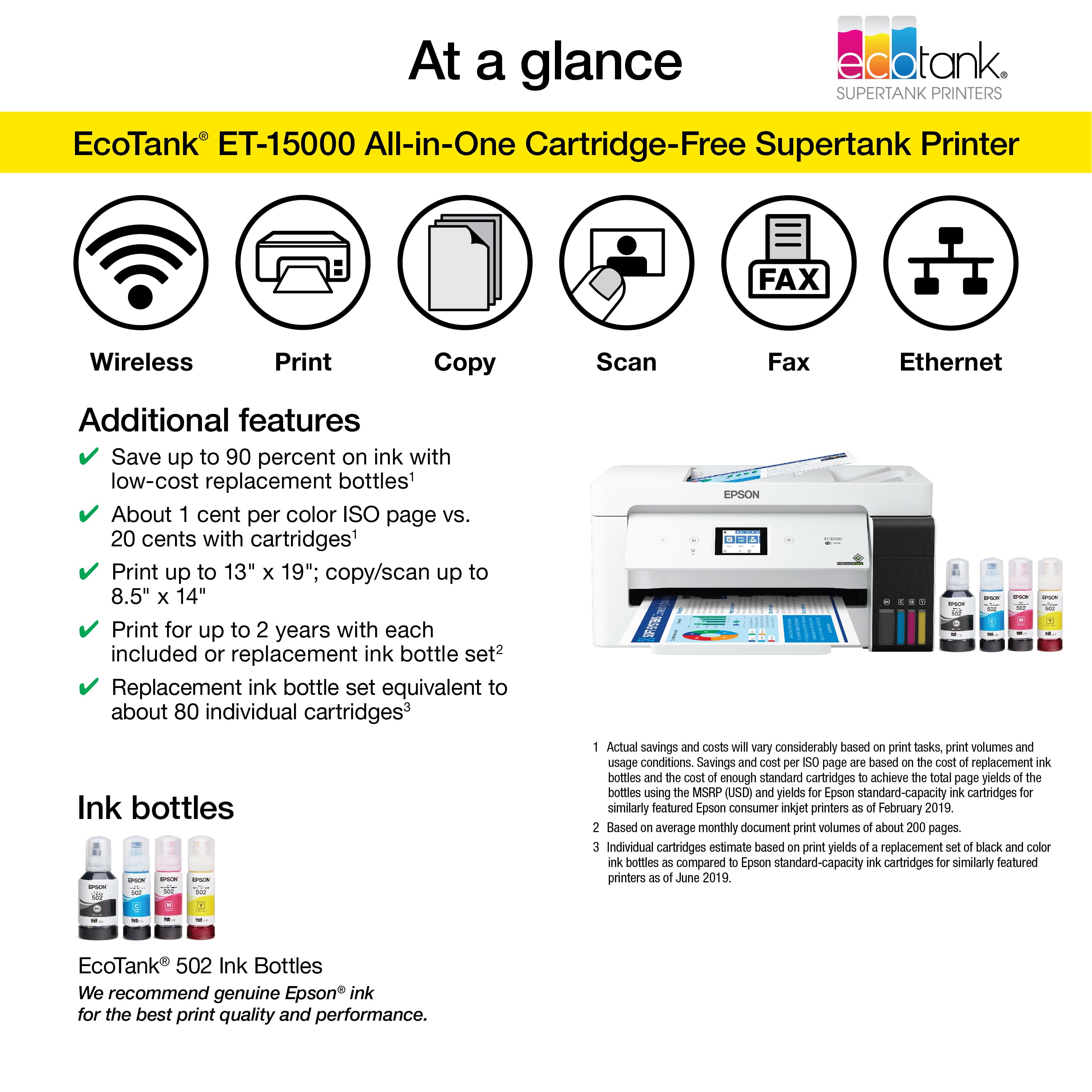
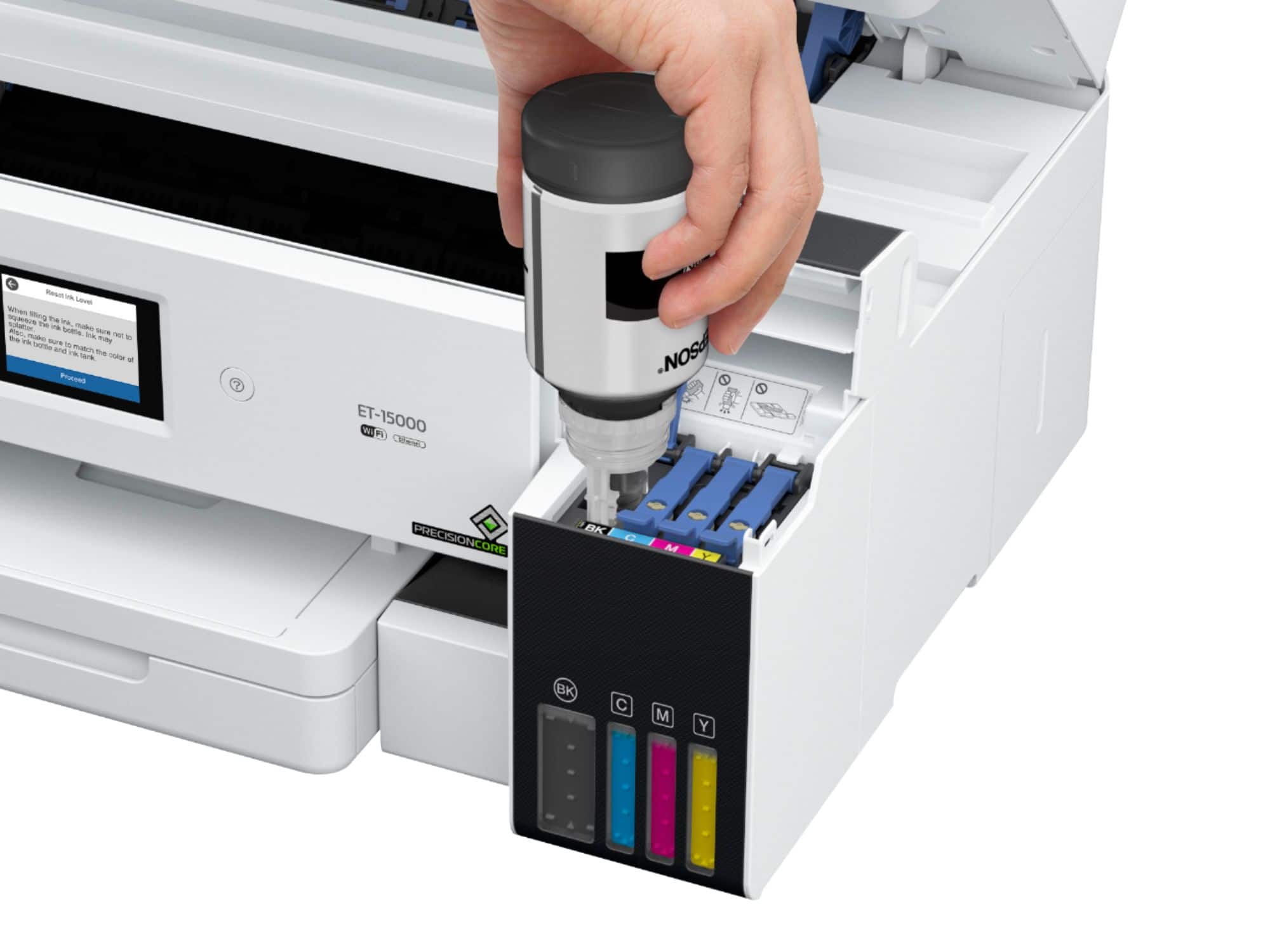
Posted .This reviewer received promo considerations or sweepstakes entry for writing a review.Pros: Super fast printing Huge ink tank Ultra easy ink reloading Easy to register Gives you an email address to print from anywhere Easy to reload paper Cons: Touschscreen is small and can cause accidental clicks Paper jammed for me a couple times using bottom loader The Epson EcoTank ET-15000 is great for all kinds of users, set up was simple, prints extremely fast, super easy to load ink and ink tanks are huge, and the touchscreen is easy to navigate. I had a ton of fun loading the ink tanks on this printer, you just open up the ink bottle and it in to the color correlated ink tank and it fills all on its own and stops by itself. Also, the ink tank is huge, and has a convenient window to see all the different colors of ink so you can tell what is getting low. the printer claims it can print up to 6000 color pages, or 7000 black pages on just the included ink bottles alone, which is just amazing. The registration was easy but I hit one snag with my virus protection trying to block the installation so I suggest a new user of this product to pause their virus protection software temporarily. I love that the printer has an email address so that me or my husband can print from anywhere, it's such a cool feature! You will receive an email after registering your printer that has your printer's personal email address on it as well as the printer will print a page with the info on it, so be sure to save the email. The touchscreen is cool and I love how easy it is to navigate through the menus on the screen. I found the touchscreen to be a little small though, and I had a few accidental clicks that were slightly frustrating. I came across a snag when trying to print using the bottom paper cassette, I had a couple paper jams that were somewhat difficult to fix but once I moved the paper to the back loader I was able to print without any jams whatsoever. This printer prints documents super-fast. I tested it by printing a few regular test pages of different documents and a few worksheets for my preschool age daughter and they all printed at lightning speed. After installing the software, my phone easily picked up the printer so I could print from my phone as well. The scanner scans clear copies of documents and is easy to find in my computer. Despite one or two small hiccups, this printer is an amazing addition to any home and will make printing work documents, personal documents, worksheets for the kids, etc a breeze. The huge ink tank will ensure you don't have to order ink for a very long time and reduce a lot of waste. This is a review for the Epson EcoTank ET-15000 Wireless Printer that I received free of charge to do a beta test and review.
I would recommend this to a friend - Pros mentioned:Print quality
Rated 5 out of 5 stars
All in one printer for the win
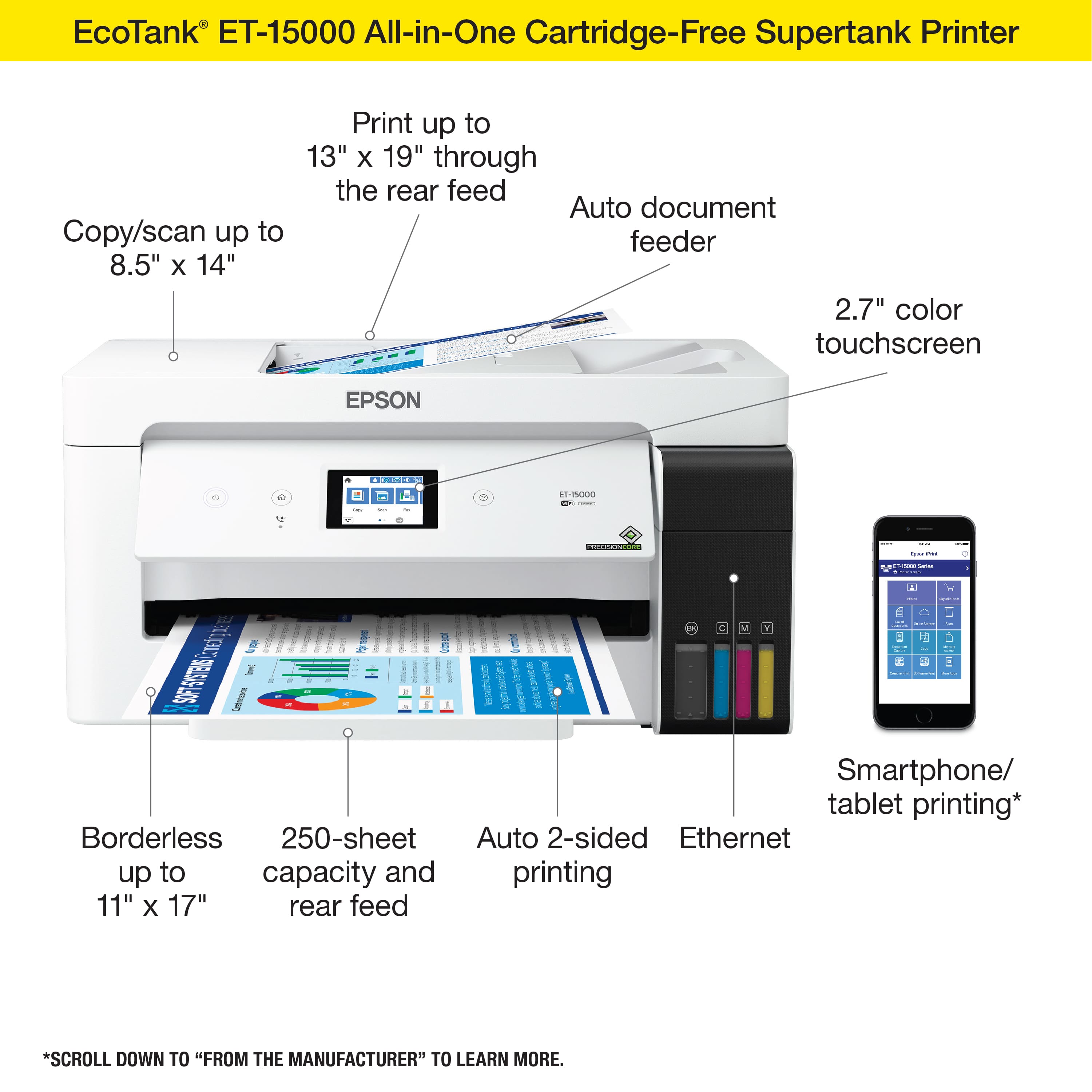
||Posted . Owned for 2 weeks when reviewed.This reviewer received promo considerations or sweepstakes entry for writing a review.Great multifunctional printer that can do it all. It copies, scans, prints and fax for home or office. It can print up to 13x19 which is a plus. With it's Eco Tank you will save on ink. WIFI wireless connection makes it easy to connect along with the app. Definitely recommend this printer for all of your needs.
I would recommend this to a friend - Pros mentioned:Ease of use, Print quality
Rated 5 out of 5 stars
Perfect for home use
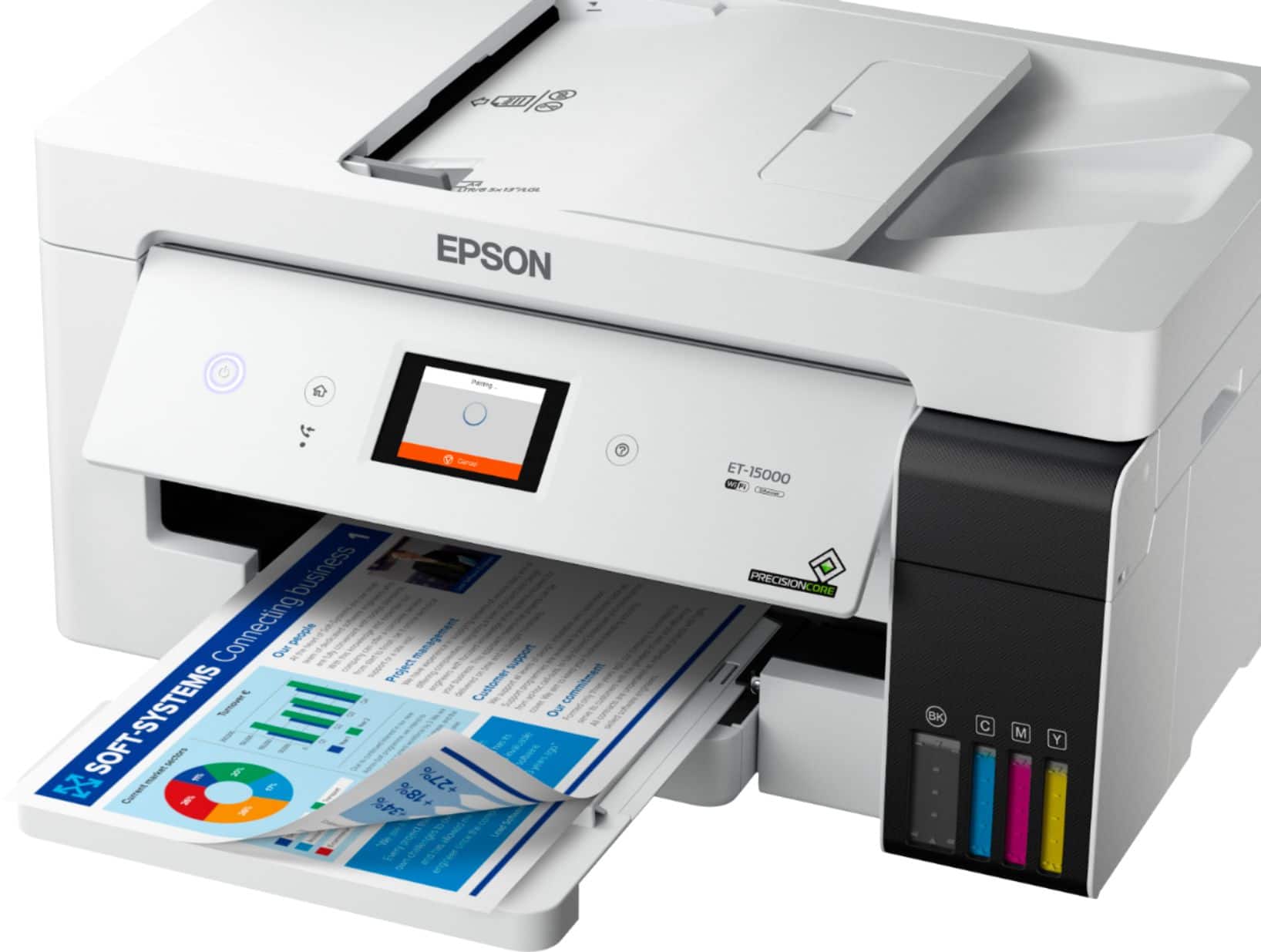
Posted .This reviewer received promo considerations or sweepstakes entry for writing a review.Pros The Epson ET-15000 printer is an easy to use printer which makes it perfect for families or home offices. It comes with enough ink to print thousands of pages. The ink tanks are large and easy to fill. You can add paper through three ways: front tray, rear paper feed or automatic feeder. You can print wirelessly, connected through cable and from your phone. It even has voice activating printing! Moreover, the print quality is amazing. Look at the photo attached of a photograph which I printed from my iPhone (via AirPrint). The printer also features a small colored screen which makes scanning, faxing and settings easy to work with. Cons The printer was easy to install however it did take around 1 hour. The printer has an average printing speed for double sided printing compared to other home printers but is slower compared than commercial printers. Also, the printer is big and a little bulky. This is a review for the Epson EcoTank ET-15000 Wireless Printer that I received free of charge to do a beta test and review.
I would recommend this to a friend - Pros mentioned:Ease of use, Print quality
Rated 5 out of 5 stars
Mighty machine, more than a printer
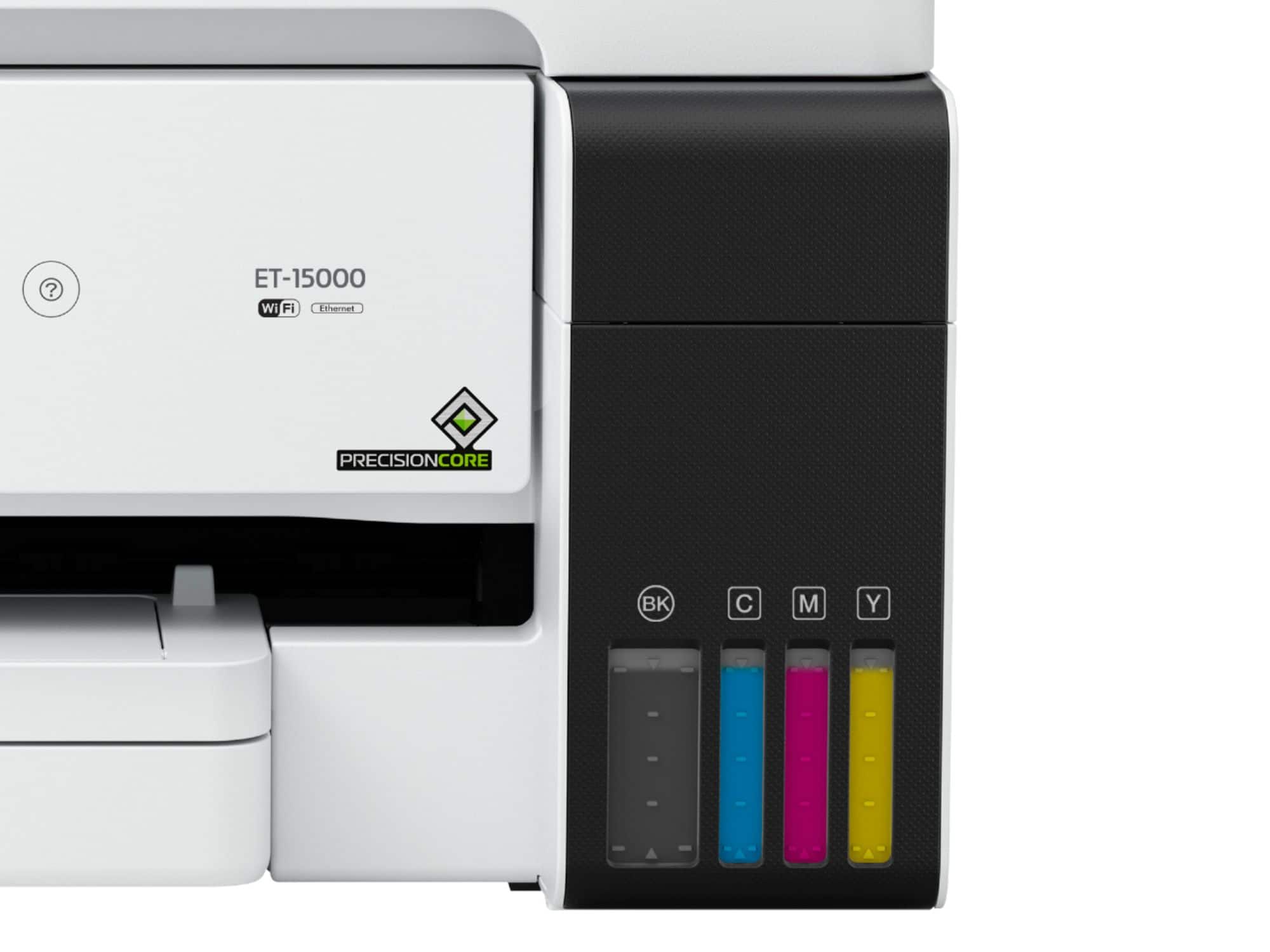
Posted .This reviewer received promo considerations or sweepstakes entry for writing a review.Received my new Epson ET 15000 a few days ago and had to resist my impulse to get it out of the box while the package sat in “quarantine” for 72 hours in my garage to minimize potential covid-19 contamination. Past safety measures, the machine (it’s way more than a printer!) was very easy and quick to set up, just a few minutes. We liked the fact the ink bottles are uniquely keyed to make sure each bottle empties in the correct color tank which prevents spills and stains; all clean and precise. Also kudos for the see-through ink tanks that let us view toner levels. Wi-Fi took a second attempt to link to the router but it has been working ever since. We have been scanning, emailing and printing docs that come through with high quality and resolution. We for sure will use the printer more since the stay-home guidance has been extended. This is a great product that operates smoothly and quietly. This is a review for the Epson Eco Tank 15000 Wireless printer that I received free of charge to do a beta test and review.
I would recommend this to a friend - Pros mentioned:Print quality, Setup
Rated 4 out of 5 stars
Great printer
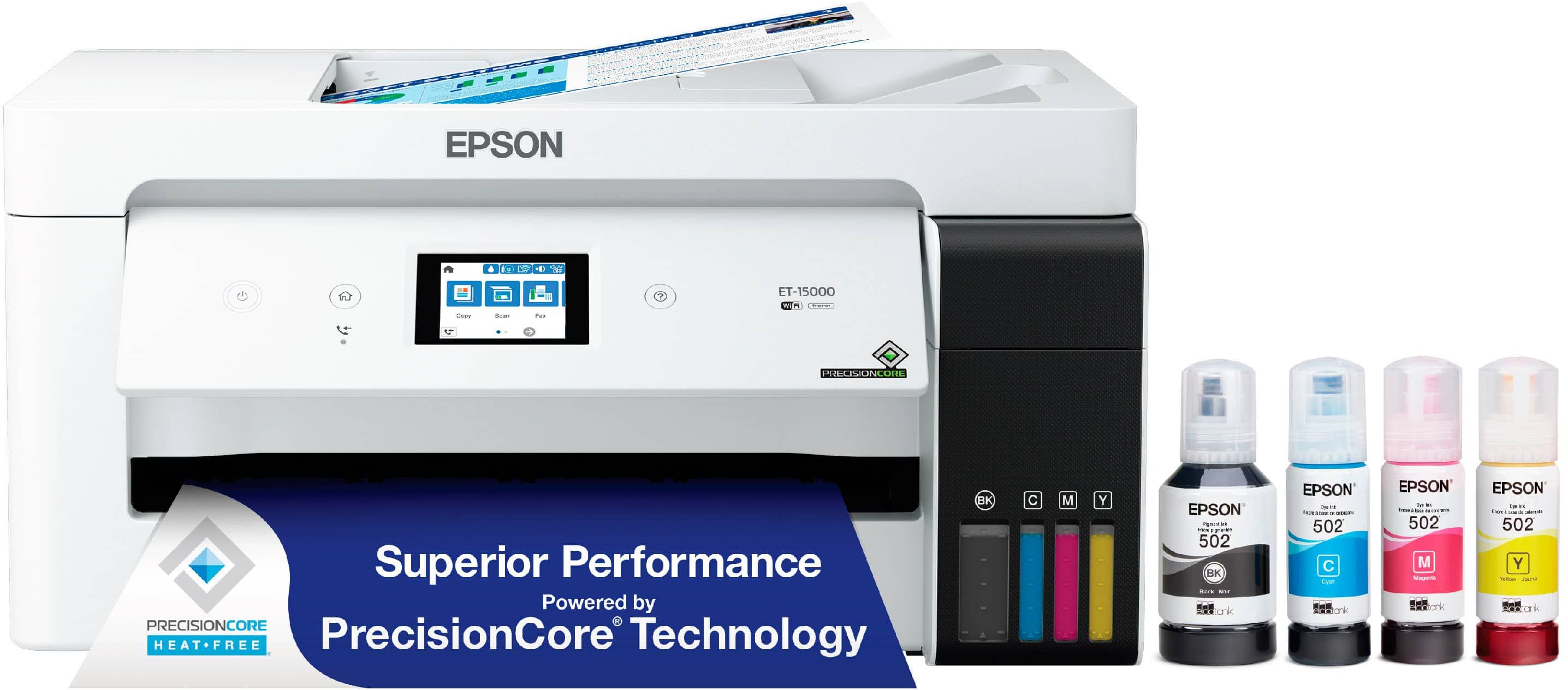
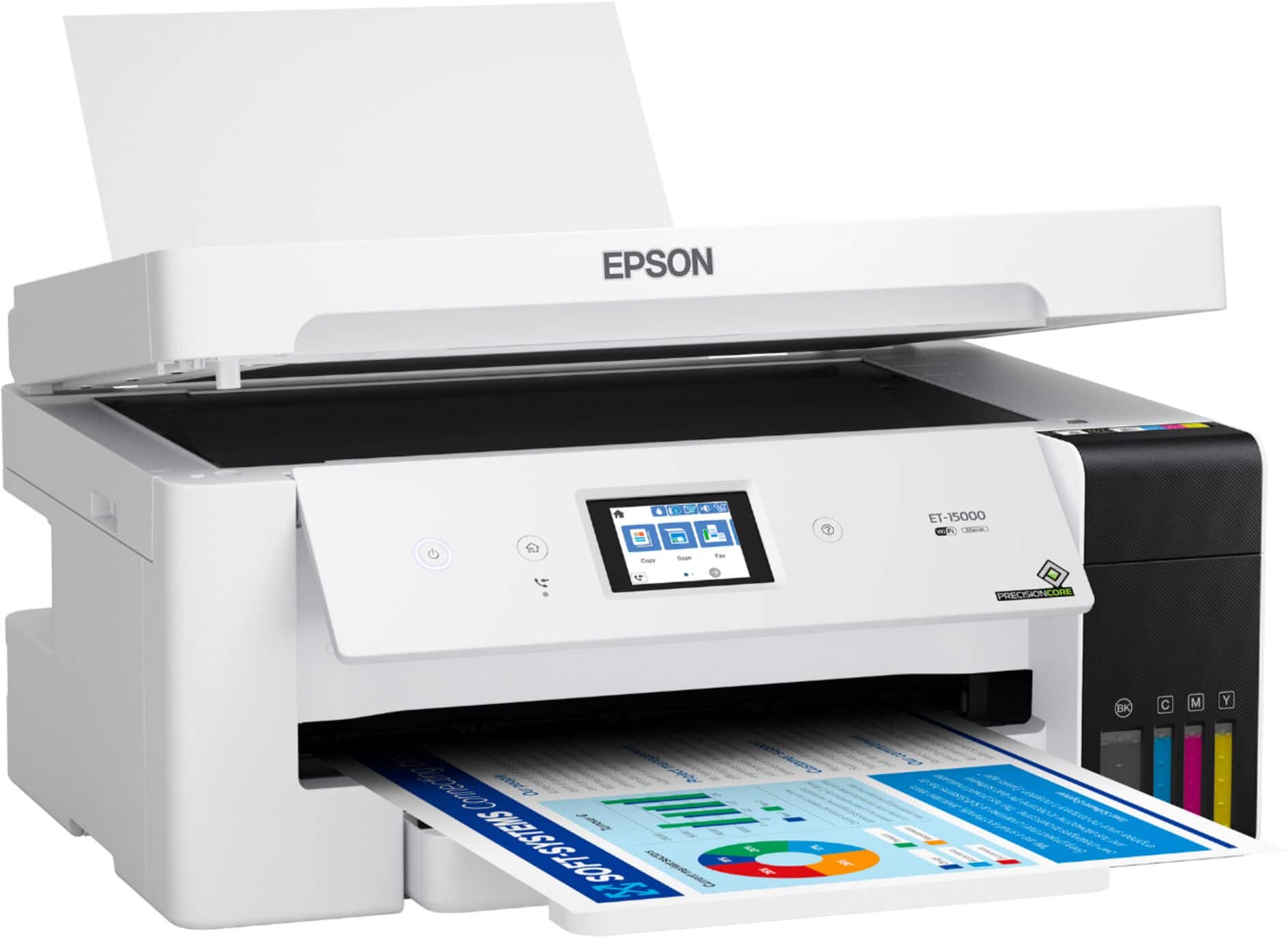
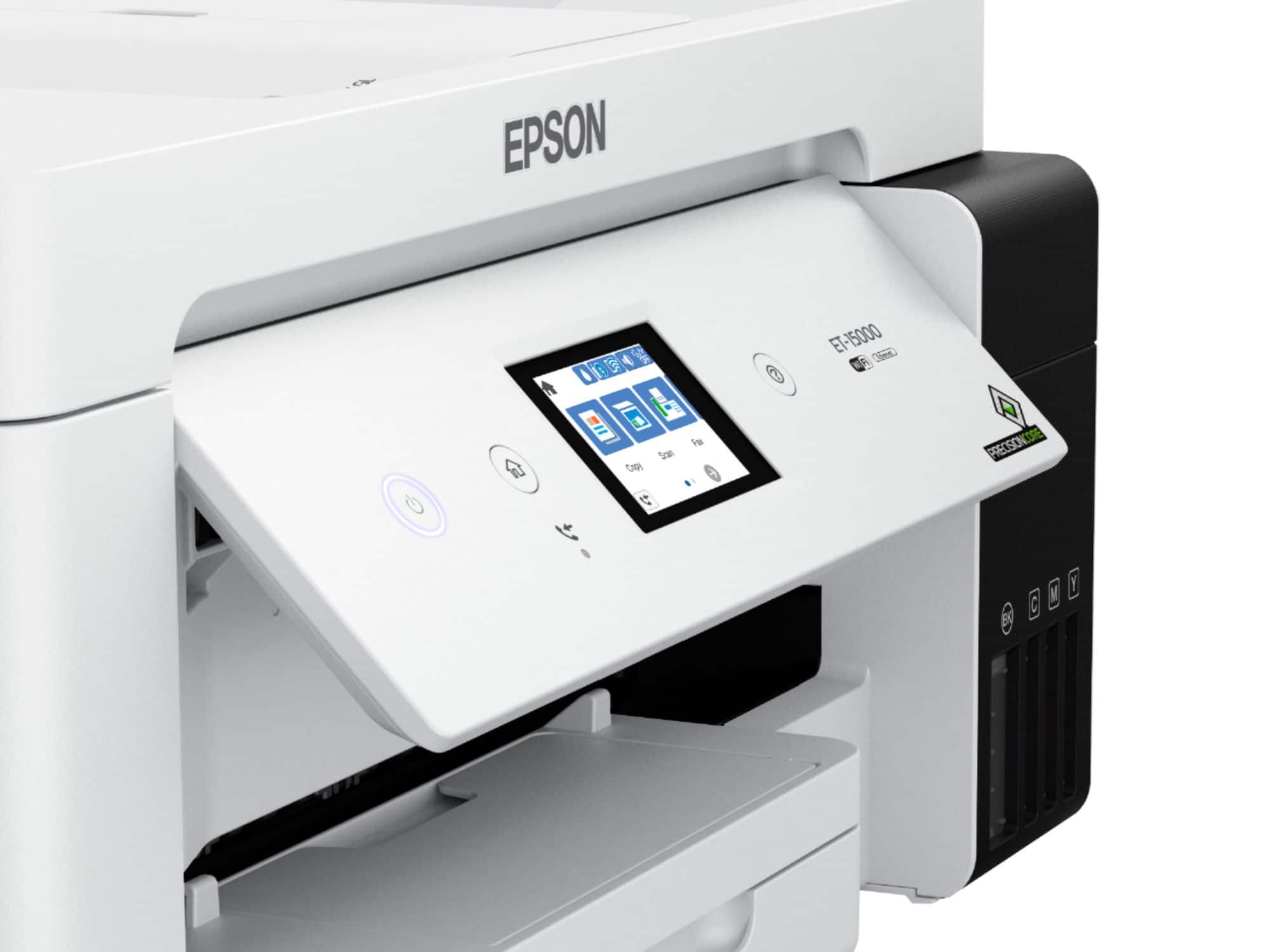
Posted .This reviewer received promo considerations or sweepstakes entry for writing a review.I really am enjoying this new Epson EcoTank Printer. Setting it up was very easy. The liquid ink comes in 4 colors black, cyan, magenta, and yellow. There's a safety top on each color to prevent accidental spilling. It fits perfectly. I didn't like the fact that my printer doesn't have the color coding like how you see it on the website. Mine is just black. The start button is big and lighted. The touch screen is 2.7 inches which us big enough to see everything on the screen. I like that it can hold up to 250 sheets of paper. It can print double sided as well. The printer allows you print in different sheet sizes also. Setting the printer up for wifi printing proved to be a little difficult. It took about an hour to my computer to set up with the printer. I finally got it to print and the prints were perfect. One thing that's weird is, when the print comes out face up, it snatches it back then pushes it out face down, like its copying on both sides when it's not. I checked to make sure that I didnt have it copying on both sides. Last issue I have, my computer keeps saying that there is no paper in the printer when clearly there is, but it still prints anyway. It's a great printer and I'm enjoying printing and copying, I haven't faxed yet, but I will soon. “This is a review for the Epson EcoTank ET-15000 Wireless Printer that I received free of charge to do a beta test and review.”
I would recommend this to a friend - Pros mentioned:Ease of use, Print quality, Setup
Rated 5 out of 5 stars
Great printer
||Posted . Owned for 2 months when reviewed.This reviewer received promo considerations or sweepstakes entry for writing a review.Great printer, easy to set up and install. Prints beautifully. Very satisfied with printer and associate who answered my questions in store.
I would recommend this to a friend - Pros mentioned:Ease of use, Print quality
Rated 5 out of 5 stars
Easier than what others had said.
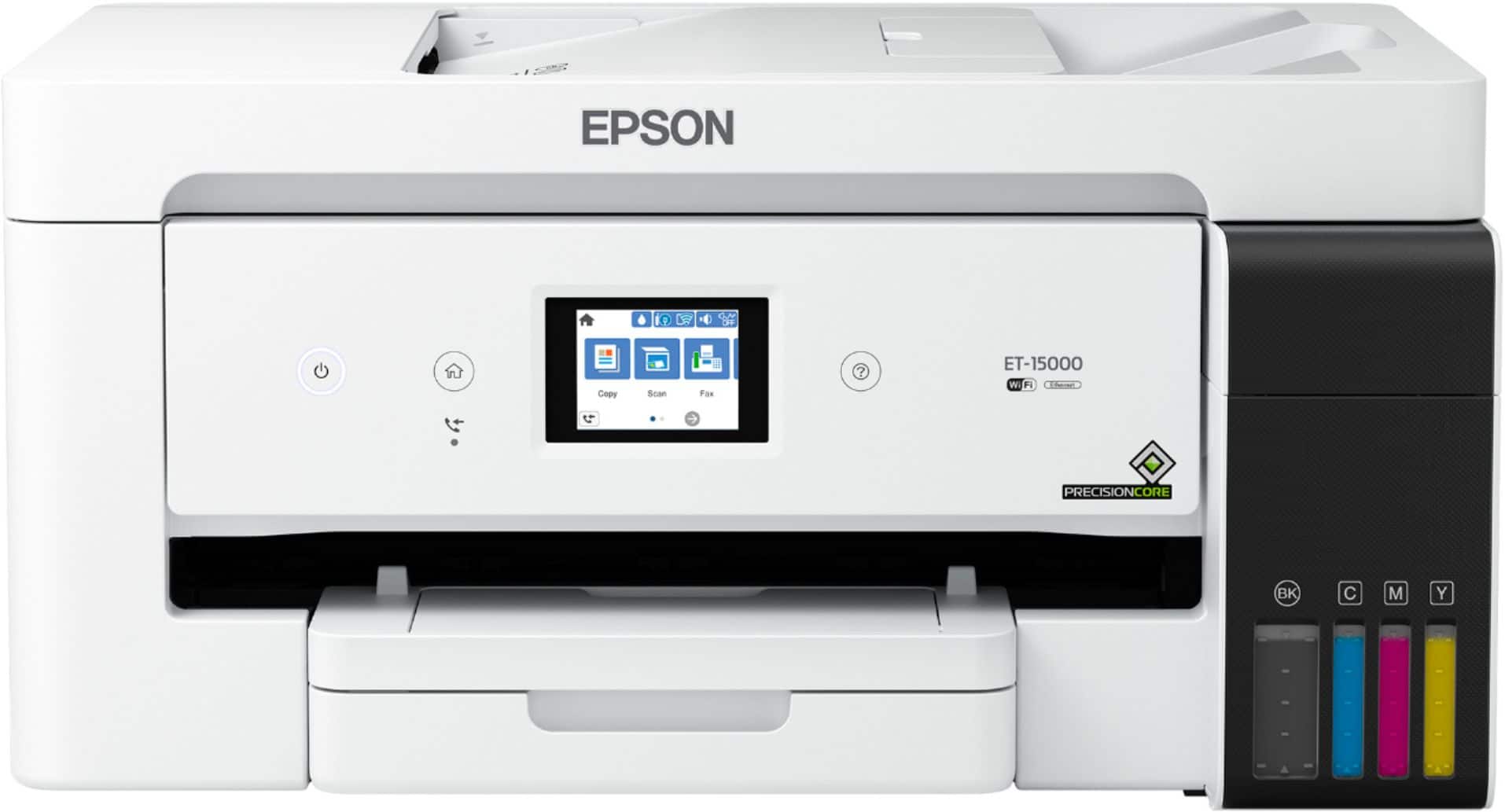
Posted .This reviewer received promo considerations or sweepstakes entry for writing a review.It was very easy to setup. It is versatile with the multiple paper trays. We use one for average unimportant paperwork and the other as a higher quality print option for items to be saved or photos. It is bigger than our last HP but looks like a machine, not a thin cheap piece of plastic meant for a one time use then throw it away deal.
I would recommend this to a friend