Customer Ratings & Reviews
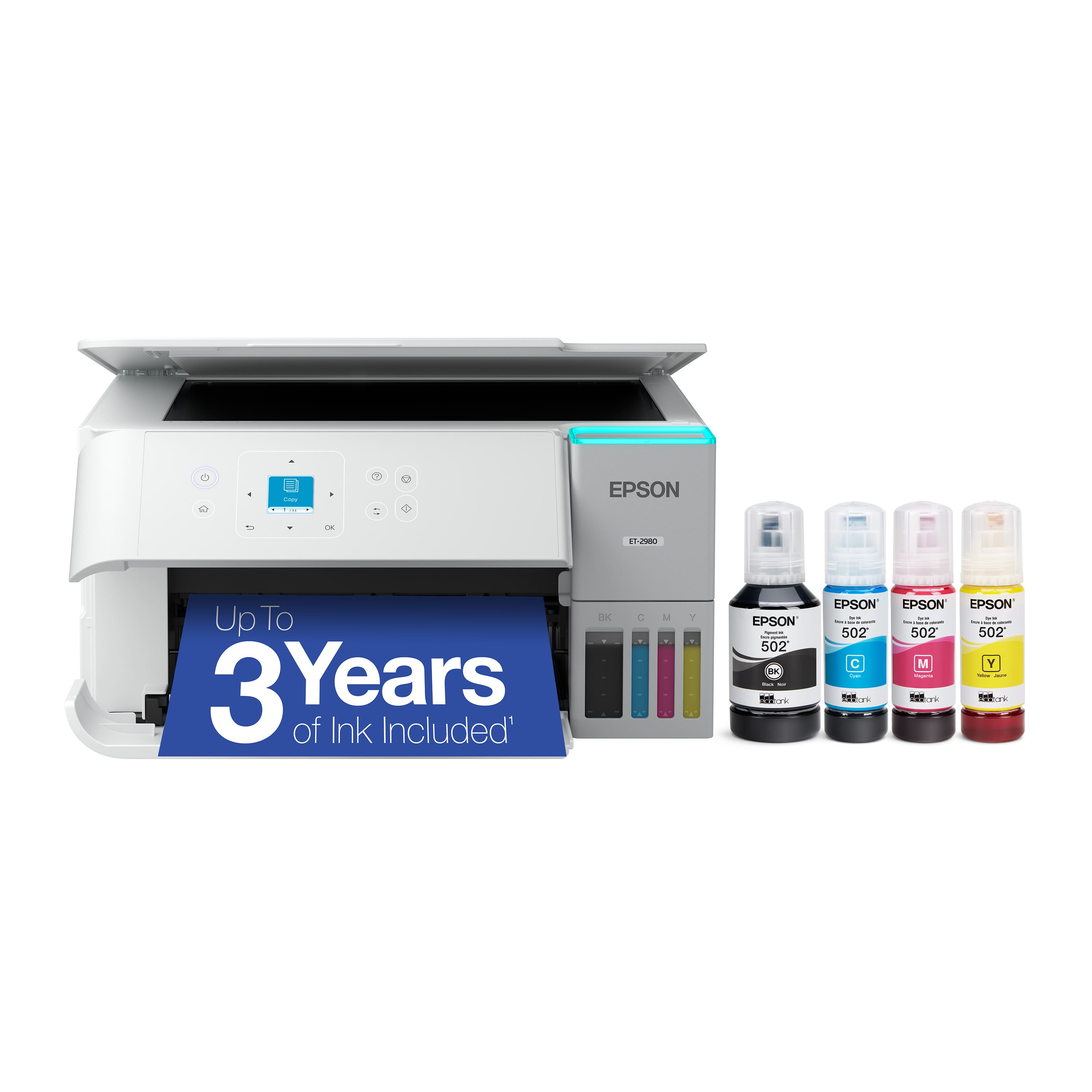
- Model:
- C11CL41202
- SKU:
- 6621251
Rating by feature
- Value
Rating 4.5 out of 5 stars
- Quality
Rating 4.5 out of 5 stars
- Ease of Use
Rating 4.4 out of 5 stars
Customers are saying
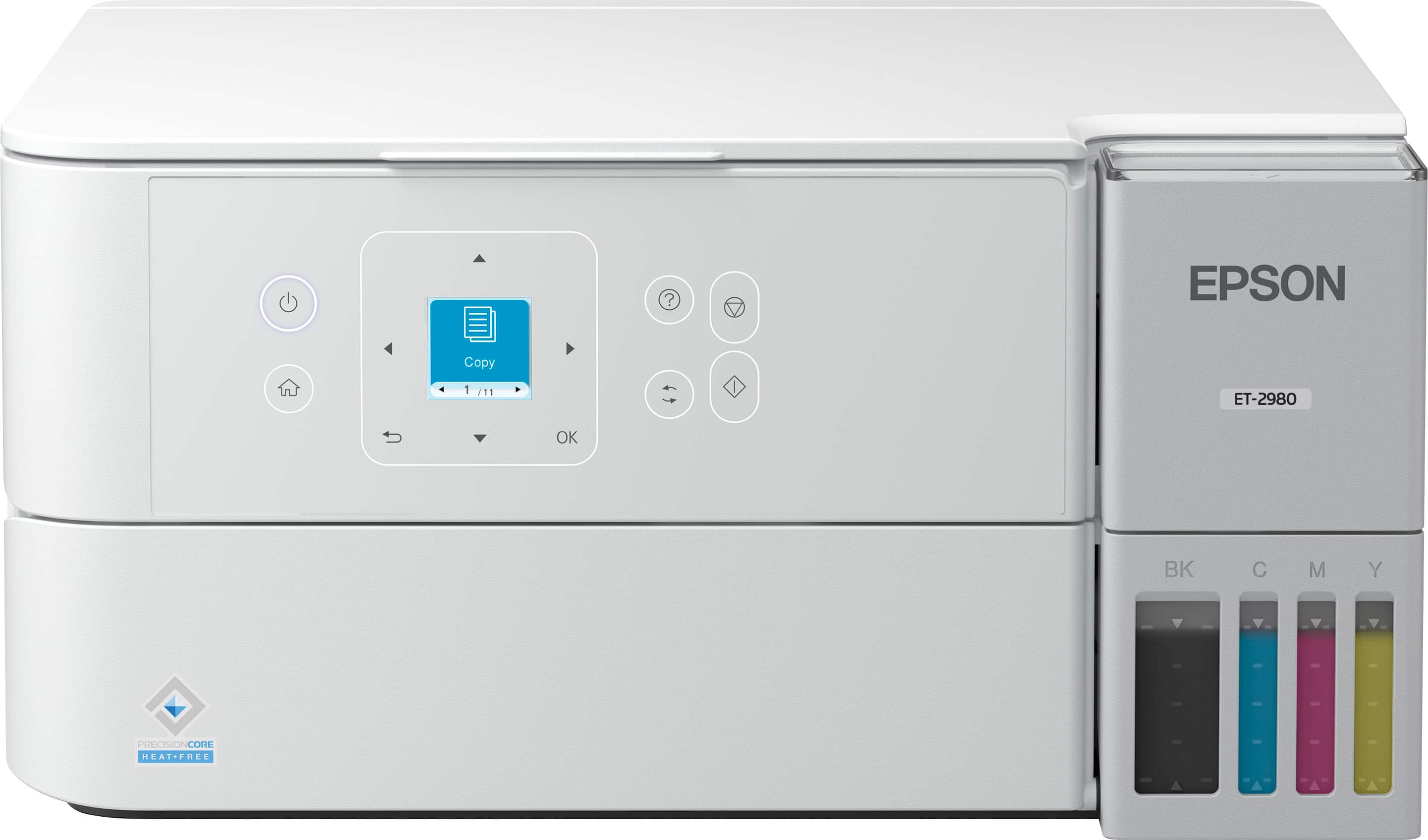
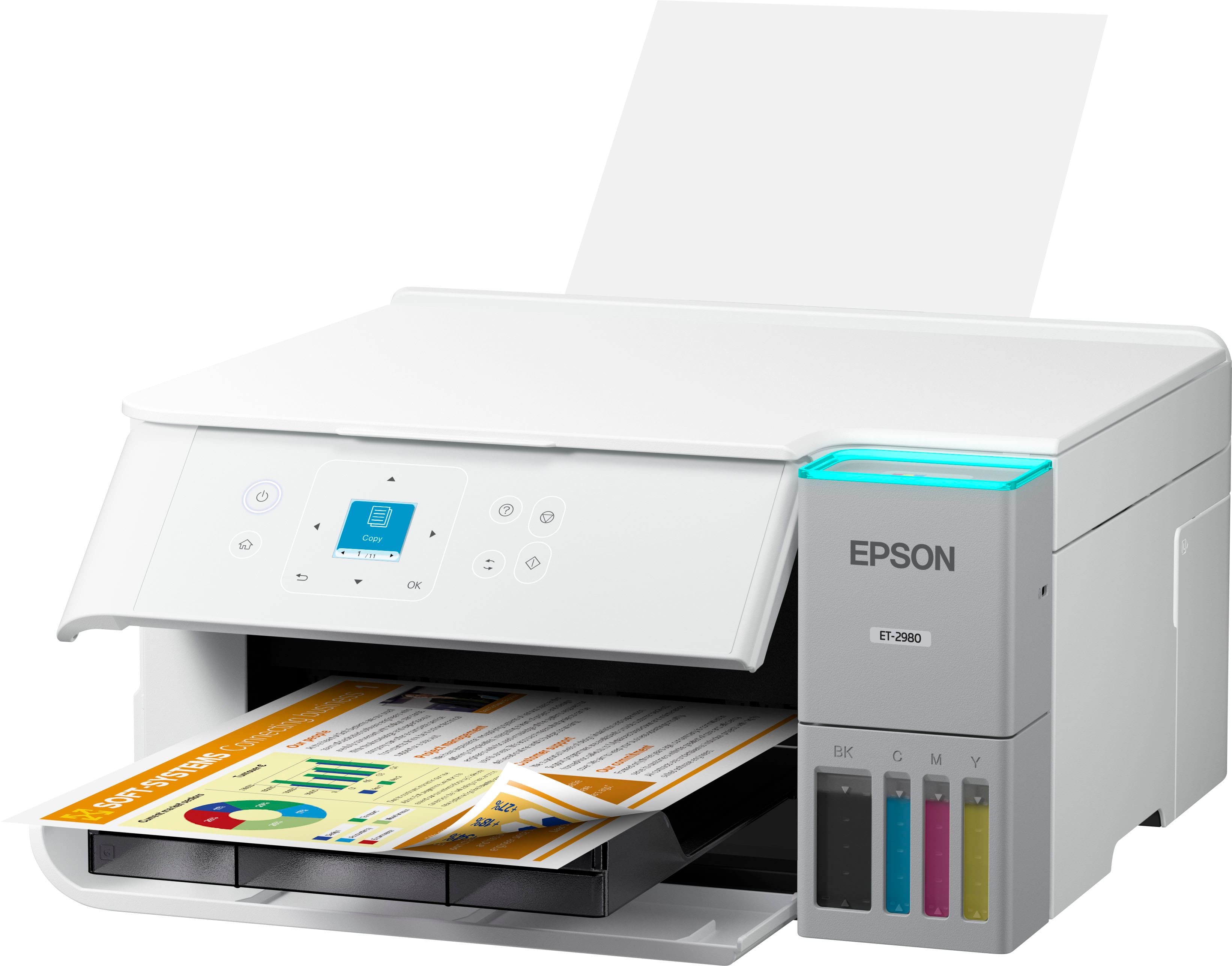
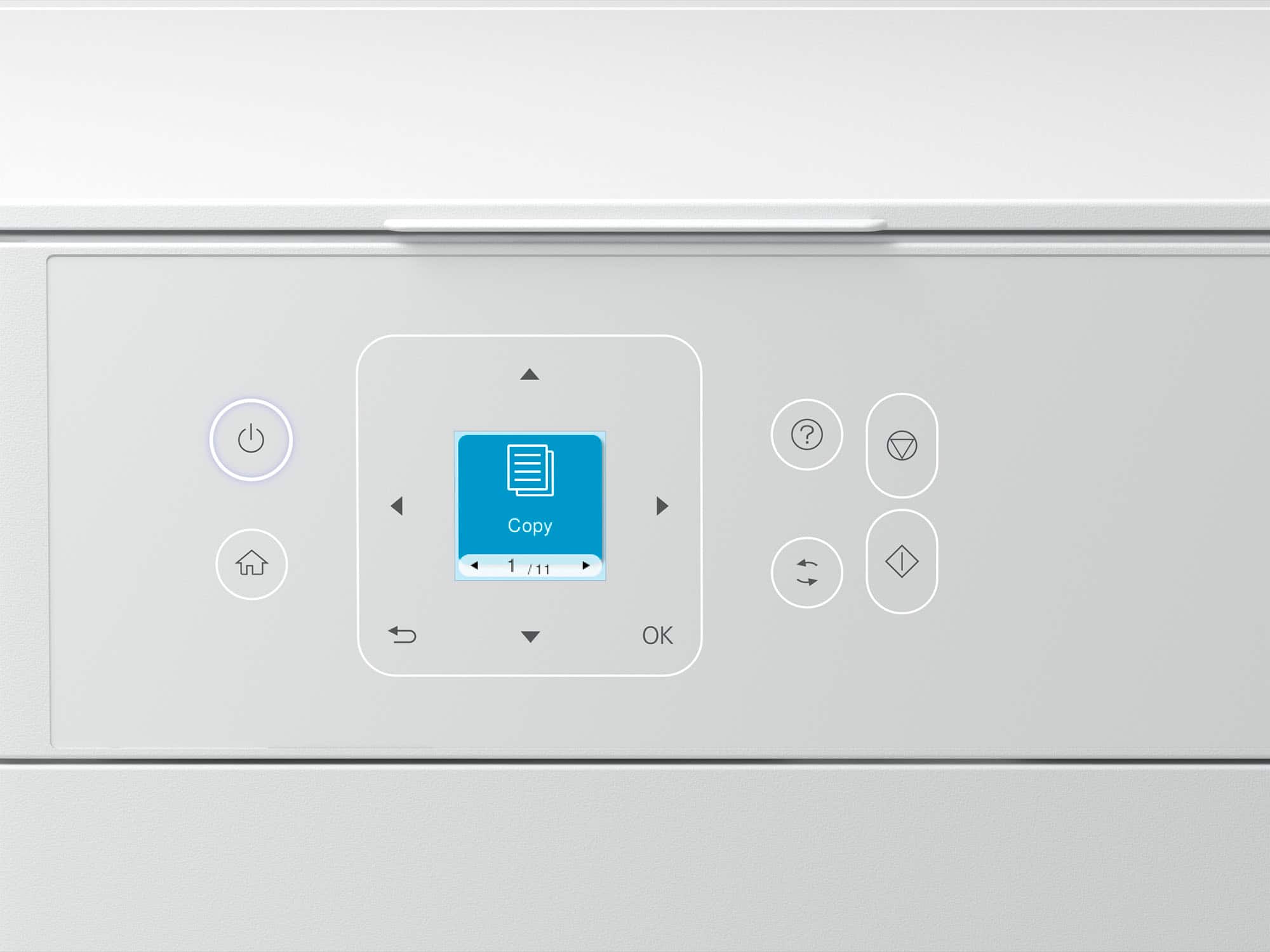
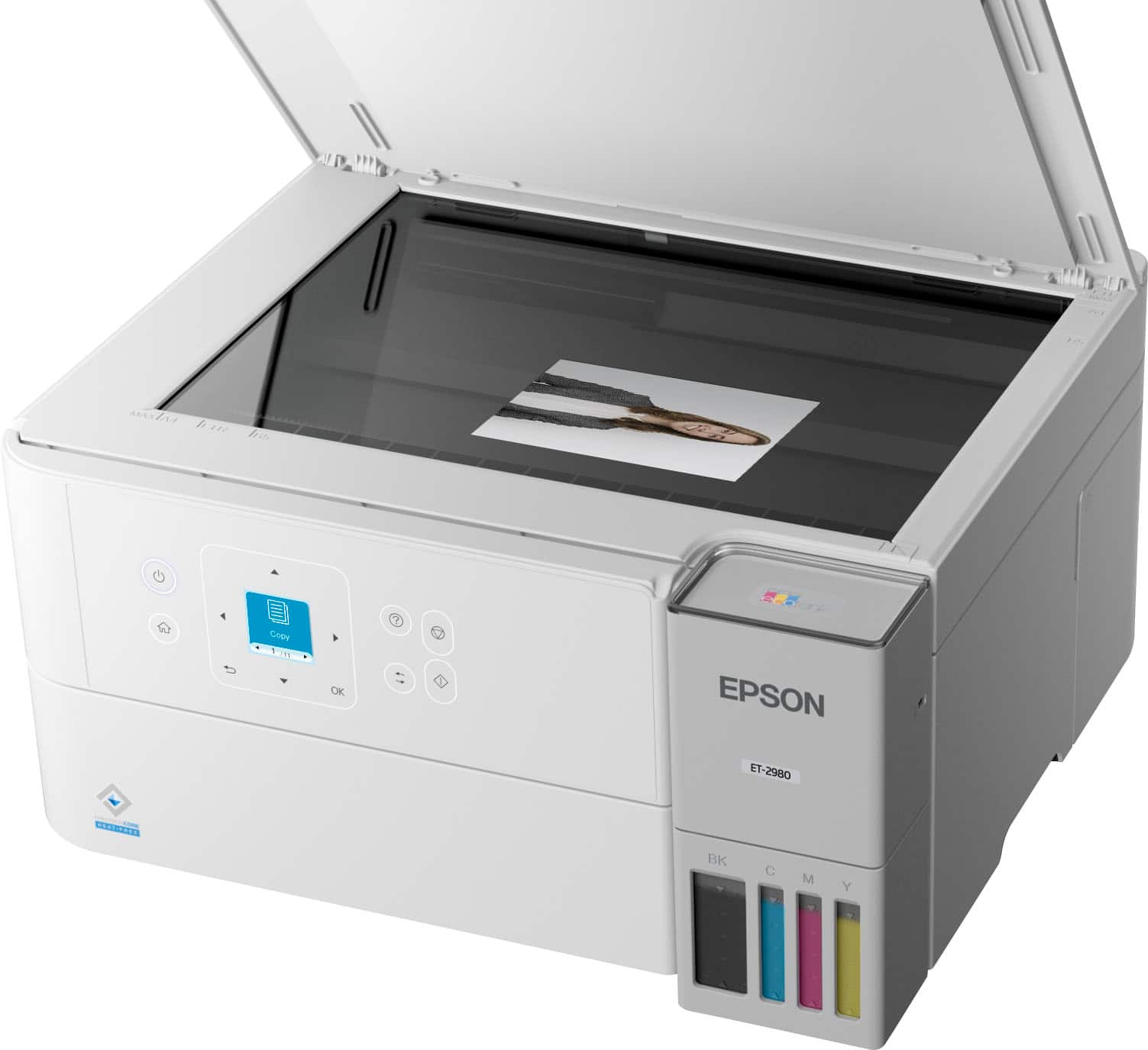
Customers express satisfaction with the EcoTank ET-2980 printer's excellent print quality and easy setup process. Users appreciate the printer's connectivity features and quiet operation. Some customers noted that the printer's size was larger than anticipated, and a few found the button layout confusing.
This summary was generated by AI based on customer reviews.
BETTER THAN EXPECTED
||Posted . Owned for 1 week when reviewed.This reviewer received promo considerations or sweepstakes entry for writing a review.Better than expected. I was always a HP person, but am really glad I bought this printer.
I would recommend this to a friendGood printer
||Posted . Owned for 1 week when reviewed.This reviewer received promo considerations or sweepstakes entry for writing a review.I would recommend this product. Is a good value for the money.
I would recommend this to a friendNice little unit
||Posted . Owned for 1 month when reviewed.This reviewer received promo considerations or sweepstakes entry for writing a review.Easy set up, works great. So far everything is as advertised.
I would recommend this to a friendOwner
||Posted .This reviewer received promo considerations or sweepstakes entry for writing a review.Seems to good printer. Haven’t used a lot but so far works well
I would recommend this to a friendsteve h
||Posted . Owned for 1 week when reviewed.This reviewer received promo considerations or sweepstakes entry for writing a review.can not review if not using took back to store store has all info customer service is not good shelby hudson has contacted me we are working on something maybe
No, I would not recommend this to a friendBrand response from Epson
Posted .Hi StephenH, Epson takes into consideration all feedback to improve the performance and quality of our products. We will forward your feedback to the relevant Epson department, as we are always looking to make future Epson products better. Regards, Joseph – The Epson Team.

Spend more or dont but this model.
||Posted . Owned for 6 months when reviewed.This reviewer received promo considerations or sweepstakes entry for writing a review.This printer wasnt cheap, but it sure works like a cheap printer. It does not have a dedicated space to put paper, so you have to load it from the top back, and the paper tends to bend and get jammed. The ink is going a long way like they claim but if the printer is junk and more work to constantly take jams out it makes it worse the other printers. Invest more for a printer with a dedicated paper tray or stay away from this cheap junk.
No, I would not recommend this to a friendBrand response from Epson
Posted .Hi JoseMunoz, we are sorry to hear that you are having issues with your Epson ET-2980 printer. Please visit www.epson.com/support/et2980 for useful product information on optimizing print settings and avoiding paper jams. Your Epson includes free technical support for the life of your product. Our Epson Support Team would be happy to help you and can be reached at (562) 276-4382; Hours: Monday – Friday, 7 a.m. to 4 p.m. (PT). We appreciate your purchase, and we value your feedback. Sincerely, Joseph – The Epson Team.
No delivery
||Posted .This reviewer received promo considerations or sweepstakes entry for writing a review.I have no idea how is it because i haven’t received it. It seems nice.
I would recommend this to a friendBrand response from Epson
Posted .Hi Note20Ultra, Epson takes into consideration all feedback to improve the performance and quality of our products. We will forward your feedback to the relevant Epson department, as we are always looking to make future Epson products better. Regards, Joseph – The Epson Team.
Poor choice
||Posted . Owned for 1 month when reviewed.This reviewer received promo considerations or sweepstakes entry for writing a review.Screen way to small to read easily.Prior purchase was betterr.
No, I would not recommend this to a friendBrand response from Epson
Posted .Hi JoeA, thank you for taking the time to write a review of your new Epson printer. We appreciate your business, and value your feedback. Your ET-2980 includes free technical support for the life of your product, so if you’d like help, feel free to contact us at (562) 276-4382; Hours: Monday – Friday, 7 a.m. to 4 p.m. (PT). Kind Regards, Joseph – The Epson Team.
defective printer
||Posted . Owned for 2 weeks when reviewed.This reviewer received promo considerations or sweepstakes entry for writing a review.This was obviously a defective printer.....we tried connecting it with 2 different computers and an iphone and it wouldn't work with any of them. Took 15 minutes just to initialize the ink. Returned it immediately.
No, I would not recommend this to a friendDisappointed
||Posted . Owned for 1 month when reviewed.This reviewer received promo considerations or sweepstakes entry for writing a review.I used to love Epson, but once I purchased this particular printer, that was the end of that. I spent more than an hour on the phone with the Epson person who insisted that I could enlarge reduce on that particular printer it would not do it no matter what she kept telling me to look for scroll down look for this there was nothing there that she was describing. Also, it would not hook up to my Wi-Fi. Just so you know, I bought a different brand printer, and it hooked up immediately and it did enlarge and reduce
No, I would not recommend this to a friendBrand response from Epson
Posted .Hi LindaM, thank you for sharing your experience. Epson takes into consideration all feedback to improve the performance and quality of our products. We will forward your feedback to the relevant Epson department, as we are always looking to make future Epson products better. Your product includes a 1-year limited warranty. Our Epson Support Team would be happy to help you and can be reached at (562) 276-4382; Hours: Monday – Friday, 7 a.m. to 4 p.m. (PT). Once again, thank you. Regards, Joseph – The Epson Team.
Won't install on home network
||Posted . Owned for 3 weeks when reviewed.This reviewer received promo considerations or sweepstakes entry for writing a review.I couldn't get it to install on my home wireless system. Finally had Geek Squad come out. They worked for two hours and couldn't get it to install either. Geeks said I'm not the only one reporting this problem. Too bad. I've had an EcoTank for 8 years and am totally sold on them. Unfortunately, there's something wrong with this one. I'd buy it IF Epson figures out what's wrong.
No, I would not recommend this to a friendBrand response from Epson
Posted .Hi PeterL, we apologize about the disappointing experience you are having with your Epson printer's Wi-Fi connection. Your ET-2980 includes free technical support for the life of your product. Please call and let our Epson Support Team assist. Our support number is (562) 276-4382. Our support hours of operation are Monday – Friday, 7 a.m. to 4 p.m. (PT). We’re here to help. Sincerely, Joseph – The Epson Team.
wouldn't buy it again
||Posted . Owned for 1 week when reviewed.This reviewer received promo considerations or sweepstakes entry for writing a review.Bought this to replace another printer, prints wording ok , but as far as photos, it sucks, everything is really dark , wish my old printer didn't crap out on me, stuck with this one until it dies
No, I would not recommend this to a friendBrand response from Epson
Posted .Hi DaveW, we are sorry to hear you are having issues with your Epson printer. Your ET-2980 includes free technical telephone support for the life of your product. Our Epson Support Team would be happy to help you and can be reached at (562) 276-4382; Hours: Monday – Friday, 7 a.m. to 4 p.m. (PT). Sincerely, Joseph – The Epson Team.
DON'T BUY THIS!
||Posted .This reviewer received promo considerations or sweepstakes entry for writing a review.I have to reconnect to Wi-Fi every time I use this printer because it keeps going offline, and I don't know why. I have decided to buy a Brother laser printer so I can see which is better. This printer has been nothing but a huge headache.
No, I would not recommend this to a friendBrand response from Epson
Posted .Hi Jeepe99, we apologize about the disappointing experience you are having with your Epson printer's Wi-Fi connection. Your ET-2980 includes free technical support for the life of your product. Please call and let our Epson Support Team assist. Our support number is (562) 276-4382. Our support hours of operation are Monday – Friday, 7 a.m. to 4 p.m. (PT). We’re here to help. Sincerely, Joseph – The Epson Team.
Overpriced.
||Posted . Owned for 2 weeks when reviewed.This reviewer received promo considerations or sweepstakes entry for writing a review.Terrible quality color printing for amount paid. Not worth it.
No, I would not recommend this to a friendBrand response from Epson
Posted .Hi Mary, you can find product information, including FAQs and for additional information and to help optimize photo print settings in the product User’s Guide at www.epson.com/support/et2980 . If you continue to have problems with your printer, our Epson Support Team would be happy to help you and can be reached at (562) 276-4382; Hours: Monday – Friday, 7 a.m. to 4 p.m. (PT). Have a great day. Sincerely, Joseph – The Epson Team.
- Pros mentioned:Connectivity, Print quality, Setup ease

Great printer for office documents with color
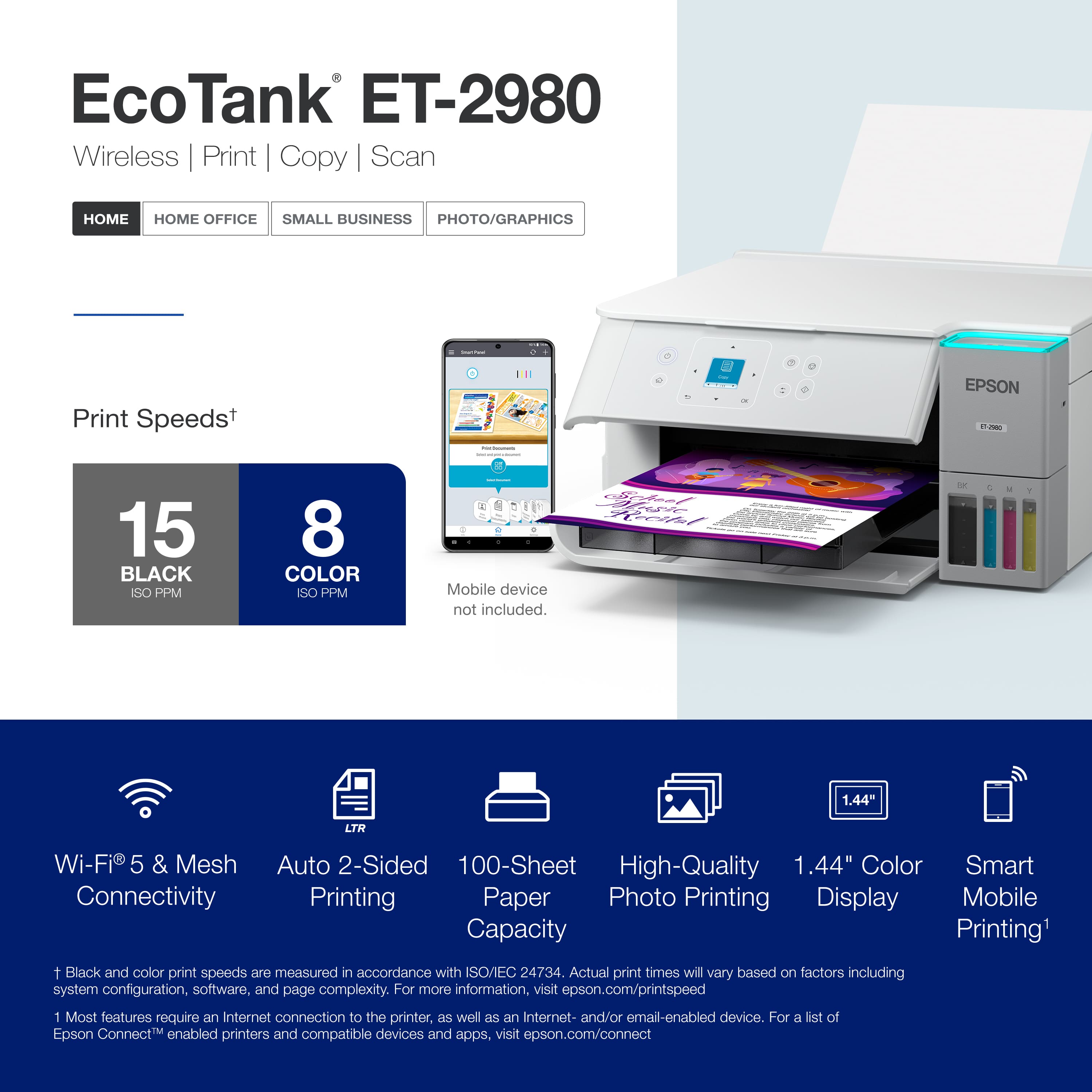
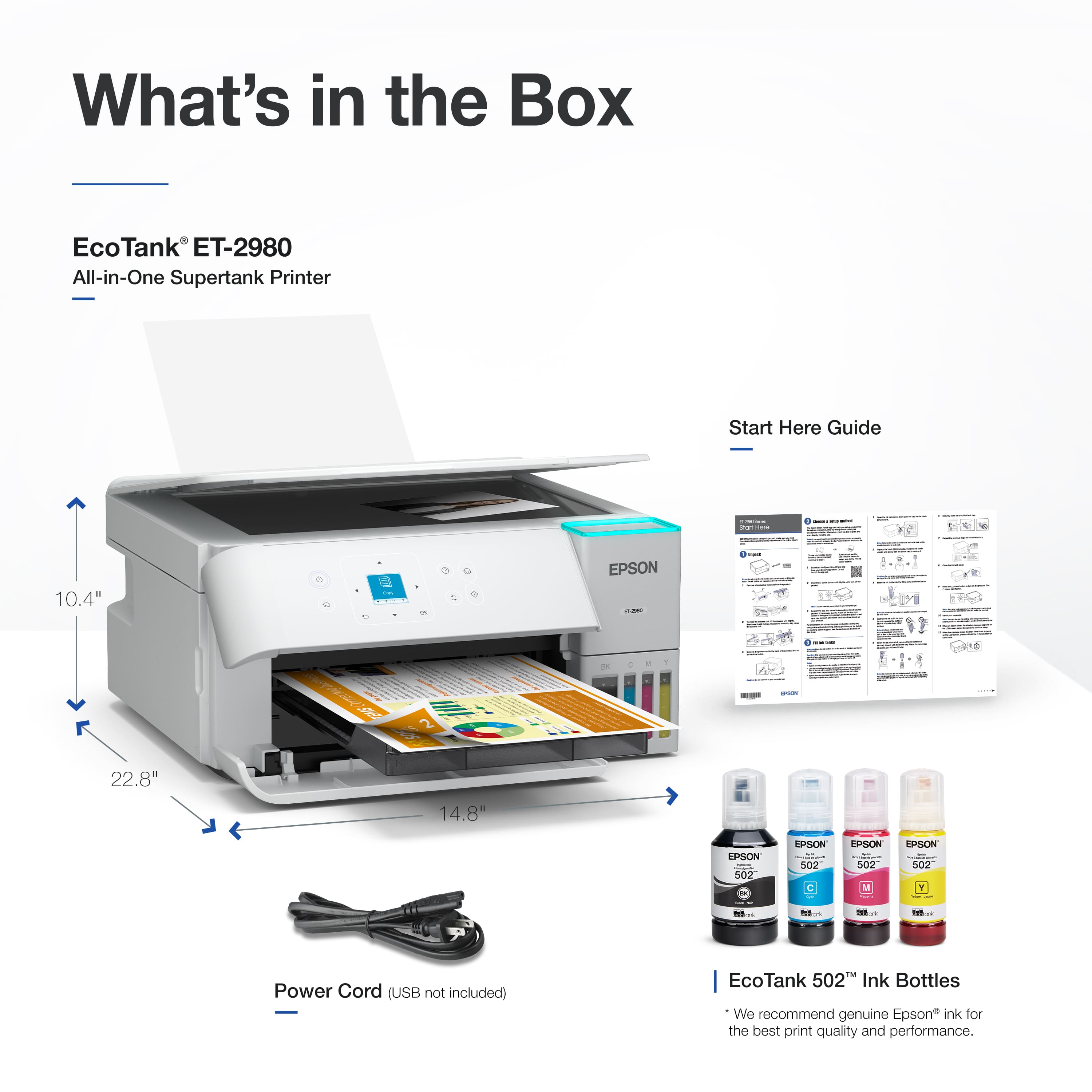
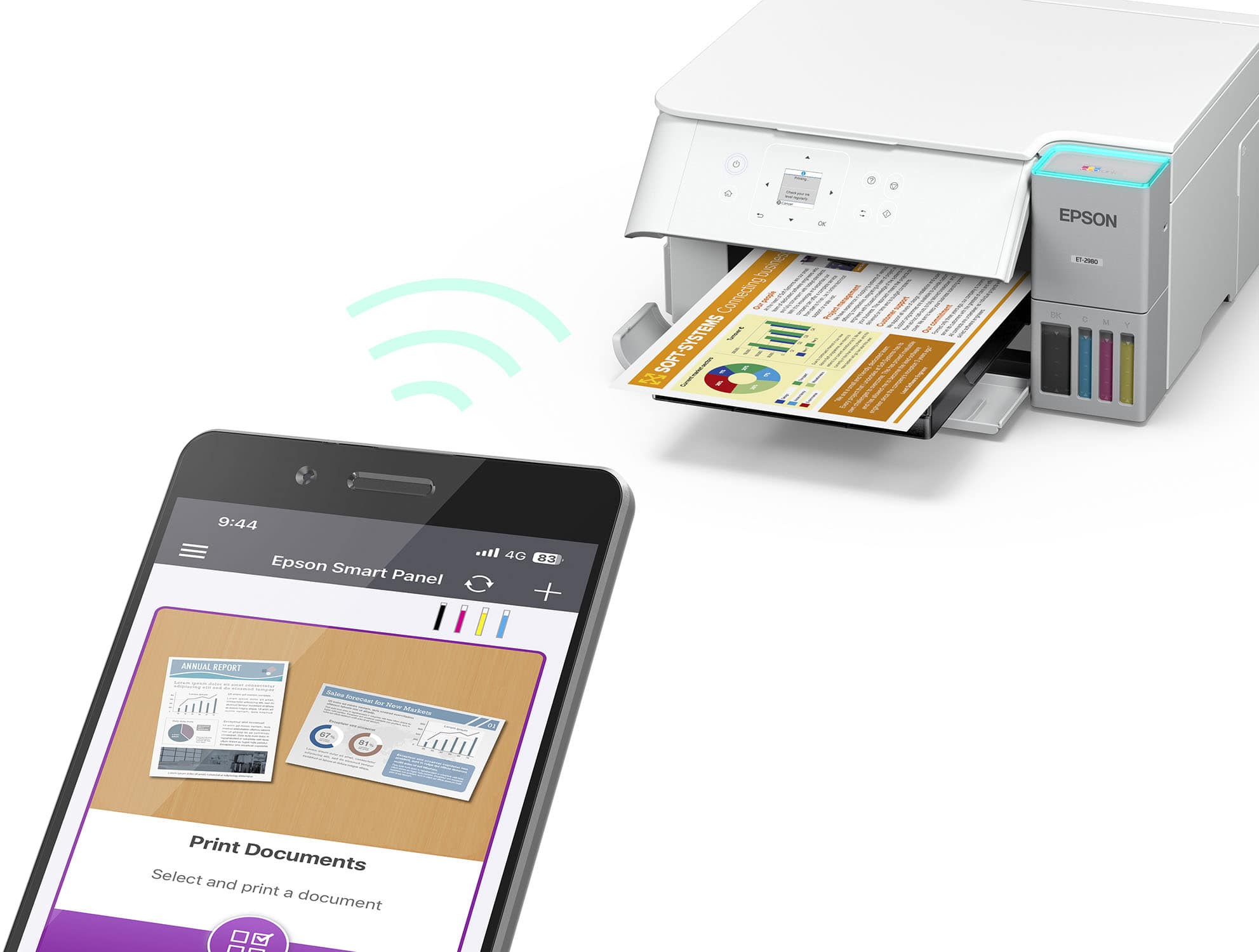
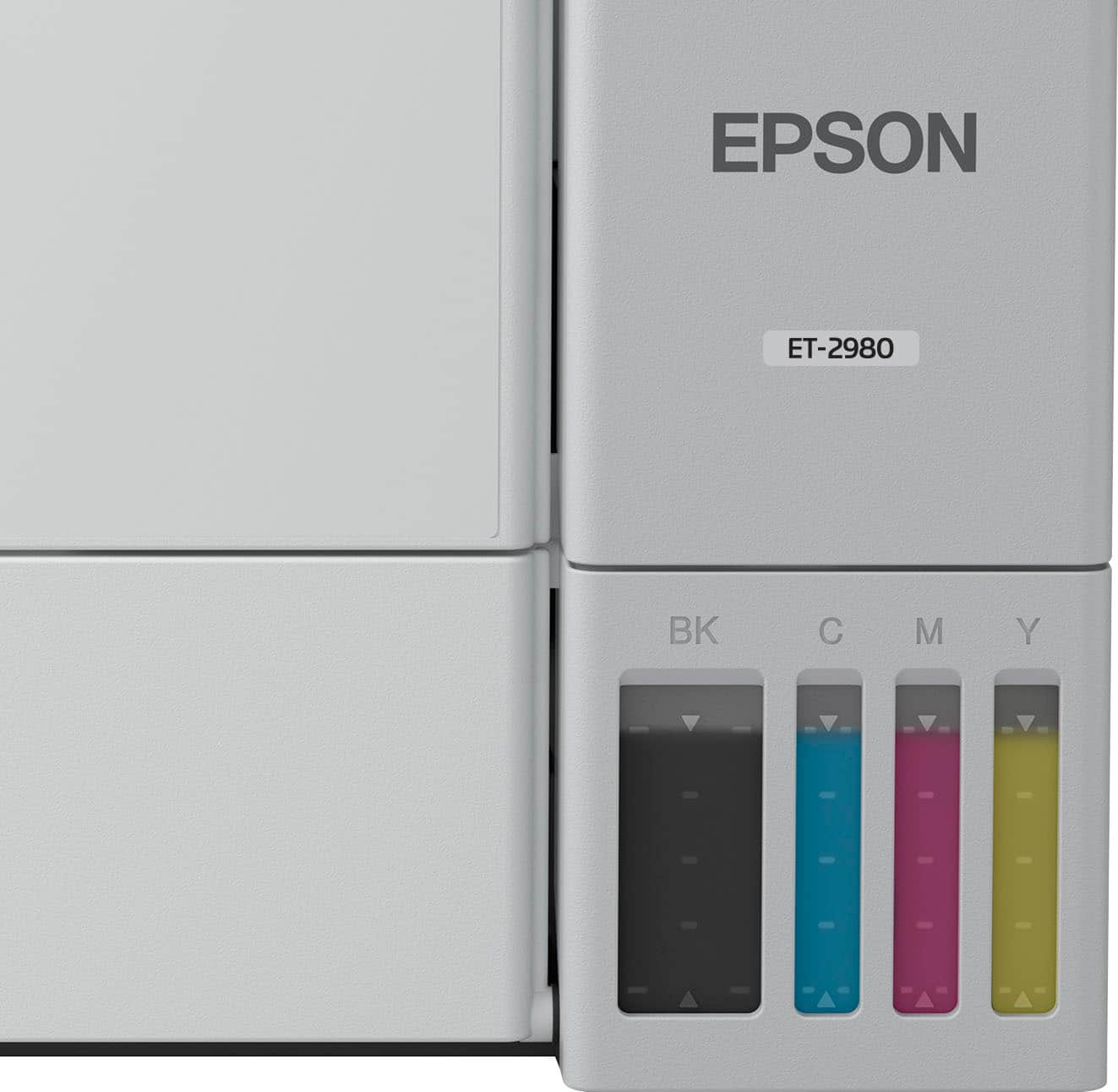
|Posted .This reviewer received promo considerations or sweepstakes entry for writing a review.The Epson EcoTank ET-2980 Wireless All-in-One Color Supertank Inkjet Printer is a good printer for your personal or small business needs. The printer came well packaged and taking it out of its packaging and setting it up was easy. Setting it up using the mobile app was easy and the directions were well thought out and easy to follow with text and illustrations. The printer can be setup and used with a smartphone, as well as having the option to use it with a computer. It comes with a USB B port that allows you to connect it to your computer using a cable. It took about 30 minutes to completely go through the setup process. It took about 11 minutes for it to go through the ink initialization process and firmware update. Print speeds are pretty quick. Copying a document from the printer easy quick as well. I noticed it’s kind of slow copying a document when using the mobile app. I also installed it on my MacBook. I was able to install the necessary software by searching the model name online. It took me to the Epson support website and pulled up the necessary software as I entered the operating system for my computer. I only made a few copies and noticed that the ink had gone down considerably. The box advertises the printer as being able to get 8,500 black & white pages and 6,500 colored pages. I’m hoping it’s able to provide that. It comes also has a maintenance box on the rear side that will need to be replaced at some point. The paper is loaded from the back and is outputted from the front. The tray output can be automatically opened and closed, which is a nice touch. Overall, I’m impressed with what this printer has to offer and hope to get years of great service from it.
I would recommend this to a friend - Pros mentioned:Connectivity, Print quality, Setup ease
An easy, compact, and cost effective all-in-one
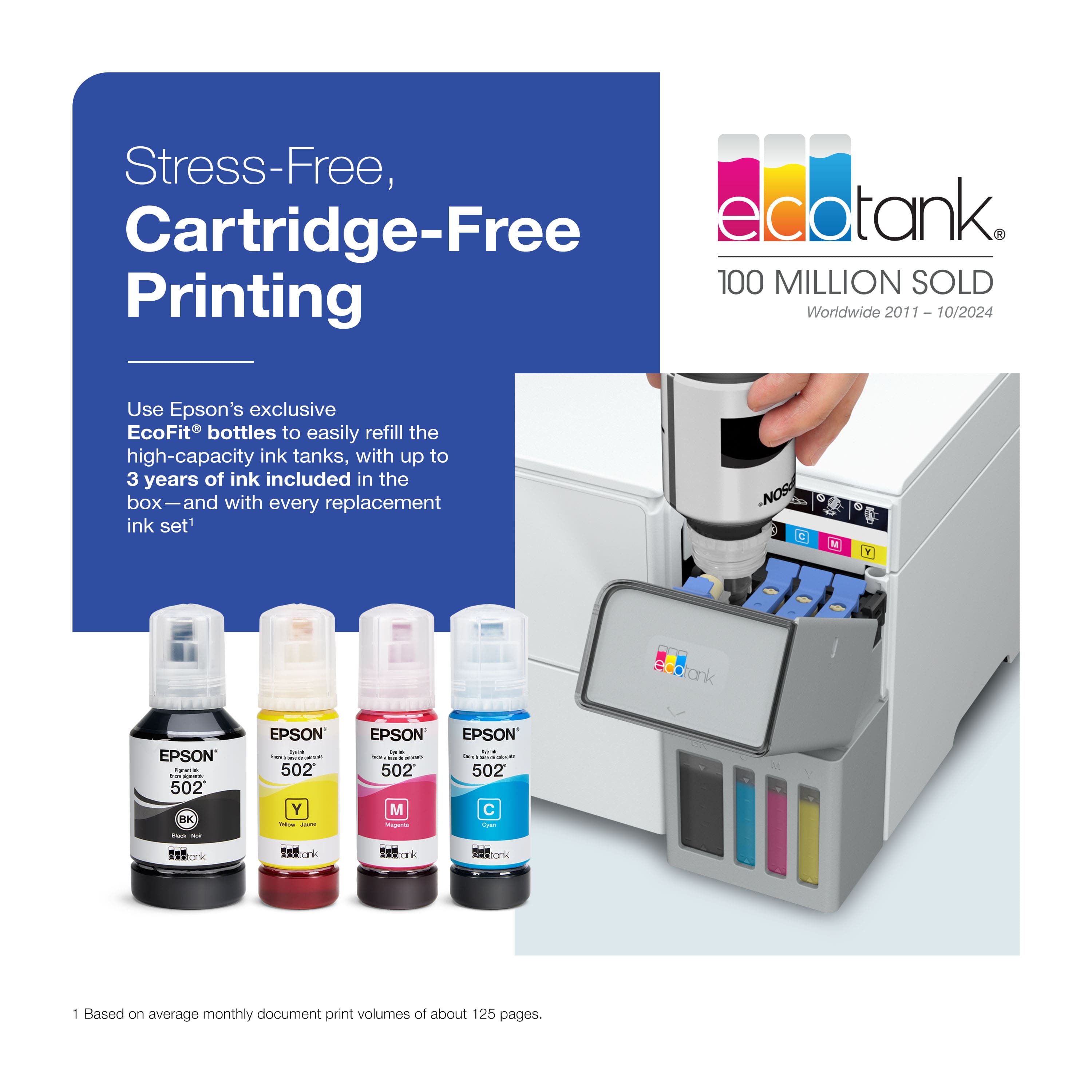
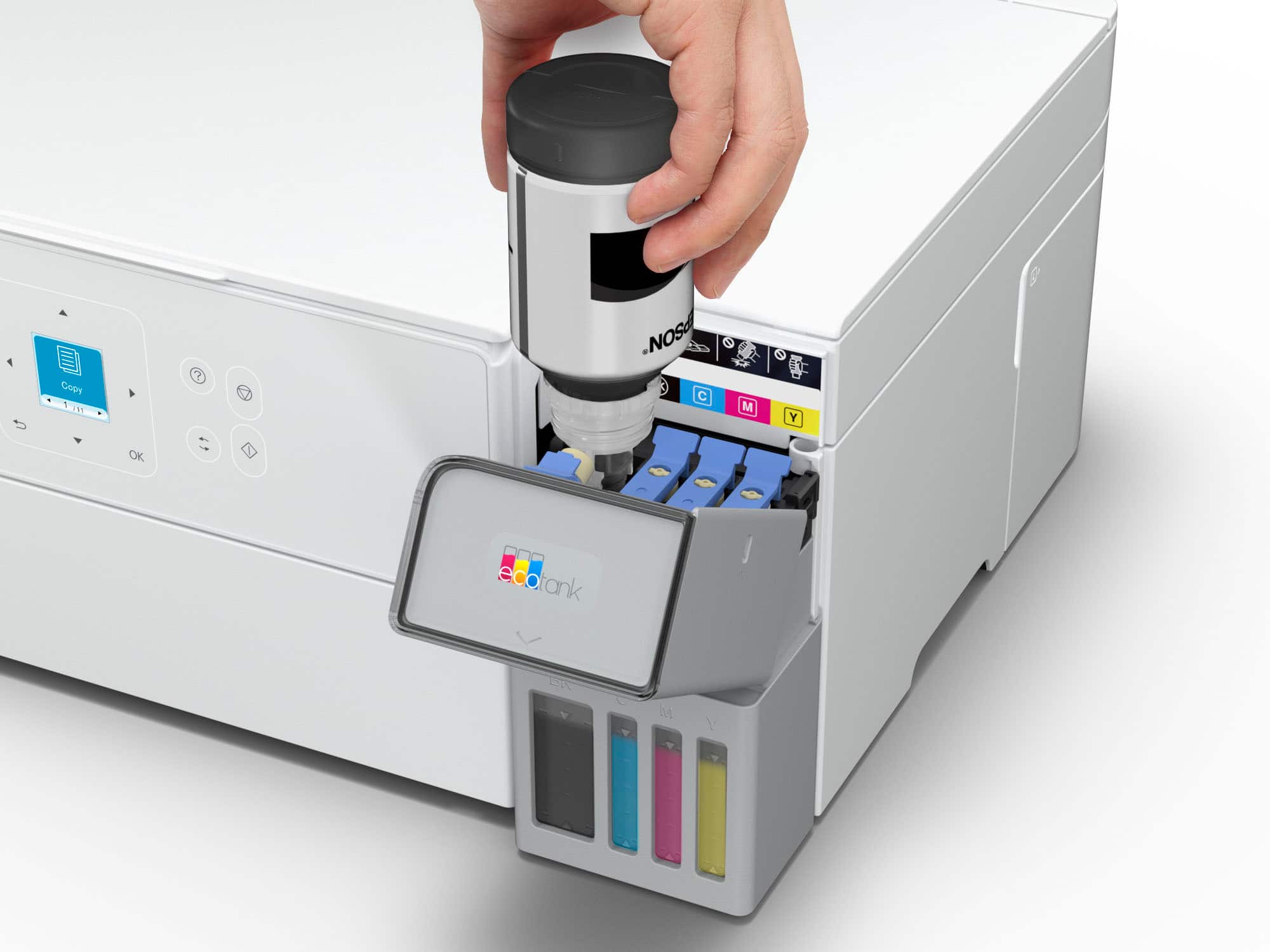
|Posted .This reviewer received promo considerations or sweepstakes entry for writing a review.This Epson Ecotank printer is an easy to setup and affordable option that has all the versatility in a compact formfactor. This printer, similar to all the Ecotank models have plastic bottles that you use to refill the printer meaning no expensive and wasteful cartridges! It was very easy to unpack and setup the printer. It was well packed and securely taped up (be sure to remove all the blue tape!). Setup utilizing the app was a breeze since it walks you step-by-step through everything including calibration and Wi-Fi connectivity. The first print came out a little crooked, but after scanning it the printer made the necessary corrections and now every print looks perfect! Once I had it setup with Wi-Fi I was able to discover it on both my computer and phone and easily print documents and photos. It has made me enjoy printing at home again! The copier and scanning function has made it super easy when I need to get good scans of IDs and legal documents. We were even able to quickly print some photographs as a gift on some photo paper that we bought and they turned out great! My next project is going to be scanning old photos!
I would recommend this to a friend Not good
||Posted . Owned for 3 weeks when reviewed.This reviewer received promo considerations or sweepstakes entry for writing a review.Horrible product and not worth.. cheap quality, display is very small, wrong or not accurate information on certain specifications and ink draining fast. Will return and buy a better one.
No, I would not recommend this to a friendBrand response from Epson
Posted .Dear RajV, we appreciate your business and are sorry to hear you are not completely satisfied with your purchase. Your Epson ET-2980 includes free technical support for the life of your product. Please reach out to our Epson Support Team for assistance at (562) 276-4382; Hours: Monday – Friday, 7 a.m. to 4 p.m. (PT). We’re here to help. Sincerely, Joseph – The Epson Team.
BAD BAD PAPER JAMS!!!!
||Posted . Owned for 2 weeks when reviewed.This reviewer received promo considerations or sweepstakes entry for writing a review.The first few pages were GREAT! But after a few prints it started jamming. I removed the jam, restarted to printer, it continued. Now I can't even get one single copy printed without it jamming and ruining the paper. I spent $300 to print like 5 total pages. 0/10
No, I would not recommend this to a friendBrand response from Epson
Posted .Hi WhitneyB, we are sorry to hear you are having issues with your Epson printer. Your ET-2980 includes a 1-year limited warranty plus free technical support for the life of your product. Our Epson Support Team would be happy to hear from you and can be reached at (562) 276-4382; Hours: Monday – Friday, 7 a.m. to 4 p.m. (PT). Sincerely, Joseph – The Epson Team.
No thank you!
||Posted . Owned for 1 week when reviewed.This reviewer received promo considerations or sweepstakes entry for writing a review.We would not recommend this printer. Bought it, set it up and were highly dissatisfied with the product. We took it back the next day for a full refund.
No, I would not recommend this to a friendBrand response from Epson
Posted .Hi KHop, Epson takes into consideration all feedback to improve the performance and quality of our products. We will forward your feedback to the relevant Epson department, as we are always looking to make future Epson products better. Regards, Joseph – The Epson Team.
Greatly Disappointed
||Posted . Owned for 2 weeks when reviewed.This reviewer received promo considerations or sweepstakes entry for writing a review.Hard to install, Does not work as expected. Not able to do front and back printing. I will likely be going to Office Depot for a new printer given I can't get it working as expected!
No, I would not recommend this to a friendBrand response from Epson
Posted .Hi GJTR, we are sorry to hear you are having issues with your Epson printer. Your ET-2980 includes a 1-year limited warranty plus free technical support for the life of your product. Our Epson Support Team would be happy to hear from you and can be reached at (562) 276-4382; Hours: Monday – Friday, 7 a.m. to 4 p.m. (PT). Sincerely, Joseph – The Epson Team.


















