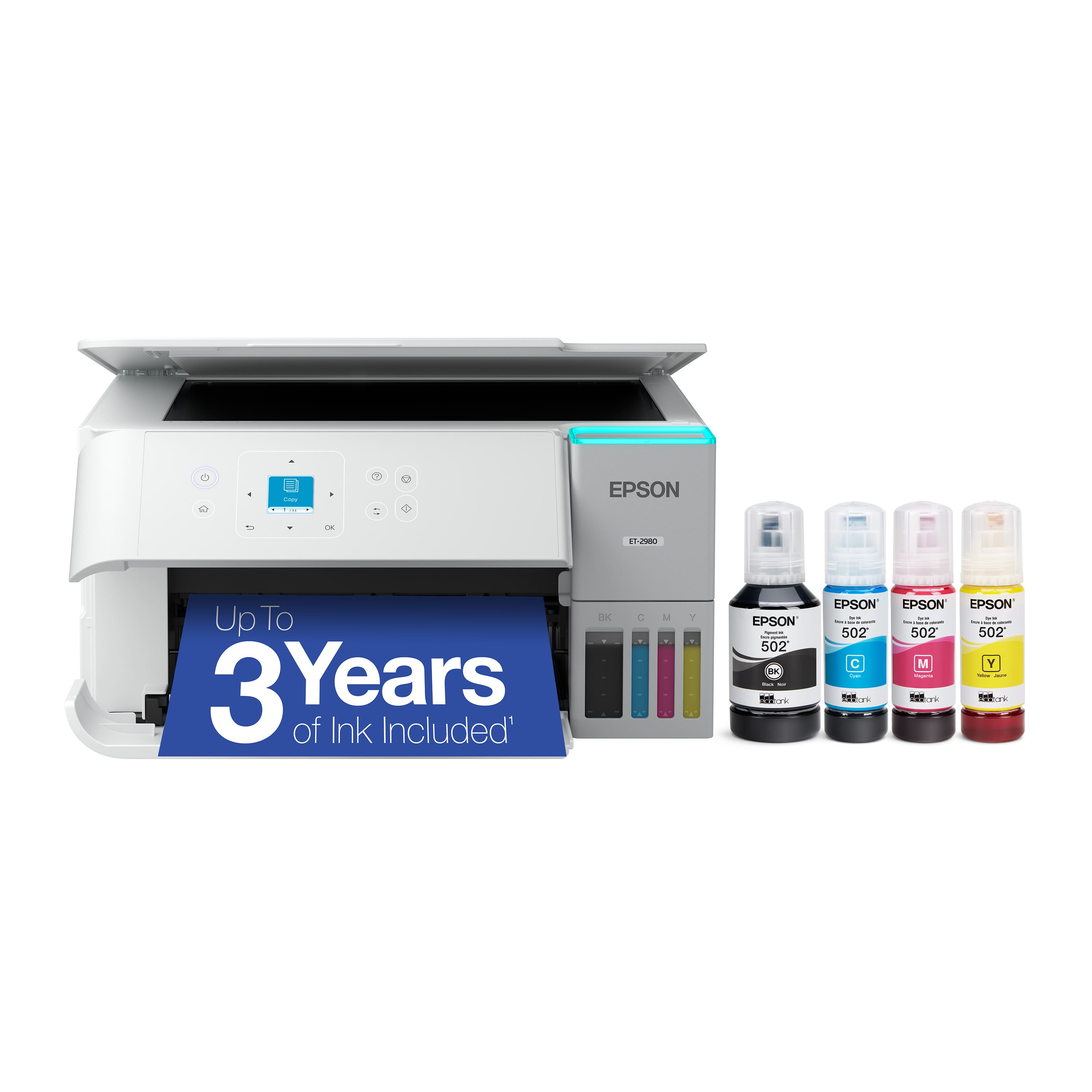
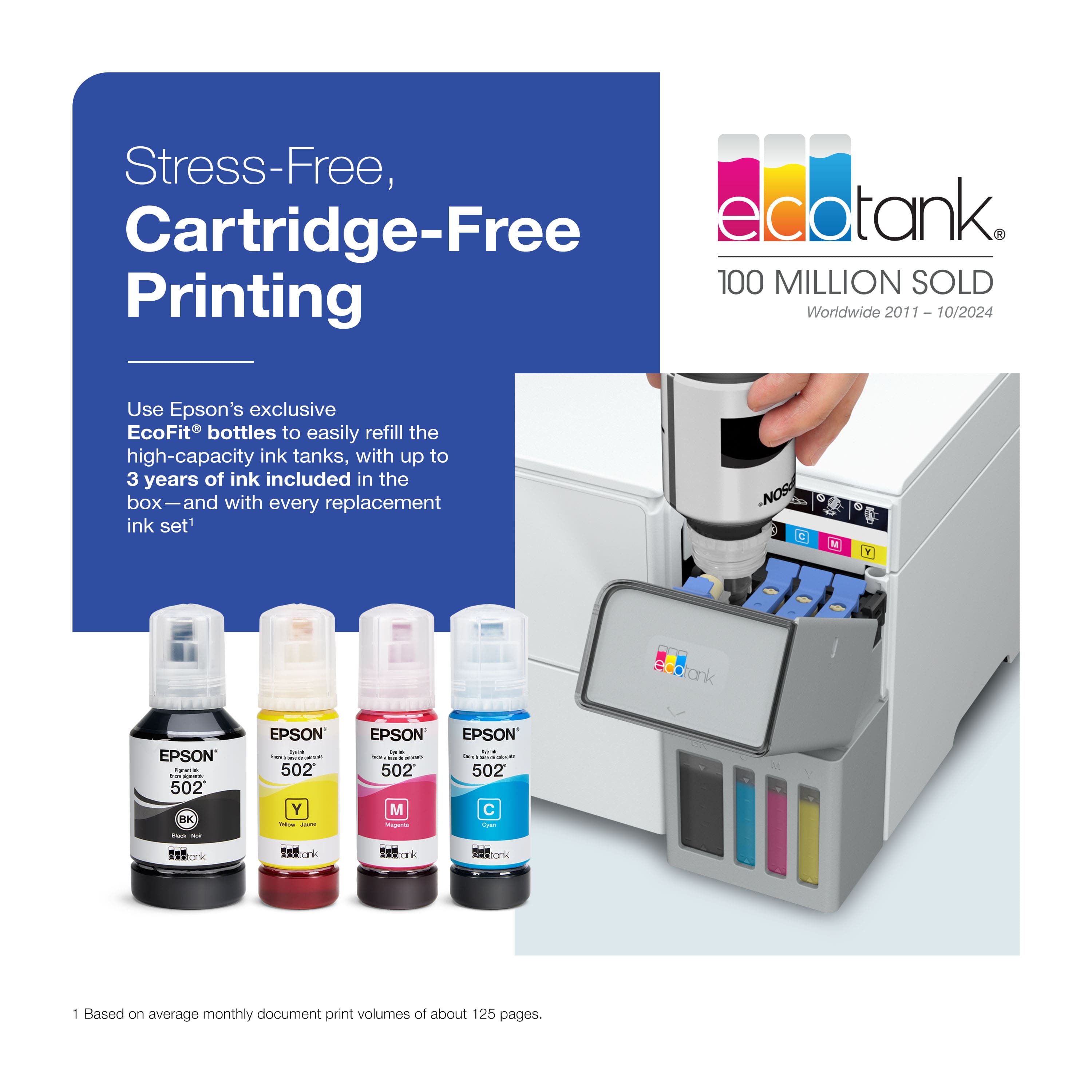
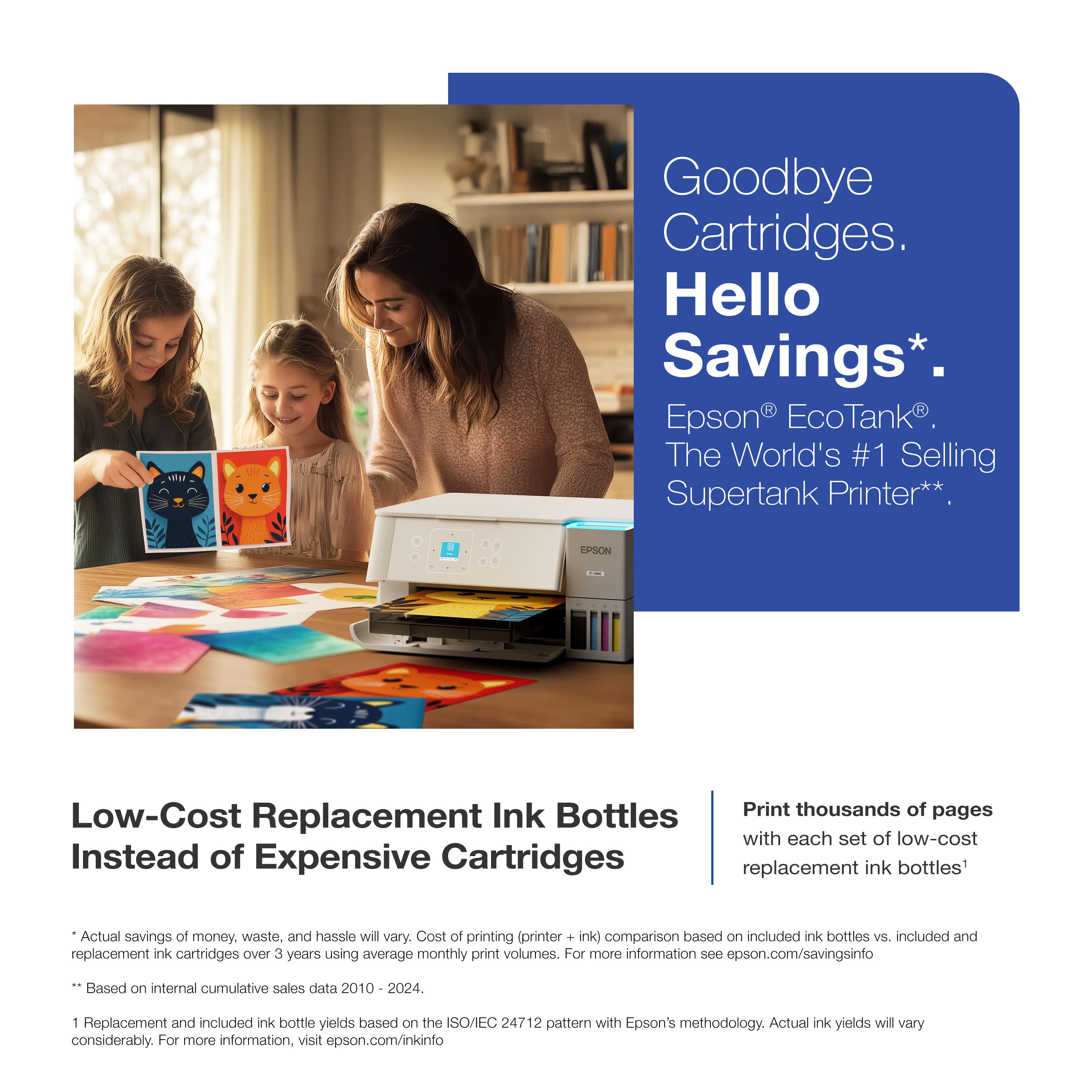
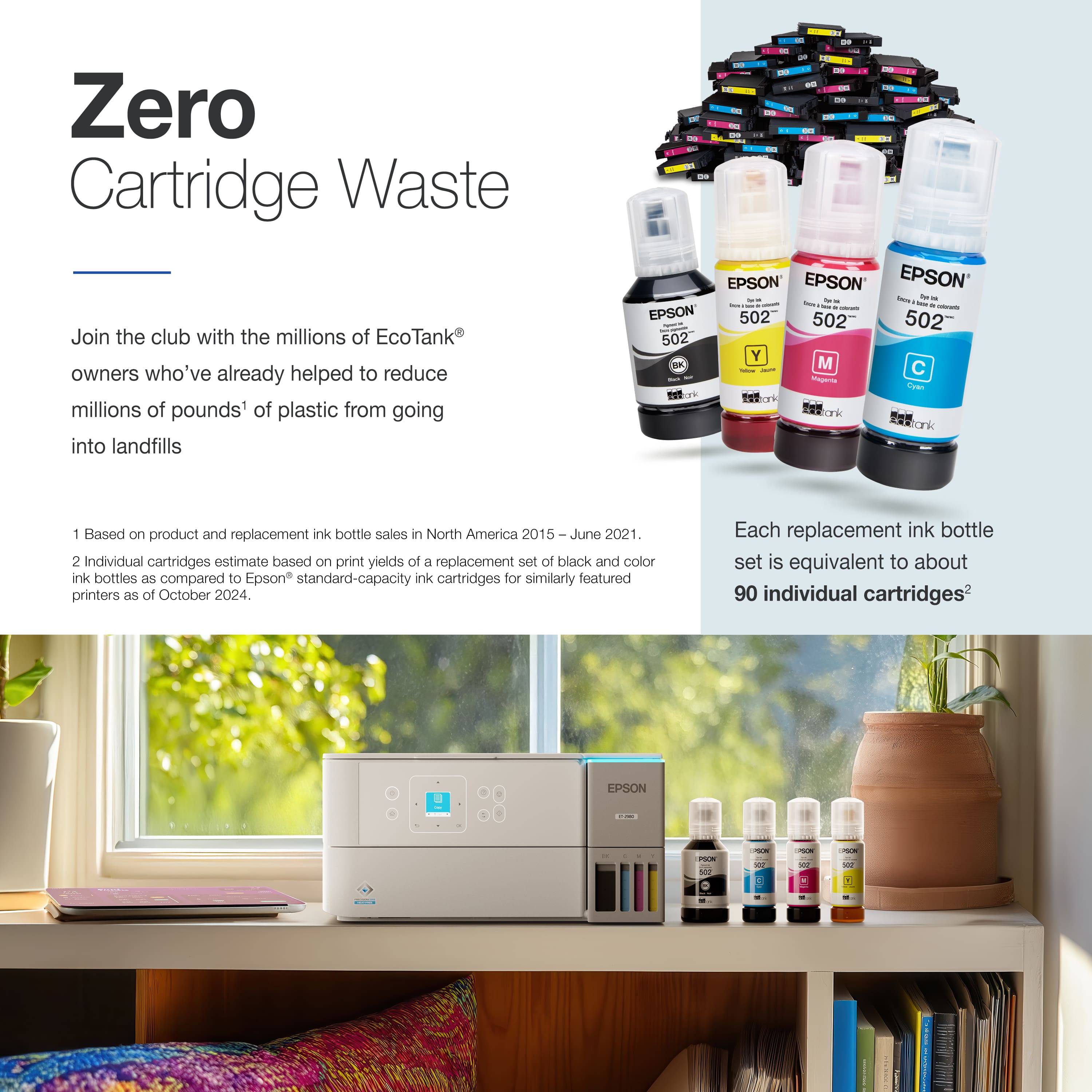
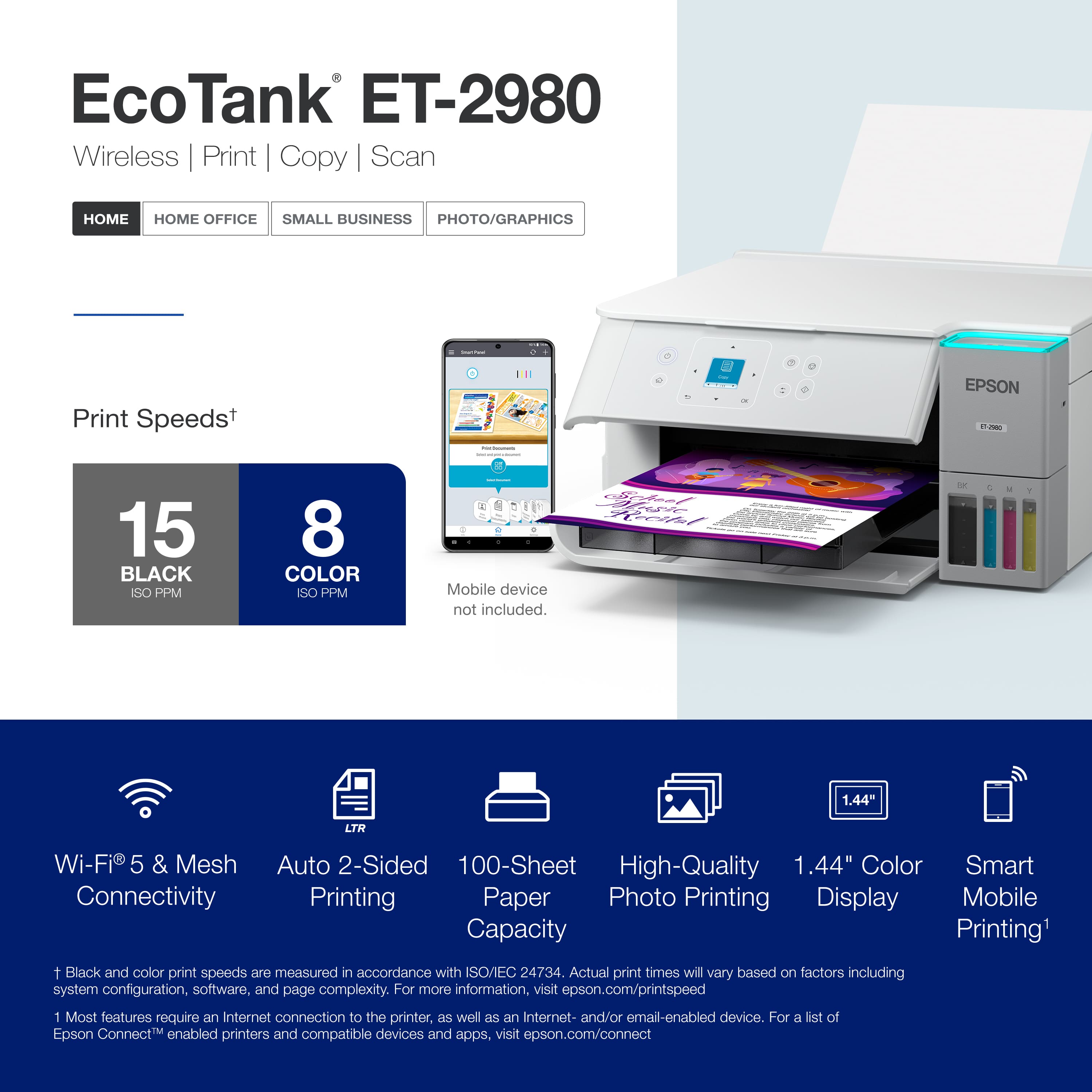
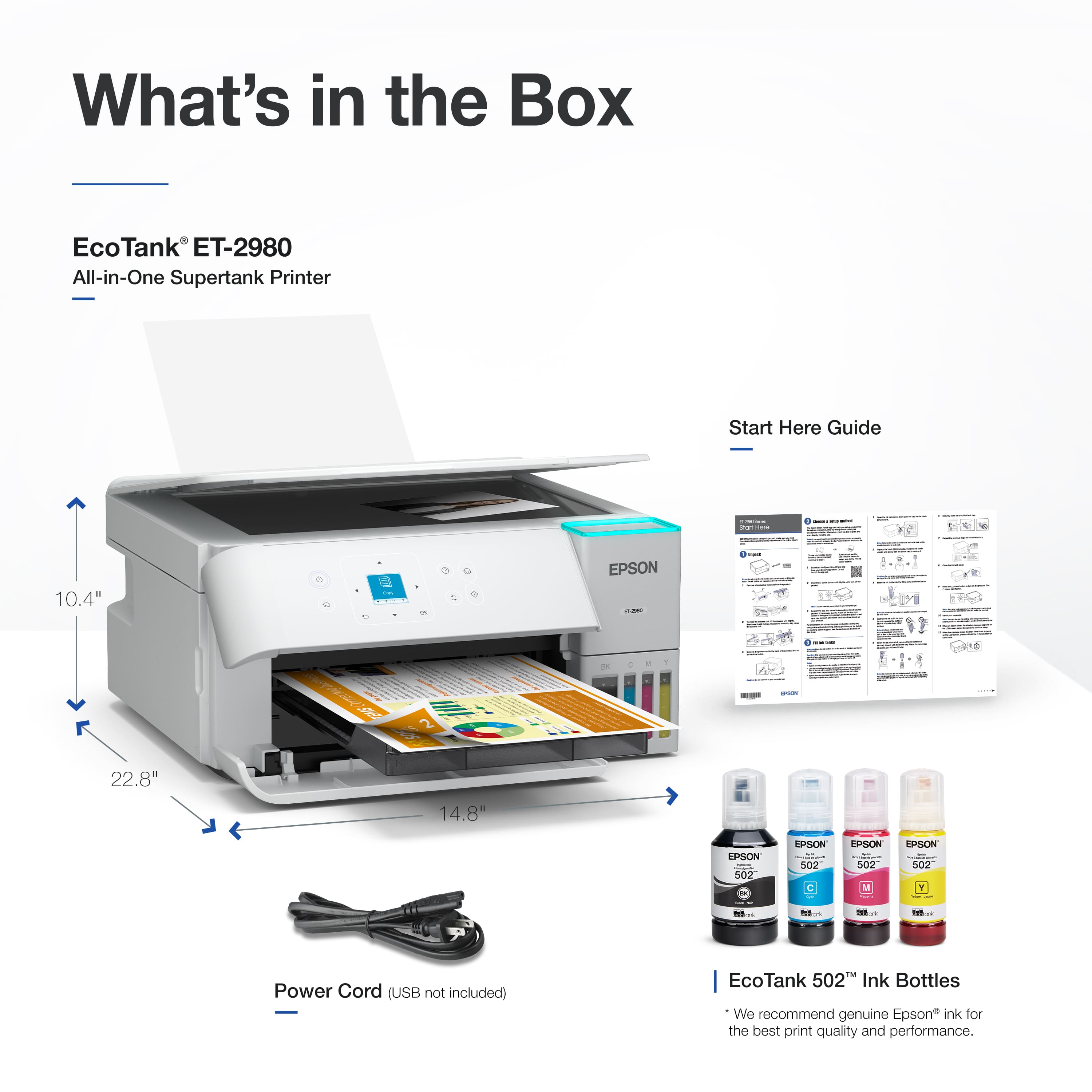
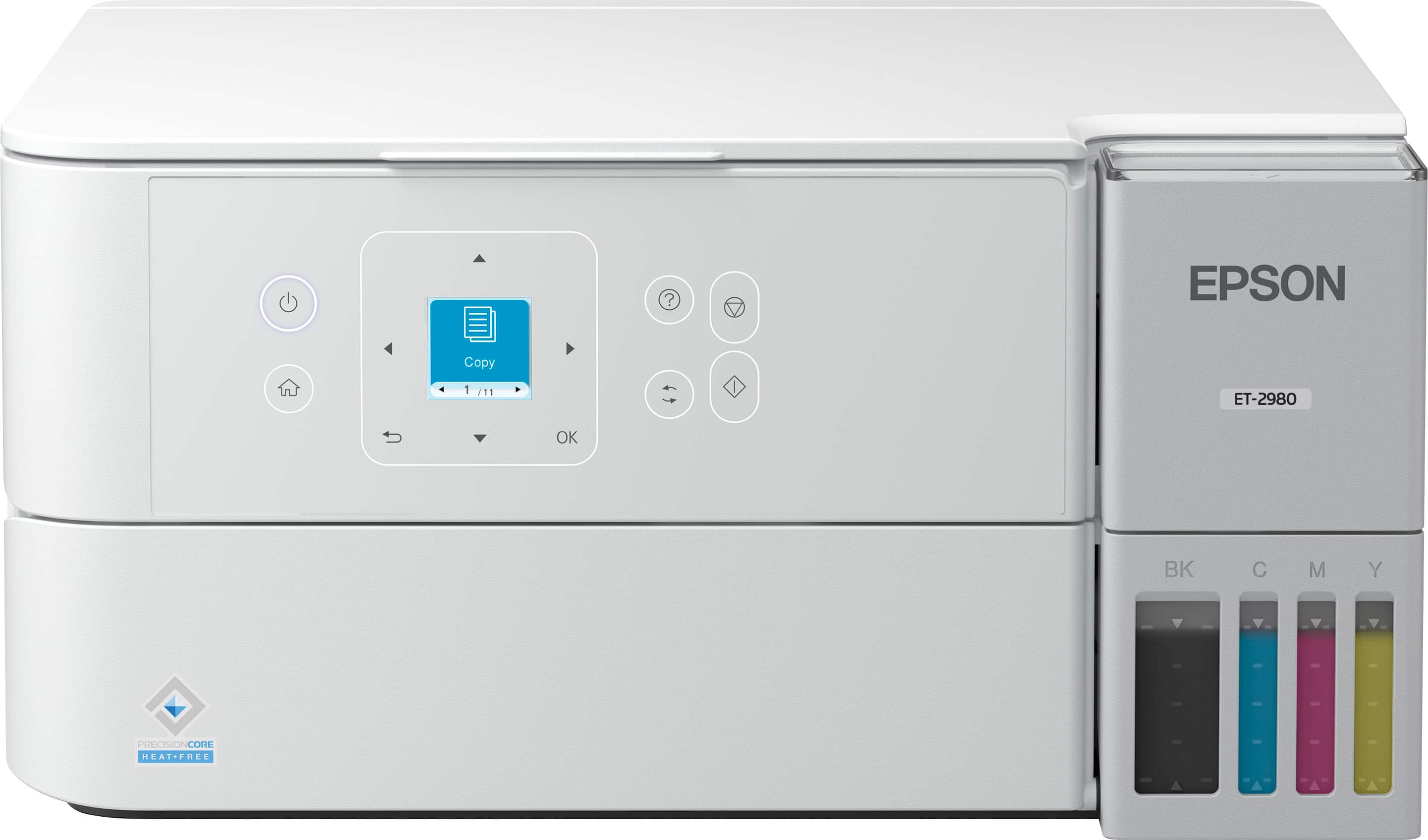
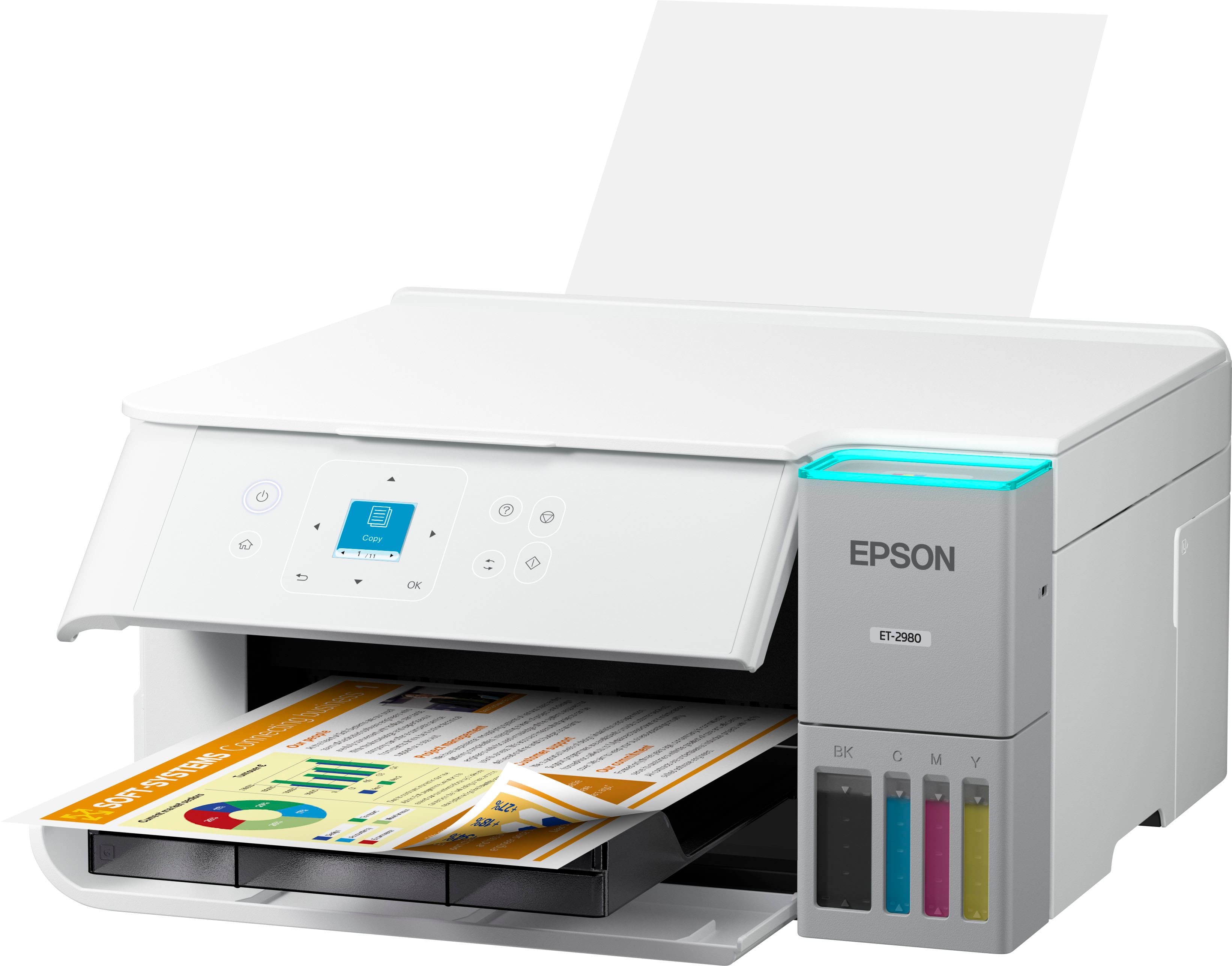
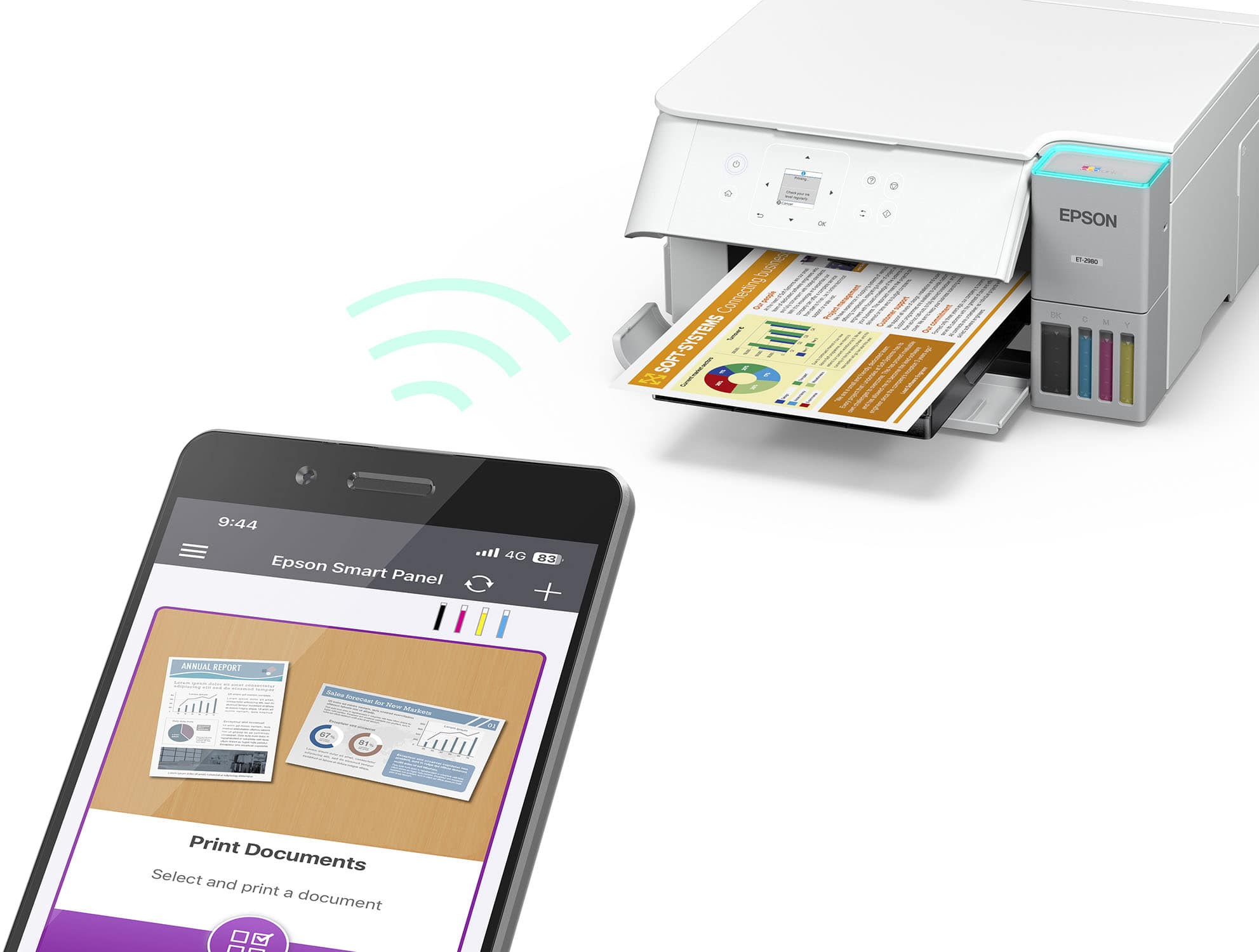
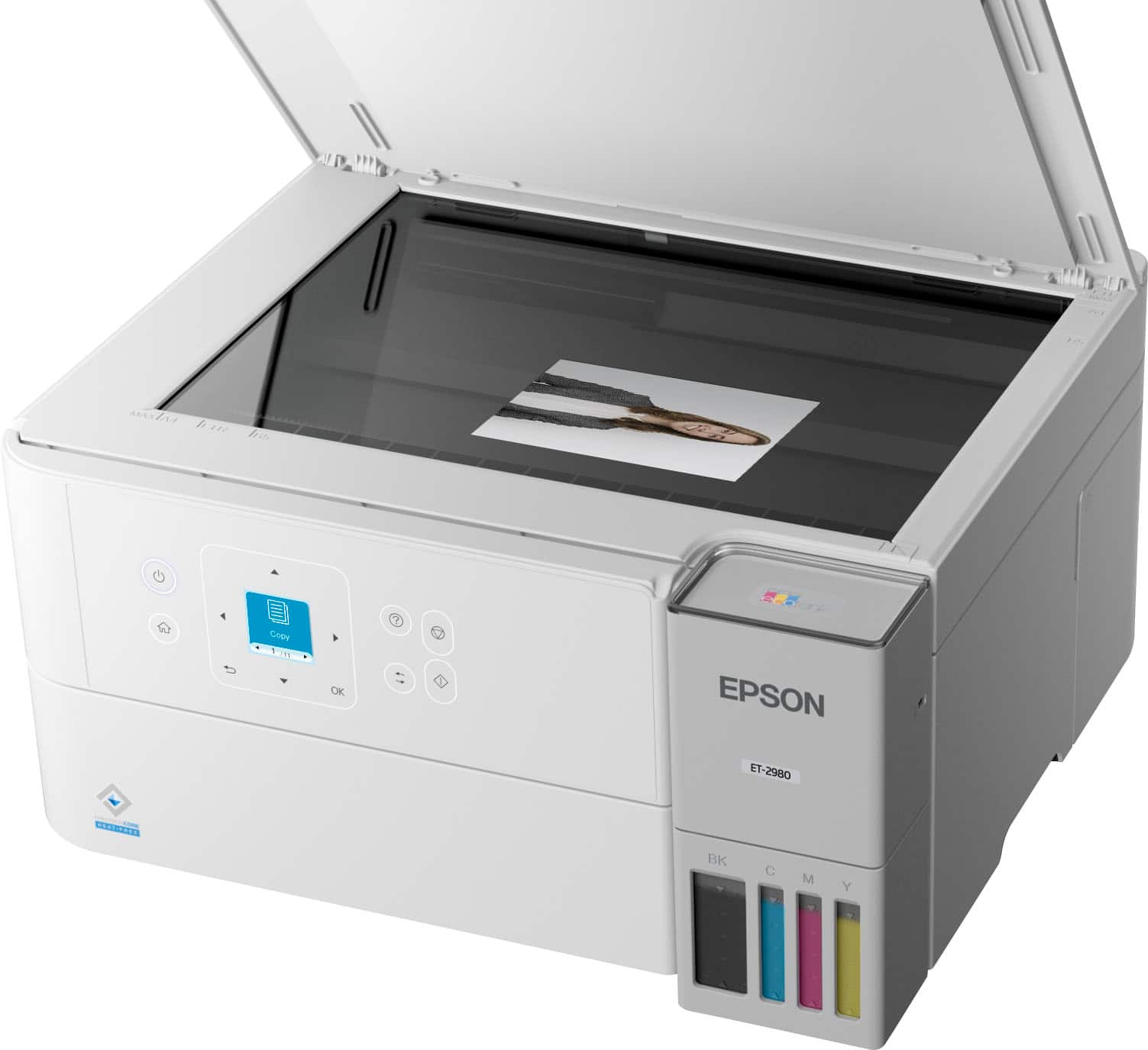
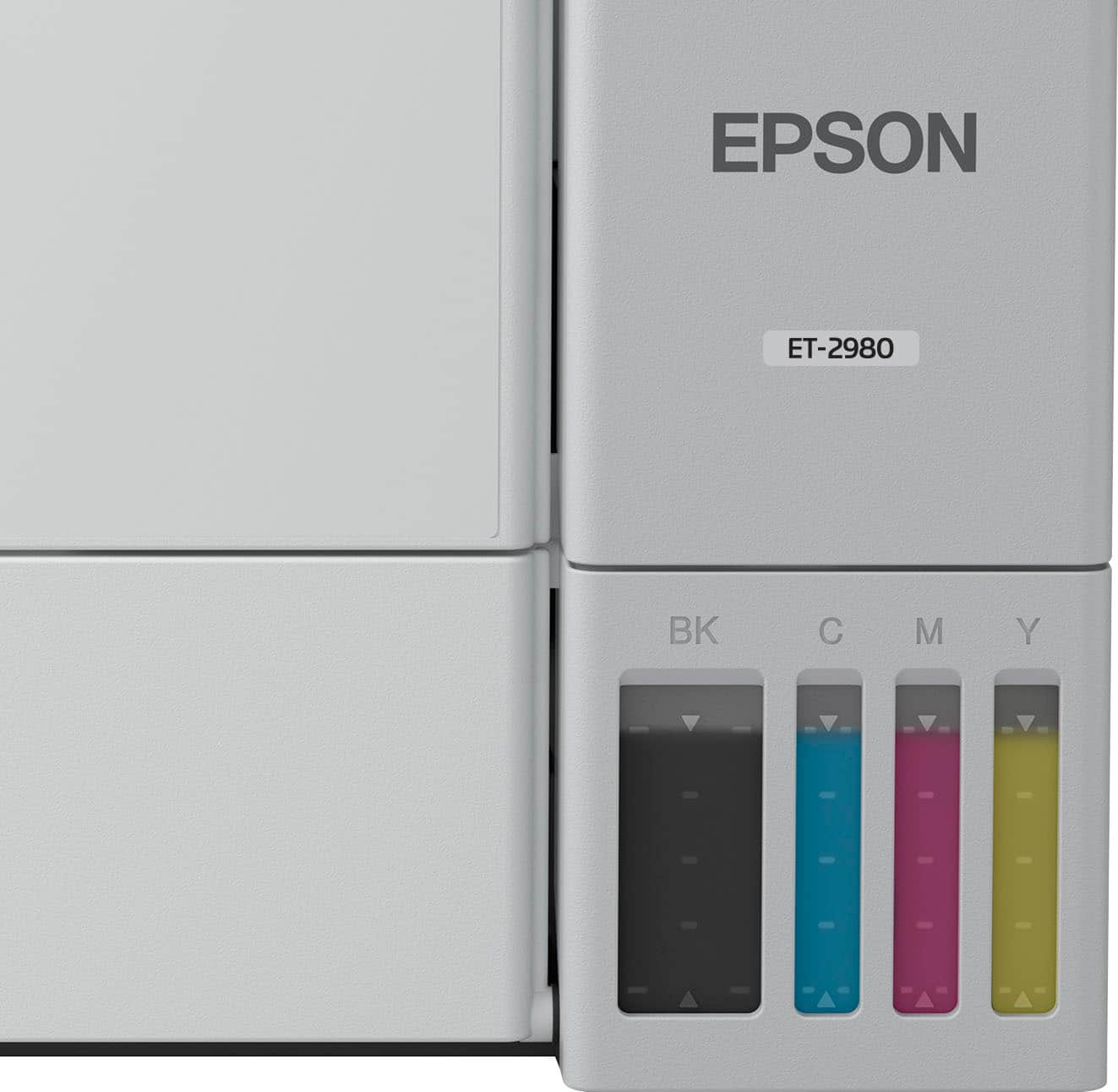
Customers love the EcoTank ET-2980 printer, especially noting the excellent print quality and incredibly easy setup. Users also appreciate the printer's connectivity, which allows them to easily print documents and photos, and its quiet operation. The main drawback mentioned by some customers is the printer's larger-than-expected size.
This summary was generated by AI based on customer reviews.
The vast majority of our reviews come from verified purchases. Reviews from customers may include My Best Buy members, employees, and Tech Insider Network members (as tagged). Select reviewers may receive discounted products, promotional considerations or entries into drawings for honest, helpful reviews.
Page 8 Showing 141-160 of 169 reviews
Rated 5 out of 5 stars
ET 2980
|
|
Posted . Owned for 1 week when reviewed.
This reviewer received promo considerations or sweepstakes entry for writing a review.
Epsom is consistent. A little quirky to set up, but works great
I would recommend this to a friend
Rated 5 out of 5 stars
Definitely recommend
|
|
Posted . Owned for 1 week when reviewed.
This reviewer received promo considerations or sweepstakes entry for writing a review.
Great printer - came with free ink. This is the best printer I have owned. Definitely recommend.
I would recommend this to a friend
Rated 5 out of 5 stars
Nice little unit
|
|
Posted . Owned for 1 month when reviewed.
This reviewer received promo considerations or sweepstakes entry for writing a review.
Easy set up, works great. So far everything is as advertised.
I would recommend this to a friend
Rated 5 out of 5 stars
BETTER THAN EXPECTED
|
|
Posted . Owned for 1 week when reviewed.
This reviewer received promo considerations or sweepstakes entry for writing a review.
Better than expected. I was always a HP person, but am really glad I bought this printer.
I would recommend this to a friend

Rated 4 out of 5 stars
Better than the rest
|
|
Posted .
This reviewer received promo considerations or sweepstakes entry for writing a review.
Happy with the printer. Way better than those rip off Hp printers.
I would recommend this to a friend

Rated 3 out of 5 stars
steve h
|
|
Posted . Owned for 1 week when reviewed.
This reviewer received promo considerations or sweepstakes entry for writing a review.
can not review if not using took back to store store has all info customer service is not good shelby hudson has contacted me we are working on something maybe
No, I would not recommend this to a friend
Brand response from Epson
Posted .
Hi StephenH, Epson takes into consideration all feedback to improve the performance and quality of our products. We will forward your feedback to the relevant Epson department, as we are always looking to make future Epson products better. Regards, Joseph – The Epson Team.
Rated 4 out of 5 stars
Good printer
|
|
Posted . Owned for 1 week when reviewed.
This reviewer received promo considerations or sweepstakes entry for writing a review.
I would recommend this product. Is a good value for the money.
I would recommend this to a friend
Rated 4 out of 5 stars
Owner
|
|
Posted .
This reviewer received promo considerations or sweepstakes entry for writing a review.
Seems to good printer. Haven’t used a lot but so far works well
I would recommend this to a friend
Rated 1 out of 5 stars
Disappointed
|
|
Posted . Owned for 1 month when reviewed.
This reviewer received promo considerations or sweepstakes entry for writing a review.
I used to love Epson, but once I purchased this particular printer, that was the end of that. I spent more than an hour on the phone with the Epson person who insisted that I could enlarge reduce on that particular printer it would not do it no matter what she kept telling me to look for scroll down look for this there was nothing there that she was describing. Also, it would not hook up to my Wi-Fi.
Just so you know, I bought a different brand printer, and it hooked up immediately and it did enlarge and reduce
No, I would not recommend this to a friend
Brand response from Epson
Posted .
Hi LindaM, thank you for sharing your experience. Epson takes into consideration all feedback to improve the performance and quality of our products. We will forward your feedback to the relevant Epson department, as we are always looking to make future Epson products better. Your product includes a 1-year limited warranty. Our Epson Support Team would be happy to help you and can be reached at (562) 276-4382; Hours: Monday – Friday, 7 a.m. to 4 p.m. (PT). Once again, thank you. Regards, Joseph – The Epson Team.
Cons mentioned:
Size
Rated 1 out of 5 stars
Not good
|
|
Posted . Owned for 3 weeks when reviewed.
This reviewer received promo considerations or sweepstakes entry for writing a review.
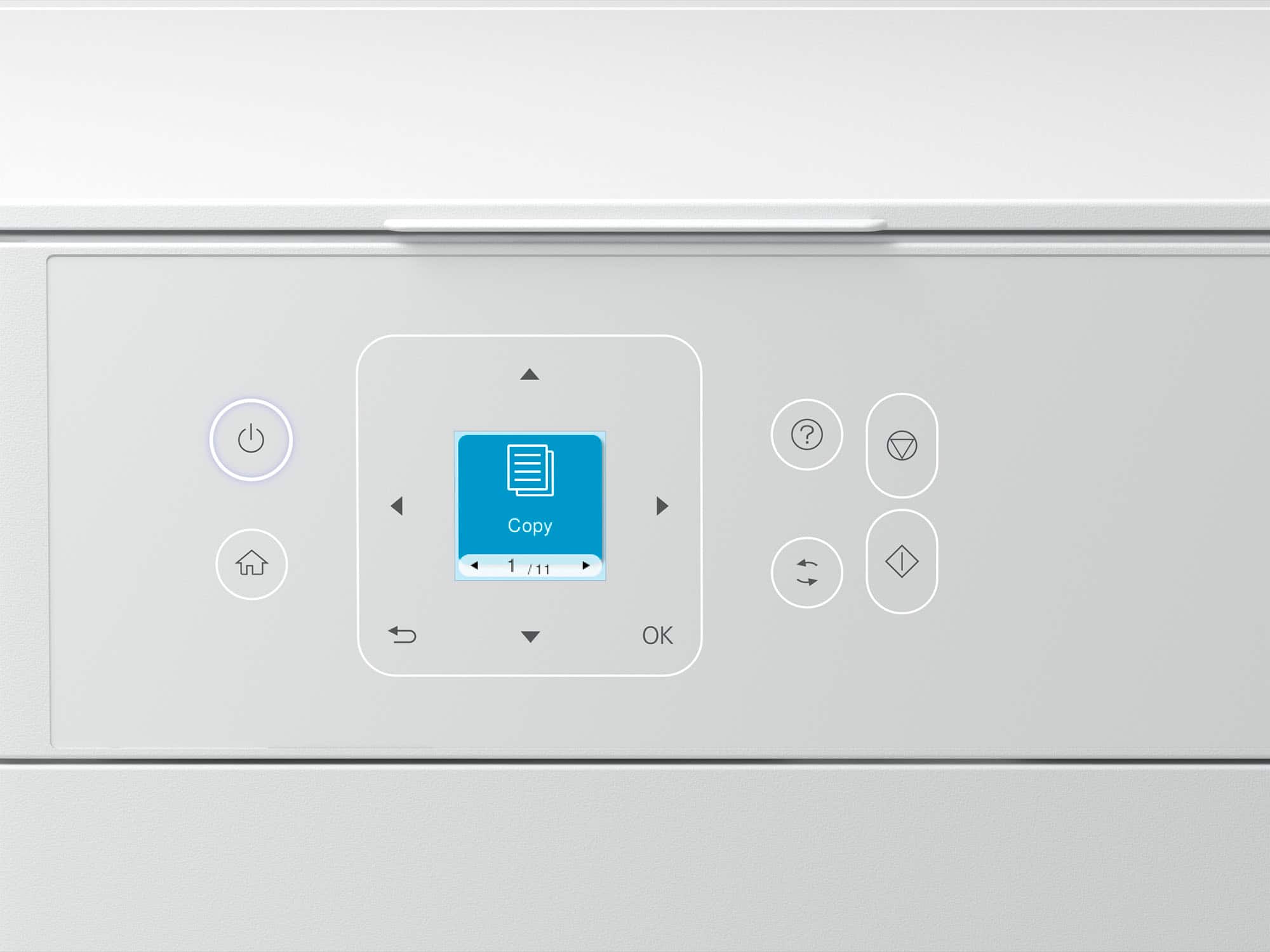
Horrible product and not worth.. cheap quality, display is very small, wrong or not accurate information on certain specifications and ink draining fast. Will return and buy a better one.
No, I would not recommend this to a friend
Brand response from Epson
Posted .
Dear RajV, we appreciate your business and are sorry to hear you are not completely satisfied with your purchase. Your Epson ET-2980 includes free technical support for the life of your product. Please reach out to our Epson Support Team for assistance at (562) 276-4382; Hours: Monday – Friday, 7 a.m. to 4 p.m. (PT). We’re here to help. Sincerely, Joseph – The Epson Team.
Rated 2 out of 5 stars
wouldn't buy it again
|
|
Posted . Owned for 1 week when reviewed.
This reviewer received promo considerations or sweepstakes entry for writing a review.
Bought this to replace another printer, prints wording ok , but as far as photos, it sucks, everything is really dark , wish my old printer didn't crap out on me, stuck with this one until it dies
No, I would not recommend this to a friend
Brand response from Epson
Posted .
Hi DaveW, we are sorry to hear you are having issues with your Epson printer. Your ET-2980 includes free technical telephone support for the life of your product. Our Epson Support Team would be happy to help you and can be reached at (562) 276-4382; Hours: Monday – Friday, 7 a.m. to 4 p.m. (PT). Sincerely, Joseph – The Epson Team.
Pros mentioned:
Connectivity, Print quality, Setup ease
Rated 5 out of 5 stars
Great printer for office documents with color
|
Posted .
This reviewer received promo considerations or sweepstakes entry for writing a review.
The Epson EcoTank ET-2980 Wireless All-in-One Color Supertank Inkjet Printer is a good printer for your personal or small business needs. The printer came well packaged and taking it out of its packaging and setting it up was easy. Setting it up using the mobile app was easy and the directions were well thought out and easy to follow with text and illustrations. The printer can be setup and used with a smartphone, as well as having the option to use it with a computer. It comes with a USB B port that allows you to connect it to your computer using a cable. It took about 30 minutes to completely go through the setup process. It took about 11 minutes for it to go through the ink initialization process and firmware update. Print speeds are pretty quick. Copying a document from the printer easy quick as well. I noticed it’s kind of slow copying a document when using the mobile app. I also installed it on my MacBook. I was able to install the necessary software by searching the model name online. It took me to the Epson support website and pulled up the necessary software as I entered the operating system for my computer. I only made a few copies and noticed that the ink had gone down considerably. The box advertises the printer as being able to get 8,500 black & white pages and 6,500 colored pages. I’m hoping it’s able to provide that. It comes also has a maintenance box on the rear side that will need to be replaced at some point. The paper is loaded from the back and is outputted from the front. The tray output can be automatically opened and closed, which is a nice touch. Overall, I’m impressed with what this printer has to offer and hope to get years of great service from it.
I would recommend this to a friend
Pros mentioned:
Connectivity, Print quality, Setup ease
Rated 5 out of 5 stars
An easy, compact, and cost effective all-in-one
|
Posted .
This reviewer received promo considerations or sweepstakes entry for writing a review.
This Epson Ecotank printer is an easy to setup and affordable option that has all the versatility in a compact formfactor. This printer, similar to all the Ecotank models have plastic bottles that you use to refill the printer meaning no expensive and wasteful cartridges!
It was very easy to unpack and setup the printer. It was well packed and securely taped up (be sure to remove all the blue tape!). Setup utilizing the app was a breeze since it walks you step-by-step through everything including calibration and Wi-Fi connectivity. The first print came out a little crooked, but after scanning it the printer made the necessary corrections and now every print looks perfect!
Once I had it setup with Wi-Fi I was able to discover it on both my computer and phone and easily print documents and photos. It has made me enjoy printing at home again! The copier and scanning function has made it super easy when I need to get good scans of IDs and legal documents. We were even able to quickly print some photographs as a gift on some photo paper that we bought and they turned out great! My next project is going to be scanning old photos!
I would recommend this to a friend

Rated 1 out of 5 stars
No thank you!
|
|
Posted . Owned for 1 week when reviewed.
This reviewer received promo considerations or sweepstakes entry for writing a review.
We would not recommend this printer. Bought it, set it up and were highly dissatisfied with the product. We took it back the next day for a full refund.
No, I would not recommend this to a friend
Brand response from Epson
Posted .
Hi KHop, Epson takes into consideration all feedback to improve the performance and quality of our products. We will forward your feedback to the relevant Epson department, as we are always looking to make future Epson products better. Regards, Joseph – The Epson Team.
Rated 1 out of 5 stars
Greatly Disappointed
|
|
Posted . Owned for 2 weeks when reviewed.
This reviewer received promo considerations or sweepstakes entry for writing a review.
Hard to install, Does not work as expected. Not able to do front and back printing.
I will likely be going to Office Depot for a new printer given I can't get it working as expected!
No, I would not recommend this to a friend
Brand response from Epson
Posted .
Hi GJTR, we are sorry to hear you are having issues with your Epson printer. Your ET-2980 includes a 1-year limited warranty plus free technical support for the life of your product. Our Epson Support Team would be happy to hear from you and can be reached at (562) 276-4382; Hours: Monday – Friday, 7 a.m. to 4 p.m. (PT). Sincerely, Joseph – The Epson Team.
Rated 1 out of 5 stars
BAD BAD PAPER JAMS!!!!
|
|
Posted . Owned for 2 weeks when reviewed.
This reviewer received promo considerations or sweepstakes entry for writing a review.
The first few pages were GREAT! But after a few prints it started jamming. I removed the jam, restarted to printer, it continued. Now I can't even get one single copy printed without it jamming and ruining the paper. I spent $300 to print like 5 total pages. 0/10
No, I would not recommend this to a friend
Brand response from Epson
Posted .
Hi WhitneyB, we are sorry to hear you are having issues with your Epson printer. Your ET-2980 includes a 1-year limited warranty plus free technical support for the life of your product. Our Epson Support Team would be happy to hear from you and can be reached at (562) 276-4382; Hours: Monday – Friday, 7 a.m. to 4 p.m. (PT). Sincerely, Joseph – The Epson Team.
Rated 1 out of 5 stars
Double sided printing jams every time.
|
|
Posted . Owned for 1 month when reviewed.
This reviewer received promo considerations or sweepstakes entry for writing a review.
Printer jams when printing two sided paper. Can only select one page to print at a time wasting time and paper.
No, I would not recommend this to a friend
Brand response from Epson
Posted .
Hi DoriL, we are sorry to hear you are having issues with your Epson printer. Your ET-2980 includes a 1-year limited warranty plus free technical support for the life of your product. Our Epson Support Team would be happy to hear from you and can be reached at (562) 276-4382; Hours: Monday – Friday, 7 a.m. to 4 p.m. (PT). Sincerely, Joseph – The Epson Team.
Pros mentioned:
Print quality, Setup ease
Rated 5 out of 5 stars
Nice Printer
|
Posted .
This reviewer received promo considerations or sweepstakes entry for writing a review.
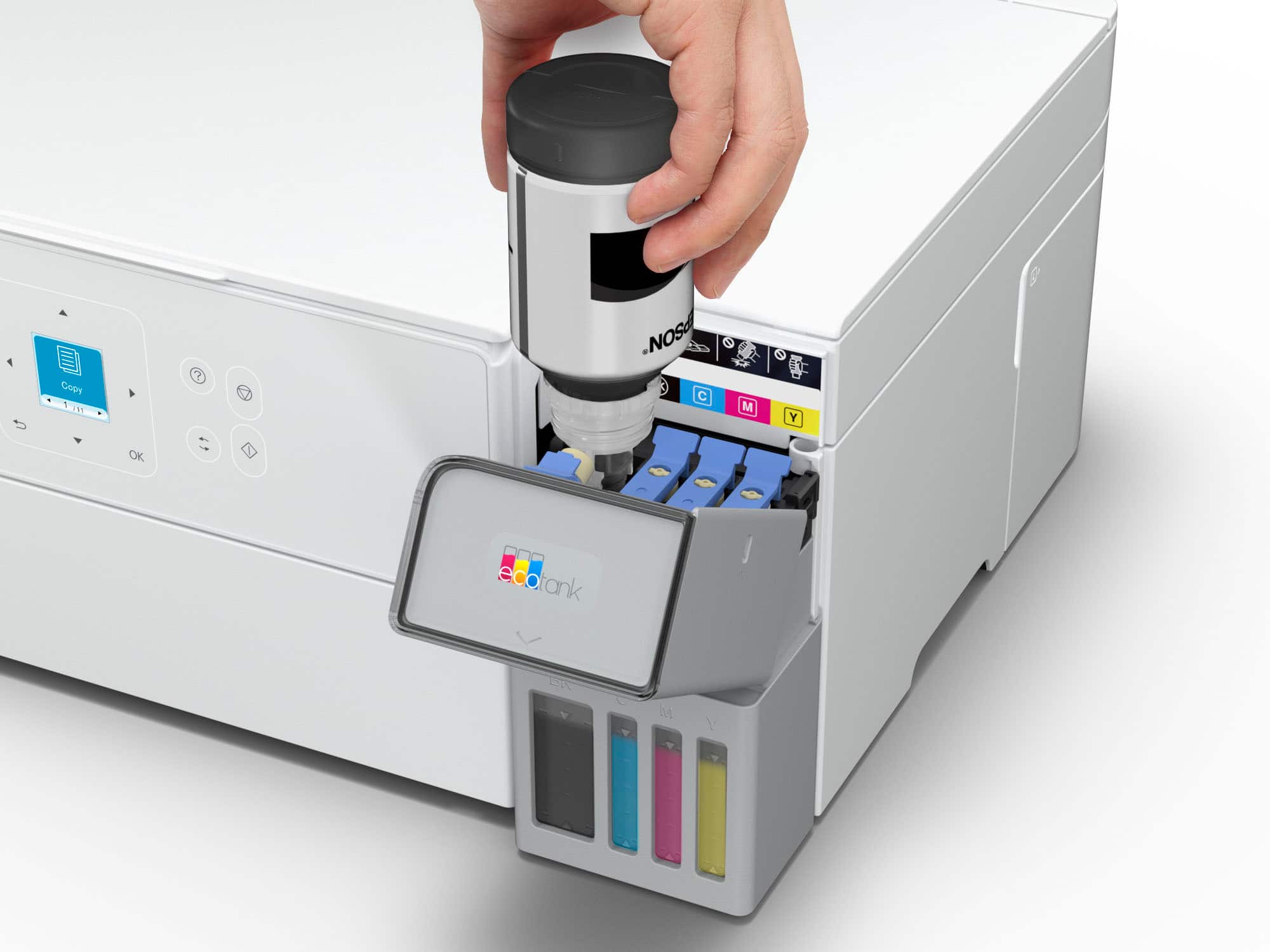
The Epson EcoTank All-In-One printer is a very nice printer, and the EcoTank concept is a nice change from traditional ink cartridges, even if initial setup does take significantly longer. This is a wireless printer with a built in scanner as well. Setup can get a bit lengthy, but luckily, the app is very clear with its instructions and walks you through every step effectively. You can connect the printer wired or wirelessly. If you opt for wired, you need to provide your own usb cable. I think Epson assumes anyone buying a wireless printer is going to connect wirelessly, but just something to be aware of if you want to connect by USB. As you go through the setup steps, everything feels quite familiar if you've ever set up a printer before. However, when you get to filling the ink tanks, that's when things became unfamiliar to me. First of all, just seeing the bottles, I expected the process to be messy. And second, I was paranoid I would put the wrong bottle in the wrong tank. Epson did a great job with both of these concerns, however. The bottles do not spill or drip at all. They do a very good job of only letting the ink out when they are placed in the filling position. And each bottle only fits into the tank it was designed for. So you won't even be able to make the mistake I was paranoid about. Each bottle takes about a minute or so to fully fill the tank. Black taking the longest, because it is the biggest. Also, the bottle will stop flowing once the tank is full. So you don't have to worry about overfilling or anything. All of the bottles had a little bit left over once all the tanks were full. Maybe about a quarter of the bottle or less. After filling the tanks, the printer then has to "charge" the ink, which I'm not even sure what that means, but it took like 10 minutes. From there, it prints an alignment page which you have to scan, and then everything is all set up. Overall, it took quite a bit longer than other printers I've set up, mostly due to the unique ink system. But as mentioned before, it was at least very simple and well explained every step of the way. The actual performance of the printer is very nice. 15 ppm black and white, and 8 ppm color. I didn't bust out the stop watch or anything, but I did notice documents printed very fast. Scanning also worked as expected, scanning a document in about the same time as other printers I've owned, and the resulting scan was very clear and detailed. One thing I will point out that concerns me about the longevity of this printer is the output tray. For some reason it is motorized. Now, don't get me wrong, it looks very impressive and sleek when it comes out. But I can't help but wonder if it was necessary. I really don't see any reason to motorize this piece other than to look fancy. It just seems like a moving part that can eventually break after too much use and render the whole printer useless. Only time will tell. But I really wish they had just left it a manual flip out tray or something. Other than that, I am really impressed with this printer and am looking forward to many years of use. The initial setup takes a bit longer than other printers, but less waste from cartridges and more ink I think is worth it.
I would recommend this to a friend
Pros mentioned:
Print quality, Setup ease
Rated 5 out of 5 stars
EcoTank ET-2980: No More Ink Drama
|
Posted .
This reviewer received promo considerations or sweepstakes entry for writing a review.
As someone who prints everything from work documents to family photos, I've been blown away by how the Epson EcoTank ET-2980 has simplified my printing life. The moment I unboxed it, I could tell this wasn't like the frustrating printers I'd used before. Those huge ink tanks staring back at me promised something different - freedom from constant cartridge replacements.
Filling the tanks for the first time felt oddly satisfying. The EcoFit bottles clicked into place perfectly, and I haven't had to think about ink since - and that was six months ago! I used to dread seeing that "low ink" warning on my old printer, but now I just glance at the clear tanks and know I'm good for months more.
What really surprised me was how quickly it prints. When I'm rushing to get contracts printed before a meeting, those 15 pages per minute in black ink make all the difference. And the quality? My daughter's school presentations come out looking crisp and professional, while family photos print with vibrant colors that last.
The wireless feature has become my favorite part. I can't count how many times I've sent prints from my phone while cooking dinner or relaxing on the couch.
The setup was super simple with a step-by-step process on both physical paper and on the app. It took me no longer than 10 minutes to setup and thats including the software update.
After years of dealing with expensive cartridges and temperamental printers, the ET-2980 feels like a revelation. It's not just a printer - it's become that reliable appliance that quietly makes my life easier every day. Whether you're a student, work-from-home professional, or just someone who prints occasionally, this EcoTank delivers where it count
I would recommend this to a friend

Pros mentioned:
Connectivity, Print quality
Rated 4 out of 5 stars
Great printer AFTER initial setup
|
Posted .
This reviewer received promo considerations or sweepstakes entry for writing a review.
Let me start off by saying this is an a great printer. Without question.
I have only one negative, and I'll start with that. The setup was atrocious. Cumulatively, I spent about 3 hours simply connecting the printer to the internet. Resetting, restarting my router, the app crashing, etc. I consider myself very tech savvy, so I couldn't imagine if it was just someone with a general understanding trying to get this printer to connect to their internet. Will be this way, but it was definitely mine.
Once I did get connected. It stayed connected, I will give it that. My last printer had several issues with constantly going on and offline, even when it was connected via cable through ethernet. Here, it has been going strong with no disconnects. Hopefully it stays that way.
Now that that is out of the way, we can get to all the positives, which are many. The first is a lack of an app. Yes, there is an app, but it's not necessary to connect. In order for you to use the printer. Just simply add a printer and go. My last printer required that I had an app and it frequently would have to check in with it. That was aggravating. Once connected, this printer just works. Scanning, printing, photo, printing, whatever it takes on the task and does it well.
The print quality is great, documents are nice and crisp, colors on pictures are vibrant and true to the image taken, and the scan quality is great for true archiving of the document as it was intended.
The form factor of the machine is small which means that you'll have some trade-offs. I am used to a printer with the drawer loading paper, so it was a bit of a The form factor of the machine is small which means that you'll have some trade-offs. I am used to a printer with the drawer loading paper, so it was a bit of a readjusting to having paper loaded from the back. But, I haven't had an issue there as whatever I loads prints without a problem.
I also appreciate the Eco tank loading system as it was easy to load up. At first I was worried that there would be ink splash everywhere, but no, easy painless with no mess. The claims about 3 years, we shall see, as the ink level has already gone down to been since I started, but that just may be the startup.
The app itself is very useful and not cumbersome. You can find a lot of fun projects, a lot of remote projects, and it just helps with the overall work functionality.
Would I recommend this printer? Absolutely. Hopefully, my setup experience was in the minority. If that is the case, this printer is well worth your money and your time as is simply works, and works great.