Customer Ratings & Reviews

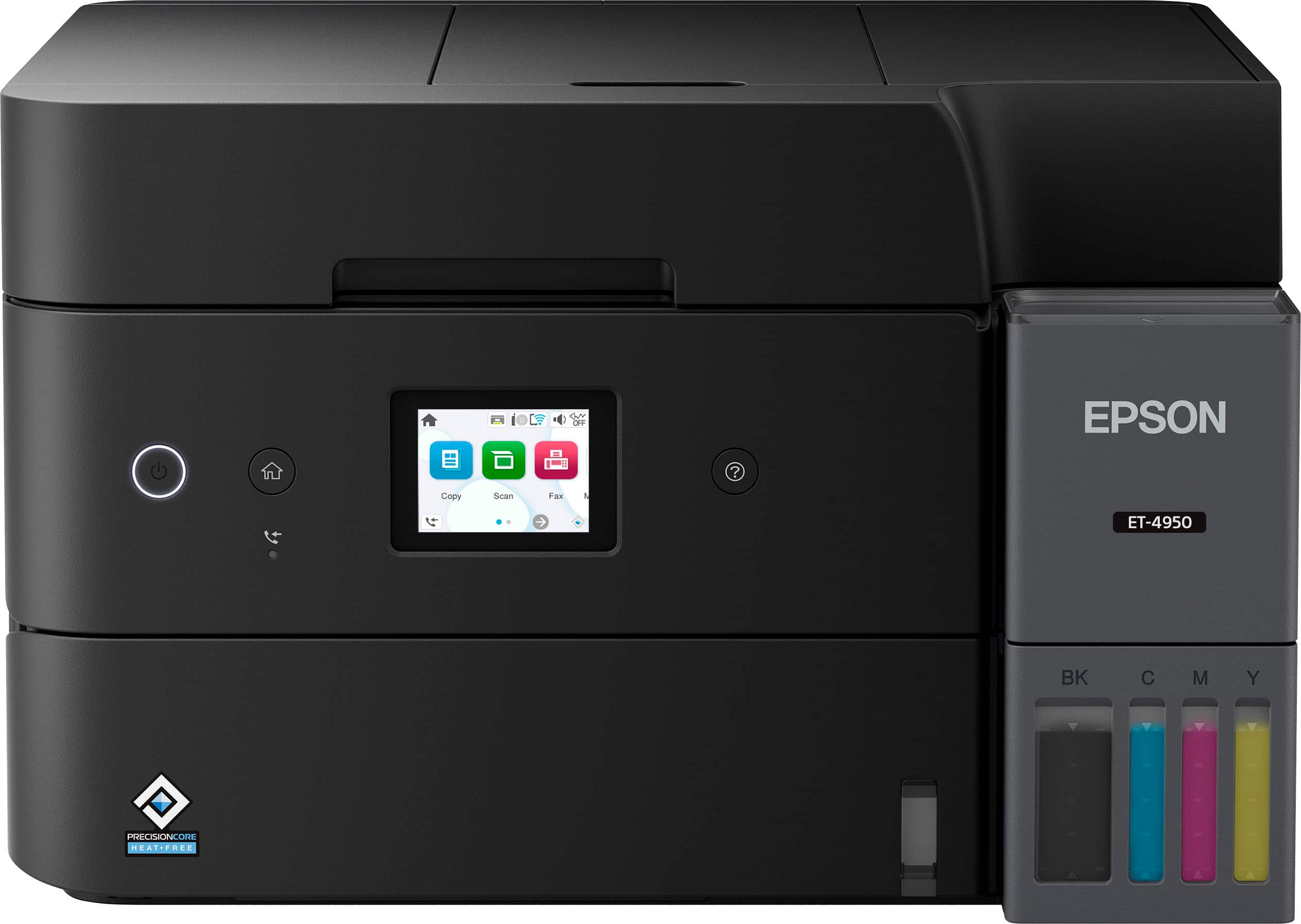
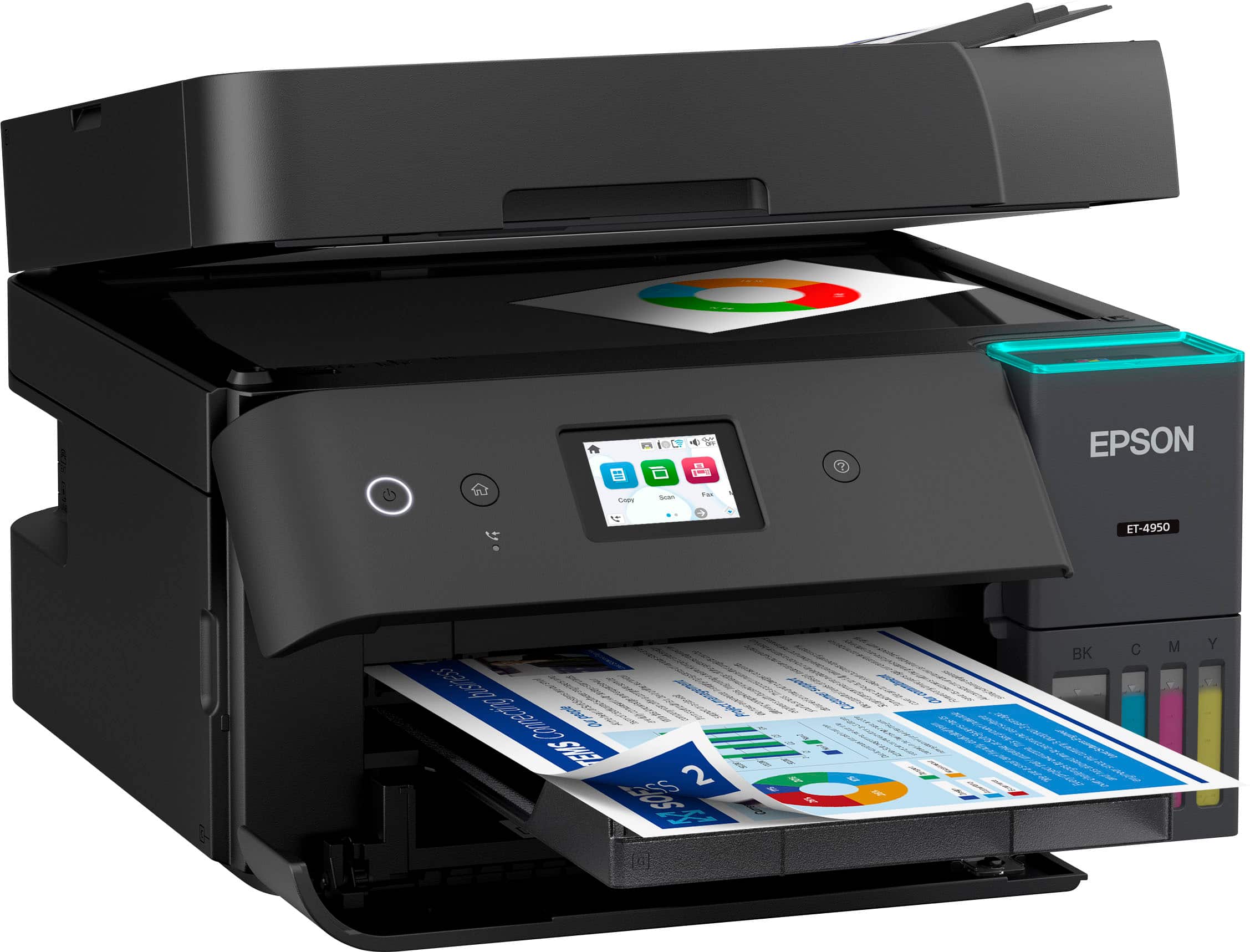
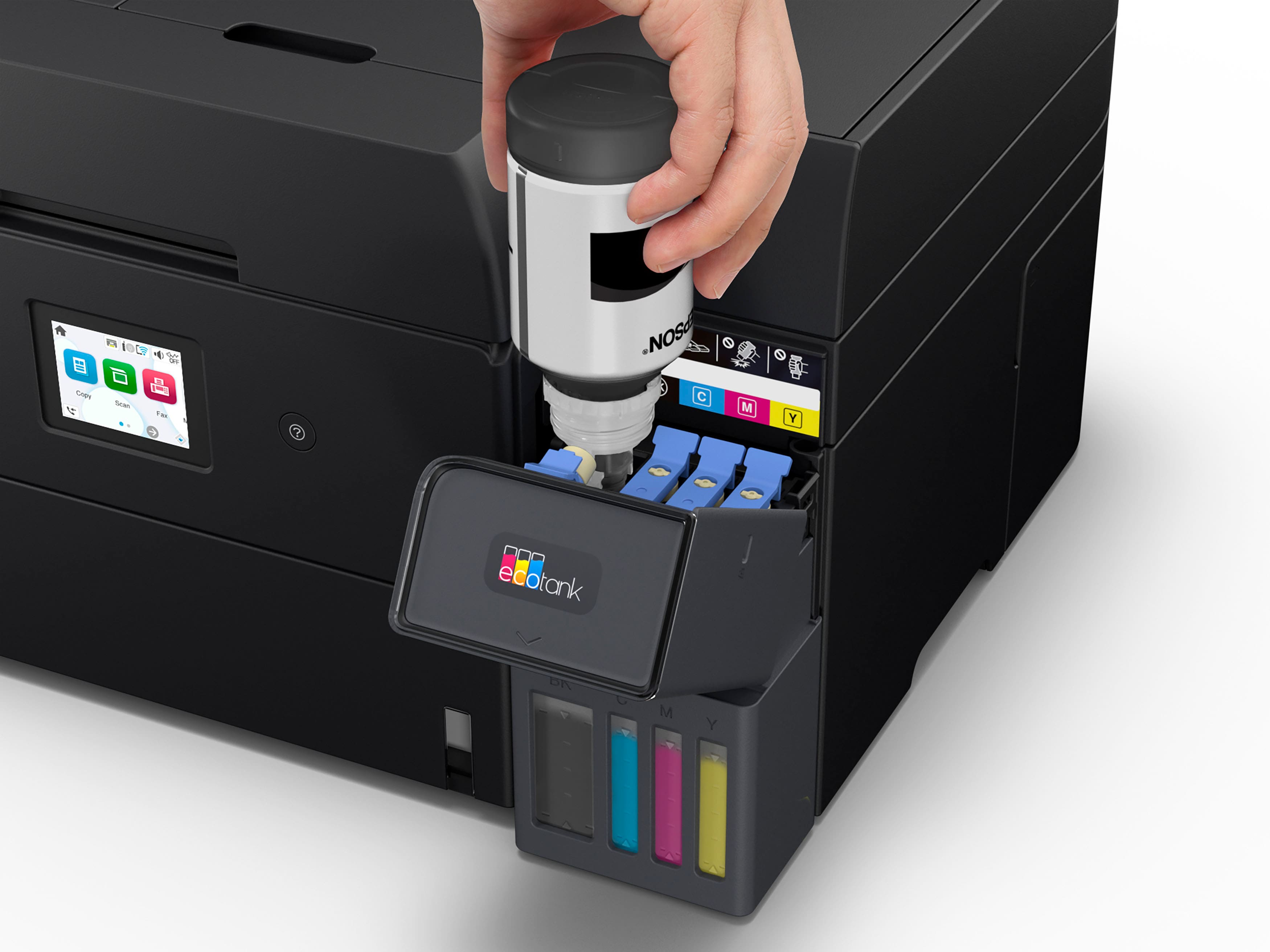
- Model:
- C11CL40201
- SKU:
- 6630482
Rating by feature
- Value
Rating 4.4 out of 5 stars
- Quality
Rating 4.5 out of 5 stars
- Ease of Use
Rating 4.4 out of 5 stars
Customers are saying
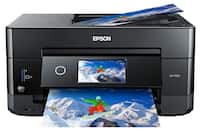
Customers are delighted by the EcoTank ET-4950 printer's excellent print quality. Users also appreciate how easy it is to set up. Overall, customers seem to be satisfied with the printer's performance and user-friendliness.
This summary was generated by AI based on customer reviews.
Epson ET-4950
||Posted . Owned for 1 week when reviewed.This reviewer received promo considerations or sweepstakes entry for writing a review.The Epson ET-4950 is perfect for me. I'm impressed with it's excellent resolution.
I would recommend this to a friendEpson Ecotank ET 4950
||Posted . Owned for 1 week when reviewed.This reviewer received promo considerations or sweepstakes entry for writing a review.Works great! Would recommend to all. Value is excellent.
I would recommend this to a friendPrinter
||Posted . Owned for 1 month when reviewed.This reviewer received promo considerations or sweepstakes entry for writing a review.Did not open box. Best Buy did not keep the promise of assisting with set up. Nor, did they suitably agree to proper maintenance. As a yog fact they were rude,
No, I would not recommend this to a friendBrand response from Epson
Posted .Hi JacquelineG, thank you for sharing your experience. Epson takes into consideration all feedback to improve the performance and quality of our products. We will forward your feedback to the relevant Epson department, as we are always looking to make future Epson products better. Your product includes a 1-year limited warranty. Our Epson Support Team would be happy to help you and can be reached at (562) 276-4382; Hours: Monday – Friday, 7 a.m. to 4 p.m. (PT). Once again, thank you. Regards, Joseph – The Epson Team.

Not Worth It
||Posted . Owned for 1 month when reviewed.This reviewer received promo considerations or sweepstakes entry for writing a review.Software had nothing but issues. You go to download the “bundle” Epsom provides on the website and it doesn’t allow the connection of a PC to the printer. I had to download each individual file and then it worked but to scan to the email on PC was a nightmare. I returned this item within 1 business day.
No, I would not recommend this to a friendBrand response from Epson
Posted .Hi Anonymous, thank you for taking the time to write a review of your new Epson printer. We appreciate your business, and value your feedback. Your ET-4950 includes free technical support for the life of your product, so if you’d like help, feel free to contact us at (562) 276-4382; Hours: Monday – Friday, 7 a.m. to 4 p.m. (PT). Kind Regards, Joseph – The Epson Team.
Does not print double sided
||Posted . Owned for 1 week when reviewed.This reviewer received promo considerations or sweepstakes entry for writing a review.I bought this specifically for printing my business flyers double sided. After trying for hours I could not get it to print on both sides. It became jammed every time. Eventually I had to print one side and reload it into the paper tray and print the other side. Even then it started printing off of the paper. The last printer I bought was 13 years ago and it worked perfectly all these years. I'm so disappointed in the quality of these newer models. Especially for $400.00!! I'm returning this.
No, I would not recommend this to a friendBrand response from Epson
Posted .Dear AngelaT, we appreciate your business and are sorry to hear you are not completely satisfied with your purchase. Your Epson ET-2950 includes free technical support for the life of your product. Please reach out to our Epson Support Team for assistance at (562) 276-4382; Hours: Monday – Friday, 7 a.m. to 4 p.m. (PT). We’re here to help. Sincerely, Joseph – The Epson Team.
Not the Best
||Posted . Owned for 1 month when reviewed.This reviewer received promo considerations or sweepstakes entry for writing a review.Printer has been returned due to a system error with in the unit and now the return is also being returned. Does not stay connected to wifi.
No, I would not recommend this to a friendBrand response from Epson
Posted .Hi DawnG, thank you for sharing your experience. Epson takes into consideration all feedback to improve the performance and quality of our products. We will forward your feedback to the relevant Epson department, as we are always looking to make future Epson products better. Your product includes a 1-year limited warranty. Our Epson Support Team would be happy to help you and can be reached at (562) 276-4382; Hours: Monday – Friday, 7 a.m. to 4 p.m. (PT). Once again, thank you. Regards, Joseph – The Epson Team.
Unhappy with our product
||Posted .This reviewer received promo considerations or sweepstakes entry for writing a review.We could not get the printer/scanner to connect to our internet. We had to spend a few hundred dollars more to get the IT company come to our office and help us connect this. We tried calling Epson, but they were not able to get it working either. It was mentioned that Epson had problems connecting to Windows 11. That is out of my knowledge base.
No, I would not recommend this to a friendBrand response from Epson
Posted .Dear StevenW, we are sorry to hear you are disappointed with your Epson printer. Your ET-4950 includes a one -year limited warranty, plus free technical support for the life of the product. You may reach our Epson Advanced Support Team directly at 1-800-241-5794 Monday through Friday from 7 a.m. to 4 p.m. (PT). Regards, Alissa A. – The Epson Team.
Swerve and get an HP Smart Tank 7600 series
||Posted .This reviewer received promo considerations or sweepstakes entry for writing a review.This printer was an absolute nightmare, I struggled with setting it up from the beginning. Do not recommend
No, I would not recommend this to a friendBrand response from Epson
Posted .Hello RTellez, we apologize for the disappointing experience you’ve encountered with your Epson printer. Your ET-4950 includes free technical support for the life of your product. Please reach out to our Epson Support Team for assistance at (562) 276-4382; Hours: Monday – Friday, 7 a.m. to 4 p.m. (PT). We’re here to help. Sincerely, Joseph – The Epson Team.
Constant Jam
||Posted .This reviewer received promo considerations or sweepstakes entry for writing a review.After about 10 scans the ADF jammed and continues to jam. I'm done with Epson
No, I would not recommend this to a friendBrand response from Epson
Posted .Hi ChristianS, we are sorry to hear that you are having issues with your Epson ET-4950 printer. Please visit www.epson.com/support/et4950 for useful product information on optimizing print settings and avoiding paper jams. Your Epson includes free technical support for the life of your product. Our Epson Support Team would be happy to help you and can be reached at (562) 276-4382; Hours: Monday – Friday, 7 a.m. to 4 p.m. (PT). We appreciate your purchase, and we value your feedback. Sincerely, Joseph – The Epson Team.
Epson printer
||Posted . Owned for 1 week when reviewed.This reviewer received promo considerations or sweepstakes entry for writing a review.Best Buy needs to train its employees better…on two occasions misinformation has been given on purchases…managers have also been clueless and disinterested in good customer service-Poplar Store near 240 expressway…product so far okay
I would recommend this to a friendBrand response from Epson
Posted .Hi BarbarajP, Epson takes into consideration all feedback to improve the performance and quality of our products. We will forward your feedback to the relevant Epson department, as we are always looking to make future Epson products better. Regards, Joseph – The Epson Team.
Going to a different brand
||Posted .This reviewer received promo considerations or sweepstakes entry for writing a review.Horrible printer. I had it for 1 week, then it started jamming consistently when I printed double sided. I went to Best Buy Geek Squad and they told me it was most likely an internal problem.
No, I would not recommend this to a friendBrand response from Epson
Posted .Hi RebeccaL, we are sorry to hear you are having issues with your Epson printer. Your ET-4950 includes a 1-year limited warranty plus free technical support for the life of your product. Our Epson Support Team would be happy to hear from you and can be reached at (562) 276-4382; Hours: Monday – Friday, 7 a.m. to 4 p.m. (PT). Sincerely, Alissa A. – The Epson Team.
Inferior in every way
||Posted . Owned for 2 weeks when reviewed.This reviewer received promo considerations or sweepstakes entry for writing a review.Returned item. Far inferior to my previous HPSmart Tank. Colors were not acceptable. Ease of setup terrible..never did figure out scanning process..Returned and purchased another HP
No, I would not recommend this to a friendBrand response from Epson
Posted .Hi LarueV, thank you for sharing your experience. Epson takes into consideration all feedback to improve the performance and quality of our products. We will forward your feedback to the relevant Epson department, as we are always looking to make future Epson products better. Once again, thank you. Regards, Joseph – The Epson Team.
Bad print
||Posted .This reviewer received promo considerations or sweepstakes entry for writing a review.Wifi disconnects most of time. Take too long to connect again. Also hard to connect any devices. Junk printer
No, I would not recommend this to a friendDoes not work with a mesh network!
||Posted . Owned for 3 weeks when reviewed.This reviewer received promo considerations or sweepstakes entry for writing a review.This printer would not stay connected to network. Called Epson Tech support and was told that it would not work with a mesh network. It must be connected to the node that is WIRED to the modem. Each time the printer connected to a different node, it would drop connection.
No, I would not recommend this to a friendBrand response from Epson
Posted .Hi RealCustomer, we apologize about the disappointing experience you are having with your Epson printer's Wi-Fi connection. Your ET-4950 includes free technical support for the life of your product. Please call and let our Epson Support Team assist. Our support number is (562) 276-4382. Our support hours of operation are Monday – Friday, 7 a.m. to 4 p.m. (PT). We’re here to help. Sincerely, Joseph – The Epson Team.
Dissaponted
||Posted . Owned for 1 month when reviewed.This reviewer received promo considerations or sweepstakes entry for writing a review.Slow and keeps dropping/reconnecting to wifi. I am a IT person and our wifi is not an issue
No, I would not recommend this to a friendBrand response from Epson
Posted .Hi evzusa, we apologize about the disappointing experience you are having with your Epson printer's Wi-Fi connection. Your ET-4950 includes free technical support for the life of your product. Please call and let our Epson Support Team assist. Our support number is (562) 276-4382. Our support hours of operation are Monday – Friday, 7 a.m. to 4 p.m. (PT). We’re here to help. Sincerely, Joseph – The Epson Team.
- Pros mentioned:Design, Noise level, Print quality

Quality Printer!
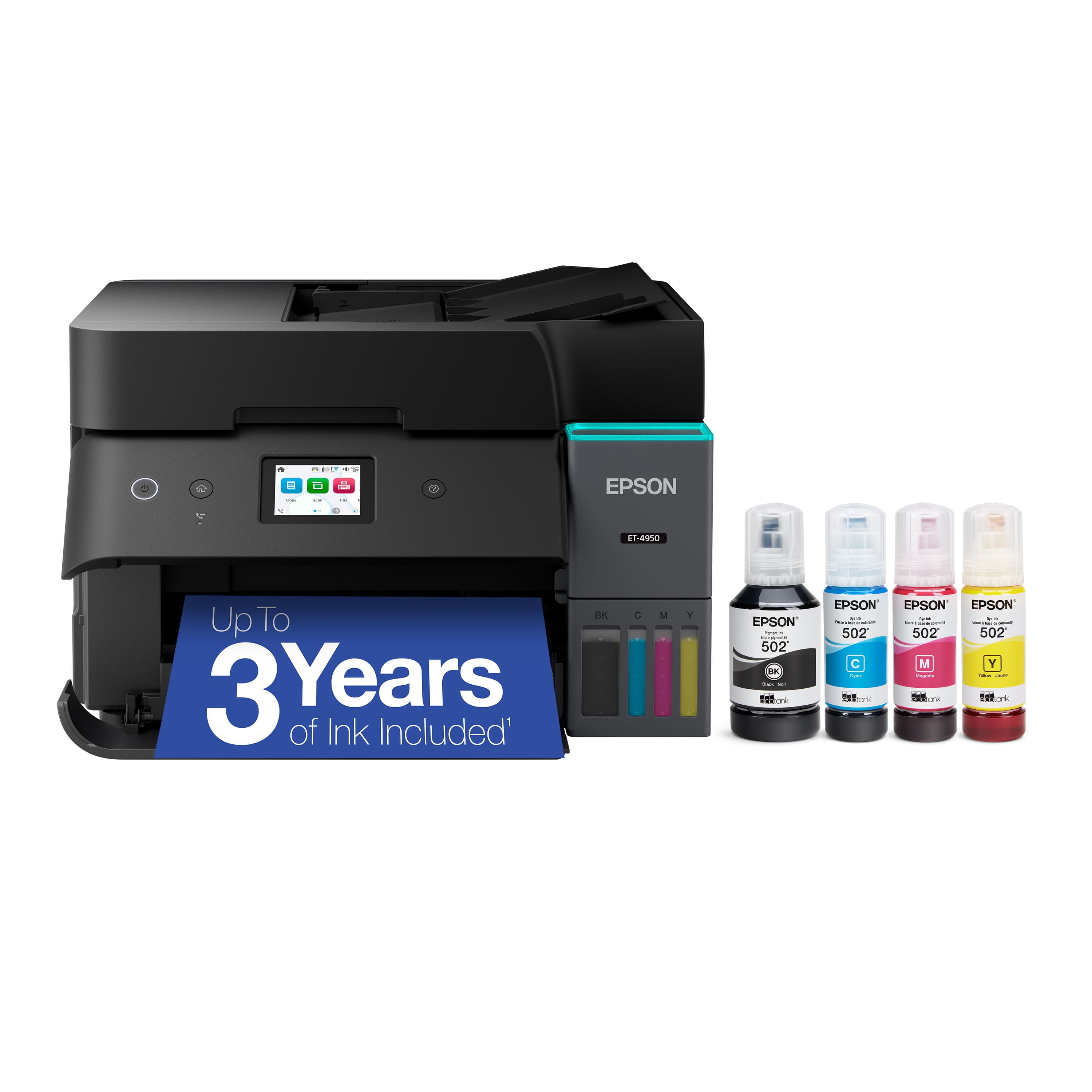
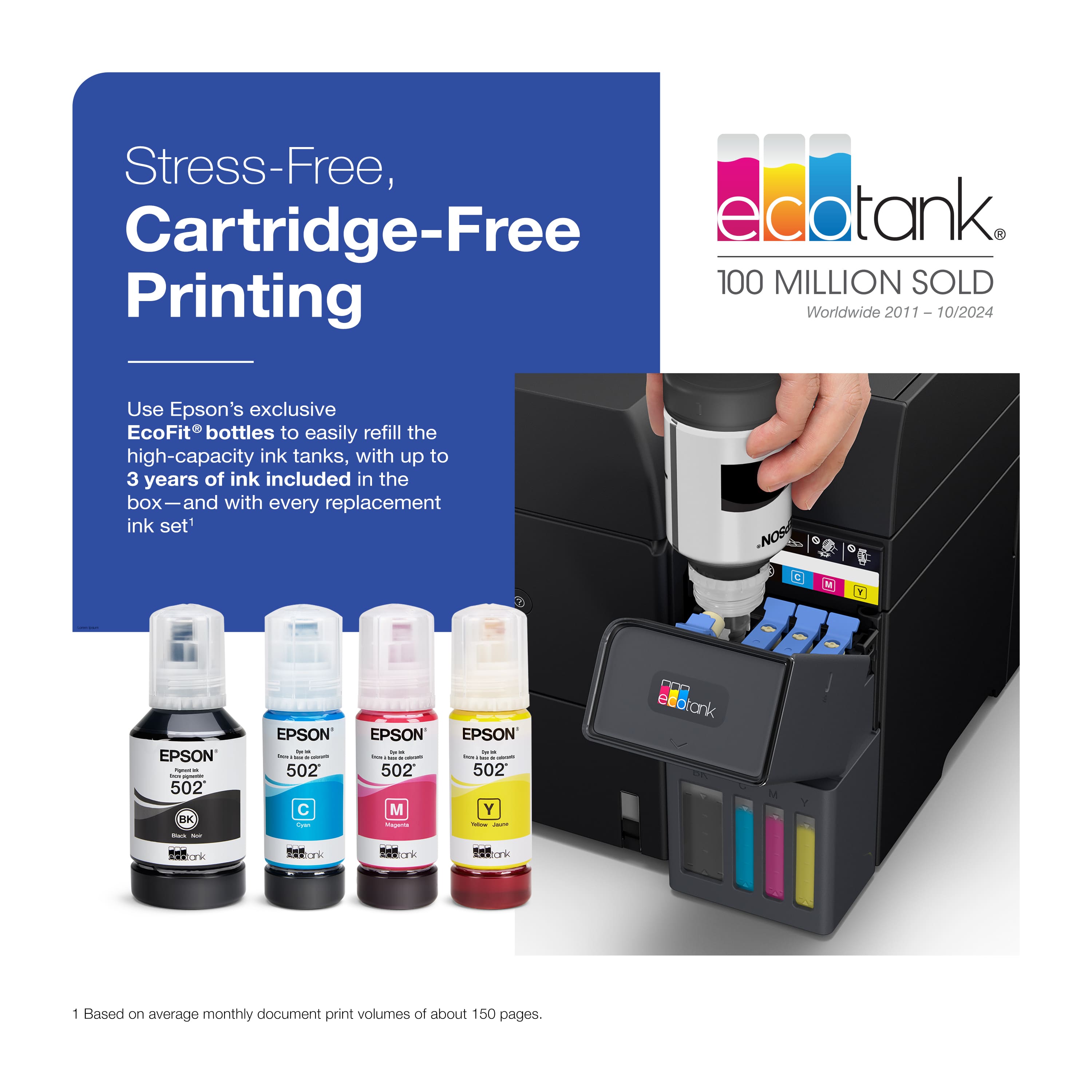
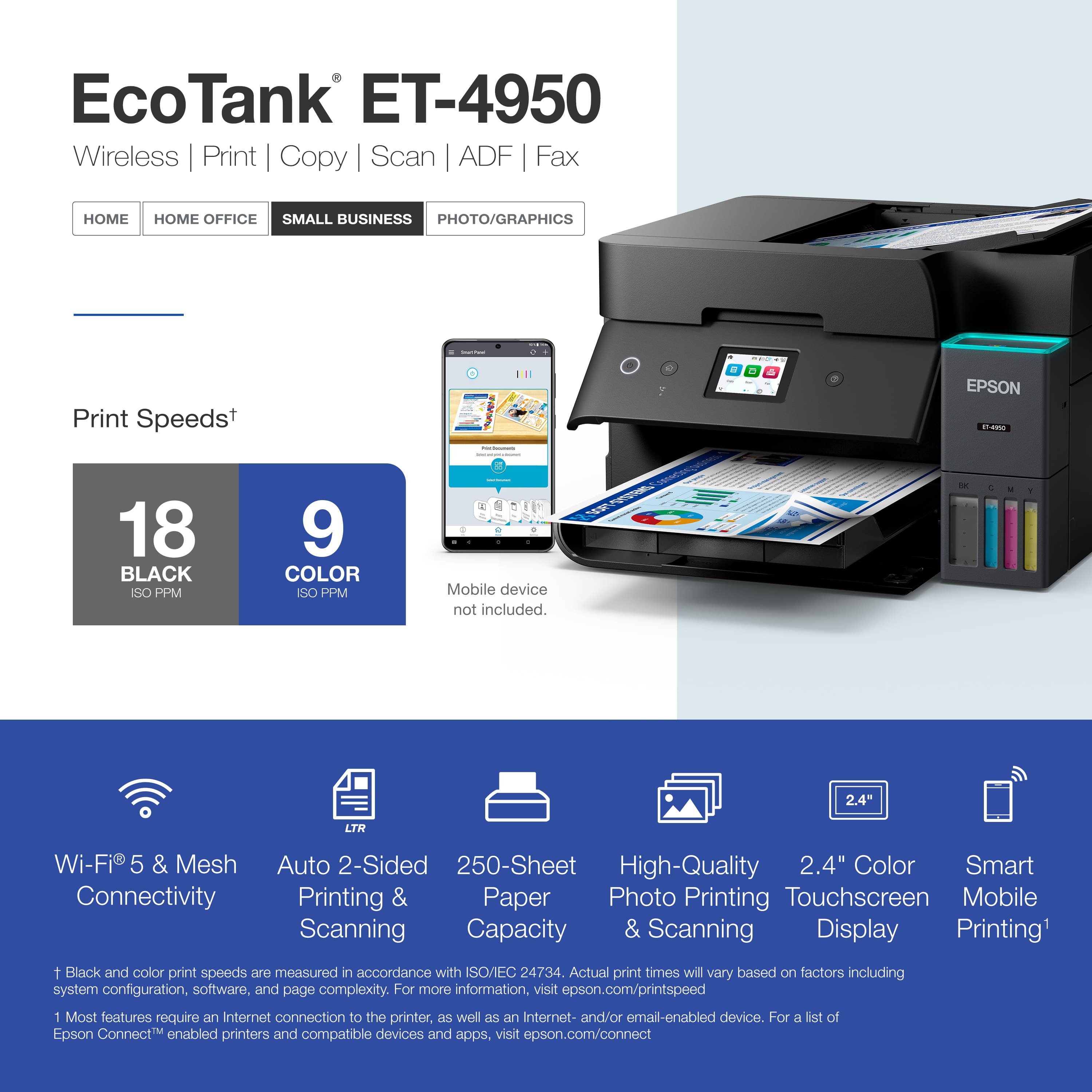
|Posted .This reviewer received promo considerations or sweepstakes entry for writing a review.This is my first time owning an Epson printer. I was somewhat familiar with the brand, but I decided to research the company and learned that "Seiko Epson Corporation, commonly known as Epson, is a Japanese multinational electronics company and one of the world's largest manufacturers of printers and imaging-related equipment, headquartered in Suwa, Nagano, Japan." The unboxing process was smooth, as the printer was very well-packaged. The printer's design is simple and unremarkable, giving it the appearance of a basic, no-frills model. The LCD screen is somewhat small, but navigating and selecting options on it was still easy and straightforward. The supplied instructions were excellent, and I opted for the phone setup instead of the computer setup. The directions were clear, concise, and easy to follow. The initial setup involves manually filling the four ink tanks, a task that was quick, mess-free, and straightforward thanks to the eco-fit bottles, which made the process effortless. After initialization, I loaded the paper tray for test printing. The first page printed perfectly, but I encountered two paper jams on the subsequent test pages. Once cleared, the printing process was uneventful. I use this printer solely for personal and home purposes. It has a large paper capacity (250 sheets) and delivers fairly quick printing in both black and white and color. In my opinion, it could also be used for a small office environment. It will print up to 18 pages per minute in the black and white mode and 9 pages in color. One outstanding feature of this printer is the capacity of the Eco Tank ink reservoirs which can print up to 6,600 pages of black and white and up to 5,500 pages of color. That in itself is a massive amount of printing! You also have scanning, copying, and faxing capabilities. I printed wirelessly, and the output quality and results were amazing. Clean prints and color charts were vibrant and did not smudge. The printer is relatively quiet during its print routine. The Epson Eco Tank 4950 printer is a decent all-in-one device. The look of the printer is simplistic with no excessive buttons and or controls. The printer has a compact footprint, making it easy to fit into both work and home environments. The functions are straightforward to use and navigate, and they are actually very simple by design. What I love the most is the wireless printing. Setup was flawless with my Microsoft Windows 11 based desktop computer. Hookup was quick and easy, and I am also able to print through my iPhone16 ProMax. I had to download the printer drivers onto my desktop computer before I could utilize the product. All you do is just follow some easy instructions and you are ready to print wirelessly. PROS: **** All-in one printer which copies, scans, prints and can fax. **** Fast and easy set up. **** Nice quality color and black and white prints. **** No compatibility problems with my Windows11 operating system, and my iPhone 16 Pro Max. **** WIFI capable. CONS: **** Access for paper jams is located in the rear of the printer. You must remove a panel; therefore, your printer should not be butted up against a wall. Cumbersome access to say the least. Overall, I'm very happy with the printer. It's pretty quiet and handled all of my personal printing jobs with ease and operated as per the manufacturer's specifications. This printer can easy double for both home and small office use. The printer performed very well in my test usage. I didn't experience any paper-jams during my daily use, other than the initial paper jam during test printing. The output quality of this printer is great, with crisp clean prints being the norm. I definitely recommend this printer for your everyday print jobs. I was quite pleased with this product, and you should be also!
I would recommend this to a friend Disappointing
||Posted . Owned for 1 month when reviewed.This reviewer received promo considerations or sweepstakes entry for writing a review.I bought this printer because I've had a similar model for four years and it's never given me any problems. This one is a nightmare. Every three days I have to uninstall and reinstall it, download the drivers, and in short, every two days it gives me an error and doesn't print. A disaster.
No, I would not recommend this to a friendBrand response from Epson
Posted .Hi LLRCONST, we are sorry to hear that you are experiencing issues with your printer. Your ET-4950 includes free technical support for the life of your product. Our Epson Support Team would be happy to help and can be reached at (562) 276-4382; Hours: Monday – Friday, 7 a.m. – 4 p.m. PT. Sincerely, Joseph – The Epson Team.
- Pros mentioned:Noise level, Print quality, Setup ease
A good, flagship supertank printer
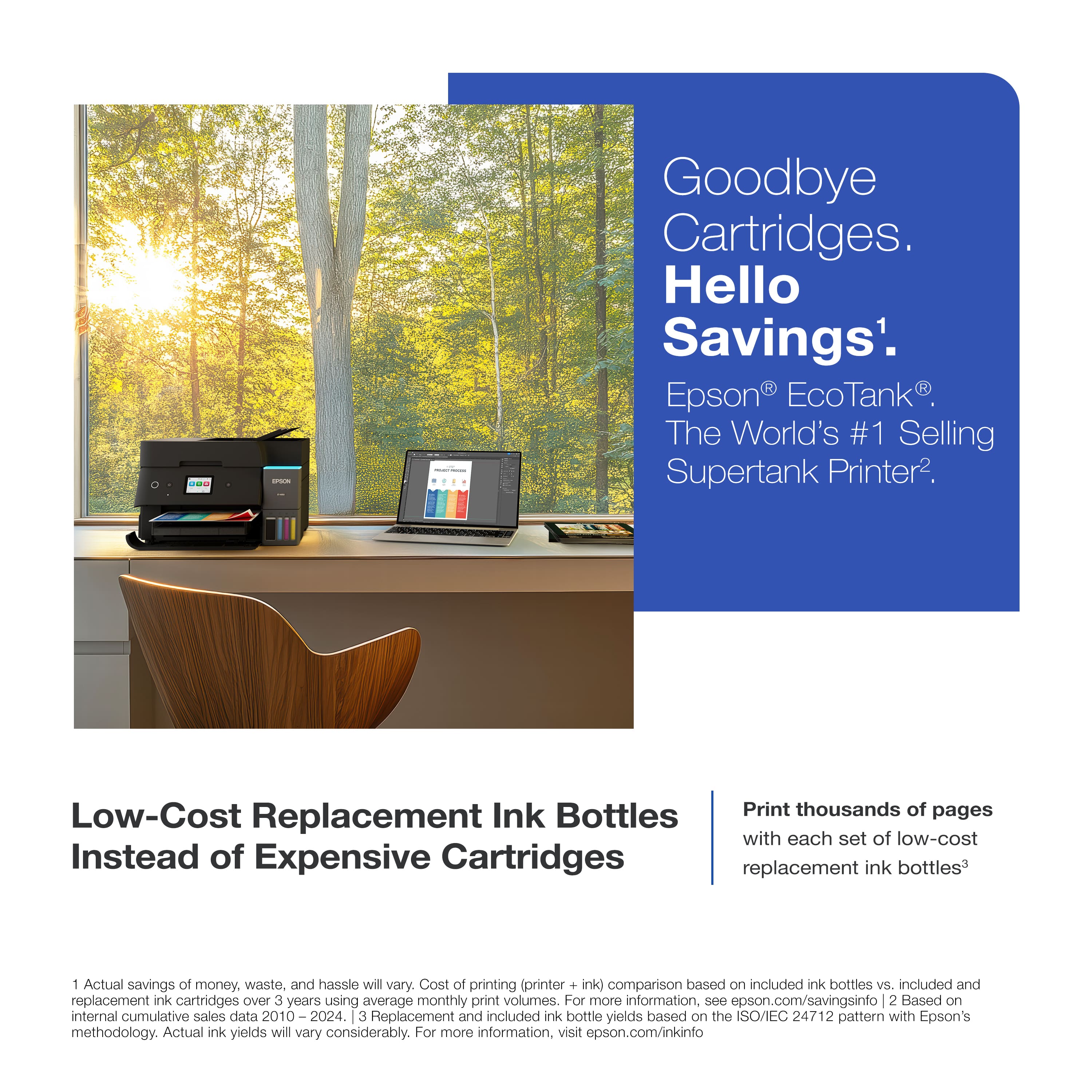
|Posted .This reviewer received promo considerations or sweepstakes entry for writing a review.If you're tired of spending a small fortune on ink cartridges every few months, Epson's EcoTank ET-4950 might be the upgrade you’ve been looking for. As part of Epson’s 7th generation EcoTank lineup, this wireless all-in-one printer is designed for home offices and small businesses that print frequently. It offers high-capacity ink tanks, solid performance, and exceptionally low running costs. While the upfront price is higher than many consumer inkjets, the long-term value is hard to beat. The ET-4950 uses Epson’s refillable supertank system rather than cartridges, which means fewer refills and significantly lower cost per page. Right out of the box, you get enough ink to print up to have a full 6000 pages. Replacement bottles are reasonably priced, and page yields are excellent, coming in at around 1.6 cents per page or less. This design I’ve enjoyed in the past, as the tanks don’t try up as fast, though the lines can get clogged if gone without use for a while. Print quality is sharp and reliable, especially for documents. Black text is crisp thanks to pigment ink, and color prints are vivid and smooth. While casual photo printing looks good, the ET-4950 doesn’t offer the level of accuracy that professional photographers (myself included) may want to do any sort of printing from home. Small sizes, however, were of adequate quality. In terms of speed, Epson claims 18 pages per minute in black and 9 in color under ideal conditions. I didn’t time the measures, but we certainly were good at printing a 30 page document in about a minute and a half. Epson’s PrecisionCore technology is supposed to eliminate warm-up time as well. The noise levels are lower than I am used to, which I was surprised about. It’s a dependable performer that doesn’t disrupt the room when it runs. Feature-wise, it checks nearly every box. Wireless printing, automatic two-sided printing and scanning, fax support, and a 250-sheet paper tray all come standard. The 2.4-inch color touchscreen is compact but functional. Setup is quick through the Epson Smart Panel app, and the ink refill process is clean and foolproof thanks to keyed bottles and visible tank levels. To offer a bit of context, the HP Smart Tank 7602 is Epson’s closest competitor in the same category. HP’s model has a slightly larger touchscreen and supports Bluetooth printing, and it offers a higher color page yield. However, Epson pulls ahead in print clarity, first-page speed, and quiet operation. While HP may appeal more to family users who do a lot of photo printing, the Epson ET-4950 remains a better option for high-volume document workflows. Overall, the new flagship supertank from Epson is an excellent choice for anyone who wants dependable performance and long-term ink savings. It’s well suited to households or offices that print frequently and care more about document clarity than high-end photo reproduction. Quiet, efficient, and low maintenance, it’s a smart investment that can pay off with every page you print.
I would recommend this to a friend Not a fast machine.
||Posted . Owned for 2 weeks when reviewed.This reviewer received promo considerations or sweepstakes entry for writing a review.The printer is ok the scanner is very slow! If your looking for something fast don’t get this one
No, I would not recommend this to a friendBrand response from Epson
Posted .Dear LisaE, we appreciate your business and are sorry to hear you are not completely satisfied with your purchase. Your Epson ET-4950 includes free technical support for the life of your product. Please reach out to our Epson Support Team for assistance at (562) 276-4382; Hours: Monday – Friday, 7 a.m. to 4 p.m. (PT). We’re here to help. Sincerely, Joseph – The Epson Team.
Don’t Buy!
||Posted . Owned for 1 month when reviewed.This reviewer received promo considerations or sweepstakes entry for writing a review.Paper jams every time there is a print job. I absolutely hate this printer.
No, I would not recommend this to a friendBrand response from Epson
Posted .Hi EliP, we are sorry to hear that you are having issues with your Epson ET--4950 printer. Your Epson includes free technical support for the life of your product. Our Epson Support Team would be happy to help you and can be reached at (562) 276-4382; Hours: Monday – Friday, 7 a.m. to 4 p.m. (PT). We appreciate your purchase, and we value your feedback. Sincerely, Alissa – The Epson Team.