Customer Ratings & Reviews


- Model:
- C11CF47201
- SKU:
- 5711424
Rating by feature
- Value
Rating 4.1 out of 5 stars
- Quality
Rating 4.0 out of 5 stars
- Ease of Use
Rating 4.1 out of 5 stars
Customers are saying
Customers express satisfaction with the Expression EcoTank ET-2650's print quality and ease of use, frequently praising its straightforward setup and compact size. Many appreciate its wireless capabilities, enabling convenient printing from various locations. However, some users reported concerns about the printer's reliability and price point.
This summary was generated by AI based on customer reviews.
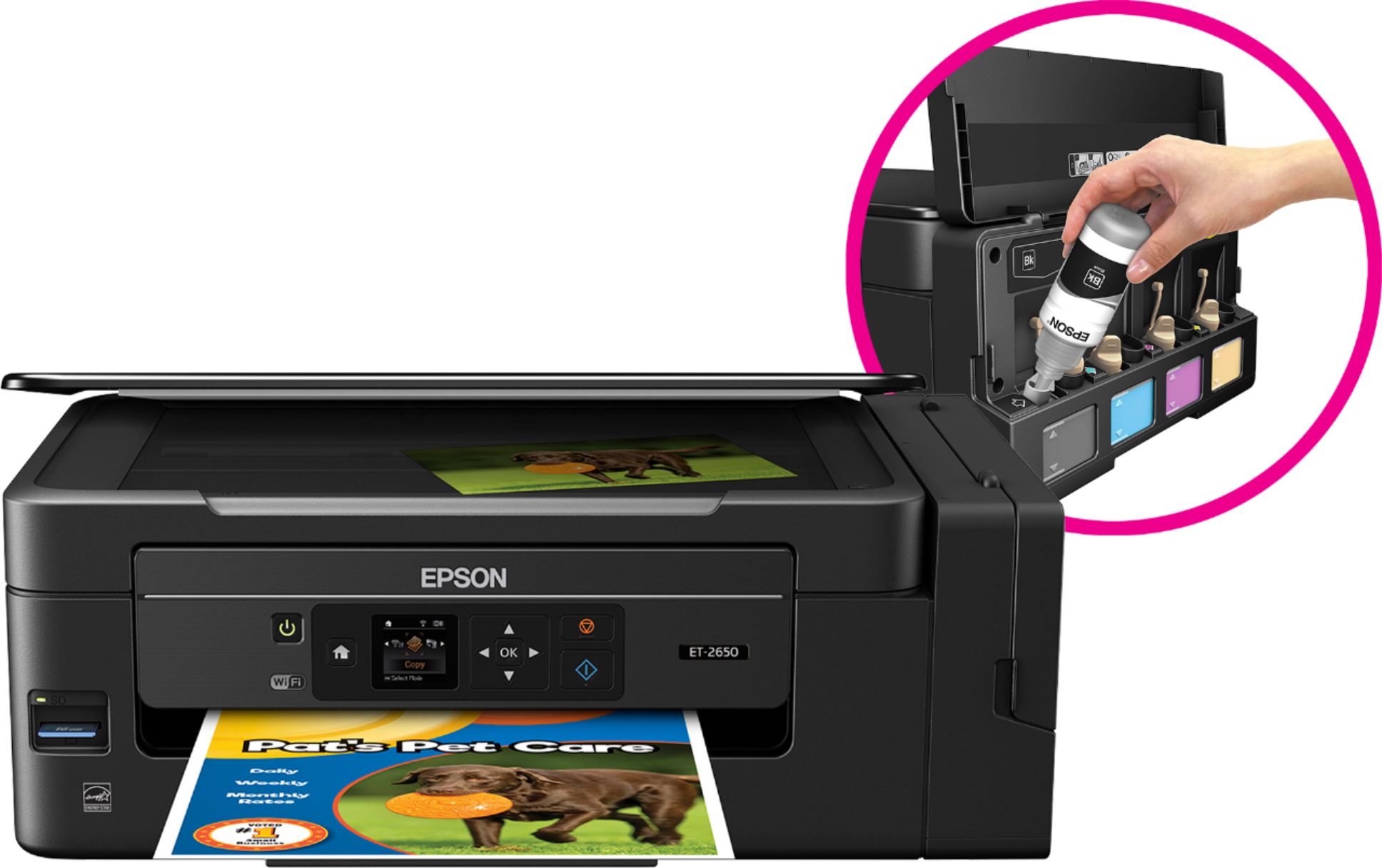
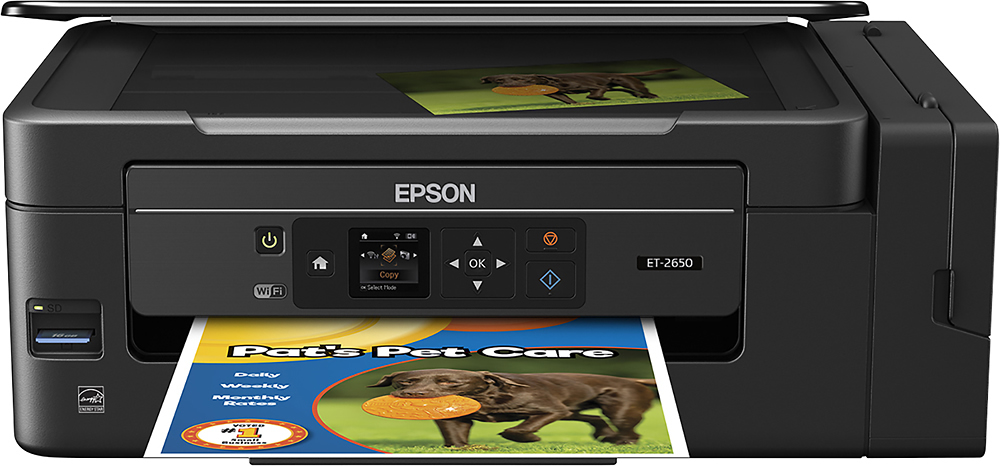
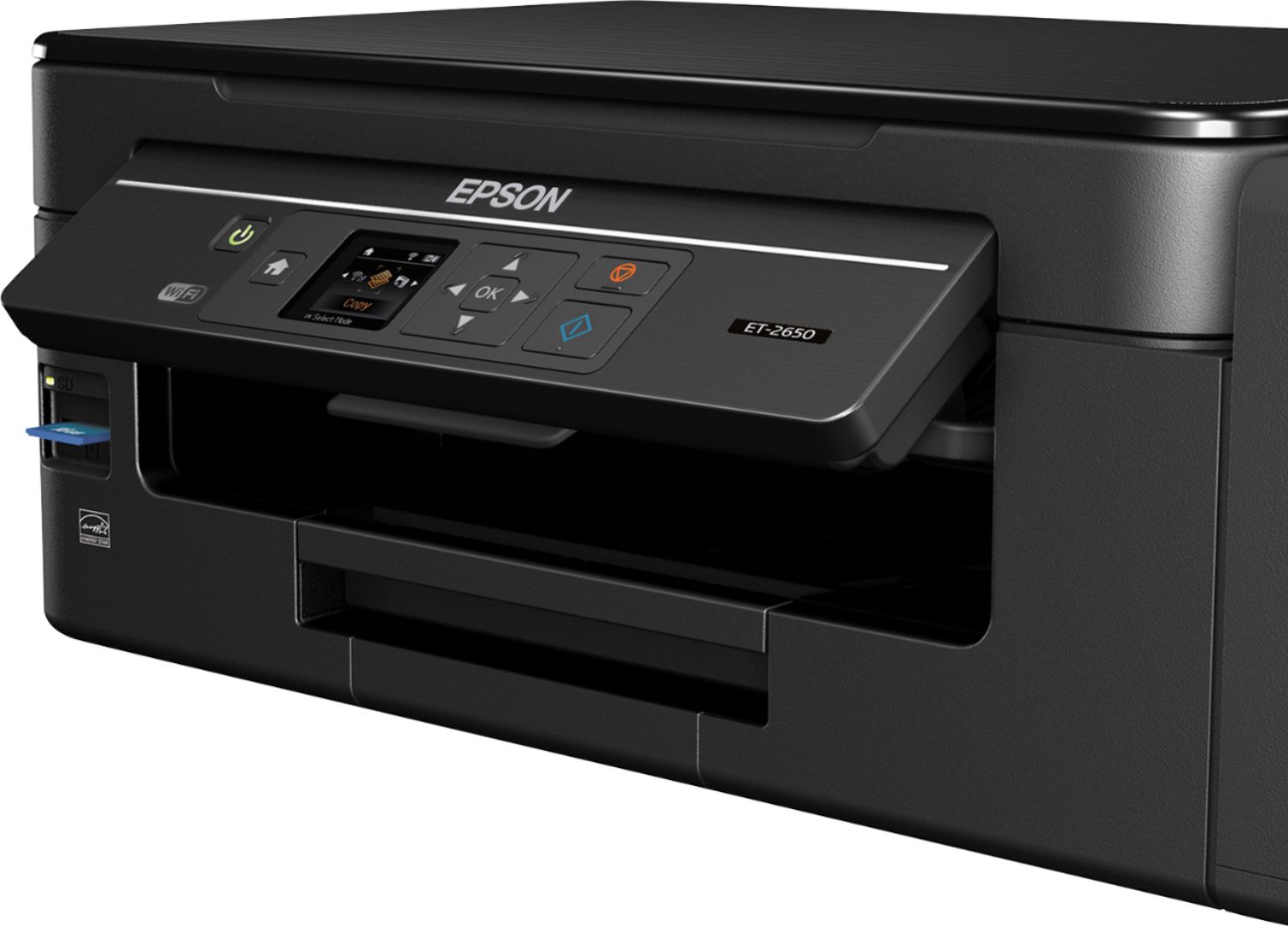
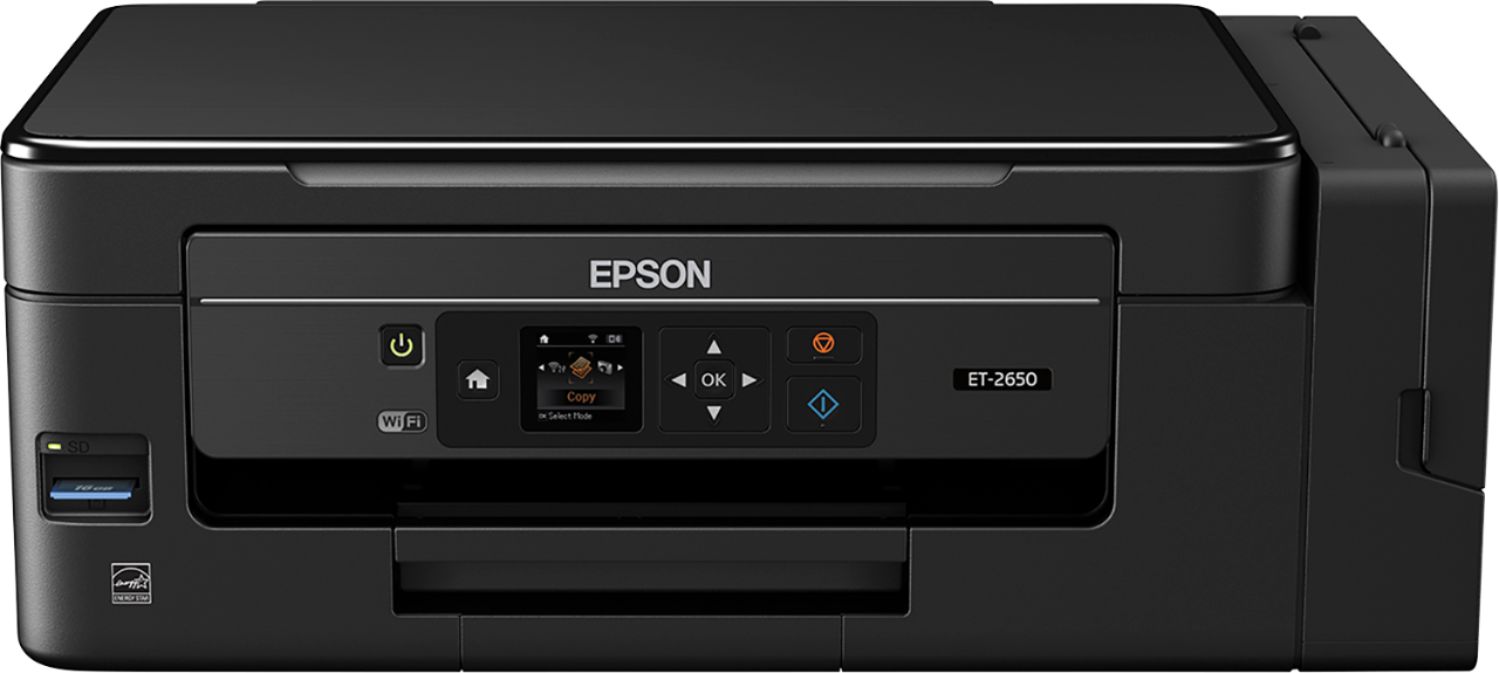
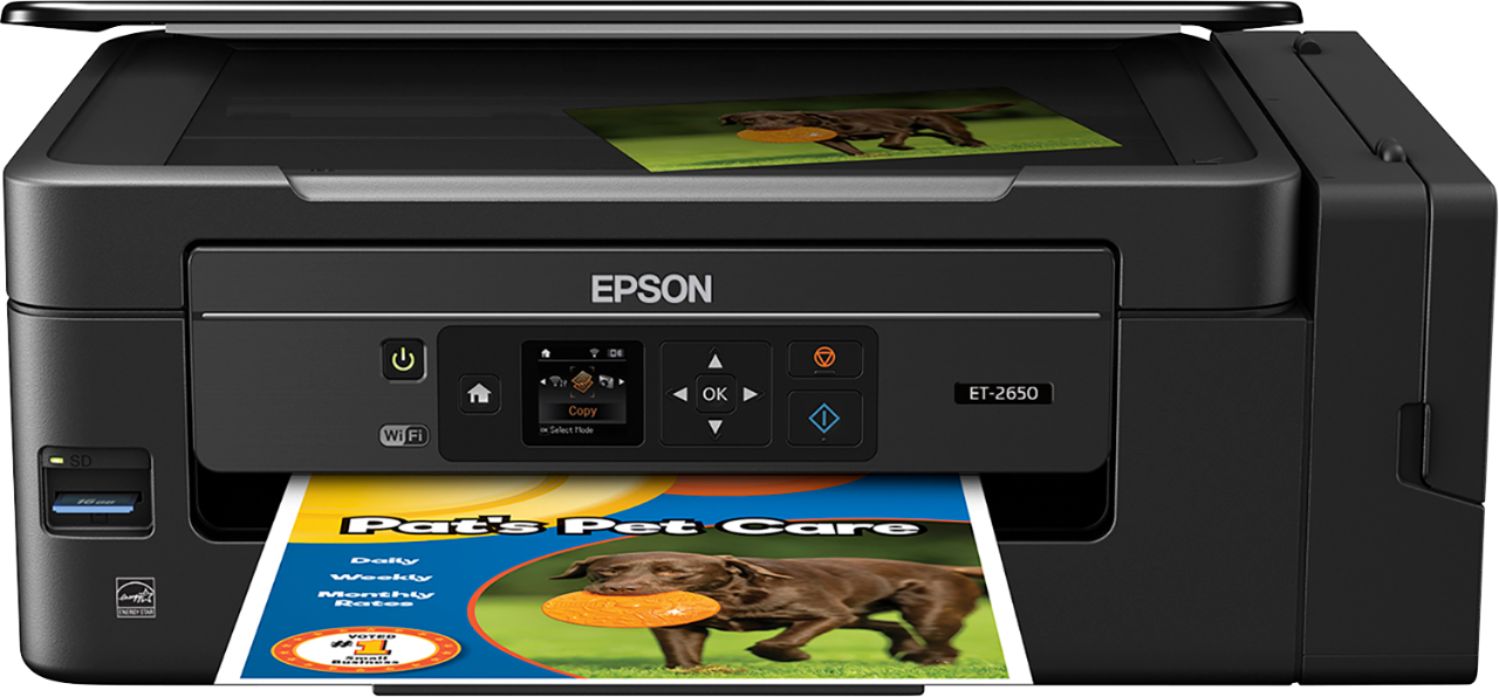
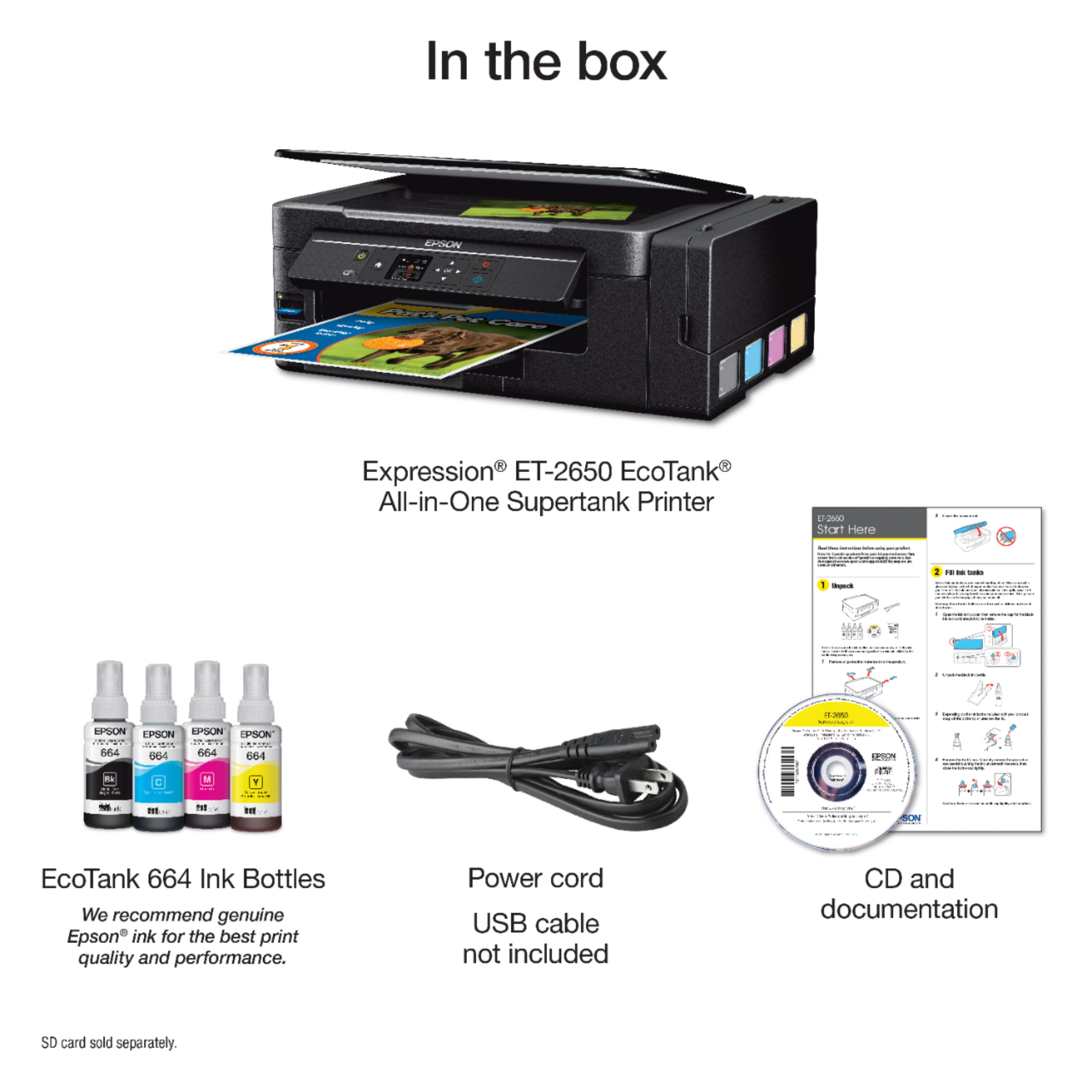
Epson ET-2650
||Posted . Owned for 1.5 years when reviewed.This reviewer received promo considerations or sweepstakes entry for writing a review.This printer is absolute junk, and I have already had it replaced under warranty by Epson. Do NOT waste your money! It quickly started printing poorly with gaps and dots on the page. Then the several of the colors stopped working. I tried cleaning the heads, doing printer alignments, etc, and nothing worked. I finally called Epson expecting a long and drawn out repair/warranty process. However, as soon as they looked up my printer and its problems, they said they were sending me a new one at no cost and that I didn't need to send back the old one. The scanner and wifi were also both incredibly slow.
No, I would not recommend this to a friendConnection issues.
||Posted . Owned for 9 months when reviewed.This reviewer received promo considerations or sweepstakes entry for writing a review.The wireless connection is an issue. I have USB capability but I have not tried it yet. Wireless scanning is good but wireless printing is an issue. Sometimes it works and sometimes it does not.
No, I would not recommend this to a friendNot a fan of refillable ink
||Posted . Owned for 1 year when reviewed.This reviewer received promo considerations or sweepstakes entry for writing a review.I did not like the Epson-Expression EcoTank. I had high expectations for the refillable tank, thinking how nice it will be not to buy ink cartridges all the time. I guess I did not use the ink enough and it stopped flowing for some reason. Tried everything to get it to work, even buying a system to flush the lines, but it would not work. I ended up buying a new Epson printer that uses regular ink only a year later. It is working great. I wish I had never tried the new refillable tank.
No, I would not recommend this to a friendPoor Color and Awkward Scanning Feature
||Posted . Owned for 3 weeks when reviewed.This reviewer received promo considerations or sweepstakes entry for writing a review.This printer has poor color quality. The reds are more of a deep pink than red. It is slower than I would like and only prints one page at a time. I found no way to print multiple pages of the same print job. The scanning feature is difficult to use. After I contacted Epson Support I still cannot scan a multipage document into a single file. It will not allow me to choose the folder the scan is stored. And it will not allow me to name the file before it is saved. For the price this is a very poor quality printer/scanner.
No, I would not recommend this to a friendEpson Printer failed
||Posted . Owned for 1.5 years when reviewed.This reviewer received promo considerations or sweepstakes entry for writing a review.Bought this to avoid expensive cartridges. Printer worked fine out of the box. One month later, with minimal usage, the ink lines to the print head were clogged. I am extremely disappointed in Epson. Best Buy's solution was we should have used the GEEK squad to get a "professional" installation. This is a desk top printer. If it communicates with the computer, it is installed correctly. I know Best Buy is trying real hard to push the Geek Squad, but this is not the way.
No, I would not recommend this to a friend- Cons mentioned:Reliability
Don't buy it
||Posted . Owned for 1 year when reviewed.This reviewer received promo considerations or sweepstakes entry for writing a review.Horrible, Horrible - This is my second one and both printers stopped working after a year.
No, I would not recommend this to a friend Awful. Will not print cardstock or various sizes
||Posted . Owned for 11 months when reviewed.This reviewer received promo considerations or sweepstakes entry for writing a review.After fighting with this printer for months I finally learned from Epson tech support that this printer does not support cardstock. That is the most absurd thing I've ever experienced. I've used many brands of inkjets since the late '90s, that's a very long time and have never encountered this. It is very temperamental. Will not print any size other than 8 1/2 x 11 and is very slow too. It's junk! Don't waste your money.
No, I would not recommend this to a friend- Cons mentioned:Reliability
Do not recommend
||Posted . Owned for less than 1 week when reviewed.This reviewer received promo considerations or sweepstakes entry for writing a review.Stopped working within a few months and would not print again, I do not recommend this printer
No, I would not recommend this to a friend - Cons mentioned:Reliability
Terrible
||Posted . Owned for 2 weeks when reviewed.This reviewer received promo considerations or sweepstakes entry for writing a review.Not a good printer. Quit printing about 2 months in. Would not recommend.
No, I would not recommend this to a friend Worst printer I’ve owned
||Posted . Owned for more than 2 years when reviewed.This reviewer received promo considerations or sweepstakes entry for writing a review.I loved the idea of not having to buy refill cartridges but this printer has been nothing but problems. I have to reboot the printer nearly every time I want to use it. The ink dries out quickly, so that I have to clean the print heads and nozzles every time before doing pictures or printing with a lot of color. It frequently disconnects from the network. It’s been a horrible product.
No, I would not recommend this to a friendInk dried up - Useless
||Posted .This reviewer received promo considerations or sweepstakes entry for writing a review.I purchased because traditional printers typically stop working after cartridge replacement. I thought this would be good alternative. I have owned for a little over a year and printed probably 100 pages and now ink dried up and clogged printer. It is out of warranty and I am out of luck. It is just as poor quality as other cheap printers, but cost a lot more. I am back to going to library to print.
No, I would not recommend this to a friendBrand response from Epson
Posted .Hi DocLove, we are sorry to hear that you are having issues with your Epson printer. Your ET-2650 includes free technical support for the life of your product. Our Epson Support Team would be happy to help and can be reached at (562) 276-4382; Hours: Monday – Friday, 6am – 8pm PT; Saturday, 7am – 4pm PT. Sincerely, Eddie – The Epson Team.

Horrible printing after a few months
||Posted .This reviewer received promo considerations or sweepstakes entry for writing a review.Was fine a few months. Then started printing with white stripes. After several alignment tries still wasn't perfect but meh. Suddenly started printing with badly colored stripes and barely legible text. Looked horrible! So bad even trying to realign was impossible to do. Tried the nozzle cleaning 3 times, helped a little with the text but not the colors. Total POS! Have yet to try support.
No, I would not recommend this to a friendBrand response from Epson
Posted .Hi Frank, we are sorry to hear that you are having issues with your Epson printer. Your ET-2650 includes a 2-Year Limited Warranty if registered, plus free technical support for the life of your product. Our Epson Support Team would be happy to hear from you and can be reached at (562) 276-4382; Hours: Monday – Friday, 6am – 8pm PT; Saturday, 7am – 4pm PT. Sincerely, Patrick – The Epson Team.
Ok
||Posted .This reviewer received promo considerations or sweepstakes entry for writing a review.Ita okay but I returned to get a better version because it doesnt print two sided
No, I would not recommend this to a friendBrand response from Epson
Posted .Hi Turtle, thank you for sharing your experience. Epson takes into consideration all feedback to improve the performance and quality of our products. We will forward your feedback to the relevant Epson department, as we are always looking to make future Epson products better. Once again, thank you. Regards, Patrick – The Epson Team.
Software issue
||Posted .This reviewer received promo considerations or sweepstakes entry for writing a review.Tiny, tiny printer screen. The Epson Scan 2 app has problems. Someone please fix it!!
No, I would not recommend this to a friendLove the idea. Hated the printer
||Posted .This reviewer received promo considerations or sweepstakes entry for writing a review.The quality of the printing was horrid. It wasn't as good as the injet I owned five years earlier. The ink ran, and it was so wet. It was just awful. I traded it in for a much better printer. I loved the idea of the ink but in the end, just hated this printer.
No, I would not recommend this to a friend- Pros mentioned:Print quality
Very Good, but not Perfect.
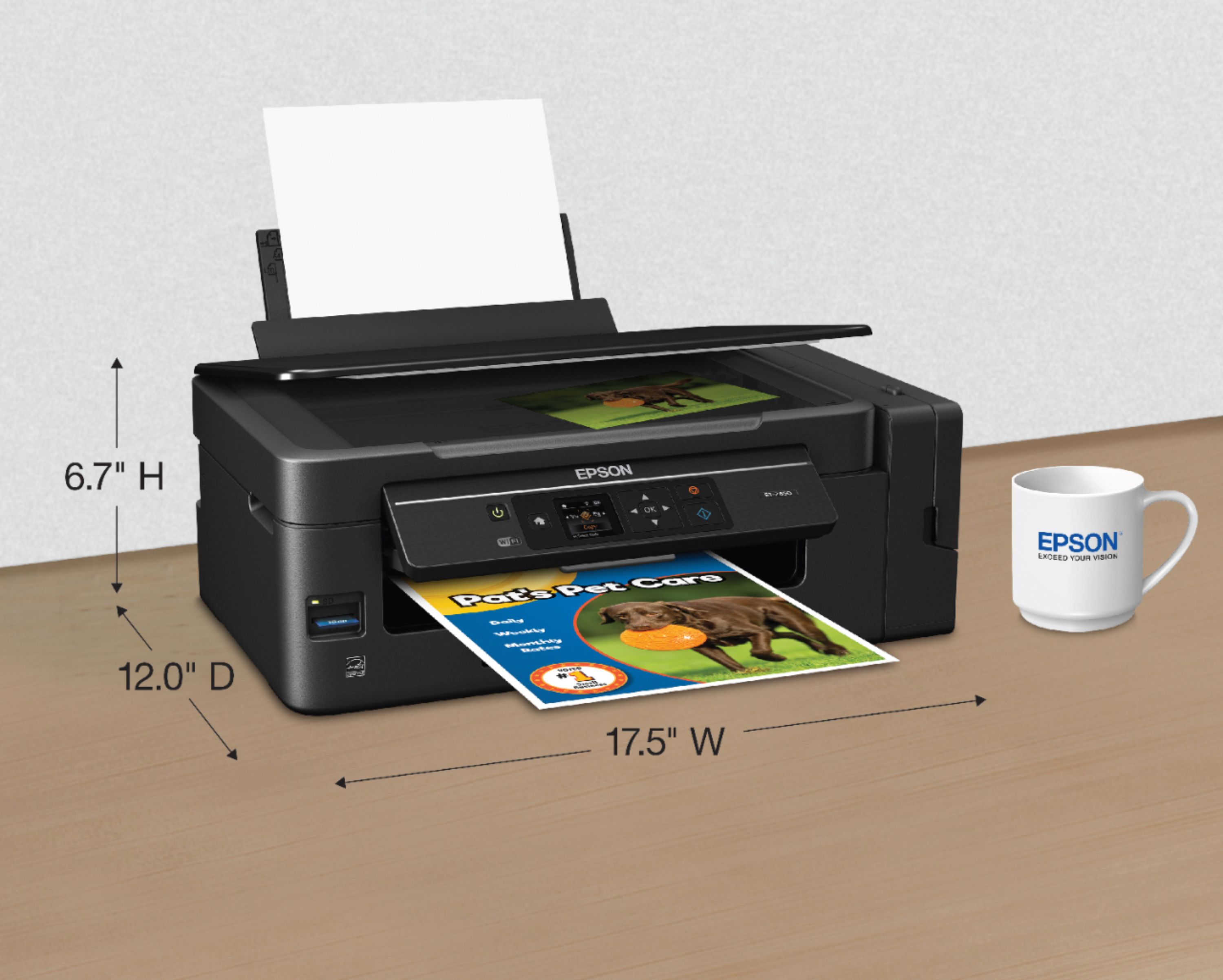
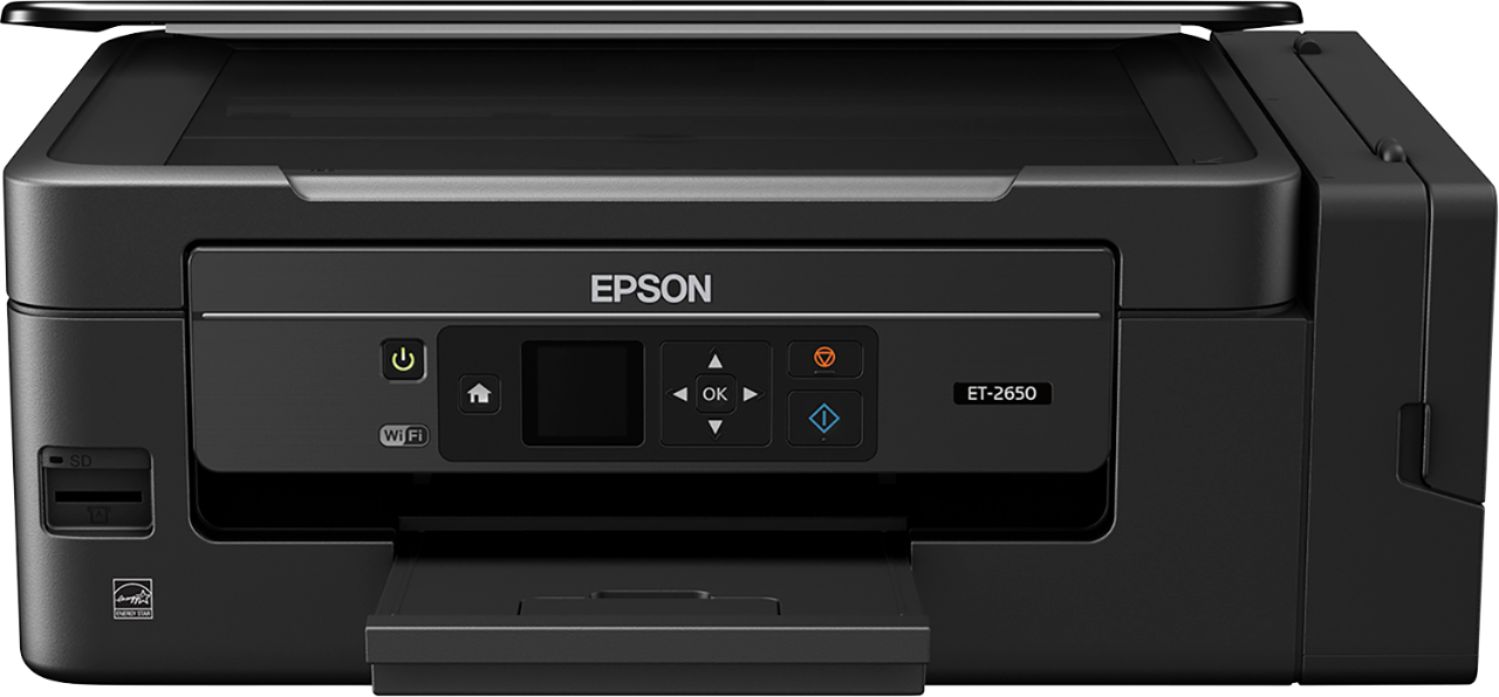
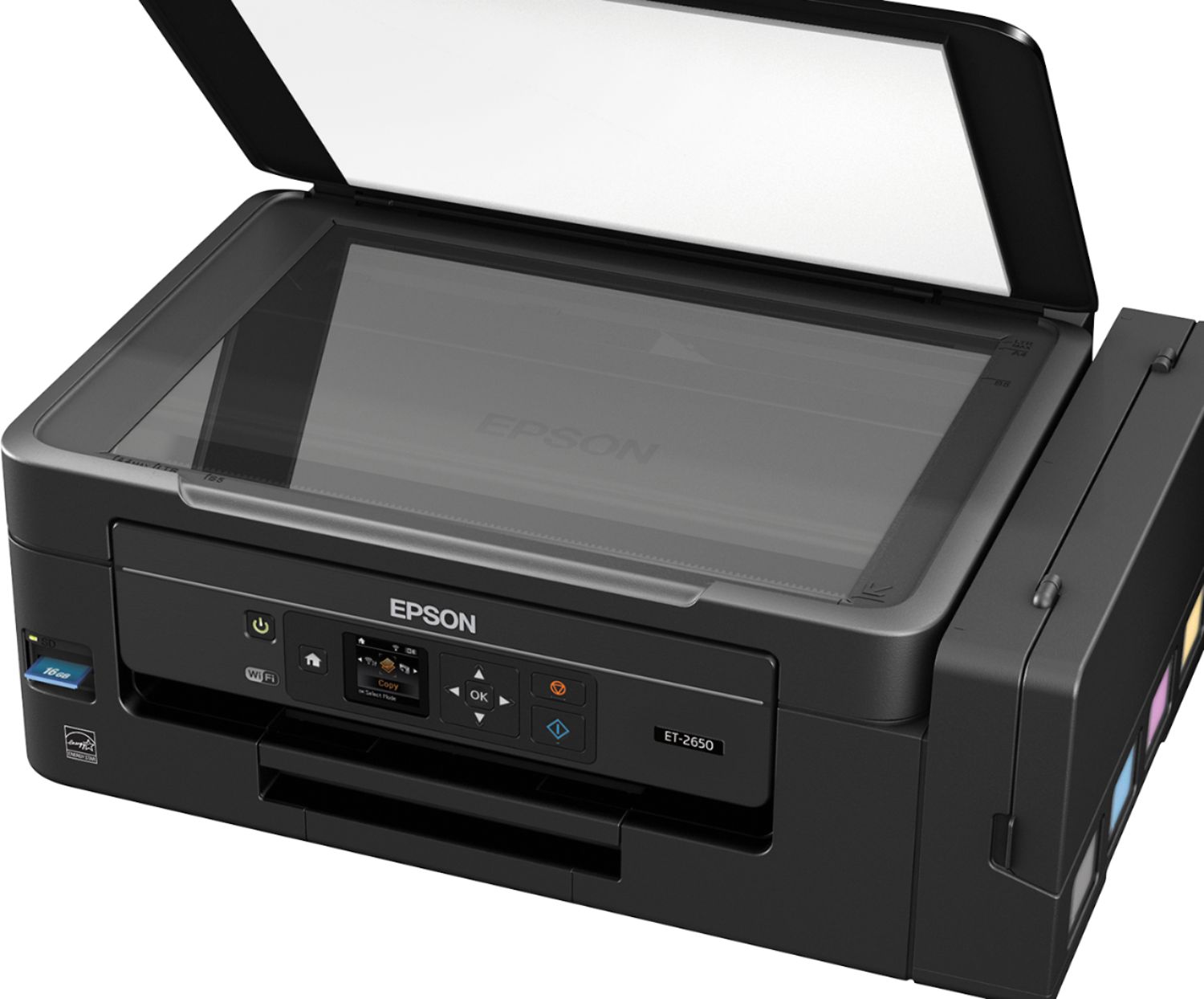
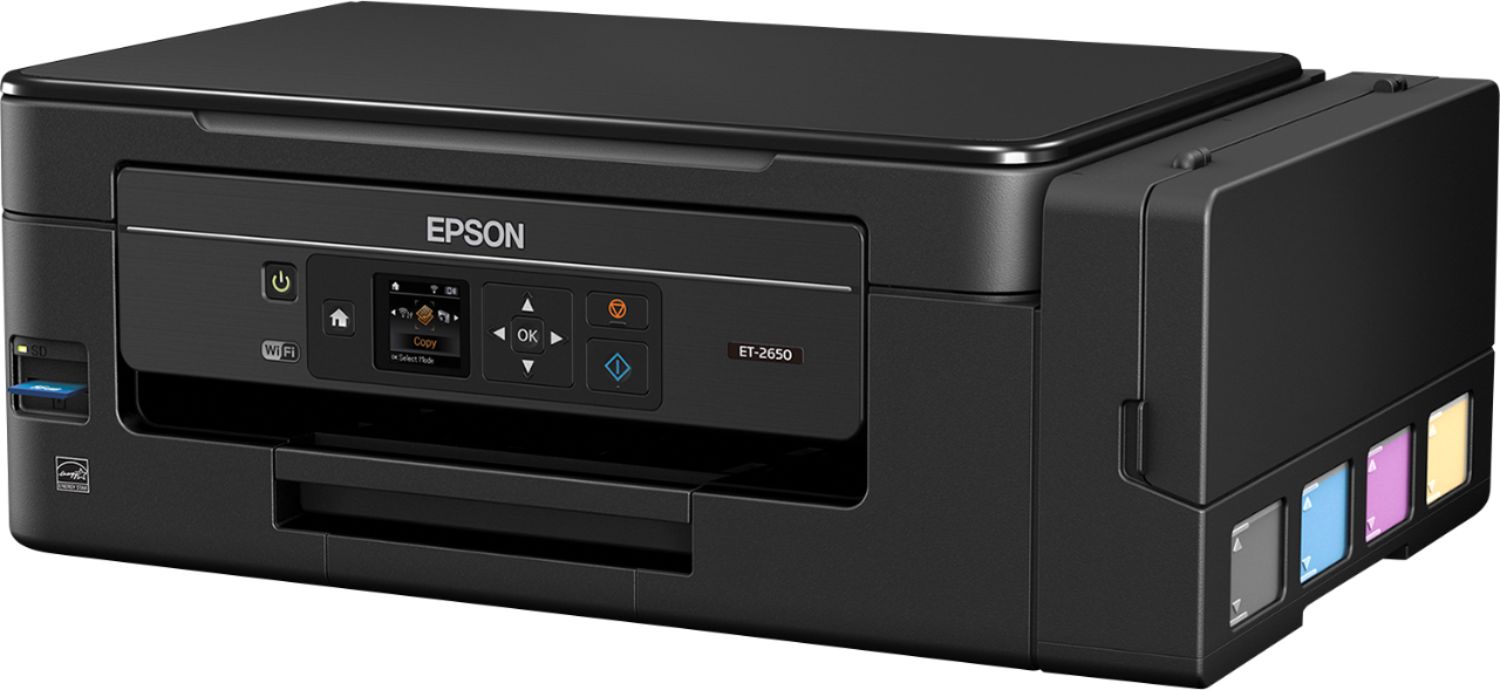
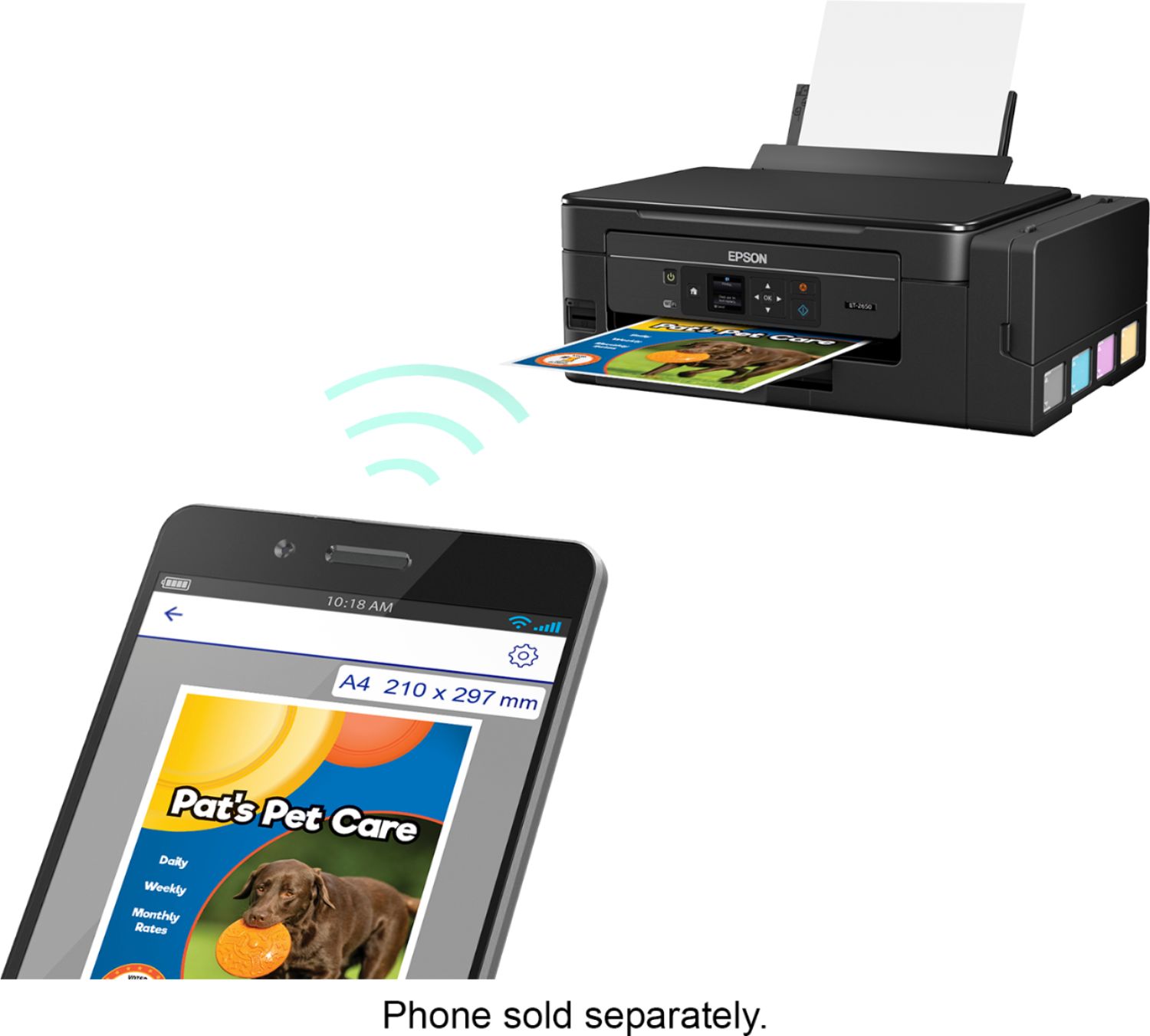
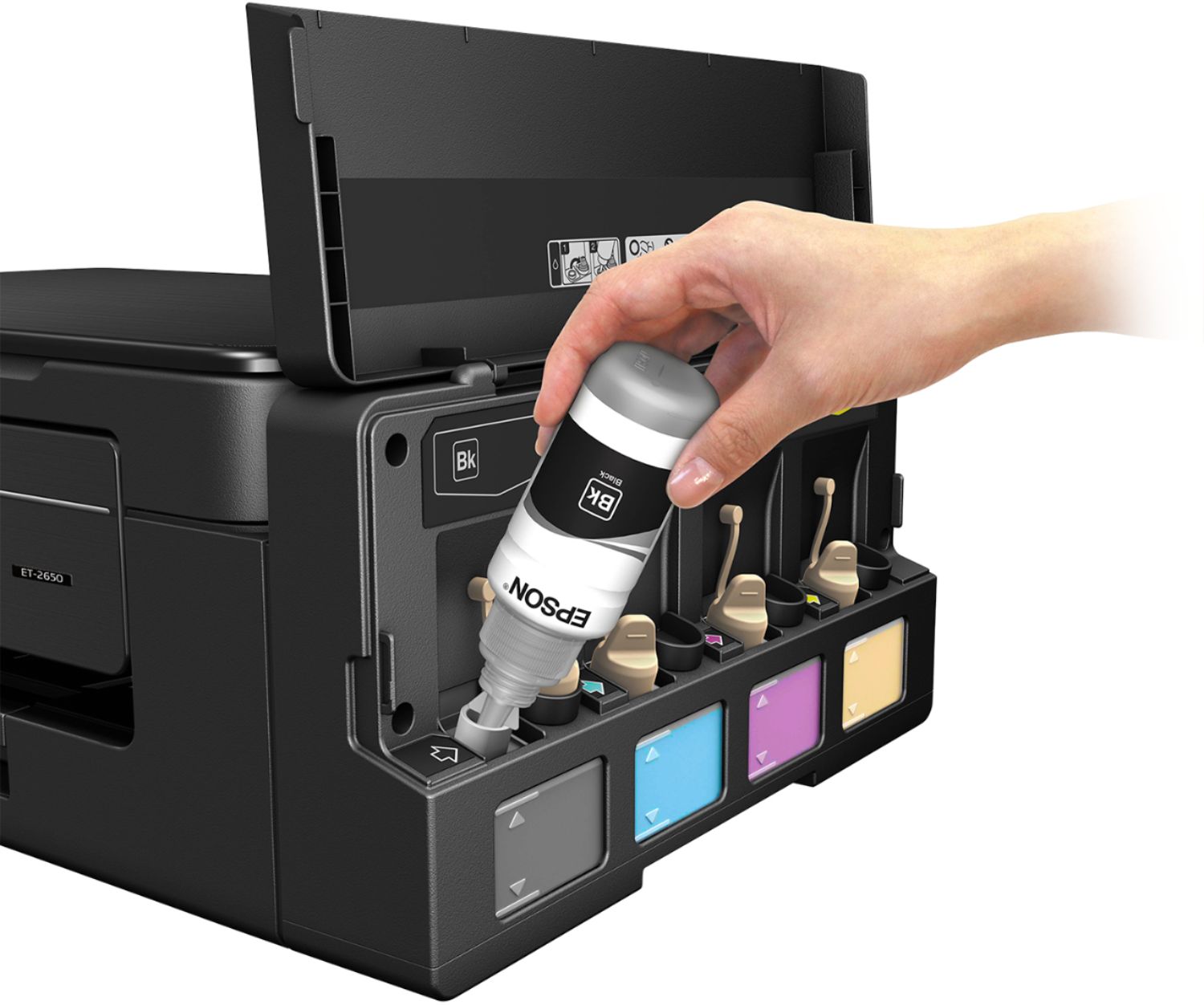
Posted .This reviewer received promo considerations or sweepstakes entry for writing a review.I'd give it a 4.5 if I could. It's better than just "Good" it's very good, but it's not perfect. Since I can't give it a 4.5 I rounded up. I’ve put this printer through several tests over the last several days and I think it’s a solid printer. I’ve spent more on ink-jet printers before and can’t say the more expensive ones were much better. I’ve been trying to find some indication that this was a lower quality printer, but, as far as ink-jet printers go, I can only find one reason you might want to buy a different printer. That one reason is that the Epson Expression ET-2650 printer does not have an automatic document feeder (ADF) for scanning; you have to manually scan one page at a time. If you plan to scan many loose pages at once, many times, you might prefer something else. Set up was pretty quick and easy. Unpacking was pretty easy – there were just enough packing materials to keep it safe and everything in place, but it was still easy to get out of the box. This printer is nice and light so that just about anyone can unbox, set it up, and move it. Just be careful when adding the ink. It’s not hard and doesn’t take very long, just be sure you have the nozzle fully inserted into the tank and give a couple squeezes to empty the bottle. The longest part was waiting for the printer to charge the ink tanks – about 20 minutes. That’s a good time to install the software on your PC and phone. Summary of some of my testing: Using the pre-built Magazine configuration to scan a full-page (8.5 x 11) recipe card produced a PDF of great quality - it looked as good as the original document; easily readable, colors looked true to the original image, the image of the finished meal looked delicious, even the small images of the ingredients were clear and easily identifiable. Scanner software has lots of options including color management profiles. I haven't been able to thoroughly check them all out but I imagine you should be able to get great scans from just about anything that will fit on the scan bed. My company uses a blue-to-black logo with gold lettering and therefore uses blue and black (to match logo) on table headings, borders and some text in dark-blue, light-blue, and even uses some gold lettering in our documents. With good ink-jet paper, the colors in my work documents were very well represented in printouts. The text was easily readable and clear even when gold on white paper. Very close to laser-jet output. I was really impressed with how well the printed documents looked. Copying a photo to photo paper is pretty good - being a copy it won't ever be as good as the original, but it was not bad. It was probably as good as you're going to get. The output picture was a little dark and had lower contrast, but I think adjusting the settings could improve it. If not, it might be better to scan the photo to your PC, tweak it in a photo editor, and then print for better quality. High-quality photos printed to glossy photo paper were very good too using default settings. Photos were a little darker than I'd like, but I think that could easily be adjusted too. Just make sure you’re using high-quality paper and use the highest quality setting. Print times are very good and very reasonable - the higher the quality and size of the print job the longer it takes. A small one-page text document will print very quickly, a couple seconds at most, in draft mode (as you would expect). 4x6 photos in HQ mode take a few minutes (around 5) to print. I did try printing a 70-page magazine type document with graphics and images with the highest quality setting – just to test the printer – and it took many minutes (more than 20). However, it’s not a laser printer so I wasn’t expecting laser printer speeds. Pros: * Printing and scanning from phone or tablet as well as PC/Macs. * Epson Connect - print & scan from anywhere with PC, phone or tablet. * Email Print - just email a document to your printer to print it! Of course, you can control who can print to your printer this way with Approved Senders List. * Scan to Cloud or email - you're not limited to scanning only to a PC. * Dual image output – with a single scan you can output two images with different settings, for example, a color and a black & white version, or, if you’re going to use the image for a web page, output a thumbnail and full-size picture simultaneously. * Scan using settings as low as 75 dpi to 2400 dpi * Tiff CCITT Group 4 standard & searchable PDF output supported as well as others Cons: * 1.44” display – this really should be bigger – even though it is very readable, many people will have an issue with how small it is. * Installation CD failed to run correctly on my Win 10 laptop * No double-sided print from phone option. Probably because the pages have to be manually flipped, but would still be nice to have as an option. * Using Windows built-in Add Printer functionality you can find the printer, but drivers won't automatically download. You must download and install drivers and software manually or use the CD if it will work for you. * When it comes to installing drivers & software on other PCs, there is not a Printer + scanner driver and utility package. You only have the option of downloading a package that contains everything including control software, or individual drivers & utilities. It would be nice to have a package of all drivers and software except the control software. I want my family to be able to print and scan, but don’t want them to be able to change the configuration of the printer. This makes setting up their laptops much more complicated. All said I think this is a very good printer. Having owned a few inkjet printers and used ink-jet printers for years, I think this one is as good or nearly as good as all of them I’ve seen or used. I’ve only seen/used one or two that were better and the price was at least $100 more. I think anyone looking for a printer in this price range will be happy with the Epson Expression ET-2650. This is a review for the Epson Expression ET-2650 EcoTank All-in-One Printer that I received free of charge to do a beta test and review.
I would recommend this to a friend AWFUL
||Posted . Owned for 3 months when reviewed.This reviewer received promo considerations or sweepstakes entry for writing a review.It does not work, I have had two people here who each spent over 2 hours connecting and it still does not work. NOW it is too late to return it as we were trying to get it to work. Please replace with one that works!!!
No, I would not recommend this to a friendPoor print with horizontal white lines in two week
||Posted .This reviewer received promo considerations or sweepstakes entry for writing a review.After two weeks of minor home use poor print quality issue started. Printing was blurry with horizontal white lines. I am not sure if it was an issue with specific peace. I returned the printer and bought from other manufacturers.
No, I would not recommend this to a friendBrand response from Epson
Posted .Hi NP1012, we are sorry to hear about the disappointing experience you have encountered with your Epson printer. If you have questions or concerns with your replacement unit, our Epson Support Team would be happy to help and can be reached at (562) 276-4382; Hours: Monday – Friday, 6am – 8pm PT; Saturday, 7am – 4pm PT. Have a nice day! Sincerely, Marina – The Epson Team.
Terrible printer.
||Posted . Owned for 7 months when reviewed.This reviewer received promo considerations or sweepstakes entry for writing a review.I had it for six months and every nozzle plugged. I ran several maintenance cleanings on it and got the black partially cleared and none of the colored ones. I’ll never buy another Epson
No, I would not recommend this to a friendnot good
||Posted . Owned for 1 year when reviewed.This reviewer received promo considerations or sweepstakes entry for writing a review.I was really excited about this printer and thought it was going to work great but it failed me, always has problems and not good quality prints.
No, I would not recommend this to a friend















