Customer Ratings & Reviews


- Model:
- C11CF47201
- SKU:
- 5711424
Rating by feature
- Value
Rating 4.1 out of 5 stars
- Quality
Rating 4.0 out of 5 stars
- Ease of Use
Rating 4.1 out of 5 stars
Customers are saying
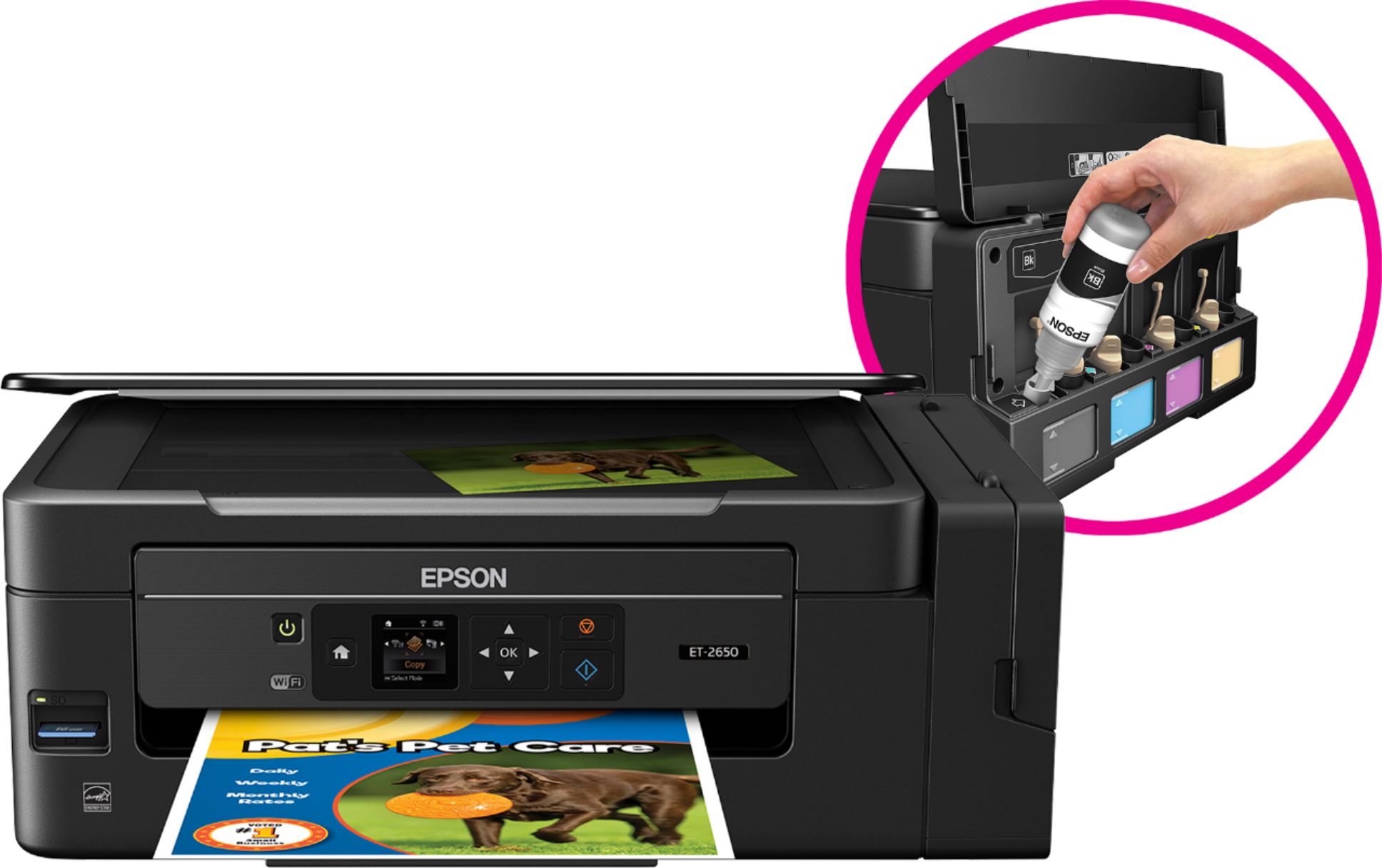
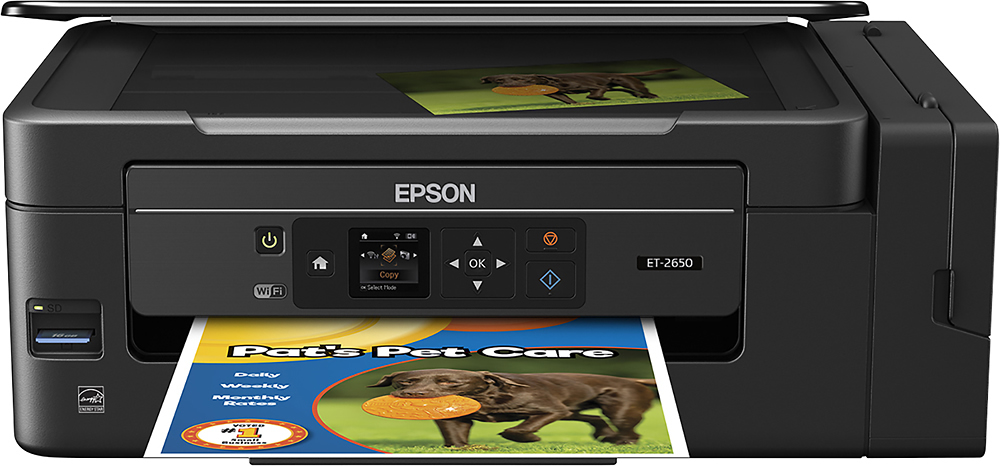
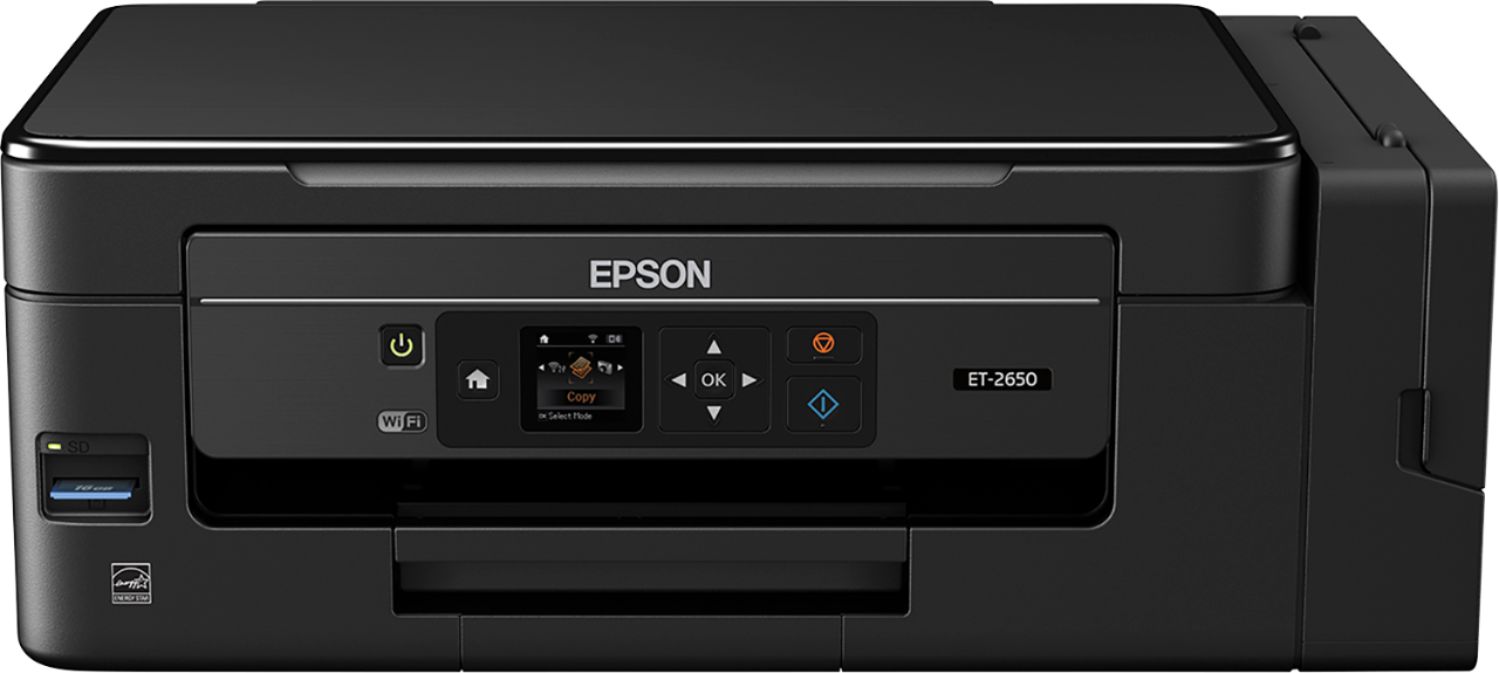
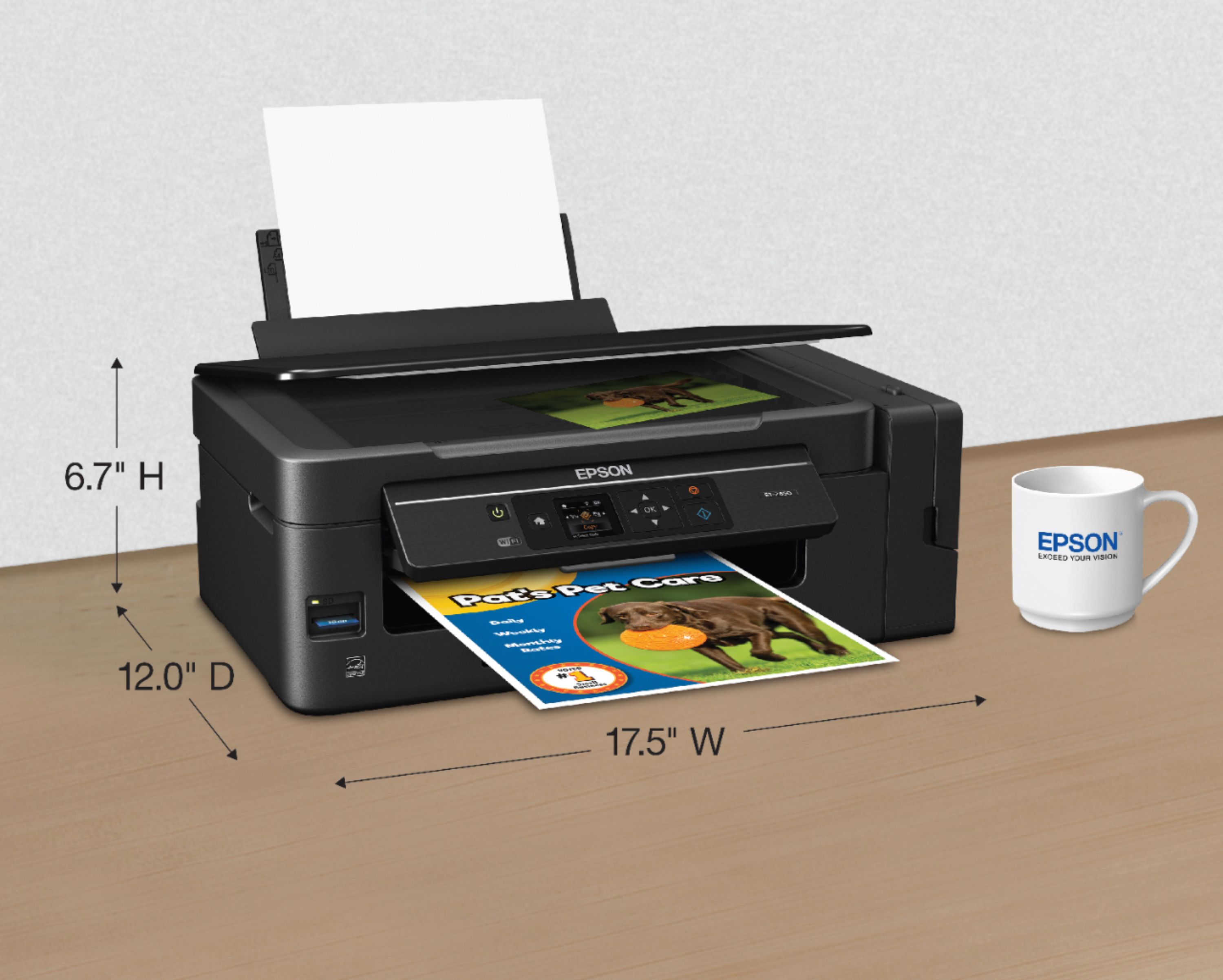
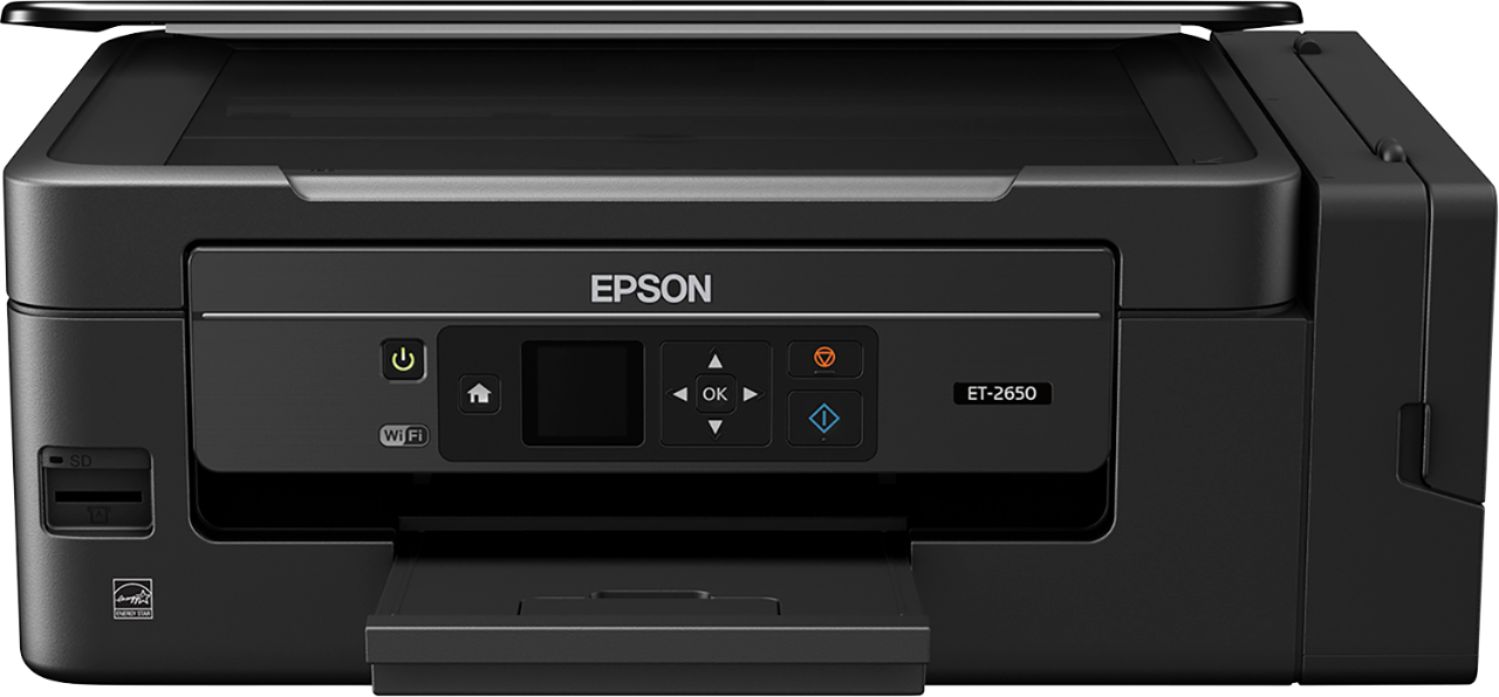
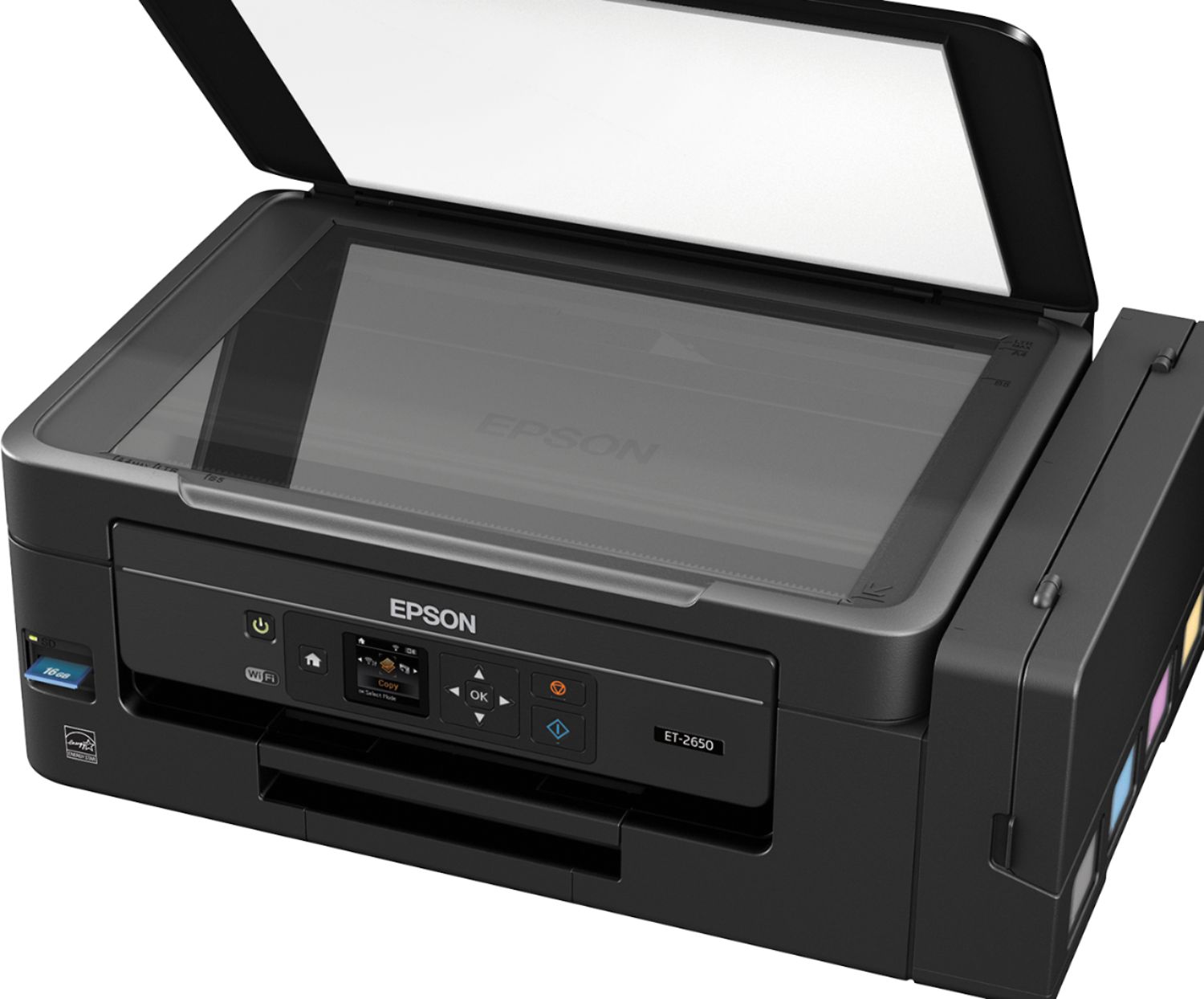
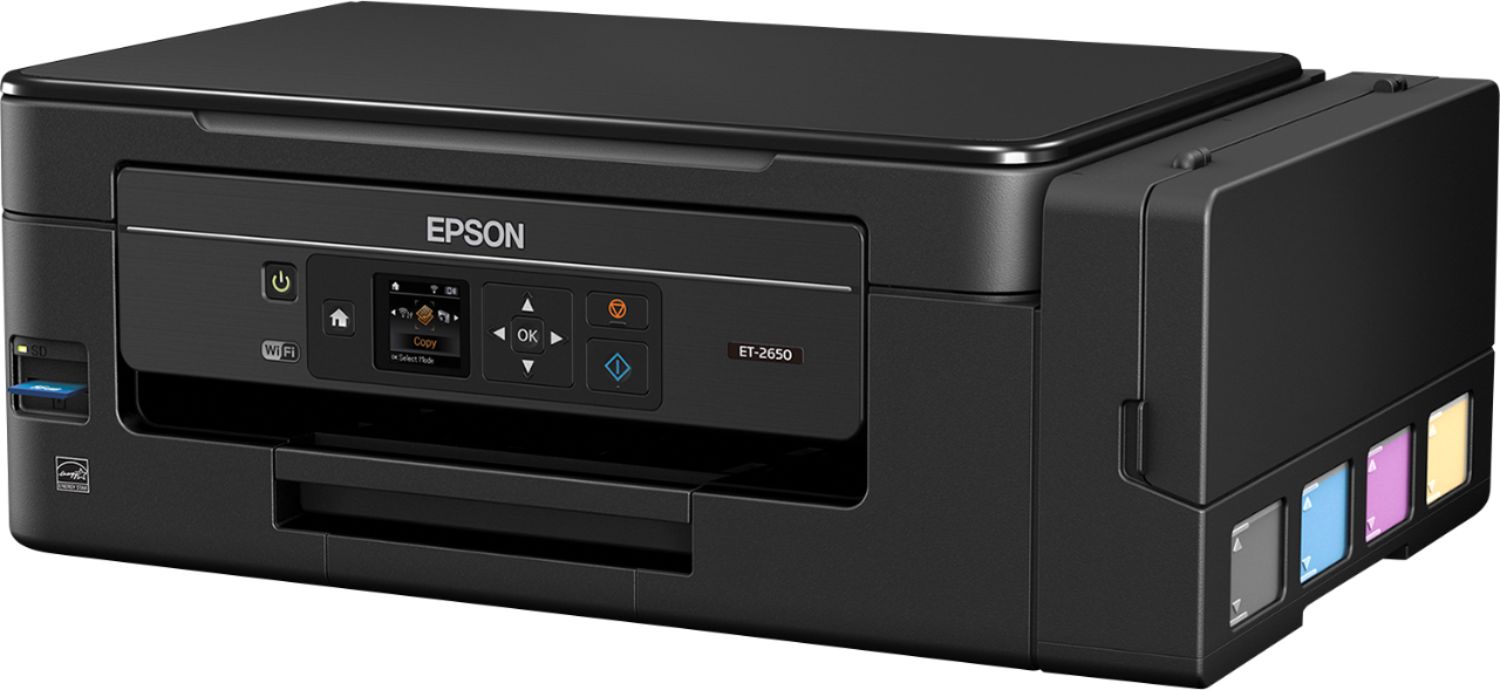
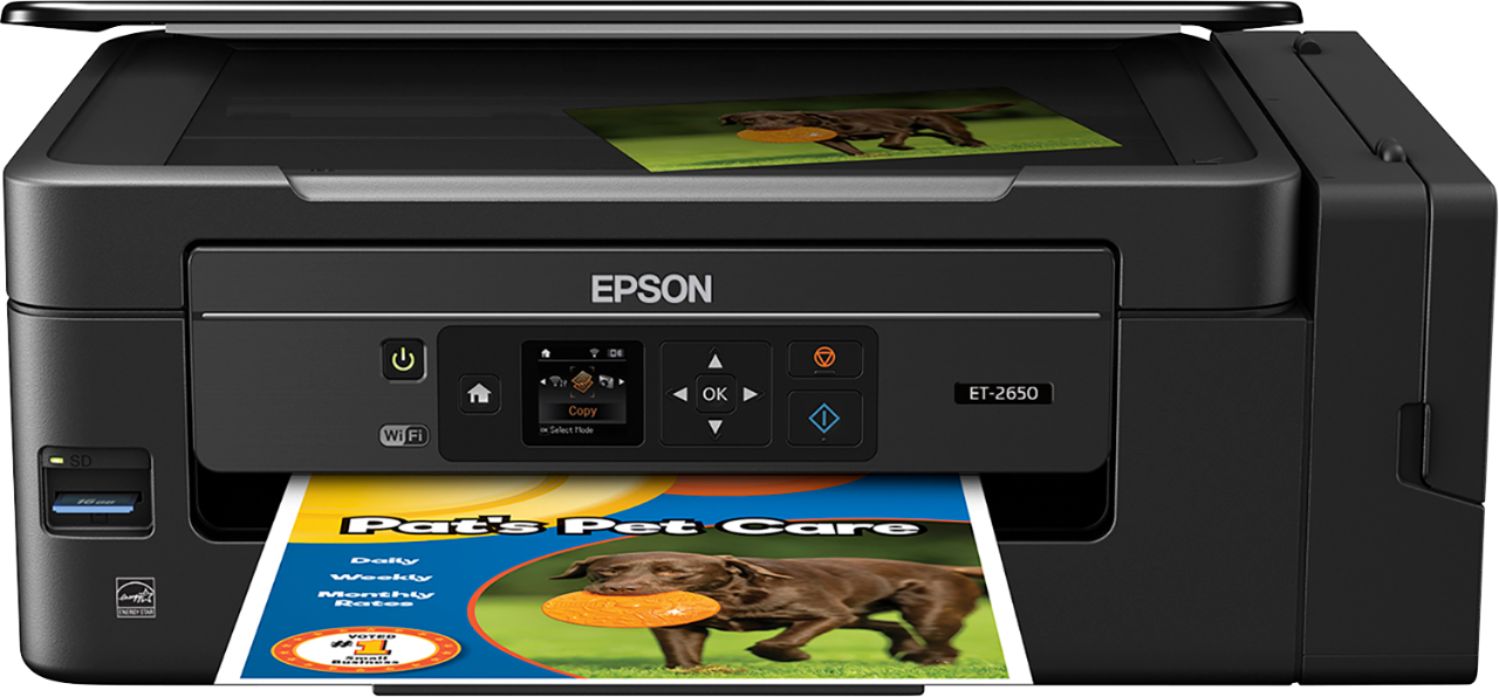
Customers express satisfaction with the Expression EcoTank ET-2650's print quality and ease of use, frequently praising its straightforward setup and compact size. Many appreciate its wireless capabilities, enabling convenient printing from various locations. However, some users reported concerns about the printer's reliability and price point.
This summary was generated by AI based on customer reviews.
Not what I expected
||Posted .This reviewer received promo considerations or sweepstakes entry for writing a review.The print quality is not very good. I had an HP before and selected this model for the ink savings. The savings are nice but not at the expense the image quality.
No, I would not recommend this to a friendBrand response from Epson
Posted .Hi Familyman71, we are sorry to hear that you are having issues with your Epson printer. Your ET-2650 includes free technical support for the life of your product. Our Epson Support Team may be able to help you optimize your print settings and can be reached at (562) 276-4382; Hours: Monday – Friday, 6am – 8pm PT; Saturday, 7am – 4pm PT. Sincerely, Marina – The Epson Team.

junk
||Posted .This reviewer received promo considerations or sweepstakes entry for writing a review.buy two ,as i did after reading review's . worked one day only, three day' s trying to get them to work , set them back.they say the ink will last one year , i now see why.
No, I would not recommend this to a friend- Pros mentioned:Print quality
Wonderful printer
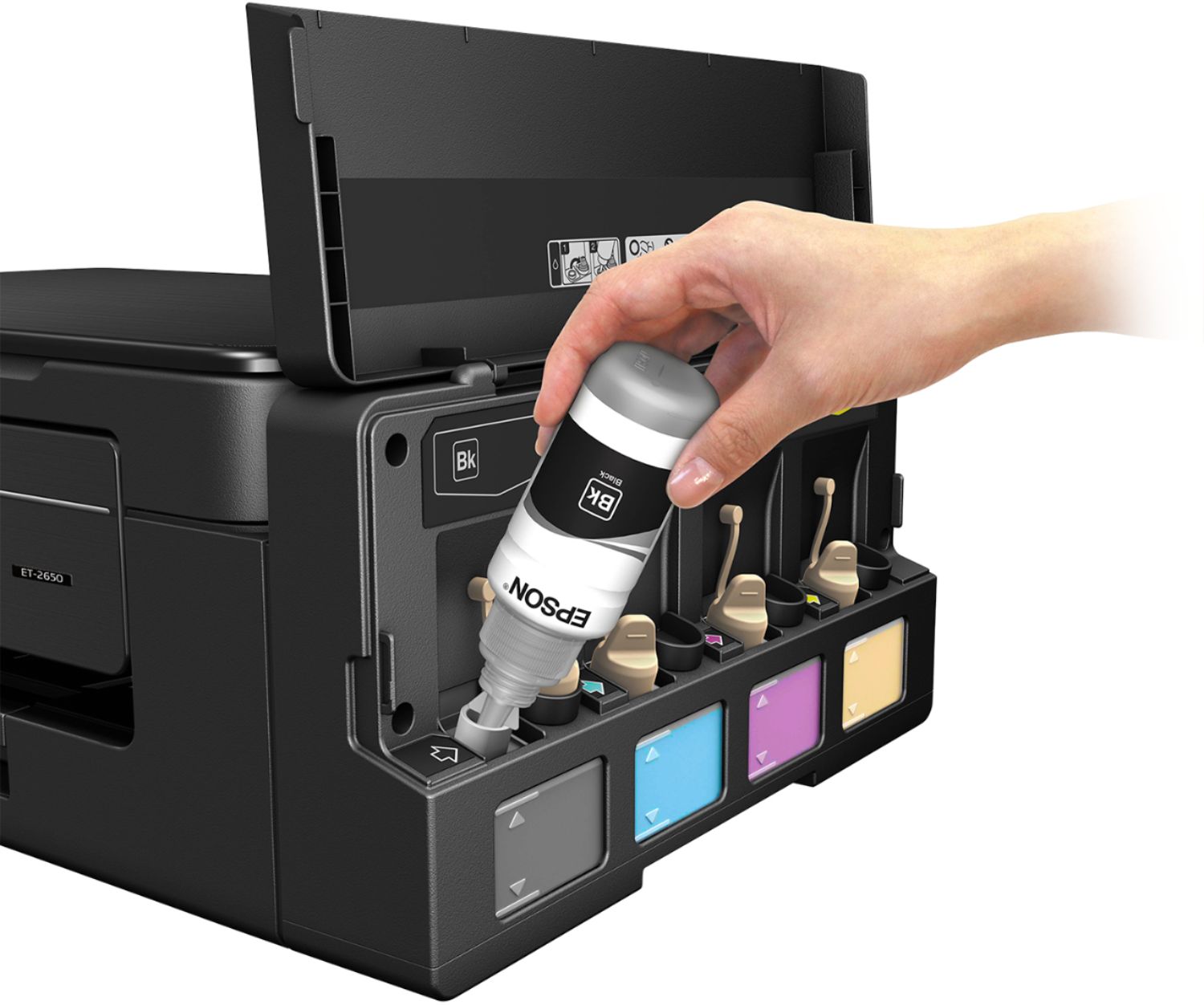
Posted .This reviewer received promo considerations or sweepstakes entry for writing a review.Easy to setup- Fill ink tanks, which is simplified by making different bottle styles to prevent putting in wrong tank. Load desired paper, only thing that I didnt like here is trays seem cheap and lacking quality. Hook up fax, pretty self explanatory. Install software which you can quickly and easily download from site. It has an LCD screen but it isnt touchscreen and navigation is a little cumbersome especially during setup. I recommend initial setup using usb. Menu fairly easy to navigate although could use a few tweaks. Networking is only real downside here as only supports 2.4 Ghz and if device I'm using isn't on 2.4 it won't work. Now onto the actual printing/scanning/copying. The print quality and speed are impressive, just don't cheap out on paper, that will mess up even most expensive printers. Scanning/copying are very sharp and colors true. Can top load for rapid, continuous scanning without having to swap pages out after each scan. As far as tanks vs cartridges, these will last me a while and when I do need to refill bottles are cheaper than cartridges. They are also more environmentally friendly. This is a review for the Epson WorkForce ET-2750 EcoTank All-in-One Printer that I received free of charge to do a beta test and review.
I would recommend this to a friend poor quality
||Posted .This reviewer received promo considerations or sweepstakes entry for writing a review.very poor quality black text printing. Returned after wife hated so much. Girl at best buy was amazing for the in store pickup of hp/return epson.
No, I would not recommend this to a frienddoesn't print anymore
||Posted . Owned for 1 year when reviewed.This reviewer received promo considerations or sweepstakes entry for writing a review.Lasted less than a year with very little printing It runs but doesn't print anything it has full ink in it
No, I would not recommend this to a friendBad printer
||Posted . Owned for 1.5 years when reviewed.This reviewer received promo considerations or sweepstakes entry for writing a review.Within 1 year it’s gone. I didn’t even use regular or even 200 pages. It’s very bad one.
No, I would not recommend this to a friend- Pros mentioned:Print quality, Setup, Size
Great reliable printer
Posted .This reviewer received promo considerations or sweepstakes entry for writing a review.This is a review for the Epson Expression ET-2650 Eco Tank All-in One Printer that I received free of charge to do a beta test and review. I have been using the Epson 2650 for a few days now, and it is everything it claims to be. Setup was straightforward and quick. I particularly like the ink feature! Replacing cartridges frequently is a hassle on other printers, so the prospect of replacing ink on this one perhaps only every 2 years is great! Be sure to wear disposable gloves when installing ink in case of a little leakage. The printer is light and compact, provides clear, crisp copies, and doesn't generate much noise while printing. Thus far, I would certainly recommend this printer for most any user.
I would recommend this to a friend Good until...
||Posted . Owned for 11 months when reviewed.This reviewer received promo considerations or sweepstakes entry for writing a review.Good until it decided on having a paper jam that is not there.
No, I would not recommend this to a friend- Pros mentioned:Print qualityCons mentioned:Price
You'll save a fortune on ink with this printer!
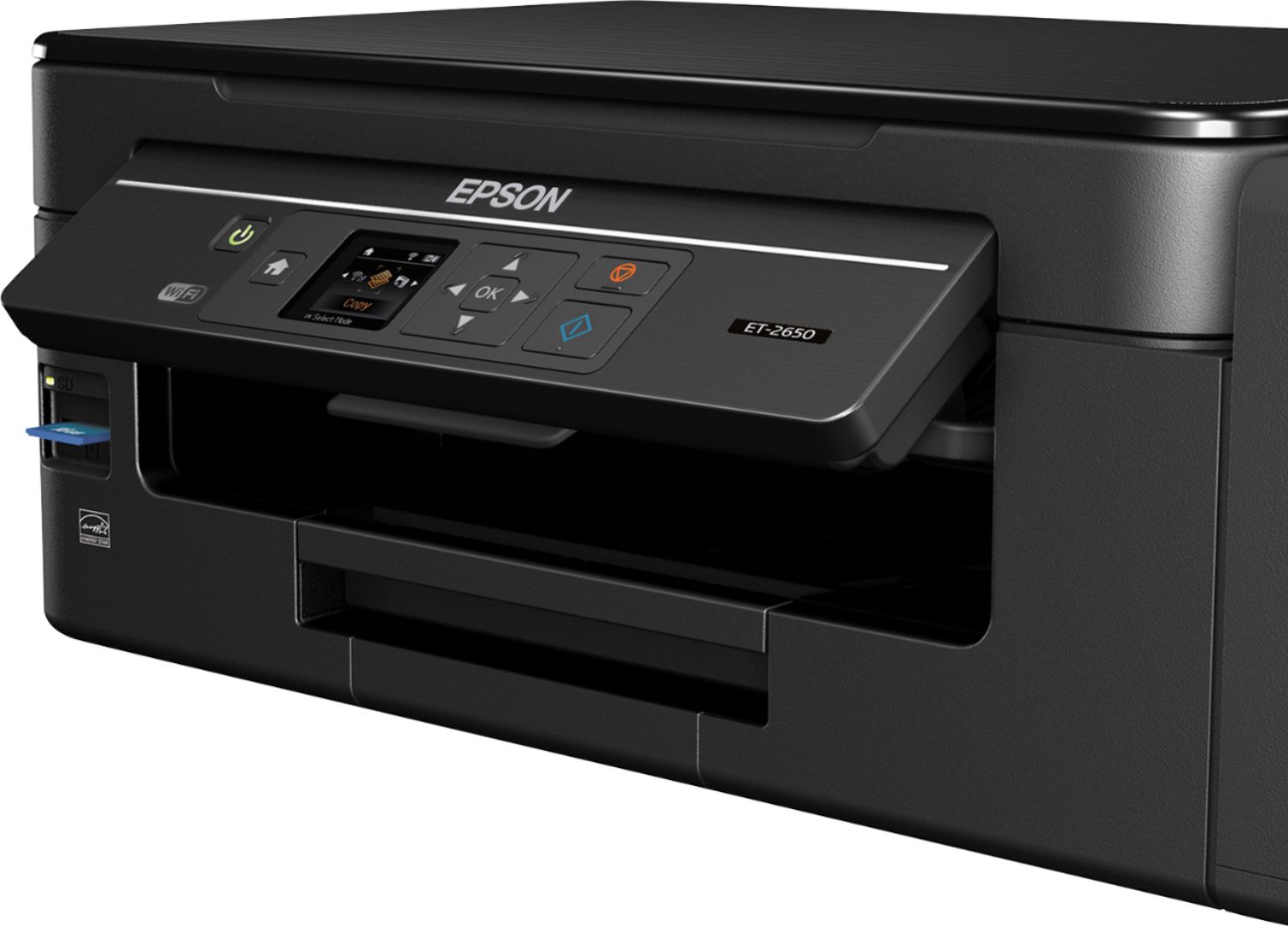
Posted .This reviewer received promo considerations or sweepstakes entry for writing a review.This is a review for the Epson Expression ET-2650 EcoTank All-In One Printer that I received free of charge to do a beta test and review. I bought the EPSON Workforce 630 six years ago and it’s still working great. At the time I purchased it, I had only one laptop, but since then I have purchased a couple of iPads and iPhones and have been printing off of them for some time. I decided to get a second printer because my original printer is on the second floor and I got tired of going p a flight of steps just for a printout. It’s a printer and scanner, with a slot for memory cards and has wifi capability, but has no fax capabilities, which is no problem for me since my Workforce is a fax. Since I’m already familiar with Epson printers, set up was a breeze. They have good instructions even if you don’t know EPSON. It took less than an hour mostly due to running the new software. Copying and printing off the computer work fine but scanning is a bit of a challenge at first because there is no button specifically marked for scanning. There are just two buttons with symbols in addition to arrow buttons for scanning and an OK button in the middle. You have to figure out scanning on your own or read the instructions, and more than once if you don’t scan frequently and forget the first time. On the bright side, scanning takes about a minute as opposed to five minutes with my old Workforce. The big difference between the two printers is the printer ink. Instead of the old cartridges that ran out quickly, this model comes with three ounce bottles of ink and side compartments for each of the colors. They advertise it can last for two years, or 4,000 pages but who knows. It could be an overstatement, won’t know until sometime in late 2018 if they are right, lol, but still much better than the old cartridges. The cost to replace a cartridge for my old printer is about $20 for black and $60 for the three color pack, while the cost for refill bottles is only $12 per color. That’s right, it’s about half the price for at least 20X the amount of ink. Obviously this is a substantial savings and as a result I’m printing more pictures than I did before. If there is a downside to all this it’s that I see no need to the replace ink cartridges on my old printer, making my old Workforce obsolete, unless of course they reduce the price of 126-127 ink cartridges. Bottom line, I only wish they had more simplified buttons but they hit a home run, actually a grand slam with the ink. At $300 it’s a little higher than most printers, but you’ll save so much money on ink, it will pay for itself. I am very happy with this printer.
I would recommend this to a friend - Pros mentioned:Ease of use, Print quality
Amazing printer for heavy users wanting to save $
Posted .This reviewer received promo considerations or sweepstakes entry for writing a review.My wife and I both are in college and I work in IT, so we use this printer A LOT. This printer is the answer we were looking for to avoid buying $40 ink cartridges every month. It is incredibly easy to set up and use and the quality of prints is awesome. The printer comes with a complete supply of ink that fills the ink reservoirs entirely; it’s not a starter pack. The ink bottles I received had a ‘best by’ date of a little over 3 years in the future, so even if you don’t print a lot, this thing wont dry up and not print in a couple of months like a normal cartridge printer can. Installation and setup took about 30 minutes, most of which was waiting for the printer to ‘charge’ the ink (it pulls ink from the reservoirs to fill the print head and get any air bubbles out so you have flawless printing from the get-go). I set it up totally wirelessly and never needed to connect it to my computer. It comes with an instruction manual, though the printer has a digital display that walks you mostly through the setup. My only complaint with the setup is the ink bottles. The bottles and reservoirs could have been designed a bit better in my opinion to really avoid any chances of spilling ink when filling. Luckily, I did not have any spills, but I would recommend putting a paper towel under the reservoirs when filling because printer ink stains worse than red wine if it gets on anything. I had no issues with wireless printing from an iPhone 6S on Ios 10.2, an iPad 3 on Ios 9.3.5, or from any of my PCs with Windows 8 and 10. Print quality for text and minor images is excellent. I’ve printed a few photographs on standard copy paper and I was impressed with the quality for this not being strictly a photo printer and I believe it would be even better if I were to use some decent photo paper. For printing pages and pages of things like notes and text documents, this printer is perfect and an ink supply will last a very long time. For photo printing, it is decent and will work very well to help me fill out my photo frames around the house. The cost of the ink to print quantity hands down beats out any cartridge printer and many laser printers. This is an amazing printer and works perfectly for what I need. This is a review for the Epson Expression ET-2650 EcoTank All-in-One Printer that I received free of charge to do a beta test and review.
I would recommend this to a friend - Pros mentioned:Ease of use, Print quality
Compact and Effective!
Posted .This reviewer received promo considerations or sweepstakes entry for writing a review.I love how this printer looks (light, sleek) and how it prints (fast, clean). The color printing is excellent, it prints quickly, and the scanning is extremely vibrant so far. Once you have it set up, the printer seems easy to use. Filling the ink bottles (especially knowing you won't have to do it again for perhaps 2 years!) was easy and only took moments. The system setup was a little bit less intuitive - the only reason I gave this under 5 stars. The small digital screen is used for input of wifi, network choices, etc. But once you get the hang of it, it's straightforward. And in the end, I found the small delays in setup were worth it to have this wonderful wifi capability I've never had before! I' had to reenter my wifi codes a few times before it "took" and it took me a few tries to get the scanner going, but now we're golden. I'm very impressed with this printer and would recommend it to others. It's sitting next to my (high quality) HUGE printer, and I already know we won't be using that one much anymore. Given the color quality, I'm looking forward to trying some photo printing, etc. on this one soon. **This is a review for the Epson Expression ET-2650 EcoTank All-in-One Printer that I received free of charge to do a beta test and review.
I would recommend this to a friend - Pros mentioned:Print quality, Size
Capable printer, but it will cost you
Posted .This reviewer received promo considerations or sweepstakes entry for writing a review.Out of the box, the printer doesn't seem to be any larger than it needs to be in order to scan a full sheet. I'm glad that Epson got rid of the bulging ink tanks on the side that I've seen on previous models. Initial filling of the ink tanks was painless, but took longer than popping in a new cartridge. I can see how it could quickly lead to a mess, so have a rag handy. I hope that there isn't a long wait for the ink to prime every time new ink is added. Setup was fairly easy, although typing my wifi password on machines like this is always tedious. a larger screen would have been nice. Printing output is very good, with no noticeable hard edges on text or streaking in photos. Scanning seems to work well, with scans showing up on my computer almost instantly. For the price-point, an automatic scan feeder tray would have been nice. Copies didn't seem to color match quite right, but I may need to play around with the settings a little. Overall, I think this a very capable printer, but I don't think it is any better than any printer that cost 1/3 less. You will need to do your own calculations to see if 2 years of ink is worth the extra $200 --- because it seems like that's what you are paying for. This is a review for the Epson Expression ET-2650 EcoTank All-in-One Printer that I received free of charge to do a beta test and review.
I would recommend this to a friend - Pros mentioned:Ease of use, Print quality
Great printer for the money, very easy set-up
Posted .This reviewer received promo considerations or sweepstakes entry for writing a review.I'm very happy with this printer. The print quality is excellent - especially considering that I usually print on the lowest-quality copy paper. I printed a test page on that, as well as on card stock. You can see in the attached photo (cheap paper on left, card stock on right) that the print quality holds up even on low-quality paper. The ET-2650 was really east to set-up. The directions were clear with helpful illustrations. In spite of being a little hesitant that I would spill the ink as I poured it into the tanks, the process went smoothly. The wireless function and the ability to print from multiple devices is great. A co-worker was able to connect to the printer as well, and we both print wirelessly with no problems. The password input for networking the printer is the only area that I would improve. My office network is finicky and occasionally kicks my printers off so I have to re-connect the WiFi. (Please note that this isn't anything to do with this printer.) Like many other printers, the interface to enter the password takes a little time and you have to pay attention or risk entering an incomplete password and having to start over. If you have a stable network and never have to re-enter the password it's not an issue at all. Overall this is a great printer for the money, and I'm looking forward to fewer "low ink" warnings, and all those cartridges that need to be recycled! This is a review for the Epson Expression ET-2650 EcoTank All-in-One Printer that I received free of charge to do a beta test and review.
I would recommend this to a friend - Pros mentioned:Print quality, Setup
Would Recommend
Posted .This reviewer received promo considerations or sweepstakes entry for writing a review.I’ve owned Epson printers in the past, and always liked them, but this one is the best I’ve owned so far. I would highly recommend this printer. Set-up is quick and easy, even for someone like me who is not necessarily what you would call “tech-savvy.” The only thing is, you have to be careful not to spill the ink during set-up. I didn’t, as I had read some of these reviews prior, and was extra careful, but I laid out a few old towels beforehand, just in case. Though you might pay a little more for this printer, it is worth it because of the amount that you will save in the future on ink cartridges alone. This printer is compact considering the quality of the prints. It prints very quickly and at a high volume without any hiccups, so far, to speak of. I also love how long the ink lasts, as it can be a hassle to refill ink cartridges frequently on any printer. There are several options in the software that I have yet to explore, but will eventually. Additionally, the printer/scanner are both fairly quiet, which is great, since I am a bit of an insomniac, and this way, no one is disturbed by my late-night work habits. I would definitely recommend this printer to anyone looking for an eco-friendly, durable, quick printer that yields high-quality prints at an affordable cost. “This is a review for the Epson Expression ET-2650 EcoTank All-in-One Printer that I received free of charge to do a beta test and review.”
I would recommend this to a friend - Pros mentioned:Ease of use, Print quality
Nice printer, cheap ink!
Posted .This reviewer received promo considerations or sweepstakes entry for writing a review.I like the idea behind this printer. Instead of wasting cartridges everytime you run out of ink you simply have to fill up the tanks with cost effective ink bottles. I used to have a Laser Printer and compatible toners were around $15 for 2.6k pages, Epson claims 4k pages for ~$13 which is a really good deal. The setup is fast and straigforward. I simply placed it near my room and connected it to my 2.4GHz WiFi network. It takes a little bit of patience to type in your password, but after that you're basically free to place your printer anywhere you like. You then have to fill the tanks and wait around 30 minutes before you can actually print something. The software bundled includes utilities to set up the scanner and the printer over the network, that was simple and I have not had any issues on my Windows 7 laptop. I haven't yet figured out how to scan multiple pages in one scanning session but given that I usually scan single pages that is not real problem for me. Making copies of documents is just a matter of selecting the right mode on the printer and press a button, super easy. Printing quality is good, not too fast if you have Laser printer printing speeds in mind. I am overall satisfied with the printer and its user experience. This is a review for the Epson Expression ET-2650 EcoTank All-in-One Printer that I received free of charge to do a beta test and review.
I would recommend this to a friend - Pros mentioned:Print quality, Size
Epson taking a different direction in printing
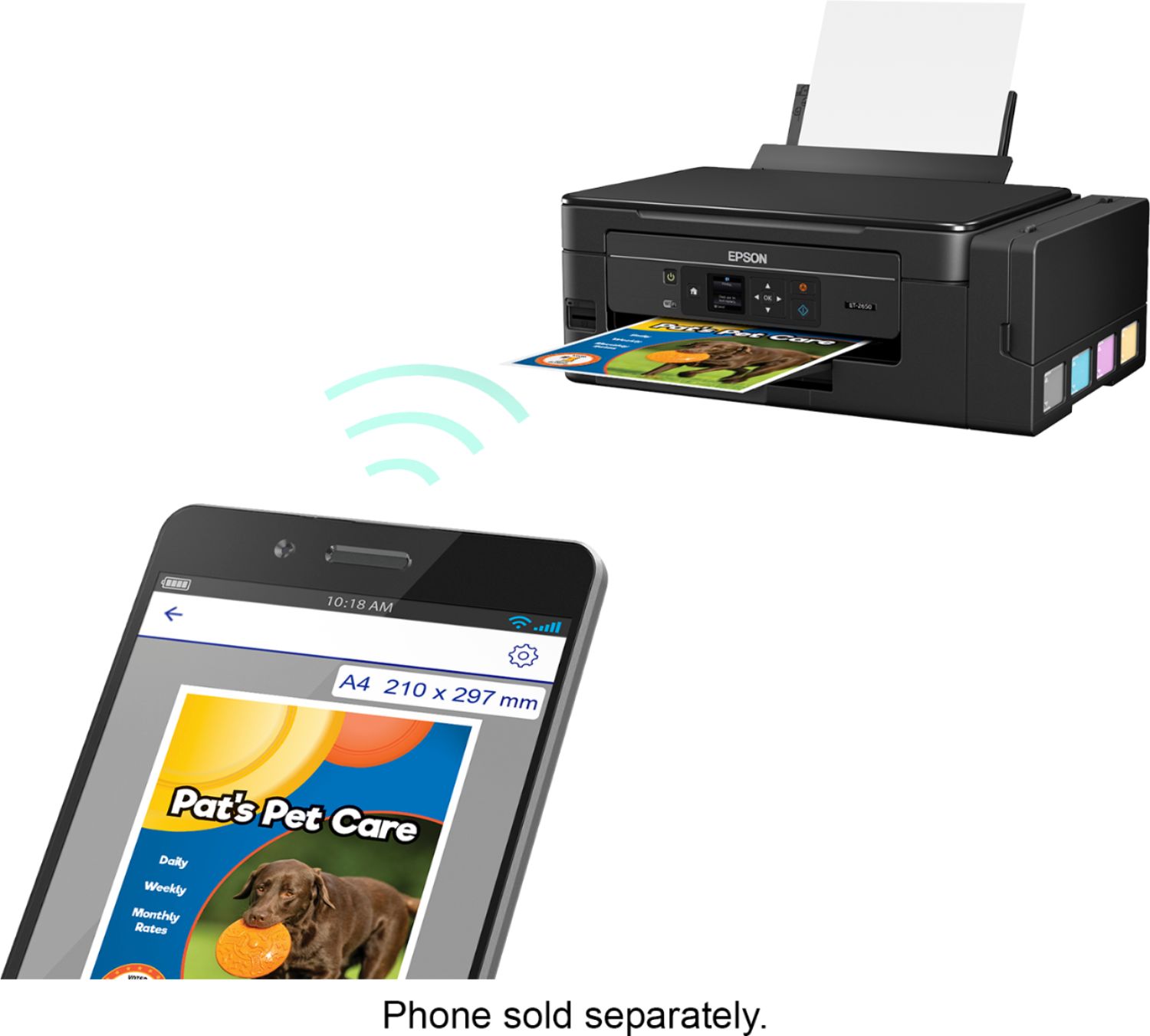
Posted .This reviewer received promo considerations or sweepstakes entry for writing a review.This is a review for the Epson Expression ET-2650 EcoTank All-in-One Printer that I received free of charge to do a beta test and review.” I was at first skeptical upon hearing of this new offering by Epson. When I received the printer the first thing I noticed as the printer itself was more compact that any of the other all in ones that I have used. Setup instructions for the ET-2650 are very clear and made the setup of four ink cartridges to the assigned wells was very easy to complete. Once the ink wells, (eco tanks), we full it took approximately 15 minutes for the printer to fill the printer jet assembly. The remaining setup on the improved control panel included adding the printer to the wireless network, firmware update which worked perfect, Epson connect.com enabled me to setup features such as print to email remote printing and Google Cloud printing service. Another added feature is printing from IOS devices which works seamless. Perhaps the greatest feature is the number of pages that will print from the echo tanks - thousands! When you add up what it would cost you to print on other comparable printers on the market, Epson is clearly taking us in a different direction. With the ease of setup and added features and the incredible number of pages per echo tank, I highly recommend ET-2650.
I would recommend this to a friend - Pros mentioned:Ease of use, Print quality
Easy, High Quality Printer
Posted .This reviewer received promo considerations or sweepstakes entry for writing a review.This is a review for the Epson Expression ET-2650 EcoTank All-in-One Printer that I received free of charge to do a beta test and review. I received this printer as a test unit and I have to say that it is actually pretty awesome. First, it is without question the most convenient ink jet printer that I have ever owned. This is due to the large ink wells that allow you to print without having to constantly worry about inserting a new cartridge. The unit allows you to fill the ink wells once and get over 4000 pages of printing. Obviously, I have not had to refill but if you printer a tremendous amount, it is very easy to refill the tanks. i was concerned that this would reduce print quality but actually that pages (color and black look crisp and good). It also allows for printing directly from your mobile phone. This is a fairly common feature now, but if you haven'y invested in a new printer for a while, this feature alone is reason to do so. Set up was quick and easy and print speed is fine (there are clearly faster printers out there, but this seems quite fast for the price and I have not run into any load errors etc. if you're looking for an easy, reliable printer that offers convenience that a traditional ink jet cannot, I have to say this is a good choice.
I would recommend this to a friend - Pros mentioned:Print quality, Setup
Quality, Easy Setup, Fast Prints, Refillable Ink!
Posted .This reviewer received promo considerations or sweepstakes entry for writing a review.WOW!! This printer is great value for what you get. One of my main complaints with printers is the cost of ink cartridges and the Epson ET-2650 has refillable ink and large capacity to hold the ink. This printer prints extremely fast in black only mode. The overall size of the printer is great and it has a nice design. It has a really nice color screen to select your printing , scan or fax options. Scans on the printer were fast, and great quality. Setup was so simple and I was up and running and under 10 minutes. Its Wi-Fi based so you can do printing from your cell phone, tablet or computer wirelessly. I was first skeptical about refillable ink on how the prints would look but to my surprise the prints are very clear, and nice quality. If you are looking for a great all in one solution, easy setup, easy to use, and save money on ink the Epson ET-2650 is a great choice!! Also Epson gives you some great software you can install on your computer with several tools to help with scanning, printing, and copy options. Overall I was very impressed and it definitely exceeded my expectations. “This is a review for the Epson Expression ET-2650 Eco Tank All-in-One Printer that I received free of charge to do a beta test and review.”
I would recommend this to a friend - Pros mentioned:Ease of use, Print quality
Great Home Office Printer!
Posted .This reviewer received promo considerations or sweepstakes entry for writing a review.First, I need to clarify: This is a review for the Epson Expression ET-2650 EcoTank All-in-One Printer that I received free of charge to do a beta test and review. Alright, now that I've gotten that out of the way, let's get to the review. Right out of the box, this printer is extremely easy to set up. You pull it out, take off the packaging, and start filling up the ink tanks. This was something new for me, the ink tanks instead of the classic ink cartridges. Very cool idea, as it's wayyyy easier to visually see the ink level as you go along. After filling the ink, you let the printer "charge" the ink, and you're good to go for setup. Toss the CD in the computer and let the software download, guiding you through the wireless setup. Super easy. Print quality is the best I've even seen from a consumer printer. The wife and I plan to use this for printing off additional copies of our wedding pictures; we definitely won't be concerned about clarity! One of the coolest features is the mobile printing option. As long as your device is connected to the same network, you can print. Very slick process to just print straight from my work cell.
I would recommend this to a friend - Pros mentioned:Print quality
Good all in one printer-scanner
Posted .This reviewer received promo considerations or sweepstakes entry for writing a review.This is a review for the Epson Expression ET-2650 EcoTank All-in-One Printer that I received free of charge to do a beta test and review. The unpacking and setup takes a little longer than other printers I have set up because it has four individual ink tanks to fill but once filled they claim two years of average printing before you need to refill them. Just be careful when filling them to put the right color in the right tank and follow the directions for the filling procedure. Once you have filled the ink the setup is easy, I used the setup DVD and then the program downloaded updated software. I have been scanning and printing old photos. I have compared them to prints I made on my HP Color LaserJet 2600n and the Epson printer puts out a better print than the HP. It also puts out excellent text documents. The scanning is a little slower than my CanoScan LIDE 100 but it is quieter and produces excellent scans. The footprint of the Epson is not much bigger than the CanoScan so it doesn’t take up much more desk space.
I would recommend this to a friend















