Customer Ratings & Reviews
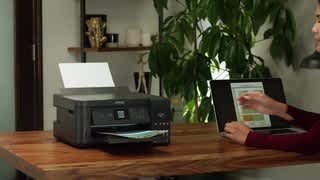

- Model:
- ET 2750
- SKU:
- 6042206
Rating by feature
- Value
Rating 4.2 out of 5 stars
- Quality
Rating 4.2 out of 5 stars
- Ease of Use
Rating 4.2 out of 5 stars
Customers are saying
Customers express satisfaction with the print quality and ease of use of the Expression EcoTank ET-2750 Wireless All-in-One Inkjet Printer. Many also appreciate the printer's compact size and straightforward setup process, along with its wireless functionality. However, some users note that the printer can be noisy and that the paper handling could be improved. Concerns were also raised regarding the printer's price point and occasional reliability issues.
This summary was generated by AI based on customer reviews.
- Cons mentioned:Noise level
Good value for the money
||Posted .This reviewer received promo considerations or sweepstakes entry for writing a review.Like everything about this printer but find it a bit noisy when first starting to print.
I would recommend this to a friend - Pros mentioned:Print quality
Great printer for the home.
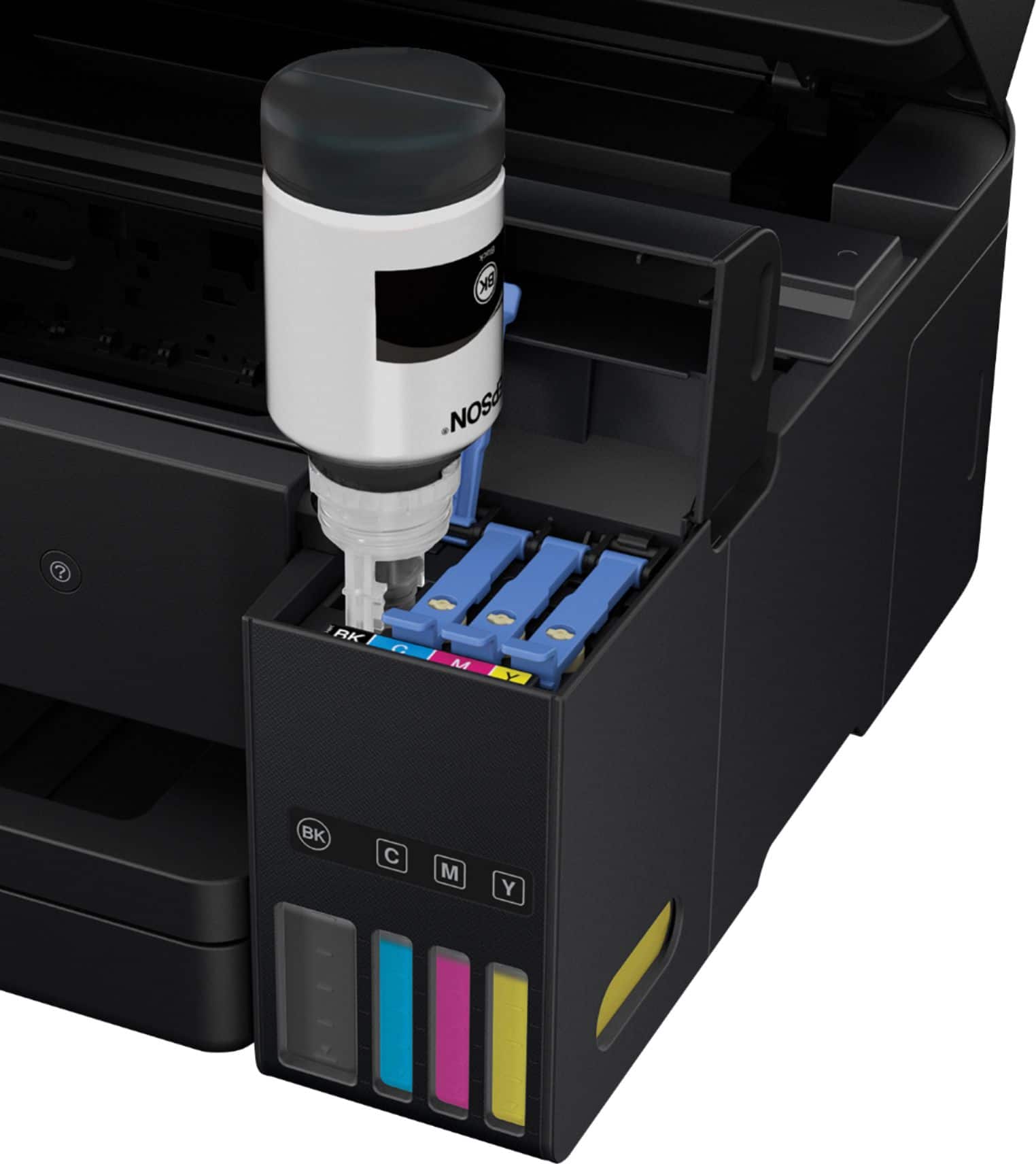
||Posted .This reviewer received promo considerations or sweepstakes entry for writing a review.Handy printer for home use. You don't need to worry about ink expiring. Easy to monitor ink levels and fill.
I would recommend this to a friendBrand response from Epson
Posted .Hi Sandy, thank you for this five-star review of your new Epson EcoTank printer. We appreciate your business and are glad to hear you are enjoying the cartridge-free printing at home! Cheers, Marina – The Epson Team.

Best printer I have owned
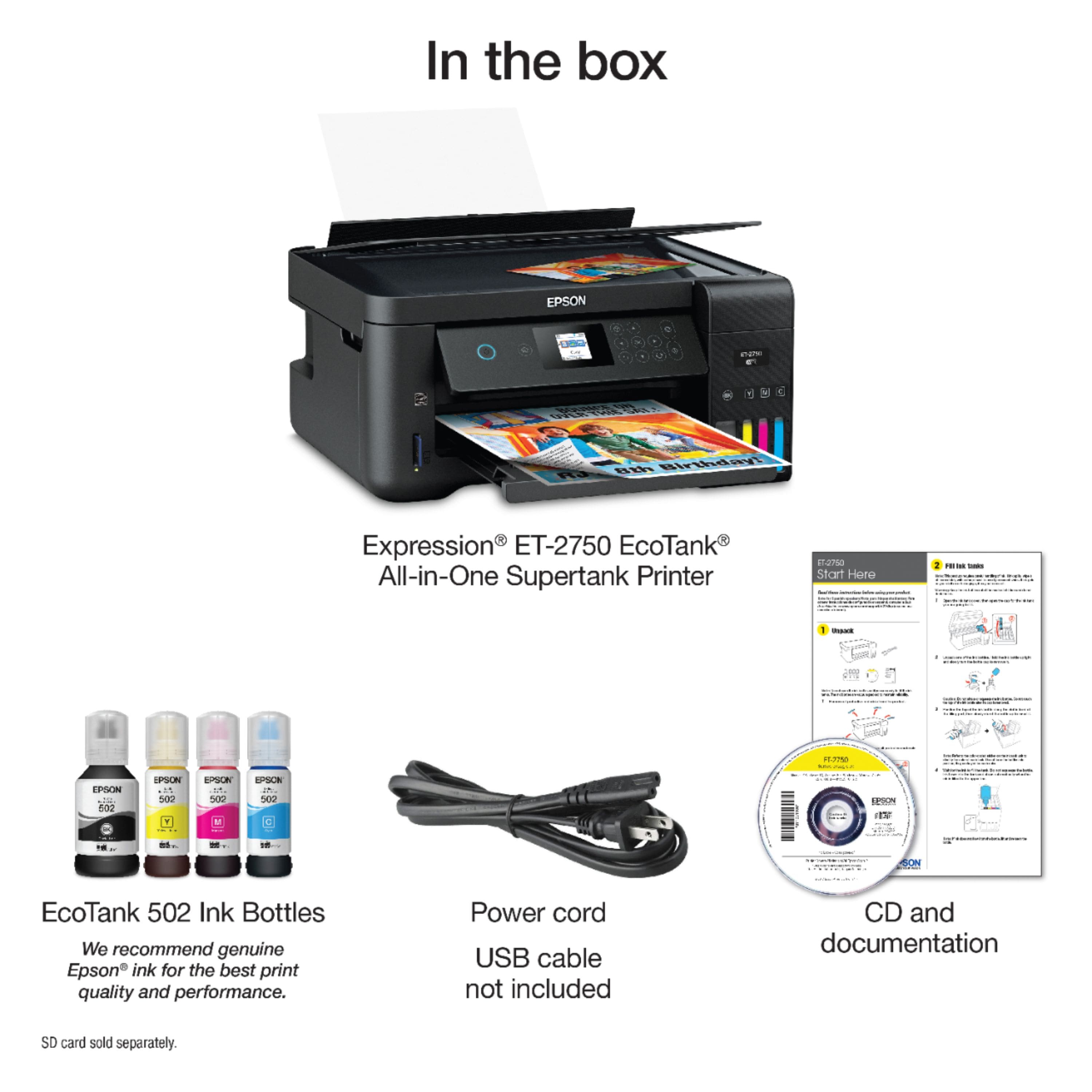
||Posted . Owned for 10 months when reviewed.This reviewer received promo considerations or sweepstakes entry for writing a review.Have had many other printers before Canon, HP etc. This is best one by far. I was skeptical about the eco tank. It is awesome. Although the printer is more expensive I have more than made up for it with saving money on ink. I have had it almost one year and still have more than half my ink left. I would already spent at least $150 on ink with other printers. Fast and works great. Highly recommend it.
I would recommend this to a friend- Pros mentioned:Print quality
Saves Money
||Posted .This reviewer received promo considerations or sweepstakes entry for writing a review.Still going strong after 500 plus printings, taxes, college level home work for 3 people, and my work.
I would recommend this to a friend - Pros mentioned:Ease of use
Great printer
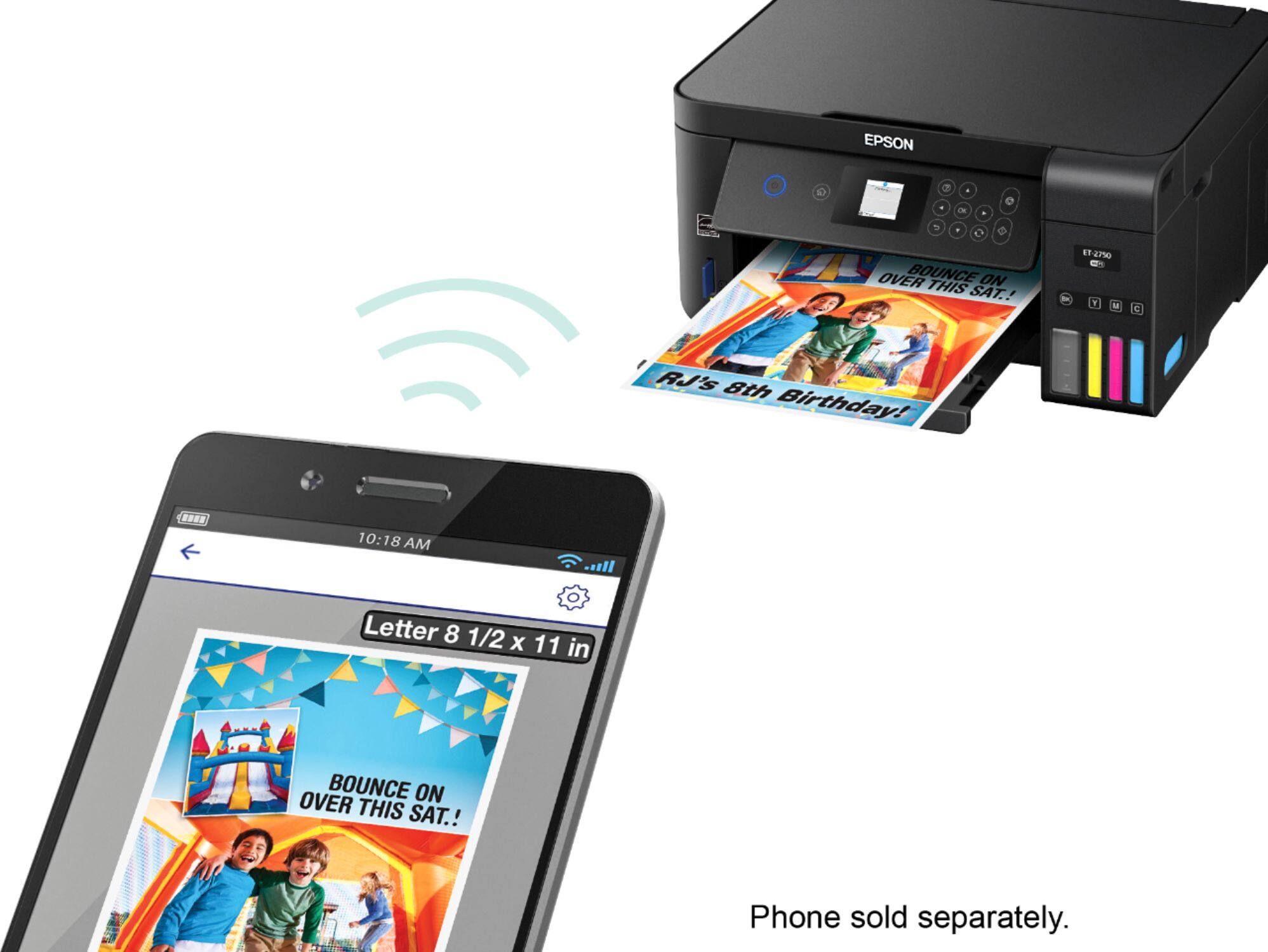
||Posted .This reviewer received promo considerations or sweepstakes entry for writing a review.Extremely easy to set up on my network. Works great. This is my first Epson and I’m very pleased with it.
I would recommend this to a friendBrand response from Epson
Posted .Hi Diane, we appreciate your time in reviewing your new ET-2750. We value your business, and hope you continue to enjoy the cartridge-free printing you get with an Epson EcoTank printer. Cheers, Quinn – The Epson Team.
- Pros mentioned:Wireless
works well
||Posted . Owned for 10 months when reviewed.This reviewer received promo considerations or sweepstakes entry for writing a review.I haven't had the chance to actually use it, but the test drive proved promising.
I would recommend this to a friend - Pros mentioned:Size
Works for its intended purpose.
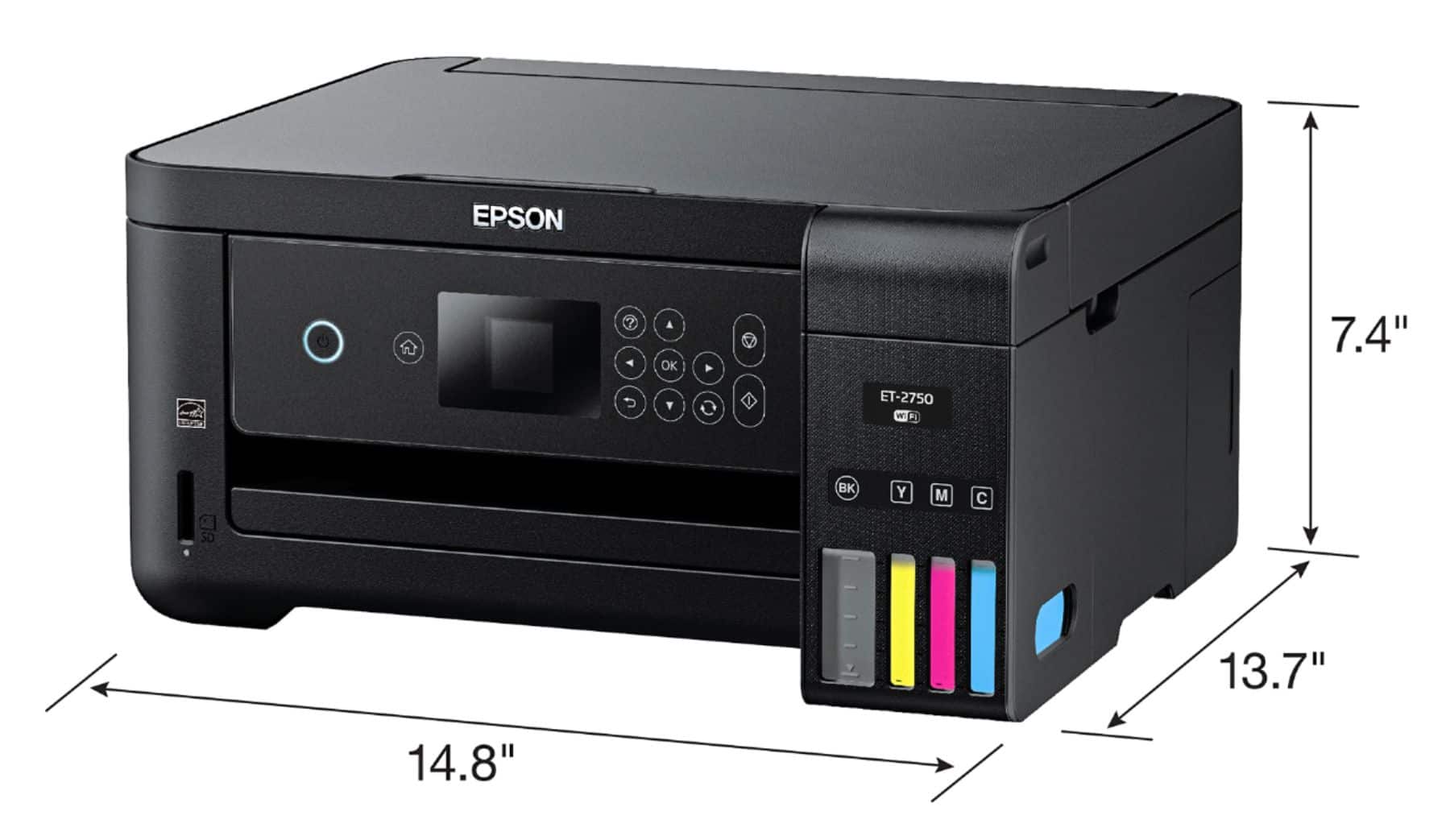
||Posted .This reviewer received promo considerations or sweepstakes entry for writing a review.Small, efficient printer. Works for my needs as a student and for general printing.
I would recommend this to a friend - Pros mentioned:Size
prints good
||Posted .This reviewer received promo considerations or sweepstakes entry for writing a review.I have only used this printer a few weeks and have no problems. the size is small and fits my needs.
I would recommend this to a friend No more cartridges!
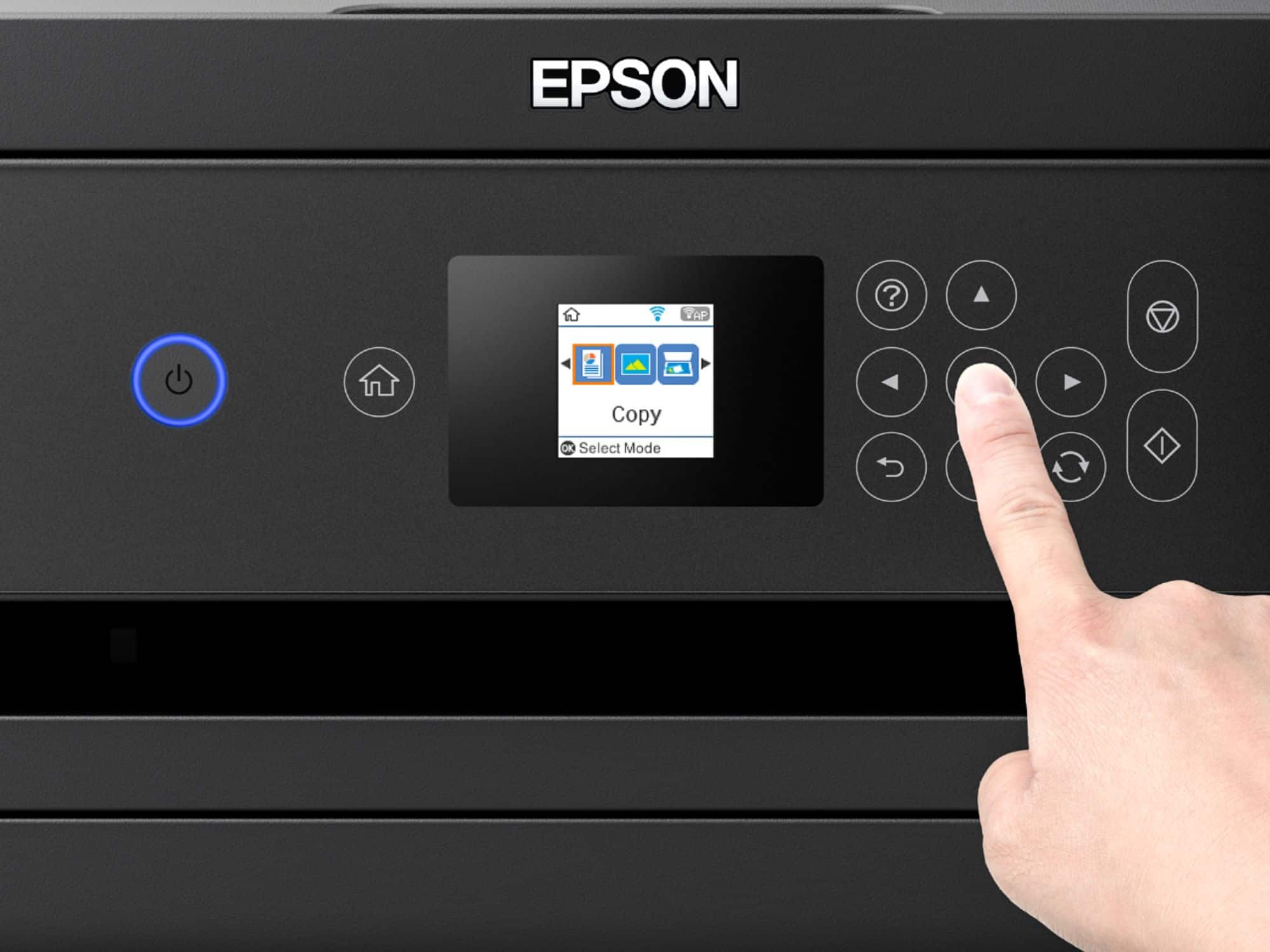
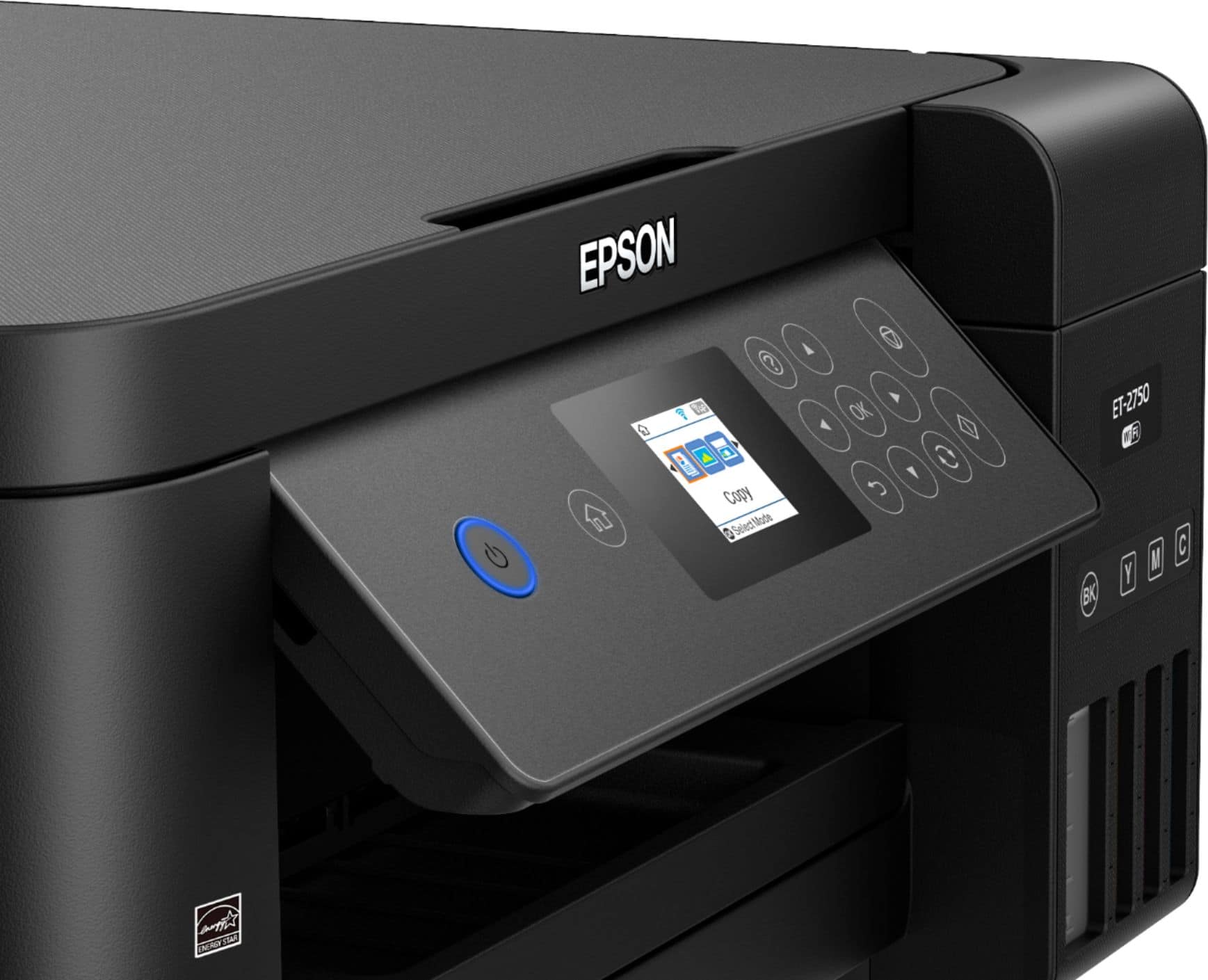
||Posted .This reviewer received promo considerations or sweepstakes entry for writing a review.I read quite a few reviews on this model before I purchased...coming from a Canon Pixma, I chose Epson over the Canon equivalent because I think Epson prints photos better than Canon. Plus the tiny cartridges didn't hold enough ink for what I do as a photographer. Easy set up and loads of ink, print quality is outstanding. About the only con is the tiny LCD screen. Other than that, I love it.
I would recommend this to a friend- Pros mentioned:Print quality
The Perfect Printer
||Posted . Owned for 3 weeks when reviewed.This reviewer received promo considerations or sweepstakes entry for writing a review.NIce looking fast and the Eco tank is the best. two years with out buying inks again. Users dream
I would recommend this to a friend - Pros mentioned:Print quality
Why did we wait?
||Posted .This reviewer received promo considerations or sweepstakes entry for writing a review.Excellent printer/scanner/copier and I'm not going to buy in for 2 years - at least. That's my plan.
I would recommend this to a friend - Pros mentioned:Ease of use
Good printer.
||Posted .This reviewer received promo considerations or sweepstakes entry for writing a review.Easy to fill ink. The screen is a little hard to read because the writing is small.
I would recommend this to a friend - Pros mentioned:Print quality
Awesome printer
||Posted .This reviewer received promo considerations or sweepstakes entry for writing a review.Awesome printerBought this for the kids they always do school work and everything else I save a fortune ink
I would recommend this to a friend - Pros mentioned:Print quality
Awesome Printer
||Posted .This reviewer received promo considerations or sweepstakes entry for writing a review.Probably the best printer I have ever invested in as the ink supplies are long lasting
I would recommend this to a friendBrand response from Epson
Posted .Hi JerryPop, thank you for this review of your Epson EcoTank printer. We appreciate your purchase and are glad to hear you are enjoying the revolutionary, cartridge-free printing ink tanks. Have a great day! Best, Marina – The Epson Team.
- Pros mentioned:Ease of use
Love the ink tanks
||Posted .This reviewer received promo considerations or sweepstakes entry for writing a review.Purchased for work and love the ink tanks instead of cartridges. Easy to set up and works flawlessly.
I would recommend this to a friendBrand response from Epson
Posted .Hi Braxillian, thank you for this five-star review of your new Epson EcoTank printer. We're glad you enjoyed the easy setup and hope you enjoy cartridge-free printing! Cheers, Quinn – The Epson Team.
- Pros mentioned:Print quality
Great printer
||Posted . Owned for 2 months when reviewed.This reviewer received promo considerations or sweepstakes entry for writing a review.Have used this printer for about 3 months and so far it's the best general printer I've owned.
I would recommend this to a friend - Pros mentioned:Print quality
Good printer
||Posted .This reviewer received promo considerations or sweepstakes entry for writing a review.Good printer for home office. As long as you dont have heavy use. It is good for the price.
I would recommend this to a friend - Pros mentioned:Print quality
very good printer
||Posted . Owned for 1.5 years when reviewed.This reviewer received promo considerations or sweepstakes entry for writing a review.very good printer ink lasts a long time and prints super nice images.
I would recommend this to a friend Easy set-up. Frustrating manual
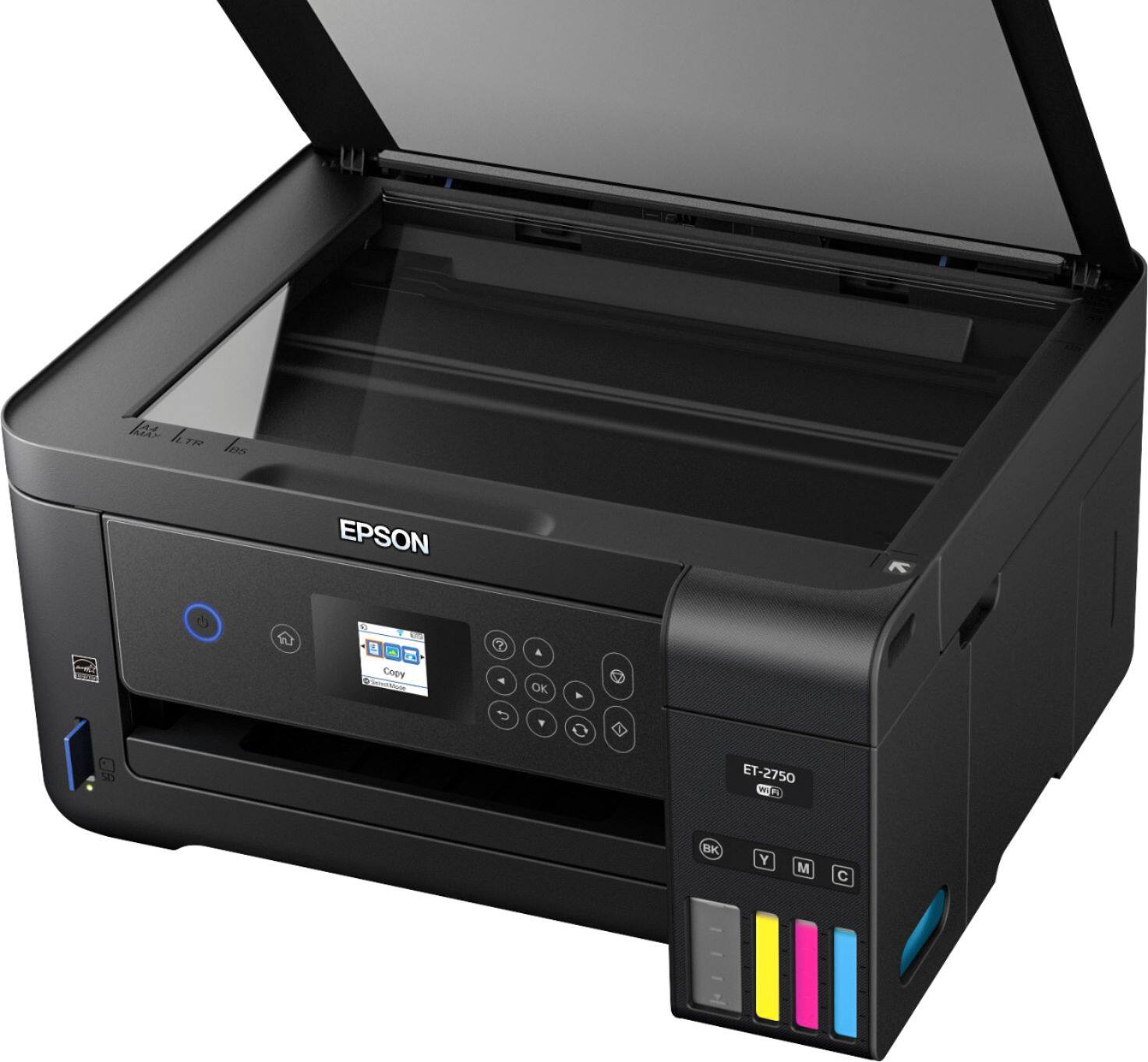
||Posted .This reviewer received promo considerations or sweepstakes entry for writing a review.I was impressed with the set-up of my Epson 2750. However, once set up, I can’t figure out how to do multi-page scanning. The manual is full of jargon and what I see when I go to “applications” on my Mac, it doesn’t look at all like what the Manual says I’ll see. Aarrgghh!
I would recommend this to a friend- Pros mentioned:Print quality
Owner/Photographer
||Posted .This reviewer received promo considerations or sweepstakes entry for writing a review.great printer and money saver. I would recommend this printer to anyone wanting to save on ink cost.
I would recommend this to a friendBrand response from Epson
Posted .Hi bobg, thank you for this five-star review of your new Epson EcoTank printer. We appreciate your business and are glad to hear you are enjoying the cartridge-free printing. Have a great day! Best, Eddie – The Epson Team.