Customer Ratings & Reviews

- Model:
- B11B228201R
- SKU:
- 6280708
Rating by feature
- Value
Rating 4.5 out of 5 stars
- Quality
Rating 4.7 out of 5 stars
- Ease of Use
Rating 4.6 out of 5 stars
Customers are saying
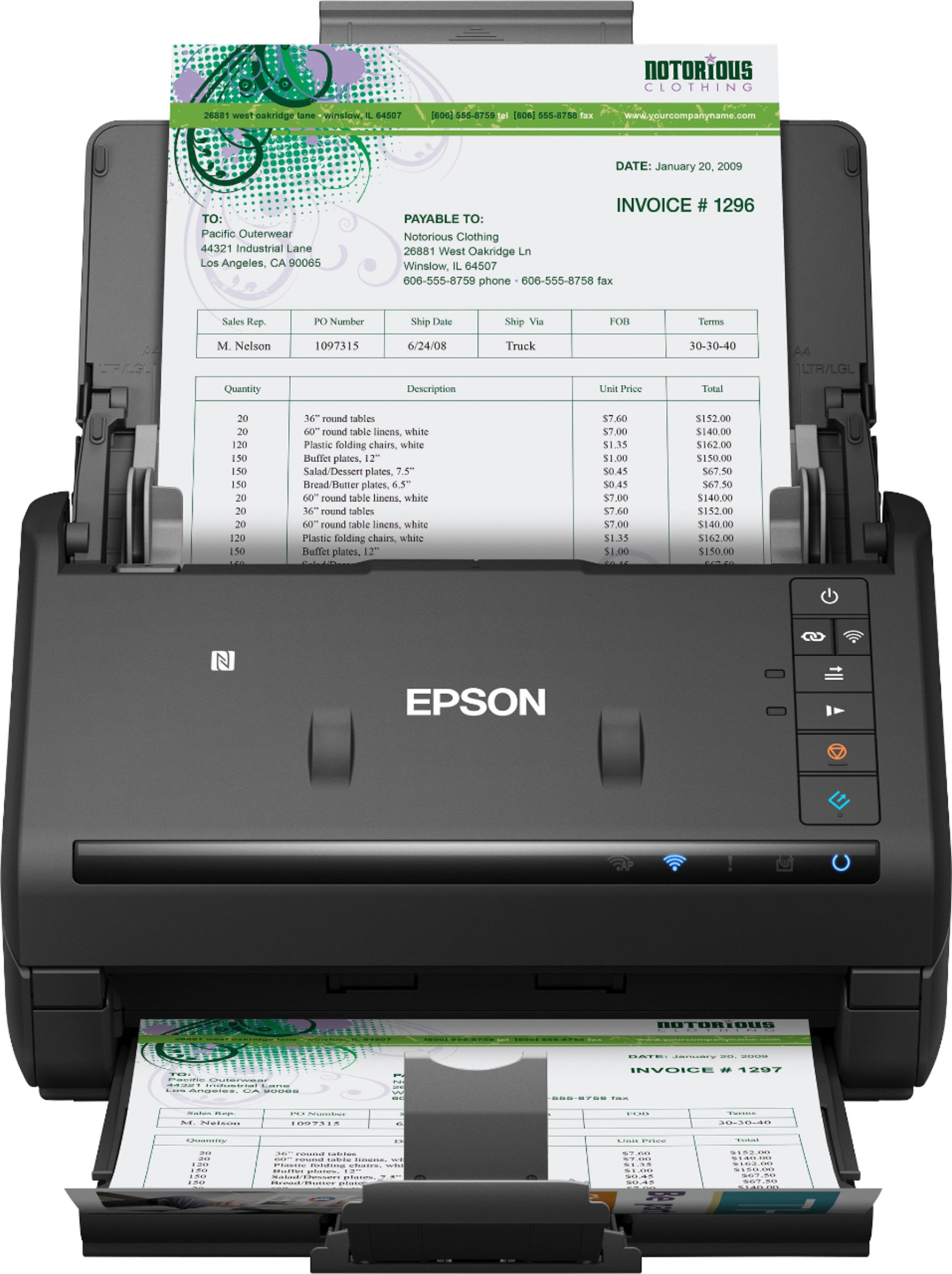
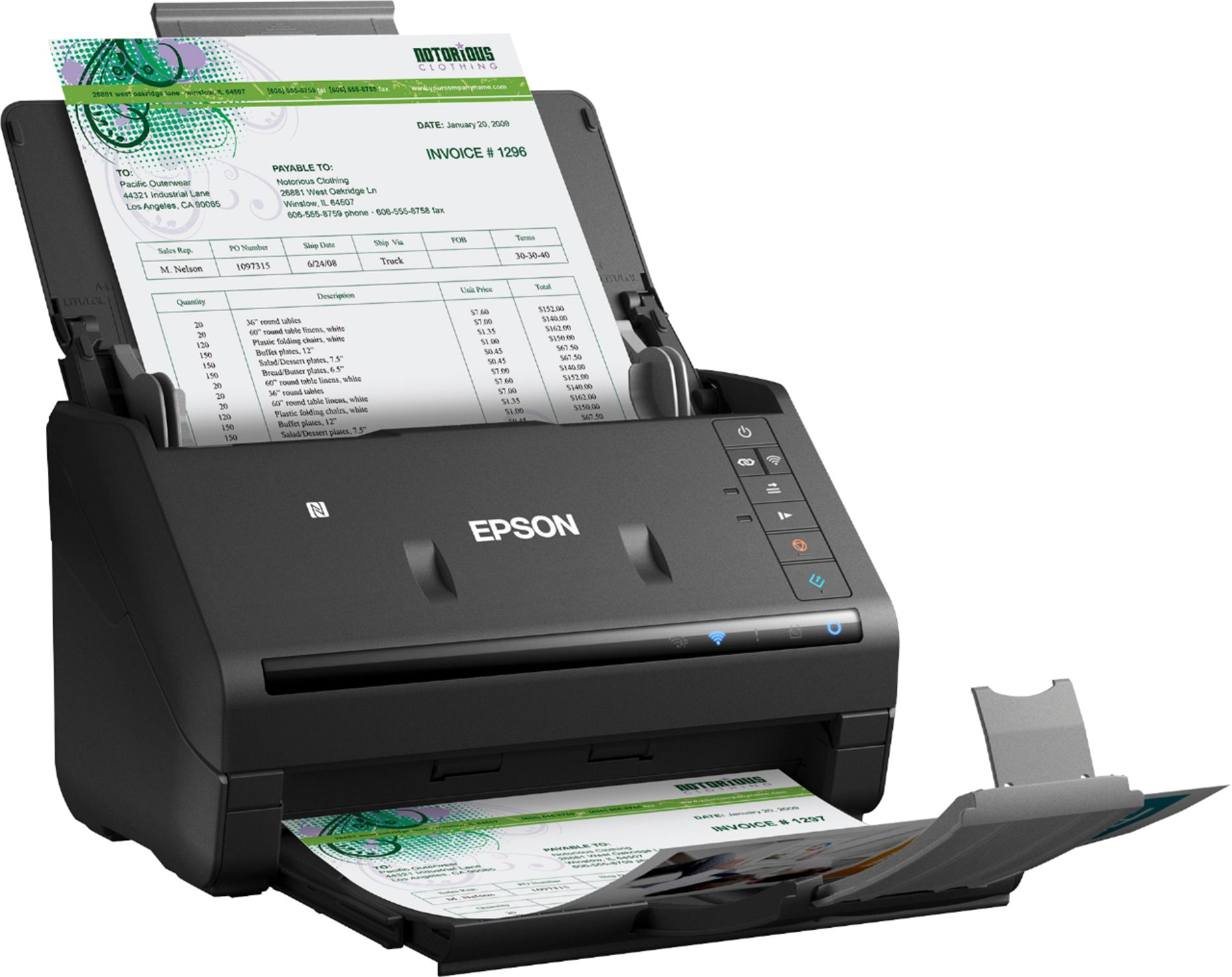
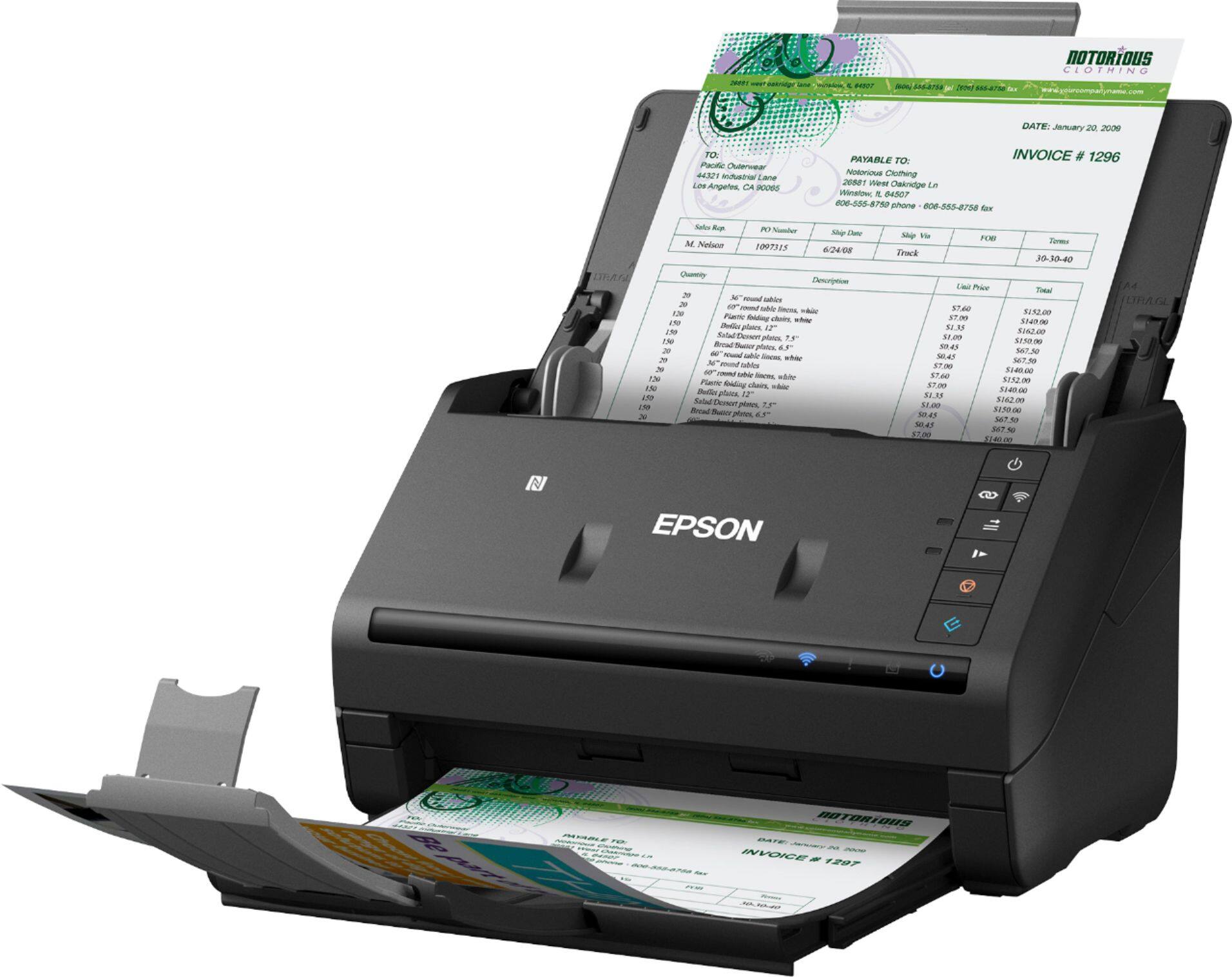
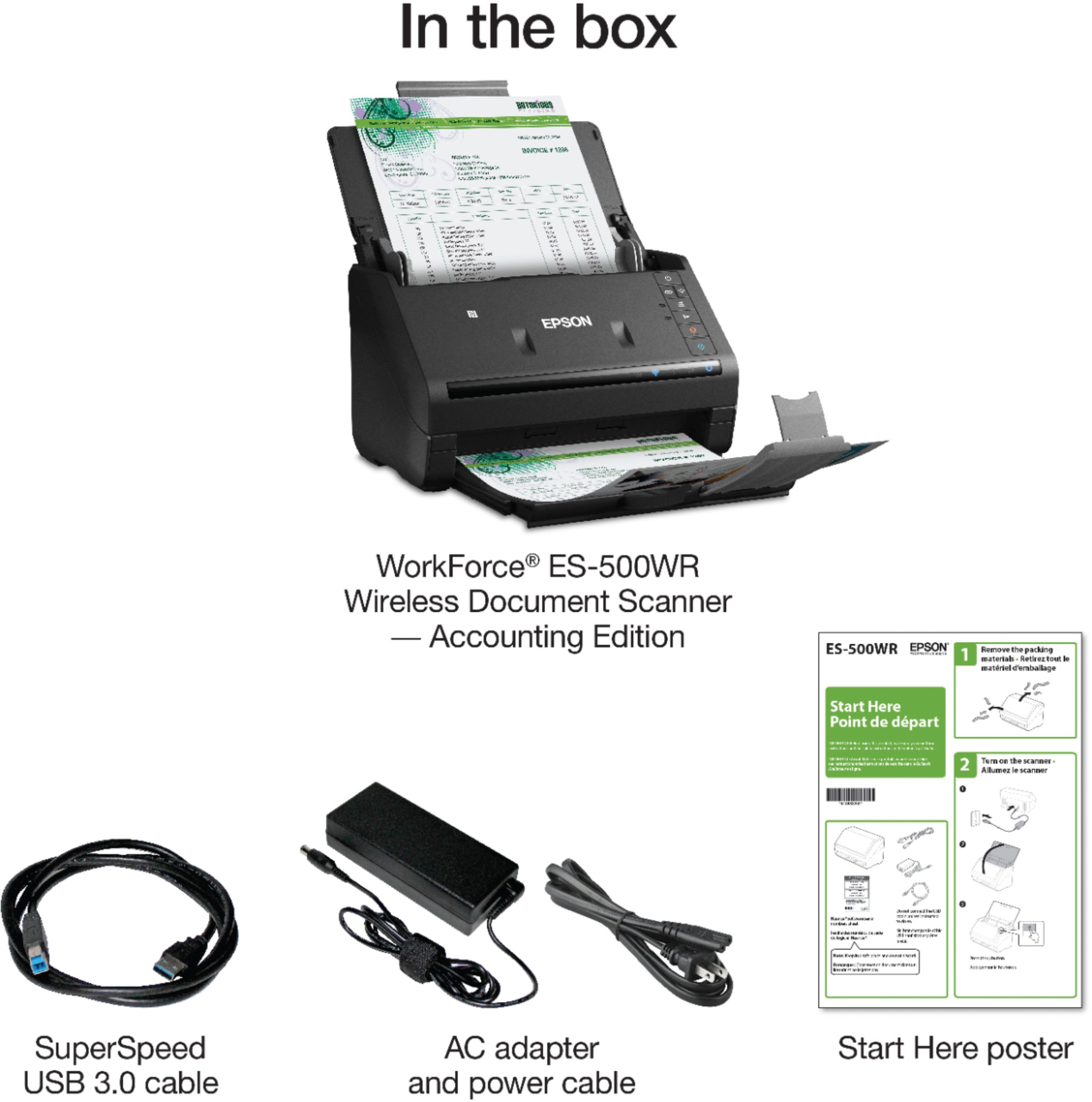
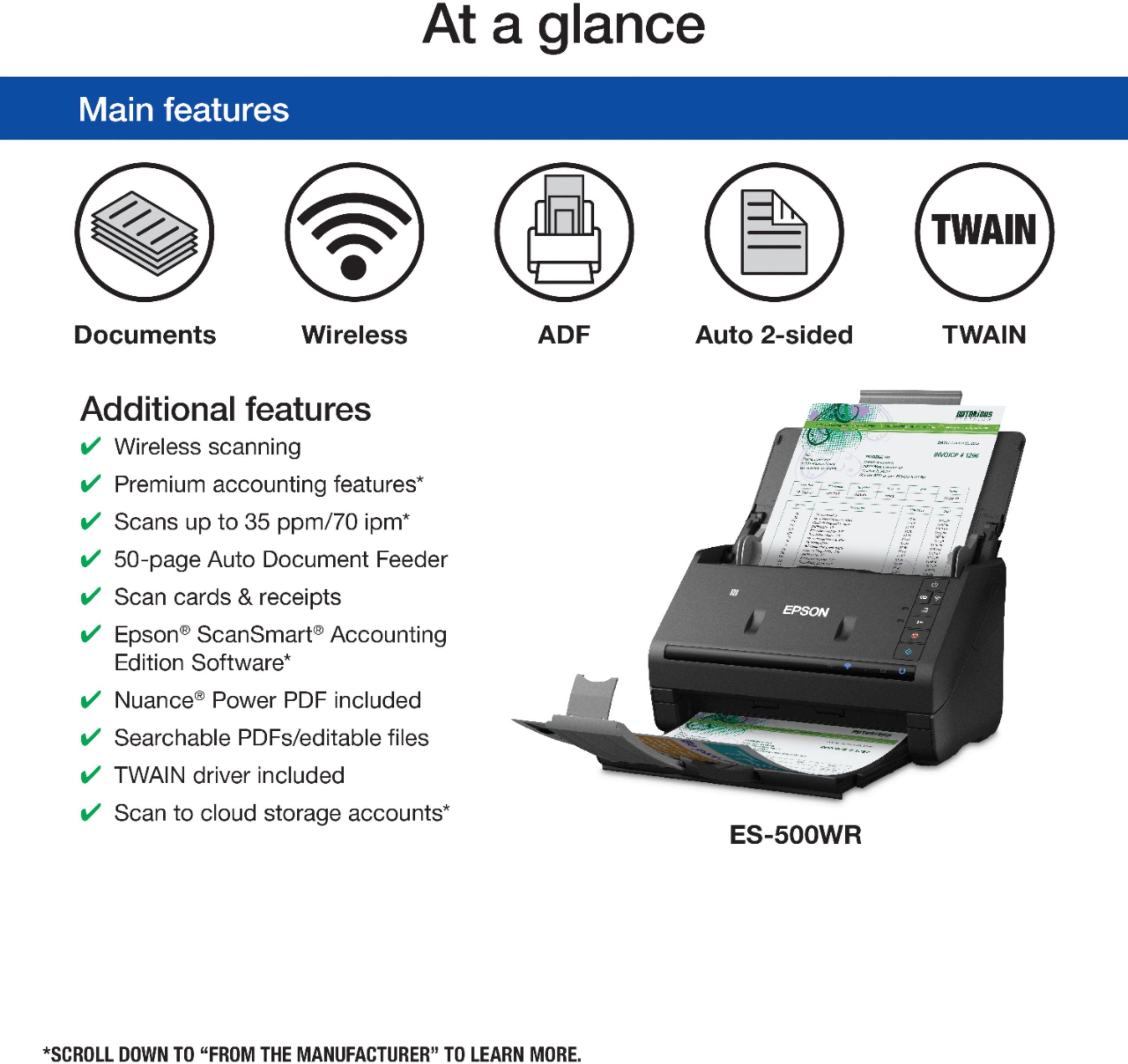
Customers frequently mention how fast and easy the WorkForce ES-500WR is to use. They also appreciate its compact size and wireless connectivity. The scanner's software, including OCR capabilities, is also well-received. While some customers found the setup process to be time-consuming, the overall sentiment towards the product is positive.
This summary was generated by AI based on customer reviews.
Time saver
||Posted . Owned for 1 month when reviewed.This reviewer received promo considerations or sweepstakes entry for writing a review.Been using all in one for scanning. Eason workforce is so much faster with the double sided printing. Scanning software makes it easy to save files to different folders
I would recommend this to a friendQuick scanning!
||Posted . Owned for 5 months when reviewed.This reviewer received promo considerations or sweepstakes entry for writing a review.You can load a lot of papers to scan and then break them apart into separate files. Saves a lot of time in scanning and saving documents.
I would recommend this to a friendBest of its kind.
||Posted . Owned for 1 month when reviewed.This reviewer received promo considerations or sweepstakes entry for writing a review.Excellent way to store information for a business. Instead of stacks of boxes taking lots of space.
I would recommend this to a friendAccounting software is no good.
||Posted . Owned for less than 1 week when reviewed.This reviewer received promo considerations or sweepstakes entry for writing a review.A very good scanner but I bought it for my business because of the accounting software. It extracts data from receipt/ invoice but not the correct data. I had to change the date, total, vendor name on each receipt/invoice. which defeat the purpose of accounting software. After playing with it a couple of days, I started adding receipt direct to Quick book, which is much faster than the scanner. It also didn't connect to wi-fi. I am returning this one and buying Epson ES400. Overall this is a great scanner, get it without account and wi-fi.
I would recommend this to a friendBrand response from Epson
Posted .Hello Paul, thank you for sharing your experience with the Epson ES-500WR. We appreciate your feedback and will ensure it's forwarded to the appropriate product teams for review. If we can help you with anything else, your WorkForce scanner includes free lifetime technical support and our support team can be reached by phone at (562) 276-4382, Monday - Friday, 7 am - 4 pm PT; or by email at https://epson.custhelp.com/app/ask/p_model_name/Epson%20WorkForce%20ES-500WR. Once again, thank you. Sincerely, Bobby D. - The Epson Team.

- Pros mentioned:Scan speed, Size, Wireless

Nice Compact scanner for the Home Office.
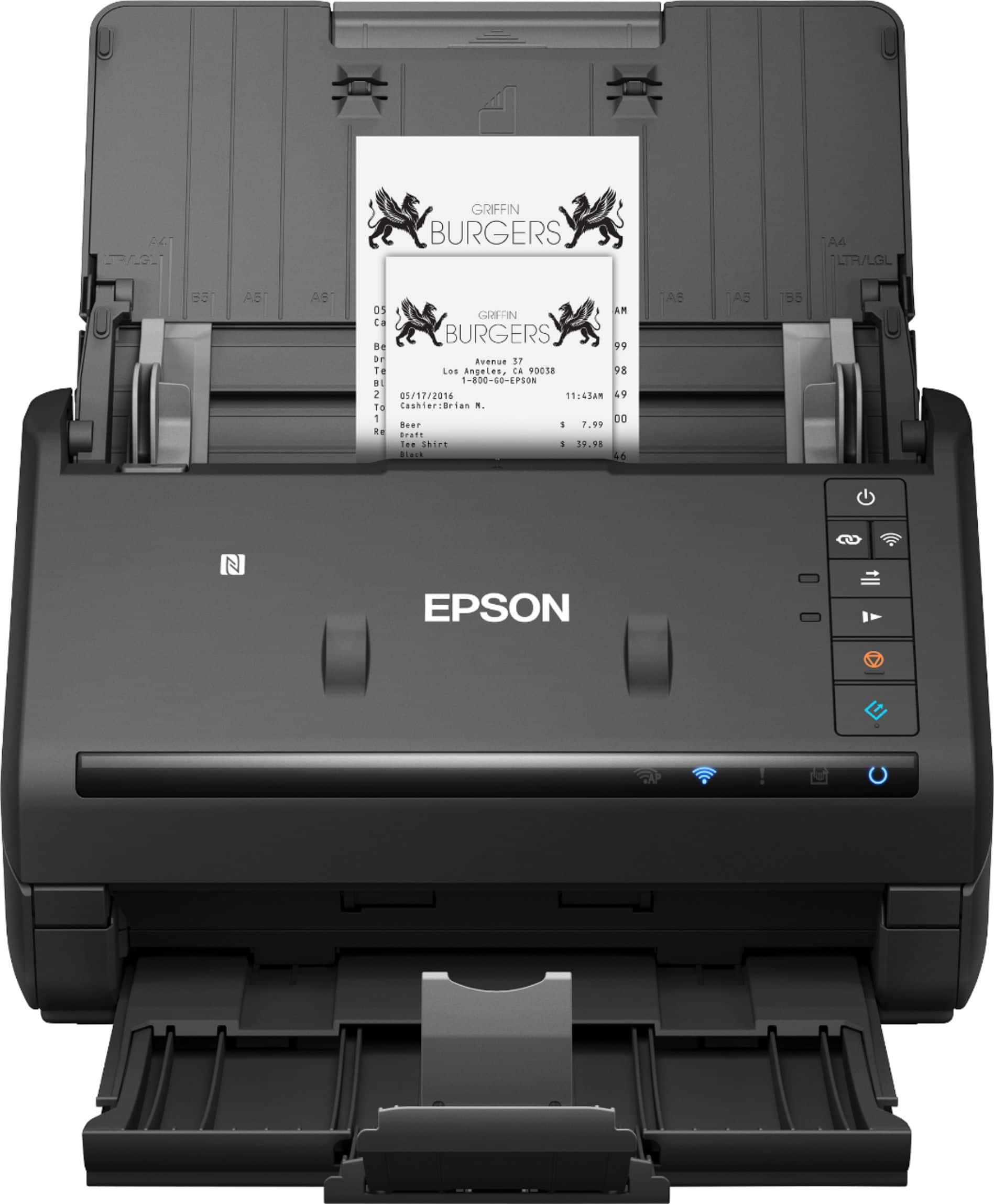
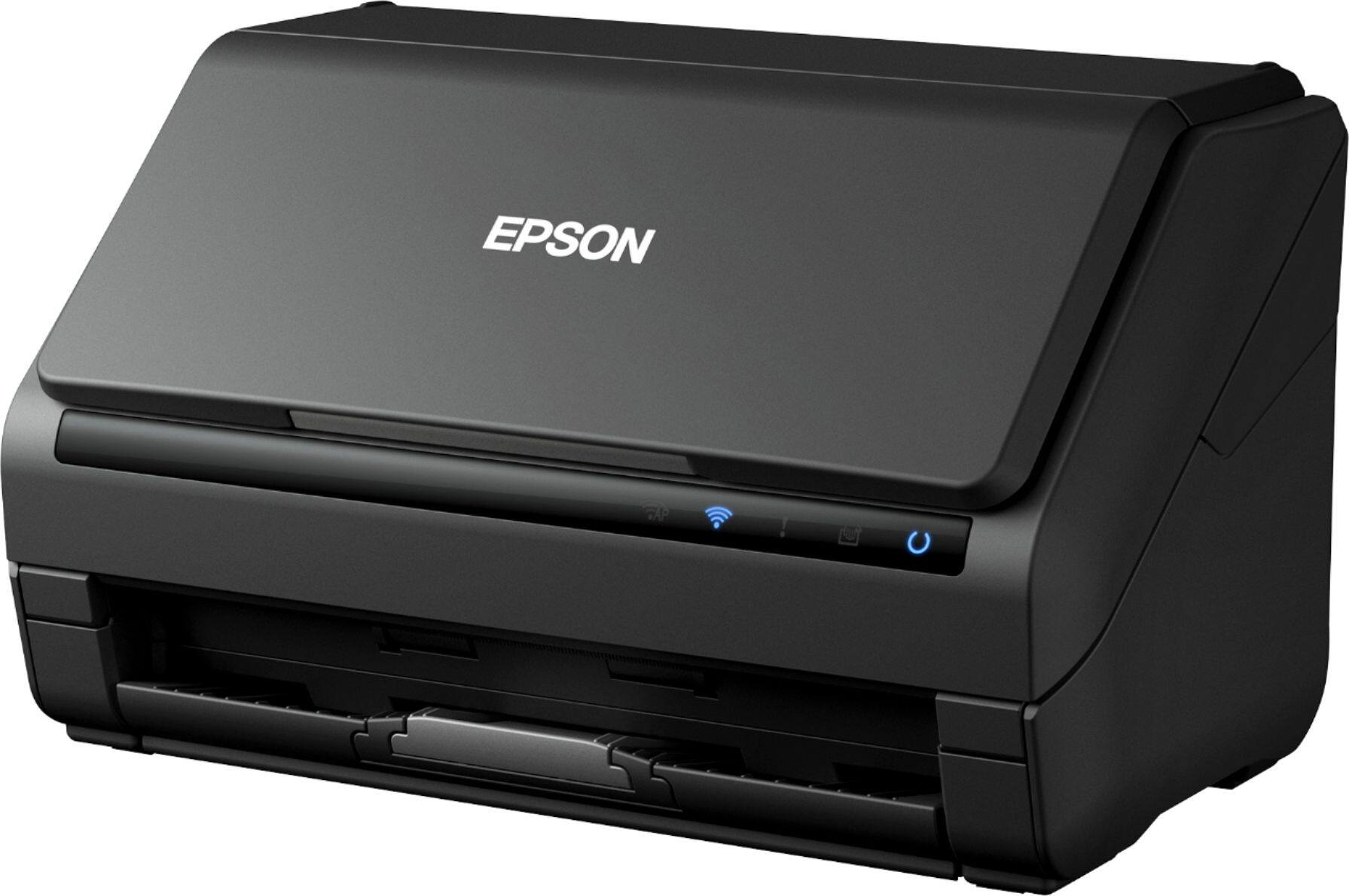
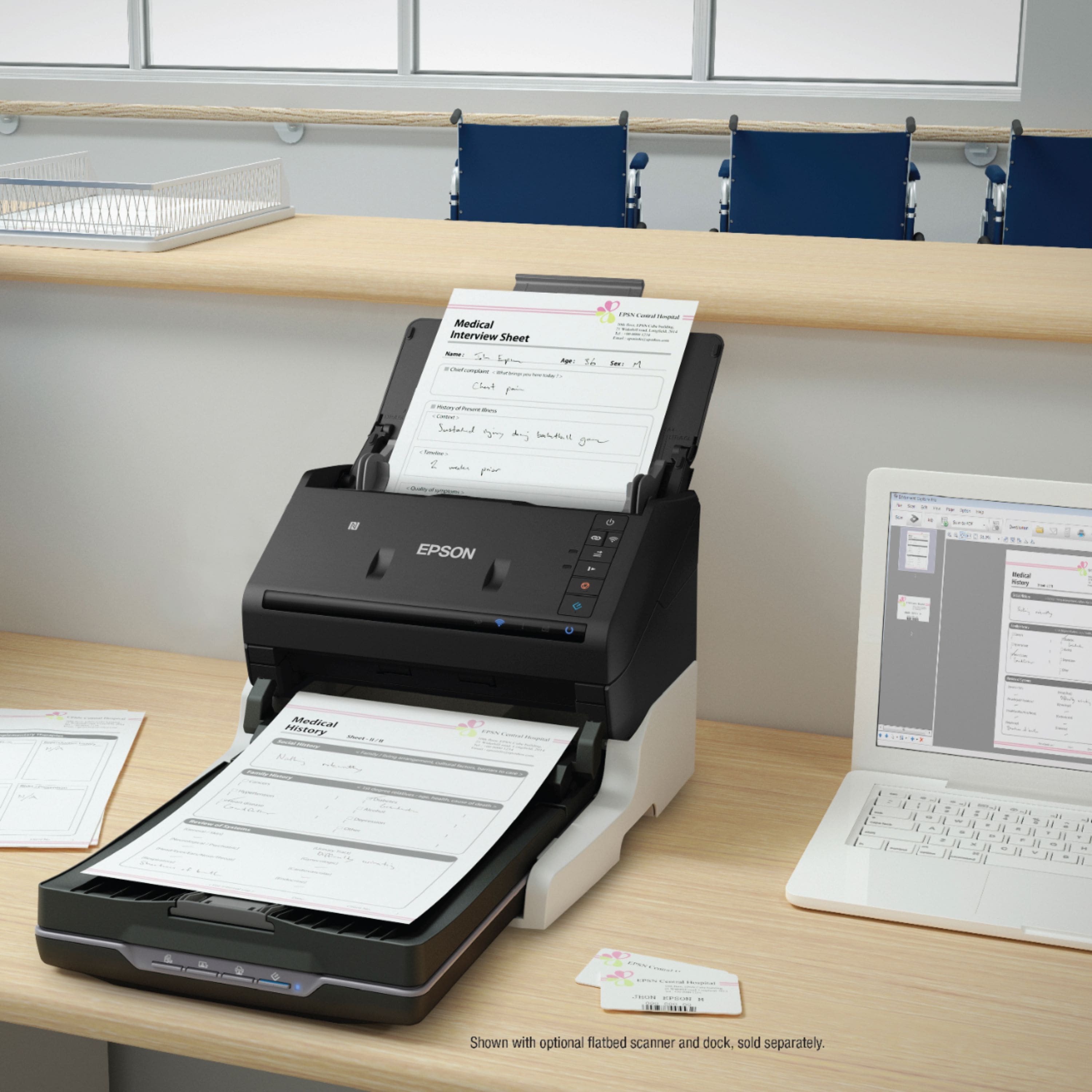
|Posted .This reviewer received promo considerations or sweepstakes entry for writing a review.I was disappointed at first that this is only a scanner. I was expecting a two-in-one, but as a scanner this is a very nice device. I was pleasantly surprise to how compact and how light it was. It doesn’t take up too much space in my home office and the trays collapse and expand to allow for a full 8.5x11 sheet of paper and not worry about it falling off. This Epson scanner can be connected both wireless and USB cable. I had some issues connecting it via wireless, so I chose to connect by cable. It’s ok for me as I already have an Epson two-in-one that is already wireless. What I wasn’t expecting was that this can scanner can connect to your mobile devices. Nice added touch! After playing with it for about a week now, here are my thoughts on this scanner: Pros: -Is very lightweight and compact. I love devices that does not take up too much space. Folding trays make it even more compact and not so cumbersome as traditional two-in-ones. -Wireless: from anywhere in the home this can connect with all of your mobile devices and online cloud file storage. This is a very nice component as I use a Surface and a Laptop where space can be an issue. Uploading to the cloud makes it so convenient. -Paper size: This can scan your traditional 8.5x 11 to various other sizes. I’ve scanned receipts so that I can have them on file and no longer need them around the house cluttering my desk! -Scanning speed. This is pretty fast scanner. Speed is important when I need documents uploaded. Cons: -This took a long time to set up. I mentioned earlier that it took a while to set up the wireless on this even after following the instructions. I kept getting the orange EXCLAMATION POINT indicator on. Once that was settled, it took longer to download the necessary files. I get it: everything is going the wireless route. I miss the old CD-drives which uploaded your setup fast. Overall, I am impressed with Epson’s ES-500W. Size is very important for home offices and they did a good job in putting all of this in a small device that has amazing quality and fast scan jobs. Once you get past the wireless issues, this device worked amazingly. I would highly recommend this for anyone who lives on the mobile/cloud network and needs space in their home office.
I would recommend this to a friend Best Buy best price
||Posted . Owned for 7 months when reviewed.This reviewer received promo considerations or sweepstakes entry for writing a review.loved the price n product easy to set up n easy to use for the Apple Mac
I would recommend this to a friendNice quality
||Posted . Owned for 8 months when reviewed.This reviewer received promo considerations or sweepstakes entry for writing a review.Gets the job done and for my needs it was a great value. Don’t use too often but consistently performs when needed.
I would recommend this to a friendLove it!
||Posted . Owned for 1 month when reviewed.This reviewer received promo considerations or sweepstakes entry for writing a review.Excellent for scanning different size receipts as well as standard 8.5x11.
I would recommend this to a friendGreat unit
||Posted . Owned for 1 year when reviewed.This reviewer received promo considerations or sweepstakes entry for writing a review.Excellent unit works very well. Good for home or office.
I would recommend this to a friendExcellent choice.
||Posted . Owned for 7 months when reviewed.This reviewer received promo considerations or sweepstakes entry for writing a review.Was needing a scanner for our business and I’m glad I went with this one.
I would recommend this to a friendGreat scanner
||Posted . Owned for less than 1 week when reviewed.This reviewer received promo considerations or sweepstakes entry for writing a review.If you want the best then this is the one you want for yourself, great product.
I would recommend this to a friendlove this product
||Posted . Owned for 1 year when reviewed.This reviewer received promo considerations or sweepstakes entry for writing a review.traveling and this produce has been a great help and have no need to carry bigger printer!
I would recommend this to a friend- Pros mentioned:Ease of use, Scan speed, Wireless
Compact in size but packs a punch!
|Posted .This reviewer received promo considerations or sweepstakes entry for writing a review.So this was a replacement for my older flatbed scanner. This took up only a small spot on the desk. Very light and compact but scans a whole array of documents. You can connect it via usb or wirelessly. I chose wireless because of the feature where you can send it directly to your smart phone which made this very handy for work and home purposes. I know if you've read some of my reviews they include a bit about my grandma. Well until this came she was in the "keep all receipts and paperwork in boxes" mode. And with the literally years of stuff she had kept we could have stayed warm for the winter burning them all haha. I took a few days scanned all of the important things in and she was amazed how she could keep it all on one small memory card now. And the fact that everything is safe from fire now. Overall I'd give this three thumbs up if I had them. Very nice product. Works flawlessly and super fast. Stylish, compact, and excellent for getting rid of the paper trail.
I would recommend this to a friend Good scan
||Posted . Owned for 1.5 years when reviewed.This reviewer received promo considerations or sweepstakes entry for writing a review.Works great some pages stick and you have to unjam.
I would recommend this to a friend- Pros mentioned:Scan speed, Software
Excellent Scanner!
|Posted .This reviewer received promo considerations or sweepstakes entry for writing a review.The setup on this scanner was super fast and easy! I was amazed at how fast it scanned via wifi! I tried both USB and wifi settings to see the difference and it wasn’t a noticeable difference at all! It’s a great scanner and the PDFs are searchable when choosing the correct settings! There’s software to make sorting through receipts super easy. There’s also scan settings for receipts as well as business cards making them a one step scan setup. I had no issues with this scanner or setup. Two sided scanning is awesome and fast! I am very pleased with this scanner!
I would recommend this to a friend - Pros mentioned:Scan speed, Size
Fast with Quality to Match
|Posted .This reviewer received promo considerations or sweepstakes entry for writing a review.This thing is FAST. Load up 50 photos or 50 pages of text and it FLIES through them. Even on the highest setting (600dpi) it blows my conventional "flatbed" scanner (also an Epson unit) out of the water. The footprint is very small, roughly 1/3 the size of a typical scanner, which is more appreciated than I thought it would be. Now, that was a different price-point (about half the cost of the ES-500W) but, for ease of use, speed, and sheer number of items it can get through, I would recommend this thing until the cows come home over the aforementioned conventional style. So why the 4-stars? Well, I'd give it a 4 1/2 if I could but, seen as how we are only able to utilize full-stars, a 4 it is. The interface of the software and installation of said software. I install stuff all day long and mess with interfaces just as often. Typically you can plug everything in and either use the included cable or the WPS button on the device to setup your Wi-Fi connection. Straight forward, not a problem. Once connected you simply unplug the cord (if that's the route you went) and continue on scanning via your network. But, for some reason the driver wouldn't install. I unplugged and re-plugged the cord a few times and it would trigger the driver install process, but it would not install. I finally said heck with it, went to the EPSON site, downloaded the driver directly and all was well. Is this a *huge* issue? No -- I knew exactly what to do, but wanted to see if the automated way would work (as it typically does). So, if anyone else runs into this issue, just go over to the EPSON site and search for the model number and add "driver" to the end of your query. As far as the (software) interface is concerned; it's very simple, easy on the eye, but not all that intuitive. There aren't a ton of options or things to adjust (which is fine) but, some adjustments are hidden in sub-menus of sub-menus. Or are part of a tab/area that sort of blends in with another part of the menu, so they are easy to overlook. I'm REALLY splitting hairs on that last "con" as there isn't much else for me to be disappointed with concerning this scanner. After a few scans and messing with some settings I knew where things were and those buttons/sliders/areas that I was hunting and pecking for eventually made sense and we were on our way. All in all, an excellent scanner that performs amazingly well.
I would recommend this to a friend - Pros mentioned:Scan speed
I'm Finally Getting Rid of Paper Documents
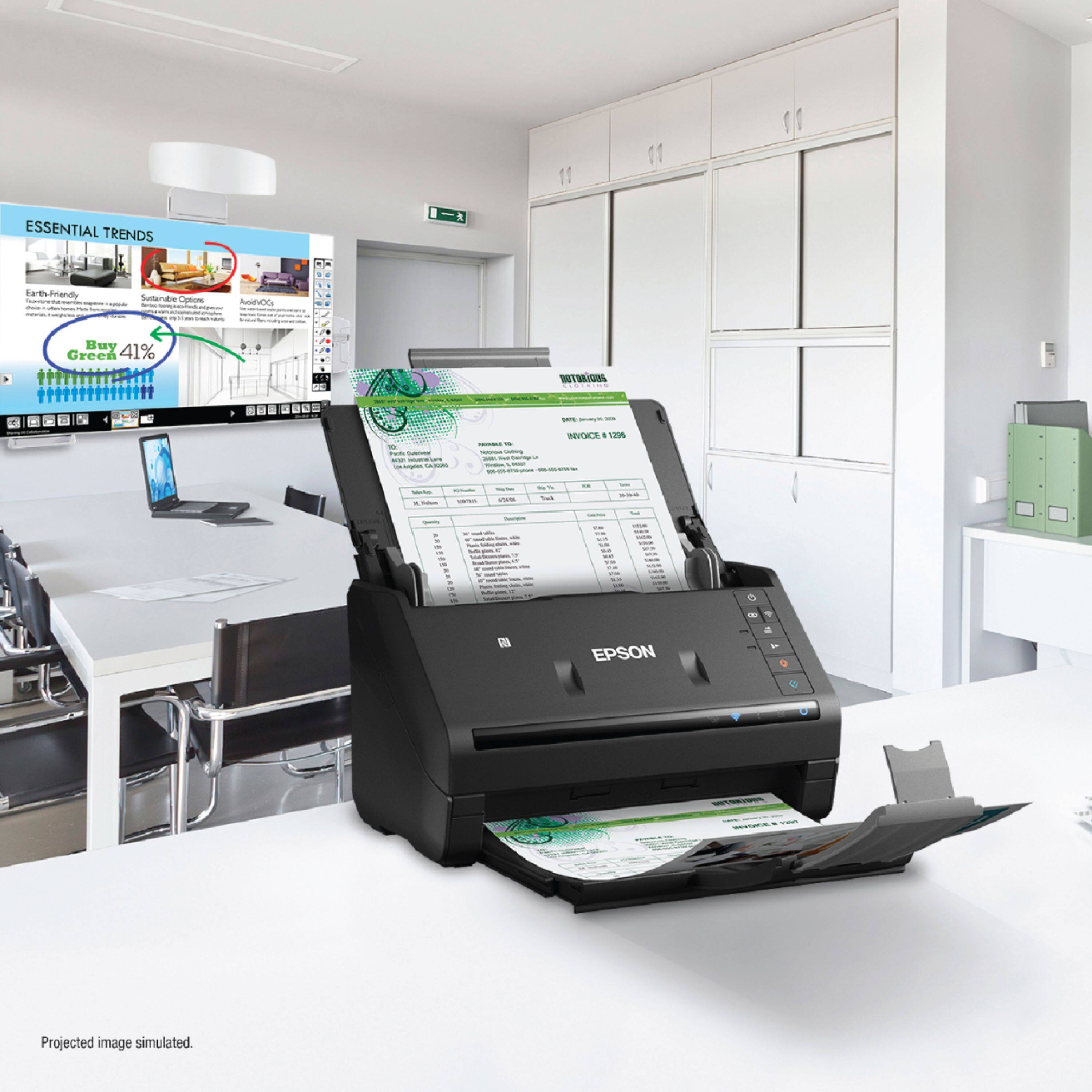
|Posted .This reviewer received promo considerations or sweepstakes entry for writing a review.I've had many flat bed scanners over the years but this is the first time I have an automatic sheet feeding scanner. I have tons of paper document that have accumulated over the years. Most of the time I have no need of them but every once in a while I need to find out how much I paid for something or what company I used to renovate my bathroom. I usually have to spend hours going through boxes of old paperwork because I just threw my receipts, statements and assorted notes into boxes with no order whatsoever. I tried scanning in the documents many times in the past but when you have to stand over the scanner and lay each sheet down, press scan, wait, flip the page and scan again, it takes so long I gave up after doing a small stack of papers. With this Epson Workforce ES-500WR scanner, I put in a stack of pages, hit scan double scan on the computer and the pages whip through extremely fast. Using the Epson ScanSmart software, I can then rotate or re-order the pages prior to saving them. I can then name the file and create a folder and click save. I have been whipping through the pages extremely quickly. There are many options for saving the scans such as save to a file, save to DropBox, Google Drive, Evernote, Save to Word or Excel, attach it to email, open it in Receipt Manager or print it. I then started scanning in business cards of which I have hundreds. The software OCRs the cards and puts the info into it's address book which you can then export into .vcf or other formats. I did have to check and correct a lot of the info since most of the cards had fancy fonts or photos as backgrounds which would of course throw off any OCR program. I connected the scanner to my PC using a USB cable (included) but then connected it via WiFi to my Mac, iPad and iPhone. Using the USB was no problem, everything worked fine right out of the box. Connecting it to my Mac was a bit of a problem which is why I took off 1 star. I followed the instructions and could not get it connected. I figured out that I had to run the EpsonNet software to get it to connect to the Mac. Now I can scan to any of my devices depending on my needs. I will not throw out my originals as you never know when I might need them but I can now pack them away in a box in the basement and never have to open the box unless absolutely necessary.
I would recommend this to a friend - Pros mentioned:Scan speed
Simply the Best in Scanning
|Posted .This reviewer received promo considerations or sweepstakes entry for writing a review.Epson products have always been a good investment for me beginning in the 1980s with my first Dot Matrix Printer. Throughout my career I have only used Epson Plotters to print AutoCad drawings because the plots provided clear, concise construction documents and the plotters usually required little maintenance. When the chance to try the new WorkForce ES-500WR scanner Accounting edition arose, I immediately jumped at the chance and Epson has once again ‘exceeded my visions’ and expectations. The scanner was packaged extremely well, and I was able to unpack the scanner and set it up in wireless mode within 20 minutes. The industrial design of the product is simple and aesthetic with each piece of the design belonging to the overall product by having a function and a reason for being there. The quality of the materials used coupled with the assembly of the product together create a compact, attractive scanner. To begin the setup, the actual software to run the scanner must first be downloaded and installed from the Epson Support website. When done, the scanner immediately found my wi-fi internet connection and was ready to scan. The scanner has some remarkable features; including, being able to create searchable PDFs, fast scanning up to 50 pages through the ADF, and scanning multiple size documents including business cards and receipts. It can create pdf and jpeg document files. The software allows the user to preview, email and upload documents to several storage services and various locations, i.e., Google Drive, Dropbox, Evernote, personal pc, Word, Excel, and PowerPoint. Storing receipts in the ‘Receipt Manager’ is another option and a remarkable way to be organized as the data can then be extracted and exported to QuickBooks or Excel software programs. The Nuance software that is included has several very useful business features. Wirelessly scanning from mobile devices with the use of the Epson DocumentScan App to the same storage services and locations but bypassing the need for either a computer or laptop, is another great feature of this product. The clarity and chroma of the RGB scans create perfect documents and maintenance of the scanner appears to be minimal with all working parts easily accessible for cleaning. This is a quality, well designed and constructed scanner that produces excellent scans. It is powered by electricity, but if you are looking for similar features but more mobility, the ES300WR is totally portable with AC/Battery/USB power. For my small business and personal needs, I don’t really think there could be a better product for scanning documents.
I would recommend this to a friend - Pros mentioned:Scan speed, Size, Software
Awesome Scanner!!!
Posted .This reviewer received promo considerations or sweepstakes entry for writing a review.I am writing about my experience with the I found it incredibly useful for scanning items, especially receipts. I was able to quickly scan receipts and documents. While the document scanning was good, the handling of receipts impressed me the most. I was able to scan several piles of receipts of different materials and sizes. From gas station receipts to receipt carbon copies, within seconds the items were scanned and I was able to chose whether I wanted a pdf or a picture. But the most useful part is the software that extracts information from the receipts and inputs it into a variety of programs such as excel. The receipt manager easily found all useful information like location name, date, receipt number, tax, and a variety of other things. You have the ability to correct or adjust any of the items to help the software learn and the more you scan the smoother the process. I was able to backtrack through old receipts quickly and the only issue I had was if I put receipts of different sizes, sometimes there was a small jam. The entire device is small and compact and now that I've been using it, I would have a difficult time not having it. This is a review for the Epson WorkForce ES-500WR Wireless Document Scanner that I received free of charge to do a beta test and review.
I would recommend this to a friend - Pros mentioned:Ease of use, Scan speed, Size
Scanning Perfection
Posted .This reviewer received promo considerations or sweepstakes entry for writing a review.If you want a unit that is only a scanner, this is just the one for you since it is not the usually 3 in 1. I like that it is scanner is lightweight and easy to take out of the box, plug in and go. Since it is wifi, there are not a lot of cords to deal with. It is also a good size and doesn't take up a lot of table/desk space - which I am always concerned about. It scans really quick and is really nice quality. I really recommend it for personal use, but I believe it would be ideal for business use too. It is ideal for scanning documents, photographs, receipts, etc. I have used it extensively since I got it and no paper, no matter what size or thickness has gotten stuck or jammed. It is really easy to keep track of the pdf files it produces. Once you plug it in, download the software (which took a minute but definitely not a deal breaker), you're good to go. It runs quiet, and can even do double sided - although I have not tried that or needed that feature yet plus it also can skip blank pages. Let my paperwork reduction project begin!!! This is a review for the Epson WorkForce ES-500WR Wireless Document Scanner that I received free of charge to do a beta test and review.
I would recommend this to a friend