Customer Ratings & Reviews



- Model:
- GA02081-US
- SKU:
- 10871934
Rating by feature
- Value
Rating 4.6 out of 5 stars
- Quality
Rating 4.6 out of 5 stars
- Ease of Use
Rating 4.5 out of 5 stars
Good quality, easy installation!
||Posted . Owned for 1 month when reviewed.This reviewer received promo considerations or sweepstakes entry for writing a review.So far, it has worked great. Easy to install. Setup can be a little challenging but the instuctions walk you though it well enough. Would like to see an update with a more detail schedule for someone like myself who works strage hours differnt days.
I would recommend this to a friendGood product
||Posted . Owned for 3 weeks when reviewed.This reviewer received promo considerations or sweepstakes entry for writing a review.Very good, looks modern and functional, saves energy
I would recommend this to a friendSmart thermostat
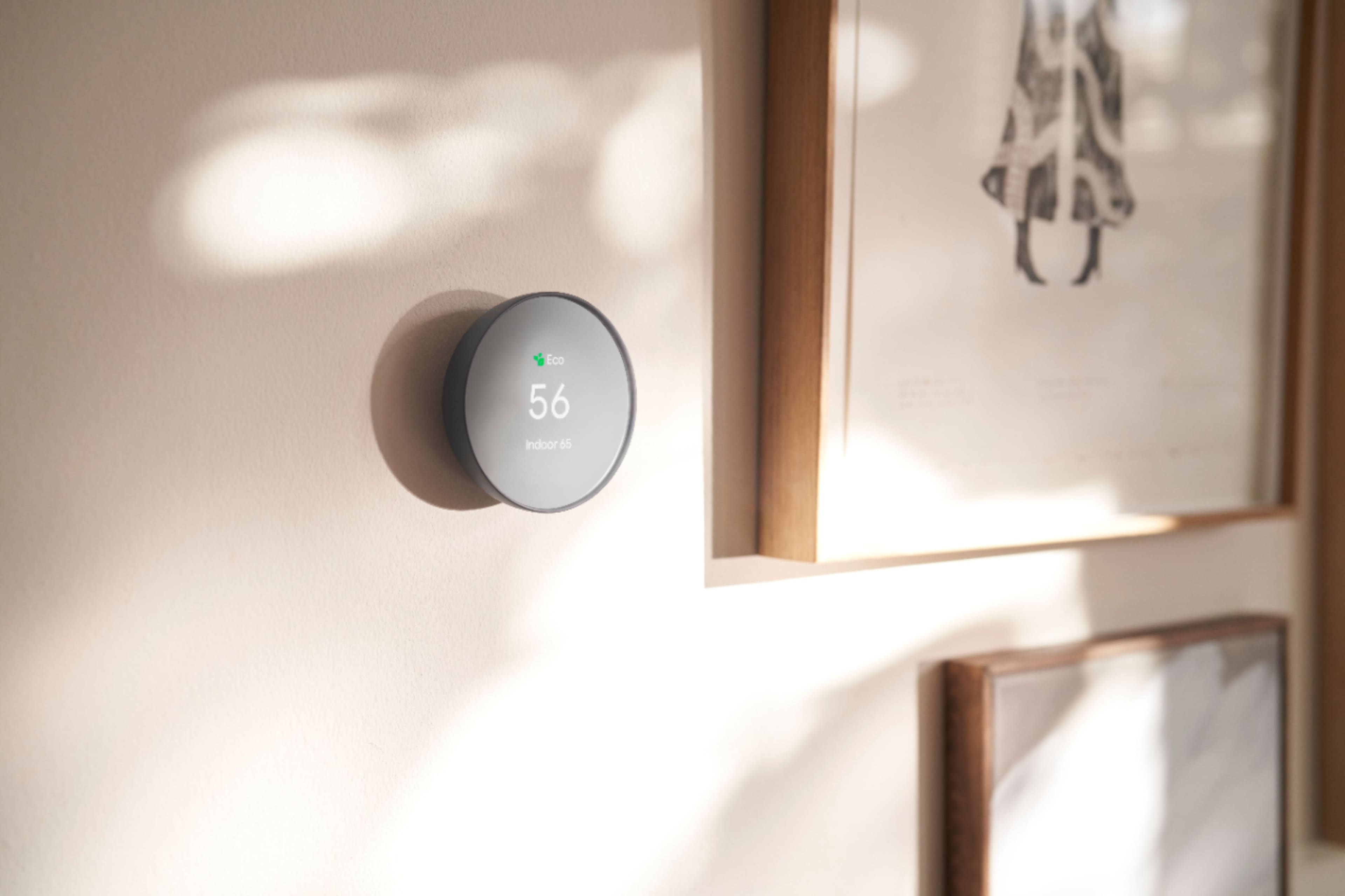
||Posted . Owned for 11 months when reviewed.This reviewer received promo considerations or sweepstakes entry for writing a review.I've had this installed for a year, no problems. I still haven't figured out how to work the actual thermostat, but since i can use my phone to change what I need to, I don't ever have to touch it. It's VERY small which i like, it blends in well
I would recommend this to a friendNest smart programmable thermostat
||Posted . Owned for 2 weeks when reviewed.This reviewer received promo considerations or sweepstakes entry for writing a review.This nest smart programmable thermostat is easy to install, easy to use.
I would recommend this to a friendGOOGLE THERMOSTAT
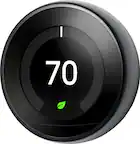
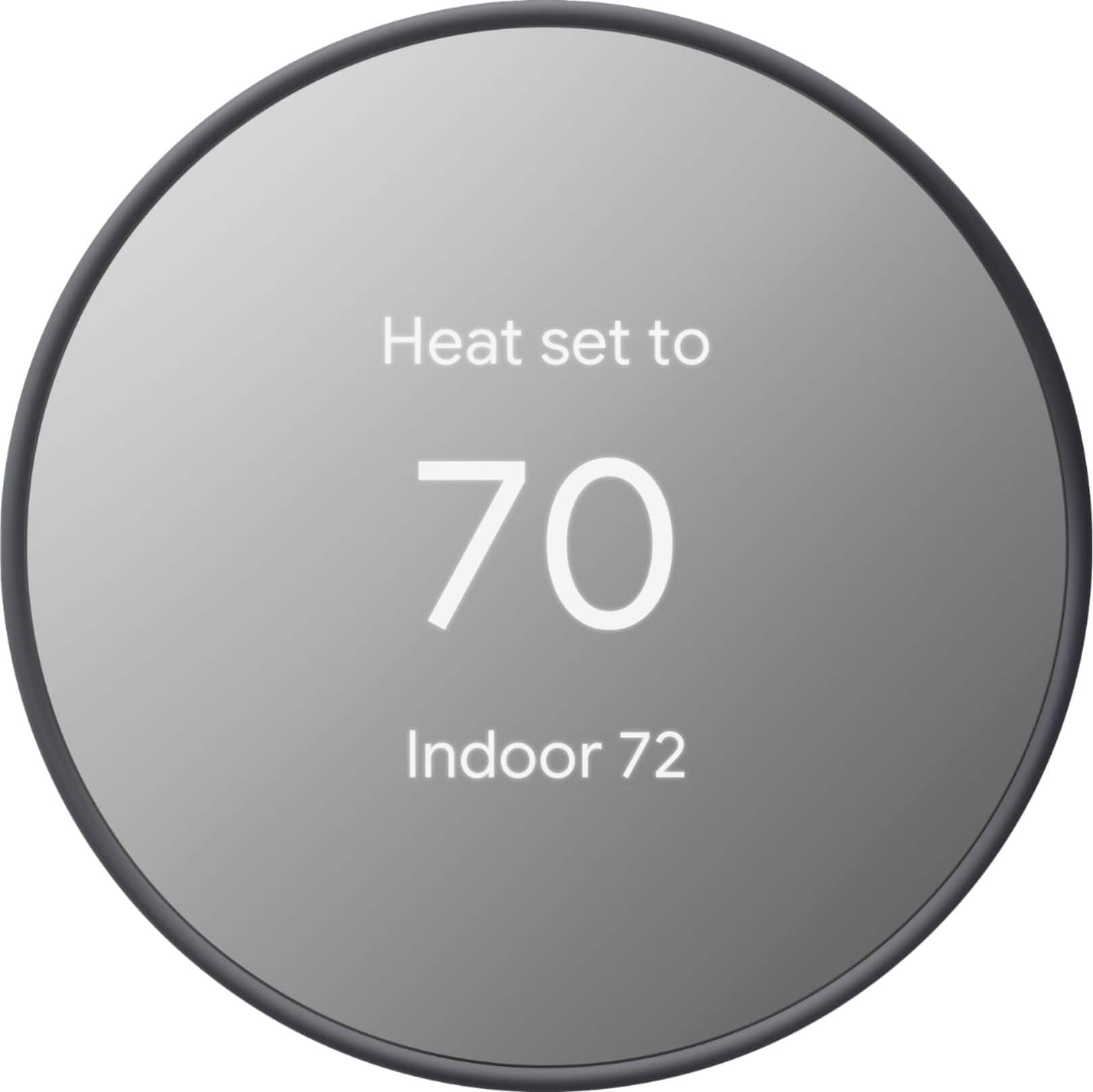
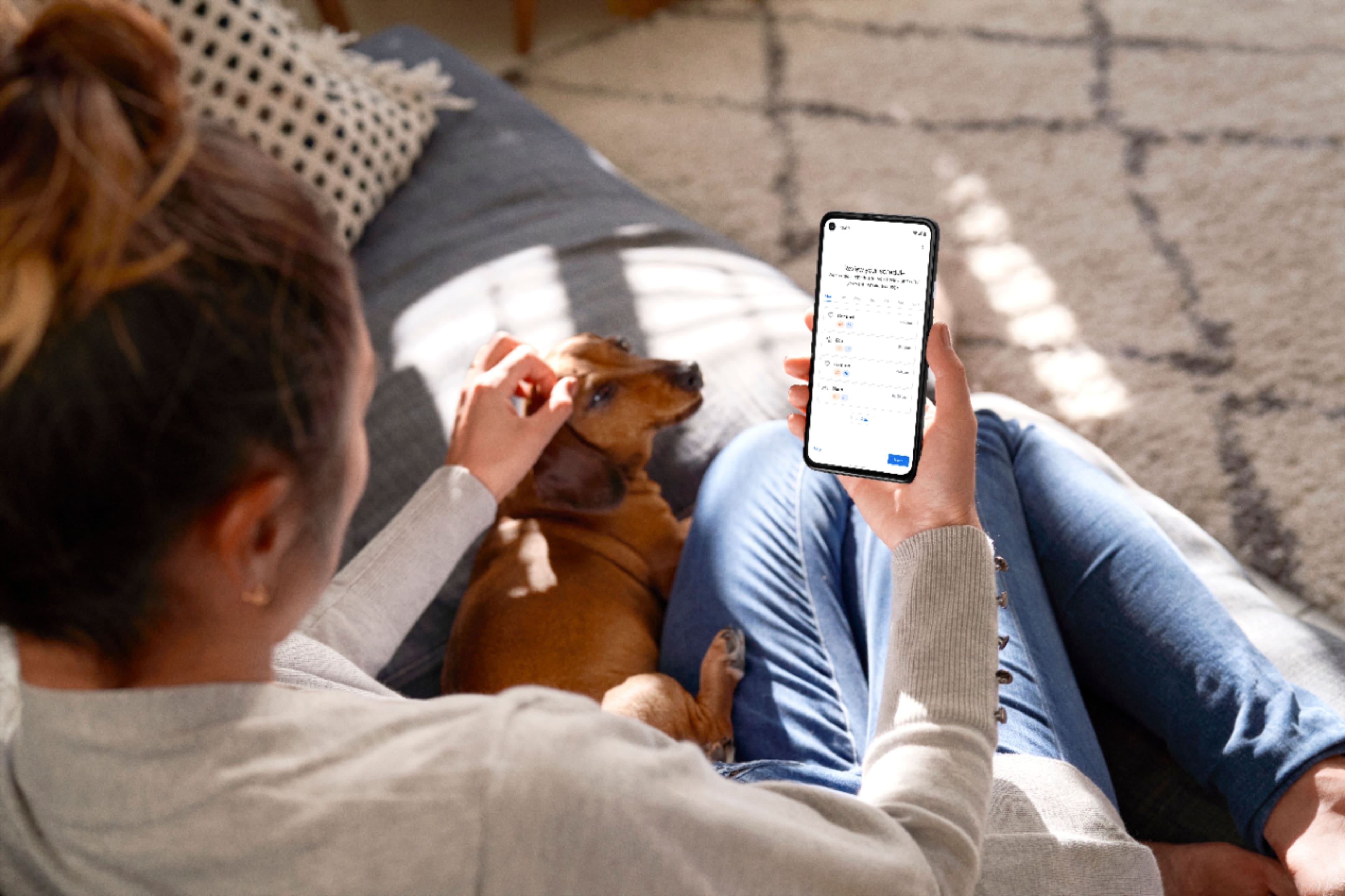
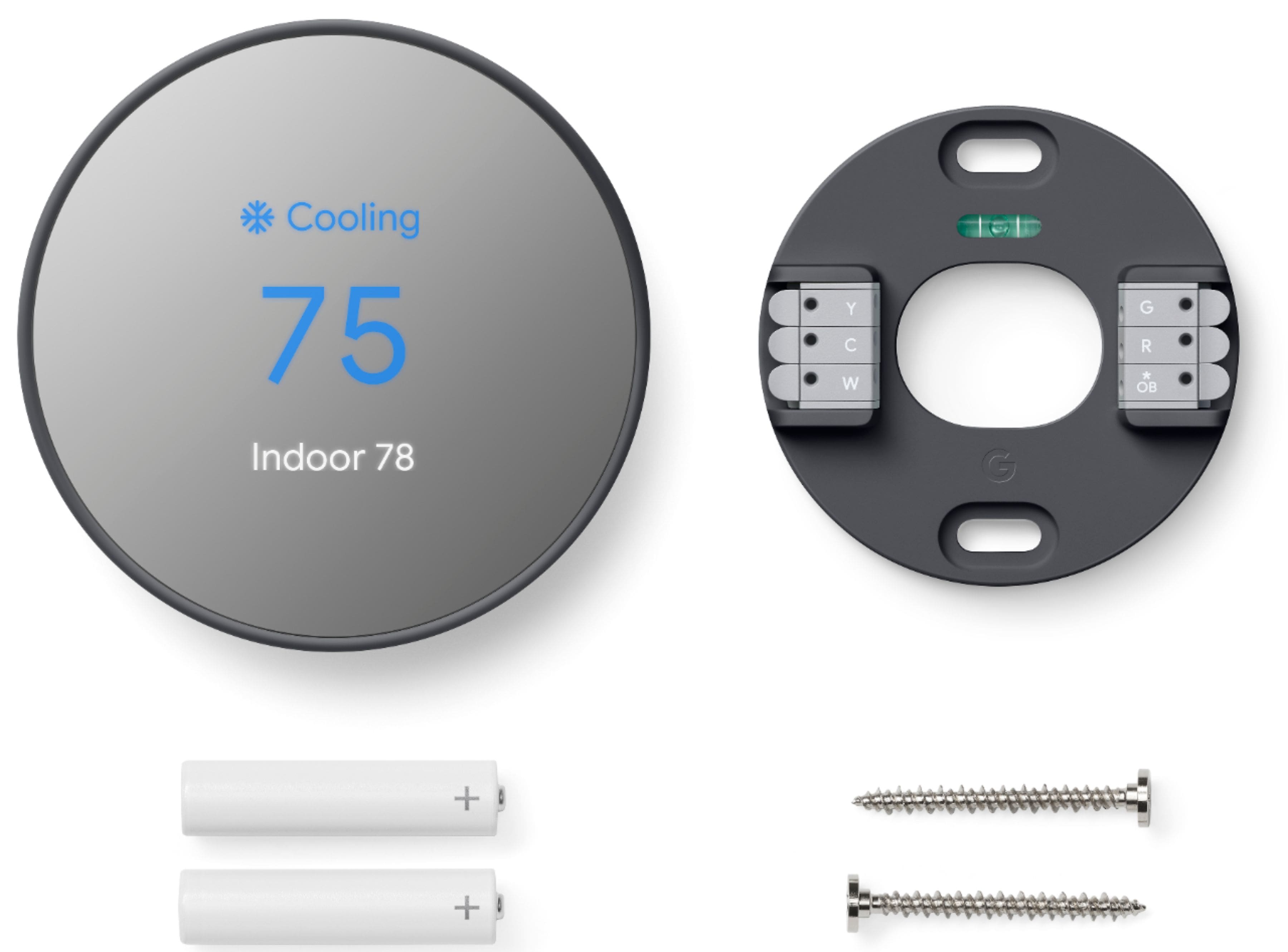
||Posted . Owned for 2 months when reviewed.This reviewer received promo considerations or sweepstakes entry for writing a review.I love my google thermostat! It makes owning an AC unit so much easier! I can just let it automate according to my schedules that I enter into the app and I never have to enter a hot/cold house! Plus it comes in a sleek dark charcoal color!
I would recommend this to a friendGreat product byt app needs a little work
||Posted . Owned for 3 weeks when reviewed.This reviewer received promo considerations or sweepstakes entry for writing a review.Love this thermostat! The app is a little confusing. It was difficult to add another user. But having the ability to change the temperature with your ohone is wonderful!!
I would recommend this to a friendBrand response from Nest Support
Posted .Hello there, Kimmers. Thanks for sharing your feedback about your Nest Thermostat. We’re glad to hear that you love the device, but we're sorry to hear that your experience with the App is less than ideal. To organize and manage your devices in the Google Home app, you can create a home. Then, you can invite home members who will share control of the home and its devices. Visit this link to learn more: https://support.google.com/googlenest/answer/9155535
If you have additional inquiries, please don't hesitate to contact us on our Google Nest Help page here: https://support.google.com/googlenest
After a shaky beginning a good result
||Posted . Owned for 1 month when reviewed.This reviewer received promo considerations or sweepstakes entry for writing a review.I needed to use an installation expert to install as it needed a little extra wiring. If you are somewhat adept at wiring that would probably not be necessary. I also had difficulty getting it to work on my iPhone. I don't know what the problem was (iPhone or app) but it did resolve itself and works great now. I do recommend this thermostat.
I would recommend this to a friendEase of install
||Posted . Owned for less than 1 week when reviewed.This reviewer received promo considerations or sweepstakes entry for writing a review.Let me tell you how refreshing it is to have something easy to install, compared to amazon. Have had a nightmare of a time dealing with alexa and related products. Got my nest thermostat installed and setup in under 25 min with automation. Google may be slightly more expensive, but worth every penny.
I would recommend this to a friendWorks great
||Posted . Owned for 1 week when reviewed.This reviewer received promo considerations or sweepstakes entry for writing a review.So far so good. Very easy to install and operate. Works seamlessly with my other Google home devices. Only complaint I have is that it only goes down to 50° before it automatically kicks on. This probably isn’t a problem for most but I’m using this in my garage and don’t want it to keep it that warm when I’m not in there.
I would recommend this to a friendTakes some getting used to but so far like it
||Posted . Owned for 2 months when reviewed.This reviewer received promo considerations or sweepstakes entry for writing a review.Takes some getting used. Wish it had a way to brighten the screen to see it better but other than that I really like it
I would recommend this to a friendExcellent
||Posted . Owned for 1 month when reviewed.This reviewer received promo considerations or sweepstakes entry for writing a review.Easy to install and configure 100% recommended. I love
I would recommend this to a friendGreat unit thermostat
||Posted . Owned for 1 month when reviewed.This reviewer received promo considerations or sweepstakes entry for writing a review.The google nest was easy to install on my pan even in an antiquated condo unit. It does require some getting used to as most of the settings are done on the app and not on the unit itself. But best money spent versus a regular thermostat from Home Depot or Lowe’s.
I would recommend this to a friendEasy use and setup
||Posted . Owned for 3 weeks when reviewed.This reviewer received promo considerations or sweepstakes entry for writing a review.No difficulty with setting up. Once I changed the router, relinkinf the service was hassle-free. You do not need to be a techie to set up.
I would recommend this to a friendSatisifed
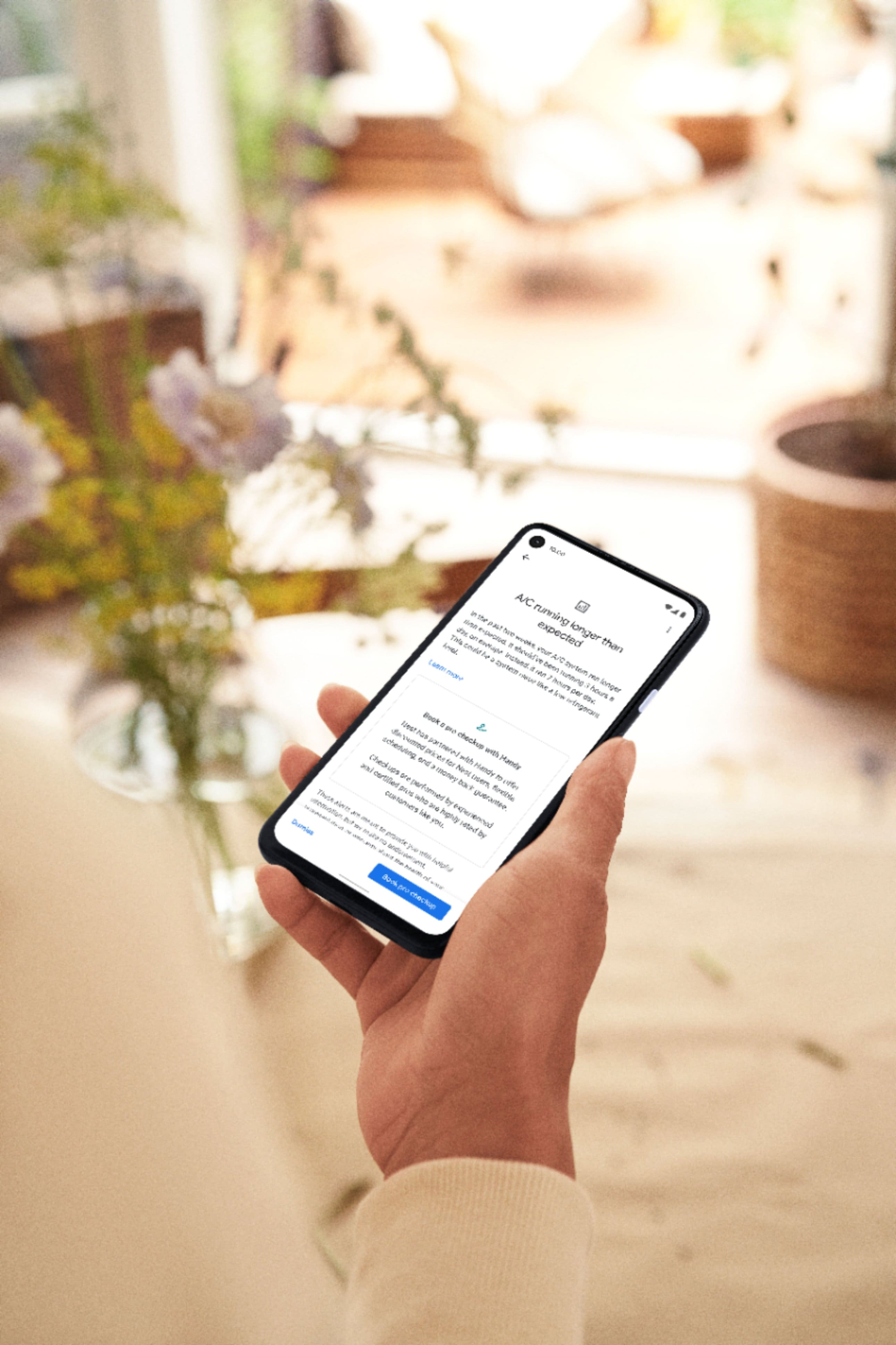
||Posted . Owned for 3 weeks when reviewed.This reviewer received promo considerations or sweepstakes entry for writing a review.Very good performance and elegant design, easy wiring. Even have the fault detection on your equipment and reccommended fix.
I would recommend this to a friendSweet!
||Posted .This reviewer received promo considerations or sweepstakes entry for writing a review.Easy to set up! Love using the app to turn it on from my couch. Scheduling setting is a game changer.
I would recommend this to a friendEasy to Install and Operate
||Posted . Owned for 1 month when reviewed.This reviewer received promo considerations or sweepstakes entry for writing a review.This product is very easy to install, took me about 30min. The instructions are clear and the Home app guides you through the process. You can adjust the settings using the tap/slide along the side, or using the app, or using Voice Assistant. Highly recommended
I would recommend this to a friendSmall and cute one
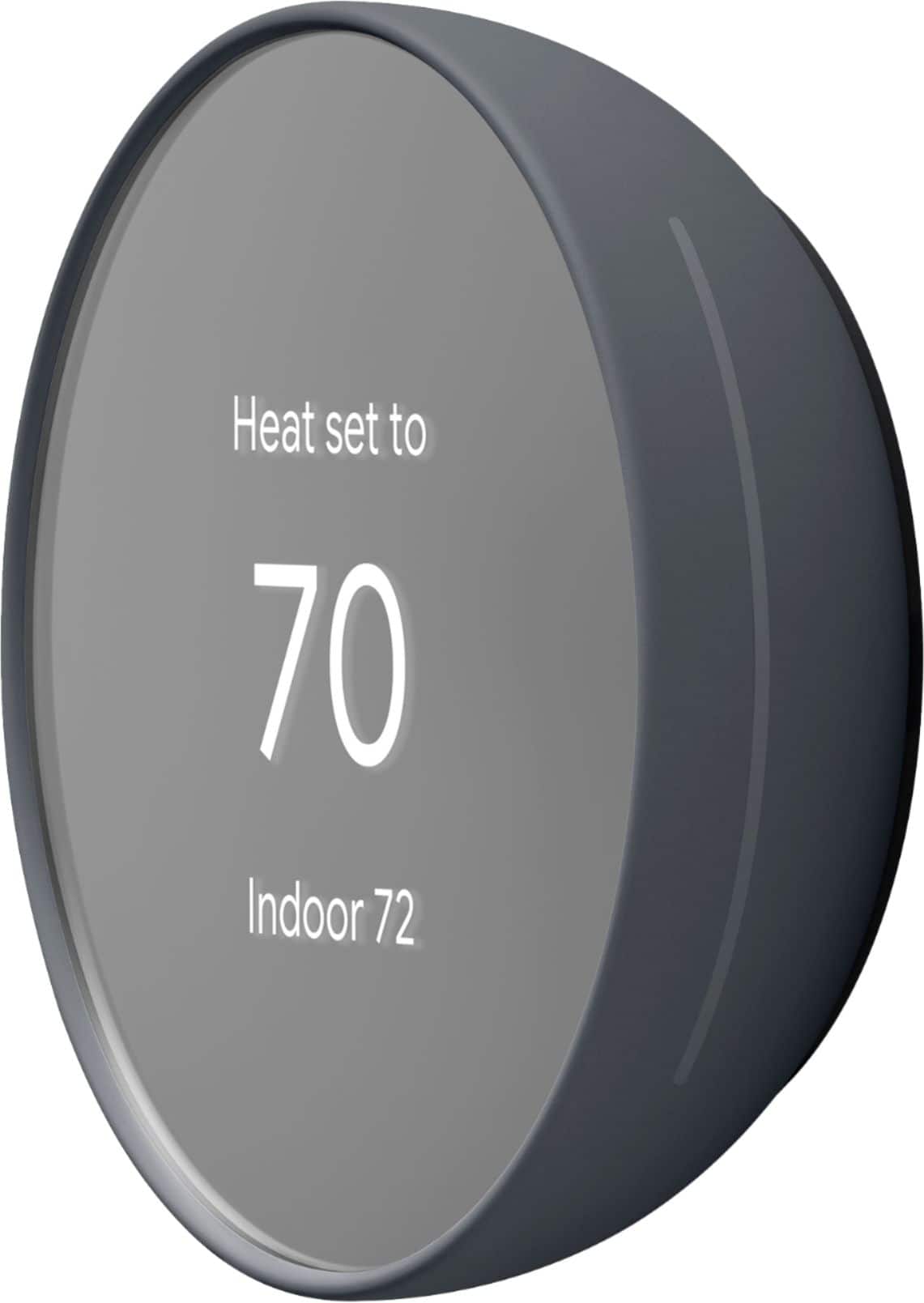
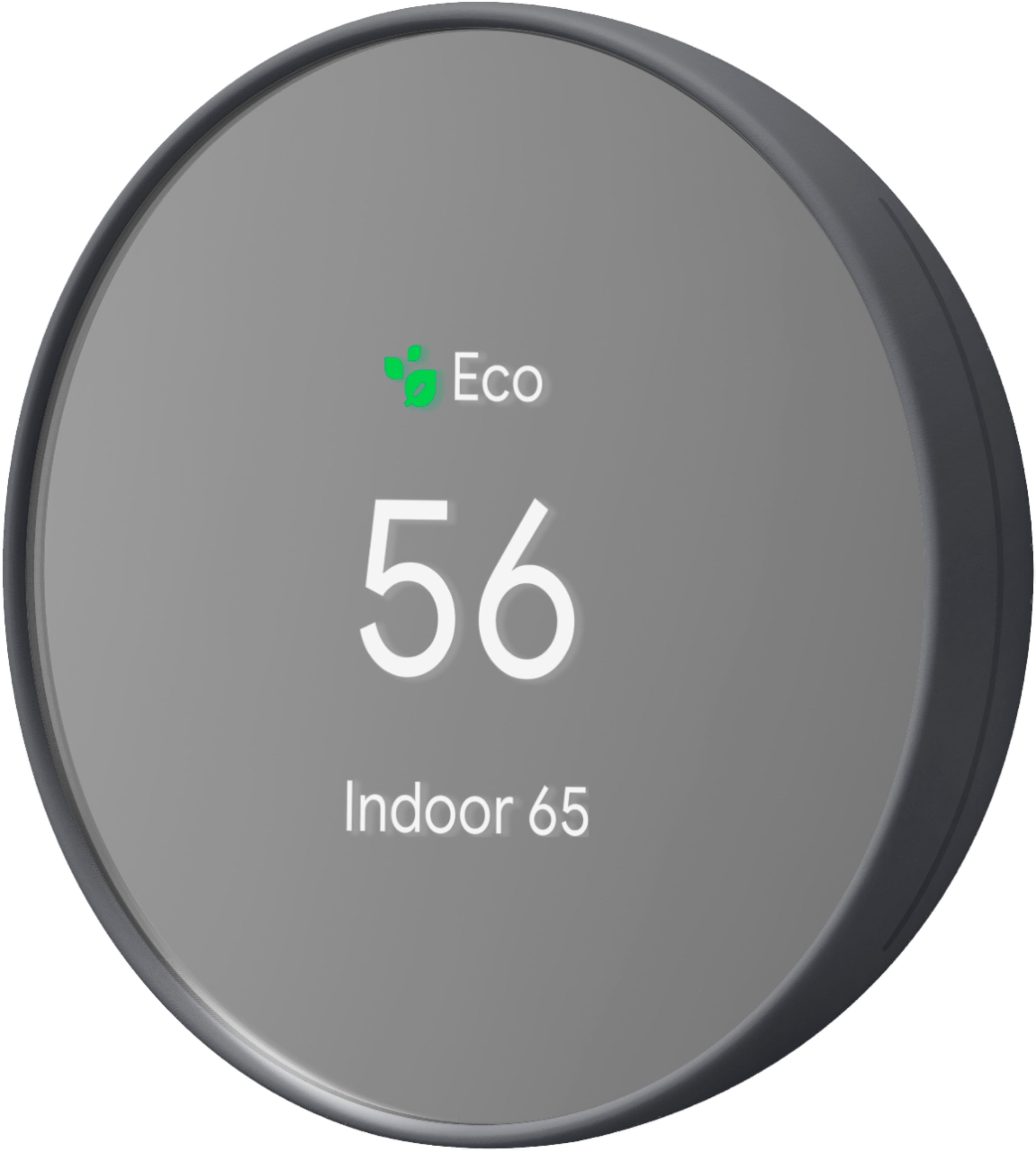
||Posted . Owned for 1 month when reviewed.This reviewer received promo considerations or sweepstakes entry for writing a review.Small and cute. The mirror like appearance is cool. Remember this is not a self learning one and not getting any back panel. So if your previous AC unit leave some paint marks, then you need cover those with a panel which need to be purchased seperately.
I would recommend this to a friendA Fine Smart Thermostat, Bad App Though
||Posted . Owned for 8 months when reviewed.This reviewer received promo considerations or sweepstakes entry for writing a review.Looks nice and is easy to install. The associated app is not at all intuitive though and makes simple things like setting schedules difficult to achieve. It's also not at all clear what is meant by the "leaf" icons that appear sometimes
I would recommend this to a friendBrand response from Nest Support
Posted .Hi JuicedPistachio, thanks for reaching out. We’re glad to hear that you like the Nest Thermostat, and we’re sorry to hear that your experience with the phone application is less than ideal.
You can customize your preset schedule based on your preferences. Here’s are the steps on how you can set a schedule using the app:
To check your existing schedule:
- Go to Google Home App>Settings>Schedules>Clear schedule
- Create your temperature presets - go to temperature preference>temperature presets>create customer
- Create a new schedule - Settings>Schedules>Add>Select temperature>select start time>Add to event>done
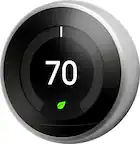
The Nest Leaf icon appears on your thermostat and in your app to tell you when your thermostat is set to an energy-saving temperature. For more information, please check out this link: https://support.google.com/googlenest/answer/9244106
Your feedback is important to us, and if you have any questions about your device, feel free to contact our support team here: https://support.google.com/googlenest/gethelp
Excelente and Beautiful
||Posted . Owned for 1 month when reviewed.This reviewer received promo considerations or sweepstakes entry for writing a review.it is Excelente and beautiful. Very practic and modern. it is also exclusive and has a. great endorsement. We are reassured by your guarantee.
No, I would not recommend this to a friendGreat product. Easy hookup. Makes life easier.
||Posted . Owned for 1 month when reviewed.This reviewer received promo considerations or sweepstakes entry for writing a review.Great product. I brought this as a open box item. Looks brand new and saved me a few dollars. I purchased 2 of these. It makes life much easier. My wife definitely love the fact that she can talk to Alexa to control it.
I would recommend this to a friend