Customer Ratings & Reviews
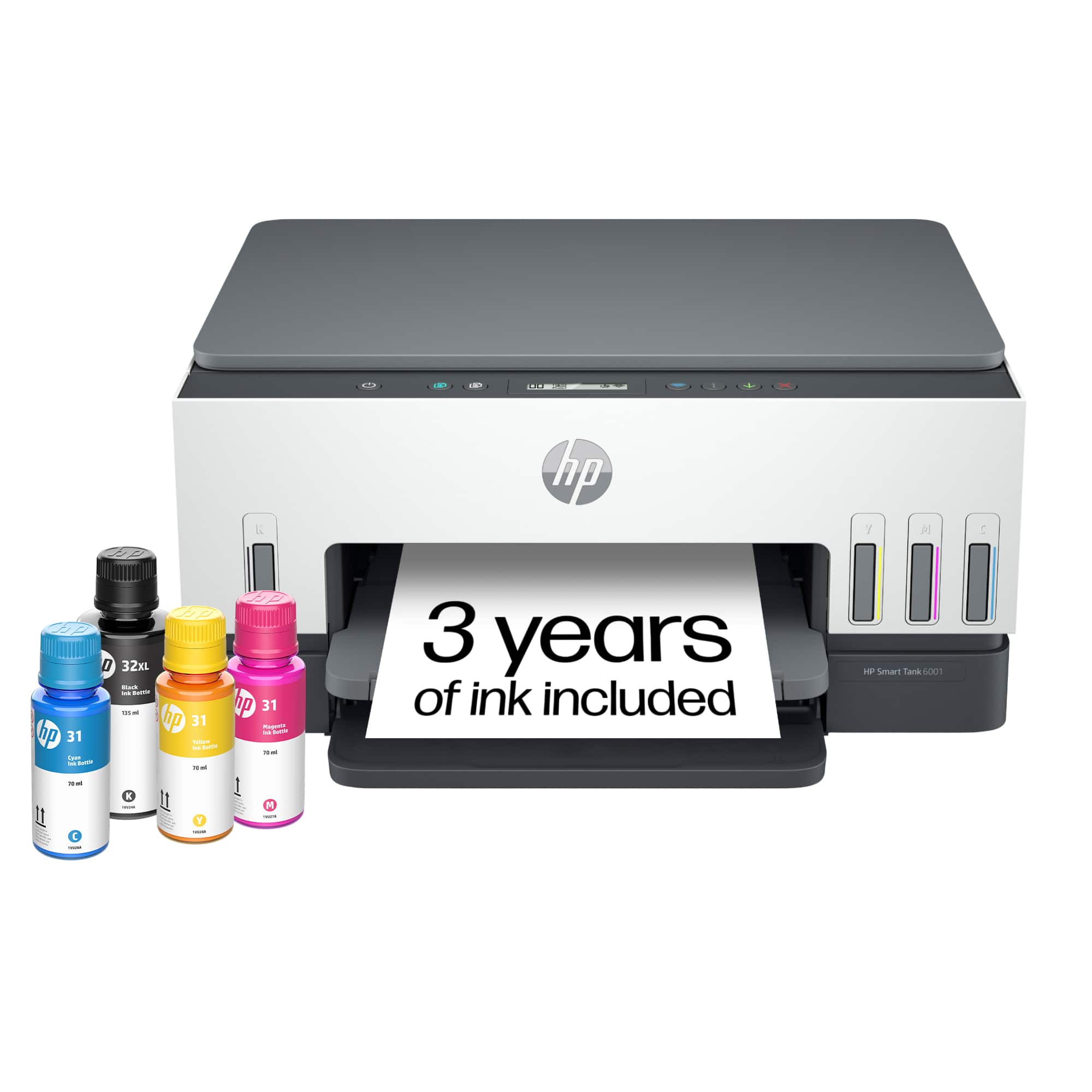
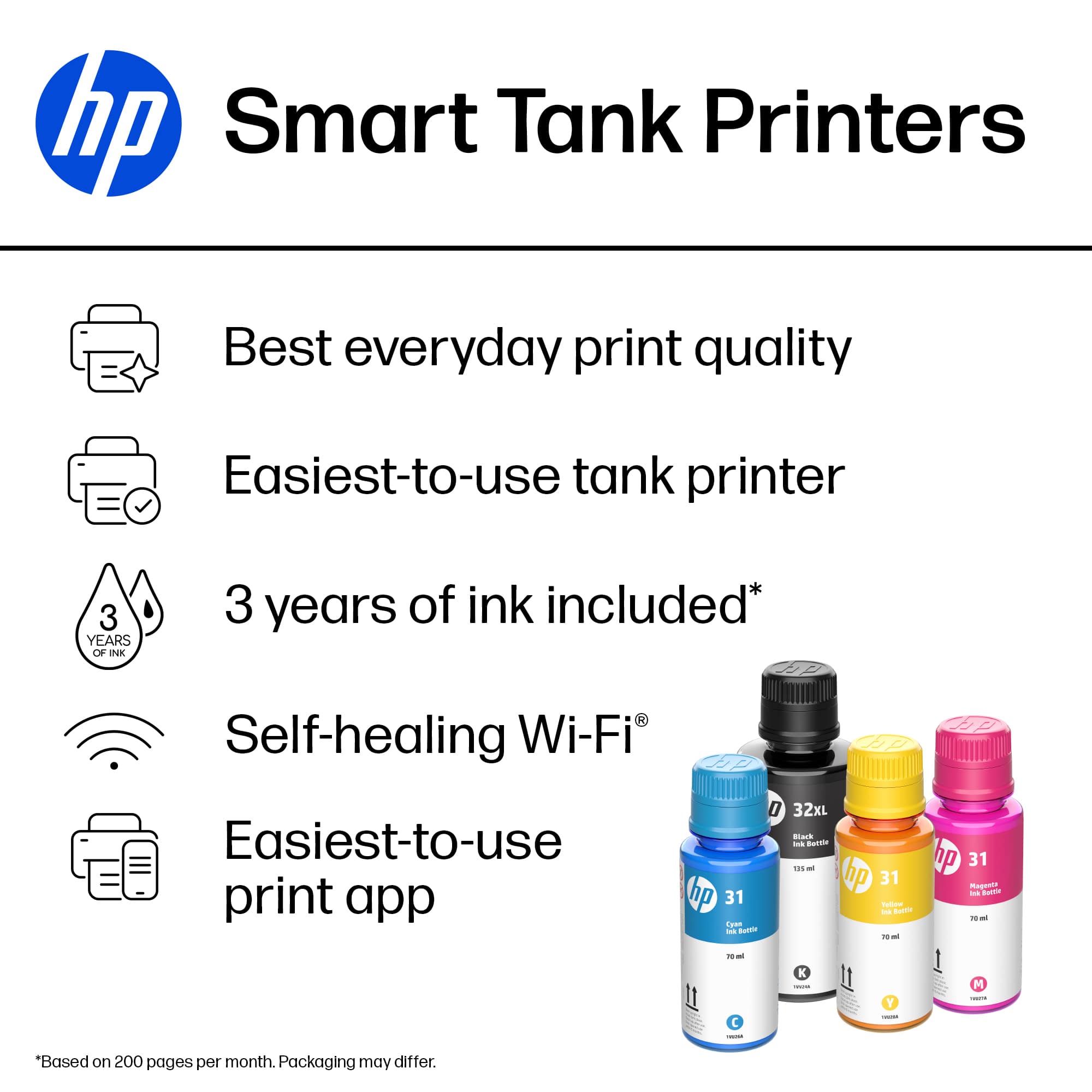
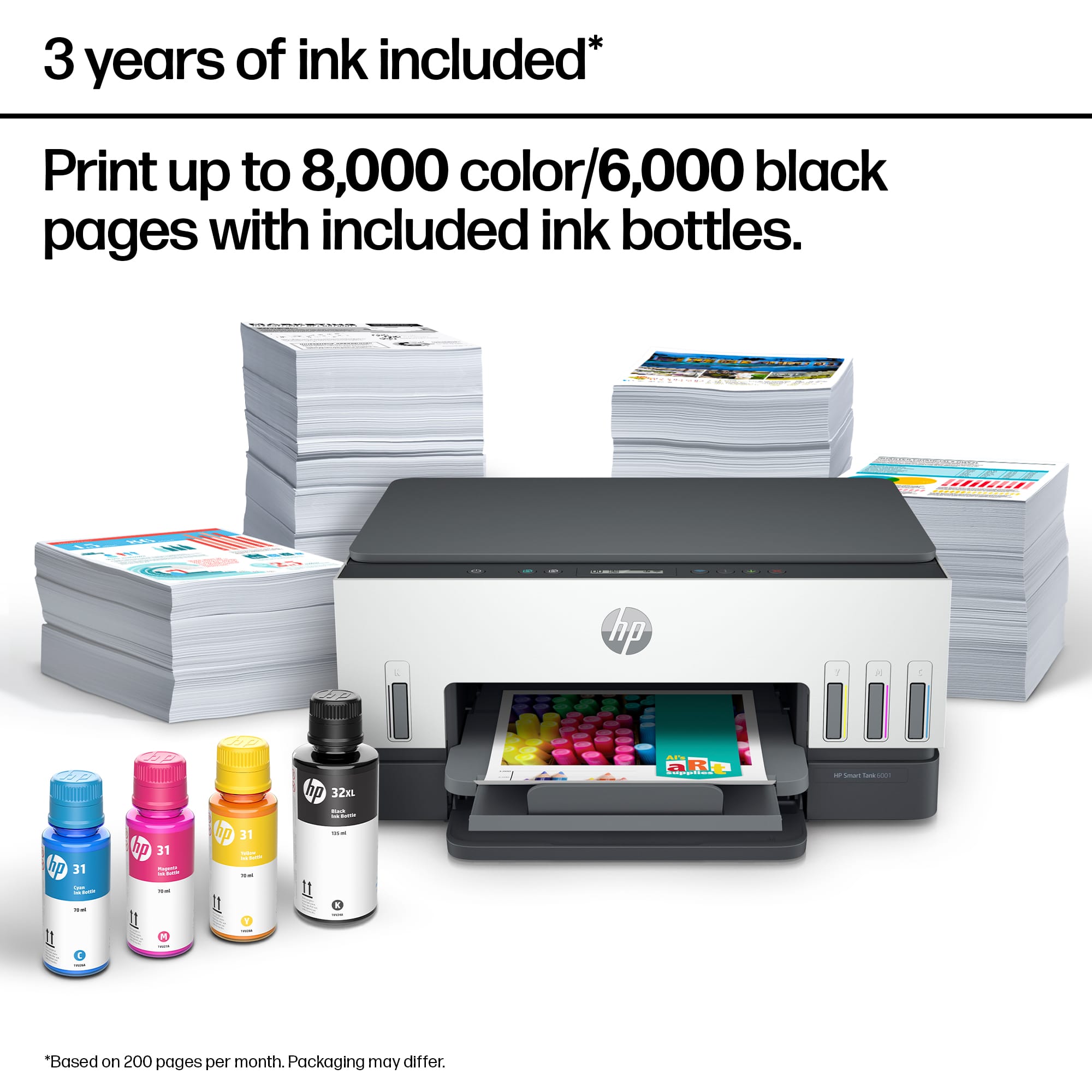

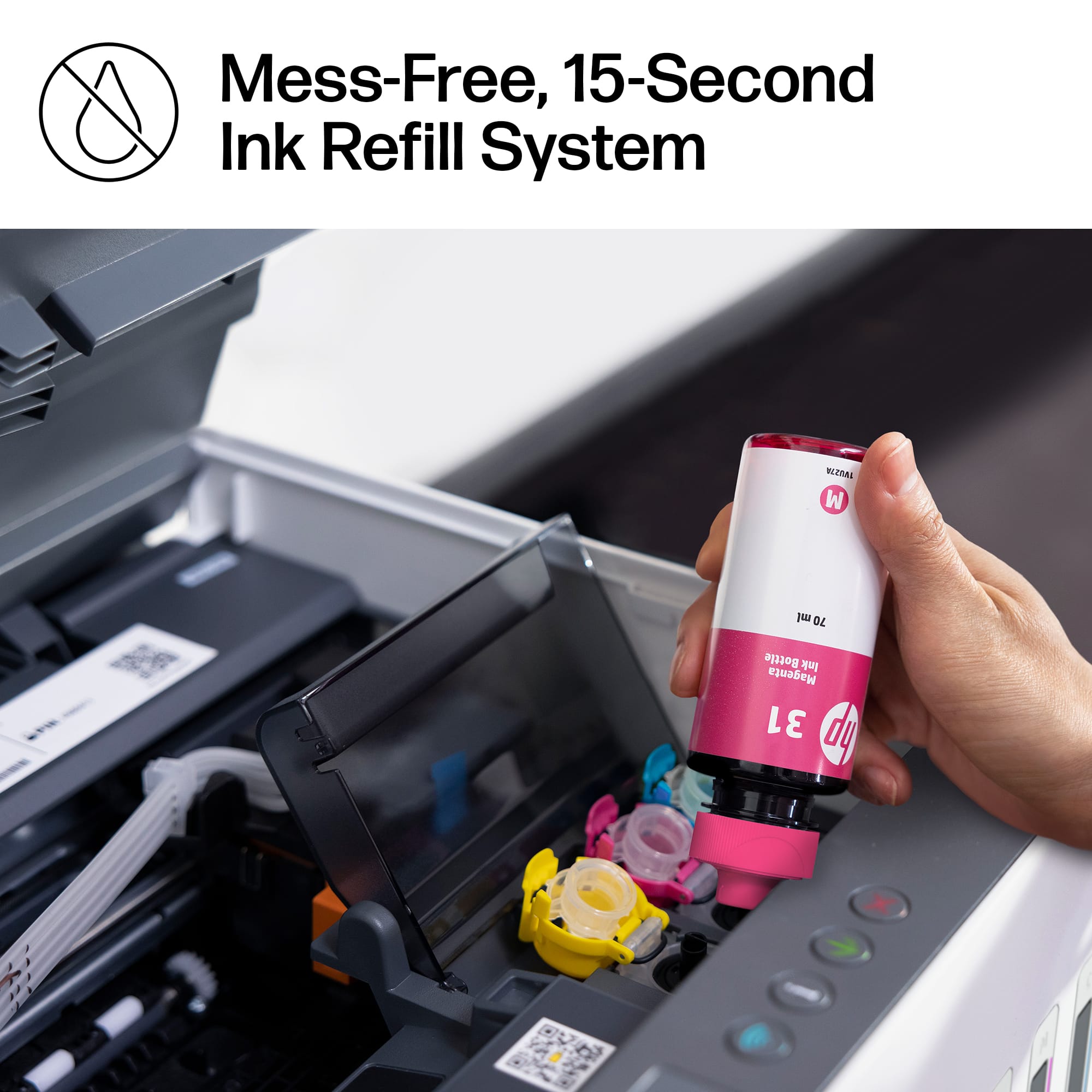
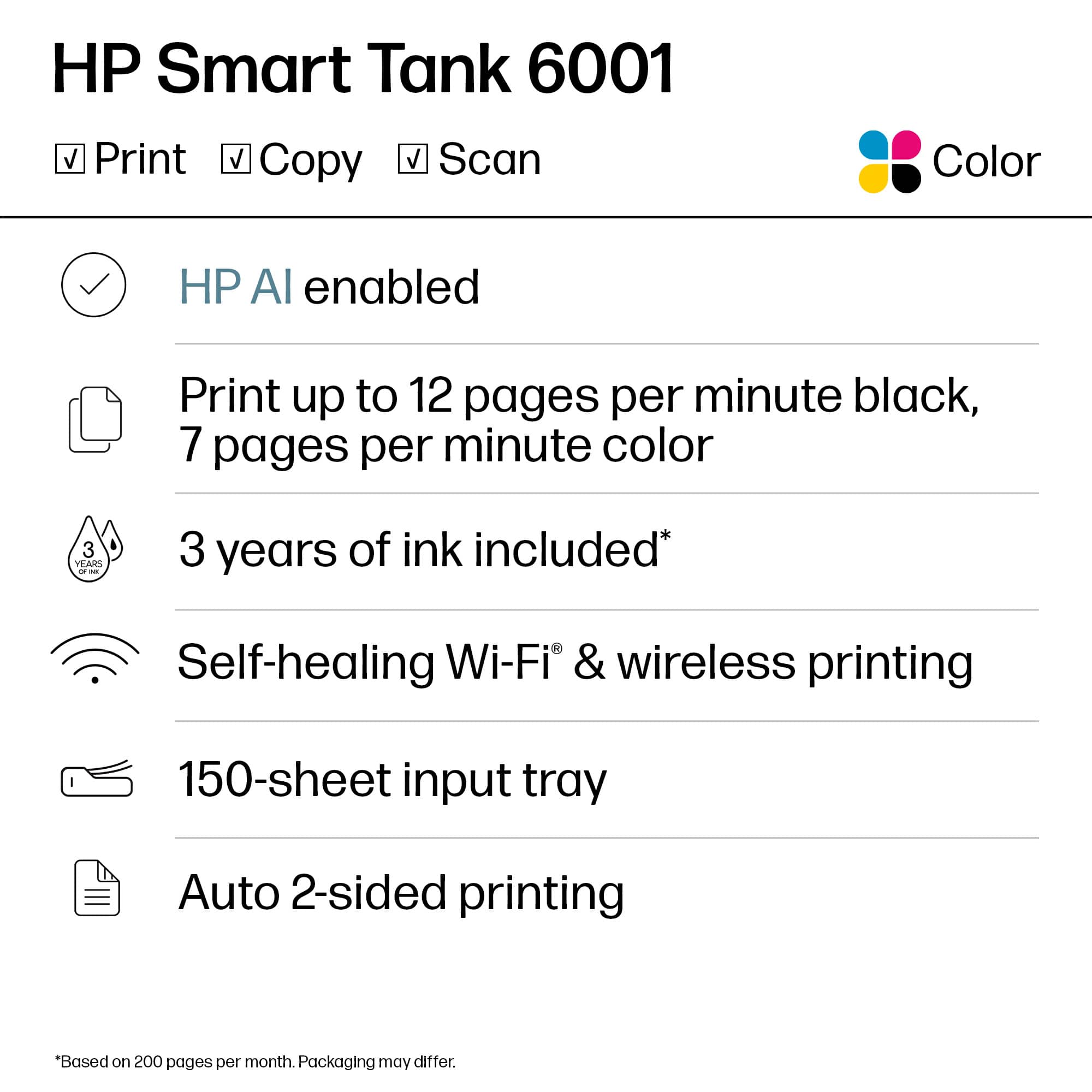
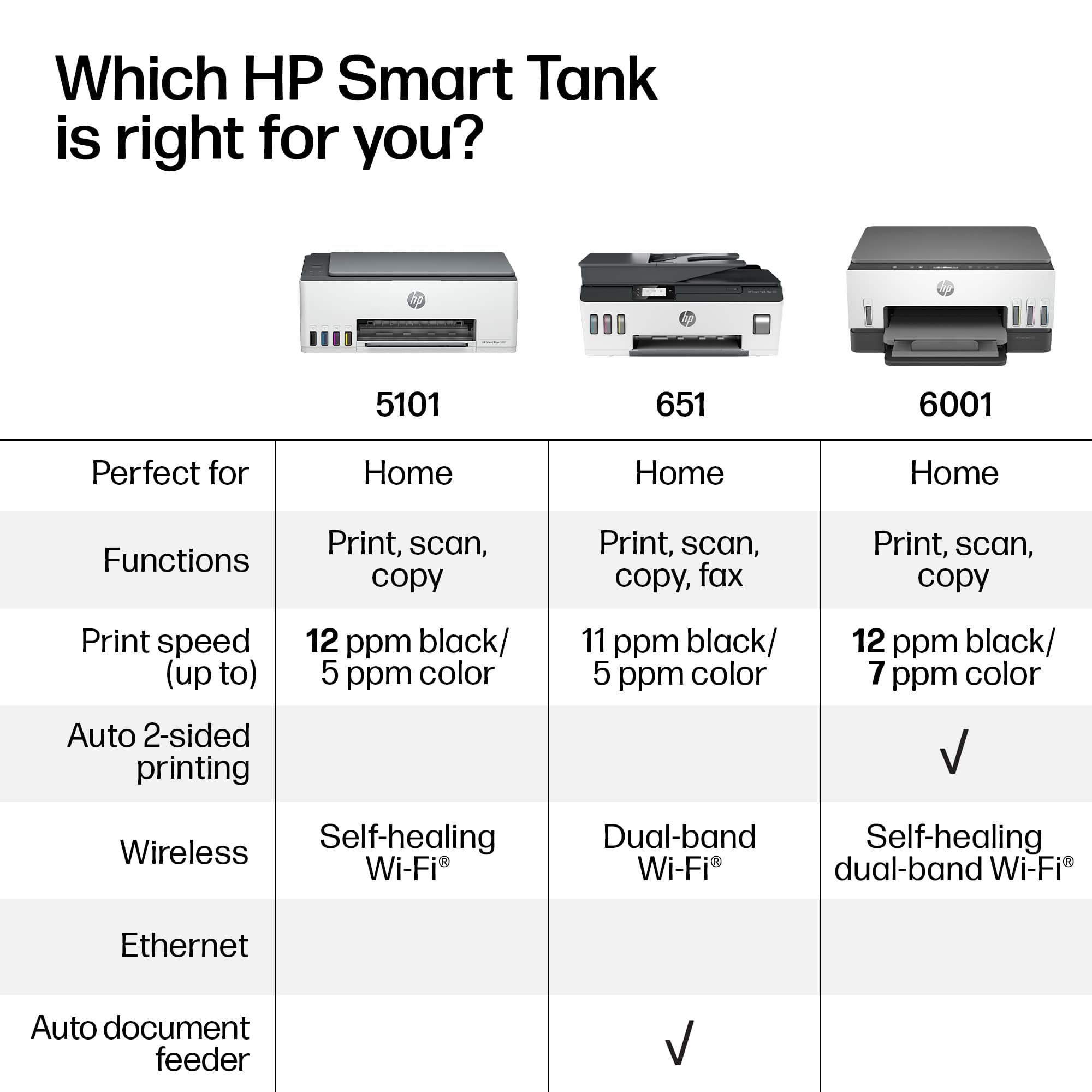

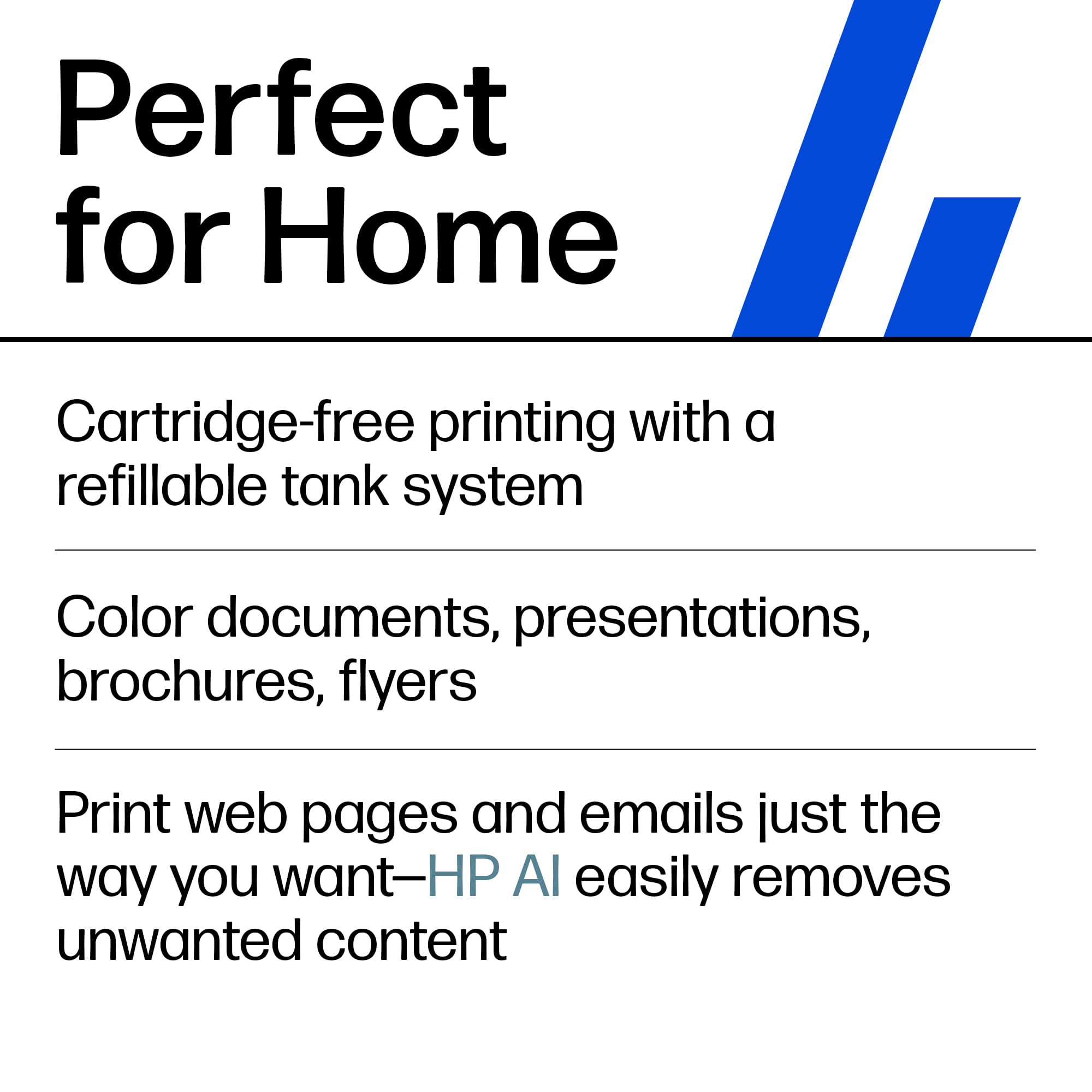

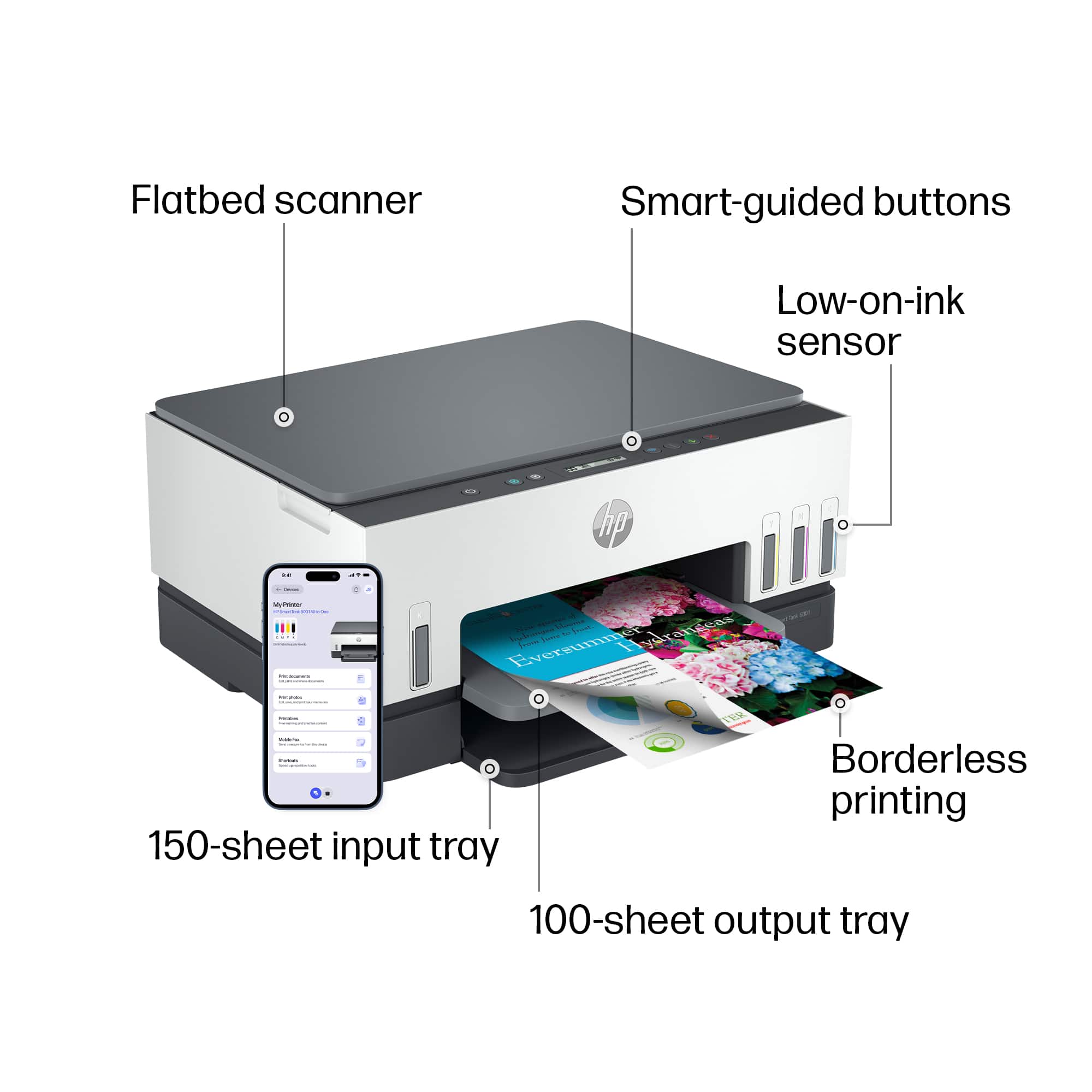






- Model:
- HP SMART TANK 6001/2H0B9A#B1H
- |
- SKU:
- 10747585
Customer reviews
Rating 4.4 out of 5 stars with 1734 reviews
(1,734 customer reviews)Rating by feature
- Value4.4
Rating 4.4 out of 5 stars
- Quality4.5
Rating 4.5 out of 5 stars
- Ease of Use4.4
Rating 4.4 out of 5 stars
Rated 5 out of 5 stars
A good buy.
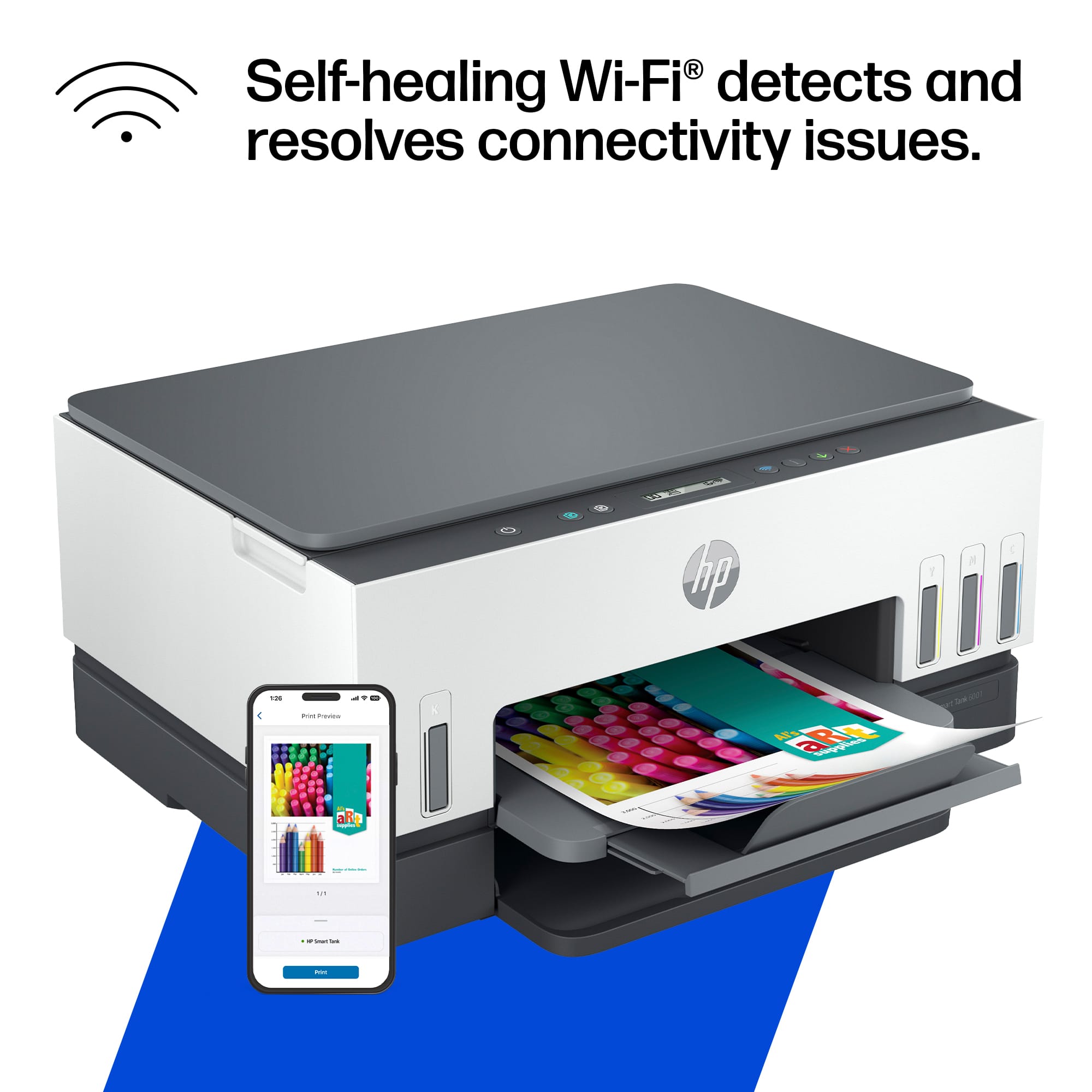
||Posted . Owned for 2 weeks when reviewed.This reviewer received promo considerations or sweepstakes entry for writing a review.Did prints on demand either from the app on my phone or tablet and also from my desktop. The app allows me to do all of the functions including the scan.
This review is from HP - Smart Tank 6001 Wireless AI-Enabled All-in-One Cartridge-Free Supertank Inkjet Printer with 3 Years of Ink Included¹ - Basalt
I would recommend this to a friendRated 5 out of 5 stars
Printing
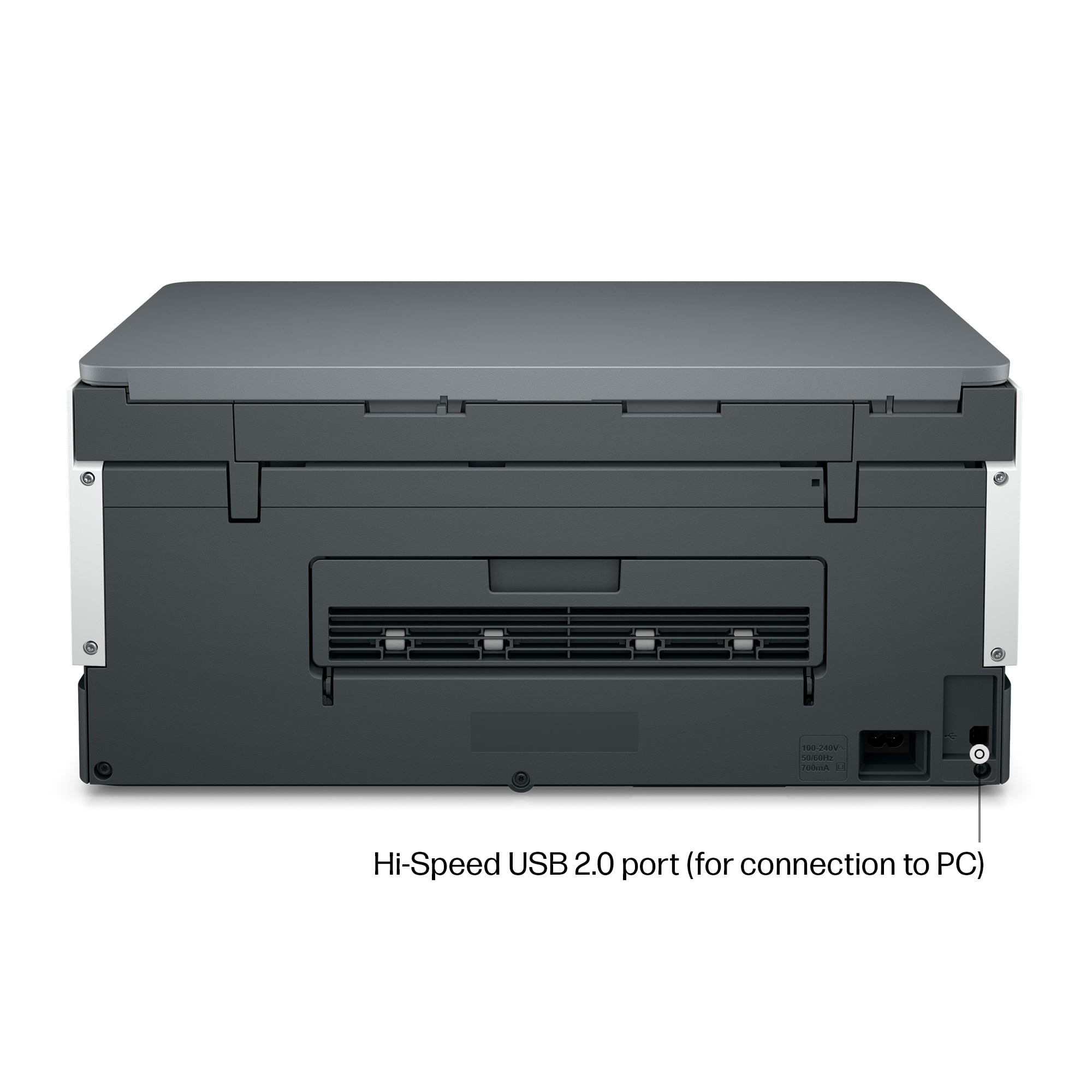
||Posted . Owned for 3 weeks when reviewed.This reviewer received promo considerations or sweepstakes entry for writing a review.The printer is excellent now that the GEEK SQUAD has set it up for me. Doing it myself would not have worked because it needed a USB cable that did not come with the machine therefore, the instructions that came with it caused me many hours of struggling to get it connected to our network. Other than that, it’s great the machine print well and it looks nice.
This review is from HP - Smart Tank 6001 Wireless AI-Enabled All-in-One Cartridge-Free Supertank Inkjet Printer with 3 Years of Ink Included¹ - Basalt
I would recommend this to a friendRated 5 out of 5 stars
New Printer
||Posted . Owned for 2 weeks when reviewed.This reviewer received promo considerations or sweepstakes entry for writing a review.Printer was needed as her old HP Envy croaked. This new model seems more efficient, doesn't take up as much desk space, and ink refills are simple to do.
This review is from HP - Smart Tank 6001 Wireless AI-Enabled All-in-One Cartridge-Free Supertank Inkjet Printer with 3 Years of Ink Included¹ - Basalt
I would recommend this to a friendRated 5 out of 5 stars
Long-Term Savings and Quality Prints
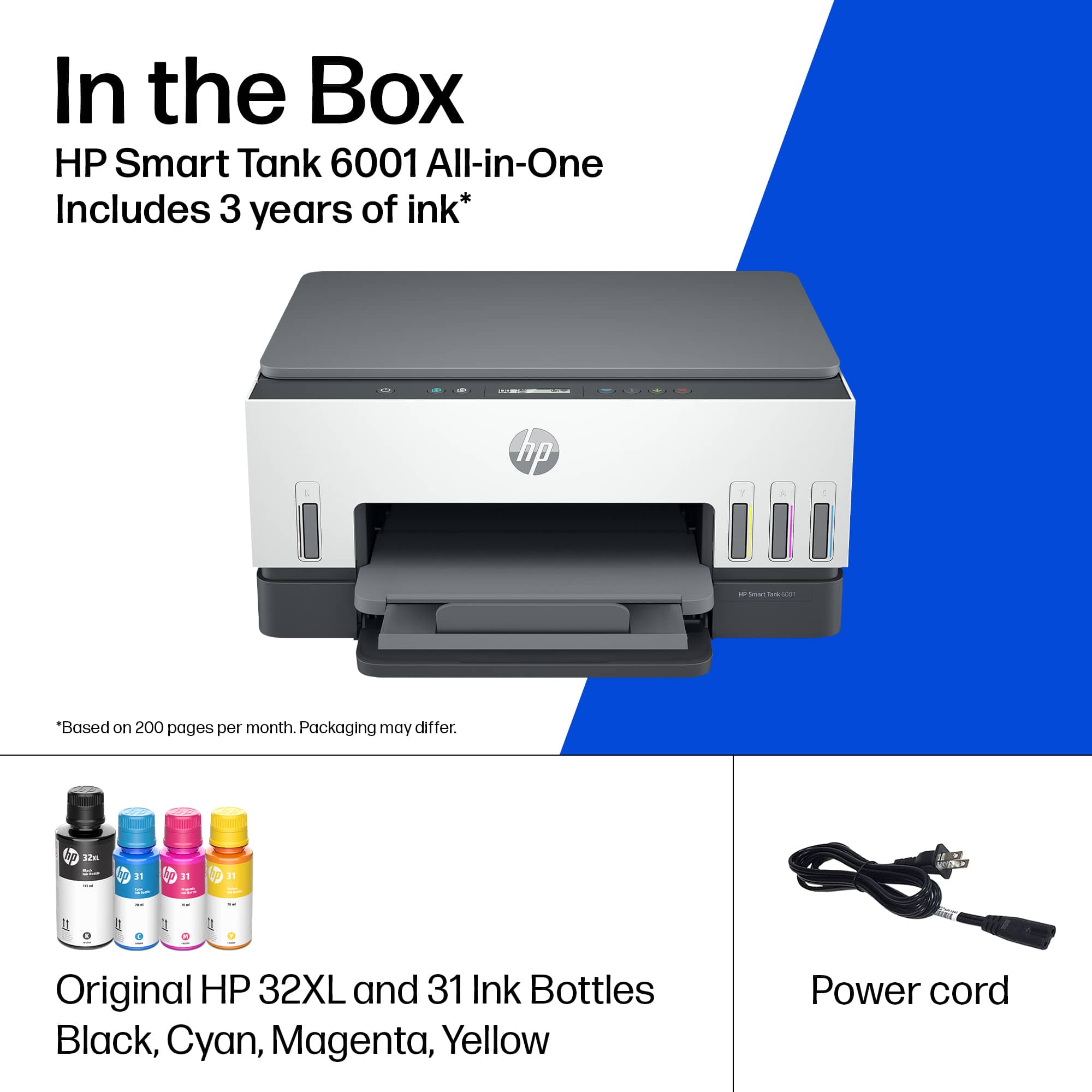
||Posted . Owned for 3 weeks when reviewed.This reviewer received promo considerations or sweepstakes entry for writing a review.The HP Smart Tank 6001 is an excellent choice for anyone looking for a reliable, cost-effective printer. The wireless setup is straightforward, and the AI-enabled features make printing and scanning very convenient. The biggest advantage is the cartridge-free design and the inclusion of 3 years of ink, which saves a lot on maintenance costs. Print quality is sharp for both documents and photos, and the supertank system is easy to refill without mess. Overall, a great value for home or small office use!
This review is from HP - Smart Tank 6001 Wireless AI-Enabled All-in-One Cartridge-Free Supertank Inkjet Printer with 3 Years of Ink Included¹ - Basalt
I would recommend this to a friendRated 3 out of 5 stars
HP sorry setup
||Posted . Owned for 1 month when reviewed.This reviewer received promo considerations or sweepstakes entry for writing a review.We have used HP printers for 30 years, before most people thought they needed CPU. The last two were great except the ink issue, SO I went to the HP Smart Tank this time. NEVER had problems with connecting to everything in the house, till now. To start with I had everything I needed to install, set up, and run, in the box, till this time. Now HP wants you to go on line, up load123 App. Just to install. After 3 reinstalling to get my HP Desk top to work, I have yet to get our I-Pad, or phones to connect. VERY Poor Setup. IF you are a TECH and work with it everyday it may be ok. It works ok with desk top, but no short cuts on CPU screen. Need to hunt and dig every time you want to scan, or print. I liked my old OfficeJet better. The printer works OK the setup is the worst I ever seen.
This review is from HP - Smart Tank 6001 Wireless AI-Enabled All-in-One Cartridge-Free Supertank Inkjet Printer with 3 Years of Ink Included¹ - Basalt
No, I would not recommend this to a friendRated 5 out of 5 stars
Great Printer
||Posted . Owned for 2 weeks when reviewed.This reviewer received promo considerations or sweepstakes entry for writing a review.So far it is working like a charm. No issues, no complaints, we are very happy with our purchase.
This review is from HP - Smart Tank 6001 Wireless AI-Enabled All-in-One Cartridge-Free Supertank Inkjet Printer with 3 Years of Ink Included¹ - Basalt
I would recommend this to a friendRated 3 out of 5 stars
A WIRELESS CHALLENGE
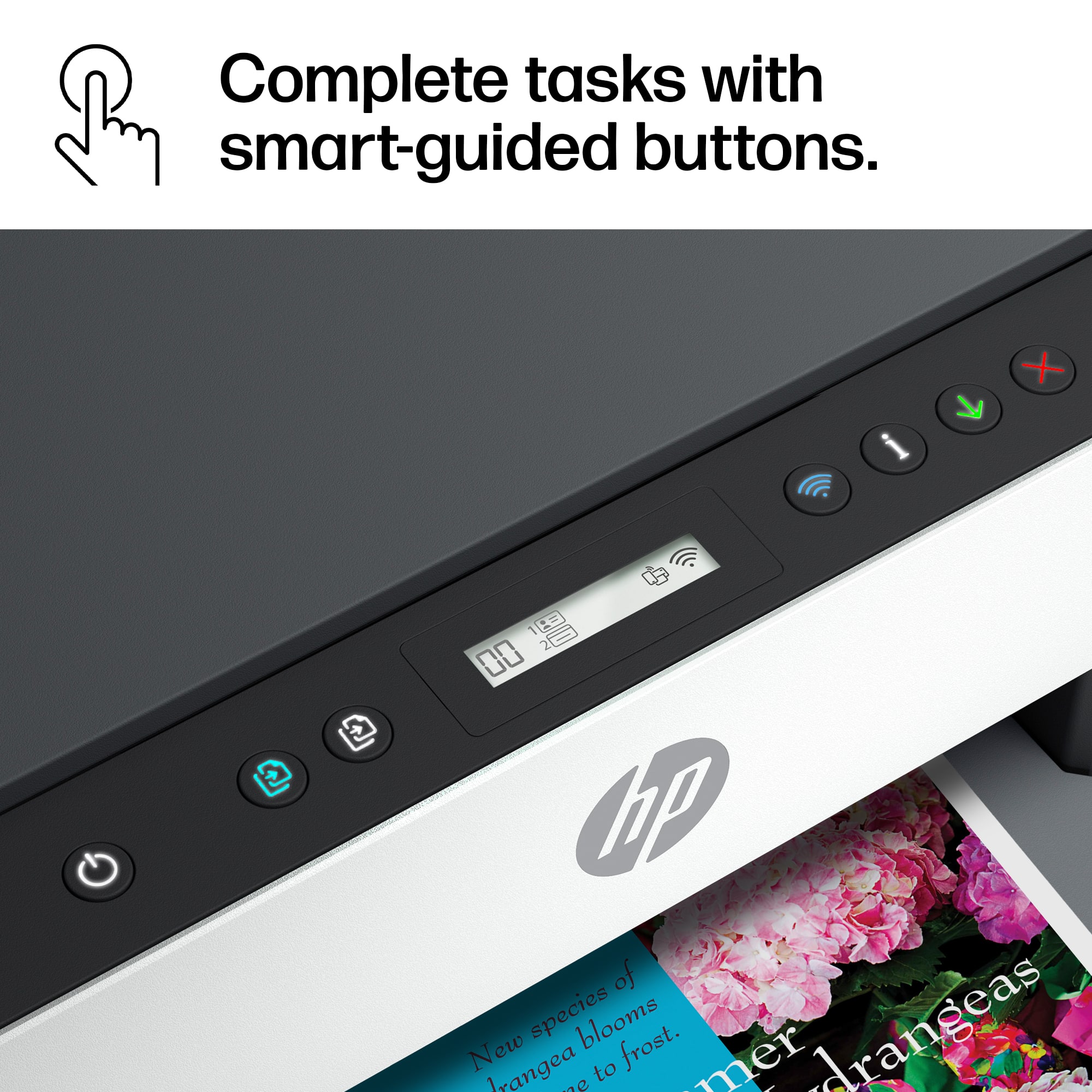
||Posted . Owned for 3 weeks when reviewed.This reviewer received promo considerations or sweepstakes entry for writing a review.I gave the printer 3 stars because it took me approximately 2 weeks to set up wirelessly. I checked with the geek squad and they were not helpful.. Hopefully, my review will help you. Although I followed the videos on the internet, the printer still would not connect. I finally placed the printer by my main router and Walla! it was found. Save yourself the trouble, place the printer by your main router. Turn it on. Press the information button until all lights blink. Then press wifi button and cancel button "x" at the same time. when all of the lights go off it will be in set up mode. Hint already have the app open and ready to find the printer before following these steps. Why could it not be spelled out that simply. The printer is nice and I bought it on sale. However, for the novice tech geek, it is most challenging to connect wirelessly. i have had other wireless printers and the connection for wireless was seamless. I hope this helps. I am glad I don't have to return. However, if I had known it would be this difficult, I might have purchased a cannon.
This review is from HP - Smart Tank 6001 Wireless AI-Enabled All-in-One Cartridge-Free Supertank Inkjet Printer with 3 Years of Ink Included¹ - Basalt
No, I would not recommend this to a friendRated 5 out of 5 stars
Best printer I have ever dealt with
||Posted . Owned for 2 weeks when reviewed.This reviewer received promo considerations or sweepstakes entry for writing a review.Let me tell you I have been dealing with various printers all my teenage and adult life. From paper jams, communication errors, dried up ink etc. You name it I've dealt with it! I needed yet another printer for my home office, the last one Inbought (Also HP) just gave out, it wouldnt feed the paper, communicate and ink would dry up every 3 months. I saw this one and it immediately caught my eye and I was intrigued by the liquid ink concept. So I decided to purchase it because of that and it's simplicity in Looks. Set Up was a breeze with the HP App, loading the ink was extremely easy I even Let my 6yr old daughter do some and not a single drop of spillage! Man do I love this thing! I've has it for sometime now and I use it almost everyday, Scanning receipts is so easy and printing them is easier, it communicates right away and feeda paper like nobodies business. Ink level is still high even though I print quite a bit for my business transactions and receipts. I love laying in bed scrolling through my email and sending things to print from my phone, Its Addicting!! I would highly recommend this model. The only reason I didn't get the one right above this is because I don't need a FAX machine and I'm not dying for an addiotional 3 pages per minute in speed. I found a keeper!
This review is from HP - Smart Tank 6001 Wireless AI-Enabled All-in-One Cartridge-Free Supertank Inkjet Printer with 3 Years of Ink Included¹ - Basalt
I would recommend this to a friend- Pros mentioned:Print quality
Rated 5 out of 5 stars
Affordable and efficient for home office
||Posted . Owned for 2 months when reviewed.This reviewer received promo considerations or sweepstakes entry for writing a review.Compact and affordable, this all in one wireless print/copy/ scanner was perfect! The Eco-tank ink system is a definitely plus, cutting down on unnecessary trash. Printer itself is efficient and quiet. Speed is mid-range, quality excellent.
This review is from HP - Smart Tank 6001 Wireless AI-Enabled All-in-One Cartridge-Free Supertank Inkjet Printer with 3 Years of Ink Included¹ - Basalt
I would recommend this to a friend Rated 5 out of 5 stars
Best printer
||Posted . Owned for 1 year when reviewed.This reviewer received promo considerations or sweepstakes entry for writing a review.Love my printer has dine a fantastic job. Javent needed any ink
This review is from HP - Smart Tank 6001 Wireless AI-Enabled All-in-One Cartridge-Free Supertank Inkjet Printer with 3 Years of Ink Included¹ - Basalt
I would recommend this to a friendRated 5 out of 5 stars
New printer HP 6001
||Posted . Owned for 1 month when reviewed.This reviewer received promo considerations or sweepstakes entry for writing a review.Used this printer for 2 mo. It has worked as planned every time.
This review is from HP - Smart Tank 6001 Wireless AI-Enabled All-in-One Cartridge-Free Supertank Inkjet Printer with 3 Years of Ink Included¹ - Basalt
I would recommend this to a friend- Pros mentioned:Print quality
Rated 5 out of 5 stars
HP is Great
||Posted . Owned for 3 weeks when reviewed.This reviewer received promo considerations or sweepstakes entry for writing a review.I am so happy with the large ink reservoirs works well and prints great connectivity is awesome.
This review is from HP - Smart Tank 6001 Wireless AI-Enabled All-in-One Cartridge-Free Supertank Inkjet Printer with 3 Years of Ink Included¹ - Basalt
I would recommend this to a friend Rated 5 out of 5 stars
Recent customer
||Posted .This reviewer received promo considerations or sweepstakes entry for writing a review.Love this printer. Easy setup - works great. I definitely recommend this printer.
This review is from HP - Smart Tank 6001 Wireless AI-Enabled All-in-One Cartridge-Free Supertank Inkjet Printer with 3 Years of Ink Included¹ - Basalt
I would recommend this to a friendRated 4 out of 5 stars
Printer/scanner
||Posted . Owned for 9 months when reviewed.This reviewer received promo considerations or sweepstakes entry for writing a review.So far, so good. Have not yet had the opportunity to change ink cartridges.
This review is from HP - Smart Tank 6001 Wireless AI-Enabled All-in-One Cartridge-Free Supertank Inkjet Printer with 3 Years of Ink Included¹ - Basalt
I would recommend this to a friend- Pros mentioned:Print quality, Setup
Rated 5 out of 5 stars
Never buy any other
||Posted . Owned for 1 month when reviewed.This reviewer received promo considerations or sweepstakes entry for writing a review.The absolute best printer I have ever bought and I have bought many. The ink last a really long time. Cheaper to use… sets up very easy… it does a great job. Even on pictures. You can see your ink levels from the front…I love it.
This review is from HP - Smart Tank 6001 Wireless AI-Enabled All-in-One Cartridge-Free Supertank Inkjet Printer with 3 Years of Ink Included¹ - Basalt
I would recommend this to a friend Rated 4 out of 5 stars
User-Friendly
||Posted . Owned for 6 months when reviewed.This reviewer received promo considerations or sweepstakes entry for writing a review.Very useful and high quality. Needs a little bit of setup but not hard to use
This review is from HP - Smart Tank 6001 Wireless AI-Enabled All-in-One Cartridge-Free Supertank Inkjet Printer with 3 Years of Ink Included¹ - Basalt
I would recommend this to a friendRated 5 out of 5 stars
Great choice
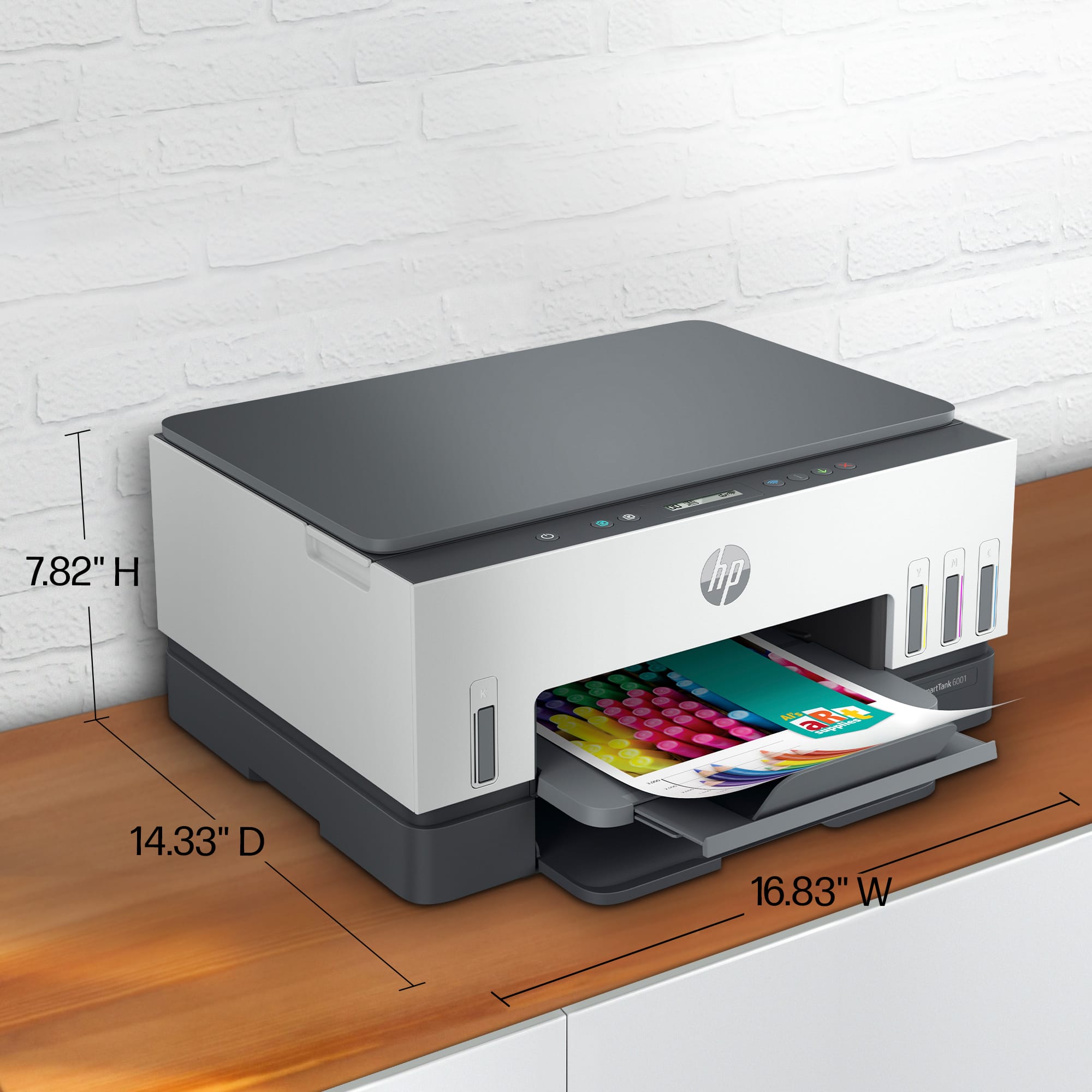
||Posted . Owned for 3 weeks when reviewed.This reviewer received promo considerations or sweepstakes entry for writing a review.The HP Smart Tank 1000 is an excellent choice for home offices and small businesses that require affordable, high-volume printing. Its cost-saving ink system, reliable performance, and ease of use make it a strong contender in the ink tank printer category. It might be a little big, but it's perfect for us.
This review is from HP - Smart Tank 6001 Wireless AI-Enabled All-in-One Cartridge-Free Supertank Inkjet Printer with 3 Years of Ink Included¹ - Basalt
I would recommend this to a friendRated 5 out of 5 stars
HP-Smart Tank 6001
||Posted . Owned for 1 month when reviewed.This reviewer received promo considerations or sweepstakes entry for writing a review.Set up easily and working well. No problems to date
This review is from HP - Smart Tank 6001 Wireless AI-Enabled All-in-One Cartridge-Free Supertank Inkjet Printer with 3 Years of Ink Included¹ - Basalt
I would recommend this to a friend- Pros mentioned:Print quality
Rated 2 out of 5 stars
Prints well but has difficult flaws
||Posted . Owned for 2 months when reviewed.This reviewer received promo considerations or sweepstakes entry for writing a review.The pros are that it prints quickly & double-sided, & uses less ink. The CONS are difficult setting up, constantly disconnects from wifi (not a problem with other printers in the home), MUST use HP Smart app to scan anything as the few buttons & tiny screen do not provide any instruction, it will cancel any job mid-progress if you leave that window.
This review is from HP - Smart Tank 6001 Wireless AI-Enabled All-in-One Cartridge-Free Supertank Inkjet Printer with 3 Years of Ink Included¹ - Basalt
No, I would not recommend this to a friend Rated 5 out of 5 stars
Retired old guy
||Posted . Owned for 1 month when reviewed.This reviewer received promo considerations or sweepstakes entry for writing a review.I’ve had the copier for a couple months now and it’s been great. No issues at all.
This review is from HP - Smart Tank 6001 Wireless AI-Enabled All-in-One Cartridge-Free Supertank Inkjet Printer with 3 Years of Ink Included¹ - Basalt
I would recommend this to a friend














