Customer Ratings & Reviews






- Model:
- SMART TANK 7001/28B49A#B1H
- SKU:
- 12242467
Rating by feature
- Value
Rating 4.2 out of 5 stars
- Quality
Rating 4.4 out of 5 stars
- Ease of Use
Rating 4.2 out of 5 stars
Perfect “do it all” Printer
||Posted . Owned for 1.5 years when reviewed.This reviewer received promo considerations or sweepstakes entry for writing a review.Great printer for the price. Been using for home office, kids homework, and pictures. A nice solution to “do it all”
I would recommend this to a friendDefective paper tray.
||Posted . Owned for 3 weeks when reviewed.This reviewer received promo considerations or sweepstakes entry for writing a review.The paper tray is very difficult to open and close.
No, I would not recommend this to a friendComplicated set up
||Posted . Owned for 1 month when reviewed.This reviewer received promo considerations or sweepstakes entry for writing a review.Decent printer. The setup is far too complicated compared to other printers I’ve had.
I would recommend this to a friendlove printer
||Posted . Owned for 9 months when reviewed.This reviewer received promo considerations or sweepstakes entry for writing a review.I love this printer. that i have for home school my kids and i can print out about 4,000 paper or more before i have to put more ink in it
I would recommend this to a friendwaste of money and my time
||Posted . Owned for 1 month when reviewed.This reviewer received promo considerations or sweepstakes entry for writing a review.it does not work as a printer as it will not communicate with my desk top or lap top. I had to replace it once and 2nd one works no better than the first.
No, I would not recommend this to a friendGreat Printer
||Posted . Owned for 1 month when reviewed.This reviewer received promo considerations or sweepstakes entry for writing a review.I love the unit but the software is lacking features of my previous HP Photosmart C7280 All-In-One scan and copy desktop.
I would recommend this to a friendDoin' fine.
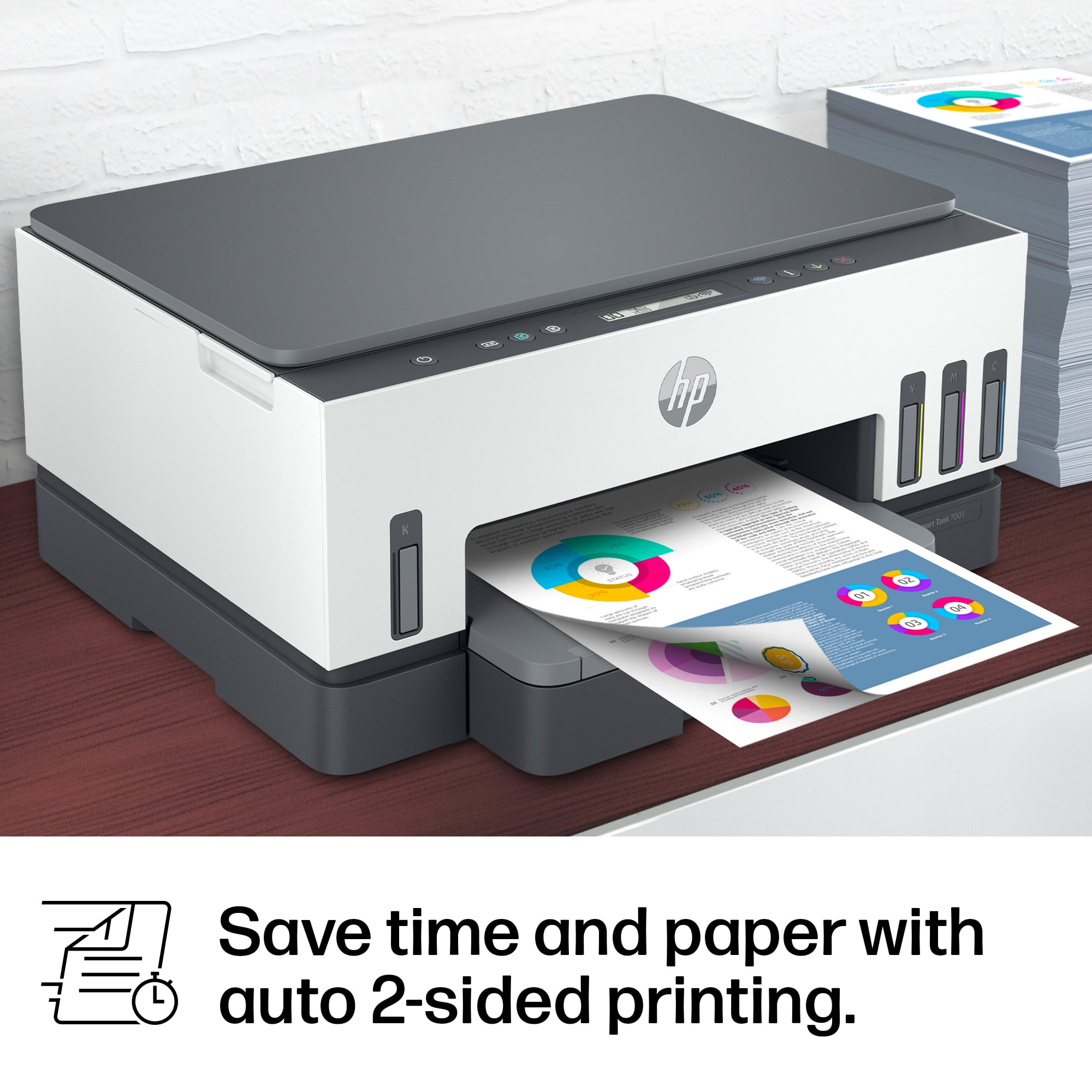
||Posted . Owned for 3 weeks when reviewed.This reviewer received promo considerations or sweepstakes entry for writing a review.So far, so good. Haven't had it very long, but it works well. The double-sided function is nice.
I would recommend this to a friendDifficult to set up
||Posted . Owned for 1 week when reviewed.This reviewer received promo considerations or sweepstakes entry for writing a review.Coatly but does a good job printing. Very, very difficult to set up. Assemble EVERYTHING first before trying to connect to the computer or phone.
I would recommend this to a friendHP Printer
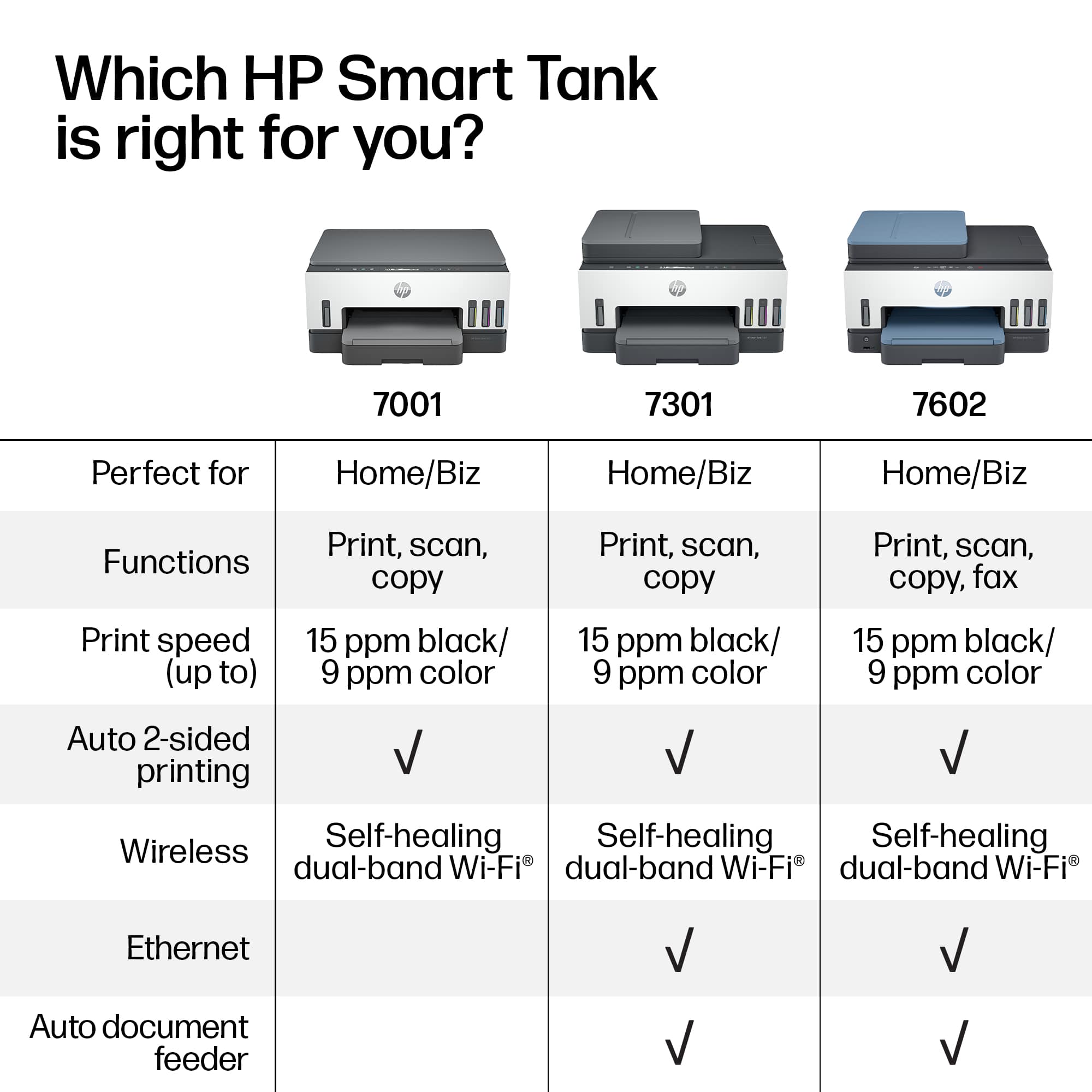
||Posted . Owned for 1 month when reviewed.This reviewer received promo considerations or sweepstakes entry for writing a review.Did not realize, at purchase, that this model did not have auto feed.
I would recommend this to a friendExcellent Printer.
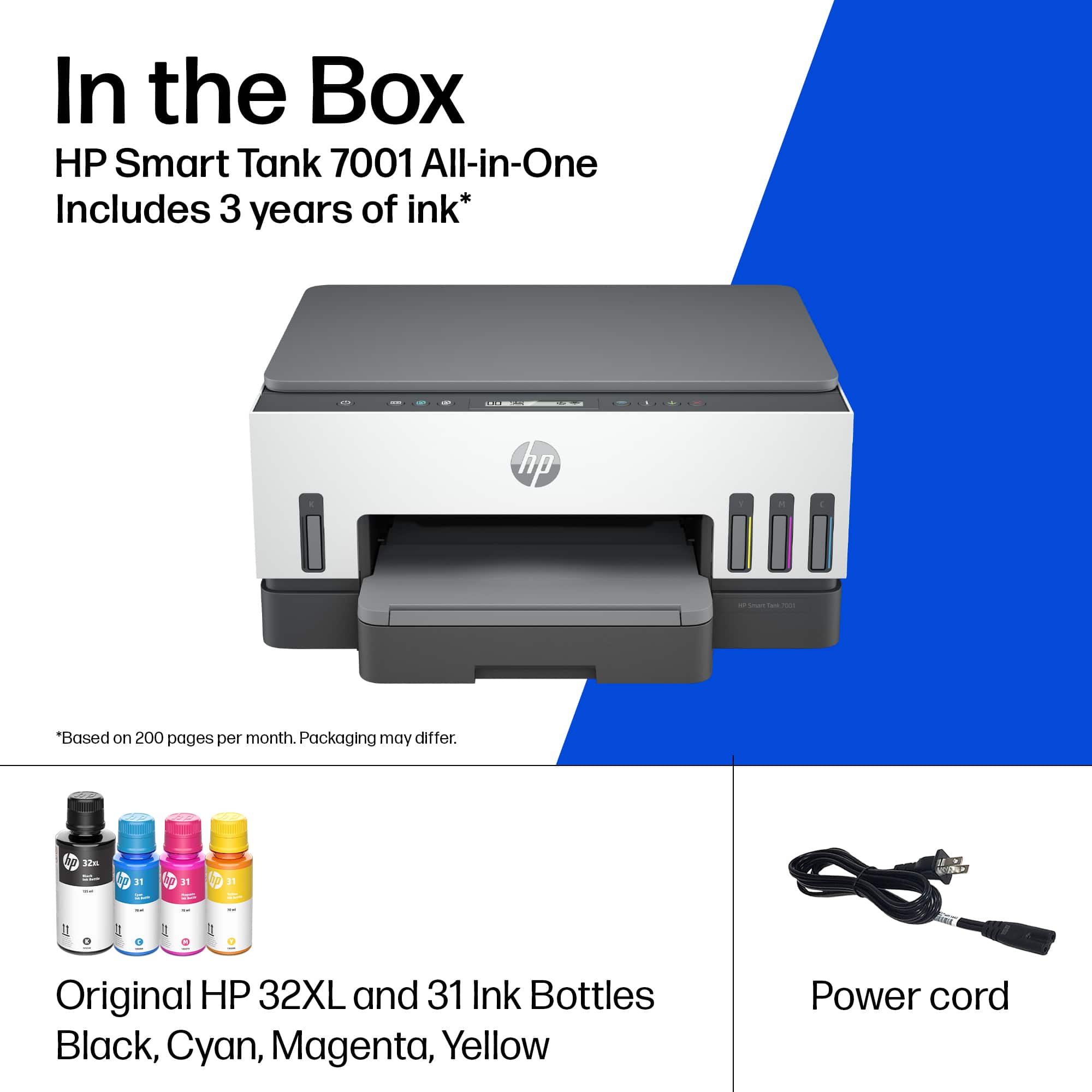
||Posted . Owned for 1 week when reviewed.This reviewer received promo considerations or sweepstakes entry for writing a review.Unit comes with lots of ink and easy to use. Good recommendations.
I would recommend this to a friendHere’s to the new
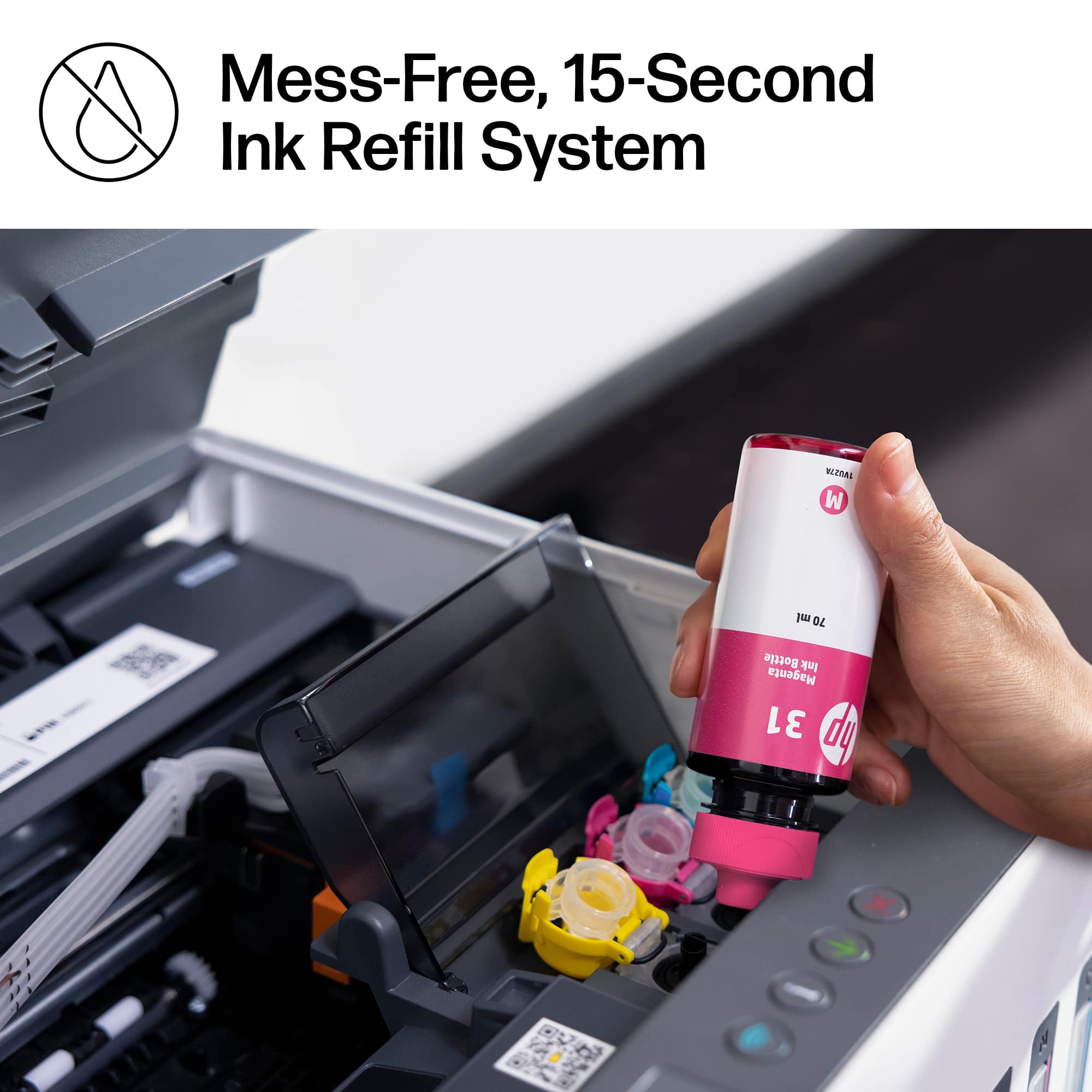
||Posted . Owned for 1 week when reviewed.This reviewer received promo considerations or sweepstakes entry for writing a review.Difficult to set up/seems to print slow/ink is messy to fill/shakes, wobbles, vibrates when printing/expensive when compared to HP Office Jet printers/but, NO MORE INK CARTRIDGES! I guess like all things, it’s a give and take.
No, I would not recommend this to a friendBrand response from HP Team
Posted .Hi, Chad.
I’m sorry that you’ve had a bad experience with your printer so far. I can certainly understand why a difficult setup process, slow print speed, unsettling motion during operation and a messy ink-filling regimen would be a poor start to ownership. I want to help you remedy the issues that you can and learn more about the device, so I’ll provide some resources I hope will reach that end.
First, I recommend that you follow a guide on our support site that covers improving print speed; choose whichever of the following two links matches your operating system:
- Windows: support.hp.com/us-en/document/bud03409
- Mac OS: support.hp.com/us-en/document/c01928898
Also, often just updating the firmware can help improve print speed. You can find out how to do that here:
- support.hp.com/us-en/document/c02919168
For more help with difficulties, or to learn more about your printer and all its features, you can access troubleshooting guides, how-to documents, user manuals and software updates here:
- support.hp.com/us-en/product/hp-smart-tank-7000-series/2100178735
If any problem persists, or you believe the shaking warrants further investigation, I suggest that you contact us directly at +1 800-474-6836 so we can help you assess the situation and find a solution. (Please note that because of restrictions on personal movement and workplace attendance associated with the COVID-19 pandemic, wait times for agents are longer than normal. Thanks in advance for your understanding.) To expedite the process, I recommend gathering the following information before the call:
- Model number
- Serial number
- Your location
- Case number (from any previous contact with HP support)
Keith
HP Care
hp.com/support
Saves money
||Posted . Owned for 1 year when reviewed.This reviewer received promo considerations or sweepstakes entry for writing a review.Awesome printer saves money if you use it for printing papers, compared to ink cartridges
I would recommend this to a friendOver Priced
||Posted . Owned for 1 week when reviewed.This reviewer received promo considerations or sweepstakes entry for writing a review.This was one of the few printers in stock. Way over Priced. Had trouble getting it set up. Called HP, got a case number, and expected them to call back. An email was sent that the case was closed. They never called.
No, I would not recommend this to a friendBrand response from HP Team
Posted .Hi there.
I’m sorry to hear that you were unable to complete the setup and installation process with your printer, and that you did not receive the support you need. It’s no surprise that you feel put off here. I want to help you resolve the situation, so I’ll direct you to a resource aimed at making that happen.
I recommend that you contact us directly at +1 800-474-6836 so we can help you assess the situation and find a solution. (Please note that because of restrictions on personal movement and workplace attendance associated with the COVID-19 pandemic, wait times for agents are longer than normal. Thanks in advance for your understanding.) To expedite the process, I recommend gathering the following information before the call:
- Model number
- Serial number
- Your location
- Case number (from any previous contact with HP support)
Keith
HP Care
hp.com/support
Don't Buy
||Posted . Owned for 1 year when reviewed.This reviewer received promo considerations or sweepstakes entry for writing a review.For an all in one printer this sucsks. You need a mobile subscription to fax and it be online, and the computer takes a while to find it. I am returning.
No, I would not recommend this to a friendHP Smart Tank 7001
||Posted . Owned for 3 weeks when reviewed.This reviewer received promo considerations or sweepstakes entry for writing a review.It was easy to set up even with my older computer. It receives a signal even from the laptop on the main floor (printer is in the basement).
I would recommend this to a friendAmazing service
||Posted . Owned for 1 month when reviewed.This reviewer received promo considerations or sweepstakes entry for writing a review.The young man that helped me was very friendly, very helpful and made sure I fully understood how to work the iPad that I purchased.
I would recommend this to a friendPerforms well
||Posted . Owned for 3 weeks when reviewed.This reviewer received promo considerations or sweepstakes entry for writing a review.No issues. Performs as advertised. Really like the Supertank ink feature.
I would recommend this to a friendHp7001 printer
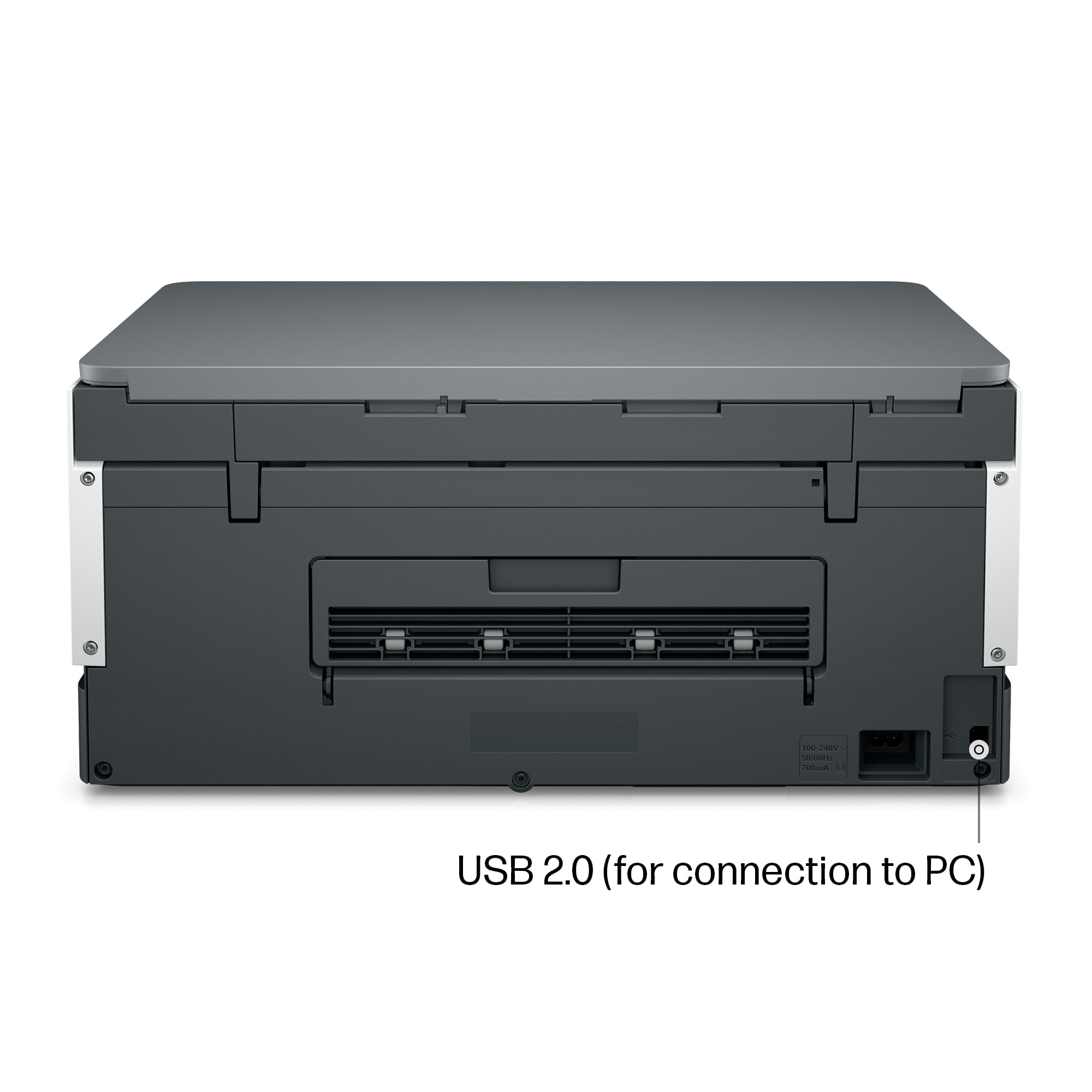
||Posted . Owned for 1 week when reviewed.This reviewer received promo considerations or sweepstakes entry for writing a review.Control buttons are hard to identify. Setup went well but I didn’t use Wi-Fi. Features are good and smart tank is an excellent feature.
I would recommend this to a friendPresident
||Posted .This reviewer received promo considerations or sweepstakes entry for writing a review.Useful, ink cartridges that can be refilled. Our High School Journalism and boradcasting teachers will profit for their projects .
I would recommend this to a friendLots of ink
||Posted . Owned for 10 months when reviewed.This reviewer received promo considerations or sweepstakes entry for writing a review.Great printer. I just love the ink is big and better
I would recommend this to a friend



















