Customer Ratings & Reviews
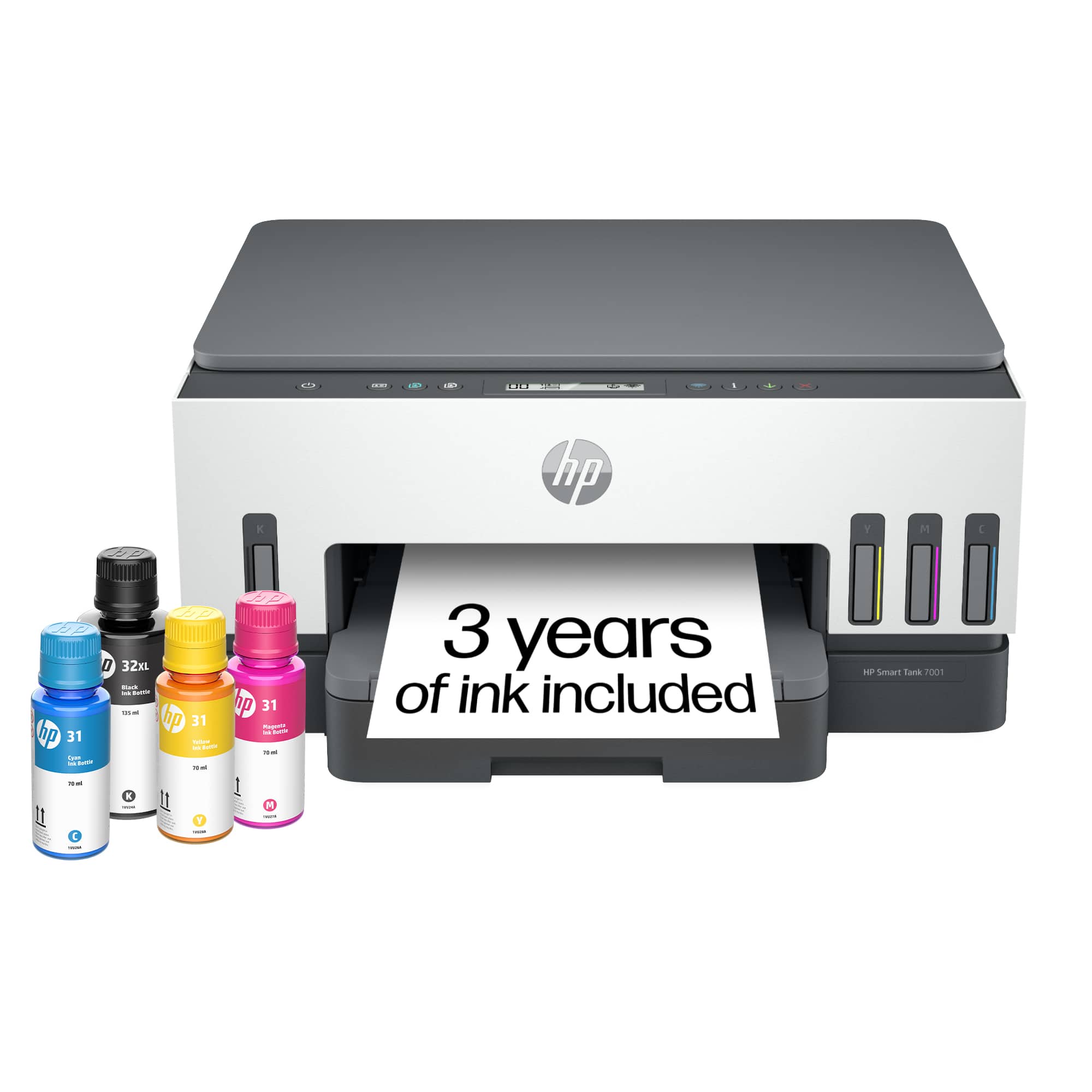
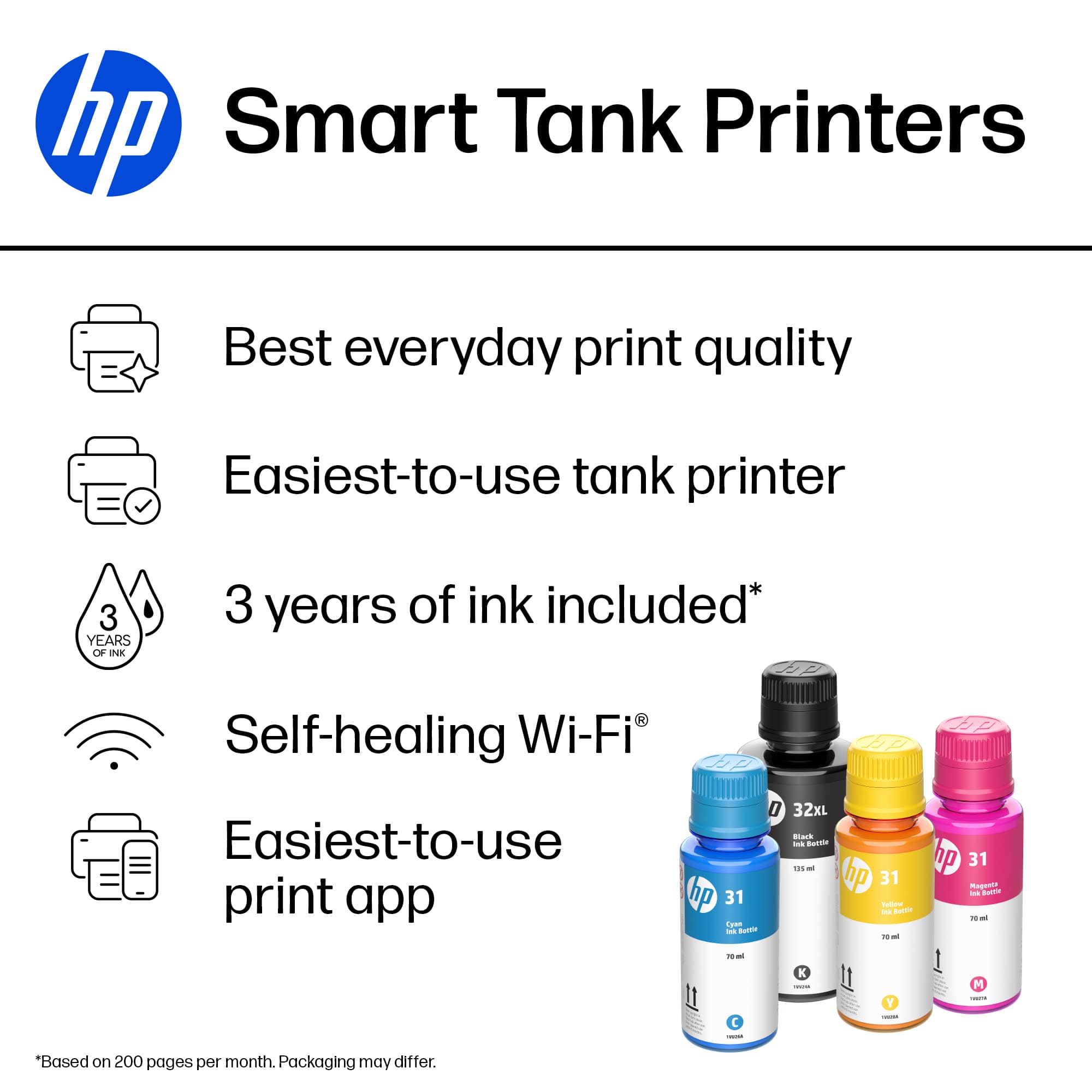
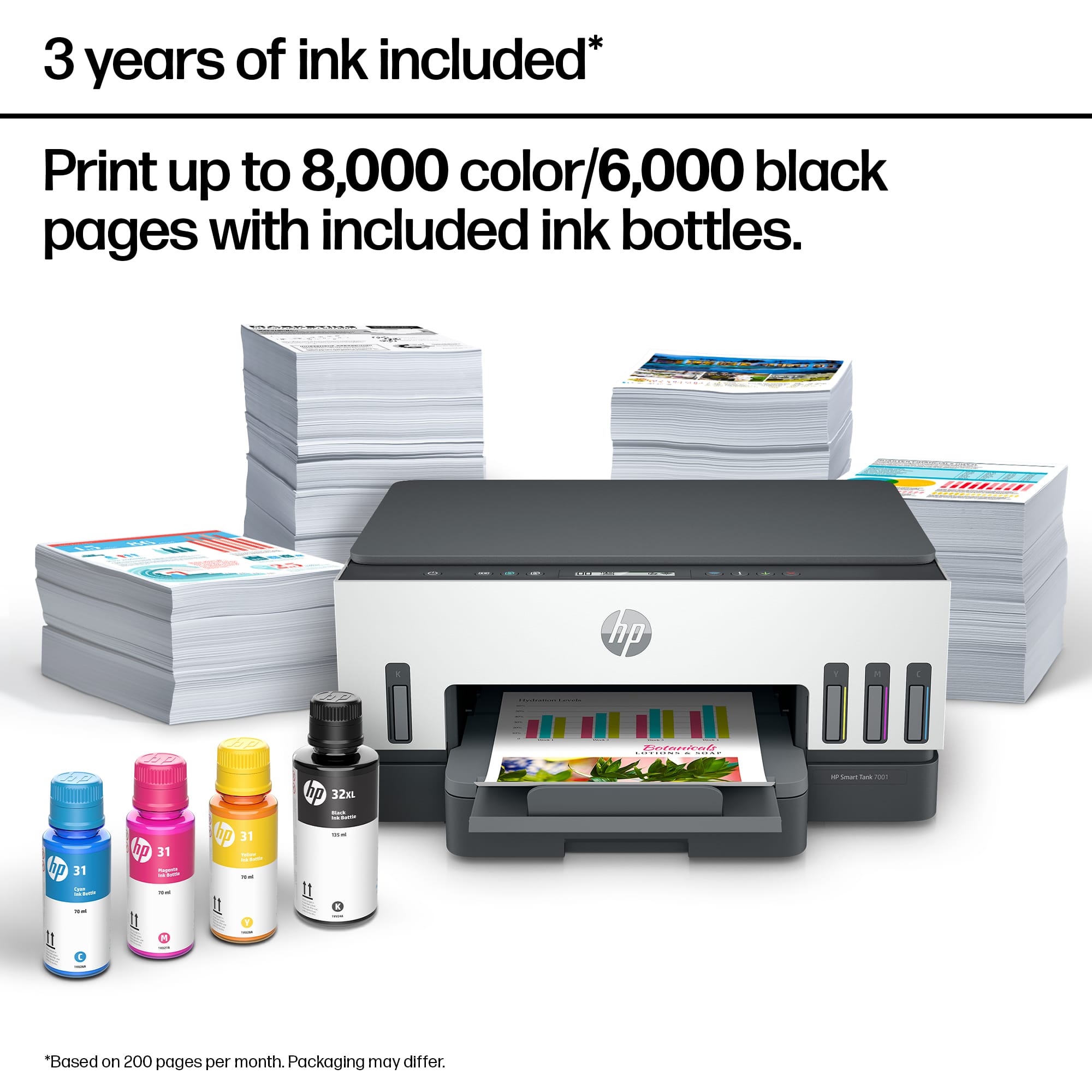
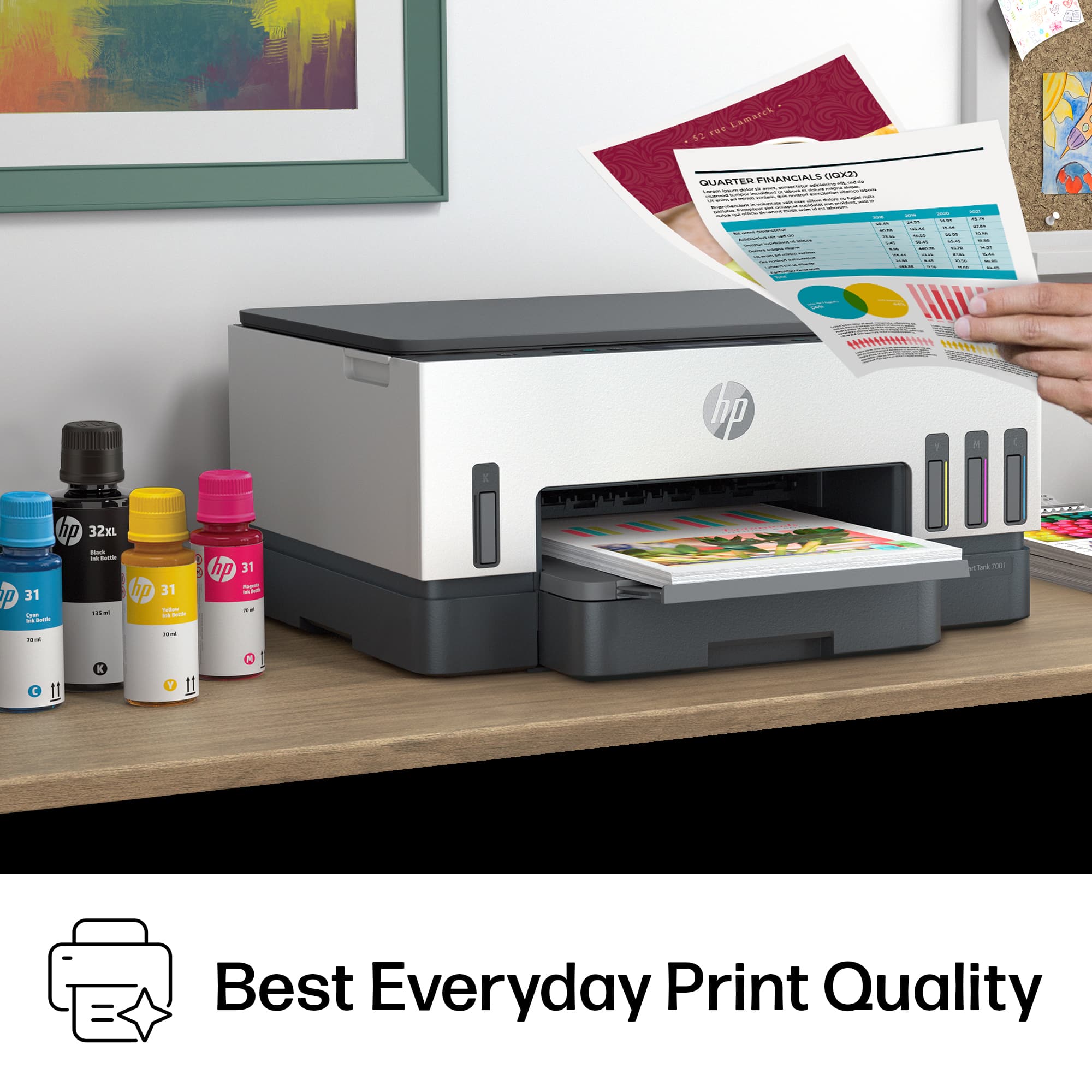






- Model:
- SMART TANK 7001/28B49A#B1H
- SKU:
- 12242467
Rating by feature
- Value
Rating 4.2 out of 5 stars
- Quality
Rating 4.4 out of 5 stars
- Ease of Use
Rating 4.2 out of 5 stars
Inkjet
||Posted . Owned for 1 month when reviewed.This reviewer received promo considerations or sweepstakes entry for writing a review.One of HP's best printers on the market. You won't be disappointed.
I would recommend this to a friendServes it's purpose
||Posted . Owned for 1 week when reviewed.This reviewer received promo considerations or sweepstakes entry for writing a review.Only drawback is you can't feed for copies. At the price you should be able to.
I would recommend this to a friendLarge Tank
||Posted . Owned for 3 weeks when reviewed.This reviewer received promo considerations or sweepstakes entry for writing a review.HP is my printer by choice I just love the large tank
I would recommend this to a friendHP Printer
||Posted . Owned for 1 week when reviewed.This reviewer received promo considerations or sweepstakes entry for writing a review.Works great and set up was perfect. Printer is very fast making copies
I would recommend this to a friendHP Smart Tank
||Posted . Owned for 9 months when reviewed.This reviewer received promo considerations or sweepstakes entry for writing a review.I’m having issues with this printer, still trying to get it working with my WiFi
I would recommend this to a friendNot Bad
||Posted . Owned for 2 weeks when reviewed.This reviewer received promo considerations or sweepstakes entry for writing a review.Pretty good printer at this price but it could be better as epson… epson photo print is better…
No, I would not recommend this to a friendGood printer for the price!
||Posted . Owned for 3 weeks when reviewed.This reviewer received promo considerations or sweepstakes entry for writing a review.Very easy to set up and prints very fast for an inkjet printer.
I would recommend this to a friendExcellent printer
||Posted . Owned for 3 weeks when reviewed.This reviewer received promo considerations or sweepstakes entry for writing a review.Loving this printer. Don't have to deal with cartridges anymore.
I would recommend this to a friendHP Smart Tank 7001 Review
||Posted . Owned for 3 weeks when reviewed.This reviewer received promo considerations or sweepstakes entry for writing a review.We like the smart tank feature cause we don’t print that often.
I would recommend this to a friendBIG WASTE OF MONEY!!!
||Posted . Owned for 1 year when reviewed.This reviewer received promo considerations or sweepstakes entry for writing a review.All I can say is that I hope I don’t have to give it any stars. I had this printer for two years. Only used it less than ten times. Never liked the quality of the prints, and mostly used it when printing out the test page to see if I could get a better print. I thought I’d try it again, and now it says I’m out off paper. Well I’m not,and have been trying everything I can to get it to work for two days. The warranty is up, and now you have to pay HP for answers. No thank you. I will never use Hp for a printer again.
No, I would not recommend this to a friendGreat printer
||Posted . Owned for 1 week when reviewed.This reviewer received promo considerations or sweepstakes entry for writing a review.AWSOME great printer for not having to buy ink cartridges
I would recommend this to a friendim happy
||Posted . Owned for 4 months when reviewed.This reviewer received promo considerations or sweepstakes entry for writing a review.Set up was a bit difficult, but after that its easy
I would recommend this to a friendExcellent product
||Posted . Owned for 2 months when reviewed.This reviewer received promo considerations or sweepstakes entry for writing a review.Excellent product. High quality. Elegant and reliable.
I would recommend this to a friendGreat quality and speed
||Posted . Owned for 3 weeks when reviewed.This reviewer received promo considerations or sweepstakes entry for writing a review.I had replaced my old tank printer with a cheap cartridge printer. Big mistake! I am very happy with the quality of prints and speed of this printer for my small business.
I would recommend this to a friendHP Smart Tank 7000
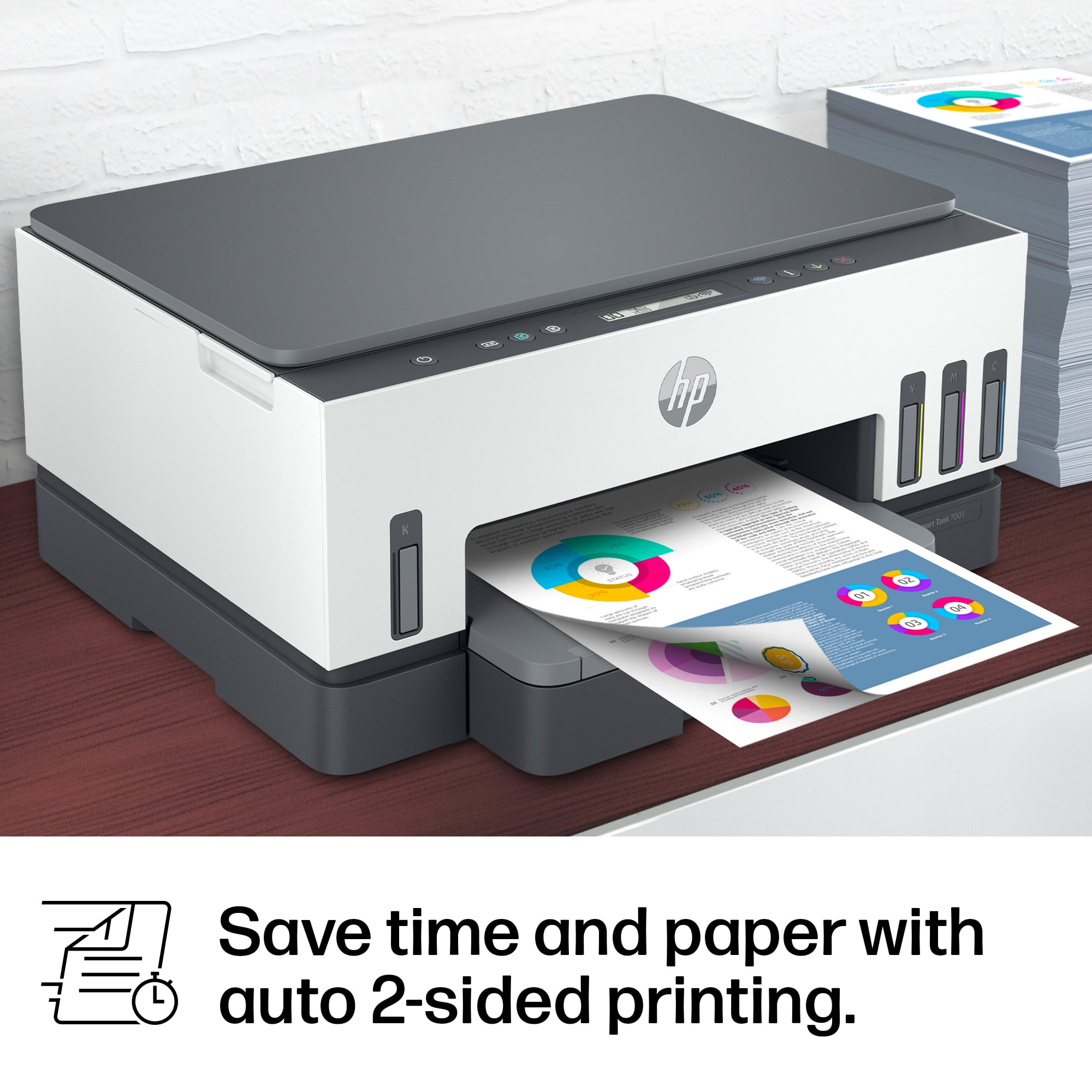
||Posted . Owned for 1 month when reviewed.This reviewer received promo considerations or sweepstakes entry for writing a review.Convenient-easy two sided printing. Saves on paper.
I would recommend this to a friendConstantly goes to sleep and won't wake back up.
||Posted . Owned for 1 week when reviewed.This reviewer received promo considerations or sweepstakes entry for writing a review.I bought this with high expectations and it turned out to be a horrible purchase and I returned it. First, it wouldn't set up and connect to wifi with any of 3 iphones and ipads that I tried. I have great wireless coverage in my office and I have no less than 15 other wifi devices here with no issues -- but this printer would not connect. I added another wifi access point and finally managed to get it connected using a windows laptop. I thought I was in the clear now -- but this device goes to sleep after a few minutes and won't respond. Pull up the HP Smart app on my phone, the printer status is offline. Press various buttons on the control panel, no response. I had to turn it on and off to get it to come back online just so I could print, and then it would go back to sleep mode and not wake up. This was a nightmare purchase so I returned it. I went with the epson tank printer and it has been a dream in comparison.
No, I would not recommend this to a friendHP Printer
||Posted . Owned for 1 month when reviewed.This reviewer received promo considerations or sweepstakes entry for writing a review.Really like HP products except for this one. I had trouble linking the printer to my Mac it never synced up had to return
No, I would not recommend this to a friendDecent printer
||Posted . Owned for 1 week when reviewed.This reviewer received promo considerations or sweepstakes entry for writing a review.Nothing special. I thought it would be faster. I had problems connecting but my wife did not. Made no sense but whatever.
No, I would not recommend this to a friendDo not buy
||Posted . Owned for 1 week when reviewed.This reviewer received promo considerations or sweepstakes entry for writing a review.Super hard to set up. Constantly says there are paper jams when there are none. Had a firmware problem that took 2 hrs to fix
No, I would not recommend this to a friendBrand response from HP Team
Posted .Hi, Steve.
I’m sorry to hear you’ve encountered such difficulty with your printer. I can easily understand why a difficult setup process, contradictory paper-jam error messages and firmware problem would add up to dreadful start to ownership. I want to help you remedy what you can and get the most from the device going forward, so I hope the resources below will guide you to that end.
Regarding paper jam messages, as you’ve unfortunately discovered, sometimes these can be real or false, meaning the printer can report an error when there is no jammed paper. I recommend referencing the steps in this document to troubleshoot real as well as false paper jams:
- support.hp.com/us-en/document/ish_4513493-4037390-16
For more help solving problems, or to learn more about your printer and all its features, you can find user manuals, how-to documents, troubleshooting guides and software updates on our support site here:
- support.hp.com/us-en/product/hp-smart-tank-7000-series/2100178735
If you need further assistance, we're here for support. Please contact us directly at +1 800-474-6836 so we can guide you through the proper troubleshooting. (Please note that because of restrictions on personal movement and workplace attendance associated with the COVID-19 pandemic, wait times for agents are longer than normal. Thanks in advance for your understanding.) To expedite the process, I recommend gathering the following information before the call:
- Model number
- Serial number
- Your location
- Case number (from any previous contact with HP support)
Keith
HP Care
hp.com/support
Buy another printer
||Posted . Owned for 1 month when reviewed.This reviewer received promo considerations or sweepstakes entry for writing a review.The printer doesn't work consistently. Sometimes when given the print command, it turns on automatically and prints. The rest of the time it doesn't print even when the printer is on. It computer gives the message that it can't connect to the printer even though the wifi is 3 set away.
No, I would not recommend this to a friend


















