Customer Ratings & Reviews






- Model:
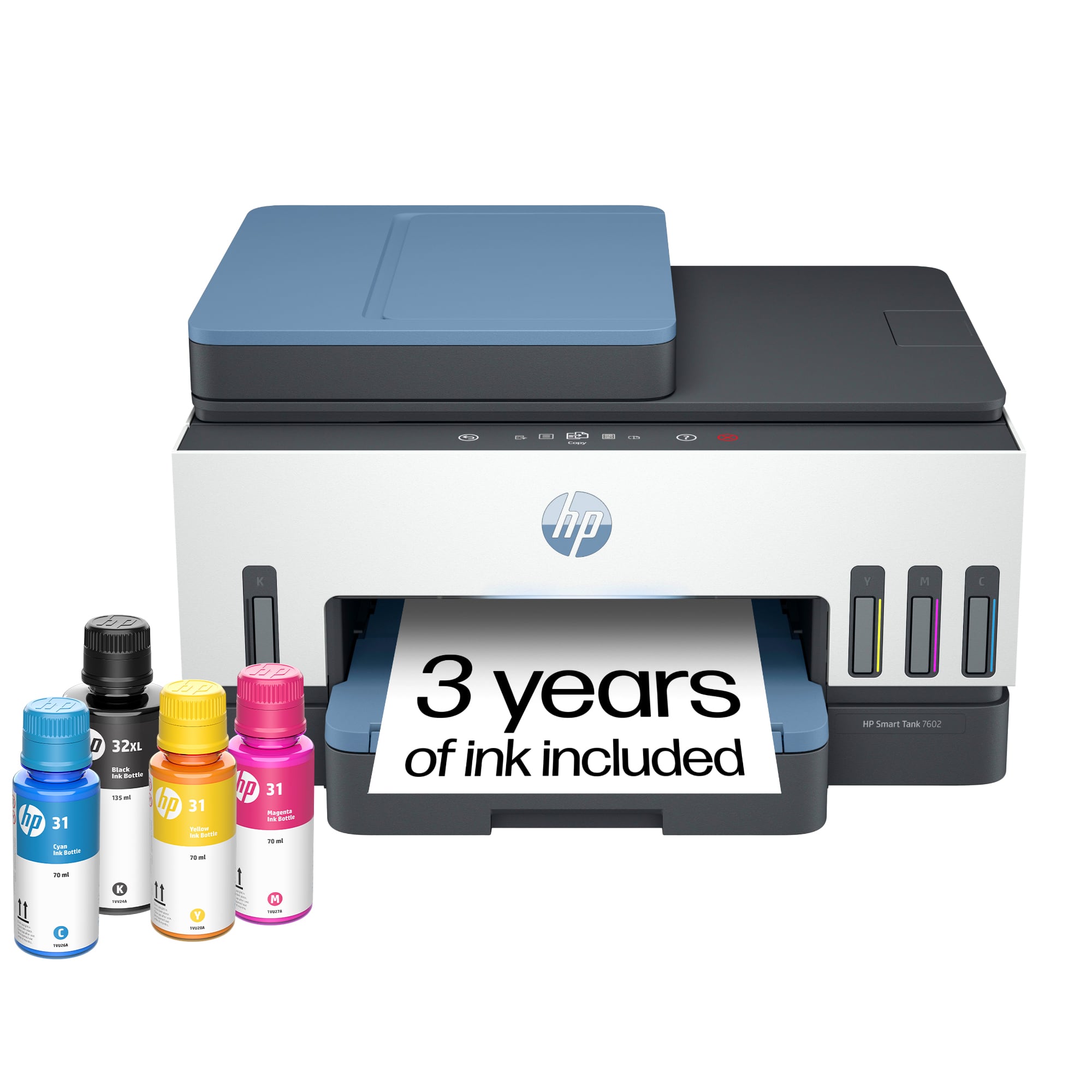
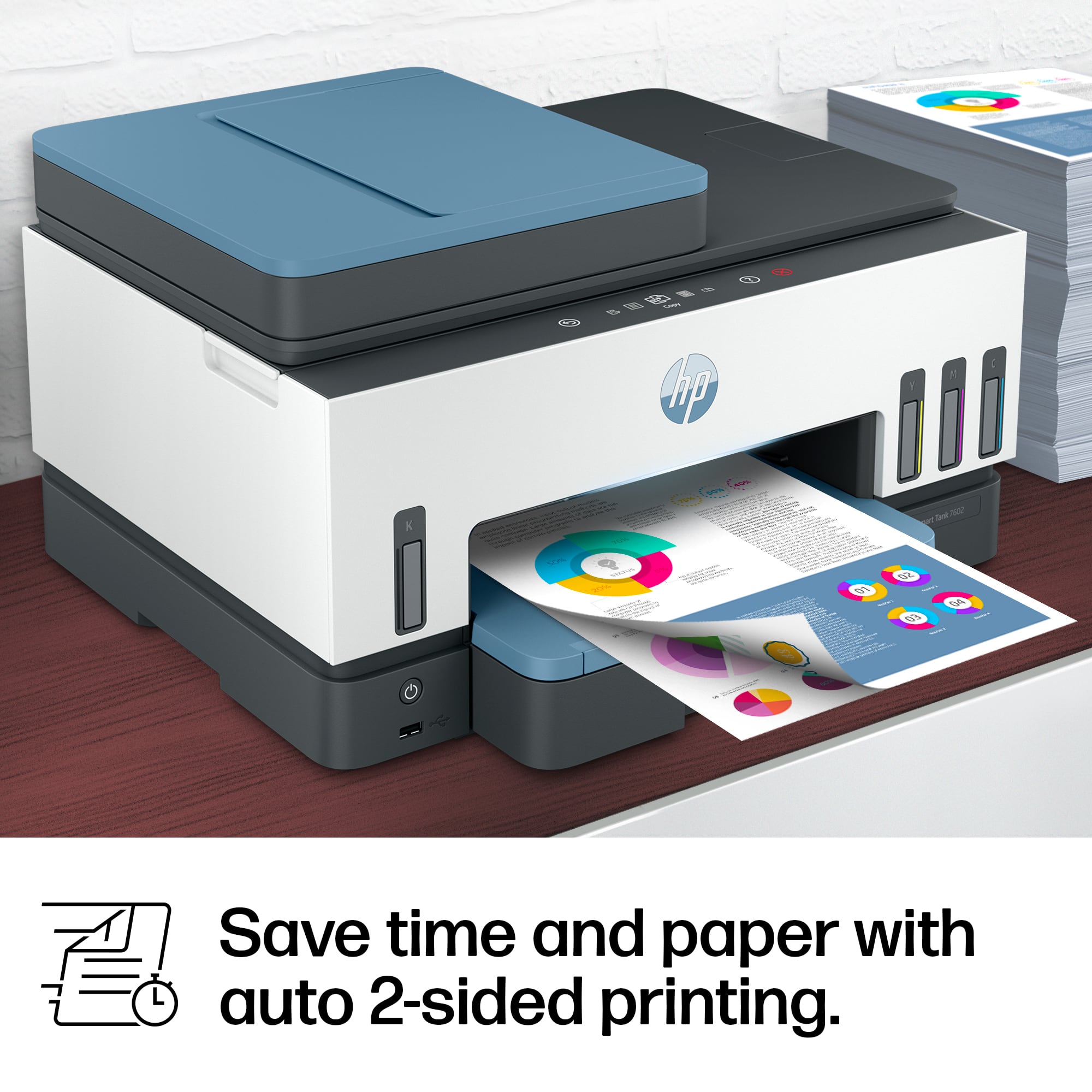
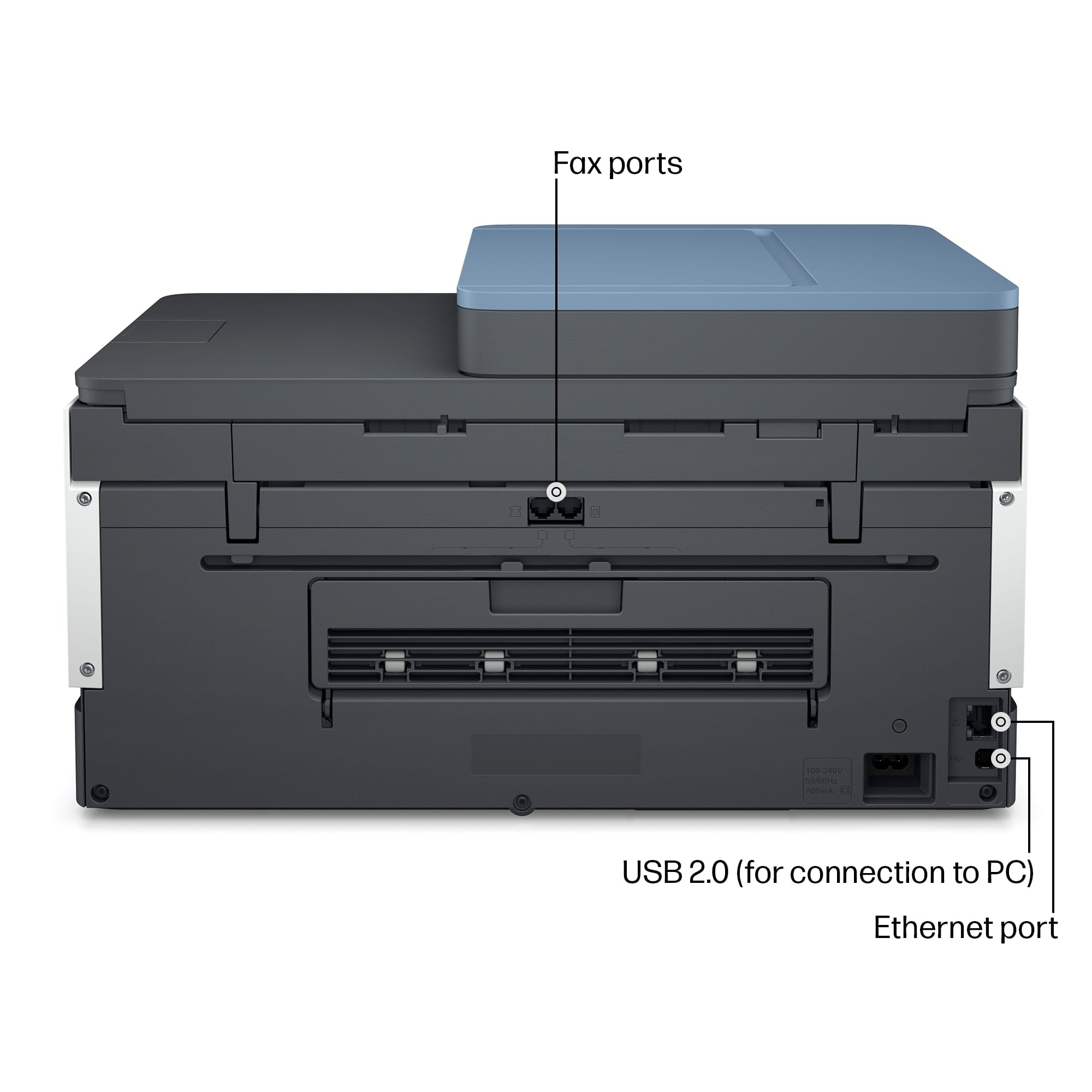
- HP SMART TANK 7602/28B98A#B1H
- SKU:
- 11232760
Rating by feature
- Value
Rating 4.4 out of 5 stars
- Quality
Rating 4.5 out of 5 stars
- Ease of Use
Rating 4.4 out of 5 stars
- Pros mentioned:Ease of use, Noise level, Print quality
Fantastic Printer — Extremely Efficient
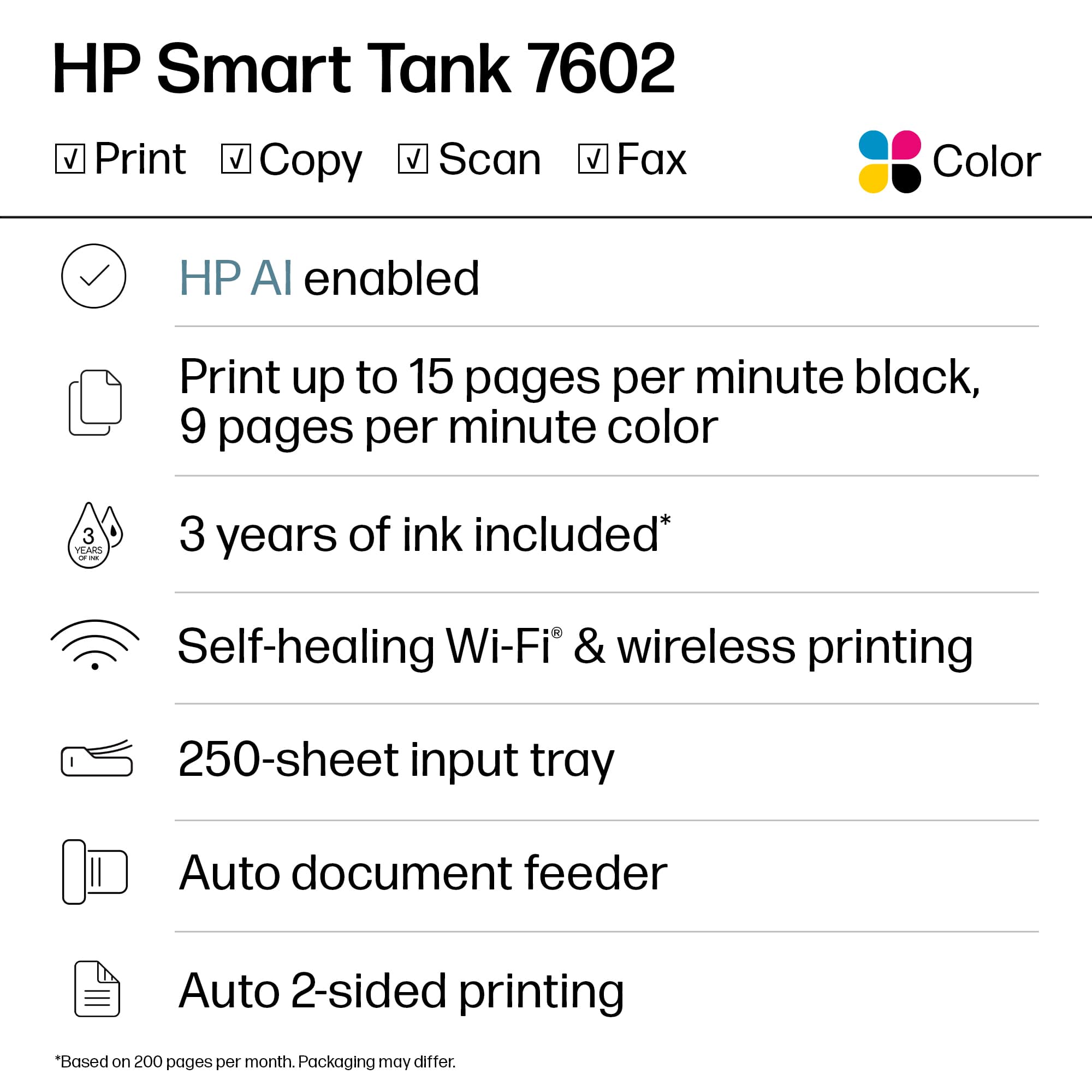
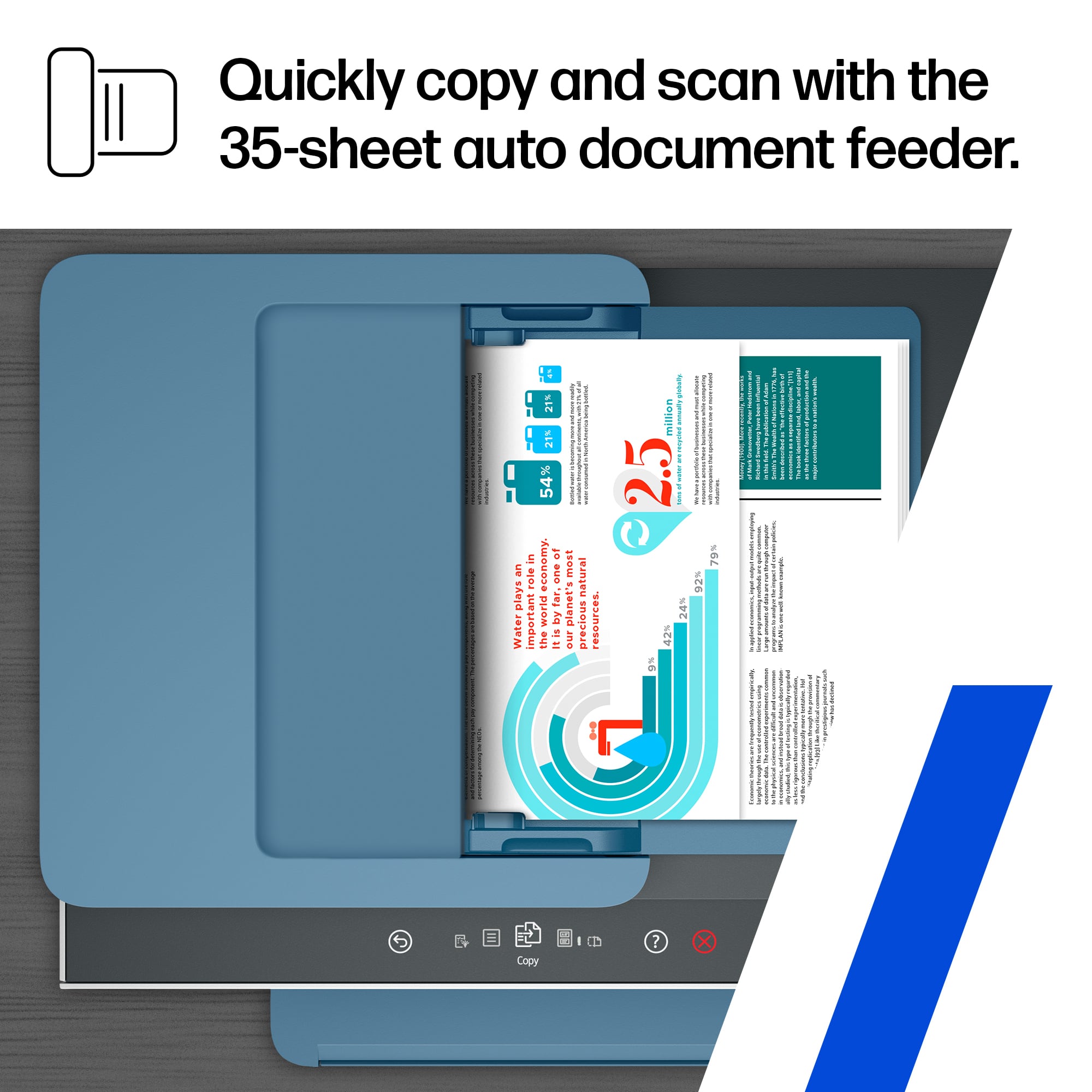
||Posted . Owned for 7 months when reviewed.This reviewer received promo considerations or sweepstakes entry for writing a review.I’ve had the HP Smart Tank 7602 for seven months, and it has been outstanding. Print quality is sharp, the refillable ink tanks last forever, and setup with Wi-Fi and the HP Smart app was simple. It handles documents and photos equally well, and the ADF and duplex printing are great time-savers. Reliable, quiet, and incredibly economical—one of the best printers I’ve owned. Highly recommend.
I would recommend this to a friend - Pros mentioned:Ease of use, Print quality
Bargain all-in-one
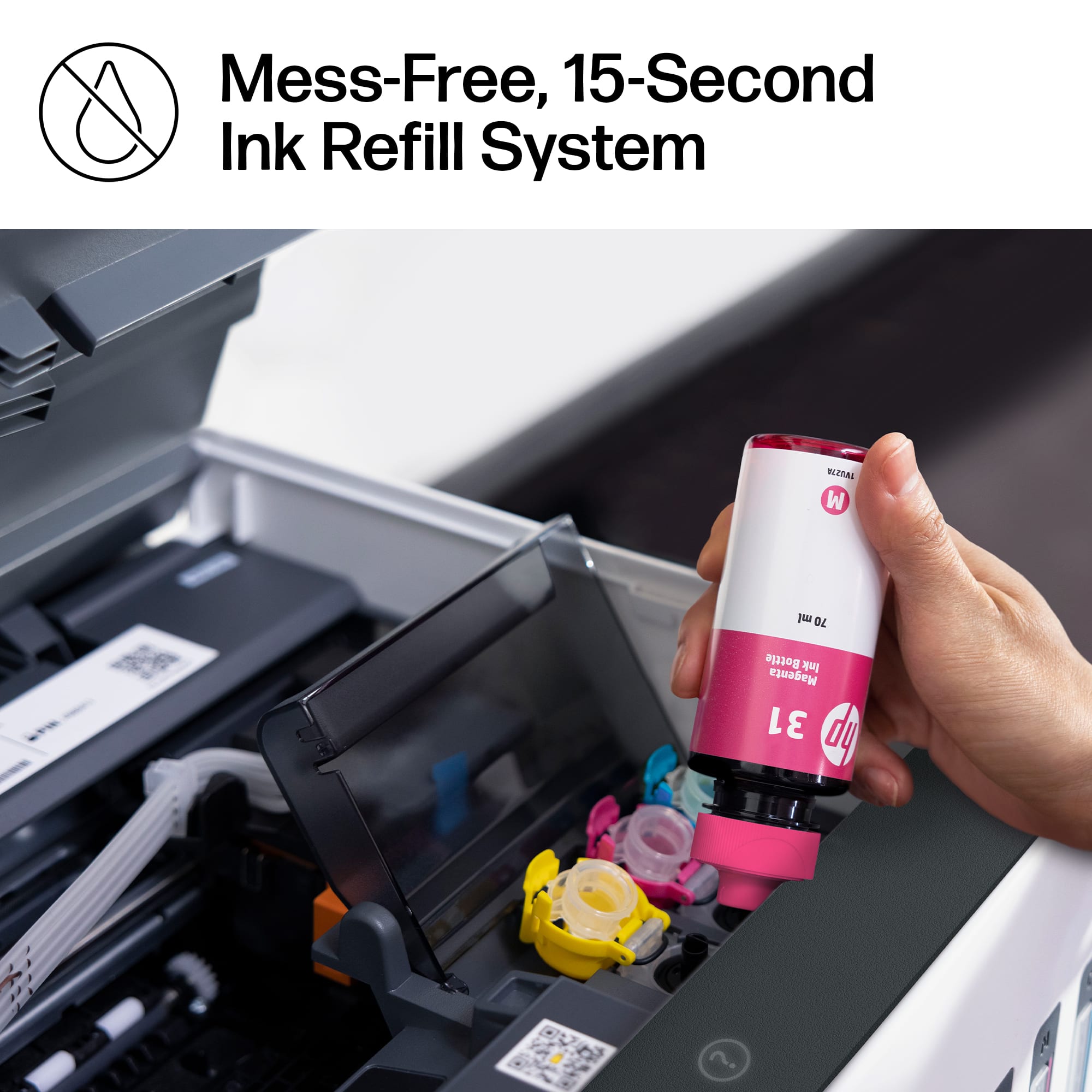
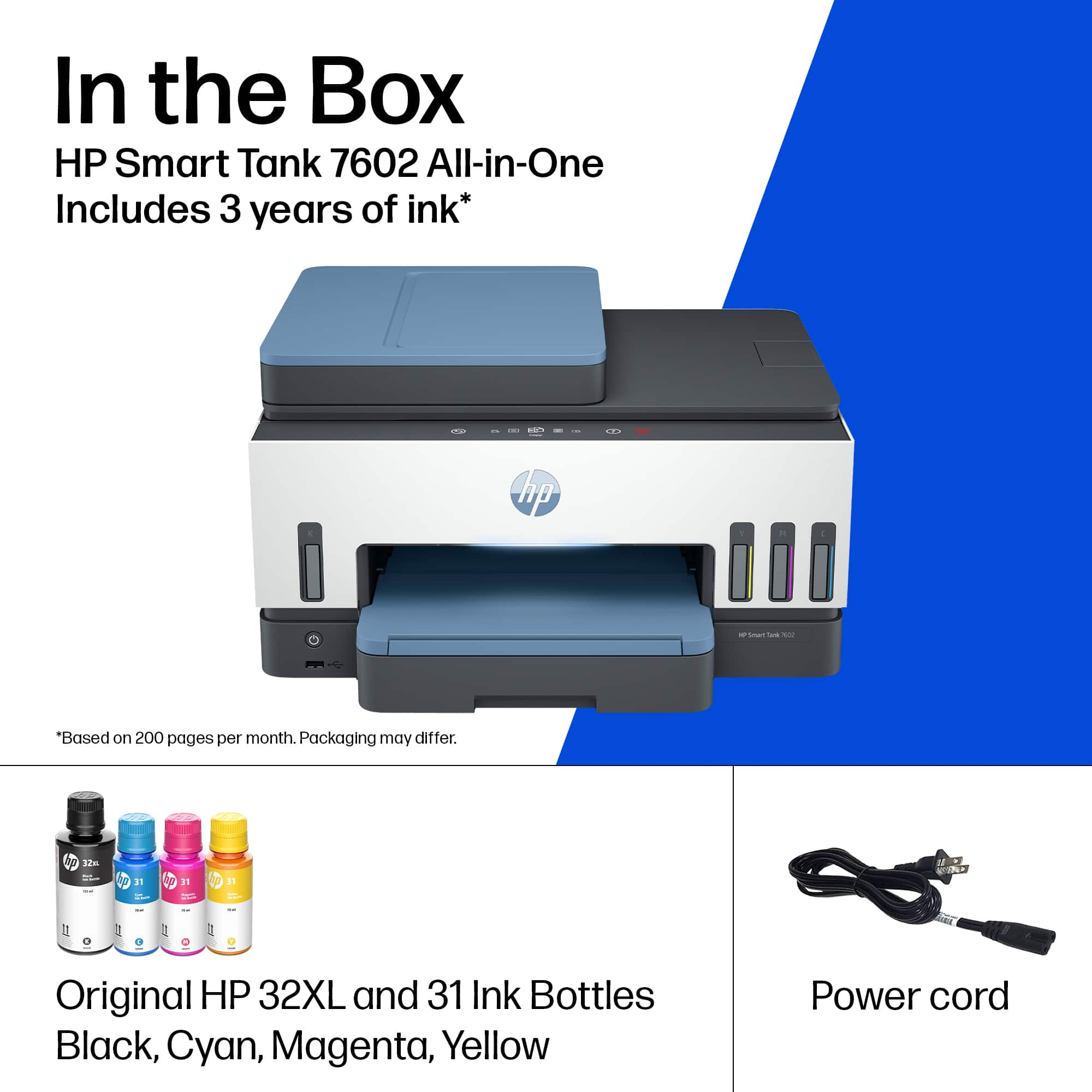
||Posted .This reviewer received promo considerations or sweepstakes entry for writing a review.So far, so good. Have had it for about a month. Setup was easy, downloading drivers wasn't difficult, but if this is your first printer you might have problems. Whatever settings I had transferred to my other devices, so that was nice. Ink loading was easy. There is packaging inside I almost missed, but they are indicated in the instructions, so follow them. It prints a little slower than my last HP printer, but it was almost $100 less, too. For what I need it's fine. I do miss that the paper tray cover doesn't lift, you have to pull the drawer out, but that's a tiny issue. The light on the front of the machine turns different colors depending on what's going on, which is nice. Black ink is used far more often, so that comes in a bigger bottle, and even with 4 seperate colors the ink is still way cheaper than my last HP printer. Scanning function has full image bed and from the little scanning I've done I don't see any problems yet.
I would recommend this to a friend - Pros mentioned:Noise level, Overall performance, Print quality
Good Printer
||Posted .This reviewer received promo considerations or sweepstakes entry for writing a review.Good printer over all so far. No problems with setup. Glad it has a paper feeder. Prints faster than my old printer and quieter too. You can’t go wrong with this printer.
I would recommend this to a friend - Pros mentioned:Ease of use, Noise level, Print quality
Very happy with this printer
||Posted . Owned for 2 weeks when reviewed.This reviewer received promo considerations or sweepstakes entry for writing a review.Great purchase! Setup was a breeze and it prints quietly and beautifully. Love that it has a more compact size than our last printer. Our sales associate was knowledgeable and explained the features well
I would recommend this to a friend - Pros mentioned:Print quality

Easy Setup. Fast Printing. Zero Mess.
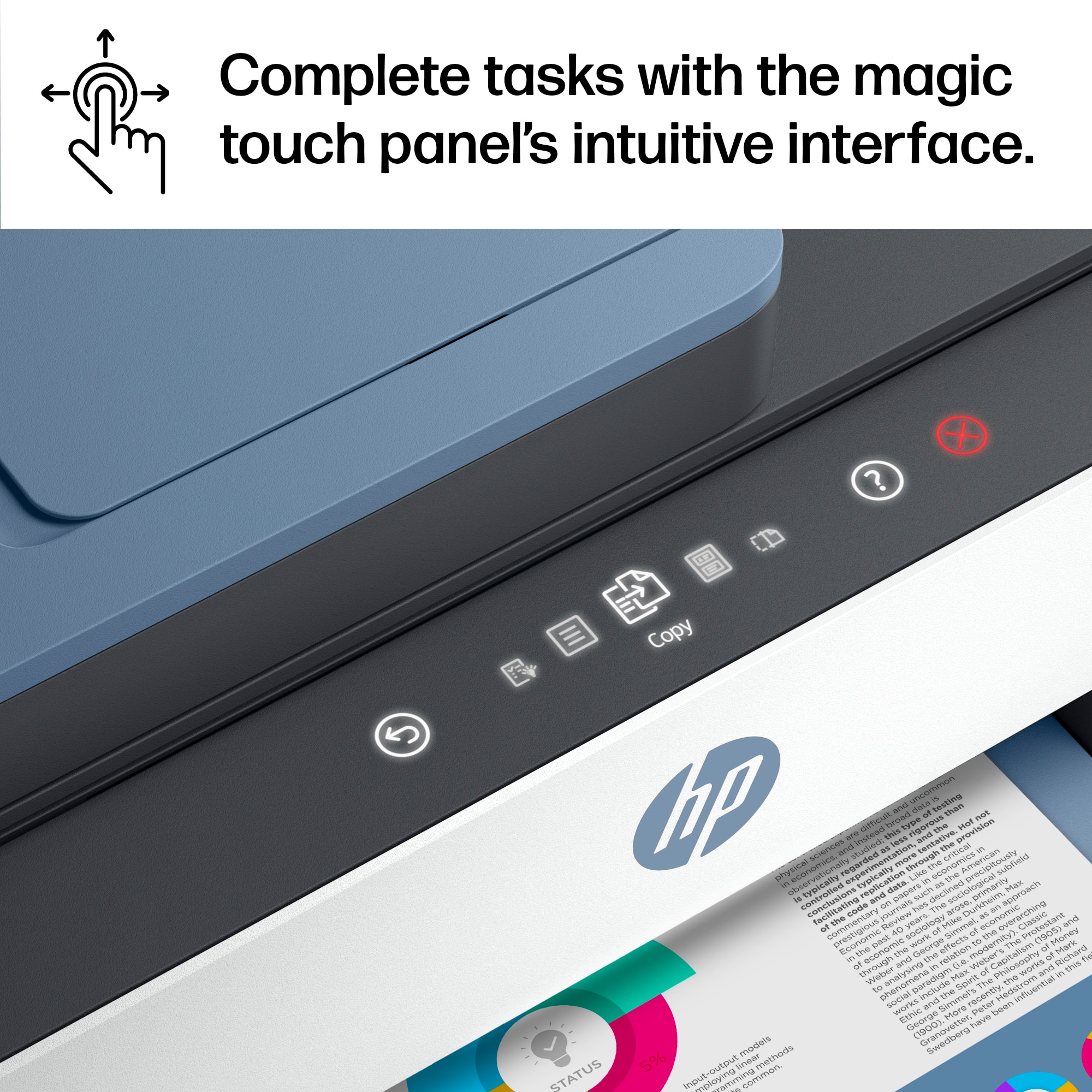
|Posted .This reviewer received promo considerations or sweepstakes entry for writing a review.Great well-rounded printer for a busy home or small office. The setup experience was probably the best I've encountered. I recommend downloading the HP Smart App and following the step-by-step directions. Each step has helpful, animated, illustrations that are more pleasant than the printed book in my opinion. Print speeds for both black and color were faster than expected and the larger 250 sheet paper tray is welcomed with open arms. Filling the printer with the provided HP ink bottles was an extra step but there was ZERO mess and the feeling of not having to deal with traditional ink cartridges made it worth the extra minute of my time. The ink capacity is MASSIVE! The touchscreen on the printer was a nice touch (Ha.Ha.). The UI felt very much like navigating a smart phone menu and it's discrete appearance as well as responsiveness is definitely appreciated. The HP Smart Tank 7602 is a well-rounded workhorse with modern style. Unfortunately, this printer does fall short in 2 areas. Firstly, I would not recommend this model for printing photographs. While the print quality it great, the printer struggles to feed 4x6 photo paper reliably, causing the prints to come out with a white border at the bottom of the sheet. Secondly, the HP Smart App is great, but printing from anywhere else proves to be a challenge. If you want to print from your phone (I'm using the latest iOS), I recommend using their app until the software improves. All-in-all this printer is solid!
I would recommend this to a friend - Pros mentioned:Setup
The KING of multi use printers!
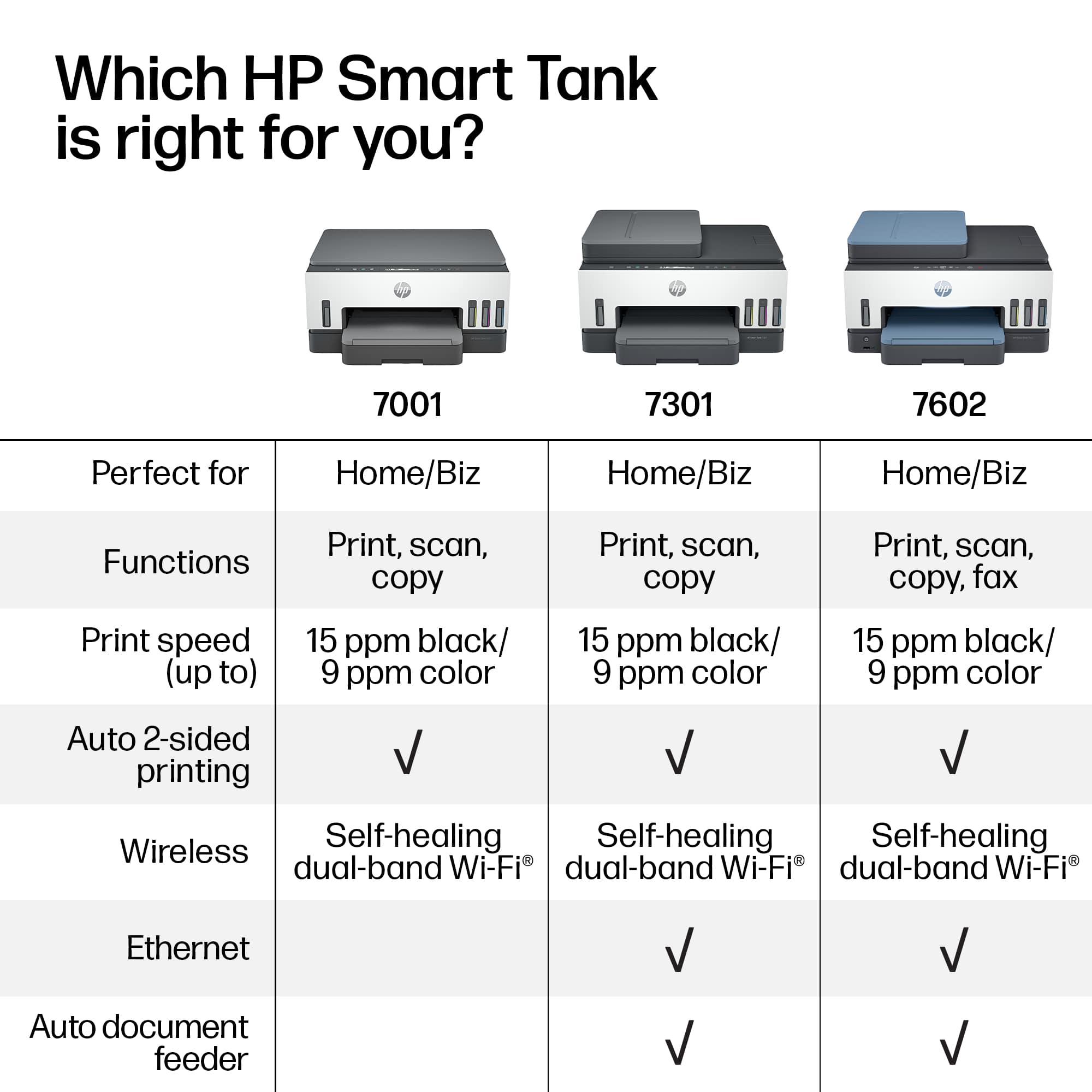
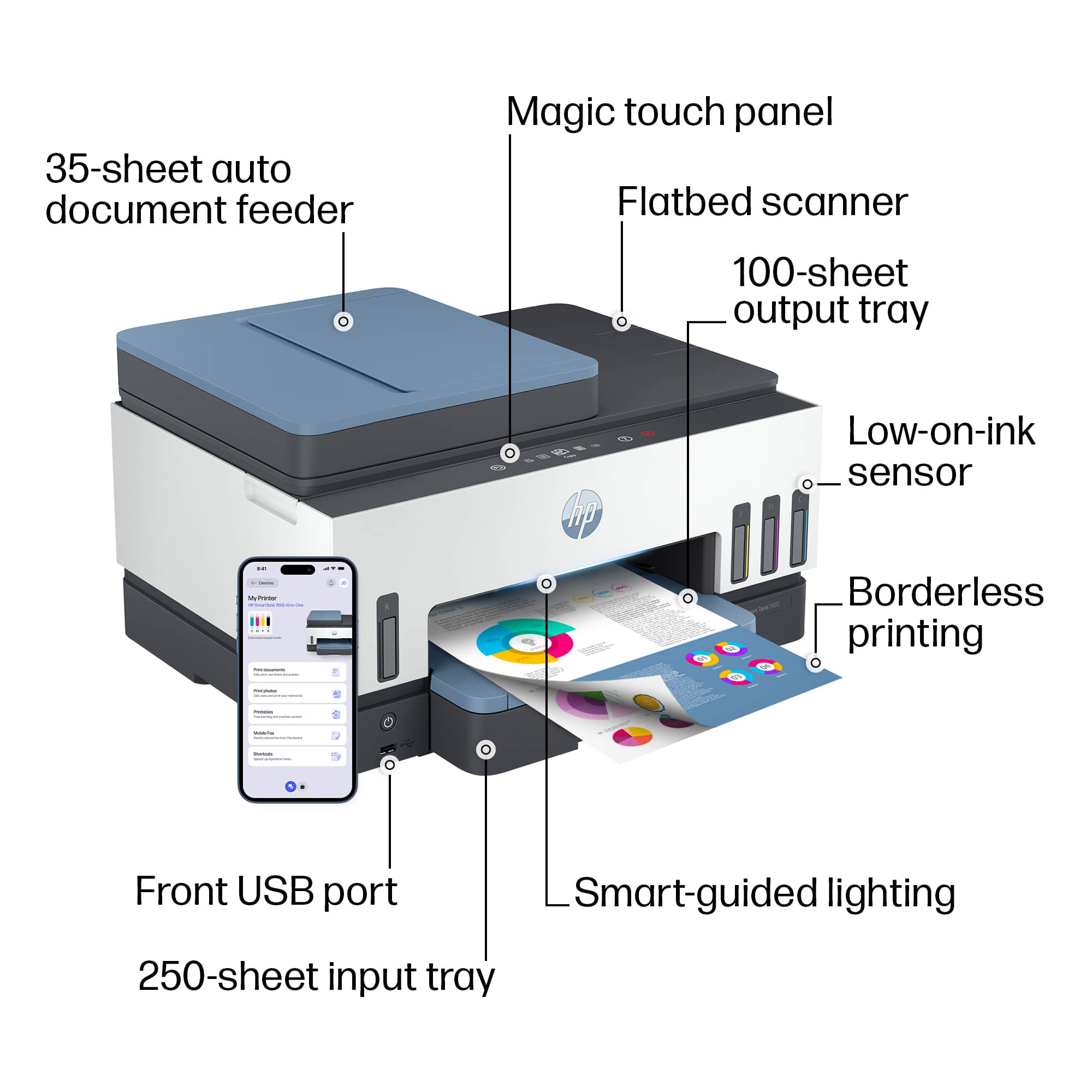
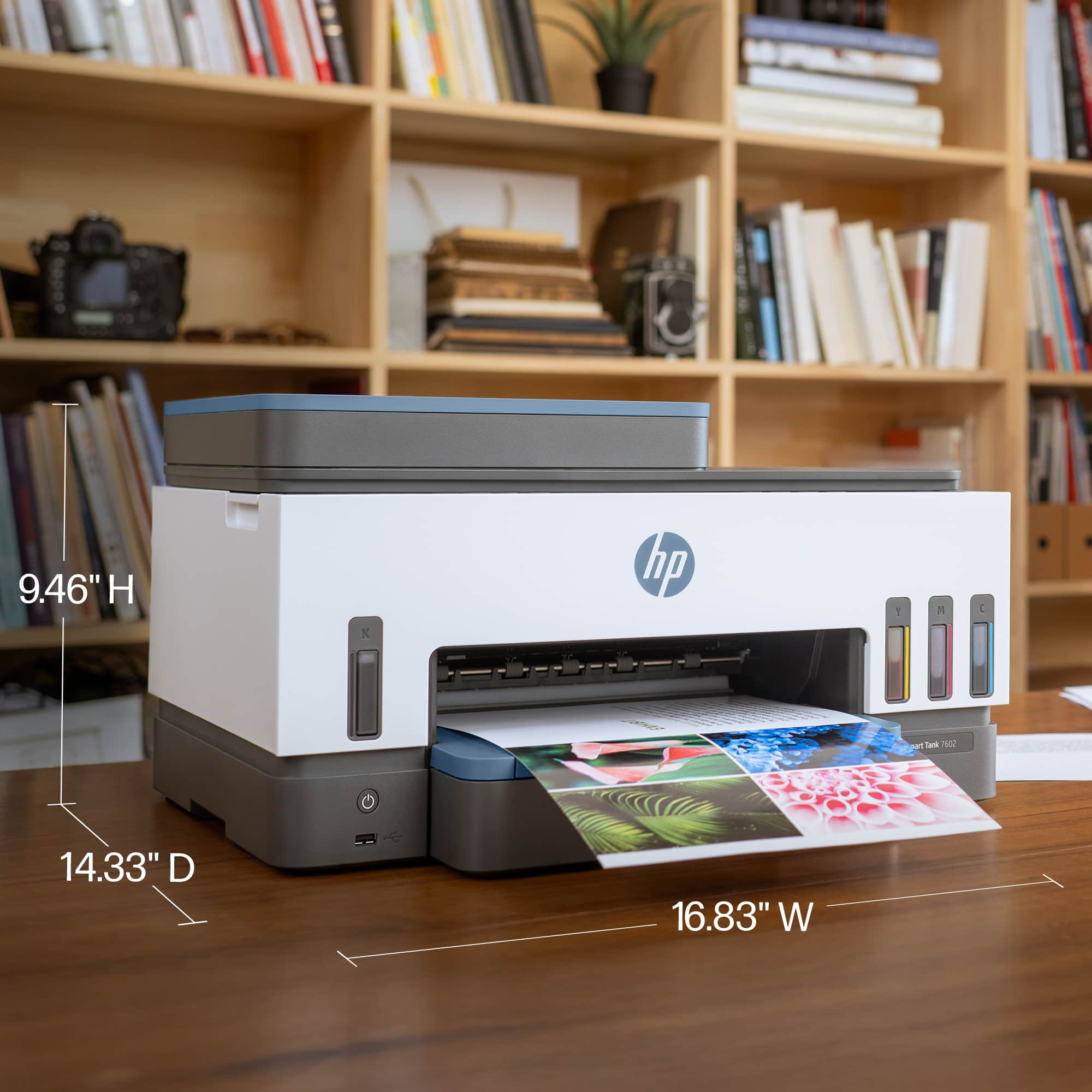
|Posted .This reviewer received promo considerations or sweepstakes entry for writing a review.The smart tank 7602 is quite the impressive printer, scanner, and fax machine. Beautifully designed multi levels with multicolored sections of white and blue paneling that work well together. All put together in a nice tight square design that makes it not be cumbersome or to large to place or move around. Very easily designed to get to the printer ink containers to refill the liquid ink or change the ribbon. Paper refill tray at the bottom easily pulls out and can handle a decent amount of printing paper. The small but easily readable touch screen to work the printers controls, wifi, settings ect is very responsive to the touch. Intial setup is so streamlined thru the HP smart app that anyone can easily get this device up and running in no time. My only gripe I'd have to say is several times I had to exit out the app and restart it to get a few next steps to register. First one was the intial alignment print, to make sure the the printer is on track. Then to make my first print I had to exit the app n reboot the app to get it to recognize. But the app did remember where I had left off, so I'm thinking it was a disconnect from the startup process. After these 2 times overall he process was fast and efficient and has no issue recognizing my phone to make prints wirelessly. The printer is well lit up also and pleasing to the eye. The copier copies perfectly and good quality images. I was also able to send out a fax without issue! The paper feed for both printing and fax work as gd as using a FedEx printer, fax machine. Loading the machine with ink was super clean and mess free and perfect amounts in the fill bottles. The quality and care seems to be their in this higher grade multi printer. If your looking for a all in one exclusive home or office printer with multi use and function with liquid ink with no worries of your ink cartridges drying out anymore, then this hp smart tank I believe is right for you. Looking forward to using this for all our home needs!!
I would recommend this to a friend Troublesome Install and Questionable Longevity
|Posted .This reviewer received promo considerations or sweepstakes entry for writing a review.Setup/Installation: Right off the bat, I should mention that I spent a total of close to eight hours getting this printer properly set up. Setup involves using the HP Smart app, either on your PC or mobile device. After freezing on my PC during the very initial part of the setup, the printer’s screen was stuck on “HP software is setting up your printer.” Restarting the printer, software, removing the plug and other methodologies would not work. The app, both mobile and on my Windows 11 PC would not see printer. The HP support forum has many posts regarding this error, all with various potential solves, but nothing definitive. I eventually solved this problem on my own directly connecting with a USB cable and proceeding with the manual installation. It is worth noting that had I not had this USB cable, there is no physical way to initiate a full printer reset from the unit itself at that stage. An unintended side-effect of USB only connection, despite the printer being fully connected to my Wi-Fi and downloading firmware updates, is that you lose the smart features and the ability to see your printer under your HP account. I believe my initial errors were due to the “Airtime Fairness” setting on my router, a solution I found on a blog post written in 2017 and no where found in HP’s support documents or their support forums. It’s here that it’s important to note that the only way to reactivate the smart features, which include the printer being tied to your HP account, is to completely factory reset the printer and start the HP Smart app installation procedure over from the beginning. Even that process resulted in several failures before working as intended. Assuming the above process went well for you, the rest of the initial installation involves loading the inks into the printer. The inks come in four bottles, one for each color with black being larger capacity than the rest. There was a seal on the bottles I had to remove. I’m at a slightly mile high elevation and I wasn’t surprised the pressure on the bottle did squirt out an ever so small amount of dye onto my hand – this did, however, wash off. Getting the ink/dye into the machine itself is easy and spill-free thanks to the design. From that point, it was installing the print heads (if you’ve ever installed any ink cartridges, it’s not any different), printing an alignment page, and you’re set. There are definitely a few more physical steps with the ink loading and printhead installation from straight cartridges, but this should not have to be repeated often and isn’t terribly complicated. It should be noted that there is a LOT of packaging material, both cardboard and plastic, to be removed during the setup process. This doesn’t feel any more or less than other printers over the years, but still feels like an awful lot of things to throw out/recycle. Usage: This printer itself prints and scans just fine. Its features are standard for an all-in-one unit. The printer has a quiet mode that prints slower, reducing noise. Prints look as good as any inkjet – it looks fine but isn’t a replacement for professional photos. The speed of the unit itself is just fine. Not laser fast, but certainly far from slow. The scanning works well. With a maximum resolution of 1200dpi, it can do a very detailed scan. However, the higher the resolution scan, the longer it will take. The document feed scan works very nicely, and the lid of the flatbed scanner does lift back a full 90 degrees but is not removable. Overall, the unit performs the basic print and scan functions as expected. No negatives here and nothing extraordinary to note either. Design: The unit itself is very light and I found the table it was on moving more than I was used to with my previous HP Officejet. This is a trade-off, as this printer is as compact as I’ve seen for an all-in-one unit. I’m unsure you could get it any smaller than it is. Looks wise, it has got an always-on thin status light above the print tray, with a range of colors to interpret. If you want your printer having that cool Cylon from Battlestar Galactica look, this has it – although no red light! There is an easy to read black and white touch screen with 3 total illuminated buttons on the top of the unit. When not lit up, you would not know that anything is there at all. There are clear plastic views of the four inkwells. When fully filled you can’t see through them, but they are illuminated at times as well. Luckily the software will likely keep you updated on levels without having to stay on top of looking at the physical indicators. The white and blue accented design is very pleasant and a nicer color scheme than another black box. Overall, it’s a very appealing size and design that would fit in at any home or small office. Comparison: The Smart Tank 7602 replaces my older Officejet Pro 8610 that was bought in 2015 and now discontinued. Feature wise, they’re nearly the same – although it’s worth pointing out the new 7602 is ever so slightly slower at printing (Black 19ppm / 15ppm and Color 14.5ppm / 9ppm with the higher numbers being the older printer). Scanner resolution is the same. The Wi-Fi seems to be better on this unit, but with my setup headaches isn’t any different from the older machine. I can’t compare all the features, as one machine was built more for heavier duty office use than the other, but it’s worth noting that the basic functionality has not seen significant improvements in nearly 8 years and that OfficeJet was bought for a fraction of the price of this unit. Final Thoughts: The main defining feature of this machine is obviously the one I can’t test for at least another year or so – the long-lasting supply of ink contained within the machine versus the length of time until needing replacement cartridges. What is clear from my initial problems through my initial usage is that this printer does not seem to be product HP is behind as much as its other models. Even clicking on supply status on the HP Smart app takes you to the HP supply website, whereas of this review entering in the model doesn’t bring up any replacement ink options – or anything other than generic paper. Other little things indicate that this unit may not be at the forefront of HP’s product line, such as their own software and website providing mismatching info on Instant-Ink. I’m told I have a printer not enrolled in their Instant-Ink program, but trying to set that up results in being told this printer is not eligible. That leaves us with a printer that’s very expensive compared to HP’s other options with questionable support. I’m not confident in 2 years when I need to replace ink that this printer will be supported if this is how they’re treating it when it is new. The feature you’d buy this for – and presumably the reason it costs more than a standard cartridge-based printer has questionable benefits. I can’t say with certainty, but for the cost you’d spend on this unit compared to a cheaper unit + Instant-Ink services wouldn’t even out or be slightly cost competitive over the two-year mark, if the ink does last that long. While it’s a perfectly fine and serviceable printer I’m happy to have now that it’s working as intended, there’s nothing here that stands out from any other full featured all-in-one machine.
No, I would not recommend this to a friend- Pros mentioned:Ease of use, Overall performance
Simple, solid, and dependable
||Posted . Owned for 3 weeks when reviewed.This reviewer received promo considerations or sweepstakes entry for writing a review.I’ve spent enough time with this product to know what it is and what it isn’t. It does what it’s designed to do, and it does it consistently. I appreciated how easy it was to use from the start—no confusion, no unnecessary steps. The quality feels steady and reliable, which matters when you’re using something regularly. It’s not perfect, but it’s practical, and it delivers where it counts. For the price, it’s a solid choice and one I’d recommend based on my experience.
I would recommend this to a friend - Pros mentioned:Overall performance, Print quality

A solid printer
|Posted . Owned for 1 month when reviewed.This reviewer received promo considerations or sweepstakes entry for writing a review.Bought this mostly for printing things out for college. The setup was easy from the HP+ app and the app itself wasn't complicated to use. It works flawlessly and have already printed out a full textbook, reports, and powerpoint presentations w/o out issue while not making a dent on the ink used and done wirelessly from my laptop and my all in one computer.
I would recommend this to a friend - Pros mentioned:Noise level, Print quality
Great Printer
||Posted . Owned for 1 month when reviewed.This reviewer received promo considerations or sweepstakes entry for writing a review.This is a solid, reliable printer. My previous printer started dropping connection to our wifi network. I have not encountered that problem with this printer. I was a little hesitant to purchase this printer, as I have never owned a printer that used ink cartridges...was a bit worried that the setup would be difficult. HP provides a good step by step tutorial, and setup was not bad at all. Overall, this printer produces very good printouts. It is quick and relatively quiet. So far, very happy with this purchase.
I would recommend this to a friend - Pros mentioned:Overall performance, Setup
Easy setup
||Posted . Owned for 2 weeks when reviewed.This reviewer received promo considerations or sweepstakes entry for writing a review.So far this printer has been working wonderful! The set up was relatively easy and the connection was good! I would buy this printer again
I would recommend this to a friend - Pros mentioned:Print quality, Setup
Printer Dilemma
||Posted . Owned for 6 months when reviewed.This reviewer received promo considerations or sweepstakes entry for writing a review.I went into the store knowing I needed a printer, but I didn't really know what type. I listened to the suggestion of one of the Best Buy floor techs in the area. I really appreciated the fact that he just gave me the information about the product without trying to sell me anything. I took the info and purchased an HP Smart Tank 7602 printer which I am very satisfied with! Very easy to set up, economical on ink, and produces good quality document copies and photo prints.
I would recommend this to a friend - Pros mentioned:Ease of use, Print quality
Great HP printer
||Posted .This reviewer received promo considerations or sweepstakes entry for writing a review.I had a really hard time choosing an inkjet printer after my Canon Pixma printer finally died. I loved the print quality of that printer for color photos and color printouts but hated paying so much money for ink every few months. I checked out the Epson Ecotank printers but they had a lot of negative reviews. I didn't know HP made a similar "Supertank" injket. I checked this out and went with it over the less-expensive HP inkjet as it has a touchscreen interface and an auto-document feeder for scanning. Printer setup was very easy including loading the tanks with ink from the supplied ink bottles. The paper tray seems solid and I can feed in letter and 4x6 photo paper from my old Canon printer (it works just as good as HP paper as far as I can tell). I really love this printer a lot and although it's more expensive up front I'll save a bundle on ink in the long run. I've scanned some documents and printed a variety of projects and pictures. My only complaint is the included software is super basic. My Canon had much better photo print and scan software, but I've also noticed that Canon no longer supports that software so it seems like everyone has gone with more basic software for their printers. The only other minor complaint is the printer takes quite a while to "start up" when you first turn it on, but once it's on, it's pretty fast. So far I've been happy with the build quality and print quality and look forward to saving money on ink long over the years.
I would recommend this to a friend - Pros mentioned:Overall performance, Print quality
Overall, best performer in the tank ink jet line
||Posted . Owned for 3 weeks when reviewed.This reviewer received promo considerations or sweepstakes entry for writing a review.I’ve purchased multiple all-in-one units over the years from HP Epson Rico and others. This ink cut performs like a champ is a workhorse for daily output and sips Inc. like a bird. Had a price point of just under $500 and having returned the Epson equivalent for your very satisfied for a home office use for scanning and printing with little to no problems.
I would recommend this to a friend - Pros mentioned:Ease of use, Noise level, Overall performance
An excellent printer for home or small office use
||Posted . Owned for 1 month when reviewed.This reviewer received promo considerations or sweepstakes entry for writing a review.This was very easy to set up, the print quality is excellent, it operates very quietly. This printer does everything that I was hoping it would do. I would recommend this printer to my sphere of influence.
I would recommend this to a friend - Pros mentioned:Noise level, Overall performance, Print quality
Wonderful
||Posted . Owned for 2 weeks when reviewed.This reviewer received promo considerations or sweepstakes entry for writing a review.It works great and is very quiet, fast and scanning is a breeze.
I would recommend this to a friend - Pros mentioned:Ease of use, Print quality
Great Printer
||Posted . Owned for 3 weeks when reviewed.This reviewer received promo considerations or sweepstakes entry for writing a review.Easy setup after I removed the previous HP app and installed the current app. The print quality and speed is great. I am very pleased. I wish I could start a scan from the printer’s sheet feeder to my computer. Instead I need to initiate the scan from my computer.
I would recommend this to a friend - Pros mentioned:Overall performance, Print quality
HP-Smart tank 7602 wireless VS EcoTank ET-3830
||Posted .This reviewer received promo considerations or sweepstakes entry for writing a review.I bought HP-Smart tank 7602 wireless and I could say that it performs a lot better than my Epson - EcoTank ET-3830. I use it at home and office for printing, photocopying and scanning. Great also for students projects. Printing is smooth and fast.
I would recommend this to a friend - Pros mentioned:Overall performance, Print quality
This HP printer is one to consider.
||Posted . Owned for 2 weeks when reviewed.This reviewer received promo considerations or sweepstakes entry for writing a review.We replaced an old all in one HP printer. The new one works very well and was exceptionally easy to set up. The instructions are excellent. Print quality is excellent. We are pleased that the printer controls are very intuitive. Overall, a very good purchase.
I would recommend this to a friend - Pros mentioned:Print quality
Prints well when paper isn't always jamming
||Posted . Owned for 1 month when reviewed.This reviewer received promo considerations or sweepstakes entry for writing a review.Pro • Color Quality: The printer excels in producing vibrant and accurate colors, making it ideal for printing high-quality photos and colorful documents. • Easy to Refill Bottles: Refilling the ink bottles is a seamless process, thanks to the intuitive design that ensures a hassle-free experience. • Clarity of Prints: The clarity of the prints is impressive, with sharp text and clear graphics that enhance the overall quality of the printed materials. Negative Aspects • Noise Levels: One of the notable drawbacks of this printer is the noise it produces during operation, which can be quite distracting in a quiet environment. • Paper Jams: The printer is prone to frequent paper jams, which can be frustrating and time-consuming to resolve. • Sticking Paper Holder: Adjusting the paper holder is not always smooth; it tends to stick, making it less user-friendly. • Not user friendly for setting up scanning to computer
No, I would not recommend this to a friend















