Customer Ratings & Reviews
- Model:
- JUA365
- SKU:
- 5615018
Rating by feature
- Value
Rating 4.3 out of 5 stars
- Quality
Rating 4.6 out of 5 stars
- Ease of Use
Rating 4.6 out of 5 stars
Customers are saying
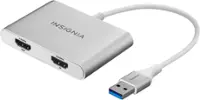
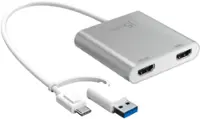
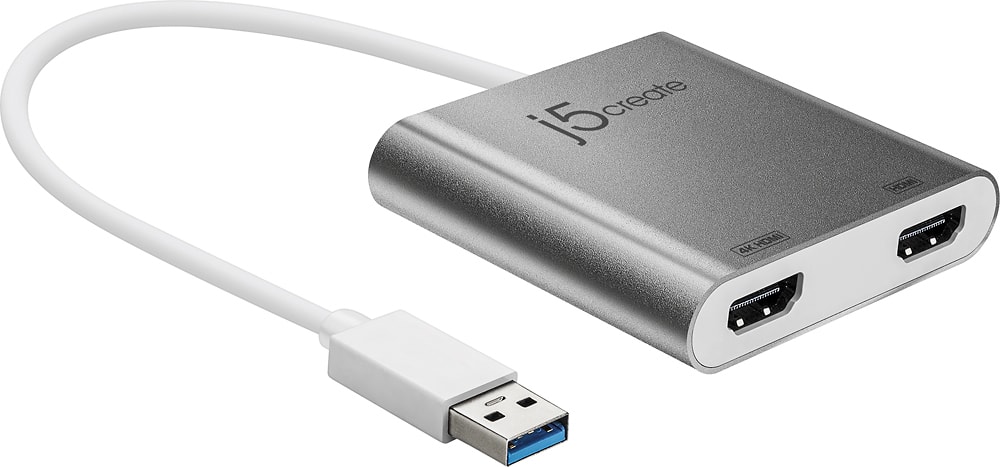
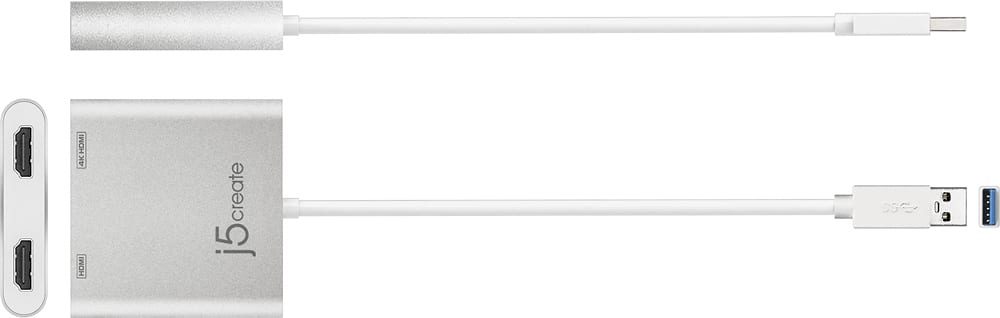
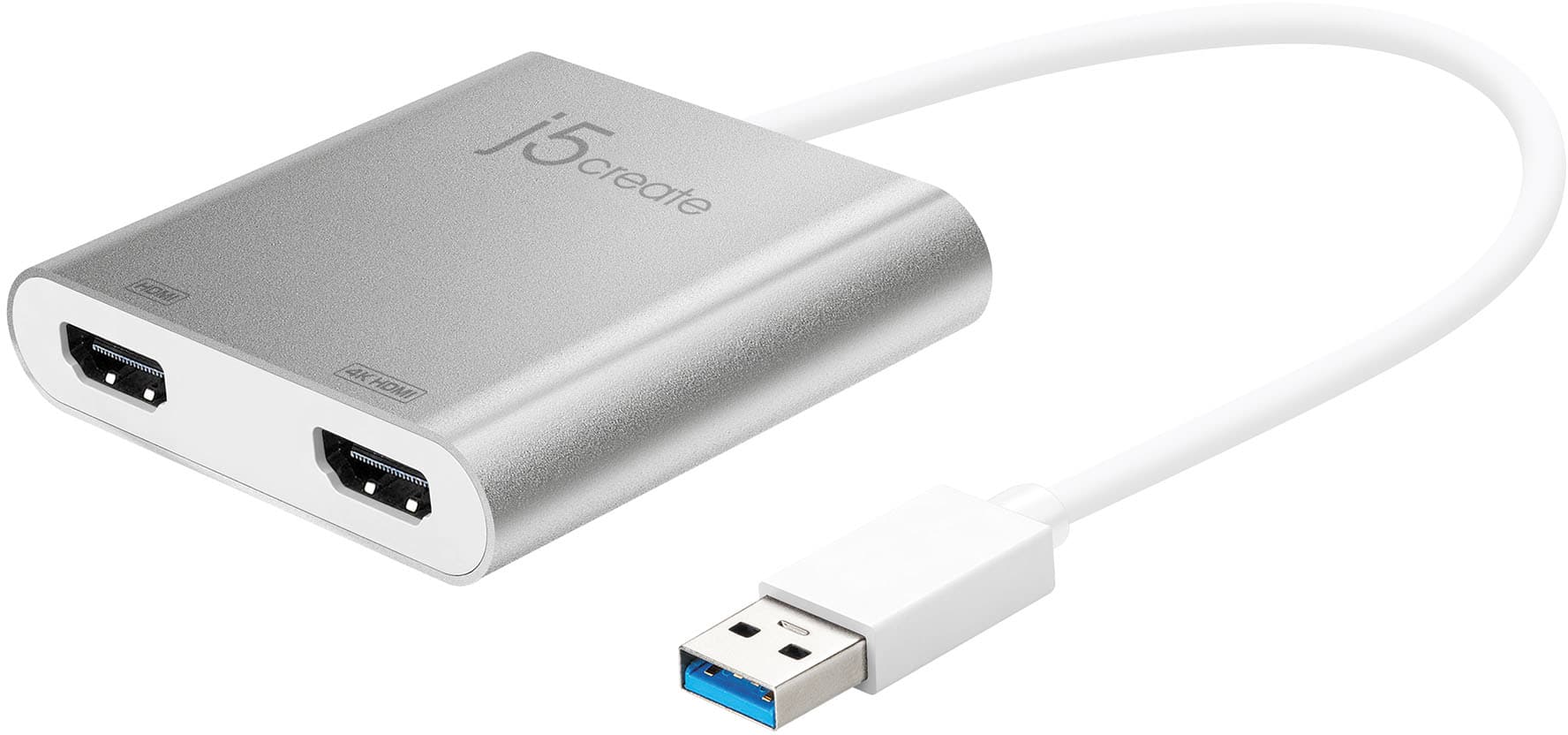
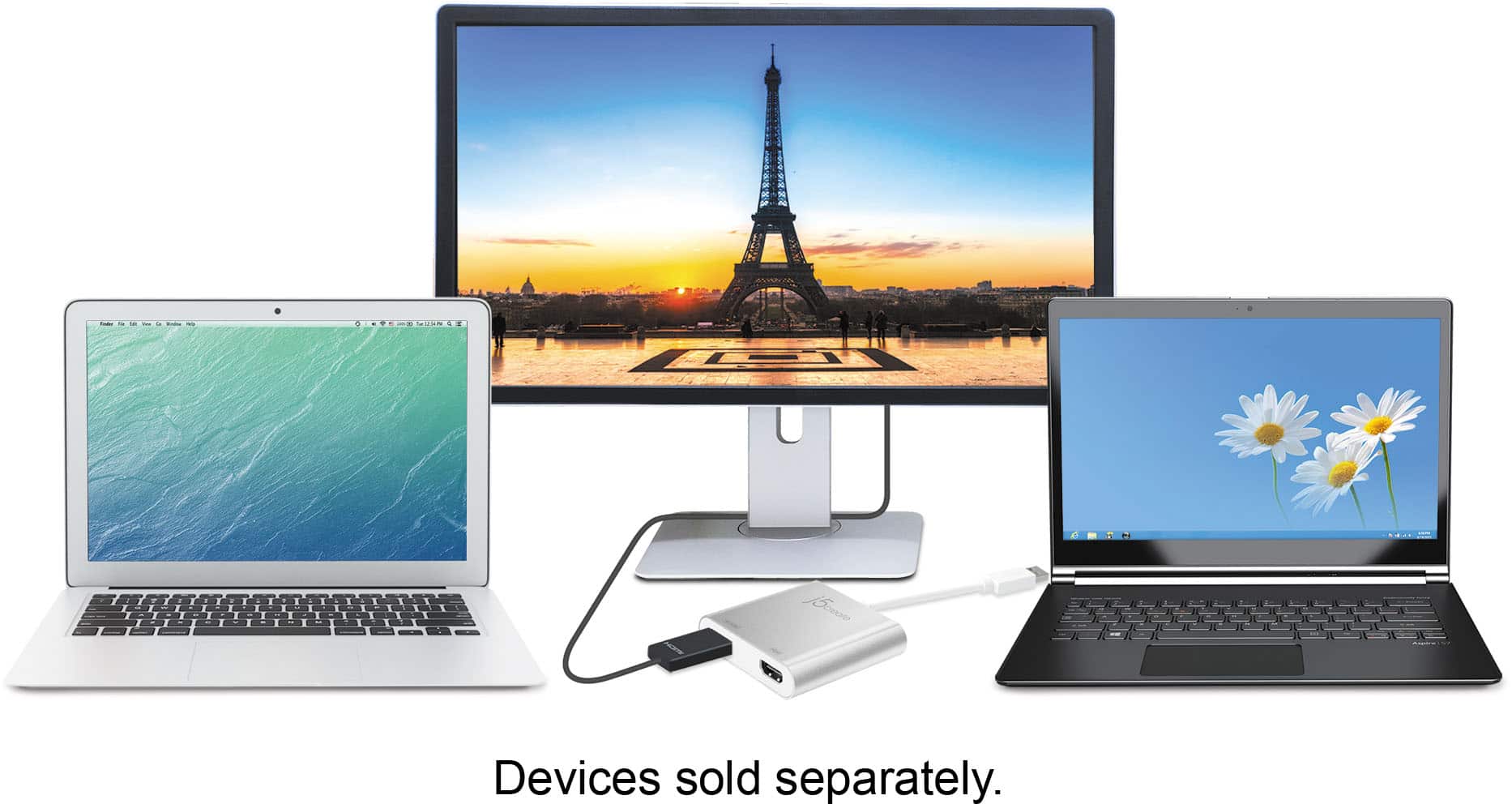
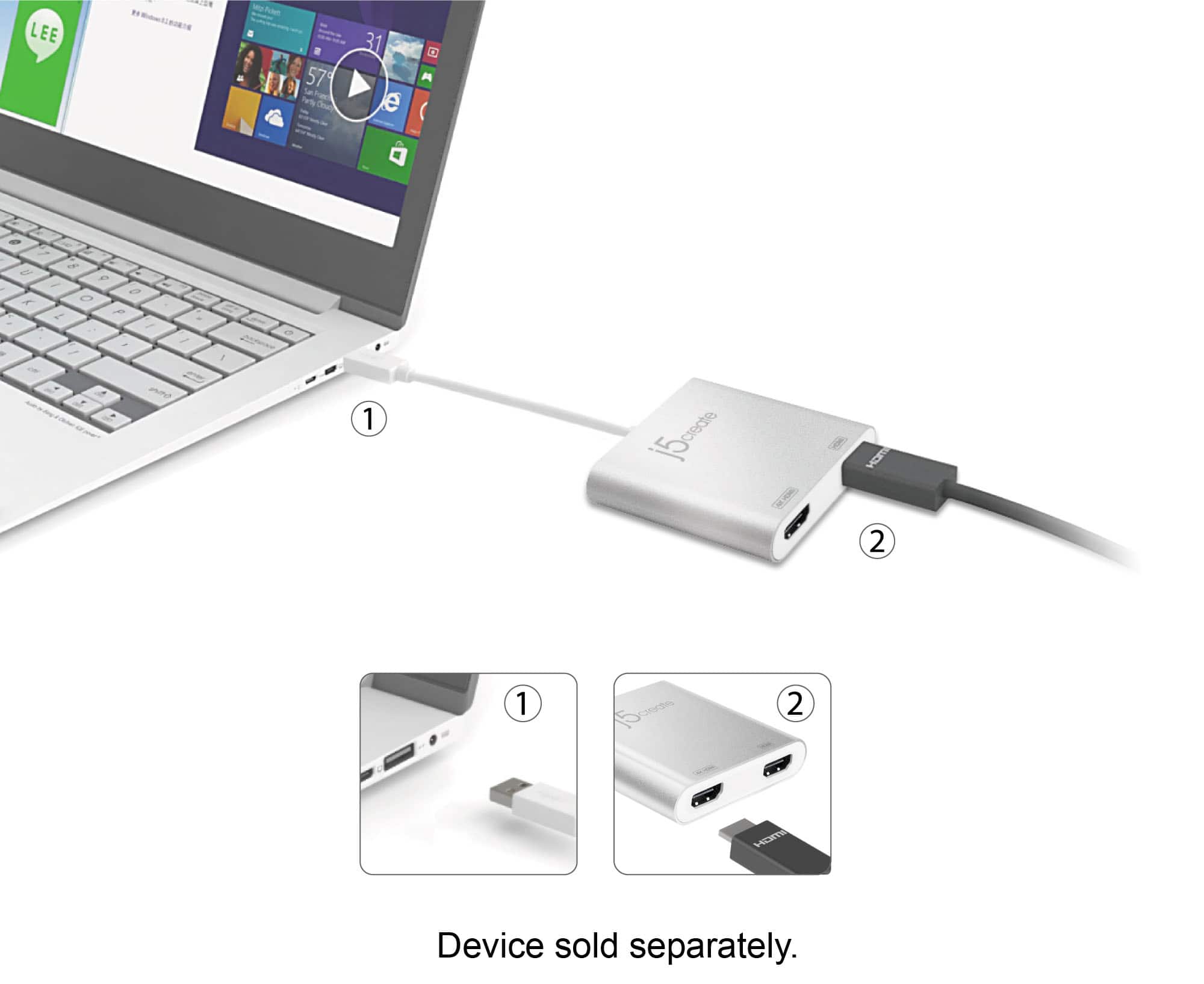
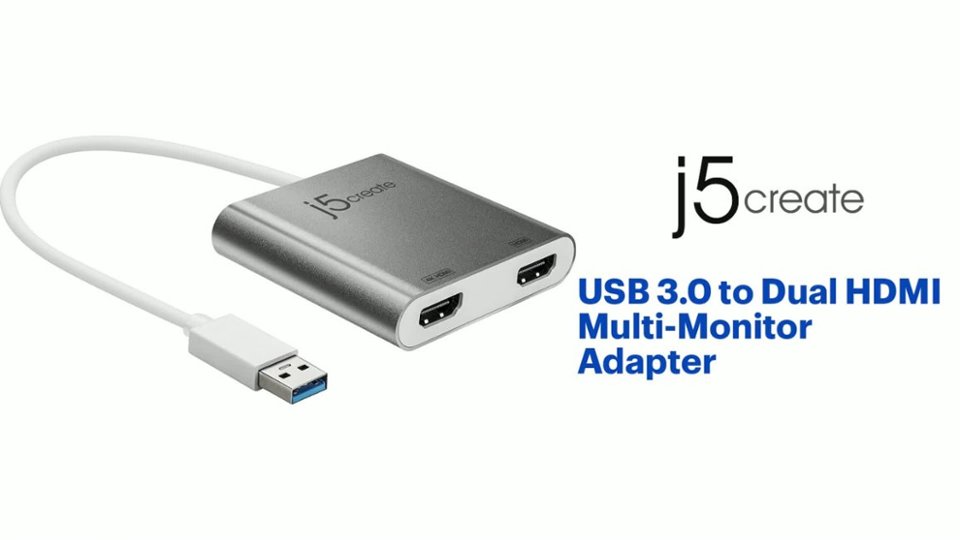
Customers are pleased with the ease of use and performance of the USB 3.0 to Dual HDMI Multi-Monitor Adapter, frequently citing seamless installation and reliable functionality. Many appreciate its compatibility with multiple monitors and its compact size. However, some customers noted that the price point may be high for some users, and a few experienced challenges with driver installation or occasional lag.
This summary was generated by AI based on customer reviews.
Easy to set up dual hdmi screens
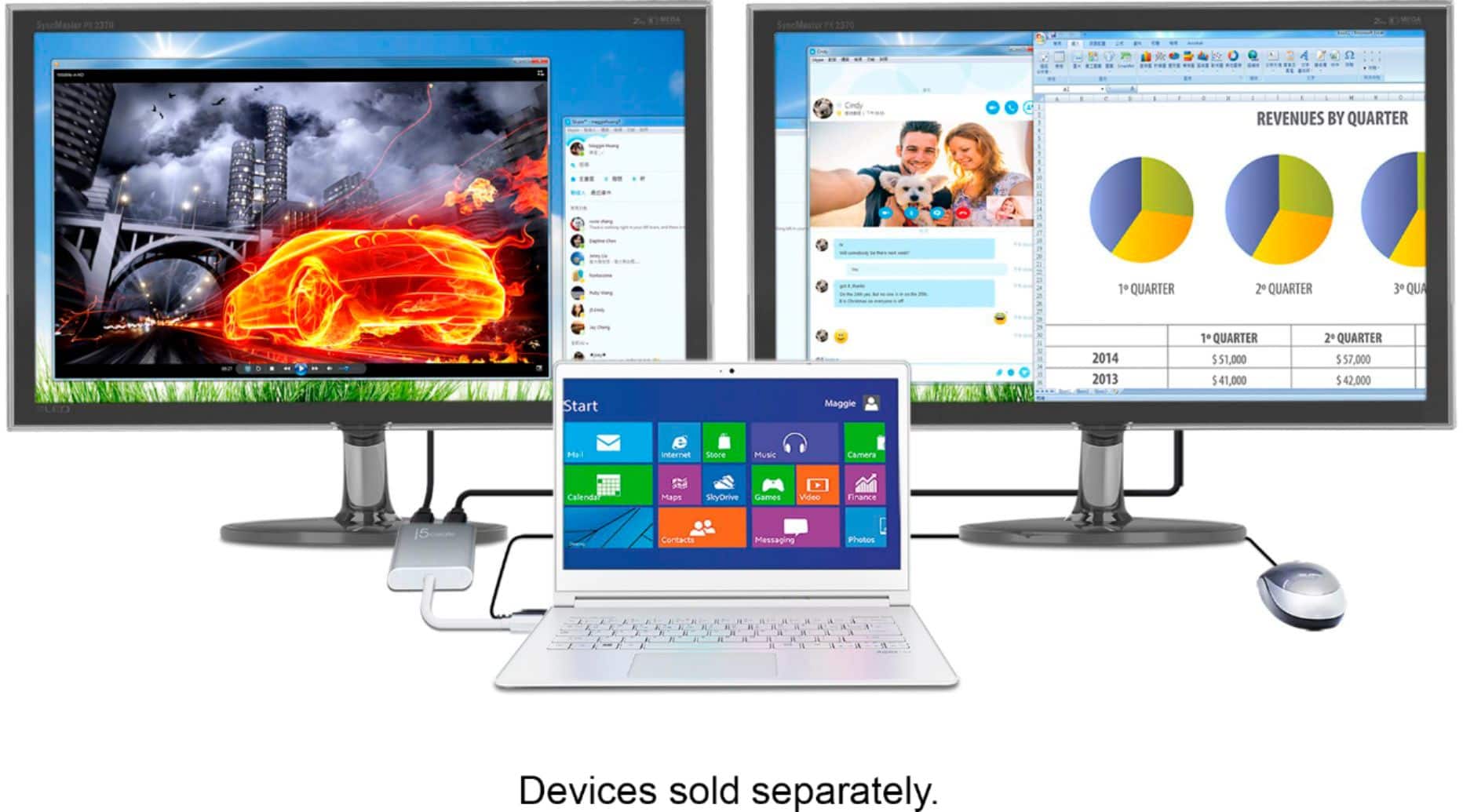
||Posted . Owned for 1 month when reviewed.This reviewer received promo considerations or sweepstakes entry for writing a review.Works perfectly for business and personal use. If you want three (2 tvs and your laptop)separate screens coming out of your laptop this is a winner!
I would recommend this to a friendGreat product, just pricey
||Posted . Owned for 3 weeks when reviewed.This reviewer received promo considerations or sweepstakes entry for writing a review.Great product, only issue is that it is a bit pricey.
I would recommend this to a friendBetter than docking station
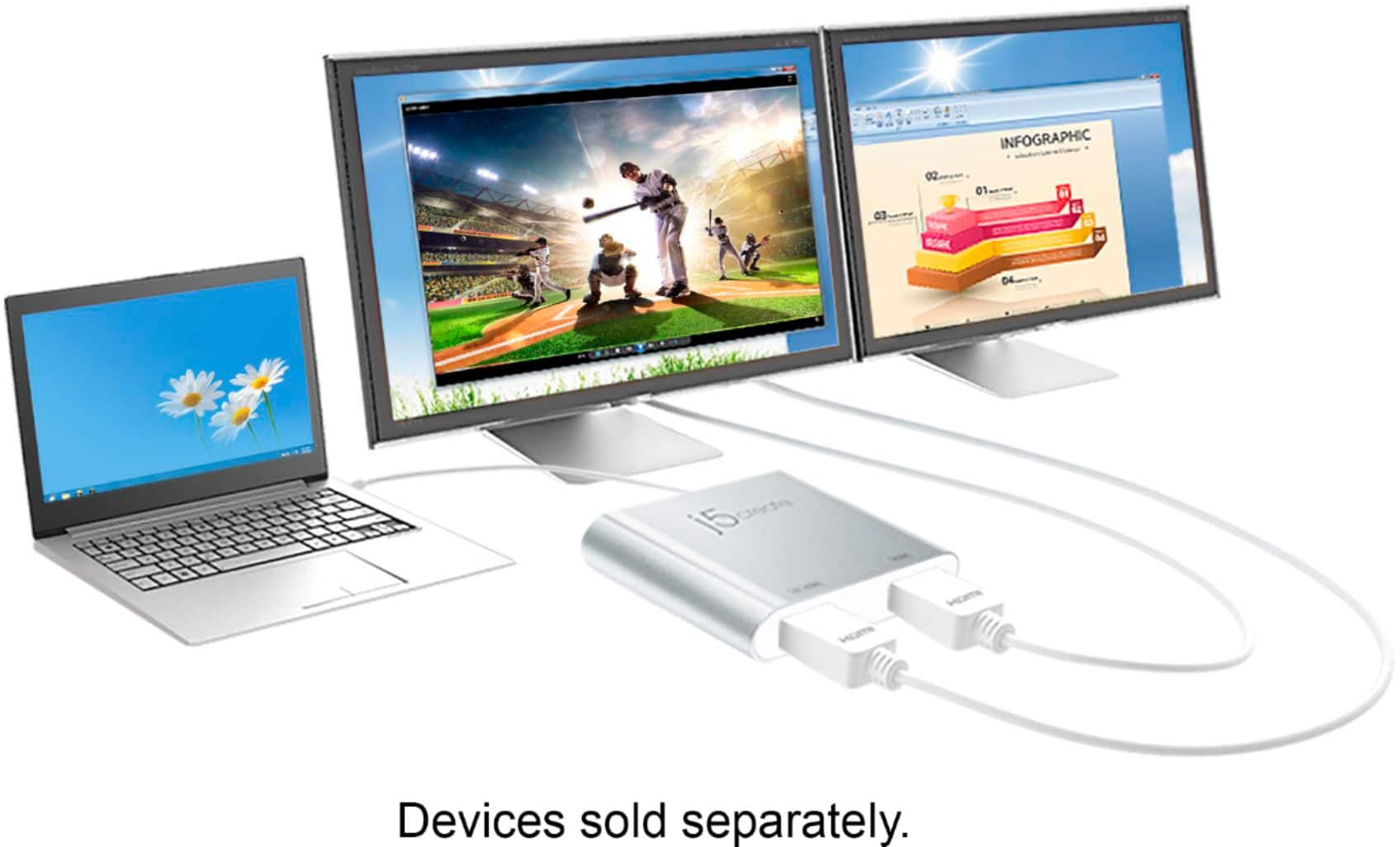
||Posted .This reviewer received promo considerations or sweepstakes entry for writing a review.Great for connecting 2 monitors for my laptop. Works seemlessly!!
I would recommend this to a friendIt works on Apple Products
||Posted . Owned for 2 weeks when reviewed.This reviewer received promo considerations or sweepstakes entry for writing a review.At first I didn’t understand how to get it to work, but then I realized that I had to give the program permission through my system preferences.
I would recommend this to a friend- Pros mentioned:HdmiCons mentioned:Lag
Returned.
||Posted . Owned for 1 week when reviewed.This reviewer received promo considerations or sweepstakes entry for writing a review.I returned this product because I realized I did not need it to set up my two monitors
I would recommend this to a friend - Pros mentioned:HdmiCons mentioned:Lag
Triple Display
||Posted . Owned for 6 months when reviewed.This reviewer received promo considerations or sweepstakes entry for writing a review.Overall satisfied with this for the price. I am able to hook my Dell laptop up to my 2 dual monitors for a total display of 3 screens. Sometimes lags but could be laptop issues is my reason for 4 stars.
I would recommend this to a friendBrand response from J5create Team
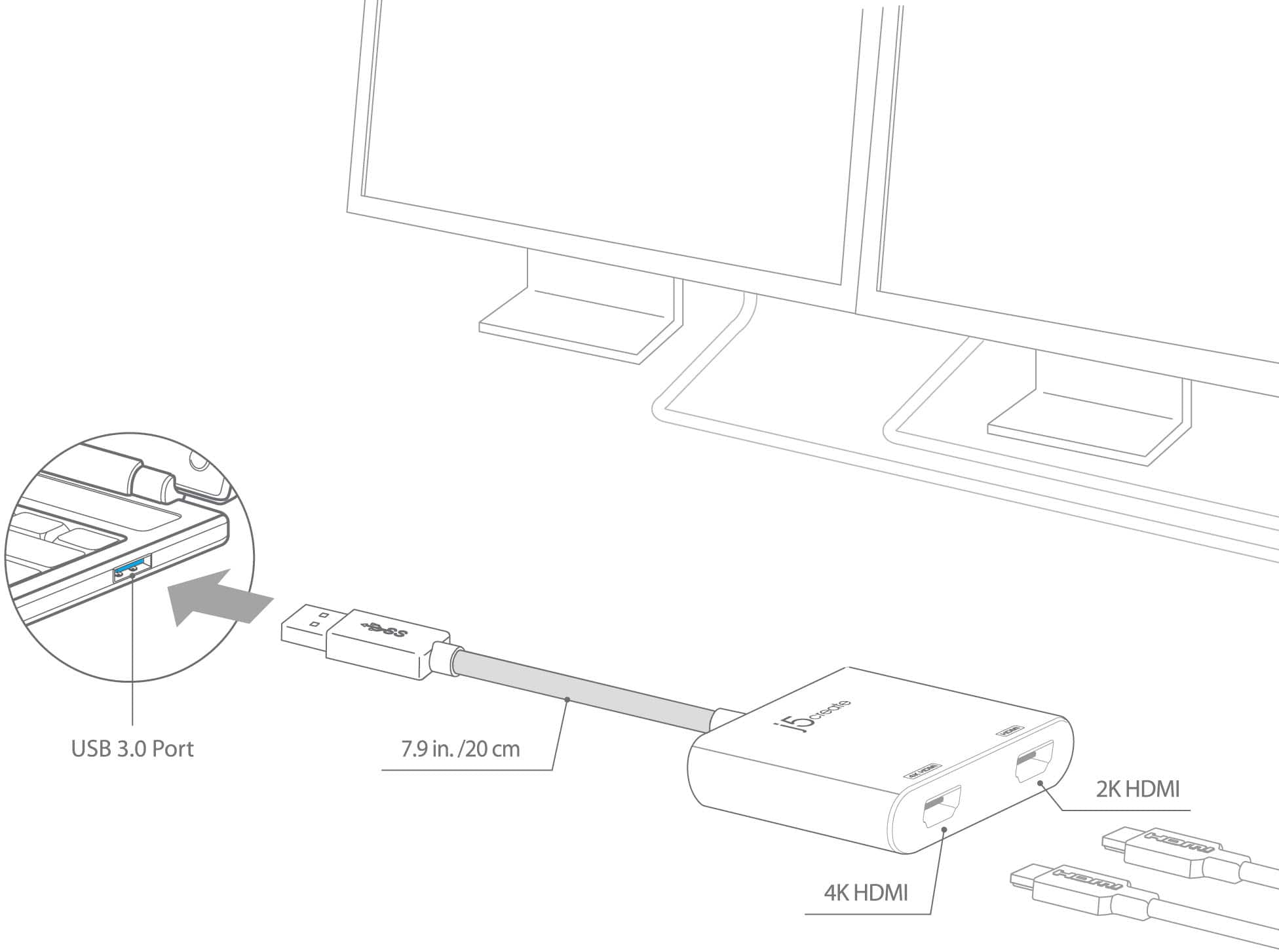
Posted .Easily add two HDMI video outputs through a single USB Type-A port. Thank you for your review.

Dplitter
||Posted . Owned for 2 weeks when reviewed.This reviewer received promo considerations or sweepstakes entry for writing a review.Works perfectly for what I needed. Easy to use. It's easy to install
I would recommend this to a friendWorking for me like a gem
||Posted . Owned for 1 year when reviewed.This reviewer received promo considerations or sweepstakes entry for writing a review.I was looking to extend my laptop to multiple screens, and it worked. Simple and not so-expensive solution
I would recommend this to a friend- Pros mentioned:Compatibility, Hdmi
Great product for multiple monitors
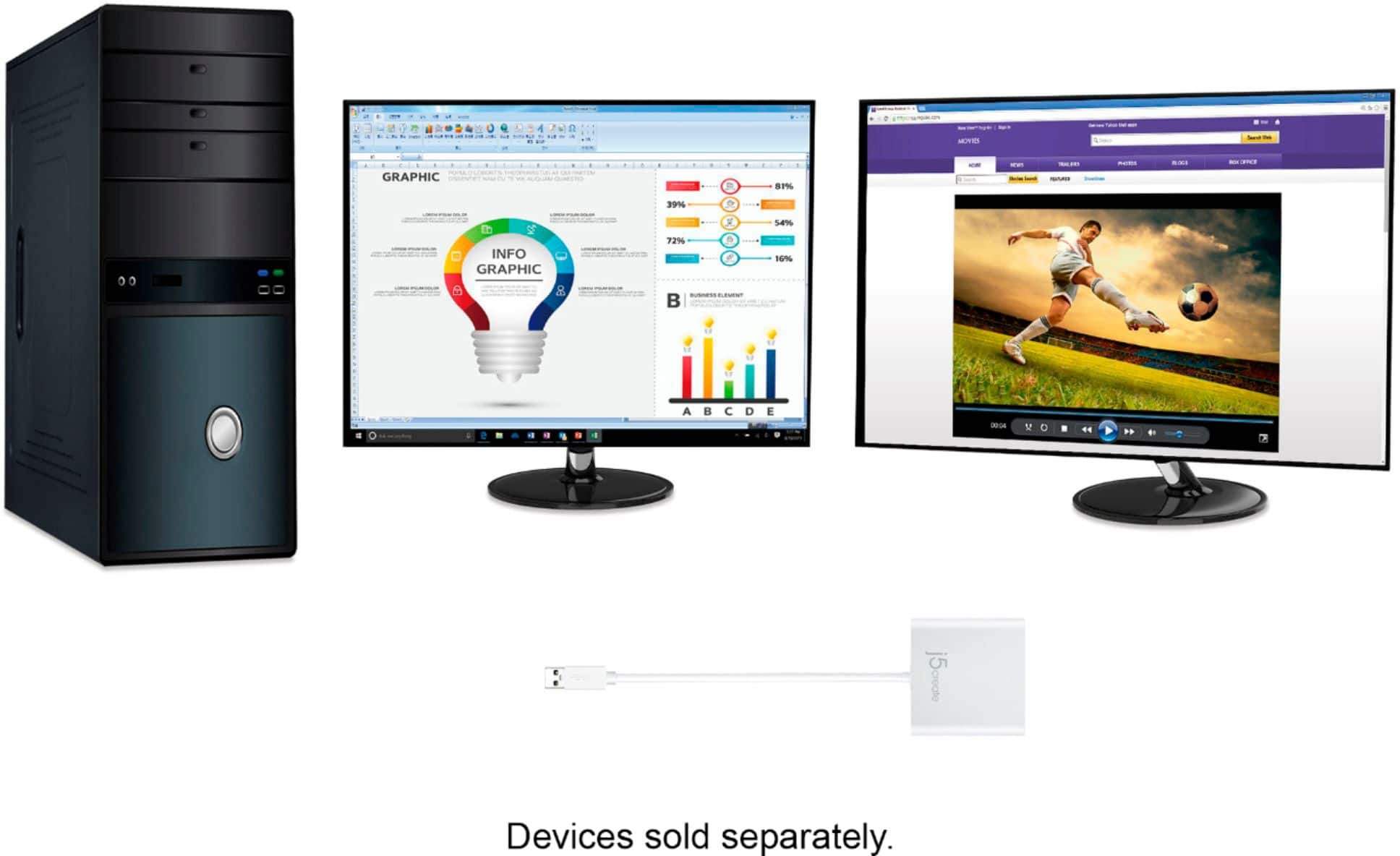
||Posted .This reviewer received promo considerations or sweepstakes entry for writing a review.My wife wanted multiple monitors for her work pc and her personal MAC. I purchased two hp monitors for her hp work pc and used this Best Buy product to connect both to her pc with hdmi connections. This product is also compatible with MAC; therefore, the one product will serve both computers.
I would recommend this to a friend - Pros mentioned:Ease of use, Hdmi
Perfect product for it's use
||Posted . Owned for 1 month when reviewed.This reviewer received promo considerations or sweepstakes entry for writing a review.Easy to use , used to add my microphone/headset. I would recommend this product if you need extra HD outlets
I would recommend this to a friend - Pros mentioned:Ease of use, Performance
Great device
||Posted . Owned for 8 months when reviewed.This reviewer received promo considerations or sweepstakes entry for writing a review.Works great and I would buy again. Simple plug in play and has worked beter than expected.
I would recommend this to a friend - Cons mentioned:Driver
Easy to setup and use, works as expected!!!
||Posted .This reviewer received promo considerations or sweepstakes entry for writing a review.I have a laptop at home and two 24 inch monitors (not 4K). First I had to connect the adapter and wait for the Windows to install all the necessary drivers, if it doesn't happen unplug the adapter, restart you laptop/PC and plug the adapter back in when you are logged back into your machine. This should trigger Windows to install the drivers automatically. I connected both of my monitors using HDMI cables to the adapter. I had to go into my Windows OS display settings to adjust the order of monitors, just right click on the Desktop and select Display settings option and adjust it there. Other than that it worked as expected with a minimal work on my end. The quality of the picture is great and it would also depends on you monitor resolution.
I would recommend this to a friendBrand response from J5create Team
Posted .Hello there and thanks for letting us know the installation process was easy and simple; for questions, warranty information or concerns, feel free to contact the support team on the packaging and a representative will be happy to assist
Respectfully,
j5create
- Pros mentioned:Performance
Great product
||Posted . Owned for 1 month when reviewed.This reviewer received promo considerations or sweepstakes entry for writing a review.Works great. Would buy again. It's my 2nd one. :)
I would recommend this to a friend - Pros mentioned:Ease of useCons mentioned:Price
Perfect for setting up 2 monitors
||Posted . Owned for less than 1 week when reviewed.This reviewer received promo considerations or sweepstakes entry for writing a review.Ideal. Plug and play my two HD monitors with no issues. A little pricey but not enough to prohibit my purchase. Glad I bought it. Easy and effective.
I would recommend this to a friend Splitter
||Posted .This reviewer received promo considerations or sweepstakes entry for writing a review.It’s very good splitter for my three monitor for my system
I would recommend this to a friend- Pros mentioned:Ease of use
2 monitor adaptor
||Posted .This reviewer received promo considerations or sweepstakes entry for writing a review.Works just like i need it to and am very pleased with it
I would recommend this to a friend - Pros mentioned:Ease of use
Worked like a charm
||Posted . Owned for 1 month when reviewed.This reviewer received promo considerations or sweepstakes entry for writing a review.I needed a adapter for work and this worked great! Easy to use. The only thing I didn't like was the the cord was short but, I can work around that. Worth the purchase.
I would recommend this to a friendBrand response from J5create Team
Posted .Thank you Redrum, for your support and hearing the adapter worked great. Cheers!
- Pros mentioned:Compatibility
This adapter works for dual monitors/Lenovo laptop
||Posted . Owned for 3 weeks when reviewed.This reviewer received promo considerations or sweepstakes entry for writing a review.I bought two Samsung monitors, to run side-by-side off a Lenovo laptop. The geek squad mistakenly recommended a usb-c to hdmi cable for the second monitor. This didn't work at all. So I returned it , and bought this adapter. Now, both monitors run off the usb-c jack of the laptop. Initial setup was somewhat difficult, but now working ok. The dual 27" monitors are perfect for my application, and comfortable for extended use.
I would recommend this to a friend - Pros mentioned:Ease of use, Hdmi
Simple and Efficient
||Posted .This reviewer received promo considerations or sweepstakes entry for writing a review.Bought this item to be able to have a setup with my laptop and 2 additional monitors. Was reasonably priced and use is very easy. Just plug into USB port. No delay delay in monitors turning on like other devices I've used in the past.
I would recommend this to a friendBrand response from J5create Team
Posted .Simple and efficient for adding HDMI monitors to work with - it's aluminum build ensures years of use. If you have any questions regarding your device, please reach out to support and they'll gladly assist.
Sincerely,
j5create
- Pros mentioned:Ease of useCons mentioned:Price
Dual monitor
||Posted . Owned for 3 weeks when reviewed.This reviewer received promo considerations or sweepstakes entry for writing a review.Works perfectly. Plug and play. I thought it was a little expensive but it’s in line
I would recommend this to a friend