Customer Ratings & Reviews
- Model:
- 34WR55QK-B
- SKU:
- 11485897
Rating by feature
- Display Quality
Rating 4.8 out of 5 stars
- Ease of Use
Rating 4.8 out of 5 stars
- Features
Rating 4.6 out of 5 stars
LG 34 wide monitor
||Posted .This reviewer received promo considerations or sweepstakes entry for writing a review.Beautiful colors. Very easy to navigate. Down load the manual for reference. Fast delivery arrived earlier than expected.
I would recommend this to a friendExcellent choice for my home desk
||Posted . Owned for 3 weeks when reviewed.This reviewer received promo considerations or sweepstakes entry for writing a review.Excellent choice for my home desk. Vivid and crisp picture. Love the usb-c docking feature.
I would recommend this to a friendExcellent UltraWide Monitor for Productivity and P
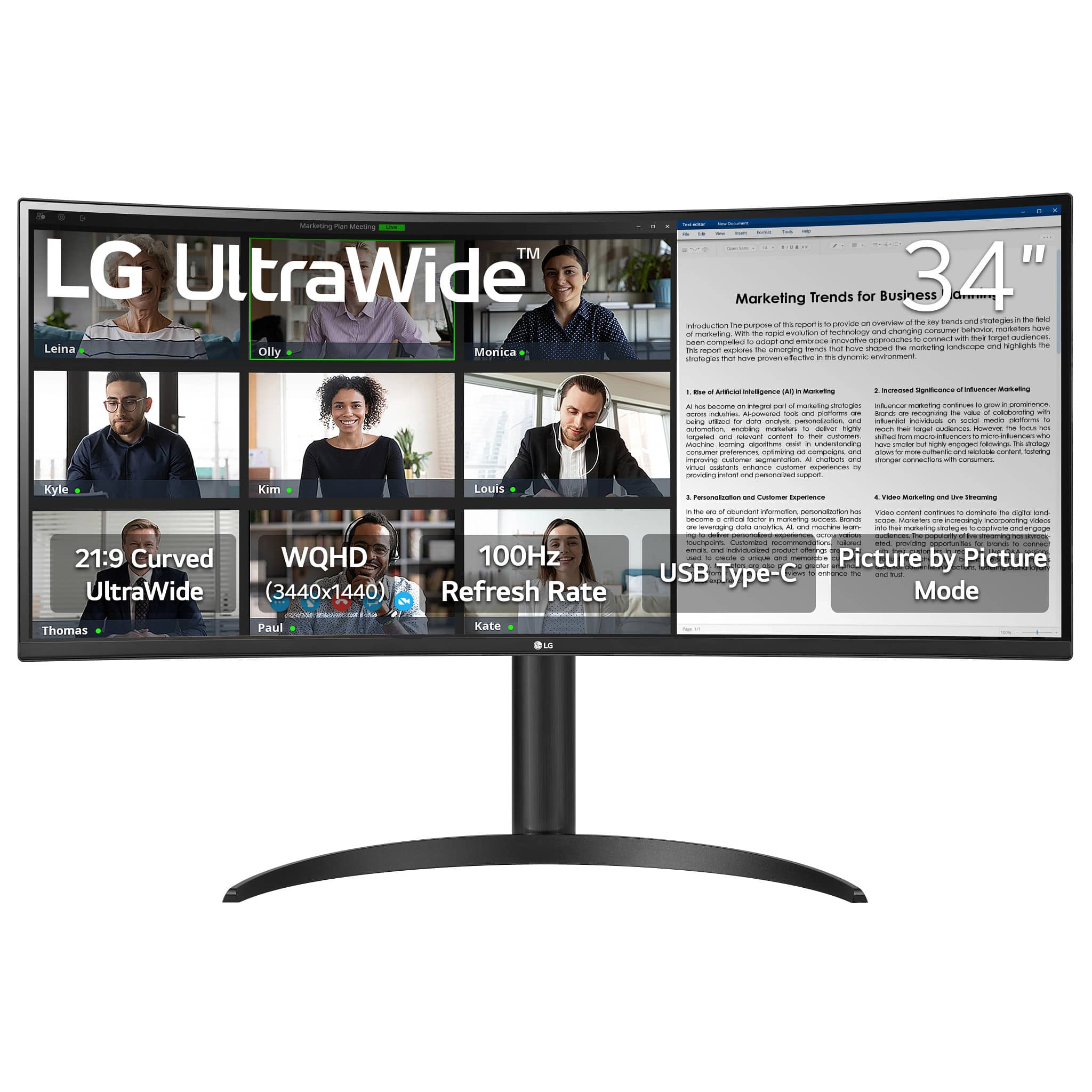
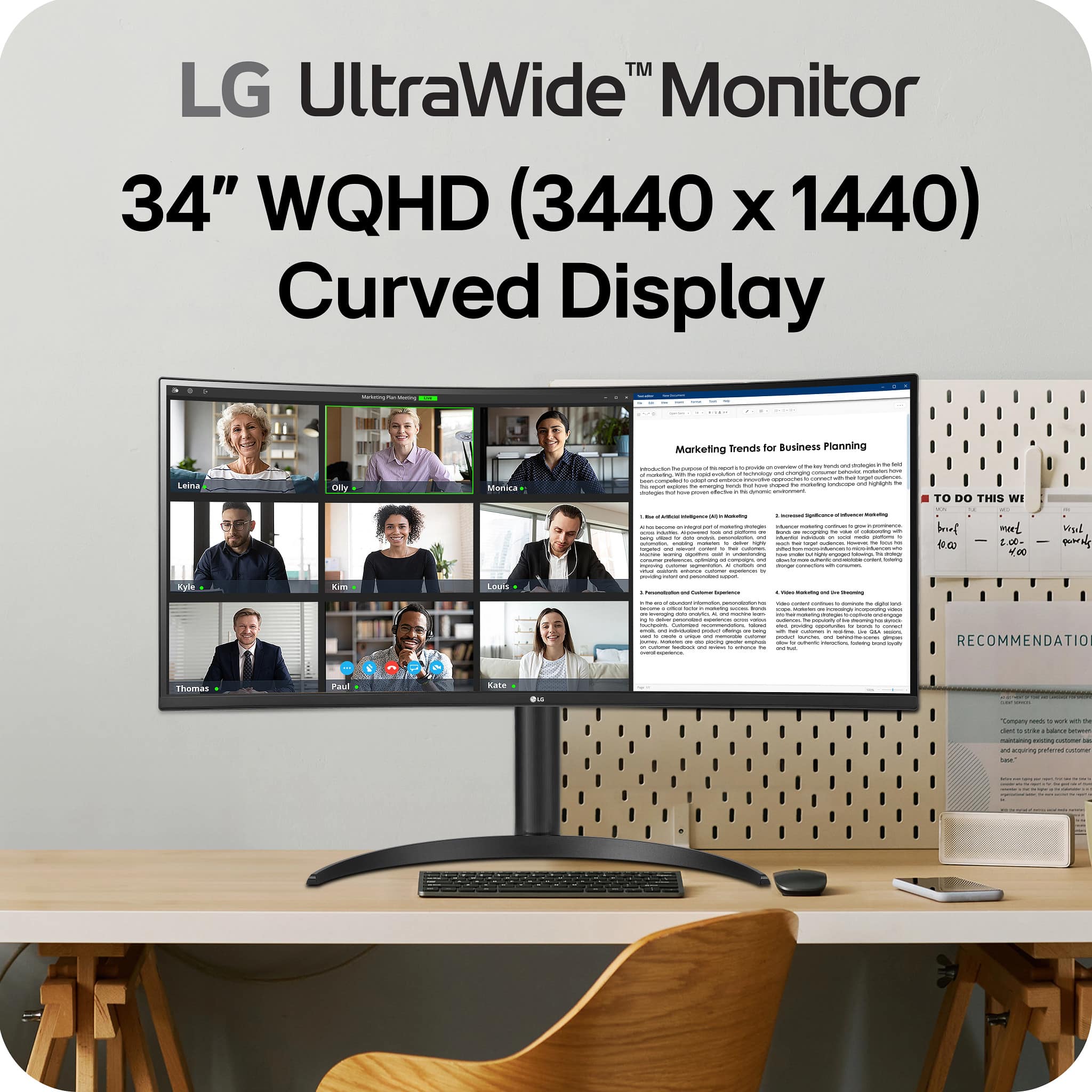
||Posted . Owned for 1 week when reviewed.This reviewer received promo considerations or sweepstakes entry for writing a review.I absolutely love this monitor! The 34" curved UltraWide display provides plenty of screen real estate, making multitasking and productivity so much easier. The setup was simple, and the picture quality with WQHD resolution and HDR10 is fantastic. Overall, I’m a huge fan and very happy with my purchase!
I would recommend this to a friendGreat monitor witb USB-C for the price
||Posted . Owned for 1 month when reviewed.This reviewer received promo considerations or sweepstakes entry for writing a review.Not the most technical monitor and less curved but this price for this quality is unbeatable
I would recommend this to a friendNice Monitors
||Posted . Owned for 2 weeks when reviewed.This reviewer received promo considerations or sweepstakes entry for writing a review.I purchased 2 monitors for my husband. On Sundays he watches football on the tv screen and the old computer monitors. These are huge!!! And the clarity is stellar. Very clear and a nice picture. He loves them!
I would recommend this to a friendGreat purchase.
||Posted .This reviewer received promo considerations or sweepstakes entry for writing a review.By far my favorite screen. Allows me to multitask easy for work. Highly recommended.
I would recommend this to a friendAwesome Monitor!
||Posted . Owned for 1 week when reviewed.This reviewer received promo considerations or sweepstakes entry for writing a review.This monitor was exactly what I needed for my office. It paired well with my Mac Studio! Easy set up right out of the box!
I would recommend this to a friendGreat monitor
||Posted . Owned for 2 weeks when reviewed.This reviewer received promo considerations or sweepstakes entry for writing a review.Picture quality was awesome, mainky the inbuilt speakers
I would recommend this to a friendLg Ultra wide Monitor
||Posted . Owned for 1 week when reviewed.This reviewer received promo considerations or sweepstakes entry for writing a review.Excellent monitor. Had it for 3 years and it very reliable.
I would recommend this to a friend
So great for video work!
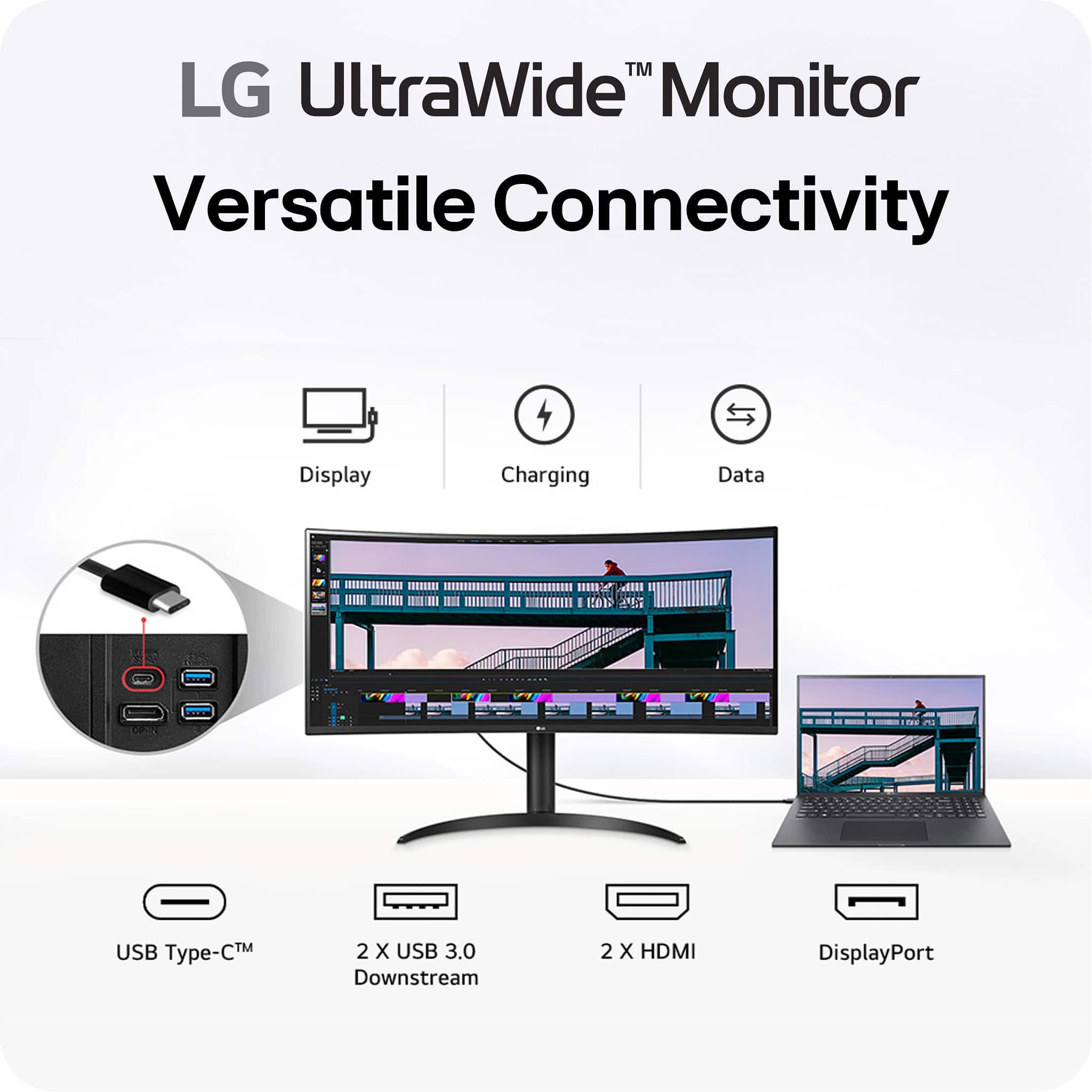
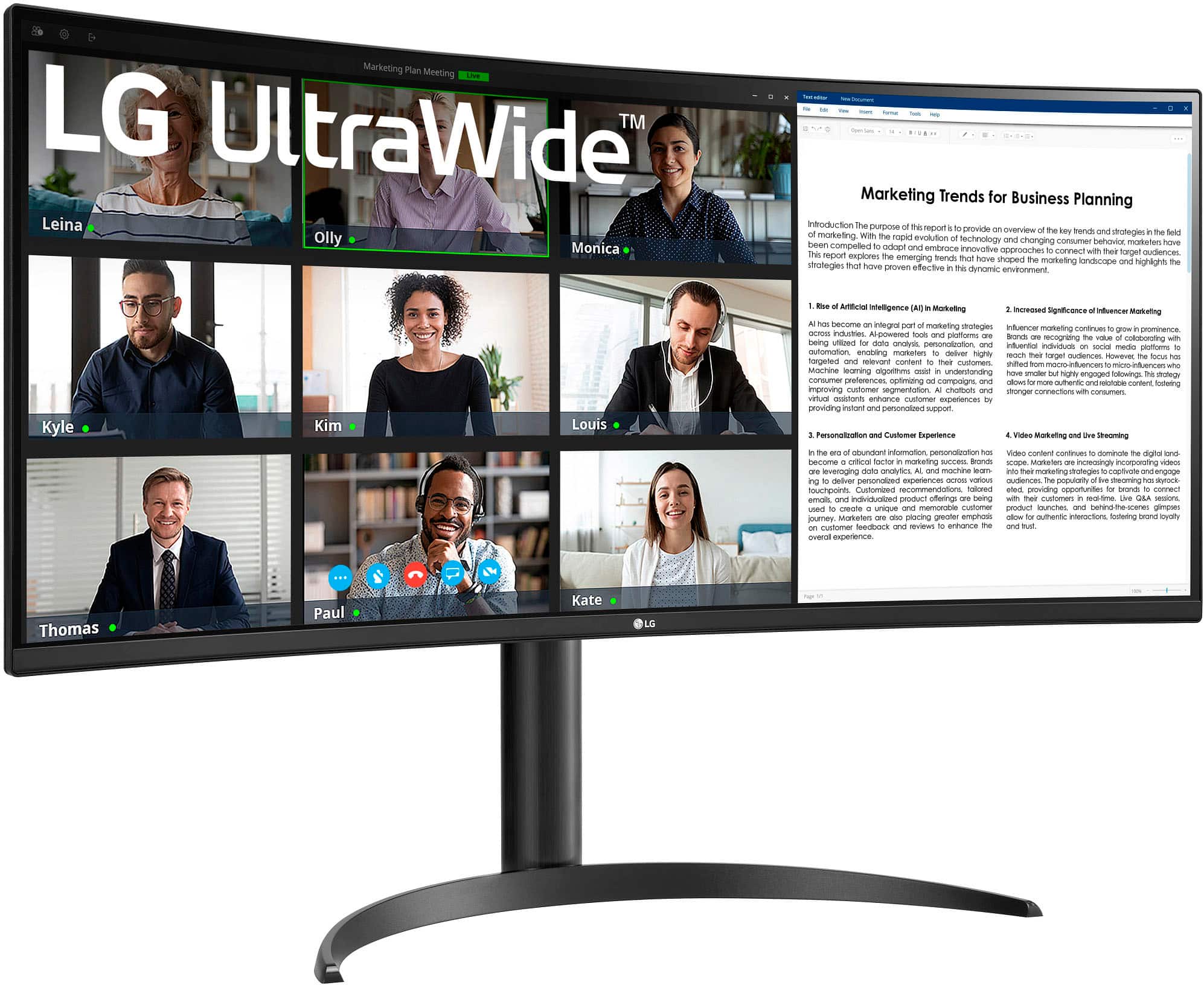
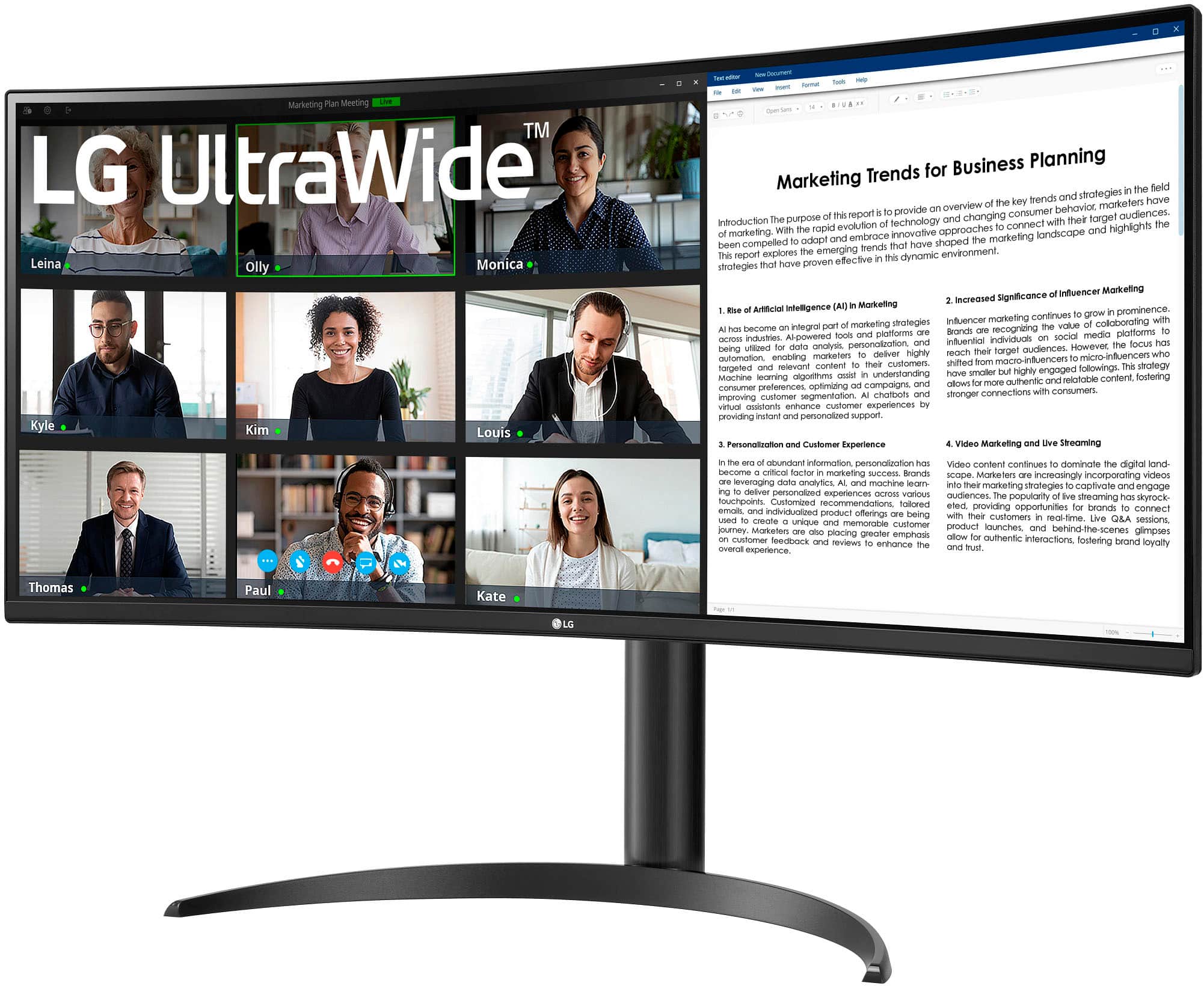
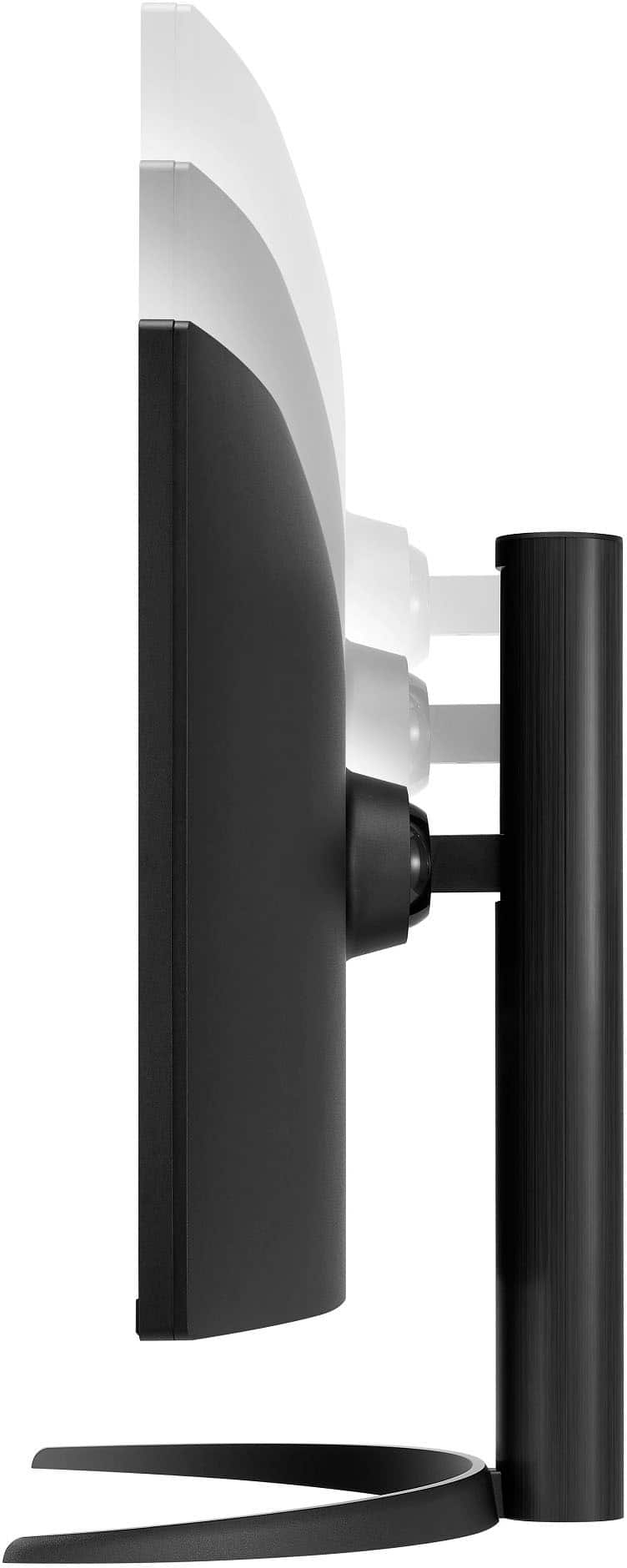
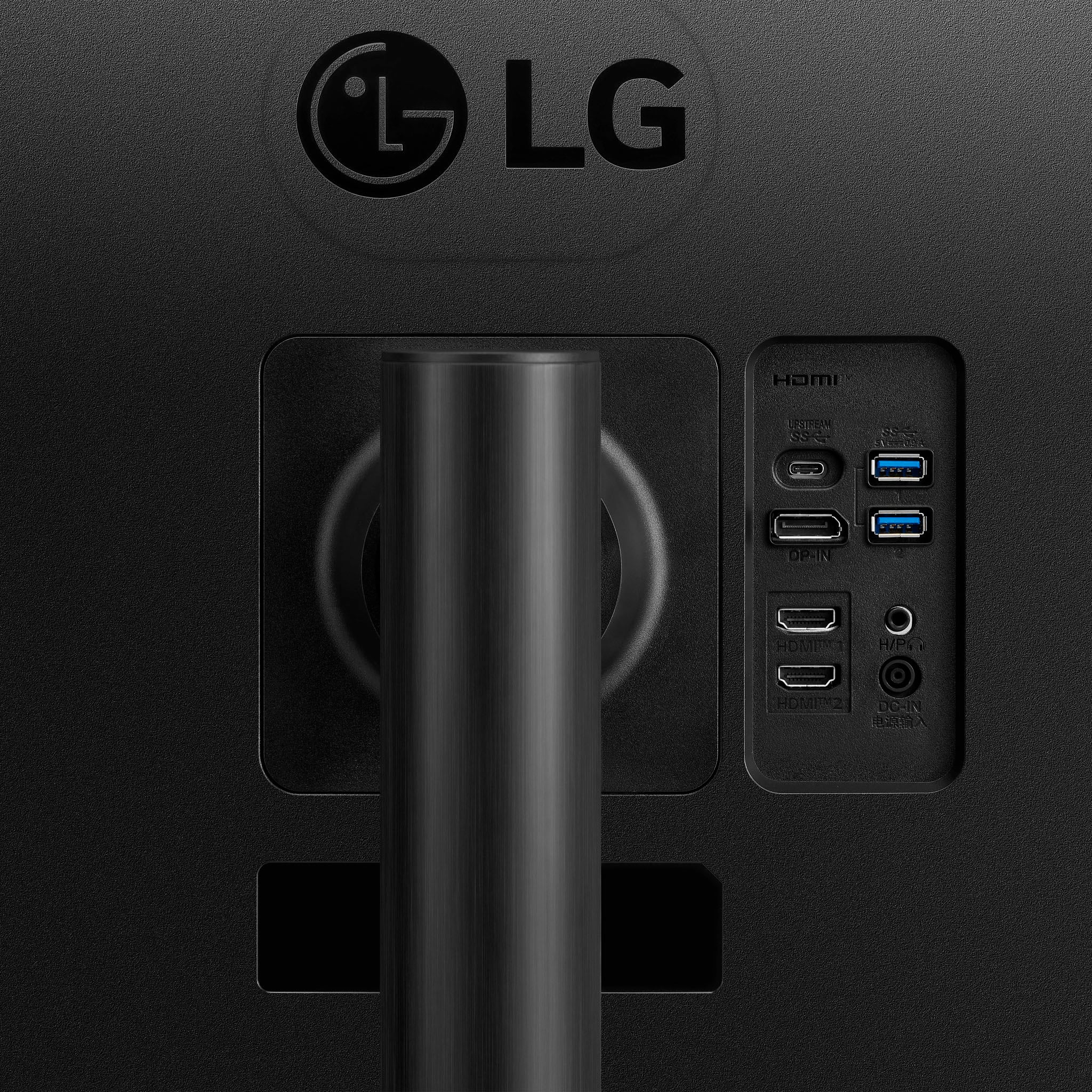
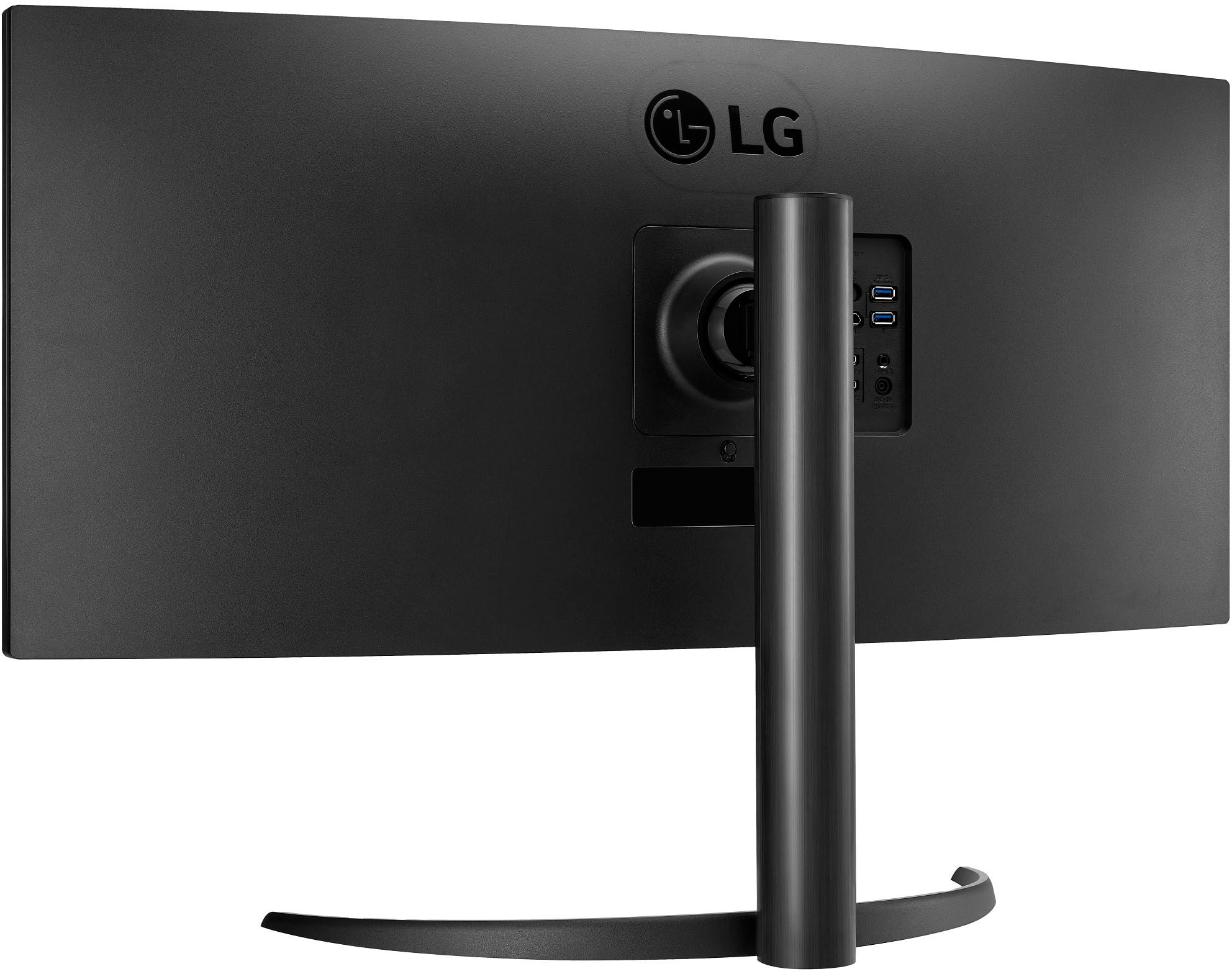
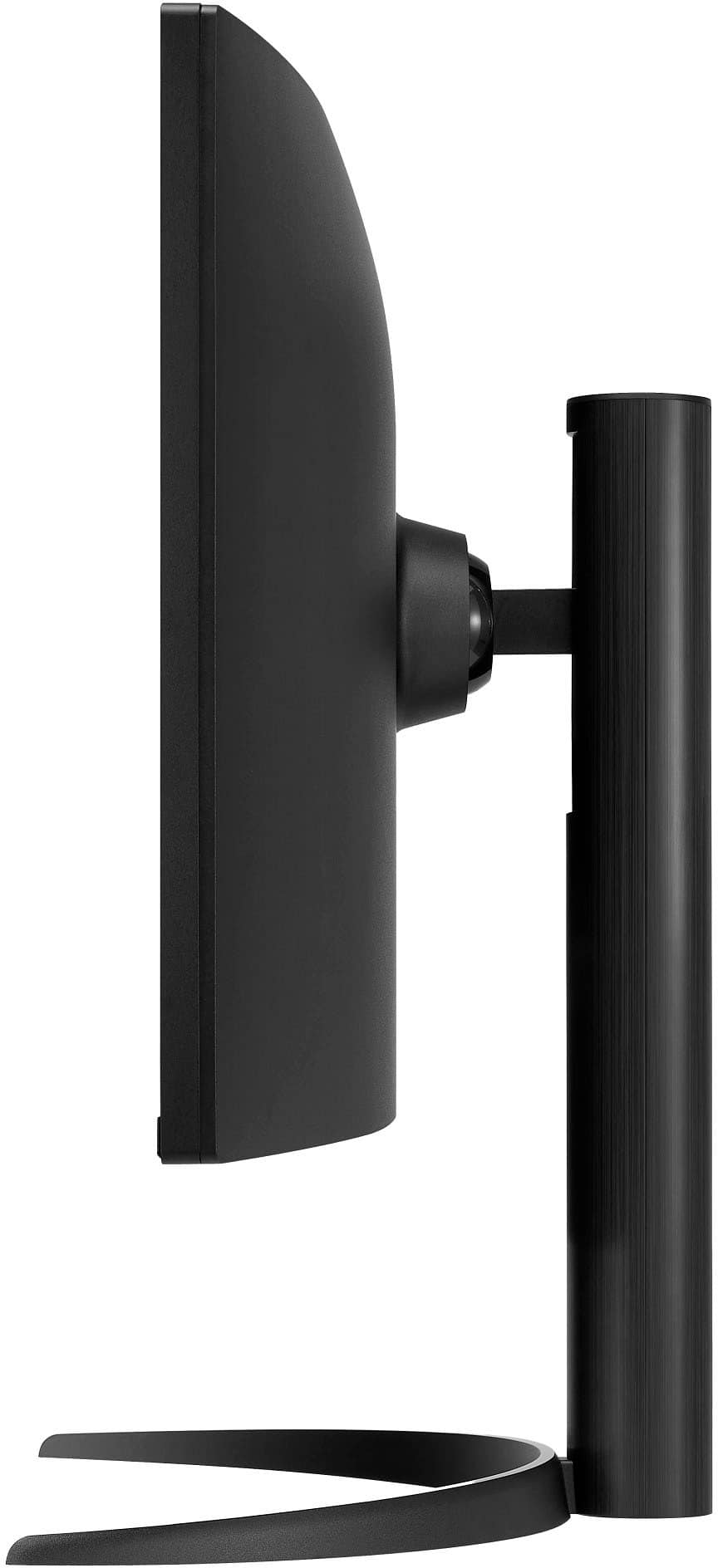
|Posted .This reviewer received promo considerations or sweepstakes entry for writing a review.As a video producer, I’ve been looking for a better alternative to using two (and sometimes three…) monitors. They’re not just more difficult to look at, but the extra cables and plugs make a mess of my desktop. This wonderfully large and curved monitor solves so many problems for me. I can open multiple windows while I’m working and keep track of everything on one desktop. The color rendition is excellent and the 3000:1 contrast ratio meets all my needs. The anti-glare screen lets me work for extended time without eye fatigue. The monitor also lets me use two different sources, such as when I need to gather content from both my laptop and my desktop systems. This is such a time saver. In addition, the monitor has two USB-A and one USB-C connections that allow me to charge my laptop and connect other peripherals while I’m working. The monitor has a sturdy stand and is easily adjustable with height and tilt controls. Overall, I’m looking forward to faster and easier editing sessions and when I get some free time, this will be an awesome gaming monitor.
I would recommend this to a friendGreat monitor for my viewing & productivity needs
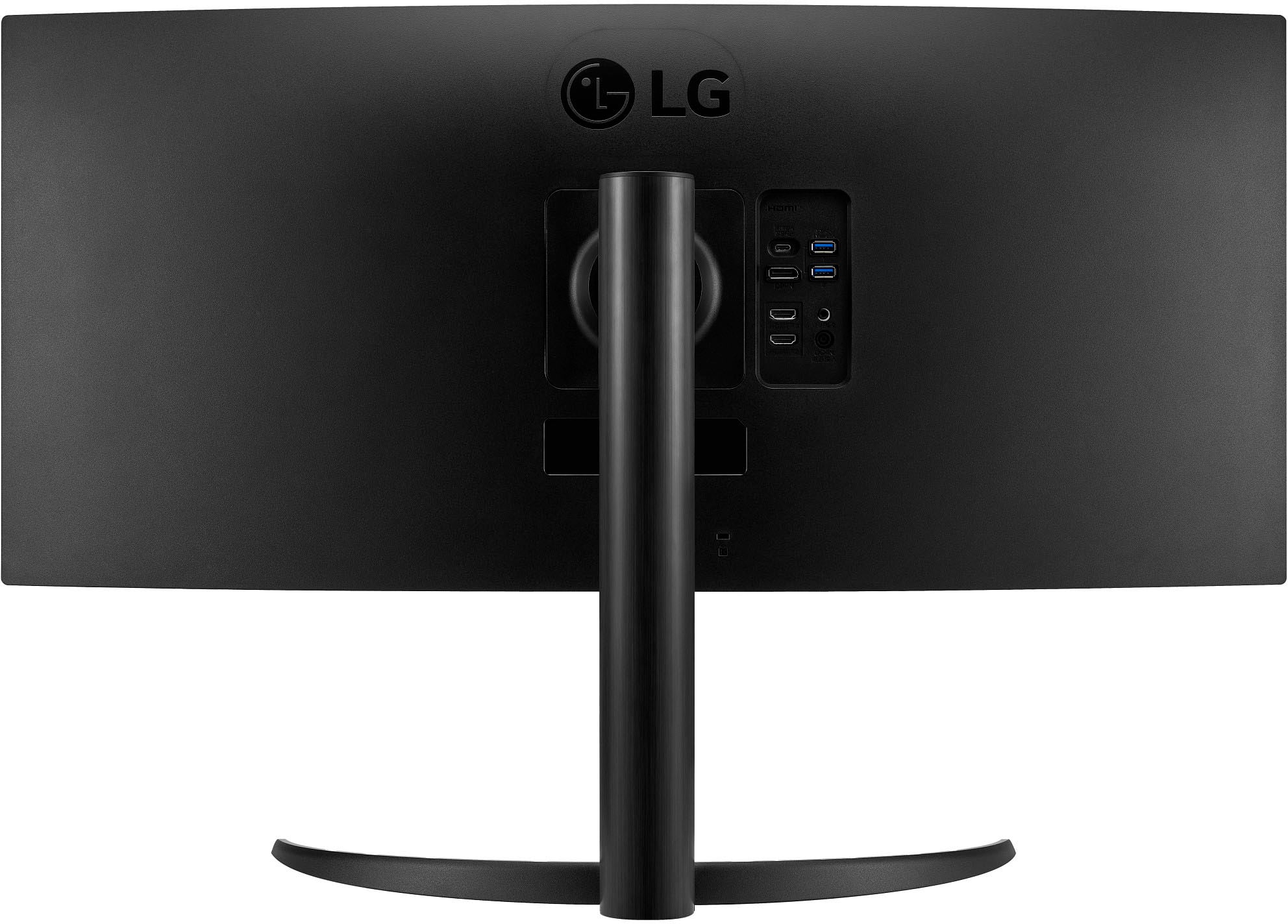
|Posted .This reviewer received promo considerations or sweepstakes entry for writing a review.The LG 34" VA Curved UltraWide WQHD 100Hz Monitor with HDR 10 is a very nice monitor. It comes with several inputs for connecting to various devices. It supports 2 HDMI ports, DisplayPort, USB-C port, and 2 USB A ports.. The USB-C port provides power to the device that’s plugged into the monitor. This is great when I plug my iPad Pro to the monitor. I’m able to display what’s on my iPad Pro while also charging my iPad at the same time. The monitor has a headphone port on the back for connecting to wired headphones or to external speakers. The monitor is basically plug and play. I connected my Windows Laptop to the monitor with no issues at all. When I connected my MacBook Pro to the monitor, the screen quality wasn’t all that great and everything was pixelated. I plugged it into my MacBook Pro later on and the quality was much better. Not sure what was going on the first time I plugged it into my MacBook Pro. I also had to go into the Display settings on my MacBook in order to get the ideal setup for my needs. The Default setting is 3440 x 1440. The screen quality was nice but the font and overall viewing was too small for my liking. I changed it to 2048 x 858 to make everything a bit larger, but it was kind of blurry. I found that 1720 x 720 (HiDPI) gave me the results I was looking for. The Display settings on the MacBook will not allow me to change the screen brightness of the monitor. However, there’s a 3rd party app I installed that allows me to change the brightness of my MacBook Pro, as well as the external monitor. The USB-C cable allows me to connect my iPad Pro and iPhone 16 Pro Max to the monitor. I’m able to play sound from the Monitor or from my iPad by going through the controls in Control Center. However, on my iPhone I wasn’t able to route the sound through my phone as an option. It just displays Dock Connector in Control Center and will not allow me to change the sound output on my iPhone. The screen quality is sharp and crisp. The extra wide monitor makes this perfect for Excel spreadsheets. Overall, I’m enjoying this monitor and the curved display makes watching videos and content an awesome experience.
I would recommend this to a friend