Customer Ratings & Reviews


- Model:
- 960-001497
- SKU:
- 10939243
Rating by feature
- Value
Rating 4.6 out of 5 stars
- Quality
Rating 4.5 out of 5 stars
- Ease of Use
Rating 4.6 out of 5 stars

WFH/Efficiency Essential!
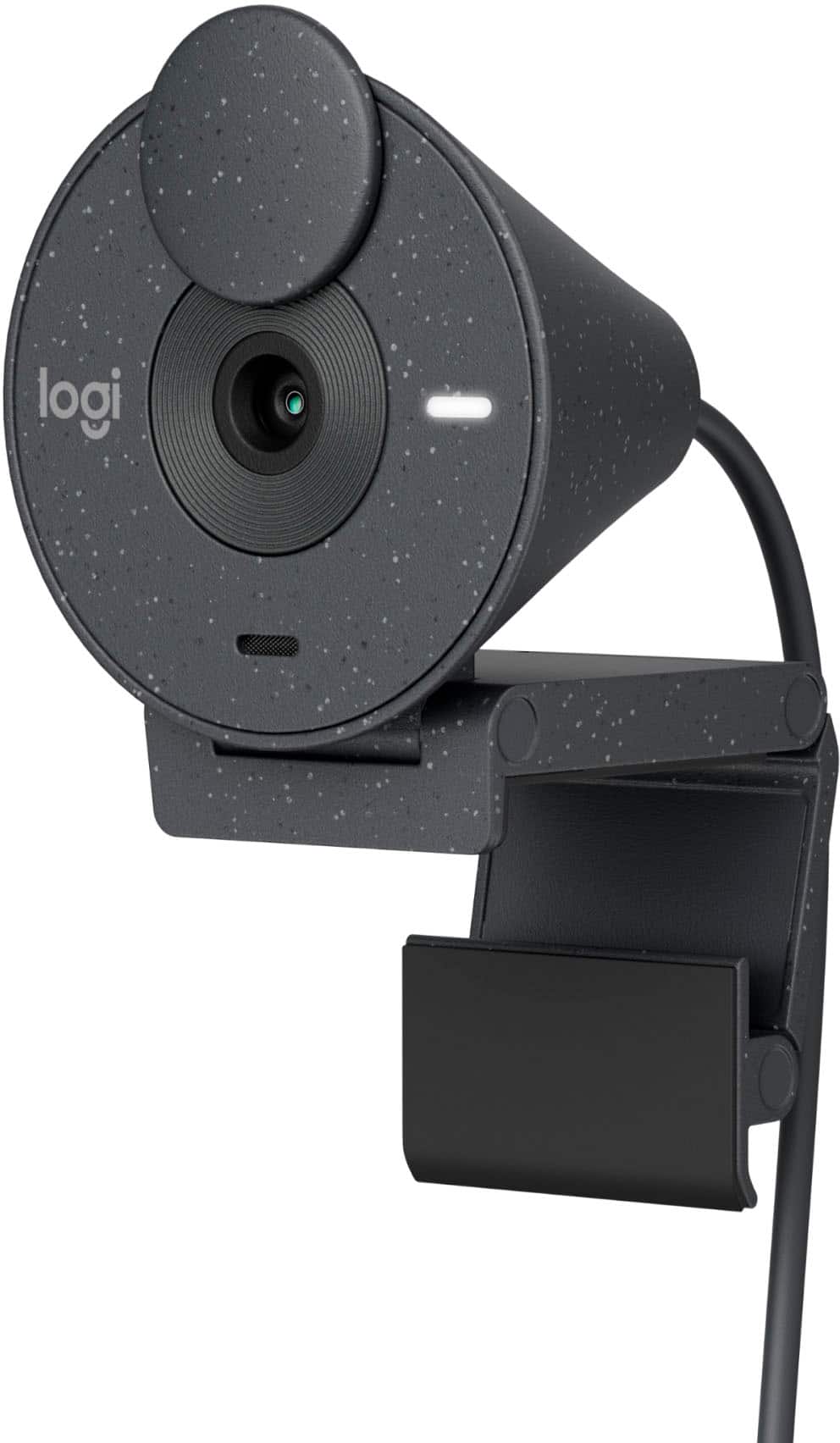
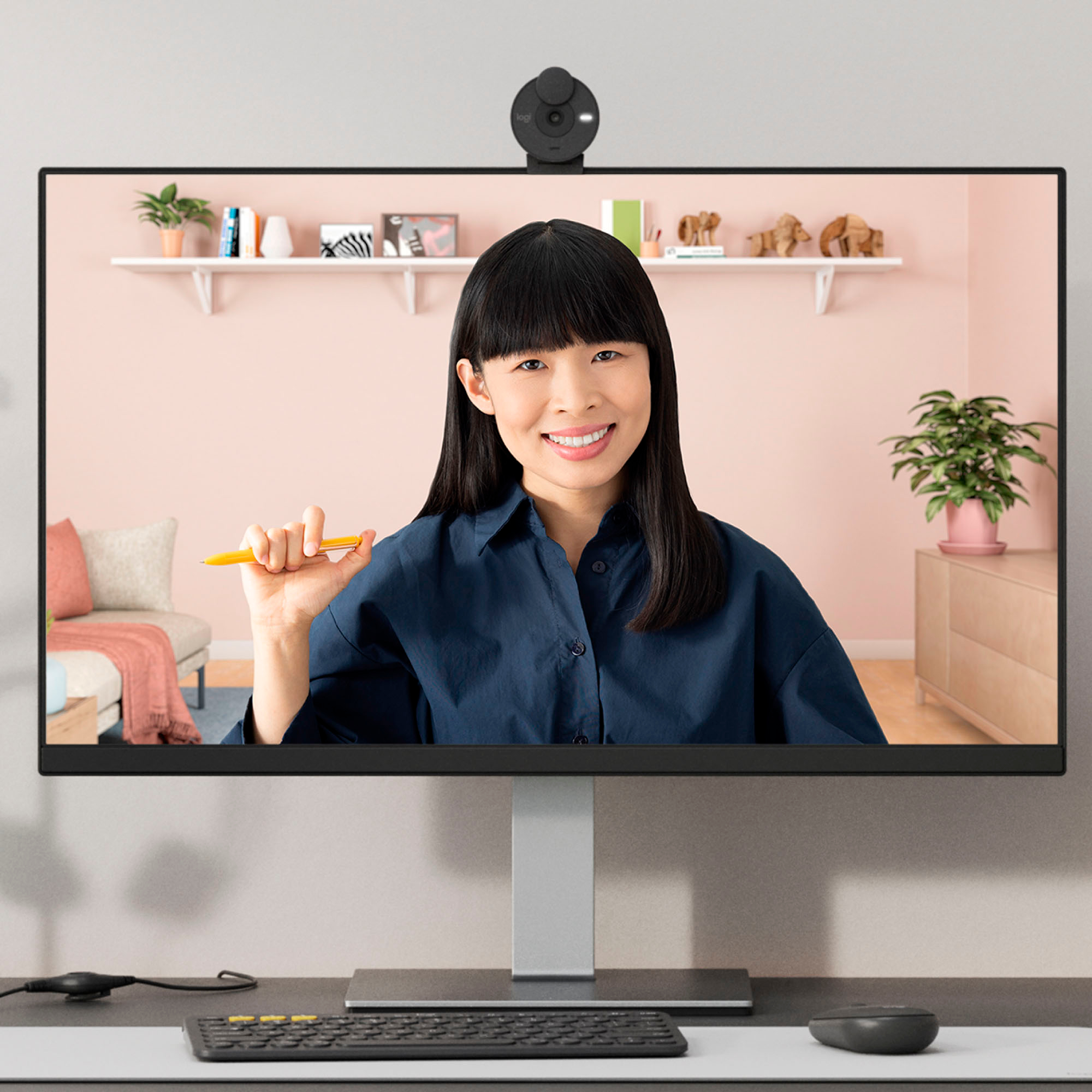
|Posted .This reviewer received promo considerations or sweepstakes entry for writing a review.With my employer requesting us to be back in the office for a couple days a week, I had a dilemma- how do I replicate my super-comfortable and custom WFH set-up once I go back to the office?!? I've become accustomed to two monitors and not having to use my tiny laptop screen for anything (an issue given both size and brightness- neither which help my now-reading-glasses required eyes). I needed a standalone webcam and the Logitech - Brio 300 1920x1080p USB-C Webcam really fits the bill! The hardest part of the set up was simply figuring out how to re-configure my monitors & inputs to take advantage of the only USB-C port on the laptop... not really an issue (though if you are USB-C port constrained, just think through how that will all work.) Once it's plugged in, the Logitech - Brio 300 1920x1080p USB-C Webcam worked flawlessly on the very first meeting I used it for & I received zero comments that anything seemed different in terms of video or sound on the (too) many video calls I've been in since!
I would recommend this to a friendPlug-and-play USB-C camera with built-in lighting
Posted .This reviewer received promo considerations or sweepstakes entry for writing a review.This camera was easy to set up and worked out of the box as expected. (Make sure you have a USB-C port before buying this.) The picture quality seems to be good. The only drawback is a lack of control over the built-in white LED light, which is very bright. This is not only annoying to have shining into my eyes, but it can also cause the image to be over-bright when combined with screen glow or ambient light in the room. I have covered the light with tape to reduce the glare.
I would recommend this to a friendBrand response from Logitech
Posted .Thank you for your feedback on the Brio 300 1920x1080p USB-C Webcam with Privacy Shutter. We're pleased to hear that you found it easy to set up and that the picture quality is satisfactory. We understand your concern regarding the built-in white LED light. We'll take your feedback into consideration for future product designs and explore ways to provide more control over the lighting.
Look and sound your best
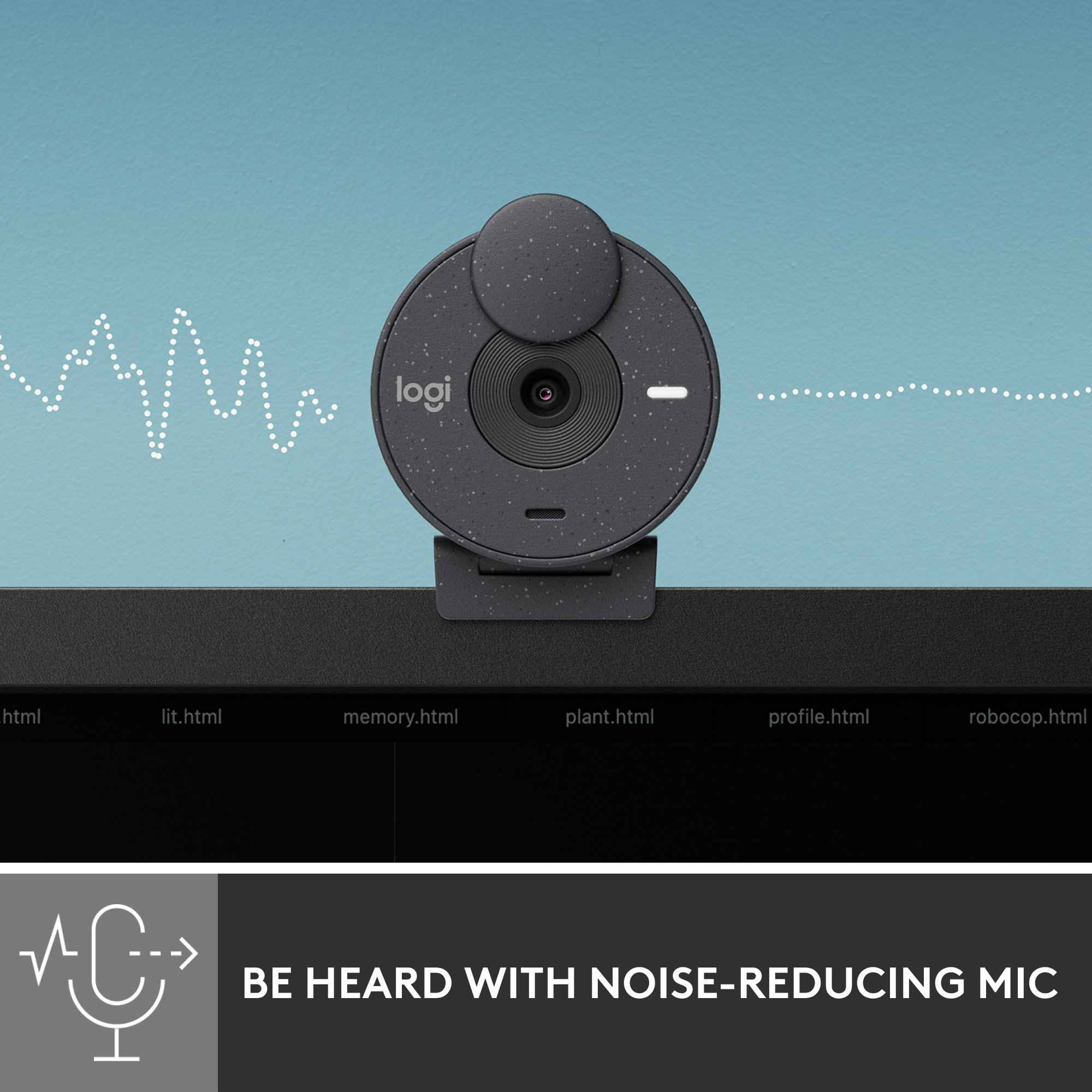
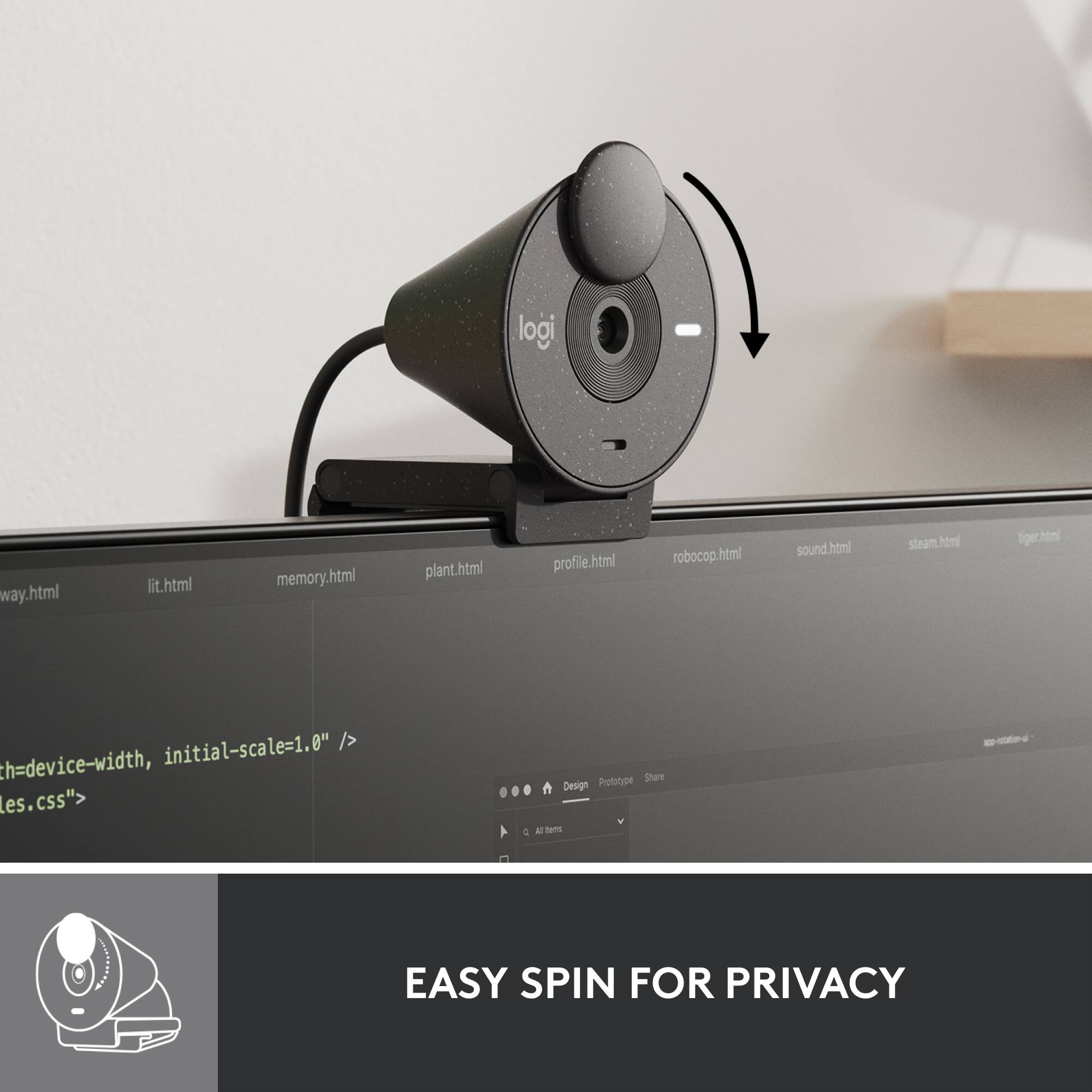
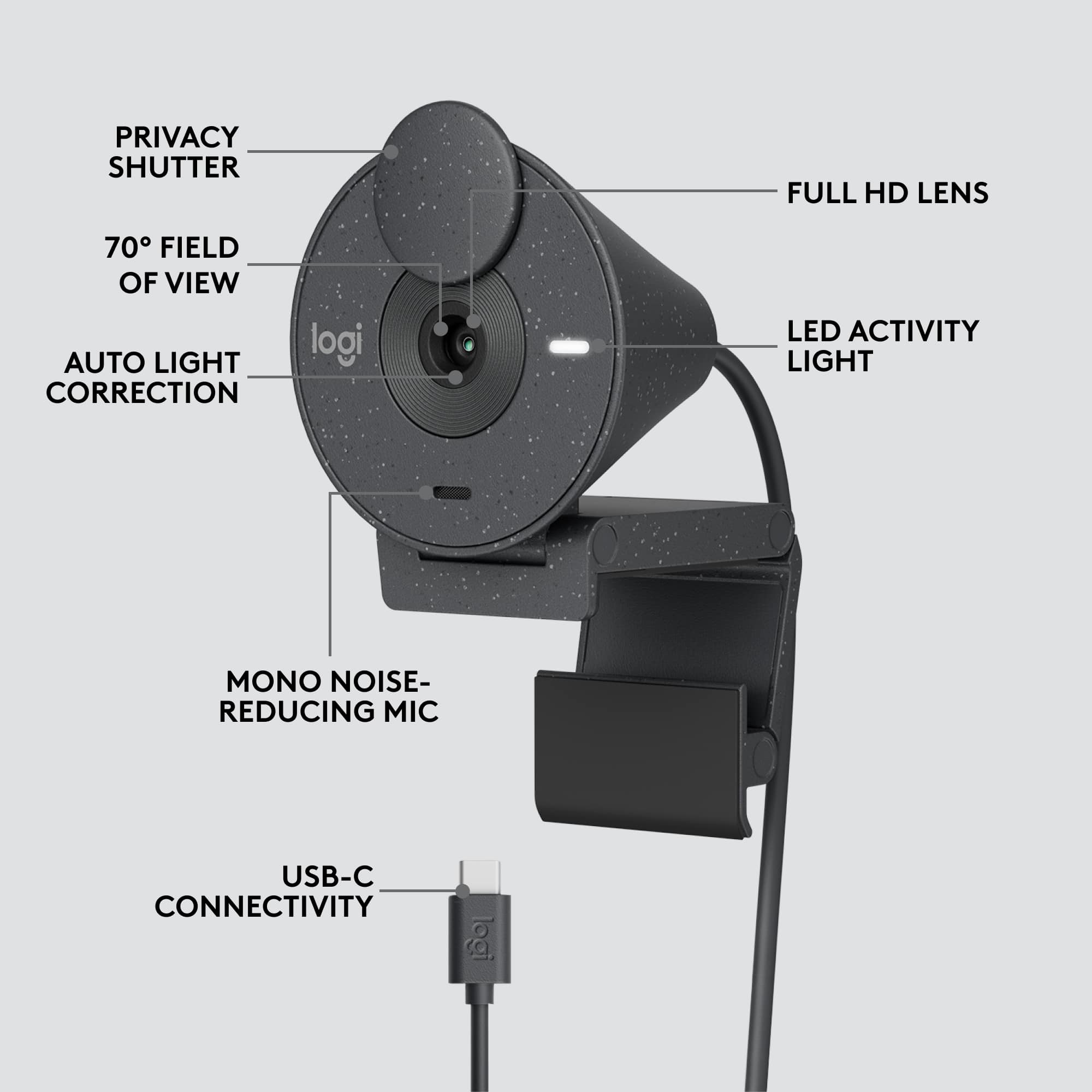
|Posted .This reviewer received promo considerations or sweepstakes entry for writing a review.Logitech Brio 300 Video Camera (Graphite) With Zoom and other virtual face-to-face video meetings becoming the norm, it’s important to make a good impression. You want to both look good and sound good. This Brio 300 video camera helps you achieve that on both counts. It has a 70-degree field of view, so it covers a lot of area. It works with Google Chrome OS, Apple MacOS X 10.10 or later, and Windows 8 or later. Setup is straightforward; simply place it on top of your monitor and then connect it to your computer via the provided USB-C cable. The 1080 resolution and auto light correction of this Brio 300 help you look your natural best, even with you’re in a low-light setting. And the built-in mike clears up any background noise, so your voice comes over clearly. In fact, in a test I did, alternating between using the Brio 300’s mike sitting atop my monitor, and the one built into my laptop computer that the monitor was attached to, the Brio 300’s mike sounded much crisper than the hollow sound of the laptop’s mike. There’s a rotatable privacy shutter to cover the camera lens when you’re not on a meeting call, or when want to be heard but not seen when you’re on a call. You’ll want to keep this closed when not in use for privacy reasons. Brio 300 is certified for Microsoft Teams, Google Meet, and Zoom and will likely work with just about any other present or future virtual meeting software. You can’t go wrong with this device. It’s a keeper!
I would recommend this to a friendGood camera, easy to use, great value
|Posted .This reviewer received promo considerations or sweepstakes entry for writing a review.This camera is exactly as advertised. I popped it on top of my monitor (since I prefer to use my laptop on clamshell mode when docked), plugged it in and easily set it up. Teams video calls worked perfectly. Quality seemed good to co-workers on the other end. Microphone picked up well too, even at ~3-4 feet away. I also plugged this into my Mac Mini and it set up and worked perfectly as well. Nice to be able to FaceTime with my kids on the large monitor. The little rotating lens cover is really nice. Easy access for on/off and no worries about someone spying on you ;) Little LED indicator lights up when app is using it. Definitely recommended!
I would recommend this to a friendIntro Cam purchase.
Posted .This reviewer received promo considerations or sweepstakes entry for writing a review.It is a pretty good cam but doesn't stay on so great on the monitor but serves the purpose.
I would recommend this to a friendPassable For Video Conferencing
|Posted .This reviewer received promo considerations or sweepstakes entry for writing a review.The Logitech Brio 300's focus is on video conferencing, where it does okay but is not really suited for anything more, such as content creation. The Brio 300 is certified for video conferencing platforms such as MS Team, Zoom or Google Meet, but it's limited capabilities prevent it from being adequate for more. It isn't compatible with Windows Hello, so if you want to unlock your PC with facial recognition, look elsewhere. The Brio 300 captures 1080p video at 30 frames per second and offers a 70 degree field of view, which is fine for videoconferencing, but for more flexibility you'll want a webcam this has a sharper, smoother result. The Logi Tune companion app for Windows and Mac pops up a small configuration window in the corner of the screen and offers a some picture settings and a few filters, but lacks much else. It does have a handy feature that lets you connect your Google or Outlook calendar to display upcoming video calls on your schedule. While the camera is 1080p, it's hardly impressive. I found that the picture was noisy, and appeared over processed. Color was off, and while some improvement was found by playing with the settings, it was still underwhelming. Overall it's usable for videoconferencing, but noisy, over processed video and an overly sensitive microphone that sound echoey keep it from being much else.
No, I would not recommend this to a friend5/5
Posted .This reviewer received promo considerations or sweepstakes entry for writing a review.works pretty well! very useful and easy to set up!
I would recommend this to a friendBrand response from Logitech
Posted .Thank you for your positive review of the Logitech - Brio 300. We appreciate you highlighting its ease of setup.
Decent entry level Webcam
|Posted .This reviewer received promo considerations or sweepstakes entry for writing a review.Overall the Logitech Brio 300 is a decent webcam for basic day to day usage, but professional users should look elsewhere. The Brio 300 is the second webcam I have used at home since the pandemic, and it pretty much meets the needs to do a few Zoom calls a week. The biggest improvement that the Brio 300 has over my previous webcam is the Auto White Balance. It easily compensates for the yellowness of my home lights and makes everything look more crisp. If you get the webcam, I highly recommend downloading the LogiTune app, which allows you to adjust things like Contrast and Brightness of the picture. It also offers some filters, but most are not that useful or interesting. It is also used to perform Firmware updates on the camera. My biggest concern with the camera is how grainy the picture is. While it isn't a huge issue if you are just doing a Zoom call with your co-workers, it will be a bigger issue if you want to create videos for YouTube or TikTok. I was close to giving the camera one extra star until I saw that Logitech's 900 series camera can be purchased for the same price as this one. As a value for the money, you are probably better getting that one for the same price.
No, I would not recommend this to a friendProbably needs updated computer. I will pass it al
Posted .This reviewer received promo considerations or sweepstakes entry for writing a review.Didn't work with my computer even with male, female adapter
I would recommend this to a friend