Customer Ratings & Reviews

- Model:
- 910-005901
- SKU:
- 6424944
Rating by feature
- Value
Rating 4.7 out of 5 stars
- Quality
Rating 4.6 out of 5 stars
- Ease of Use
Rating 4.8 out of 5 stars
Customers are saying
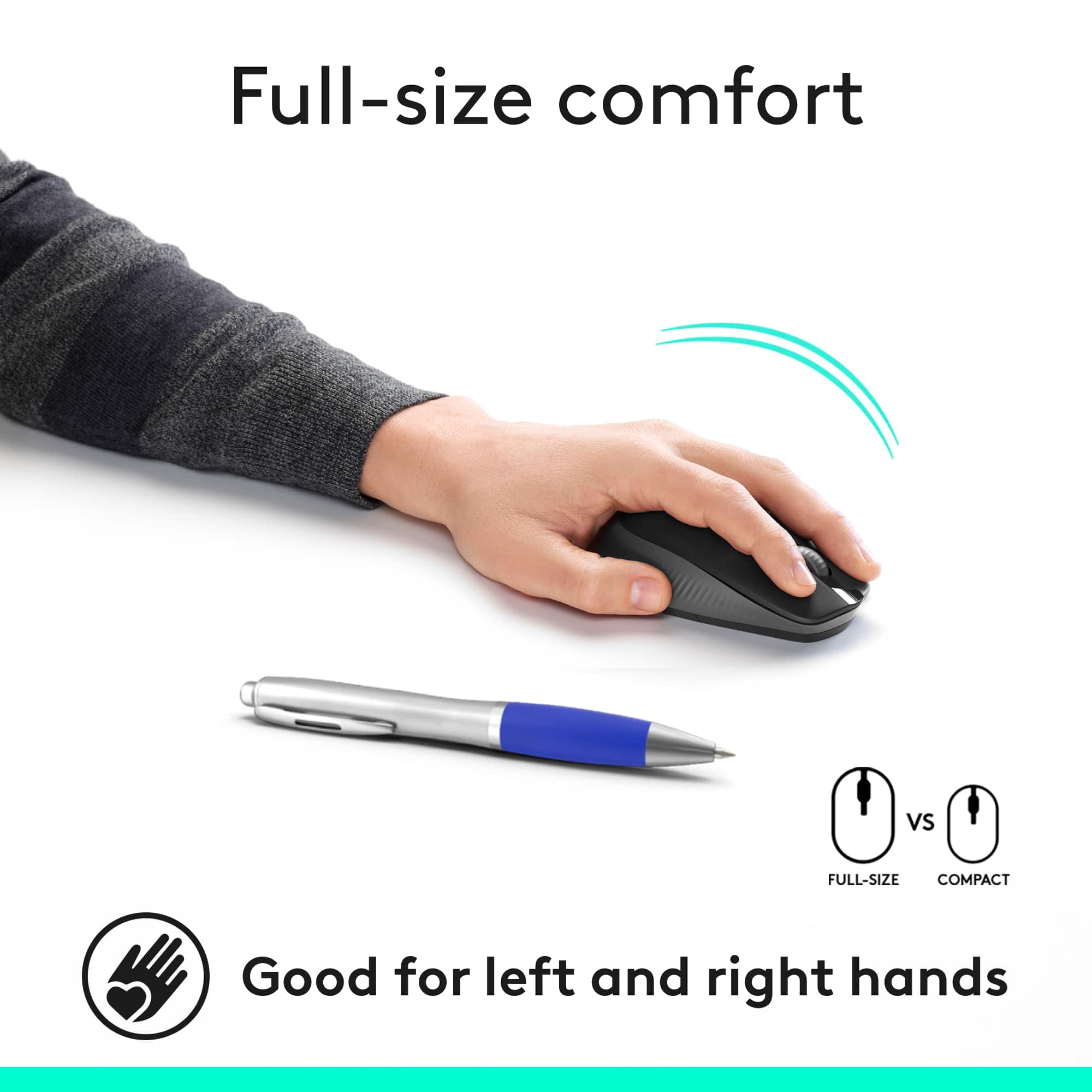
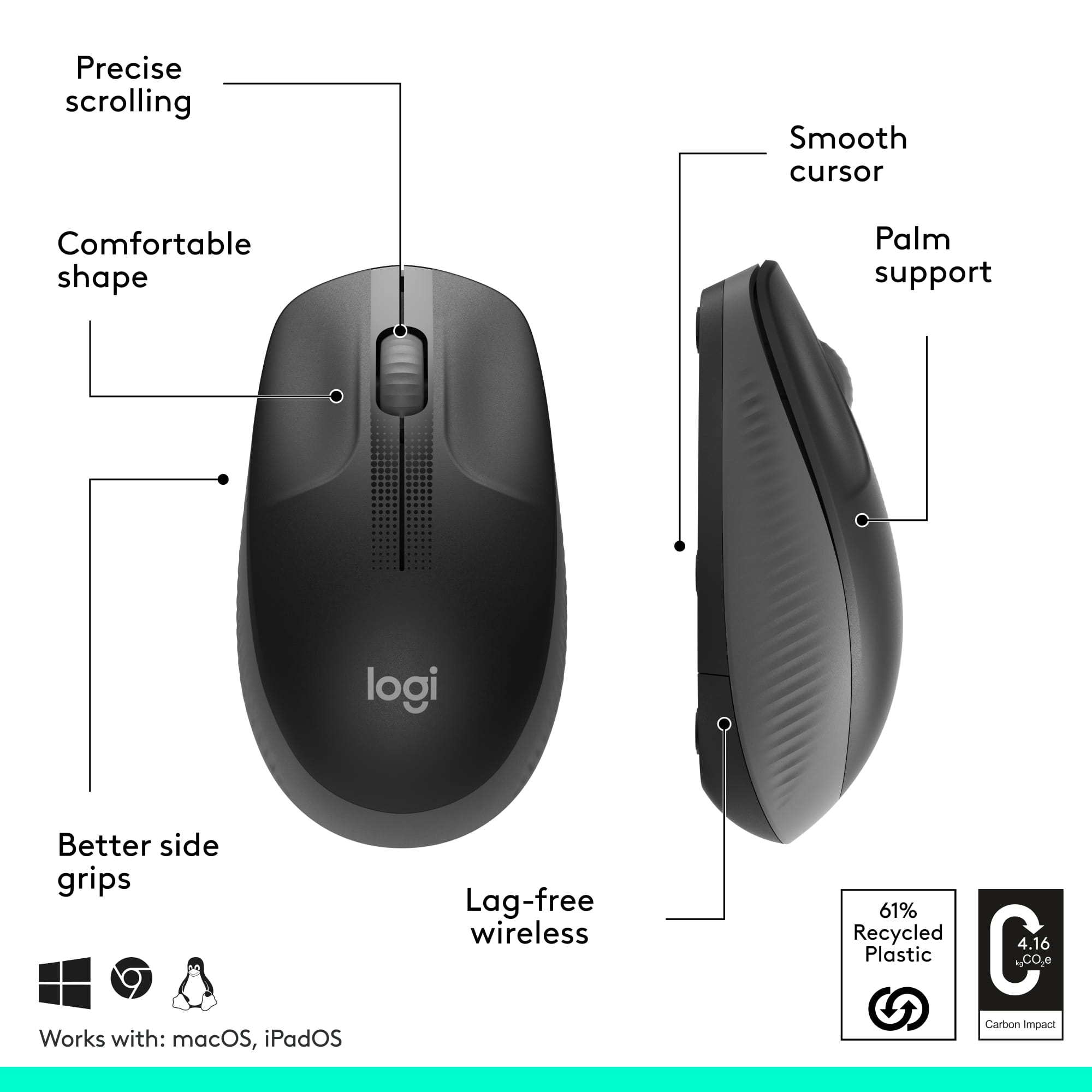
Customers are positive about the mouse's full size, ease of use, and long battery life. Many appreciate the smooth scroll wheel, responsiveness, and affordable price. However, some customers have reported issues with clicking.
This summary was generated by AI based on customer reviews.
- Pros mentioned:Size
This mouse is good, but could be better
||Posted .This reviewer received promo considerations or sweepstakes entry for writing a review.A couple of years ago, I purchased a Logitech mouse, which was nice and small and had almost NO clicking sound. That mouse was getting harder and harder to use as the ON/OFF switch is completely smoothed down making it too hard to use. It fit PERFECTLY in my hand and fit in my laptop bag perfectly. I came to BestBuy hoping to get the same mouse, however the only mouse available was this one. It feels good in my hand, but it is has a larger profile, which means it does not fit in my laptop bag. The other thing about this mouse is the click factor. This mouse is definitely louder. Everyone hears it when I use it. Thankfully, my wife's Microsoft mouse is much louder than this Logitech mouse, which means she cannot say anything about it. :)
I would recommend this to a friend Mouse is a good/best buy
||Posted . Owned for 3 weeks when reviewed.This reviewer received promo considerations or sweepstakes entry for writing a review.Works well. No issues. Good price. I would recommend.
I would recommend this to a friendLogitech mouse
||Posted . Owned for 4 months when reviewed.This reviewer received promo considerations or sweepstakes entry for writing a review.That's the only brand mouse, I use. I prefer the unify receiver so, I can use it with multiply mouse. The M185 unfortunately isn't one but it works with the wireless keyboard. Be sure to buy the mouse that has the orange dot on the receiver.
I would recommend this to a friend- Pros mentioned:Battery life, Scroll wheel, Size

Great Smooth and Comfortable!
|Posted .This reviewer received promo considerations or sweepstakes entry for writing a review.I've only been using this for a few days, but so far I'm really liking what I see. I instantly noticed the lightweight build out of the box. It feels durable enough that it won't break if it falls off my desk. This isn't a gaming mouse, so it's perfect in my home office. Install time was instantaneous. I removed the back panel and removed the chip. Plugged it into an open usb port on my computer and was instantly able to use this. I love the fact that I didn't have to install some type of app to my computer. The feel is great in my hand. My hand is on the larger side, especially in the palm area and it fits comfortably. It was a little large in my wife's hand, but this mouse even states it's a large-size. I'll solely be using the mouse and that's perfectly fine by me. I can't hear it when I move it back and forth. The wheel isn't a smooth one, but it doesn't matter. They call it line-by-line scrolling, so it's actually really helpful if you're reading a web page. My other mouse that doesn't have this line-by-line feature can just scroll like no tomorrow. I enjoy this one way more. The box claims it can work up to 10 meters (almost 33 feet) from the connected chip. I tested this out and let's just say I believe it. I stopped after about 12 feet and took their word for it. The mouse has a power save mode, which helps keep the battery life going. Pros: Lightweight Easy of easy to setup great connection scroll wheel on mouse comfort price shape silent battery (manufacturer says 18 months!) great connection power save mode Cons: none not for small hands Final takeaway: It's very silent moving it back and forth. You can barely hear a sound! I can't complain at all about this mouse. I was really happy with how easily it connected to my computer. It took about 24 hours to get a feel for the mouse in my hand. I was using an old wired connected mouse, so this is a great upgrade. It has a very smooth scroll wheel. You really can't beat the convenience for this price. This is perfect if you're looking for a reliable wireless mouse to use for your zoom meetings.
I would recommend this to a friend Wireless Mouse
||Posted . Owned for 2 weeks when reviewed.This reviewer received promo considerations or sweepstakes entry for writing a review.A little big but it works as I expected it to. Easy to use and quiet!
I would recommend this to a friend- Pros mentioned:Battery life, Scroll wheel, Size
Logitech M190 FULL-SIZE Wireless Mouse - PERFECT
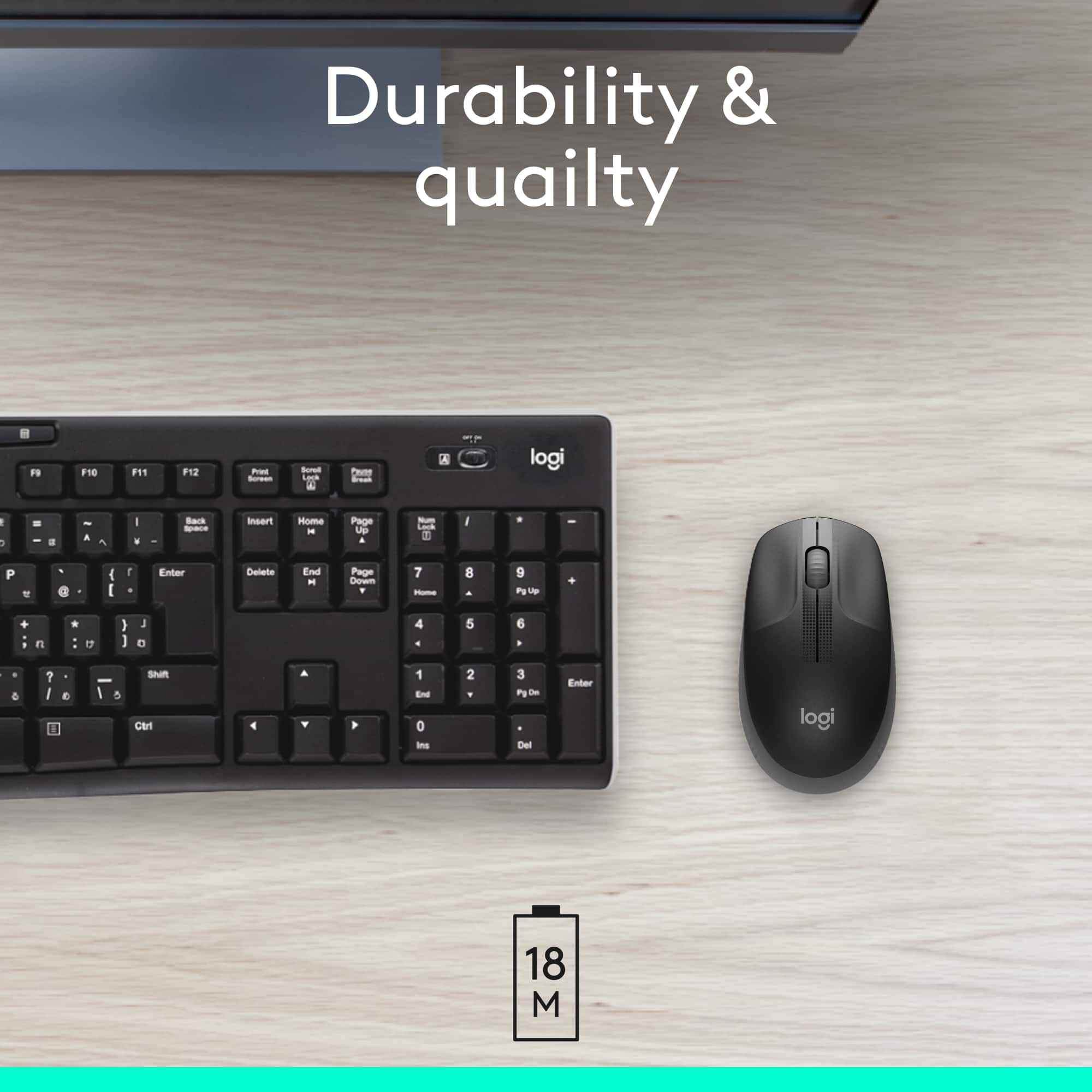
|Posted .This reviewer received promo considerations or sweepstakes entry for writing a review.Can a mouse make a difference? Can it enhance the user experience? It can, as this new Logitech M190 has shown me. Full-size, not too big, though. Just the right size, I’d say, as I use it while writing this review. Yes, it feels just right, with comfortable ambidextrous use in mind. My hand fits perfectly as the photos show, with hand placement falling in a natural way. After just four days use with my Mac as well as with a Dell Windows PC, what I notice is that there has been no hint of fatigue or discomfort. In fact, comfort is effortless. No shifting. No hand readjustment. This is good! Setup was also effortless. Truly plug and play. One of my standard tests is how well and accurately the scroll wheel operates. This, too, has been a joy. Scroll wheels on other products I have used has been iffy, with stuttered, skippy movement. Not so on this M190. I can easily scroll line-by-line. You’ll appreciate the feel and the accuracy. Whether slowly or quickly, M190 scrolls with precision. Optical tracking is as good as it gets, with smooth and accurate cursor control. You will not have to execute multiple corrective moves as with some other products. Not immediately apparent, yet appreciated, will be the claimed 18-month battery life. This is NOT a typo! Your experience may be different, as could mine. I am confident of extended battery life from the single supplied Duracell AA battery. I expect my experience with this M190 to be consistent with battery life on other, similar Logitech mice. As with other mice, note the built-in parking/storage spot for the USB receiver under the hood where the battery lives. Remember to park the receiver “dongle” in its garage when not using the mouse for extended periods so you’ll know where to find it when you’re ready to fire it up again. And remember to switch power to the OFF position. That’s the one next to the marked “ON” position. If you have a Logitech wireless keyboard, M190 will be right at home. However, the M190’s receiver is NOT the unifying type that comes with Logitech keyboards, allowing both a compatible Logitech mouse and keyboard to work with the same receiver, a “unifying” receiver. While Logitech bills this as a full-size mouse, I prefer to call M190 a just-the-right-size mouse. A perfect fit within the area created under the curve of a hand at its relaxed and natural resting position, users will appreciate the design that contributes to comfortable, all-day use. Weighing in at a paltry 3 ounces, users will hardly feel it in any negative context. Compatible with operating systems including Windows, MacOS, Chrome OS and Linux, M190 is going to work for your computer. Be sure your OS has had all updates applied. M190 is sweet, made sweeter still with its mini cost of just $15! Who wouldn’t want one of these? The few readers who are serious gamers will want to opt for a mouse tailored to their hobby. For most other users, M190 is all you'll need or want. Not one complaint. Nothing to criticize. Nothing I wish was different. Highly recommended. Just PERFECT.
I would recommend this to a friend - Pros mentioned:Size
Computer Mouse Donation
||Posted . Owned for 1 week when reviewed.This reviewer received promo considerations or sweepstakes entry for writing a review.Bought several of these computer mice because our company was having an electronics and technology drive to donate to schools to help less fortunate kids with technology. They were just the right size for kids and the price was great!
I would recommend this to a friend - Pros mentioned:Size
Grsat little mouse!
||Posted .This reviewer received promo considerations or sweepstakes entry for writing a review.I like this mouse and have bought few of these already including for my mom, husband and daughter. Super comfortable and great grip. Very good quality and I highly recommend if you want a small mouse and not too fancy.
I would recommend this to a friend - Pros mentioned:Battery life
Best cordless mouse I’ve had so far!
||Posted . Owned for 3 weeks when reviewed.This reviewer received promo considerations or sweepstakes entry for writing a review.Works wonderfully. And I was surprised and happy to learn the battery life, because I am notorious for not turning it off. Was a great find for me and my “at home” job!
I would recommend this to a friend My Little Mouse
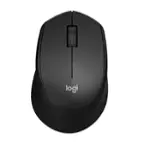
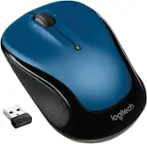
||Posted . Owned for 1 month when reviewed.This reviewer received promo considerations or sweepstakes entry for writing a review.I bought this Logitech mouse on the left to replace the 5-7 years old on the right which I loved but the scrolling up/down button doesn’t respond very well. I like Logitech products because of their prices but I gave this one a four star because it doesn’t have a battery status indicator.
I would recommend this to a friend- Pros mentioned:Ease of use, Size
tiny budget mouse delivering high performance
|Posted .This reviewer received promo considerations or sweepstakes entry for writing a review.Review based on one day of use. The M190 is a mouse that work as intended by design. It is large size but in actual on hand doesn’t feel oversize but comfortable in 5 hours straight of usage performing different task to navigate, working on documents, multitask feels seamless. It is praise as selection of part of graph or documents. Compared to MX3 which is also large for sophisticate use cases, M190 feels the core with basic functionality that still allow to accomplish everything without compromising any additional function apart of high/left click and scrolling being cord free. Compared to compact size, actual feels is still comfortable and not at all too big. (Comparison based on had size of small size user of glove) During usage feel its lightness, flexible but sturdy as use across different activities and move around. Its built material is plastic unlike MX3 for instance that gives more grip. But on benefit of its material makes less sweating. Dislike: 1. It comes with USB receiver that doesn’t have option for USB-C for today’s notebooks in the market, hence need second adaptor. 2. USB receiver is unifying receiver so to make exchangeable between Logitech devices 3. Can’t connect via Bluetooth hence mandate to dedicate a port from notebook. Aside of dislike, M190 feels qualitative made and user can be productive in long hours of usage without creating fatigue within understandable hours of usage.
I would recommend this to a friend Excellent value
||Posted . Owned for 1 week when reviewed.This reviewer received promo considerations or sweepstakes entry for writing a review.For a couple of bucks you get an excellent wireless mouse. Plug & play.
I would recommend this to a friend- Pros mentioned:Battery life, Ease of use, Size
A Great Value
|Posted .This reviewer received promo considerations or sweepstakes entry for writing a review.Sometimes you just need an inexpensive, full size, reliable mouse, and this checks all of those boxes without any of the extra bells and whistles you are not looking to pay for. ------------------------------------------------------------------------------------------------------------------------------------------------------ This mouse is a no frills, easy to use mouse. Plug in the USB receiver in, and within seconds you are ready to use it. No installing extra software or going into settings; it just starts working. The battery says that it lasts for 18 months, so that is a bit hard to gauge after just using it about a week. My experience with Logitech hardware, both mice and keyboards, in the past has me feeling optimistic of that battery life claim. The hardware itself is simple and clean. You get the normal 2 buttons and scroll wheel. The mouse itself feels light and easy to glide on most surfaces. It has some nice dimple like décor on the top of the mouse around the scroll wheel, and some ridge like texturing near the thumb area of the mouse for added grip. It’s all smooth plastic with no rubbery frills. ------------------------------------------------------------------------------------------------------------------------------------------------------ This mouse is exactly what we were looking for. We needed an extra, simple mouse to use while we are digitally learning from home, and this was perfect for that. It would be nice if it had some forward and back buttons, but other than that you are getting a great full-size mouse here.
I would recommend this to a friend - Pros mentioned:Ease of use
It's easy to use
||Posted .This reviewer received promo considerations or sweepstakes entry for writing a review.Its just perfect and easy to use to. Reliable pointer.
I would recommend this to a friend Logitech mouse
||Posted . Owned for 2 months when reviewed.This reviewer received promo considerations or sweepstakes entry for writing a review.Good little mouse. Does the job. It comes with a mini usb so there’s no mess with cords.
I would recommend this to a friend- Pros mentioned:Scroll wheel, Size
Good Basic Wireless Mouse
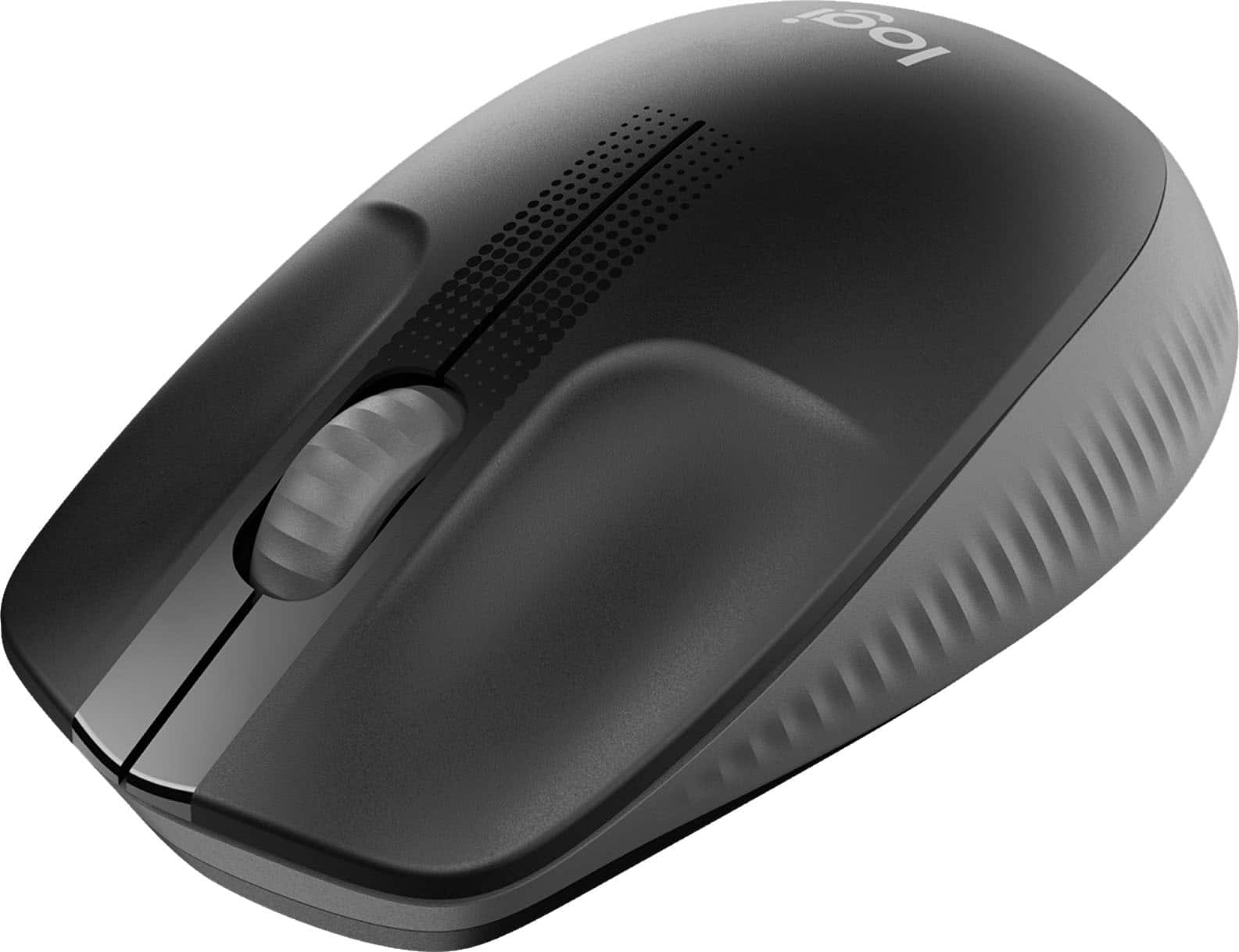
|Posted .This reviewer received promo considerations or sweepstakes entry for writing a review.The Logitech M-190 wireless mouse is just a basic, no-frills, works without hassle... mouse. It is a full-sized mouse, meaning it is somewhat elongated to fit the size of all types of hands with the goal of giving the user a comfortable grip without too much pressure in the palm of your hand. It tracks very consistently on a most surfaces that I tried it on without an issue. I normally use a mouse pad, but would be just as capable on a bare desk or surface. It's scroll wheel is a concise worker that gets the job done. Left and right buttons are light and consistent also. It comes with the wireless dongle that takes up a USB slot and stores in the battery bay when not in use. That's about it... No back buttons, no additional input buttons, just a good reliable basic mouse that does it's best in the comfort department. I have used much more sophisticated mice in the past, but this one just gets it done.
I would recommend this to a friend - Pros mentioned:Scroll wheel, Size
Really Impressed with everything
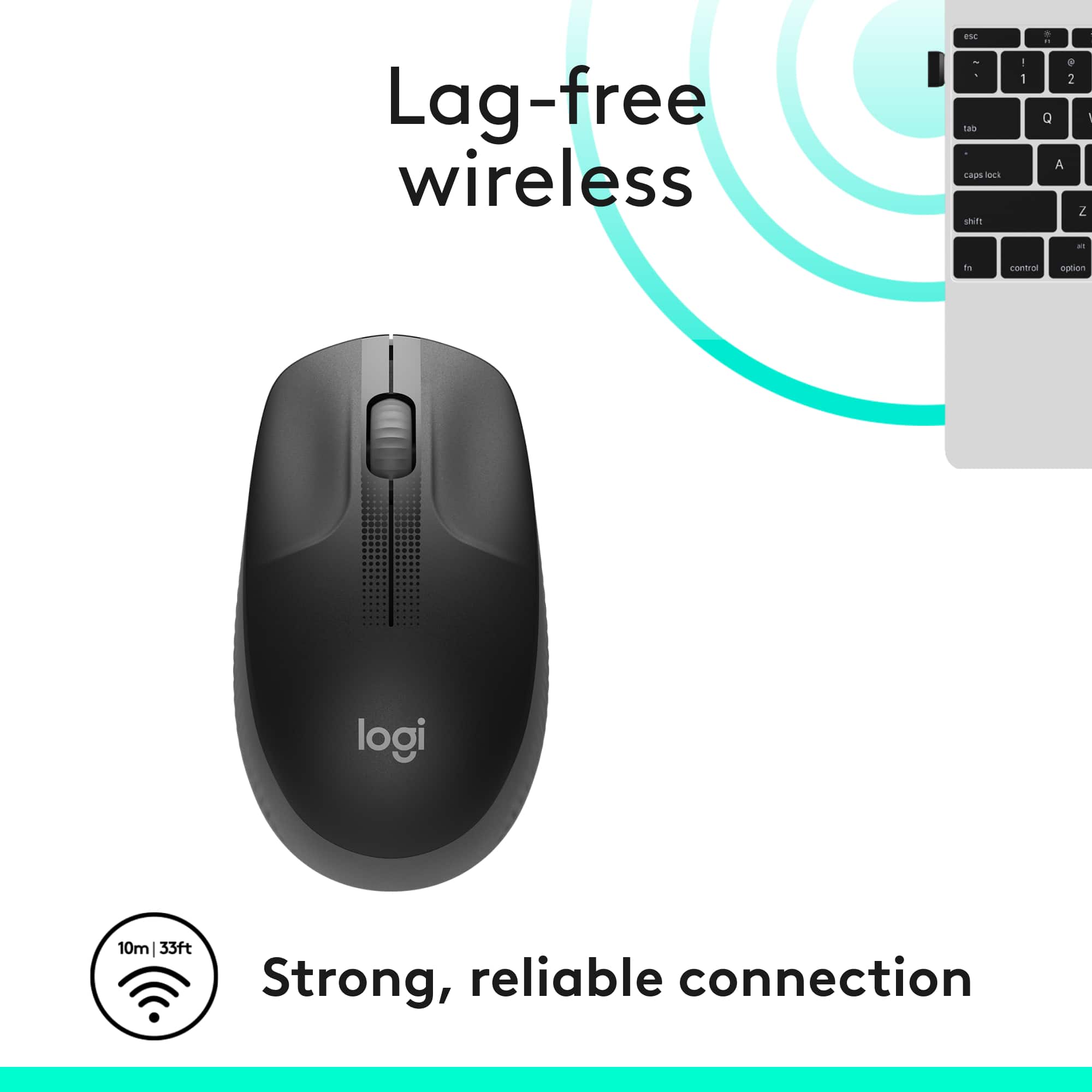
|Posted .This reviewer received promo considerations or sweepstakes entry for writing a review.I received this more than a week ago, and had every intention of doing the review a couple of days later, because I was very impressed w/ the Logitech M190 Full Size Wireless Mouse. However, I nearly severed my finger in an accident and am just now able to type again. I got it out of the box, and the first thing I thought was I hate these packages, it takes an act of Congress to get them open, and if you are not careful, you will cut a hand or finger in the process. But Logitech took care of that. As you can see in the picture, on the back of the package there is an arrow, it has a “raised bubble” that you simply slide your finger in, lift, and the package is perforated and opens so easily. If only other manufacturers would implement this small feature the world would be simplified. And Logitech didn’t stop there, they had a plastic slip that you remove to allow the battery to make contact and the item you place in the USB port is stored in its own housing right beside of the battery, which makes it ideal for me, because now I can use it on my laptop at home, and my computer at work, by removing from my laptop, store it under the battery cover, put in my briefcase. As for the mouse itself, its awesome. I have large hands, (hence, my finger was too long and the saw blade hit it) and this is by far the best fitting mouse I have used. That’s why I take it from home to work. The scroll wheel is very smooth and responsive. And once you connect it to the computer you are using, the mouse itself flows very well, with no lag whatsoever. Logitech says the mouse has a 10 meter wireless connection, and I had to try it out, my son was in the other room w/ the mouse and I watched the screen, and there were no issues. This is a very well built, balanced, and user friendly mouse, it is ambidextrous and for the time I had to use my other hand I had no problem with it. If you need a new wireless mouse, don’t hesitate to purchase the Logitech M190.
I would recommend this to a friend - Pros mentioned:Battery life, Size
Feels great in my hand
|Posted .This reviewer received promo considerations or sweepstakes entry for writing a review.# Design One of my favorite features of this mouse is the fact that it is full size and that my hand rests comfortably on it. Many wireless mice are half the size and make my hand feel cramped after an hour or so. This mouse feels great in my hand and I have no problem using it the entire work day. ## Performance The wireless signal works fine and I've had no issues with skipping or lag when it is plugged in directly to my laptop. I have had an issue with this in the past with these small "nano" receivers and I've found that using a USB 2.0 extension cord solves any issues cause by interference from USB 3.0 ports. So if you run into trouble with the mouse pointer jumping across the screen or hesitating, try using a USB 2.0 (note the two) extension cord with the nano receiver. ## Battery Life Logitech claims that this mouse can last over a year on a single AA battery. I have yet to use the mouse that long, but I like the fact that it only requires one AA battery as this keeps the mouse lightweight and it glides easily across my desktop.
I would recommend this to a friend - Pros mentioned:Size
My favorite mouse so far.
|Posted .This reviewer received promo considerations or sweepstakes entry for writing a review.This is no joke, my most favorite mouse so far. Even opening the packaging was a great experience, they promised easy opening and easy to open it was. The size is absolutely perfect for my hand. If you have small hands, it may be a bit large for you, but for large pawed guys, it is perfect. Also, it works flawlessly even without a mouse pad, with zero lag. If you are looking for a wireless mouse, this should definitely be on your short list.
I would recommend this to a friend - Pros mentioned:Price, Scroll wheel
Great for the Price
|Posted .This reviewer received promo considerations or sweepstakes entry for writing a review.Very inexpensive wireless mouse that is perfect for working at home. It feels good in your hand and the scrolling wheel on the mouse feels just right. It functions on one AA battery and uses a USB tool to connect to your computer. I imagine there’s higher end computer mouses that are available, but at this price and convenience this one can’t be beat
I would recommend this to a friend