Customer Ratings & Reviews









- Model:
- 910-006556
- SKU:
- 10115840
Rating by feature
- Value
Rating 4.6 out of 5 stars
- Quality
Rating 4.8 out of 5 stars
- Ease of Use
Rating 4.8 out of 5 stars
Great Mouse, just a little Pricy.
||Posted . Owned for 5 months when reviewed.This reviewer received promo considerations or sweepstakes entry for writing a review.Great Mouse, very ergonomic, and comfortable to hold. Has been the best mouse I've used.
I would recommend this to a friendBrand response from Logitech
Posted .We're delighted to see that it's exceeding expectations. Thank you for taking the time to share your experience. Have an amazing day!
Quality mouse
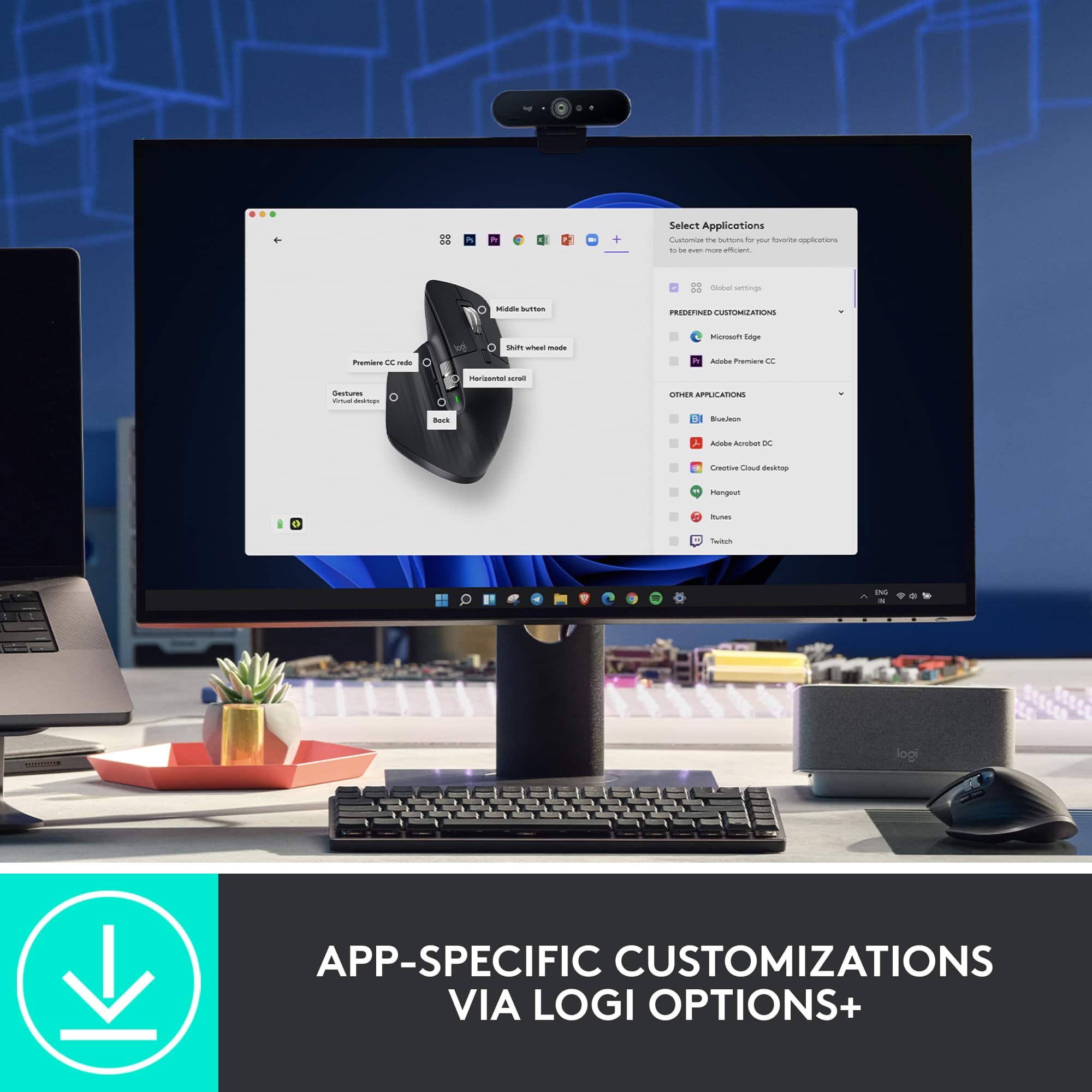
||Posted . Owned for 3 weeks when reviewed.This reviewer received promo considerations or sweepstakes entry for writing a review.Great mouse for work. Has so many custom settings and every bit of it is useful! Logi+ software is easy to navigate and use. Also feels nice in hand. Like most have said the clicks are smooth! If you are used to a gaming mouse it might take a few days of using to get used to.
I would recommend this to a friendBrand response from Logitech
Posted .That's fantastic! We're thrilled you're finding the MX Master 3S so useful for work and that you're taking advantage of its customization options. It's great to hear the Logi+ software is easy for you to navigate and that the mouse feels good in your hand. We appreciate your note about the transition from a gaming mouse – that's helpful for other users to consider. Thanks for sharing your positive experience!

Customizable
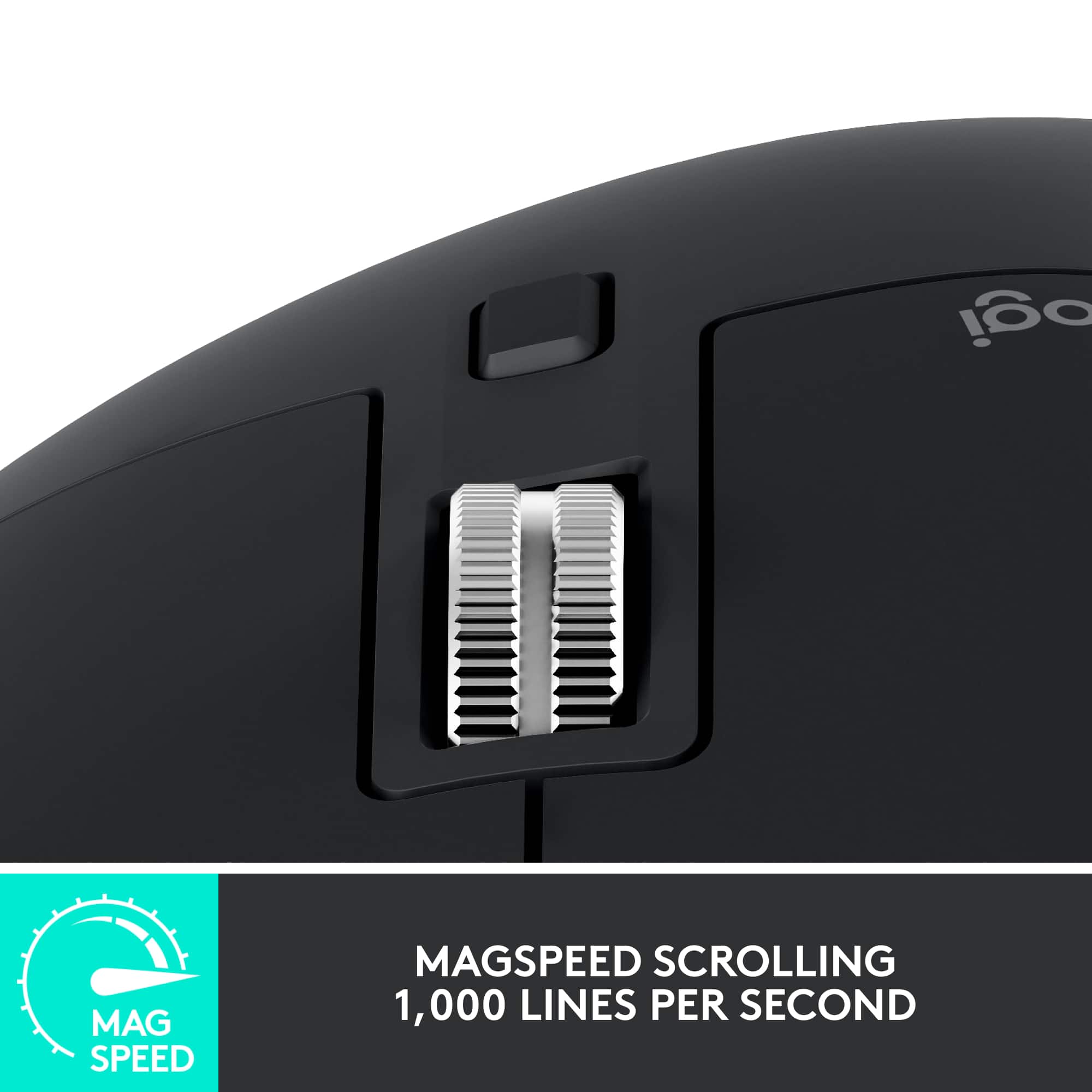
||Posted . Owned for 3 weeks when reviewed.This reviewer received promo considerations or sweepstakes entry for writing a review.Love the customization. Love the scroll wheel that switches from regular mode to smooth scroll. Good on most surfaces without mouse pad. Recomended.
I would recommend this to a friendGood mouse
||Posted . Owned for 1 month when reviewed.This reviewer received promo considerations or sweepstakes entry for writing a review.Works well and feels good but I can start to hear the springs inside the buttons already and the scroll wheel got stuck in the "free" mode and I had to re-program it in the app to fix it. It's a good mouse but I wonder if it's over priced.
I would recommend this to a friendBrand response from Logitech
Posted .Thank you for your feedback on the MX Master 3S Wireless Laser Mouse. We're glad to hear that you're generally satisfied with its performance.
Great for photo editing
||Posted . Owned for 2 weeks when reviewed.This reviewer received promo considerations or sweepstakes entry for writing a review.Great product, works amazingly. Recommended for photo editing
I would recommend this to a friendBrand response from Logitech
Posted .Thanks for the positive review of the Logitech MX 3S! It's great to hear that you're finding it a perfect fit for photo editing. The MX 3S is known for its precision and comfort, which are both essential for creative work.
Great for work
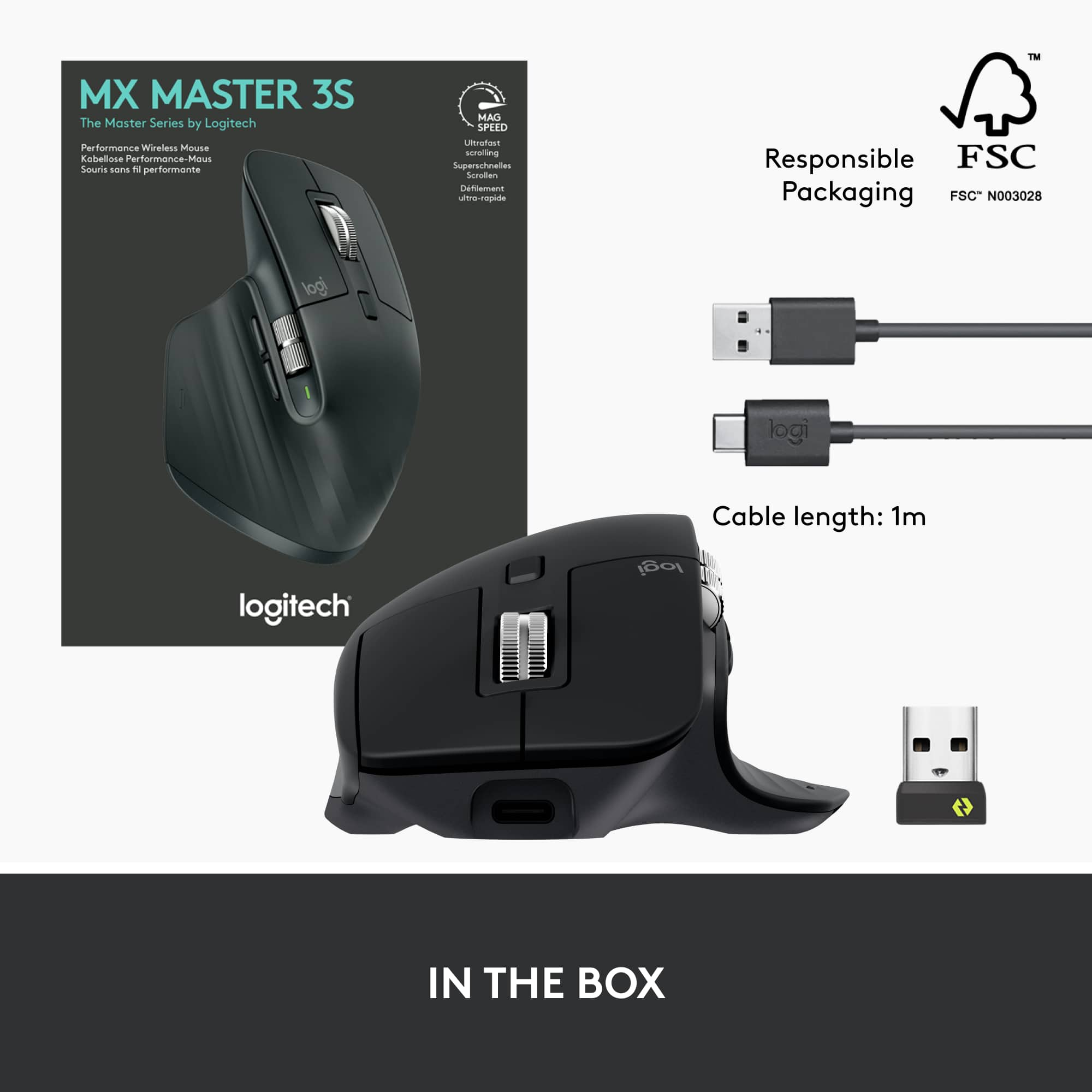
||Posted . Owned for 1 month when reviewed.This reviewer received promo considerations or sweepstakes entry for writing a review.Very simple, didn't need the extra buttons. I use the mouse for work, and the buttons are a soft click, not a hard one. Very little noise compared to a standard mouse. Love the scroll, its very fast or you can go slow. Usb-c charging is great, and i use my normal adapter and cable for it, no issues. If you got the money, it's nice for brand name mouse that works and seems like it'll last long. Size is great. Bought this April 2024.
I would recommend this to a friendBrand response from Logitech
Posted .Hey there! Thanks for the enthusiasm about the G PRO X SUPERLIGHT 2! We're glad you're digging it
Best for productivity
||Posted . Owned for 3 weeks when reviewed.This reviewer received promo considerations or sweepstakes entry for writing a review.Use this mouse for 8 hours a day working and its the most comfortable I could find in its price range + all of the additional functions. Worth the purchase.
I would recommend this to a friendExcellent mouse
||Posted . Owned for 1 year when reviewed.This reviewer received promo considerations or sweepstakes entry for writing a review.Excellent and very precise with great battery life
I would recommend this to a friendBrand response from Logitech
Posted .Thank you for your kind words about the MX Master 3S Wireless Laser Mouse. We're glad you're enjoying its precision and long battery life.
Great mouse!
||Posted . Owned for 2 months when reviewed.This reviewer received promo considerations or sweepstakes entry for writing a review.Easy to use and comfortable for my hand to rest on. Also bluetooth capable so no issue with trying ti keeo track of a dongle. Holds charge for days.
I would recommend this to a friendBest Mouse
||Posted . Owned for 3 weeks when reviewed.This reviewer received promo considerations or sweepstakes entry for writing a review.Best over all mouse. Looking for a mouse just buy it. You won’t regret it
I would recommend this to a friendBrand response from Logitech
Posted .We're thrilled to hear that the MX Master 3s is the perfect mouse for you! Your satisfaction is our top priority, and we're committed to providing you with the best possible products and services.
Great mouse
||Posted . Owned for 3 weeks when reviewed.This reviewer received promo considerations or sweepstakes entry for writing a review.Battery life is amazing. Works on Mac and Pc. No latency issues. Usb c charging. Fits comfortably in my hands. Helped alleviate a lot of the cramps i was having in my fingers.
I would recommend this to a friendThe Best Mouse
||Posted . Owned for 1 month when reviewed.This reviewer received promo considerations or sweepstakes entry for writing a review.There is nothing bad that can be said about this mouse. It connects to the computer via Bluetooth, is extremely ergonomic, and you can cusfomize the botton comands.
I would recommend this to a friendGreat mouse
||Posted . Owned for 1 year when reviewed.This reviewer received promo considerations or sweepstakes entry for writing a review.It's an amazing mouse. I love how you can rebind every button on it.
I would recommend this to a friendBrand response from Logitech
Posted .Hey! Your experience helps us shape future improvements. We’re happy our product is delivering value. Thank you for being part of the Logitech community.
Do it
||Posted . Owned for 2 months when reviewed.This reviewer received promo considerations or sweepstakes entry for writing a review.Will not use another mouse. I actually bought multiples of this one. A little pricey but worth it.
I would recommend this to a friendBrand response from Logitech
Posted .MX Master 3S Sold! We love your enthusiasm for the MX Master 3S! Calling it "irreplaceable" and "worth the price" is high praise. Sounds like you've found your perfect mouse. Happy clicking!
Uff this mouse it, right here!
||Posted . Owned for 1 week when reviewed.This reviewer received promo considerations or sweepstakes entry for writing a review.I have arthritis in my hands and the moment my hand touches this mouse. I have instant relief in my fingers and in my wrist. This is the one to buy 100%.
I would recommend this to a friendYou need to get them
||Posted . Owned for 1 month when reviewed.This reviewer received promo considerations or sweepstakes entry for writing a review.What is there not to love about this mouse… the most comfortable mouse that I have ever used
I would recommend this to a friendBrand response from Logitech
Posted .We appreciate the love for MX Master 3S! We're happy to hear you find it the most comfortable mouse you've ever used. Comfort is a key priority for us, so this feedback is truly rewarding.
The best mouse out there right now
||Posted . Owned for 2 months when reviewed.This reviewer received promo considerations or sweepstakes entry for writing a review.Ive got a great workset up and the only that was missingbwas this mxmaster 3s. Excellent design and materials that feel comfortable and premium. Gands down the best
I would recommend this to a friendGreat mouse! Worth the money!
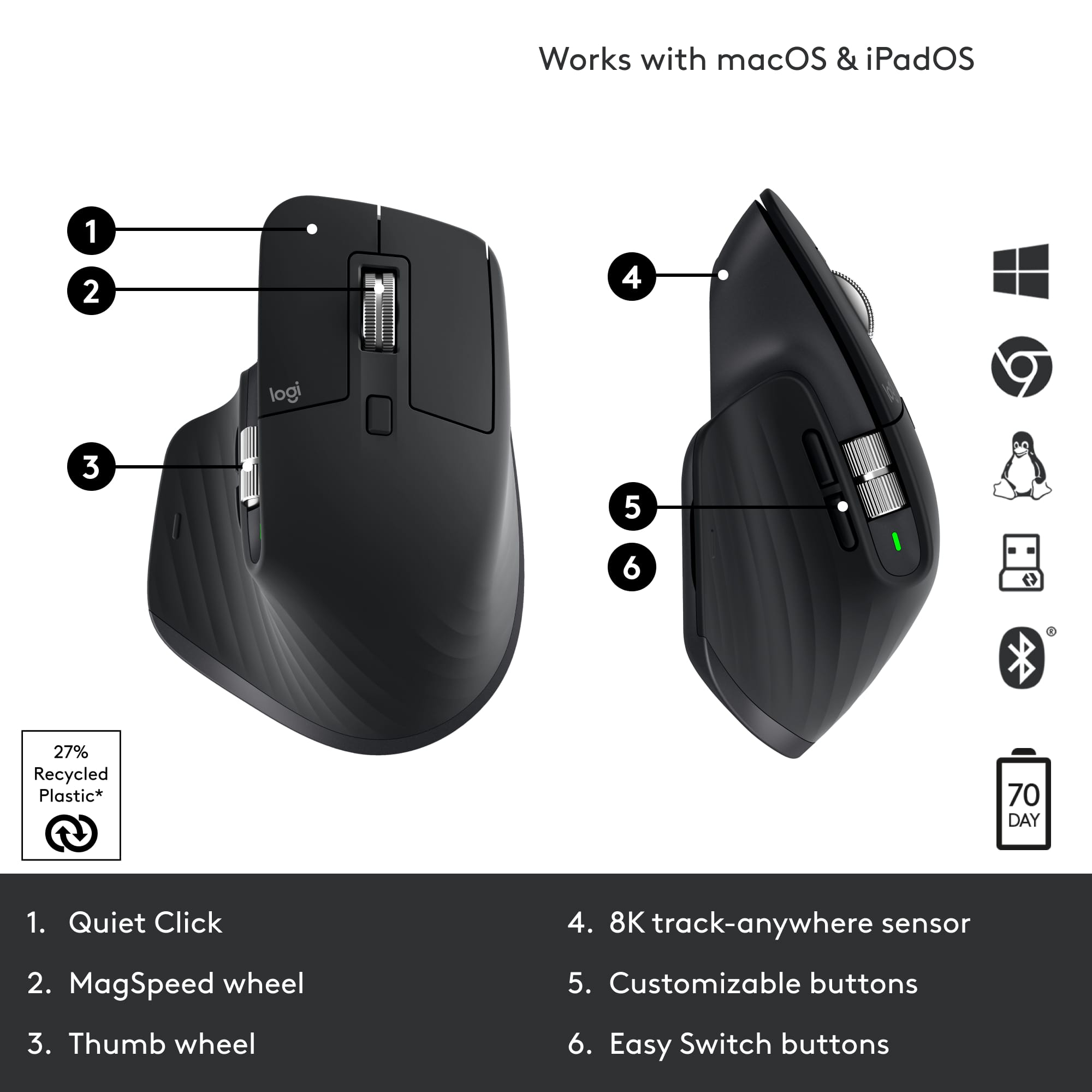
||Posted . Owned for 2 weeks when reviewed.This reviewer received promo considerations or sweepstakes entry for writing a review.This is a fantastic mouse for my mac work station. It can easily access mission control and can be customized pretty much any way that you'd like. I really like using the side scroll wheel to zoom, or to change tabs when I have multiple tabs in a browser open. This had absolutely improved my productivity WFH.
I would recommend this to a friendBrand response from Logitech
Posted .Thank you for taking the time to share your feedback on the Logitech MX Master 3S mouse. We're so glad to hear that you find it to be a fantastic mouse for your Mac workstation and that it has improved your productivity while working from home. Your positive feedback is valuable to us as we continue to develop and improve our products.
Best mouse i have ever owned!
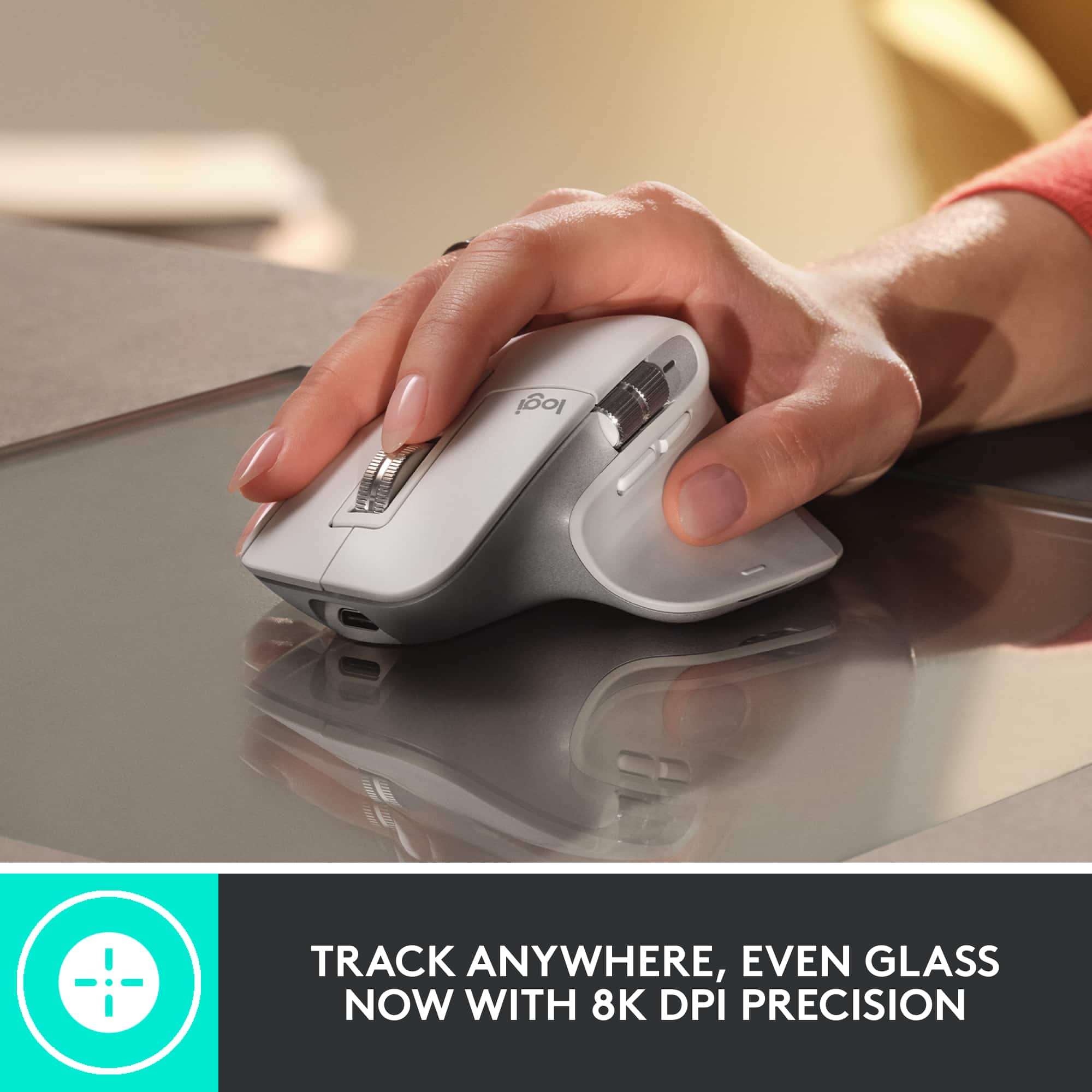
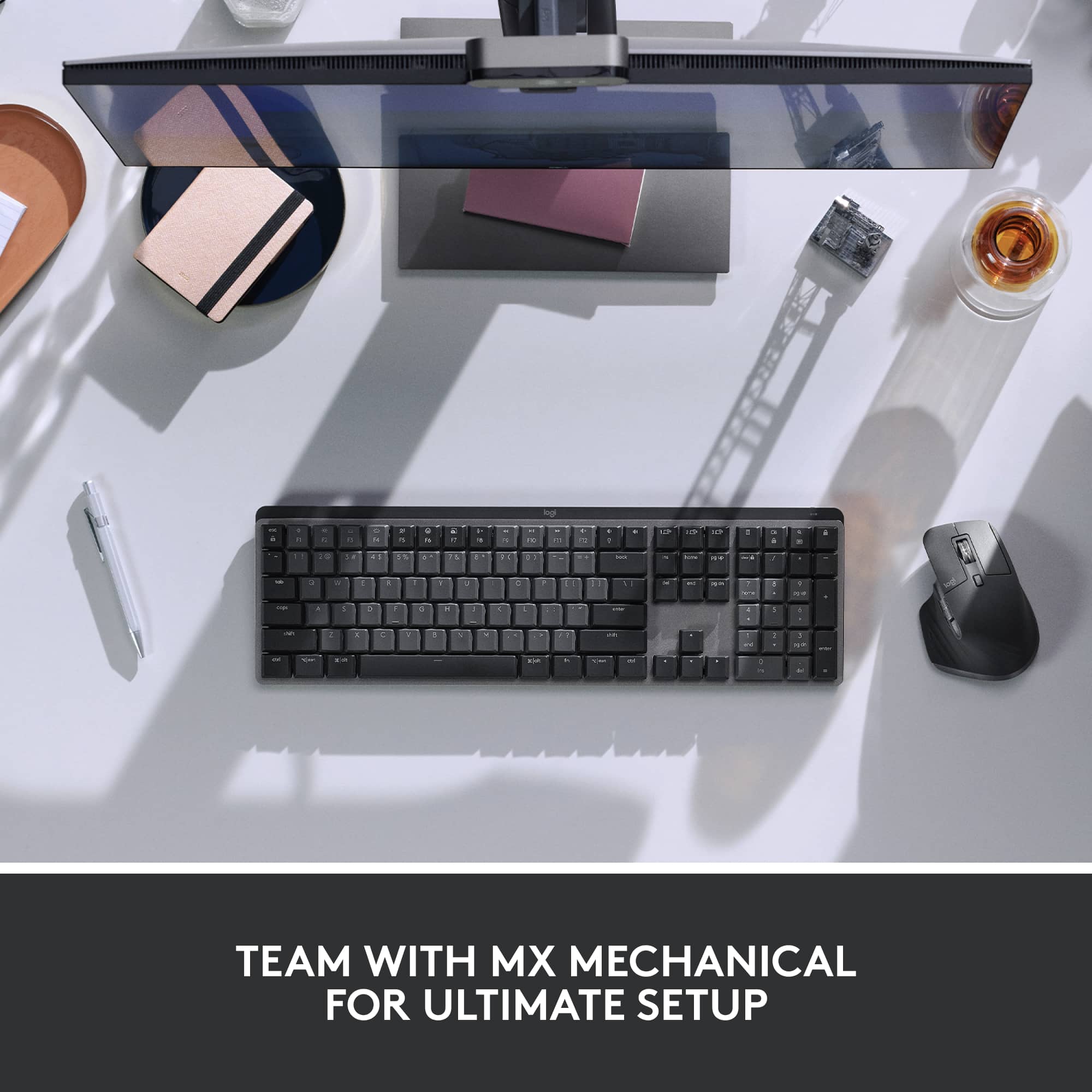
||Posted . Owned for 1 month when reviewed.This reviewer received promo considerations or sweepstakes entry for writing a review.Able to use it on all the surfaces i have tried it on so far glass included. I work in spreadsheets and switch programs quite often so easy to do with this mouse. Paired with the mx keyboard my workflow and speed has increased. The only complaint i have is the switch to change devices being at the bottom having to pickup the mouse wakes up tge device its connected to so i then have to manually change my screen input sometimes.
I would recommend this to a friendBetter than expected
||Posted . Owned for 1 week when reviewed.This reviewer received promo considerations or sweepstakes entry for writing a review.This is the best mouse I've ever used. Its super comfortable, and the gesture button was a pleasant surprise.
I would recommend this to a friend