Customer Ratings & Reviews




- Model:
- 910-007559
- SKU:
- 6640819
Rating by feature
- Value
Rating 4.2 out of 5 stars
- Quality
Rating 4.6 out of 5 stars
- Ease of Use
Rating 4.6 out of 5 stars
Customers are saying
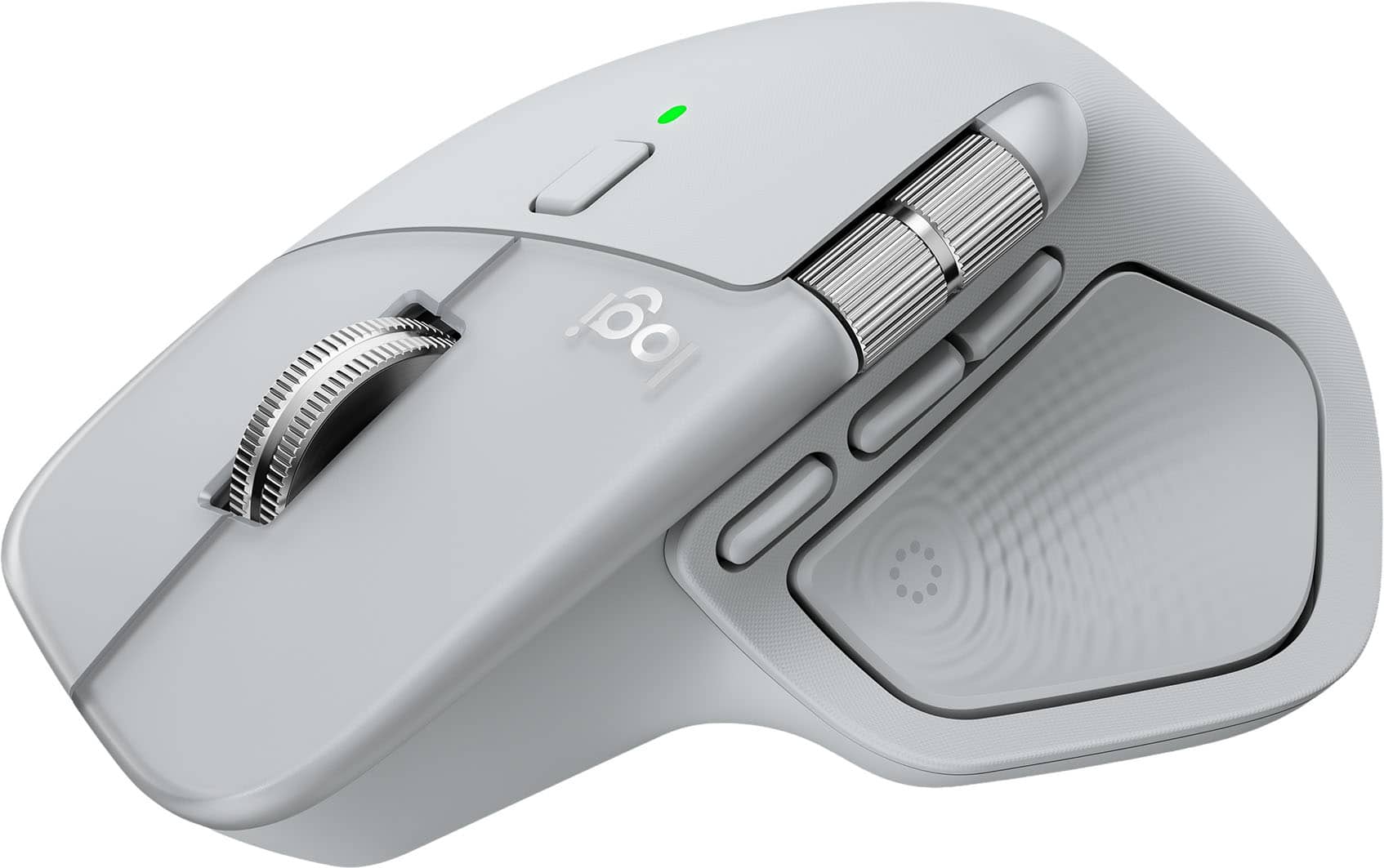
Customers value the MX Master 4 Wireless Laser Ergonomic Mouse for its extensive button functionality and feature-rich design. Users appreciate the ergonomic design, noting that it prevents hand fatigue.
This summary was generated by AI based on customer reviews.
“Logitech MX Master 4 Review: Subtle Evolution, Se
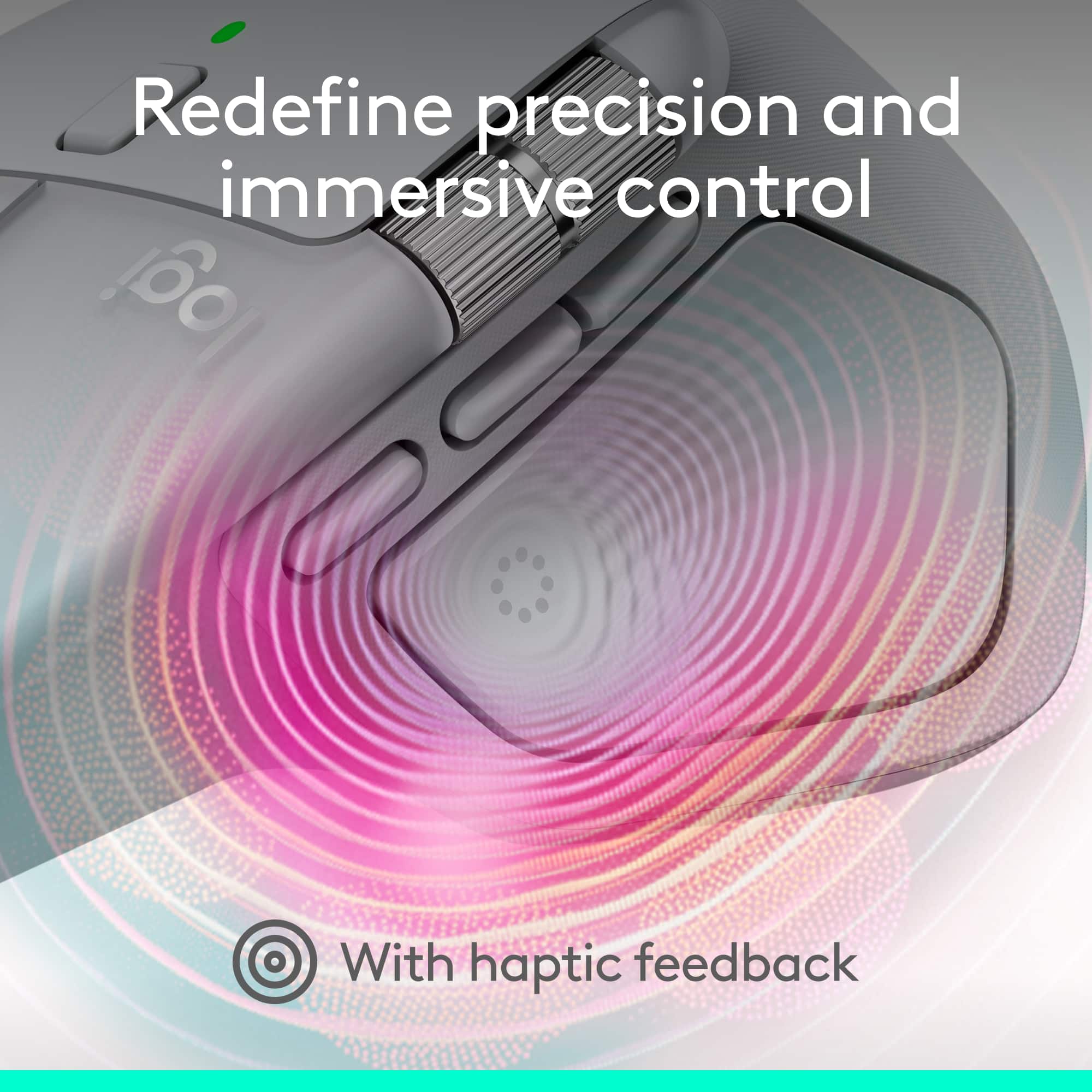
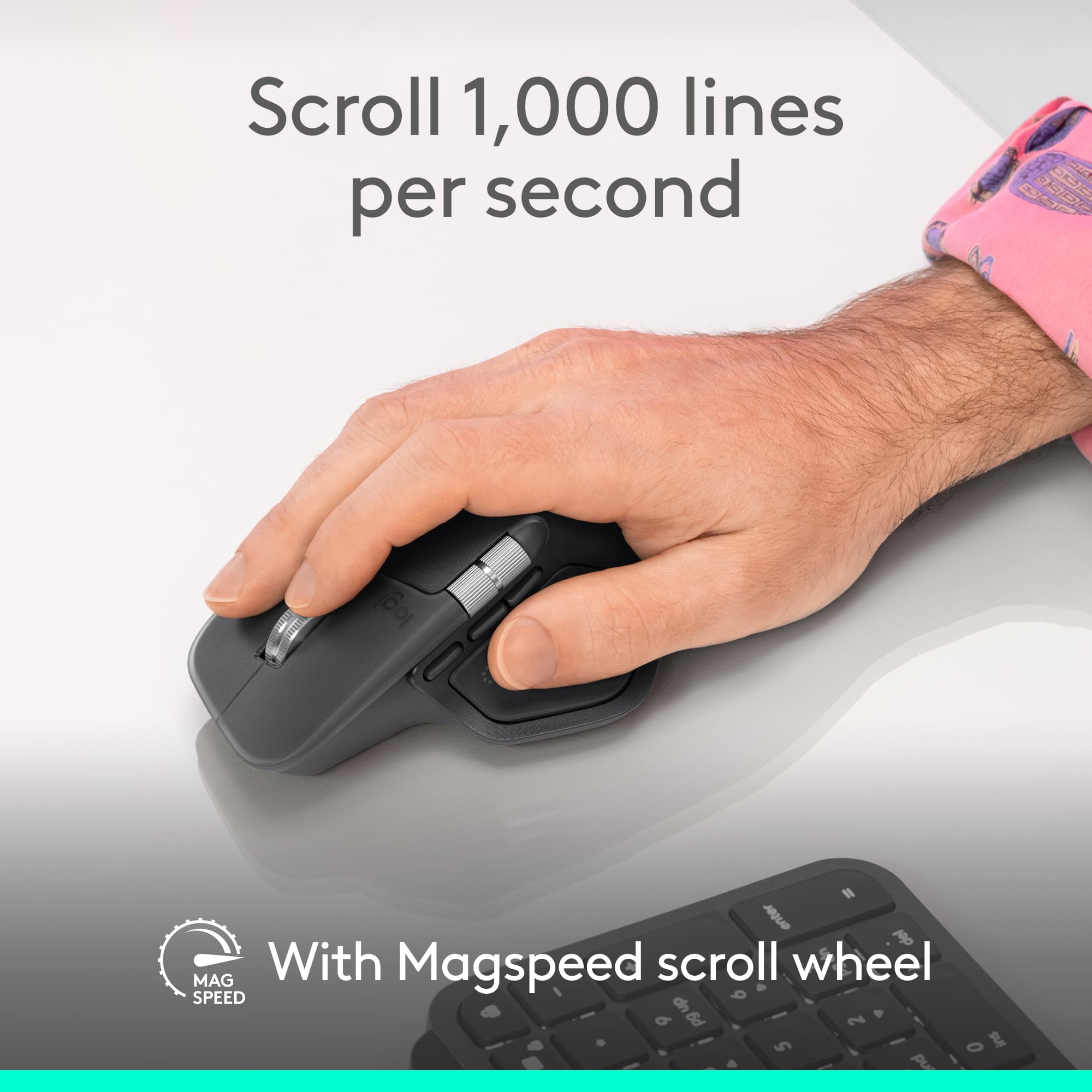
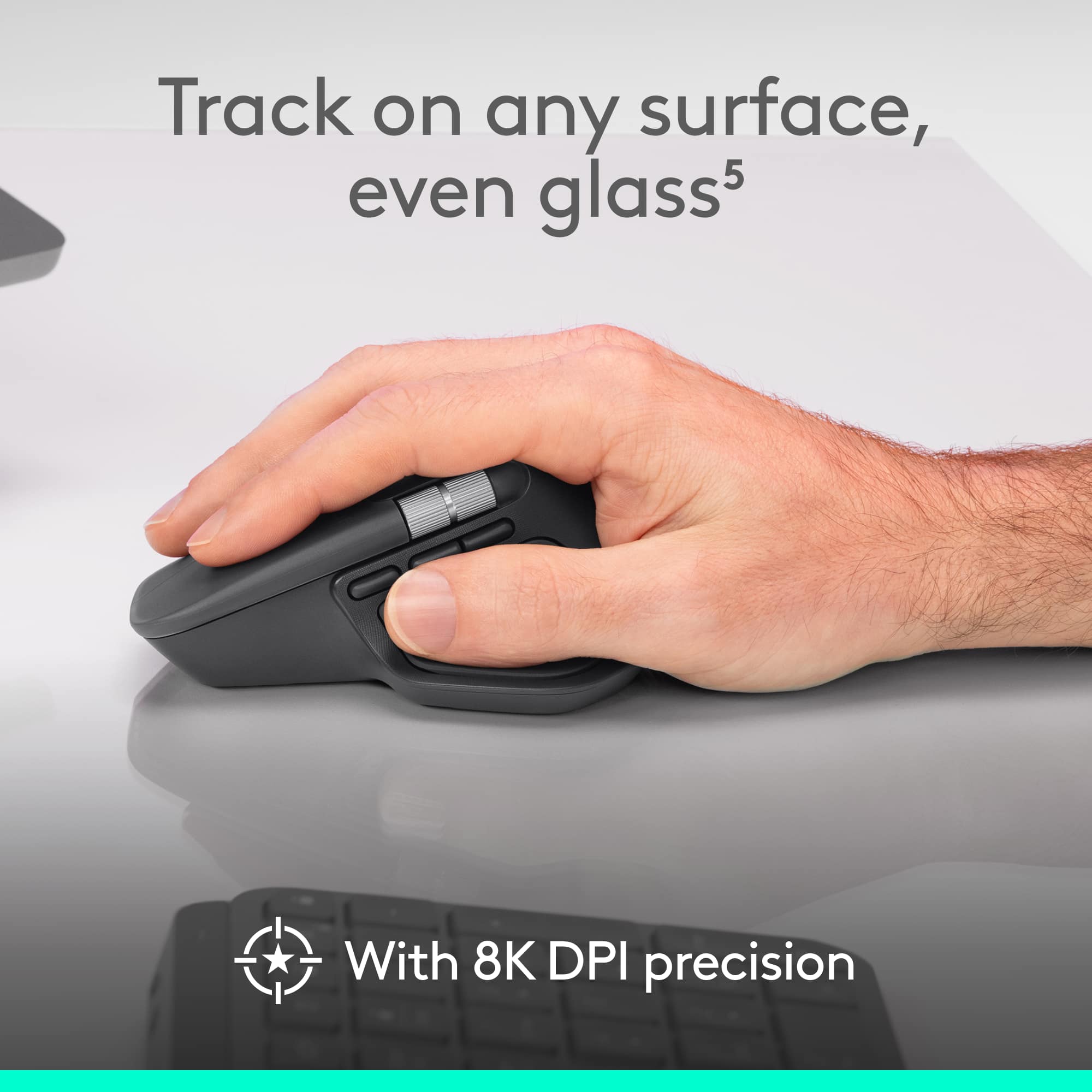
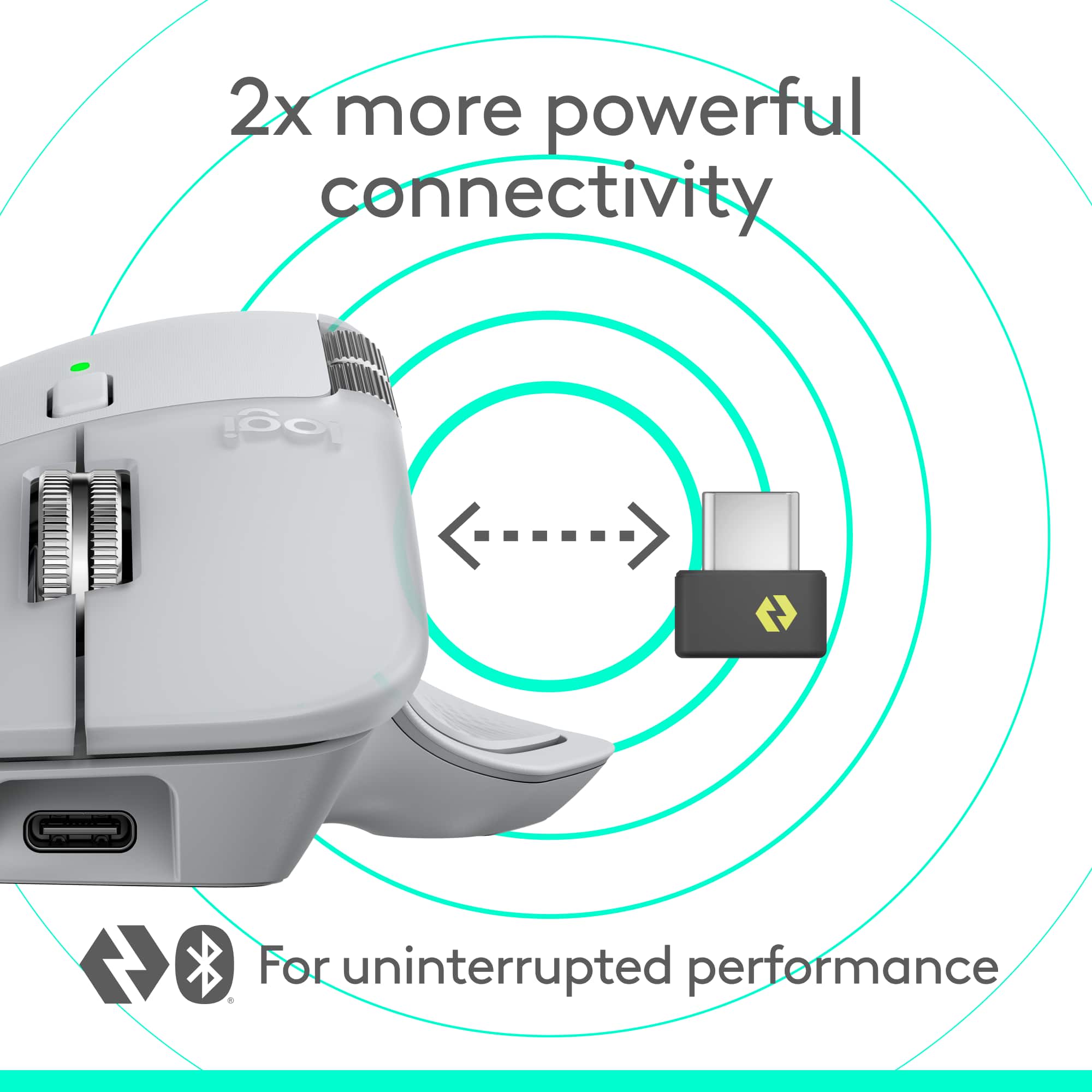
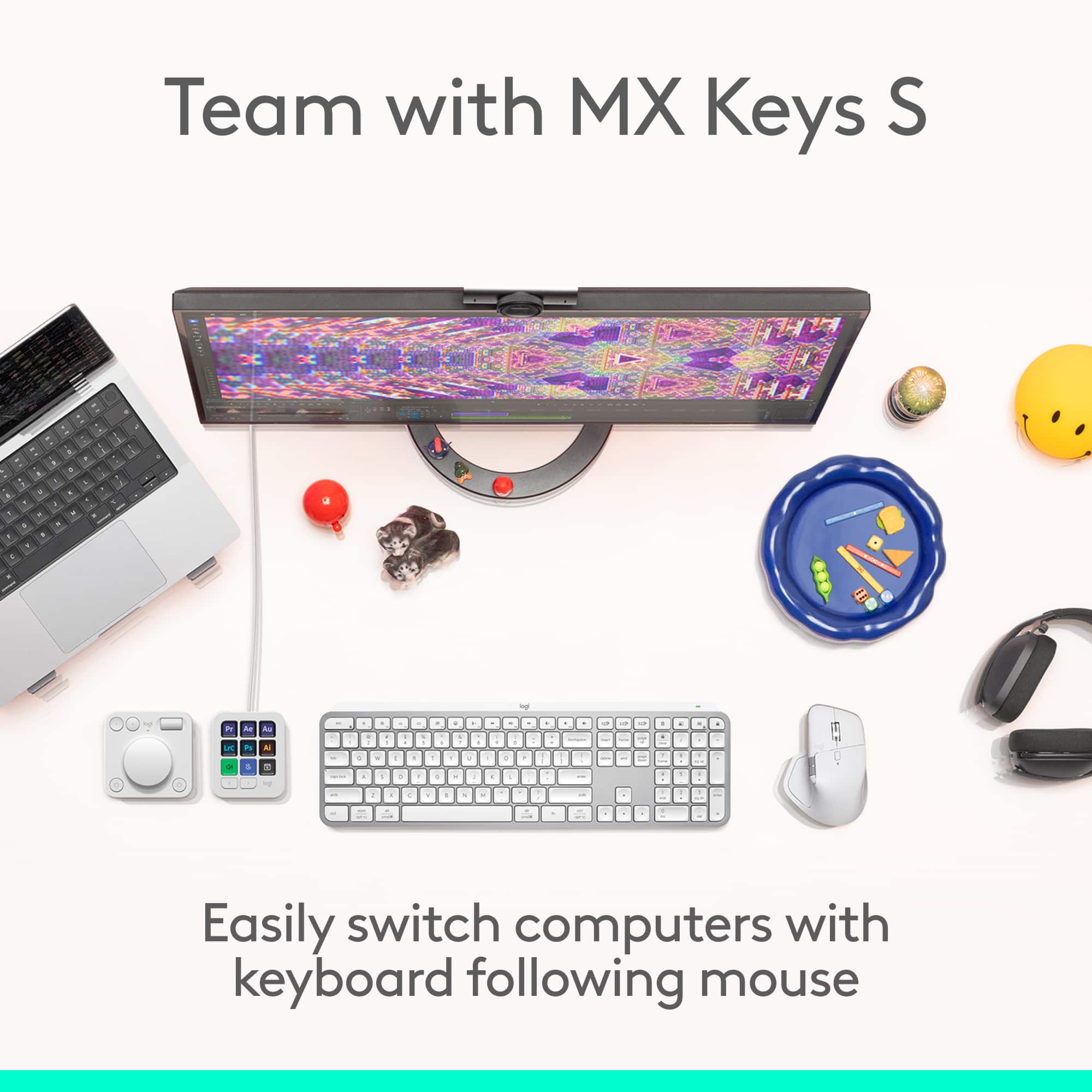
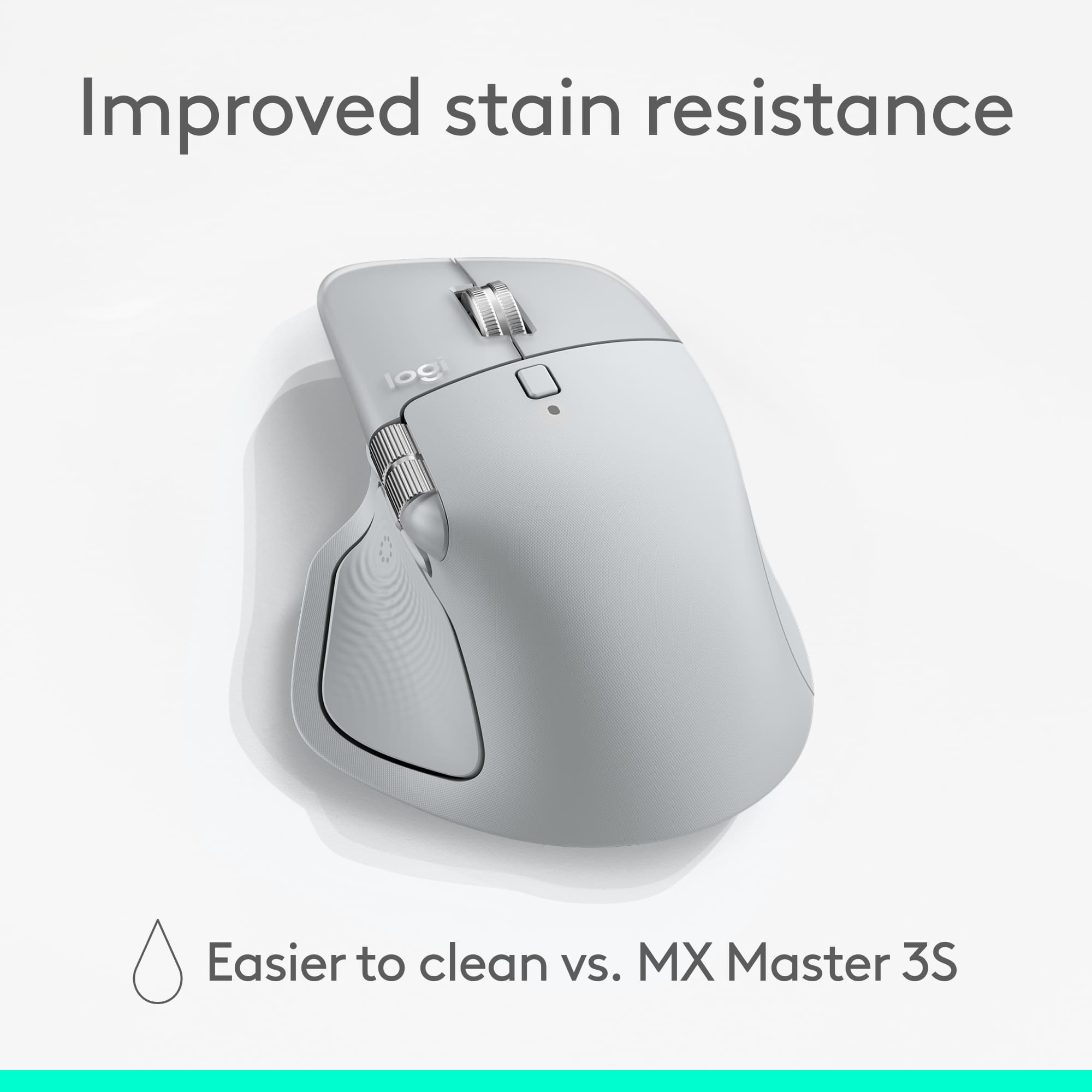
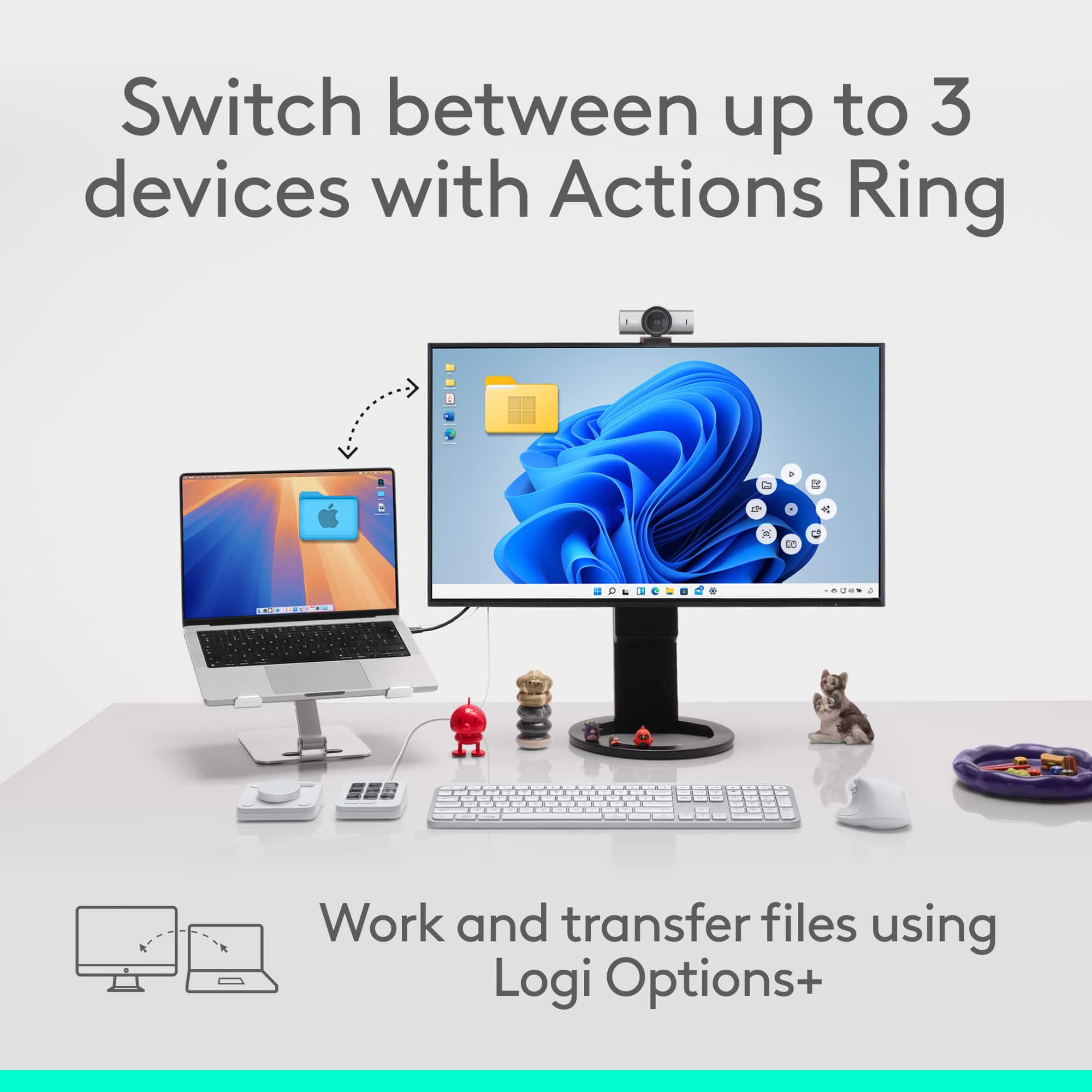
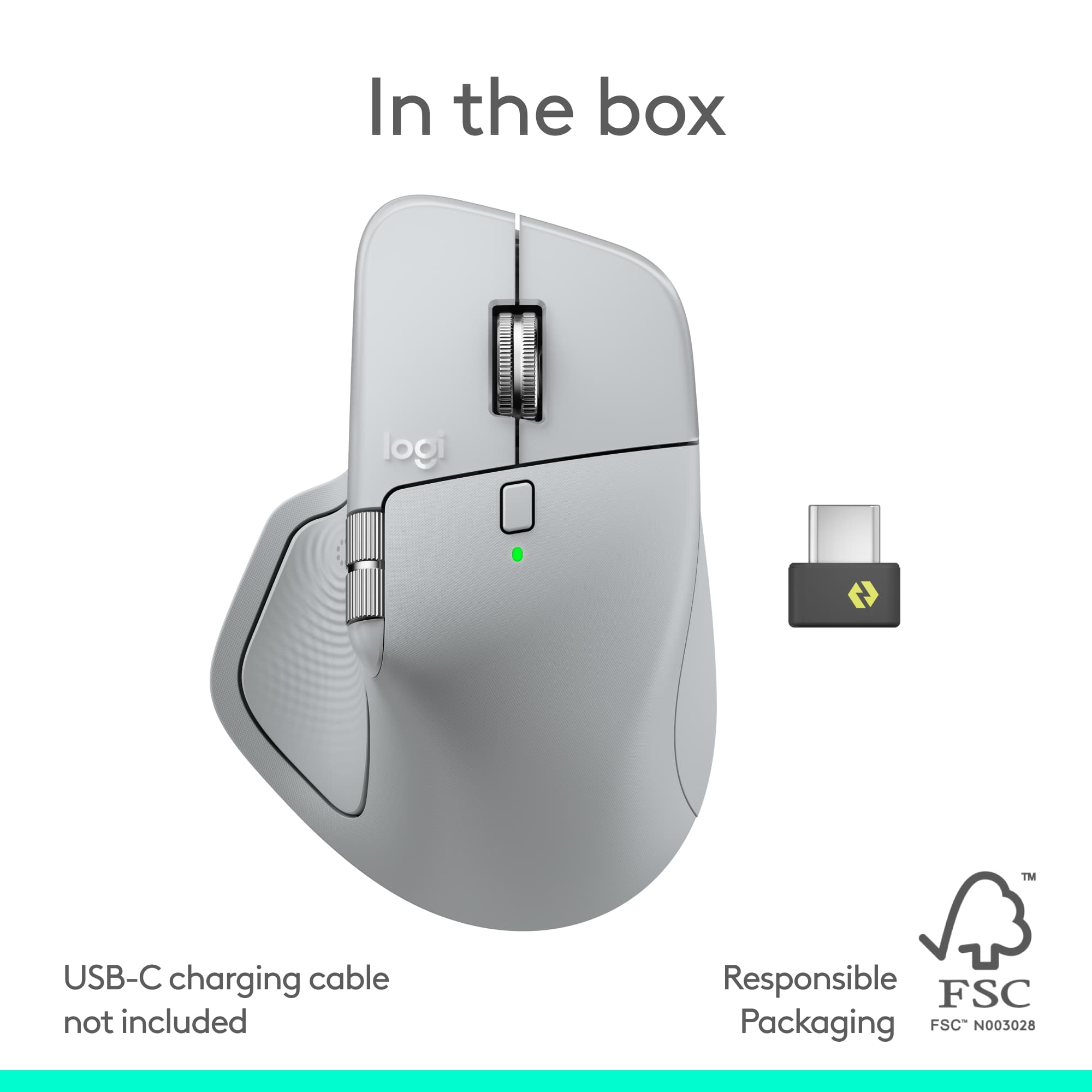
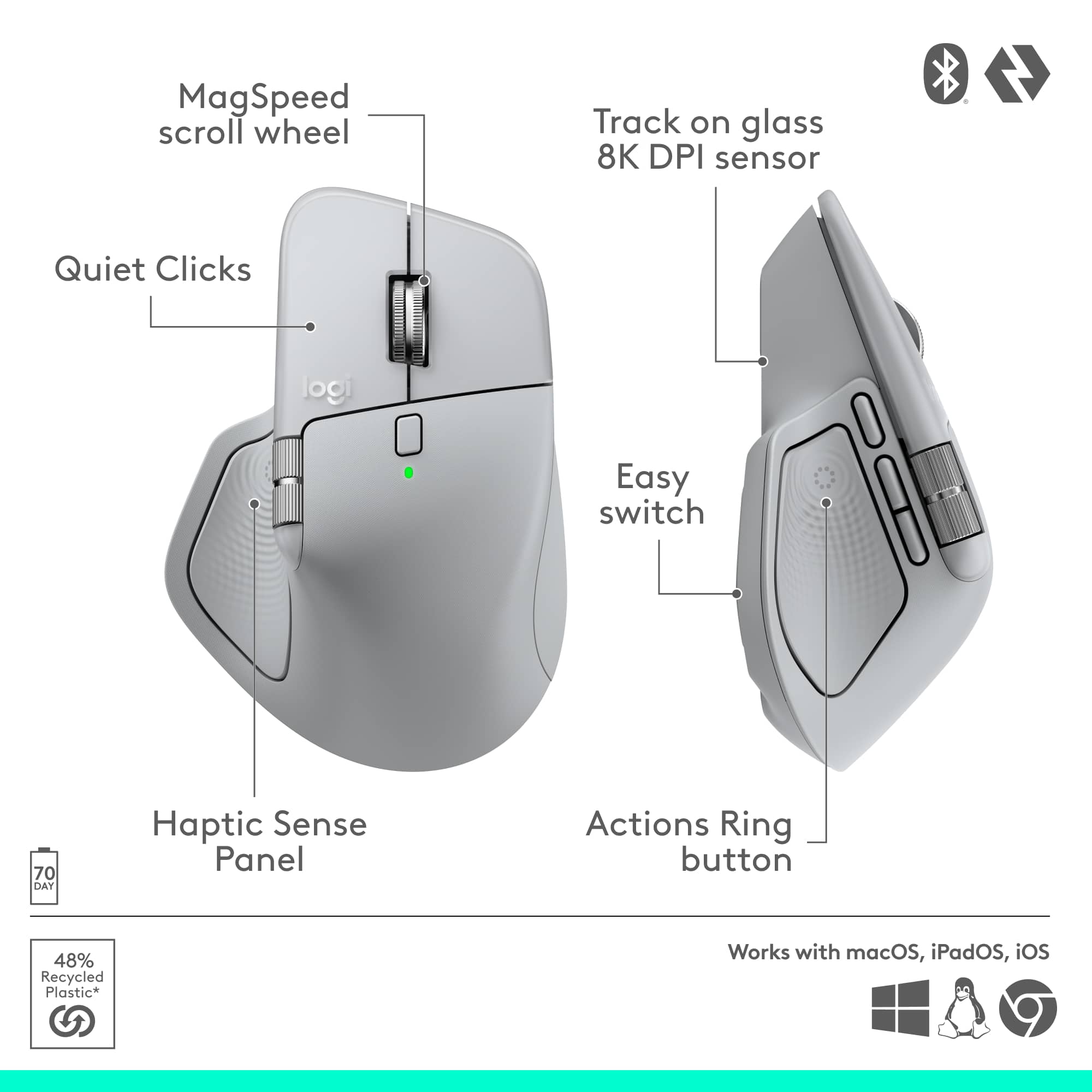
||Posted .This reviewer received promo considerations or sweepstakes entry for writing a review.What’s Great (Strengths & Features) • Excellent Ergonomics & Build • Very comfortable sculpted design for right-handed users; great for long work sessions. • Premium build: smooth feet, sturdy feel, improved coating that lasts longer. • Quiet-click buttons make it ideal for office or shared spaces. • High Precision & Smart Scrolling • 8,000 DPI sensor tracks on almost any surface — even glass. • MagSpeed wheel switches between precise steps and fast free-spin scrolling. • Multiple customizable buttons + horizontal thumb wheel → huge productivity boost. • New Haptic Feedback + Action Ring • Built-in haptics give subtle vibration cues for actions, scrolls & shortcuts. • Fully customizable or can be turned off. • “Action Ring” overlay lets you pull up app-specific shortcuts with tactile confirmation. • Strong, reliable wireless performance + USB-C receiver. • Excellent battery life (up to ~70 days). • Great for Productivity & Multi-Device Workflows • Perfect for coding, editing, spreadsheets, design, and multitasking. • Smooth device switching (up to 3 devices) via Easy-Switch or Action Ring. • Broad Compatibility • Works with Windows, macOS, Linux, ChromeOS, and even iPadOS via Bluetooth. • Supports Bluetooth LE and the included USB-C Logi Bolt receiver. • Ideal for people using PCs, Macs, tablets, and modern USB-C laptops. What’s Not Great (Cons & Limitations) • Size & Handedness • Large, right-handed shape — not ideal for small hands or left-handed users. • Heavier than travel mice; meant for desktop use, not portability. • Haptics Are Hit-or-Miss • Limited app support so far. • Many users may find it cool but not essential. • Not for Gaming • 125 Hz polling rate feels slow for fast/competitive games. • Some note slightly slower response than older MX models under fast movement. • Missing Convenience Features • No onboard memory for profiles — settings tied to software. • No storage slot for the Bolt receiver (easy to lose during travel). • Premium Price • ~$120–$130 is expensive. • Upgrade from MX Master 3S is noticeable but not huge unless you want haptics & USB-C dongle. Who Should Buy It • Professionals who work long hours on a computer. • Developers, editors, designers, analysts, and heavy productivity users. • People who work across multiple devices (PC, Mac, iPad, laptop). • Anyone who wants comfort + tons of customization. Who Should Skip It • Left-handed or small-handed users. • Gamers looking for high polling rates. • Travelers needing a compact mouse. • Users who don’t care about shortcuts, haptics, or customization.
I would recommend this to a friendBrand response from Logitech
Posted .Thanks for the thoughtful review! We’re glad to hear our product is delivering the quality and convenience you were looking for. Your feedback helps us keep improving, and we’re grateful for your trust in Logitech.

The Ultimate Productivity Powerhouse for Devs
||Posted .This reviewer received promo considerations or sweepstakes entry for writing a review.Writing this review after using it for a month now: Connectivity is noticeably more stable via the Logi Bolt receiver compared to Bluetooth, with consistent performance and no observable input lag during extended usage. Customization through Logi Options+ unlocks the true potential of the MX 4, offering extensive button mapping and application specific controls that significantly improve workflow efficiency. What really stands out is the high-accuracy optical sensor with adjustable DPI (up to 8,000 DPI). It provides precise and controlled cursor movement, making it well suited for long hours of technical work such as software development. The ergonomic design helps reduce fatigue during extended coding sessions after using for more than 2 weeks. The MagSpeed scroll wheel adds substantial value, especially when navigating large datasets, long code files, or massive drum arrangements during music production. The seamless transition between precision scrolling and free spin mode makes timeline navigation fast and effortless. After using it for more than 4 weeks, the only downside is the weight of the MX 4, which may feel slightly heavy for users who prefer lighter mice or make frequent, rapid movements. However, this trade-off also contributes to its premium build and stability.
I would recommend this to a friendBrand response from Logitech
Posted .Thank you so much for taking the time to share your experience. We're thrilled to hear that the product is working well for you and meeting your expectations. Your feedback helps us continue to improve and innovate. We truly appreciate your support of Logitech.
Really impressive mouse.
||Posted .This reviewer received promo considerations or sweepstakes entry for writing a review.I switched from the Razer Basilisk V3 Pro to this mouse looking for an ergonomic improvement to reduce wrist fatigue and this mouse does not disappoint, the addition of the side scroll button and the haptic button have been a game changer for me in terms of productivity and saving time during work hours. The battery is a huge jump compared to the Basilisk's battery (taking into account that this mouse does not have RGB like the Basilisk) if what you are looking for is to optimize your productivity and more importantly take care of the health of your wrist, this is the way to go.
I would recommend this to a friendBrand response from Logitech
Posted .Hey! We appreciate your kind words. Your feedback helps us stay on track and continue delivering value. Thanks for being a loyal user.
Great mouse
||Posted . Owned for 4 months when reviewed.This reviewer received promo considerations or sweepstakes entry for writing a review.Best mouse I’ve ever used. The battery lasts forever and the bluetooth connection is strong
I would recommend this to a friendBrand response from Logitech
Posted .It’s wonderful to hear that our product is meeting your needs. Your feedback is incredibly valuable and helps us continue to innovate. Thanks for being part of the Logitech community.
Perfect mouse
||Posted . Owned for 1 month when reviewed.This reviewer received promo considerations or sweepstakes entry for writing a review.Love it. Lightweight premium feel truly works on glass and whatever other surface you might use it on, they say it’s more of an at home desktop but with a carrying case it is just as effective on the go as at home
I would recommend this to a friendBrand response from Logitech
Posted .We appreciate you taking a moment to share your experience. It’s great to know that our product is living up to your expectations and making your tasks easier. Your support means the world to us—thanks for being a Logitech customer.
Best mouse rifgt now
||Posted .This reviewer received promo considerations or sweepstakes entry for writing a review.Excellent ergonomic mouse. It is worth it, and fun to use
I would recommend this to a friendBrand response from Logitech
Posted .Thanks for sharing your thoughts on the Logitech MX Master 4 mouse! We're glad to hear you're enjoying its ergonomic design and find it fun to use.
Mx Master 4
||Posted . Owned for 2 weeks when reviewed.This reviewer received promo considerations or sweepstakes entry for writing a review.Great mouse for work. Do not try to game with it, but it’s great for productivity
I would recommend this to a friendSoft and quiet
||Posted .This reviewer received promo considerations or sweepstakes entry for writing a review.Love this mouse. The haptic and silent clicks are amazing. My new go to for work projects
I would recommend this to a friendBrand response from Logitech
Posted .Thank you for your kind words! We’re delighted the product is performing well for you. Your feedback inspires us to keep pushing forward.
Productivity on Another Level
||Posted . Owned for 4 months when reviewed.This reviewer received promo considerations or sweepstakes entry for writing a review.I’ve used a lot of mice over the years, and the Logitech MX Master 4 Wireless (Pale Gray) is easily one of the most refined ones I’ve had on my desk. First off — the comfort is real. It fits naturally in my hand, especially with a palm grip, and I can use it all day without feeling wrist fatigue. The shape and thumb rest make it feel intentional, not generic. It’s clearly designed for people who sit at a desk for long hours. The scroll wheel is probably my favorite feature. The MagSpeed scrolling is insanely smooth. I can switch from precise line-by-line scrolling to flying through long documents in seconds. If you work in spreadsheets, dashboards, long PDFs, or code — this makes a noticeable difference. The customization is where it really shines. Multiple programmable buttons, the thumb wheel, gestures — once I mapped them to my workflow, it actually saved me time. It’s not just extra buttons for the sake of it. If you’re willing to set it up properly in Logi Options+, it becomes a productivity tool, not just a mouse. The haptic feedback is subtle but interesting. It gives a small tactile response when triggering certain actions. It’s not life-changing, but it does make interactions feel more premium and deliberate. Battery life has been solid. I don’t think about charging it often, and USB-C fast charging is convenient. The wireless connection is stable whether I’m using Bluetooth or the receiver. A few honest notes: It’s not small. If you have smaller hands, it may feel bulky. It’s right-hand only. To unlock its full power, you do need the Logitech software running. Overall, this feels like a serious desk setup mouse — not something you throw in a backpack for coffee shop work. If you spend hours a day working on a computer and care about efficiency and comfort, it’s worth it. If you just need something basic for casual browsing, this is probably more than you need. For me, it’s a long-term productivity upgrade, not just another accessory.
I would recommend this to a friendBrand response from Logitech
Posted .We’re grateful for your kind words. It’s great to know our product is meeting your expectations. Thanks for being with Logitech.
Great mouse
||Posted . Owned for 1 month when reviewed.This reviewer received promo considerations or sweepstakes entry for writing a review.Was kinda concerned about this mouse at first. I mostly game and I know this more of a productivity mouse but this mouse is still great for gaming, maybe not professionally but as a casual gamer I love it. I have been getting annoyed by RGB everything recently and that's one of the things I love about this mouse. It's also very comfortable to use. The haptics are a nice touch. I love the customizability of the action ring. You can do so much with it. I really like this mouse. I bought this one as a gift for my gf and liked it so much I ended up buying one for myself too.
I would recommend this to a friendBrand response from Logitech
Posted .Hey! We appreciate your review and the time you took to share it. It’s great to know our product is working well for you. Thank you for being a loyal Logitech user.
A premium mouse that lives up to the hype
||Posted . Owned for 2 weeks when reviewed.This reviewer received promo considerations or sweepstakes entry for writing a review.The MX Master 4 has quickly become an essential part of my daily setup. The ergonomic design is incredibly comfortable for long work sessions, and the wireless performance is rock-solid. The haptic feedback on the scroll wheel is a game-changer — it adapts intelligently depending on what you're doing. Battery life is excellent, and the pale gray colorway looks sleek. If you spend a lot of time at a computer, this mouse is absolutely worth the investment.
I would recommend this to a friendBrand response from Logitech
Posted .We’re really grateful for your thoughtful review. It’s wonderful to know that our product is delivering the performance and ease of use you were hoping for. Hearing from satisfied users like you keeps us motivated. Thanks for choosing Logitech!
Don’t question just buy it.
||Posted .This reviewer received promo considerations or sweepstakes entry for writing a review.I’m really impressed with both Best Buy and the MX Master 4. Best Buy shipped my order fast, the checkout process was simple, and the product page had plenty of reviews and details to help me feel confident about the purchase. As for the MX Master 4, it’s easily one of the best mice I’ve ever used. It’s super comfortable, the new haptic feedback feels great, and the quick-select button is a smart upgrade. Putting my Mac and Windows laptops to sleep is instant and effortless. The slim USB receiver is also a nice touch. My only wish is that the mouse had a built-in spot to store the receiver when I’m traveling, since I use it with my laptop and prefer it over a trackpad. Overall, I’m really happy with it and would definitely recommend it.
I would recommend this to a friendBrand response from Logitech
Posted .That's fantastic feedback. Thank you for sharing your positive experience with the Logitech MX Master 4 Mouse! We're delighted to hear it's one of the best you've used, especially with its comfort and haptic feedback. Your suggestion regarding receiver storage is noted, and we appreciate your high recommendation!
Highly Recommend
||Posted . Owned for 2 weeks when reviewed.This reviewer received promo considerations or sweepstakes entry for writing a review.The battery life is insanely good, I can adjust the controls to how I want them, and it connects almost instantly to my computer. Highly recommend in general, but mainly anyone who needs to mouse for editing softwares like DaVinci Resolve or After Effects.
I would recommend this to a friendBrand response from Logitech
Posted .This mouse has great battery life, customizable controls, and connects quickly. We highly recommend it, especially for those who use editing software like DaVinci Resolve or After Effects.
Logitech - MX Master 4 review
||Posted . Owned for 2 weeks when reviewed.This reviewer received promo considerations or sweepstakes entry for writing a review.I was looking for a mouse that would (a) be gentle on my hand, (b) offer precise movement, and (c) switch easily between multiple devices. After reading through several options and talking with the store associate, I decided on the Logitech MX Master 4. I’m very happy with my purchase so far—it's comfortable, accurate, and effortlessly connects to all my devices.
I would recommend this to a friendBrand response from Logitech
Posted .Thank you so much for your wonderful feedback on the Logitech - MX Master 4 Wireless Mouse! We’re thrilled to know it’s meeting your expectations. Your support means a lot to us.
The best mouse ever
||Posted . Owned for 2 months when reviewed.This reviewer received promo considerations or sweepstakes entry for writing a review.This mouse offers a remarkably quiet clicking experience, which is a true pleasure during extended use. The ability to connect via both a convenient USB dongle and seamless Bluetooth is a fantastic feature. It provides excellent flexibility for switching between different devices and environments. I have found the performance to be consistently reliable and precise. Overall, this mouse is a wonderful choice for anyone prioritizing a peaceful and versatile computing experience.
I would recommend this to a friendBrand response from Logitech
Posted .Thank you for your thoughtful review! We’re delighted the MX Master 4 delivers the quiet precision and versatile connectivity you value. Your feedback truly means a lot!
Great Mouse Upgrade for iMac
||Posted .This reviewer received promo considerations or sweepstakes entry for writing a review.Love this mouse. Works much better than the Apple mouse that came with my iMac. I did learn that you don’t need to get the Mac version mouse. The regular one works great. You just need to use it with the supplied dongle which ultimately makes it work faster as well from what I read.
I would recommend this to a friendBrand response from Logitech
Posted .Thank you for your thoughtful feedback on the Logitech MX Master 4 Mouse! We’re glad to hear it works seamlessly with your iMac and delivers an even better experience.
Good mouse
||Posted . Owned for 3 weeks when reviewed.This reviewer received promo considerations or sweepstakes entry for writing a review.First ever mouse I dropped a good amount of money on. At first I was skeptical but once I used it for a while, I ended up loving it. The vibrations and the grip feel amazing and the buttons make having shortcuts easier.
I would recommend this to a friendBrand response from Logitech
Posted .We’re grateful for your feedback and happy to hear the product is working smoothly. Your experience helps us build better tools for everyone.
Great Mouse
||Posted . Owned for 1 month when reviewed.This reviewer received promo considerations or sweepstakes entry for writing a review.This is such a comfortable mouse easy to use and lots of buttons to customize. This is my 3rd one each one a newer version. I use all three just keep them in different locations.
I would recommend this to a friendBrand response from Logitech
Posted .Thank you for your kind words! We’re delighted to hear that the Logitech MX Master 4 mouse has been a comfortable and customizable choice for you, and that you’ve enjoyed using multiple versions. Your continued trust means a lot to us!
Great Mouse!
||Posted . Owned for 1 month when reviewed.This reviewer received promo considerations or sweepstakes entry for writing a review.I'm still getting used to the mouse but it fits my hand great and has great features that helps me navigate better than my previous trackball. I purchased this to replace the trackball and had to be ergonomic to help with carpal issues. So far so good
I would recommend this to a friendBrand response from Logitech
Posted .Thank you for sharing your feedback! We're glad to hear the mouse fits your hand well and is an improvement over your previous trackball. We appreciate you mentioning the ergonomic features and how they're helping with your carpal issues.
Really liked the design
||Posted . Owned for 3 weeks when reviewed.This reviewer received promo considerations or sweepstakes entry for writing a review.The mouse is awesome and fits my hand perfectly. Its also quite good for gaming
I would recommend this to a friendBrand response from Logitech
Posted .Thank you so much for the fantastic feedback! We’re thrilled to hear that the MX Master 4 fits you perfectly and powers up your gaming sessions. It’s wonderful to know the ergonomics and performance are hitting the mark for you!