Customer Ratings & Reviews


- Model:
- 910-006250
- SKU:
- 11065145
Rating by feature
- Value
Rating 4.8 out of 5 stars
- Quality
Rating 4.8 out of 5 stars
- Ease of Use
Rating 4.8 out of 5 stars
- Pros mentioned:Ease of use, Ergonomics
Mouse
||Posted . Owned for 1 month when reviewed.This reviewer received promo considerations or sweepstakes entry for writing a review.Solved problem of moving around on the computer screen. It is much easier than using the keypad to move around on the screen. We have not plugged it in yet as the battery is working fine and our desk is crowded. It fits nicely in the hand whether left or right handed.
I would recommend this to a friendBrand response from Logitech
Posted .It’s fantastic to hear that you’re satisfied with your Logitech product. We strive to deliver quality and reliability, and your feedback reassures us that we’re on the right path. Thanks for your continued support—we’re lucky to have you with us.

- Pros mentioned:Overall performance, Silent clicks
Logitech M650 Review
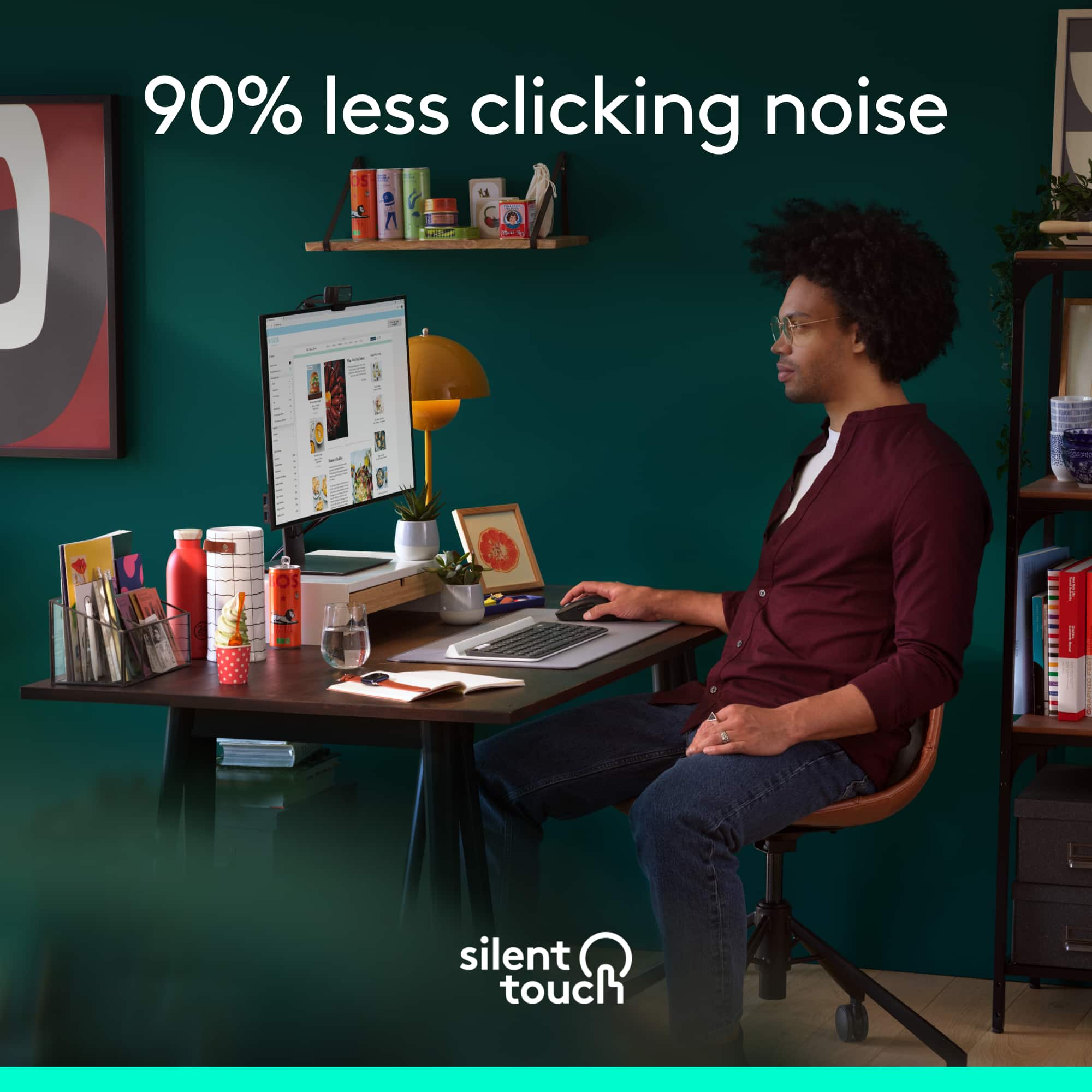
||Posted . Owned for 1 week when reviewed.This reviewer received promo considerations or sweepstakes entry for writing a review.Smooth and efficient. Very quiet clicks. Highly recommended.
I would recommend this to a friendBrand response from Logitech
Posted .We’re so glad you’re enjoying your Logitech product. Your feedback helps us stay on track and continue delivering great experiences.
- Pros mentioned:Ergonomics, Overall performance
comtable mouse
||Posted . Owned for less than 1 week when reviewed.This reviewer received promo considerations or sweepstakes entry for writing a review.This mouse is a nice comtable mouse for a any user that would like to have a device lighter and ergonamic. this mouse is economic and it works as intendied without breaking the bank, since i go onsale. i use this mouse to trave with it
I would recommend this to a friendBrand response from Logitech
Posted .Thank you for sharing your thoughts on the Logitech - Signature M650 Wireless Optical Mouse. We’re thrilled to know it’s meeting your expectations. Your support means a lot to us.
Perfect Portable Mouse – Quiet and Lightweight
||Posted . Owned for 1 month when reviewed.This reviewer received promo considerations or sweepstakes entry for writing a review.I really like this mouse! It’s very lightweight and compact, which makes it easy to carry in my laptop bag when I go out or travel. The clicking is very quiet, so it’s perfect to use in places like cafes, libraries, or shared workspaces without disturbing anyone.
I would recommend this to a friend- Pros mentioned:Ergonomics, Overall performance
Happy
||Posted .This reviewer received promo considerations or sweepstakes entry for writing a review.Works super well. Fits my hand perfectly. Love the white color. Battery lasts forever.
I would recommend this to a friendBrand response from Logitech
Posted .Thanks for your thoughtful review. It’s great to know our product is living up to your expectations. Your support helps us keep delivering quality.
- Pros mentioned:Ergonomics, Overall performance
Perfect for smaller hands
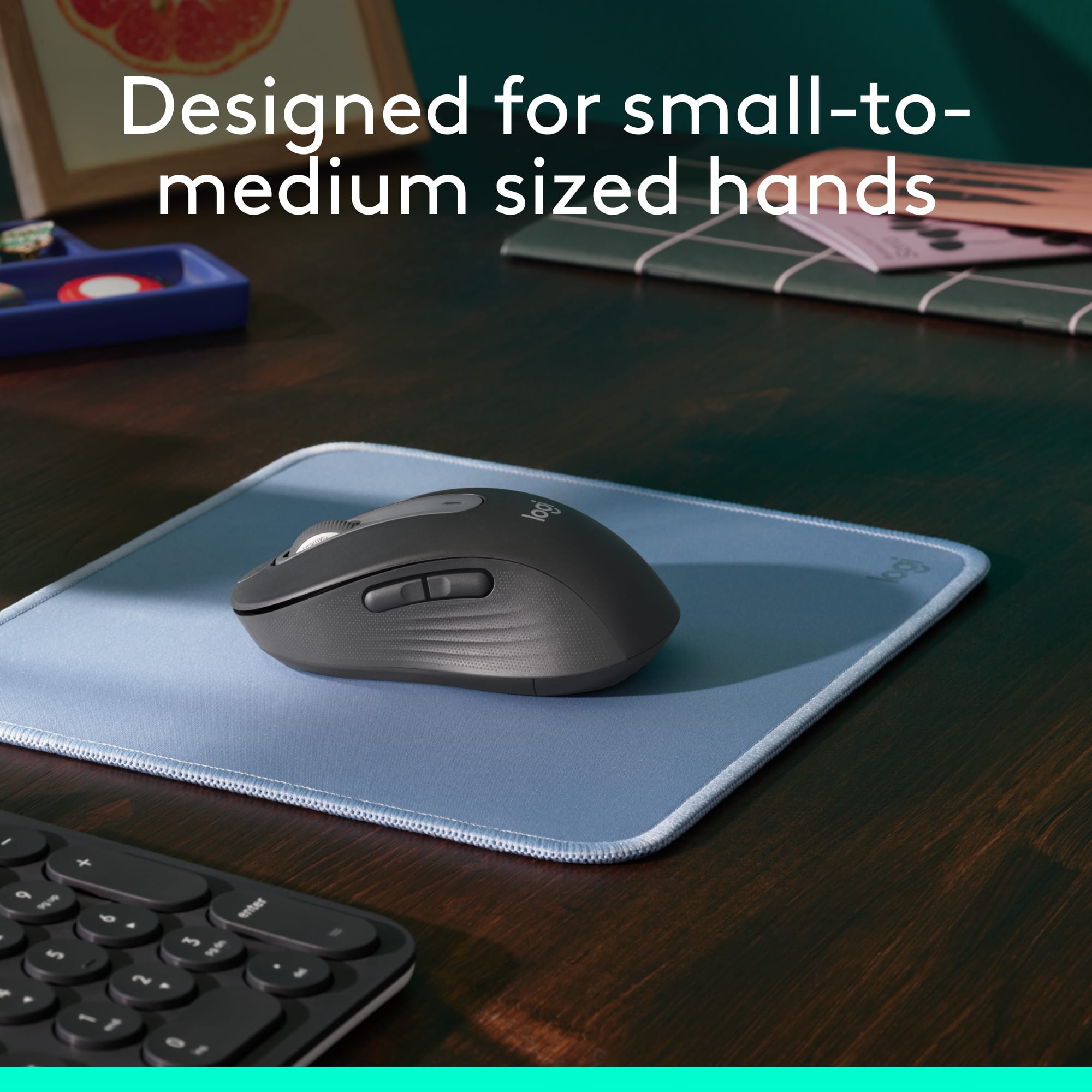
||Posted . Owned for 10 months when reviewed.This reviewer received promo considerations or sweepstakes entry for writing a review.Love this mouse. Great for my smaller hands. Works great, love the wireless. The no clicking took a bit to get used to but love it now.
I would recommend this to a friendBrand response from Logitech
Posted .We’re so pleased to hear you’re happy with your Logitech device. Your support means a lot, and we’re honored to be part of your tech experience.
- Pros mentioned:Ease of use
Great Product
||Posted . Owned for 1 month when reviewed.This reviewer received promo considerations or sweepstakes entry for writing a review.Absolutely happy with this product. Quiet and easy to use. But what impressed me the most the quick and efficiency of ordering and get it. Outstanding on the shipping part. Thank you
I would recommend this to a friendBrand response from Logitech
Posted .Thanks for taking a moment to share your experience. We’re so glad the product is working well for you. Your support means a lot and helps us keep improving.

Most comfortable mouse ever
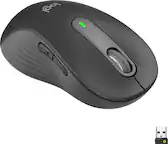
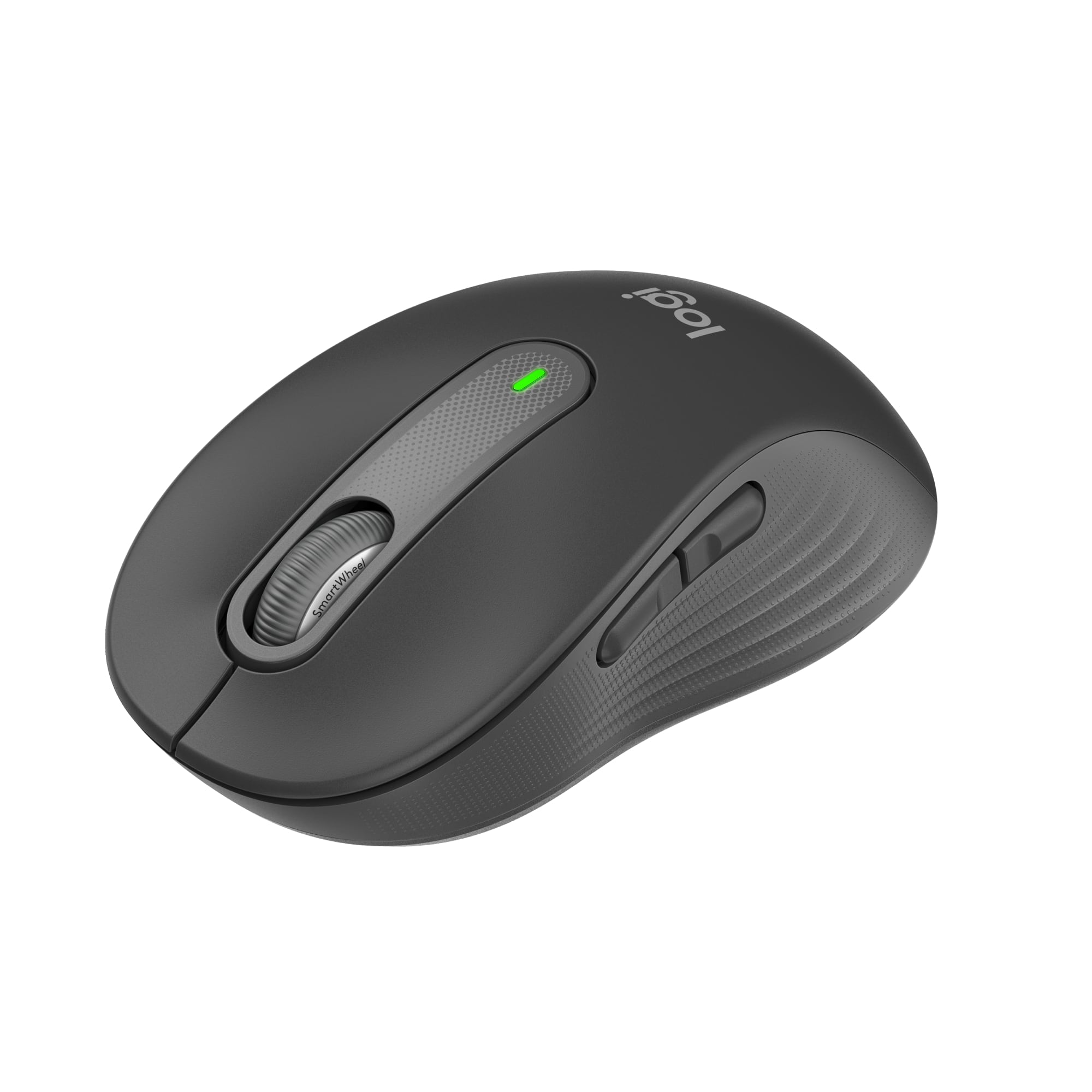
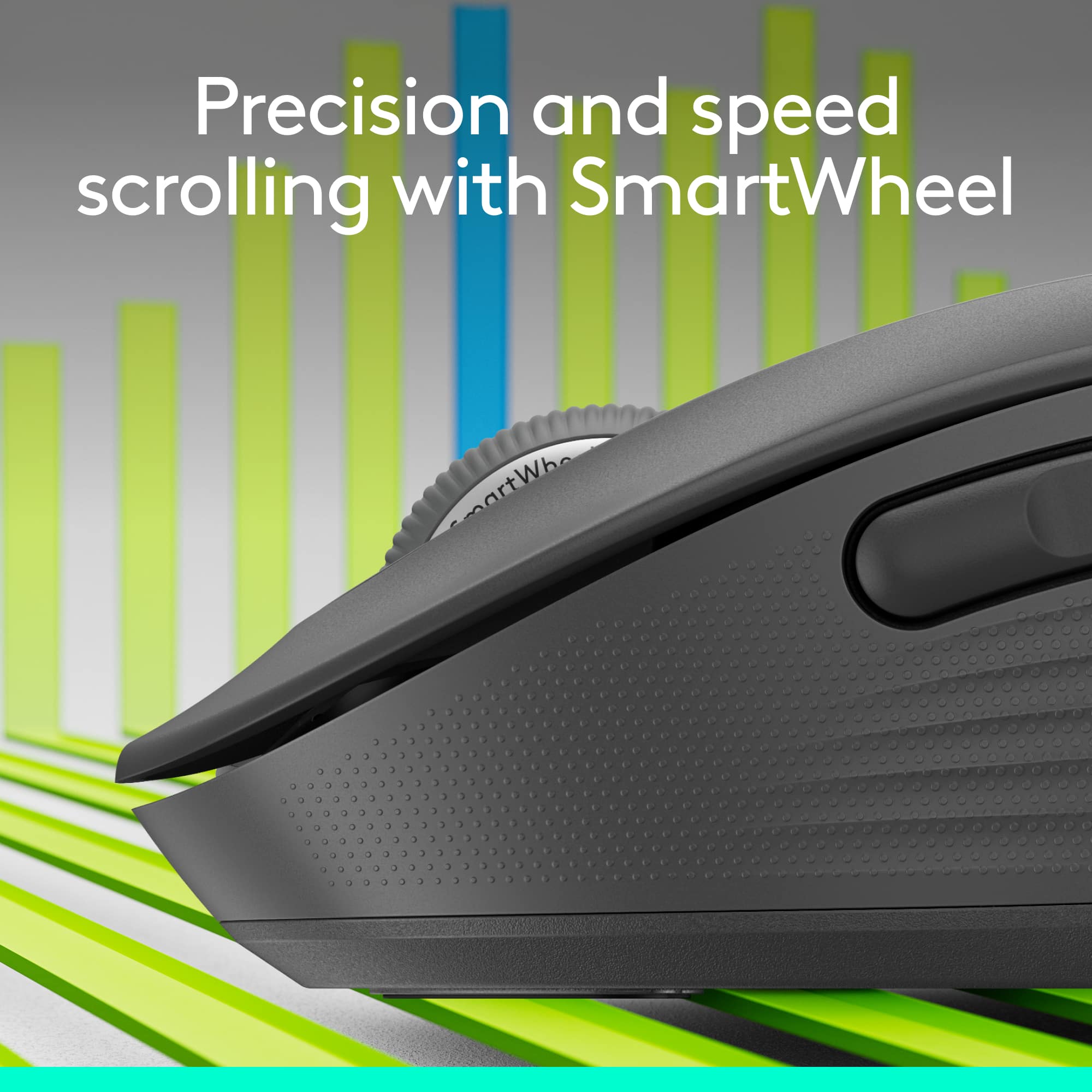
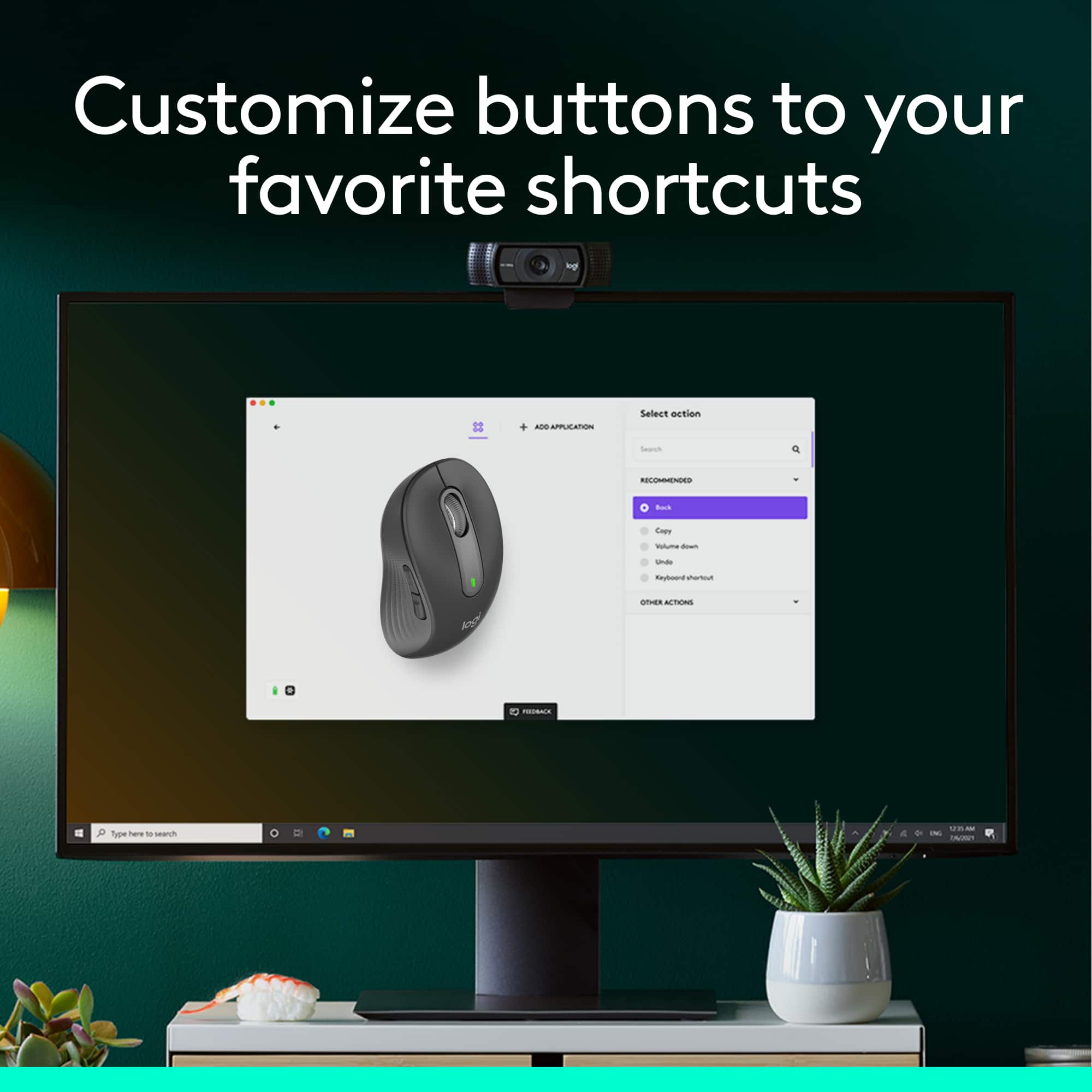
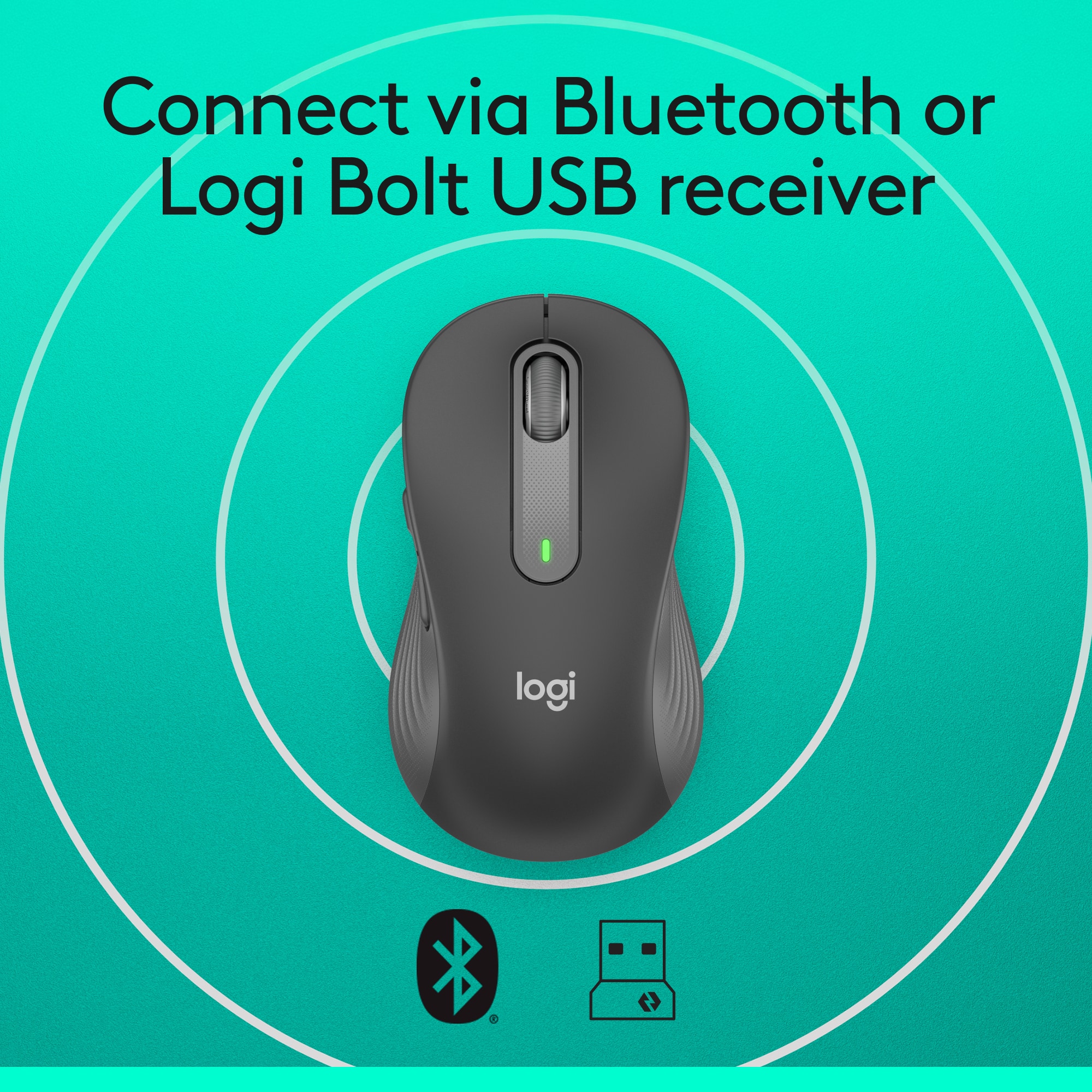
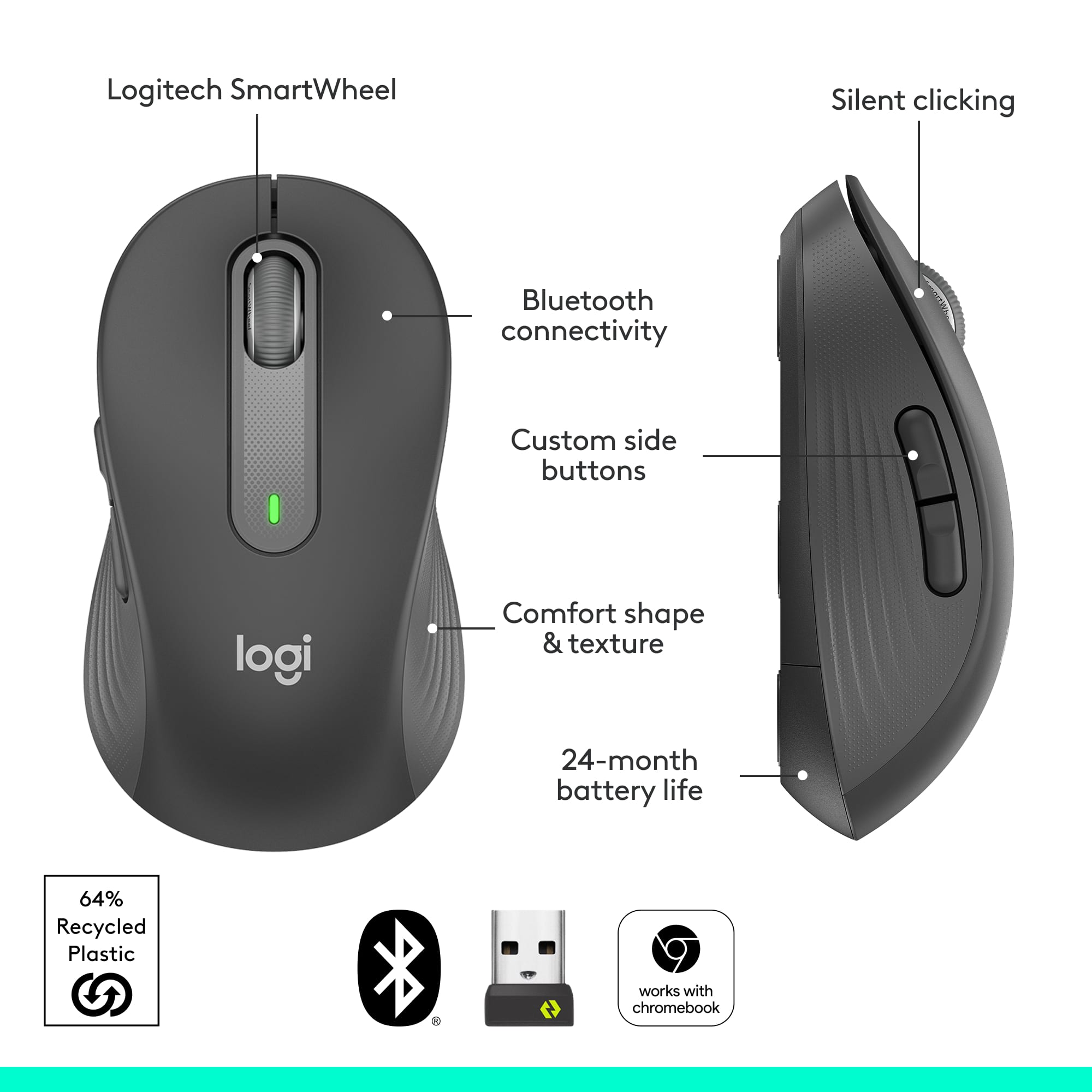
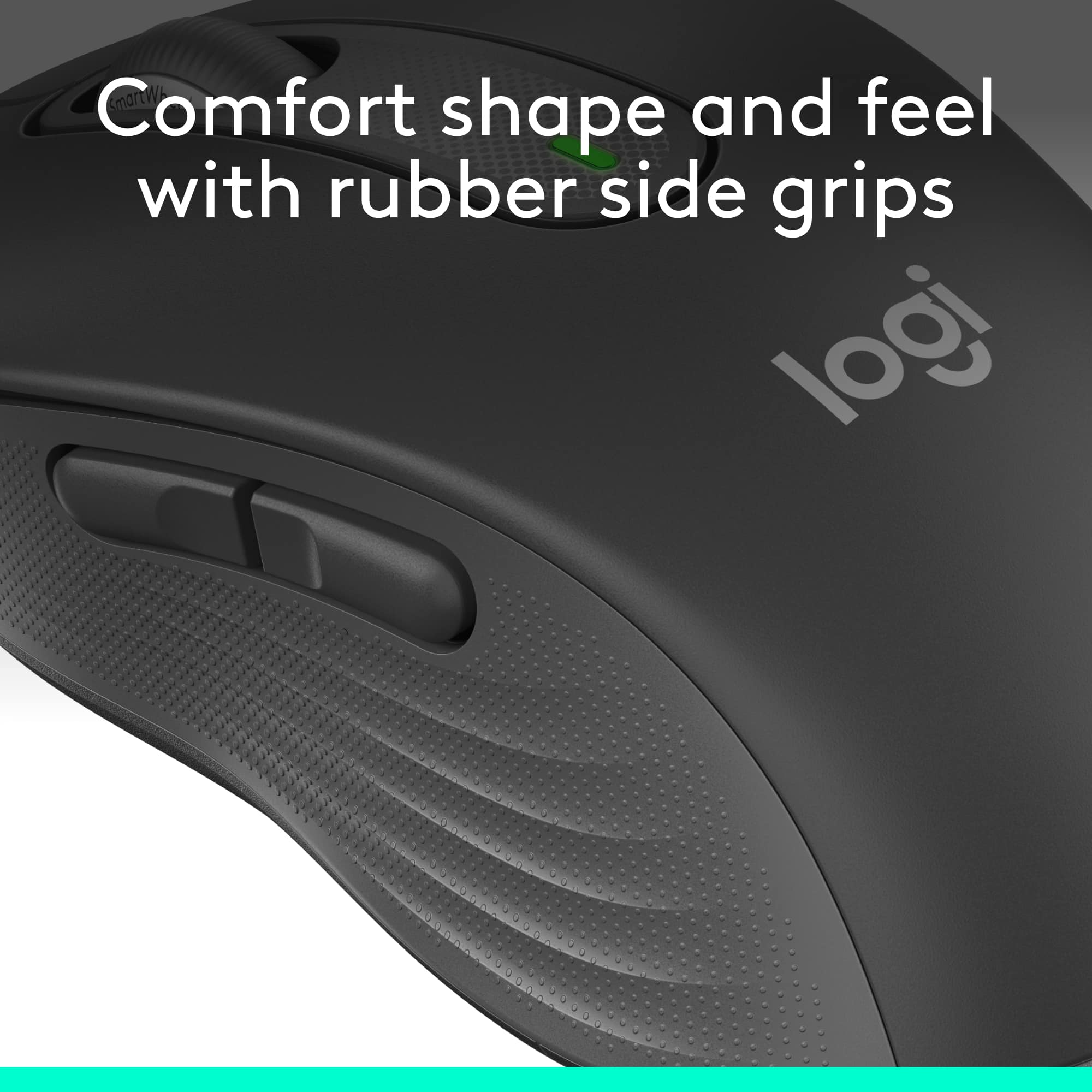
|Posted .This reviewer received promo considerations or sweepstakes entry for writing a review.The Logitech Signature M650 wireless scroll mouse with silent clicks comes in a typical clamshell package. You open the clamshell and remove the mouse. Open the battery compartment to retrieve the Bluetooth transmitter and pull the tab for the Duracell batteries. Plug the Bluetooth transmitter into your device and you are ready to go. The first thing I noticed is how light and smooth it is moving the mouse. It is near effortless. And it is the quietest mouse I have ever owned. There are two customizable side buttons. They defaulted for me to switch a window which is a good choice for me. It is very nice to hold and the sides are soft and not hard plastic feeling. It is the most comfortable mice I have ever had. It is now my go to mouse for work. You can download the Logitech Options+ software if you want to customize the side buttons. The one AA Duracell battery is included. This is rated to last 2 years. The SmartWheel scrolling is a nice touch. You can move one row at a time or whiz through lots of information. I got the standard option. This fits fine in my hand. There is a large option and a left option. I rate this as 5 out of 5 stars. I would recommend this to anyone wanting the next level of comfort with a mouse device.
I would recommend this to a friend- Pros mentioned:Silent clicks, Size
The best mouse if you dont need 99 gaming features
||Posted .This reviewer received promo considerations or sweepstakes entry for writing a review.Silent clicks. Forward and back buttons. Silent scroll wheel with notches and it has an infinity mode if you spin it fast. I use it for school for the silent clicks, and this would be perfectly good for 99% of games that dont need more than 2 side mouse buttons. Medium sized, not xl and not tiny in my hand.
I would recommend this to a friendBrand response from Logitech
Posted .Your feedback means a lot to us, and we’re so glad to hear you’re enjoying your Logitech device. We work hard to create products that make life easier and more enjoyable, and it’s great to know we hit the mark. Thanks again for your support!
- Pros mentioned:Ease of use
wireless mouse with silent clicks
||Posted . Owned for 1 month when reviewed.This reviewer received promo considerations or sweepstakes entry for writing a review.I olve this mouse so easy to use and it doesn't neeed to connect to the computer.
I would recommend this to a friendBrand response from Logitech
Posted .We’re so glad you’re enjoying your Logitech product. Your feedback helps us stay on track and continue delivering great experiences.
Zero noise
||Posted .This reviewer received promo considerations or sweepstakes entry for writing a review.I love this mouse! The first thing that struck me is how *quiet* it is. This is great for when you’re using it while in meetings or class. It makes zero noise. I can use one on multiple laptops. Consumes very little battery so the batteries last forever. One minor improvement would be to be able to name the device. I have multiple of these so it would be helpful to see which one is which.
I would recommend this to a friendBrand response from Logitech
Posted .Thank you for the thoughtful review! We're so glad the Signature M650 is delivering the quiet performance and versatility you were looking for—especially in meetings and class. It's great to hear the battery life is holding up well too. We appreciate your suggestion about naming devices, and we'll be sure to pass that feedback along to our team. Thanks again for your support!
- Pros mentioned:Ease of use, Ergonomics, Overall performance
Good for the price
||Posted . Owned for 3 weeks when reviewed.This reviewer received promo considerations or sweepstakes entry for writing a review.Works great, easy to set up and fits my hand perfectly and a great price
I would recommend this to a friendBrand response from Logitech
Posted .Thank you for your feedback! We're glad to hear that our product works great, was easy to set up, fits perfectly, and offers great value for the price.
- Pros mentioned:Overall performance, Size
Small wireless mouse
||Posted . Owned for 2 weeks when reviewed.This reviewer received promo considerations or sweepstakes entry for writing a review.Nice and small mouse. Works perfectly. Light weight
I would recommend this to a friendBrand response from Logitech
Posted .Thank you so much for your wonderful feedback on the Logitech - Signature M650 Wireless Optical Mouse! We’re thrilled to know it’s meeting your expectations. Your support means a lot to us.
- Pros mentioned:Size
Checks all the boxes
|Posted .This reviewer received promo considerations or sweepstakes entry for writing a review.When looking for a mouse for my wife there were a number of requirements she had. First the size, it had to fit comfortably in her hand. Second the buttons had to be responsive and lastly the mouse had to work without any delays or lag. The Signature M650 met all of these and more. The M650 allows you to connect it wirelessly with the included USB dongle or through Bluetooth. Both worked very well. All of the buttons have the "silent click" to minimize the sound when pressing the buttons. There are two configurable buttons on the left side that you can assign functions to by using the optional software that you can download from Logitech. This is a great feature that allows you to assign often used functions to speed up processes. I set the two buttons to copy and paste and it worked great. The scroll wheel on the mouse provides the ability to go line by line on long pages and is very convenient. This is a solid mouse addition to any set up.
I would recommend this to a friend - Pros mentioned:SizeCons mentioned:Side buttons
Works great, annoying Logitech support screen
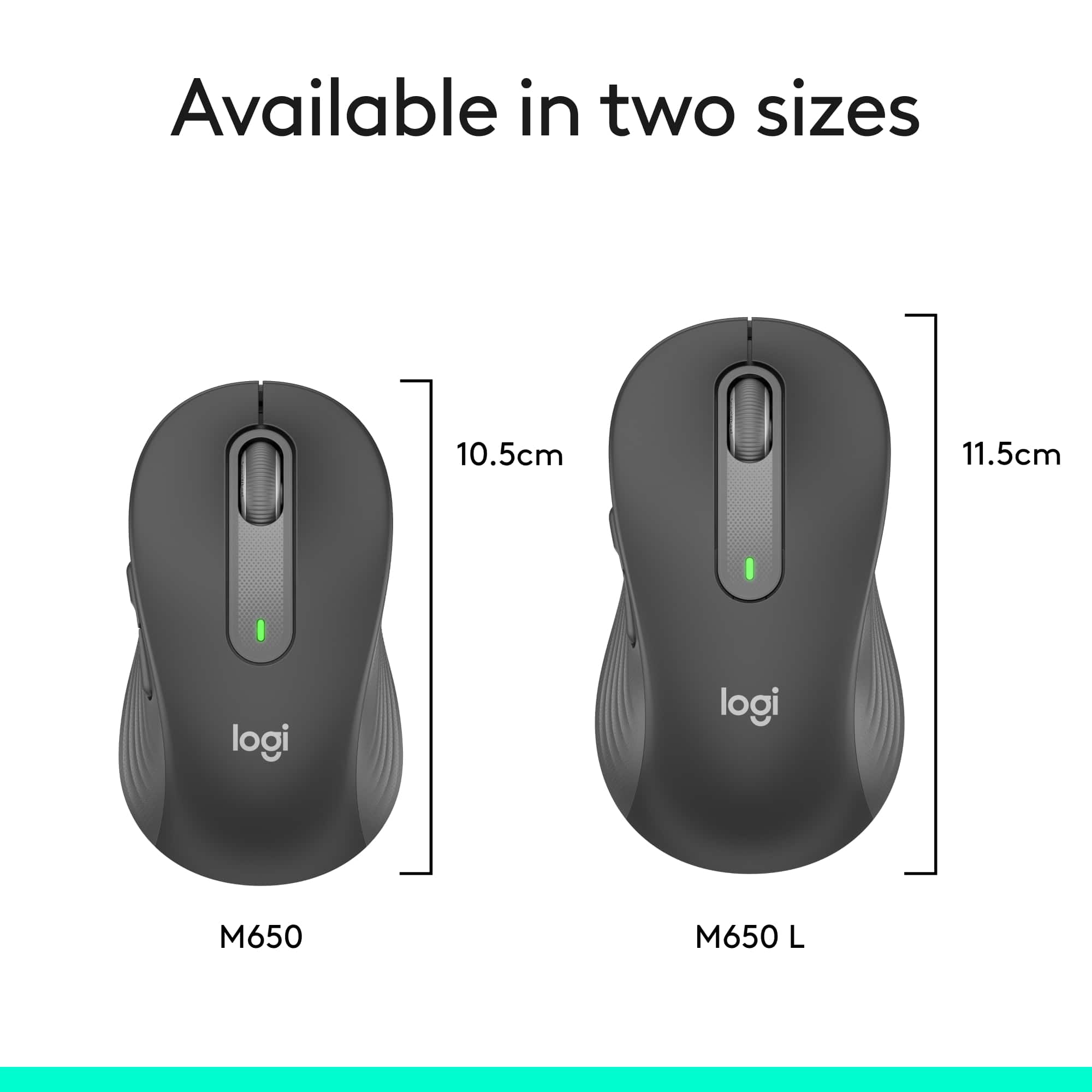
||Posted . Owned for 2 weeks when reviewed.This reviewer received promo considerations or sweepstakes entry for writing a review.I wanted a Bluetooth model since I haven't found a mouse with a USB-C dongle for my new MacBook Pro. The M650 comes in three sizes and I got the midsize one since I feel my hands are average to small. However, I found the midsize one is a little small and I would opt for the larger size if I had it to do over again. Not worth the hassle to return it, though. It is slightly smaller than the M510 mouse I used on my previous (10-year-old) MacBook Pro. Functionally it works great, I would give it 5 stars for that. I have not used the side buttons and frankly don't know how to activate them. Every time I start my laptop a Logitech screen comes up but seems to take me nowhere. When I click Cancel it reappears a few times before it gives up. Annoying. Someday I will take the time to figure out the Logitech "support" screen but since the mouse is working great for everything I need I haven't bothered. Great price.
I would recommend this to a friend - Pros mentioned:Ease of use
works fine
||Posted . Owned for 3 weeks when reviewed.This reviewer received promo considerations or sweepstakes entry for writing a review.I purchased this mouse to be compatable with an apple computer. I was easy to operate and sync it with the computer.
I would recommend this to a friendBrand response from Logitech
Posted .Thank you for your feedback on the Logitech Signature M650! We’re glad to hear it synced easily and works great with your Apple computer.
- Pros mentioned:Overall performance
Mighty Mouse
||Posted . Owned for 1.5 years when reviewed.This reviewer received promo considerations or sweepstakes entry for writing a review.This mouse still works great and the battery is still good!
I would recommend this to a friendBrand response from Logitech
Posted .Thanks for sharing your experience—it’s always a pleasure to hear from happy customers. We’re delighted that our product is serving you well and making a difference in your day-to-day routine. We appreciate your trust in Logitech.
- Pros mentioned:Ease of useCons mentioned:Scroll wheel
Good value
||Posted . Owned for less than 1 week when reviewed.This reviewer received promo considerations or sweepstakes entry for writing a review.This is a very good looking mouse and easy to use. The set up was a breeze and I would recommend this device. I connected using Bluetooth and not with the adapter provided. It is very responsive. My only complaint would be the scroll wheel isn’t super smooth with all its clicks if you have to scroll quickly and can make an odd noises. I hope the battery life is as good as my other Logitech mouse.
I would recommend this to a friendBrand response from Logitech
Posted .Thank you for your positive review of the Logitech Signature M650 mouse! We're glad to hear that you appreciate its design, ease of use, and value. We'll take your feedback regarding the scroll wheel into consideration as we continue to improve our products.
Super quiet
||Posted . Owned for 3 weeks when reviewed.This reviewer received promo considerations or sweepstakes entry for writing a review.Mouse is very lightweight (1 AA battery) and super quiet. Now others can’t hear me “multi-tasking” during meetings. This replaced a Logitech M510 (2 AA’s) that worked great for more than 4 years.
I would recommend this to a friendBrand response from Logitech
Posted .Thank you for your positive review of the Logitech Signature M650 mouse! We're glad to hear that you appreciate its quietness, lightweight design, and long battery life. We appreciate you taking the time to share your experience.
- Pros mentioned:Ease of use
Nice Little Mouse
||Posted .This reviewer received promo considerations or sweepstakes entry for writing a review.My wife wanted a small wireless mouse since she travels with her laptop. This one is outstanding - easy to use, reliable and great battery life.
I would recommend this to a friendBrand response from Logitech
Posted .Hey! Your feedback helps us stay connected to our users. We’re thrilled our product is meeting your needs. Thank you for being part of the Logitech experience.