Customer Ratings & Reviews
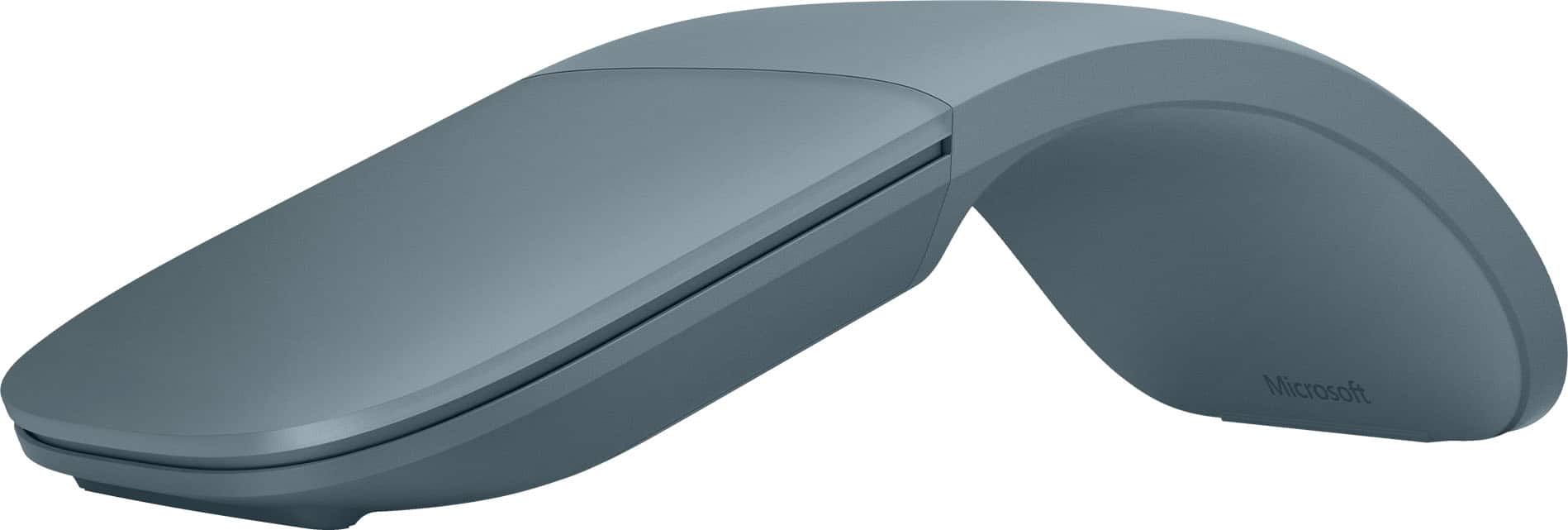
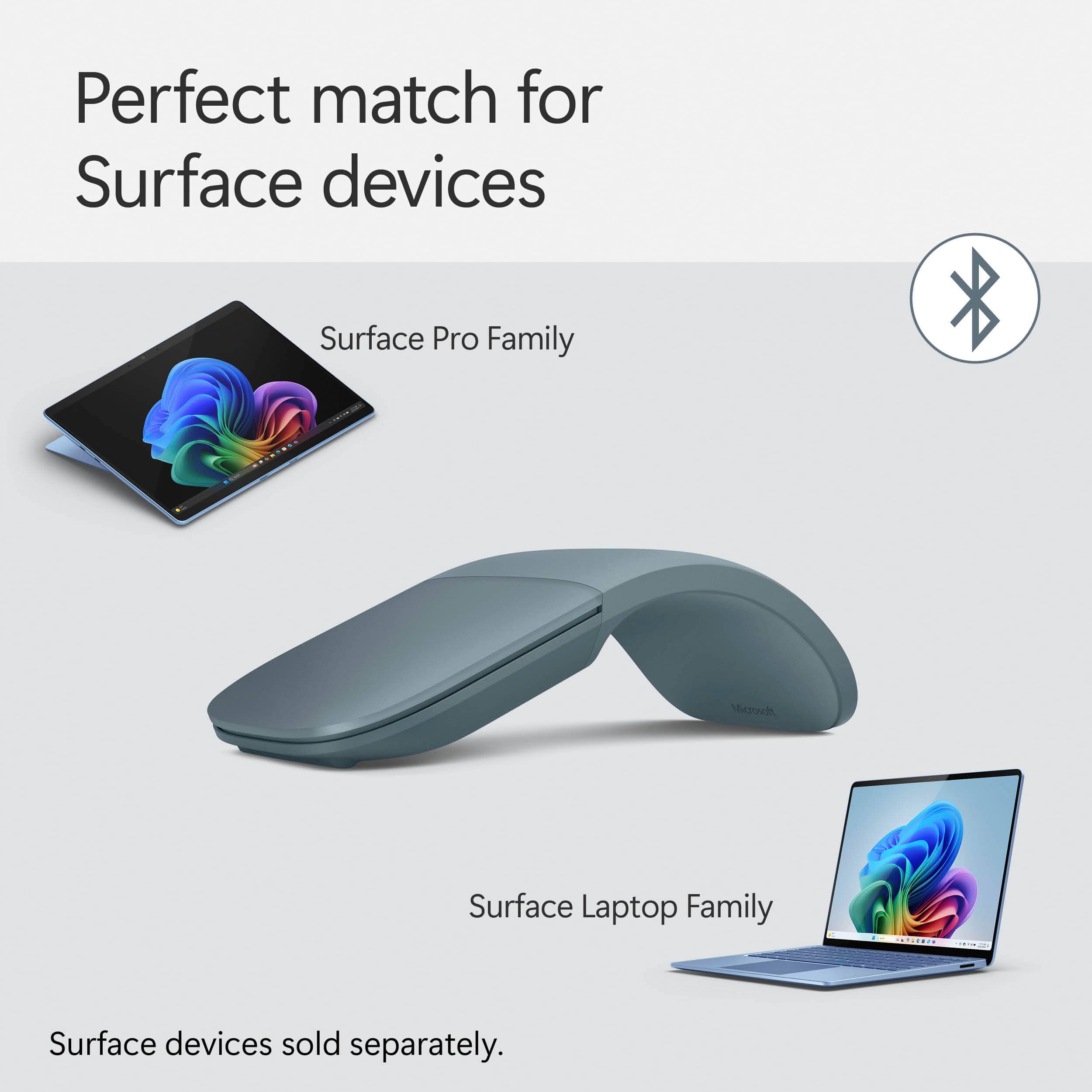
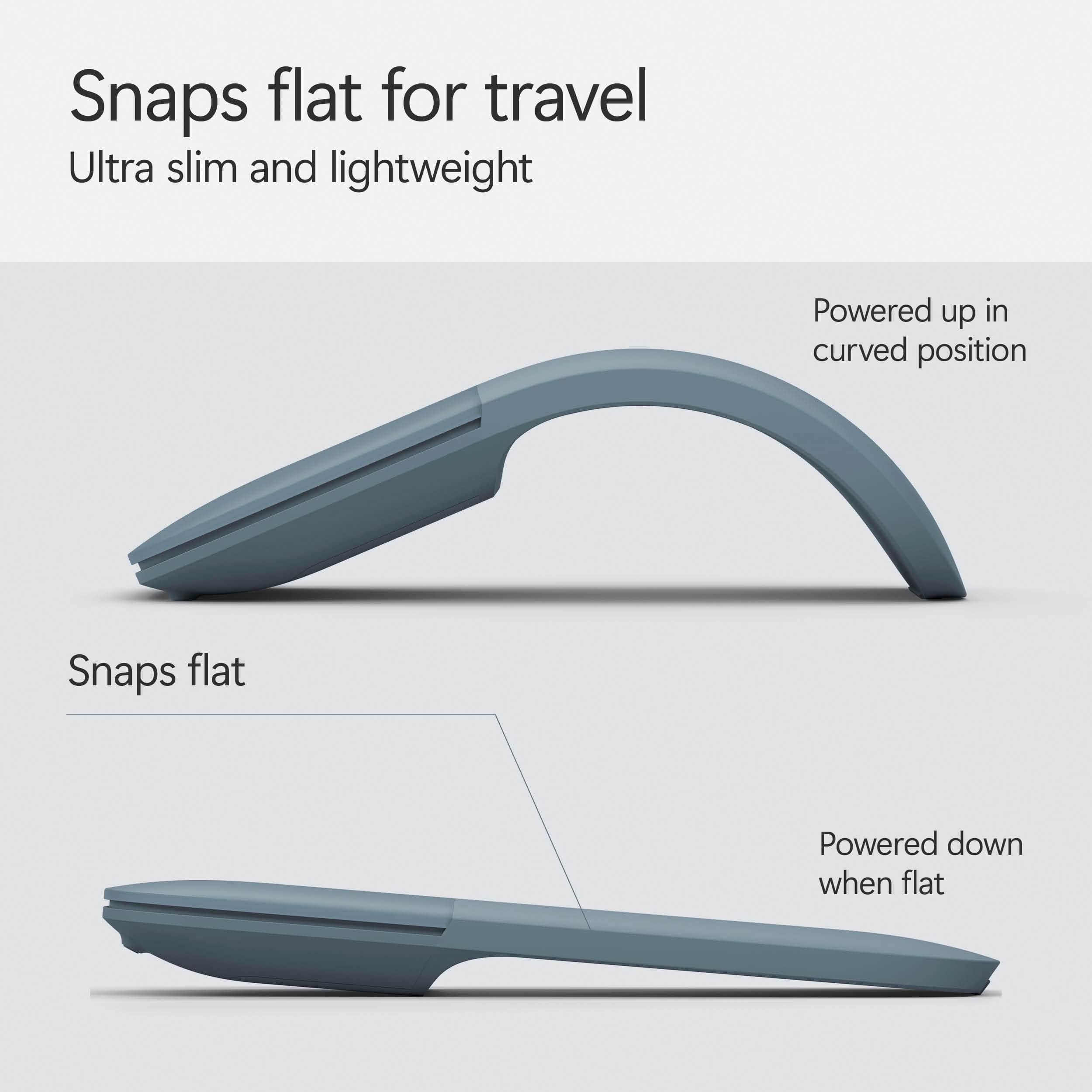
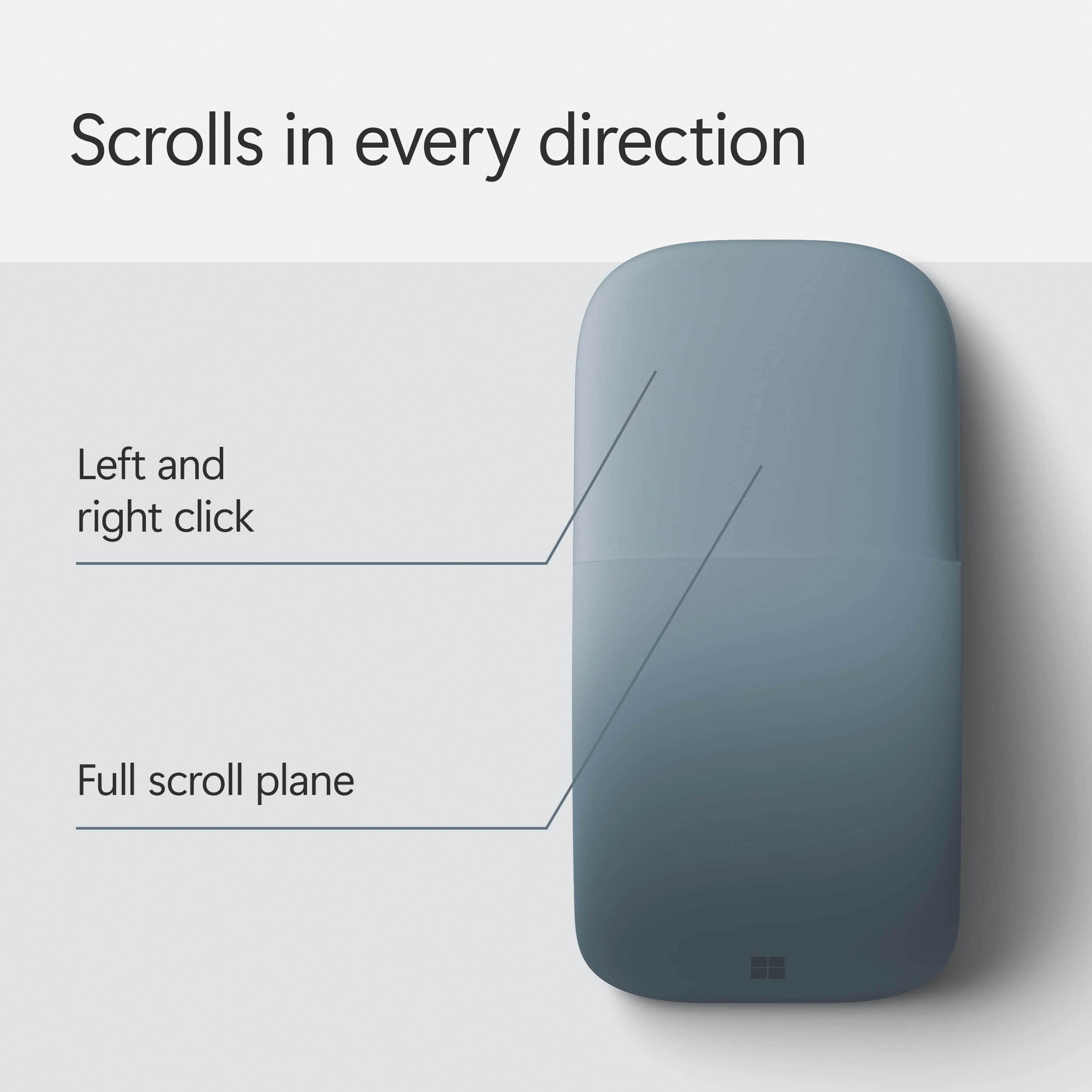
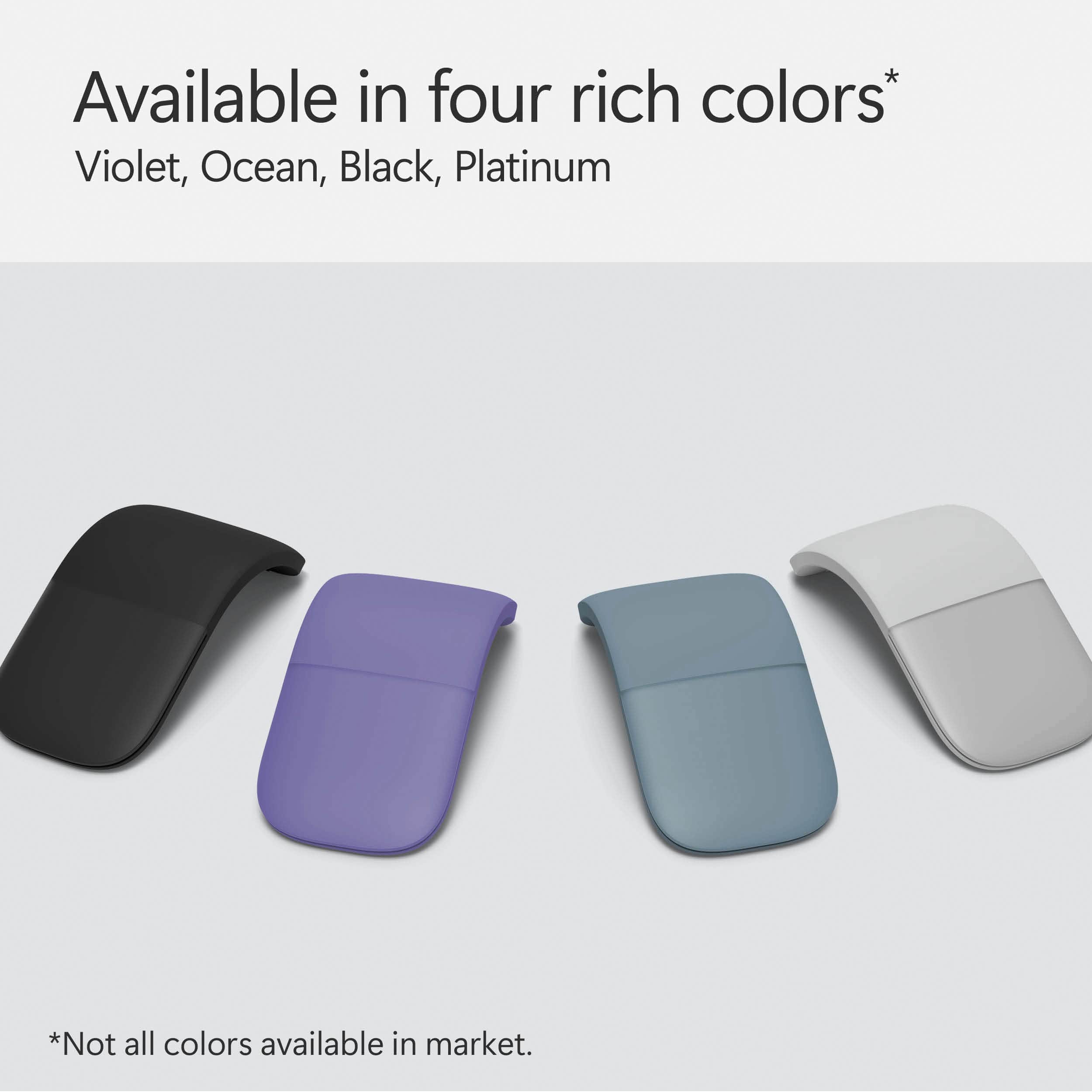
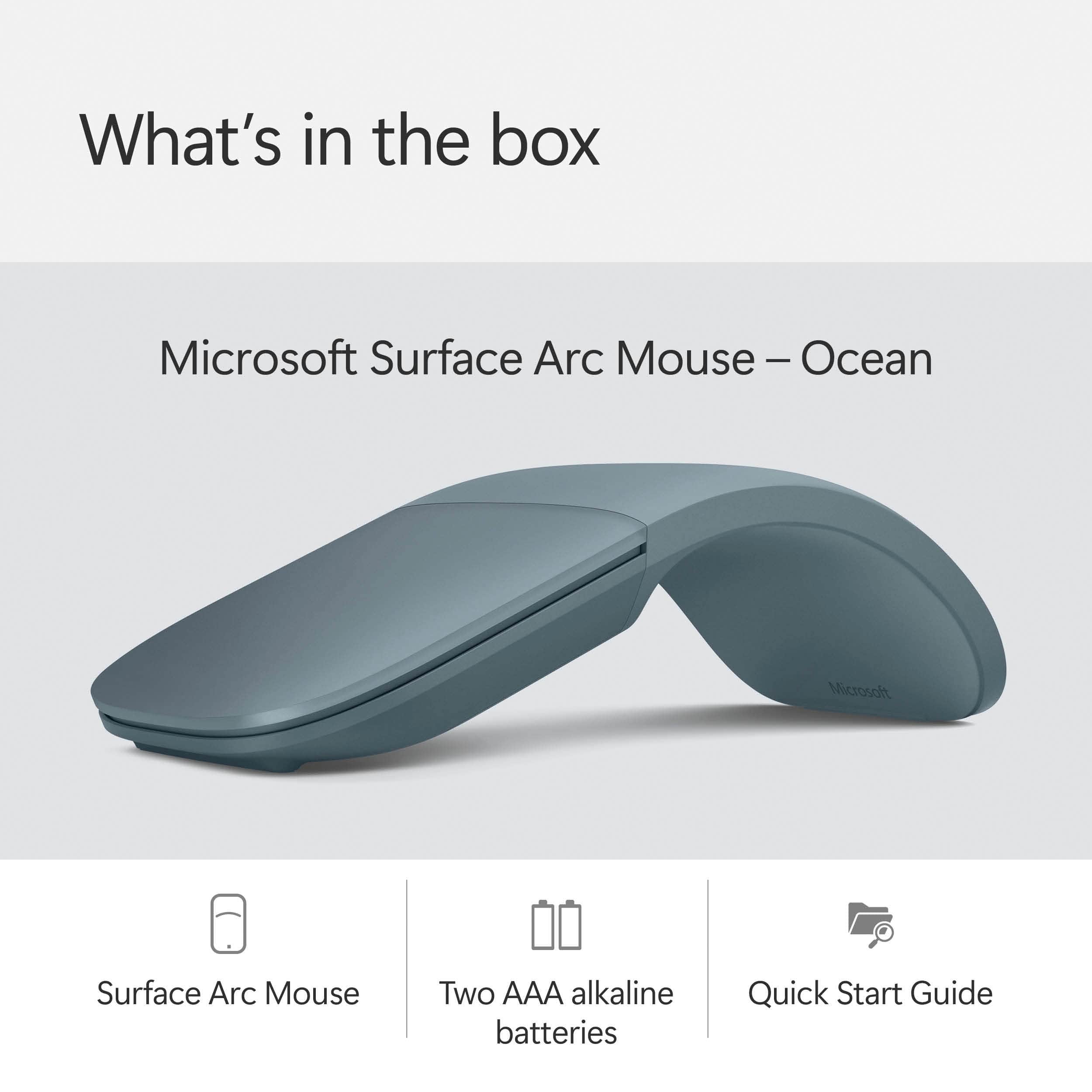

- Model:
- EP2-32755
- SKU:
- 6625051
Rating by feature
- Value
Rating 4.4 out of 5 stars
- Quality
Rating 4.7 out of 5 stars
- Ease of Use
Rating 4.6 out of 5 stars
Customers are saying
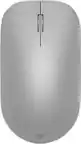
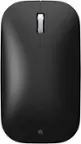
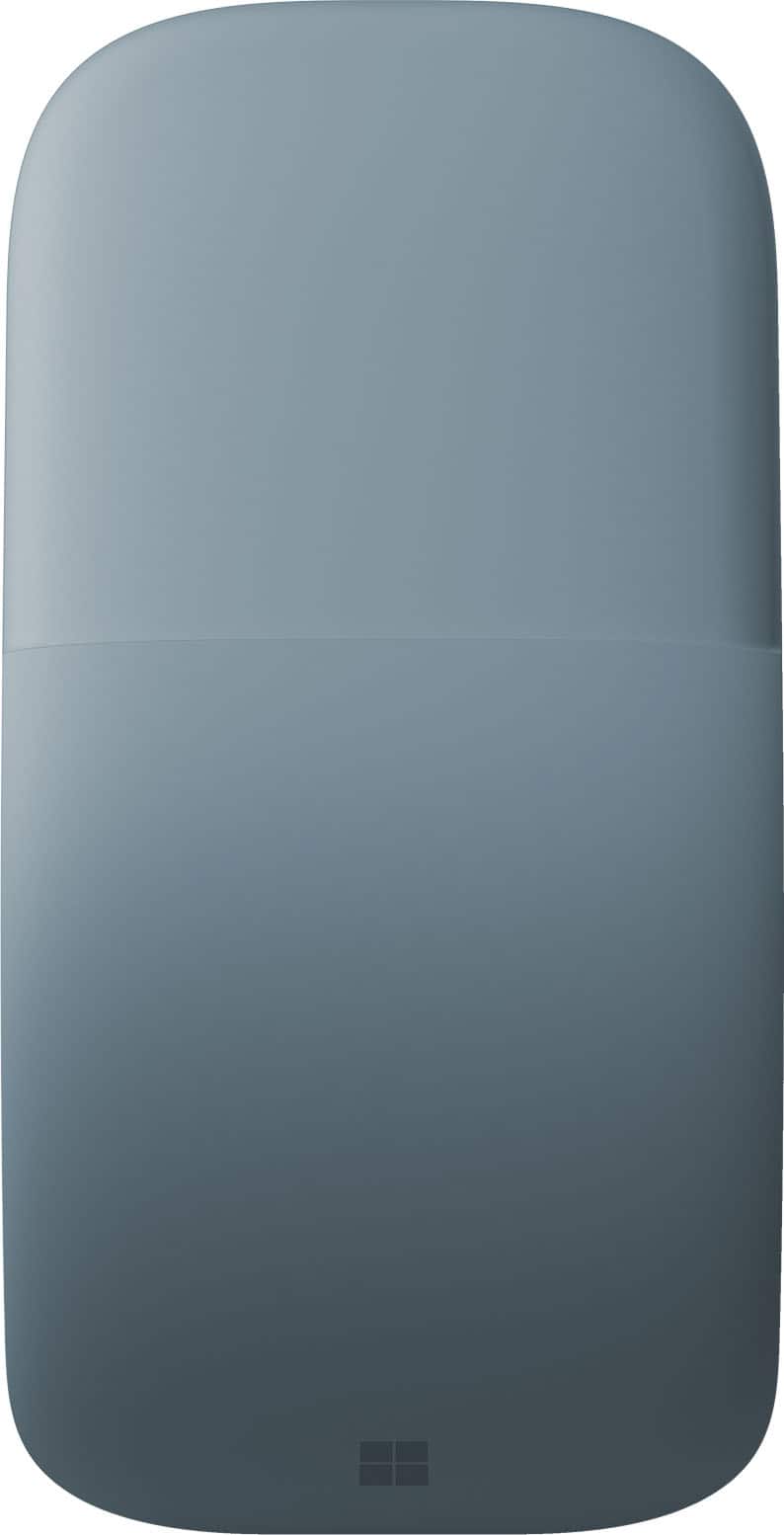
Customers consistently note the Surface Arc Bluetooth Mouse's portability and design as major selling points. Many appreciate its comfortable feel, convenient size, and long battery life. However, some customers have expressed concerns about the smoothness of scrolling, the price point, and difficulties with right-clicking functionality.
This summary was generated by AI based on customer reviews.
Great mouse
||Posted . Owned for 3 weeks when reviewed.This reviewer received promo considerations or sweepstakes entry for writing a review.Great mouse and it great connectivity. It connects seamlessly with my surface laptop.
I would recommend this to a friendPerfect Mouse
||Posted .This reviewer received promo considerations or sweepstakes entry for writing a review.Works Great, really easy to use, and it fits in my bag.
I would recommend this to a friendHi-Tech Mouse
||Posted .This reviewer received promo considerations or sweepstakes entry for writing a review.I was in the market for a new laptop. While comparison shopping at the Best Buy store in South Philadelphia, I found the Microsoft Surface Laptop. An employee at the store explained the Microsoft product to me. At some point, I learned about the wireless mouse. The mouse is turned on/off by folding and unfolding it. This mouse does not have a separate left and right button. The surface where fingertips rest allows users to navigate with the cursor or navigate up and down a web page by moving your fingertips in the direction you want to go. This mouse sealed the deal with me to purchase a Microsoft laptop.
I would recommend this to a friendGreat mouse
||Posted . Owned for 1 year when reviewed.This reviewer received promo considerations or sweepstakes entry for writing a review.Love this mouse. Very ergonomic. Great for portability and works flawlessly across multiple laptops through Bluetooth.
I would recommend this to a friendGet It Now!
||Posted . Owned for less than 1 week when reviewed.This reviewer received promo considerations or sweepstakes entry for writing a review.I love this mouse! It is so easy to use and convenient.
I would recommend this to a friendWorth the price
||Posted . Owned for 2 weeks when reviewed.This reviewer received promo considerations or sweepstakes entry for writing a review.Very compact when unfolded and fits well in the hand when curled up. Accurate and smooth cursor control.
I would recommend this to a friendGreat travel mouse
||Posted . Owned for 1 month when reviewed.This reviewer received promo considerations or sweepstakes entry for writing a review.Bluetooth mouse, easy to connect and compact, great for travel. Easy to use. Scrolling in middle of mouse with finger
I would recommend this to a friendMS ARC Mouse
||Posted . Owned for 2 months when reviewed.This reviewer received promo considerations or sweepstakes entry for writing a review.Love the ARC Mouse. Really hard to find so I buy one when I see one. My 5th one!
I would recommend this to a friendEasy mouse.
||Posted .This reviewer received promo considerations or sweepstakes entry for writing a review.Always disliked the builtin notebook mouse. Just not response of enough. This is a great alternative that folds flat and goes easily enough in shirt/cargo pants pocket.
I would recommend this to a friendBrand response from MicrosoftOutreachTeam
Posted .Hey Jerry,
Thanks for leaving us a great review for the Surface Arc Mouse. We're thrilled you're enjoying its responsiveness, as well as portable design.
We're sorry to hear that your Surface device with the built in track pad has not been as responsive as you would like. We would love to get all of your devices running in top condition to give you more options. We highly recommend reaching out to our support team, so you can let them know what device you have and the troubles you have been facing. Depending on your Surface device, there are many ways to optimize your track pad or mouse experience. Our support team can be reached here: https://support.microsoft.com/en-us/contactus/. They will be happy to help!
Kind regards,
Jessica
Surface Customer Care
Microsoft Arc bluetooth mouse
||Posted .This reviewer received promo considerations or sweepstakes entry for writing a review.Excellent bluetooth mouse for my Windows and Apple computers. I have had 2 black color USB mice and I decided to go gray this time.
I would recommend this to a friendBest Mouse
||Posted . Owned for 2 weeks when reviewed.This reviewer received promo considerations or sweepstakes entry for writing a review.Best mouse , elegant and easy to use, Amazing touch
I would recommend this to a friendJust excellent. worth the price.
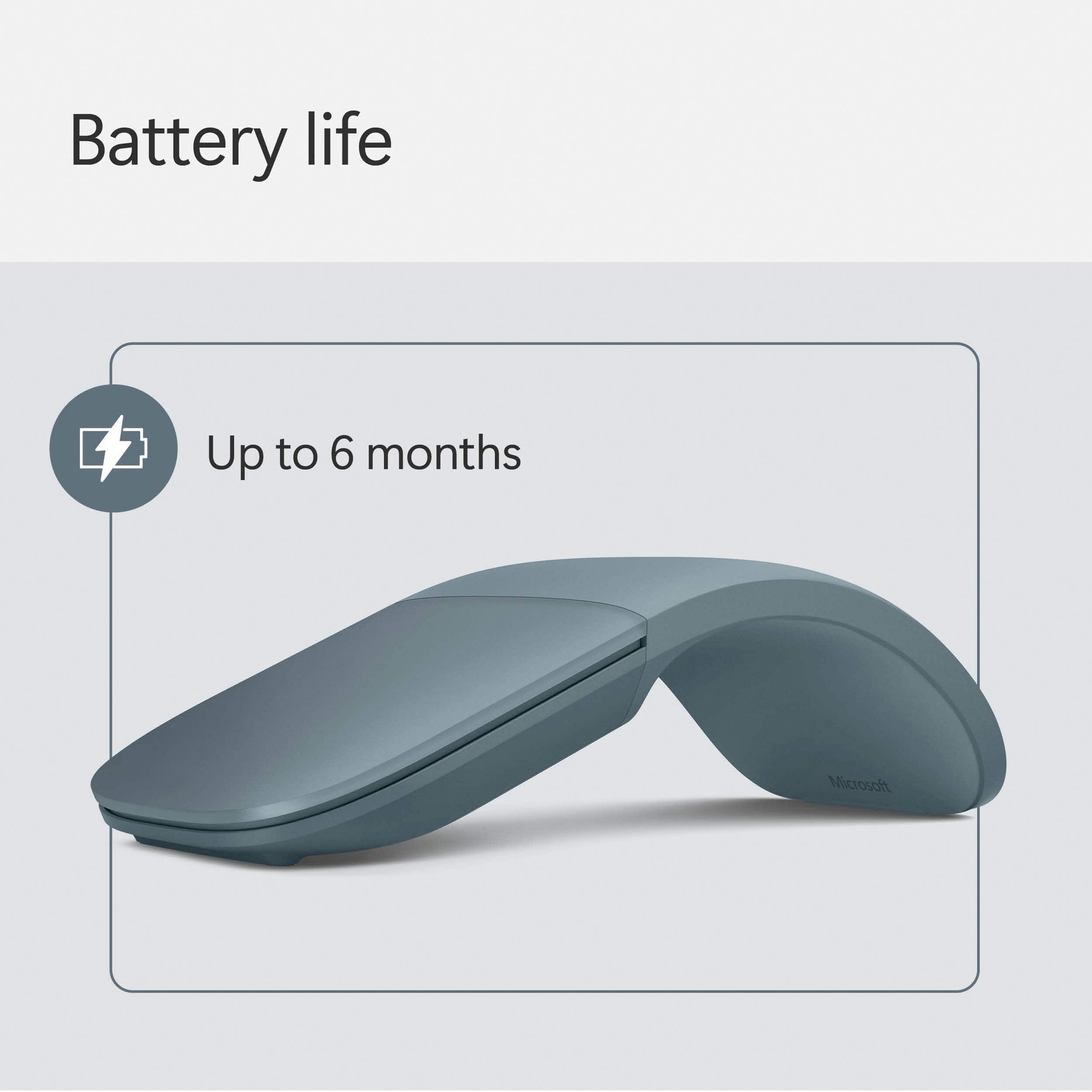
||Posted . Owned for 3 weeks when reviewed.This reviewer received promo considerations or sweepstakes entry for writing a review.This is truly a very nice mouse. There have been some negative reviews regarding the right-button functionality of this mouse since you have to have your left finger off the touchpad for the right click to function, but I've found that once you start using the mouse, it's really not that bad. I recommend you try it out if you can before you buy it, but regardless, it really is a pretty mouse with high quality materials worth the price. Regarding battery life; I've been using the mouse every day for about four weeks and battery life is down to 84%, so that's around 4% per week, which would set battery life at right around 6 months. get yourself some rechargeable batteries at BestBuy and then battery won't be a problem ever again. which btw. I'm happy that it doesn't have an internal battery, it's just one less thing that could break in the mouse. Regarding gaming, for a casual player this one has been working great. I don't really play first-person shooters, so I won't be able to tell you how this mouse performs with those games, but I've been playing stuff like league of legends perfectly without any problems. There are some other great functions of this mouse like the horizontal scrolling, and the fact that it snaps flat for better carrying ability. Also, I recommend you download Microsoft mouse and keyboard center which will allow you to customize sensitivity and button functions. All in all, if you're looking for a premium mouse good enough for many things, this little one is great
I would recommend this to a friendAwesome Mouse
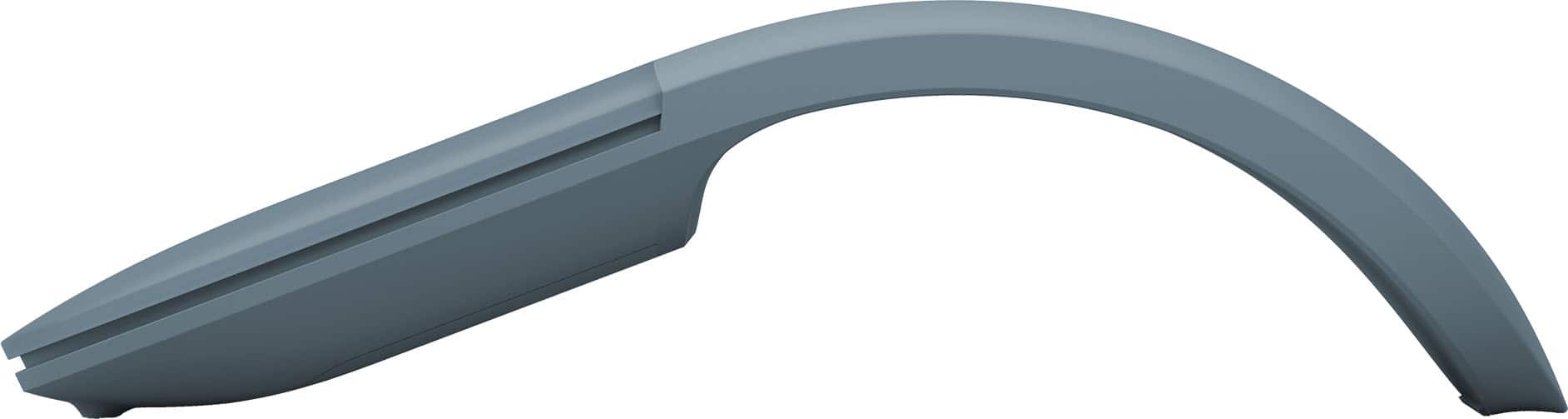
||Posted . Owned for 1 month when reviewed.This reviewer received promo considerations or sweepstakes entry for writing a review.The mouse connects immediately and responds very quickly. The high arch takes a couple of days to get use to. It does glide well on my mouse pad.
I would recommend this to a friendMicrosoft Arc Mouse
||Posted . Owned for 1 month when reviewed.This reviewer received promo considerations or sweepstakes entry for writing a review.I have been using the Microsoft Arc mouse for many years. I find it comfortable to use. I have carpal tunnel and type all day, every day in my job. I have no pain in my wrist or thumb by using this mouse. I also am able to carry it easily by simply tossing in my laptop bag. Additionally, the battery lasts forever!
I would recommend this to a friendArc Mouse is the best.
||Posted . Owned for less than 1 week when reviewed.This reviewer received promo considerations or sweepstakes entry for writing a review.Bought this to go with my new Surface Pro. The Arc Mouse is the very best mouse for this device. Paired easily and has good staying power.
I would recommend this to a friendLike it
||Posted . Owned for 1 month when reviewed.This reviewer received promo considerations or sweepstakes entry for writing a review.Good mouse, easy to use and integrates with my Surface Pro great
I would recommend this to a friendMS Surface Mouse- High rated
||Posted .This reviewer received promo considerations or sweepstakes entry for writing a review.This MS Mouse is good and works on any flat surface, I have been using this for 2-3 years and I got second new one
I would recommend this to a friendBetter in some ways, worse in others
||Posted . Owned for 1 week when reviewed.This reviewer received promo considerations or sweepstakes entry for writing a review.The arch of this mouse is deceptive. it's not meant for your hand. My favorite thing about this mouse is its scroll functionality. It's super easy to scroll vertically and horizontally, navigating websites and documents. The clicks are manageable if you click on the corners. Otherwise, they're too heavy. Initially, I thought it was too uncomfortable for sustained use. It's wider at the palm than the chunky Logitech MX Master Mouse series. However once I opened up an Excel file and began to tinker, I found myself using a paw/pencil grip-- My palm didn't rest on the arch at all. Grip: I held the mouse between my thumb and third finger, and kept it steady with my middle finger on the right click. My pinky finger actually rested underneath the mouse, and the third finger was comfortable along its under-slant. It's like ignoring the mouse and pointing with your index finger. I tried this mouse in both Excel and Sketchup (quick 3D modeling environment). It's great, but misses the middle click. Not too big of a deal in Sketchup since there's an easily accessible tool that does the same thing. This mouse is meant to supplement a keyboard. You should only be touching the mouse when you have something to accomplish, and to that end the mouse works well. However, the lack of extra sides buttons means that this shouldn't be your casual or everyday mouse if you're not already a wiz at the keyboard. It's like Batman. Effective in a pinch, but who really wants to hang out with Batman?
I would recommend this to a friendExpensive and limited features but great if you ar
||Posted . Owned for 1 month when reviewed.This reviewer received promo considerations or sweepstakes entry for writing a review.Expensive and limited features but great if you are on the go. Folds flat and stores nicely in a computer bag. Like the original Surface Arc Mouse a little more but this one works almost as well.
I would recommend this to a friendGreat Mouse but too high price
||Posted . Owned for 3 weeks when reviewed.This reviewer received promo considerations or sweepstakes entry for writing a review.It's a bit weird to use in comparison to Logitech mouses. In my opinion, it's a great and convenient mouse for road trips and small space in bags, pocket etc. It's not worth $89
I would recommend this to a friend